google veo AI Generator
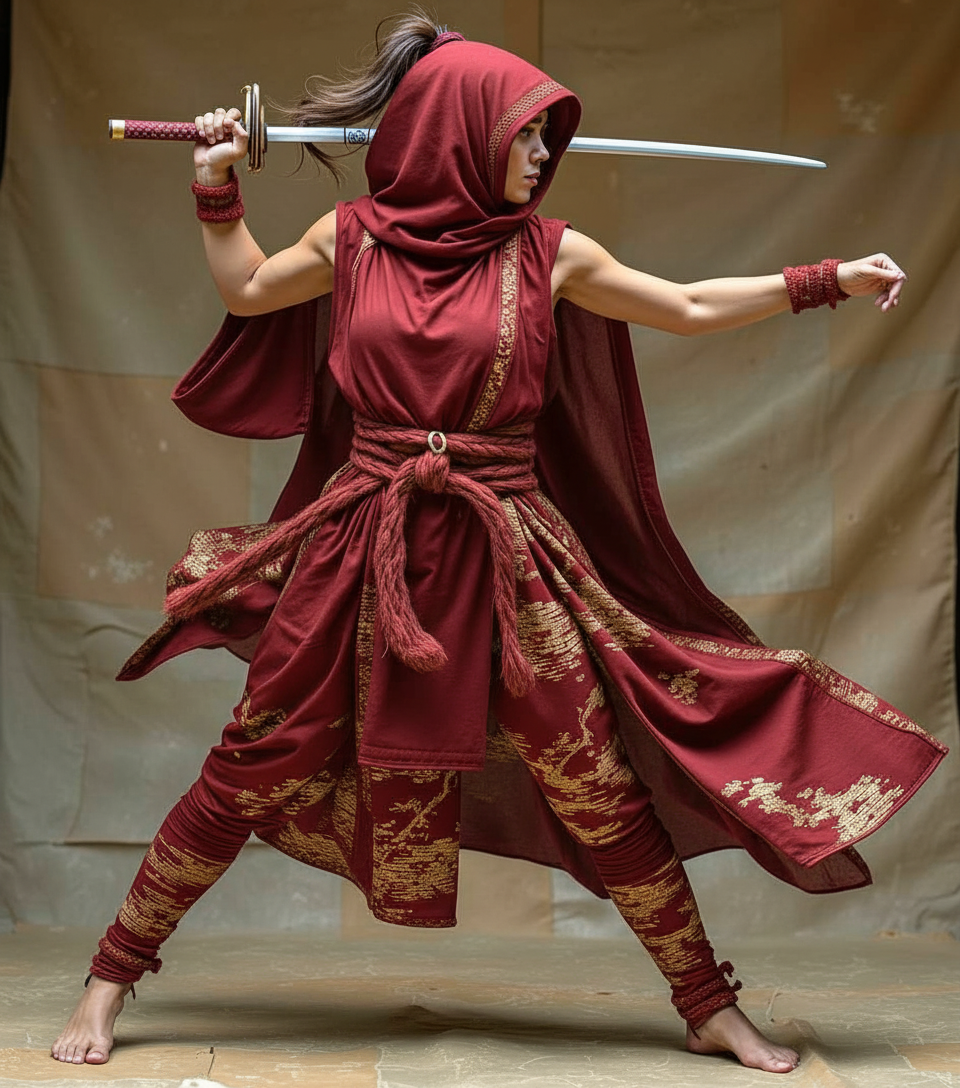
Generated on PixelDojo. Produced by PixelDojo's generation pipeline.
You can transform simple ideas or still photos into breathtaking cinematic videos complete with natural sound, realistic motion, and Hollywood-style storytelling. PixelDojo puts Google Veo 3.1 at your fingertips so you produce professional clips for social media, marketing, or personal projects in minutes instead of weeks. Upload reference images you create with our image tools, describe the scene, and watch Veo bring characters, environments, and audio to life with remarkable consistency and physics. Achieve vertical 9:16 videos ready for Shorts or Reels, 4K quality, and seamless scene extensions without cameras, crews, or post-production headaches. Thousands of creators already use PixelDojo’s 40+ tools to go from concept to finished video they can download and share immediately. Cancel anytime and start experiencing the outcomes Veo delivers today.
Real video examples generated on PixelDojo
Every example below was produced on PixelDojo. Hover to see the prompt.
Show me her in a red dress edited with Google Nano Banana
google-gemini-image

Show me an oscar selfie edited with Google Nano Banana Pro
google-gemini-image

Show me an oscar selfie edited with Google Nano Banana Pro
google-gemini-image
OmniHuman video with 15
image-to-video
The unhappy dizzy dragon stays seated as the office chair rotates freely around its own ax…
xai-video
Northern lights shimmering over a snowy landscape
seedance-1
Models you can run on PixelDojo for google veo
Switch models without switching tools. Each one runs in the same PixelDojo studio.
What you can do with google veo on PixelDojo
Text to Veo Video
We run Google Veo on PixelDojo so you can turn a written prompt into a short clip for ads, social, and storyboards.
Image to Motion Clips
Upload a still and generate motion with Veo while keeping the look of your source frame.
Length and Aspect Control
Set duration and aspect ratio so Veo output fits Reels, YouTube, and other placements.
Iterate and Download
Refine prompts, compare takes, and export the Veo videos you want to keep, all in one workspace.
Loved by thousands of creators worldwide who generate professional Google Veo videos daily. PixelDojo’s 40+ cutting-edge AI tools deliver consistent, high-fidelity results that users rate for realism, audio sync, and ease of use.
Why Choose Pixel Dojo for google veo
Professional-quality results with cutting-edge AI technology
Create Videos with Native Audio That Feel Alive
You generate clips featuring synchronized dialogue, sound effects, and ambient noise that match the action perfectly, turning silent concepts into immersive stories your audience actually watches.
Keep Characters and Styles Consistent Across Scenes
You upload images of people, products, or settings created in PixelDojo and Veo 3.1 maintains their exact look while they move through new environments, letting you tell complete narratives without recasting or redesigning.
Produce 4K Vertical Videos Ready for Any Platform
You output native portrait videos plus high-resolution landscape clips that look broadcast-ready, so your content performs on mobile feeds, ads, and websites without extra cropping or quality loss.
How It Works
You create Google Veo videos on PixelDojo by combining our image generators with Veo 3.1’s advanced image-to-video and text-to-video capabilities for fast, controlled results.
Step 1: Choose Your Tool and Prepare Assets
Select VEO 3.1 from the Generate Videos section. First create high-quality reference images of characters, objects, or scenes using Nano Banana 2, Flux.2 Studio, or GPT Image 2 so Veo has perfect starting material for Ingredients to Video or first-and-last-frame transitions.
Step 2: Enter Your Prompt or Upload Images
Describe the cinematography, subject, action, context, and style in a detailed prompt, or upload one to three images plus audio notes. Veo 3.1 follows your instructions closely, adding realistic physics, lighting, and sound while keeping uploaded identities consistent.
Step 3: Customize, Enhance & Download
Review the generated clip, extend scenes, reframe for vertical, or upscale to 4K with FLUX Video Upscale. Fine-tune with video editors like Kling Video Edit or Grok Video Edit, then download your finished video ready to publish.
The Pixel Dojo Advantage
Why PixelDojo outperforms other options for Google Veo video generation
| Others | Pixel Dojo |
|---|---|
| Traditional video production | You skip costly shoots, actors, and studios; Veo 3.1 plus PixelDojo image tools deliver cinematic results with audio in minutes instead of days or weeks. |
| Generic AI tools | You get Veo 3.1’s superior prompt following, native audio, character consistency, and 4K/vertical output together with 40+ specialized image, edit, and upscale tools in one place. |
| Manual photo and video editing | You generate complete moving scenes with sound from stills or text instead of painstakingly animating, compositing, and adding audio by hand. |
Loved by creators on PixelDojo
Real feedback from people using PixelDojo, pulled from our in-product surveys.
Accurate results
Great site and so much fun to use!
very useful set of tools for image creation, upscaling and enhancement
ease of use, variety of tools, high quality trainings, and a well-maintained discord channel
Ease of use, friendliness and support of the owner, continued innovation.
it is an amazing site to create a pics and vids for those who don't have the hardware themselves
Explore more AI tools on PixelDojo
AI Tools
Compare & Switch
- Best AI Image Generators
- Best AI Video Generators
- Midjourney Alternatives
- Civitai Alternatives
- Runway Alternatives
- Leonardo Alternatives
- Pika Alternatives
- Luma Alternatives
- Magnific Alternatives
- Veo Alternatives
- Flux Alternatives
- Freepik Alternatives
- Seedance Alternatives
- Seedream Alternatives
- Pixverse Alternatives
- GPT Image Alternatives
- Synthesia Alternatives
- Playground Alternatives
- NightCafe Alternatives
- Canva AI Alternatives
- ElevenLabs Alternatives
- ComfyUI Alternatives
- Fal Alternatives
- Replicate Alternatives
Common Questions
Everything you need to know about google veo
How do I use Google Veo 3.1 image-to-video on PixelDojo?
You first generate or upload reference images using tools like Flux.2 Studio or Nano Banana 2, then select VEO 3.1, choose Ingredients to Video or first-and-last-frame mode, add a descriptive prompt including audio, and generate. PixelDojo keeps everything in one workflow so you go from stills to finished video with consistent characters and native sound.
Can I create vertical Google Veo videos for social media with PixelDojo?
Yes, Veo 3.1 on PixelDojo now supports native 9:16 portrait output. You simply select the vertical aspect ratio when generating, making clips instantly ready for Shorts, Reels, and TikTok without cropping or quality loss.
How does PixelDojo help me keep characters consistent in Google Veo videos?
You create detailed character sheets or portraits with our image generators, then feed those images into Veo 3.1’s Ingredients to Video feature. The model maintains identity, clothing, and style across multiple scenes so you can build longer stories without visual drift.
Does Google Veo on PixelDojo generate videos with audio?
Absolutely. Veo 3.1 produces native synchronized audio including dialogue, sound effects, and ambience that matches the visuals. You describe the sound in your prompt and receive a complete audiovisual clip ready to use.
What resolution and length can I get with Google Veo 3.1 on PixelDojo?
You generate high-quality clips that can be upscaled to 1080p or 4K using FLUX Video Upscale. Scene extension lets you create longer sequences by continuing from the last frames, giving you professional-length content from a single starting point.
Is there any risk trying Google Veo video generation on PixelDojo?
None. PixelDojo offers 40+ cutting-edge AI tools loved by thousands of creators worldwide. You can cancel anytime, so you explore Veo 3.1’s cinematic quality, image-to-video power, and audio generation with complete flexibility.