google veo online AI Generator
Generated on PixelDojo. Produced by PixelDojo's generation pipeline.
Imagine transforming a simple idea into a breathtaking cinematic video that captivates audiences and drives real results – all without cameras, crews, or lengthy production timelines. PixelDojo makes Google Veo online accessible so you can generate professional videos in minutes using VEO 3.1, Gemini Omni Flash, and Grok Video. You describe the scene with cinematography, action, and style, or upload reference images created with Nano Banana 2, Flux.2 Studio, or Seedream 5, and watch as realistic motion, native audio, and stunning details come to life. Marketers produce ads that convert at higher rates, content creators build viral social clips that grow followings, and storytellers craft consistent narratives that keep viewers engaged. Combine with Marketing Studio for targeted campaigns, Consistent Characters for identity across scenes, and FLUX Video Upscale for broadcast-ready quality. PixelDojo's 40+ cutting-edge AI tools let you iterate freely, extend clips, reframe for vertical platforms, and add captions automatically. Thousands of creators already achieve faster content pipelines and measurable growth. Your next high-impact video is one prompt away – start today with no risk, cancel anytime.
Real video examples generated on PixelDojo
Every example below was produced on PixelDojo. Hover to see the prompt.
Gv-vertical
image-to-video
Gv-product
image-to-video
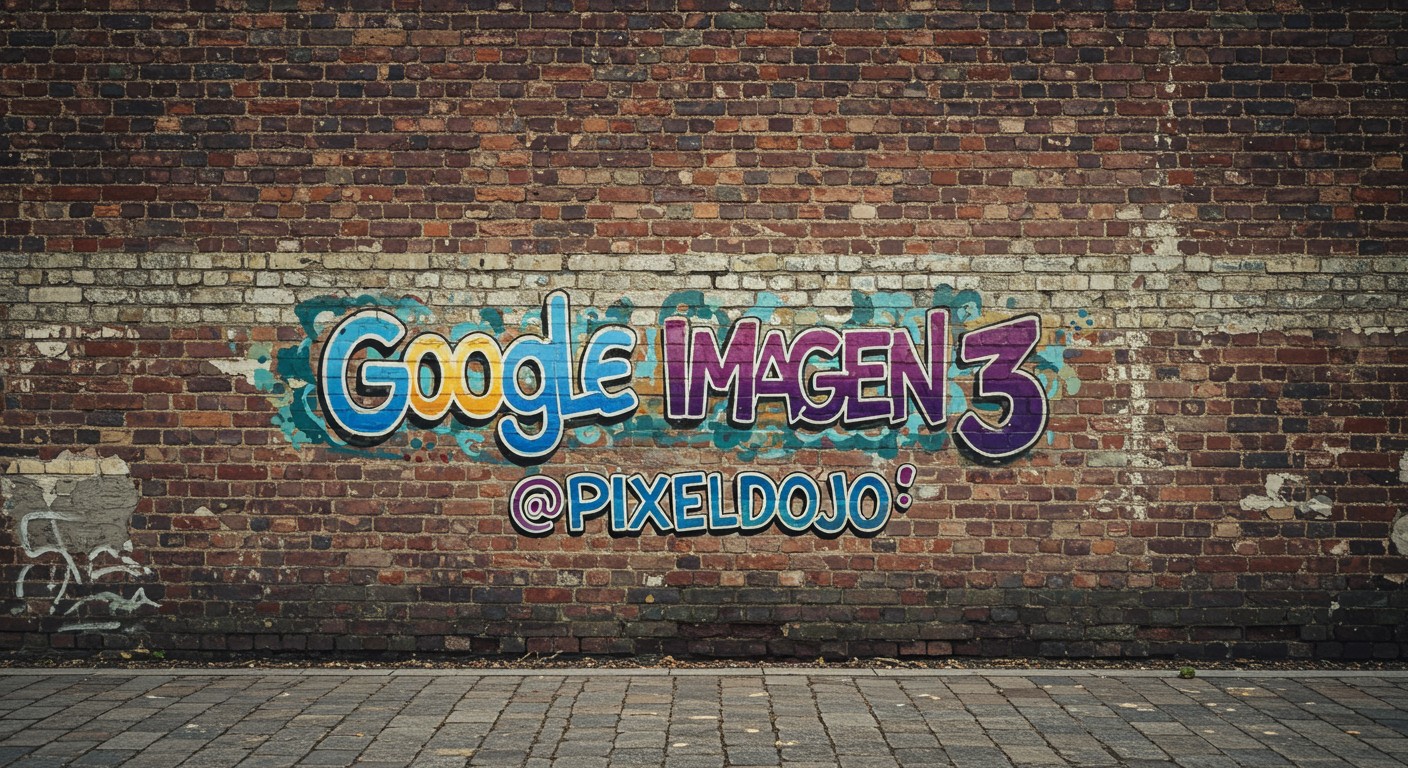
A brick wall weathered and tagged with graffiti
imagen
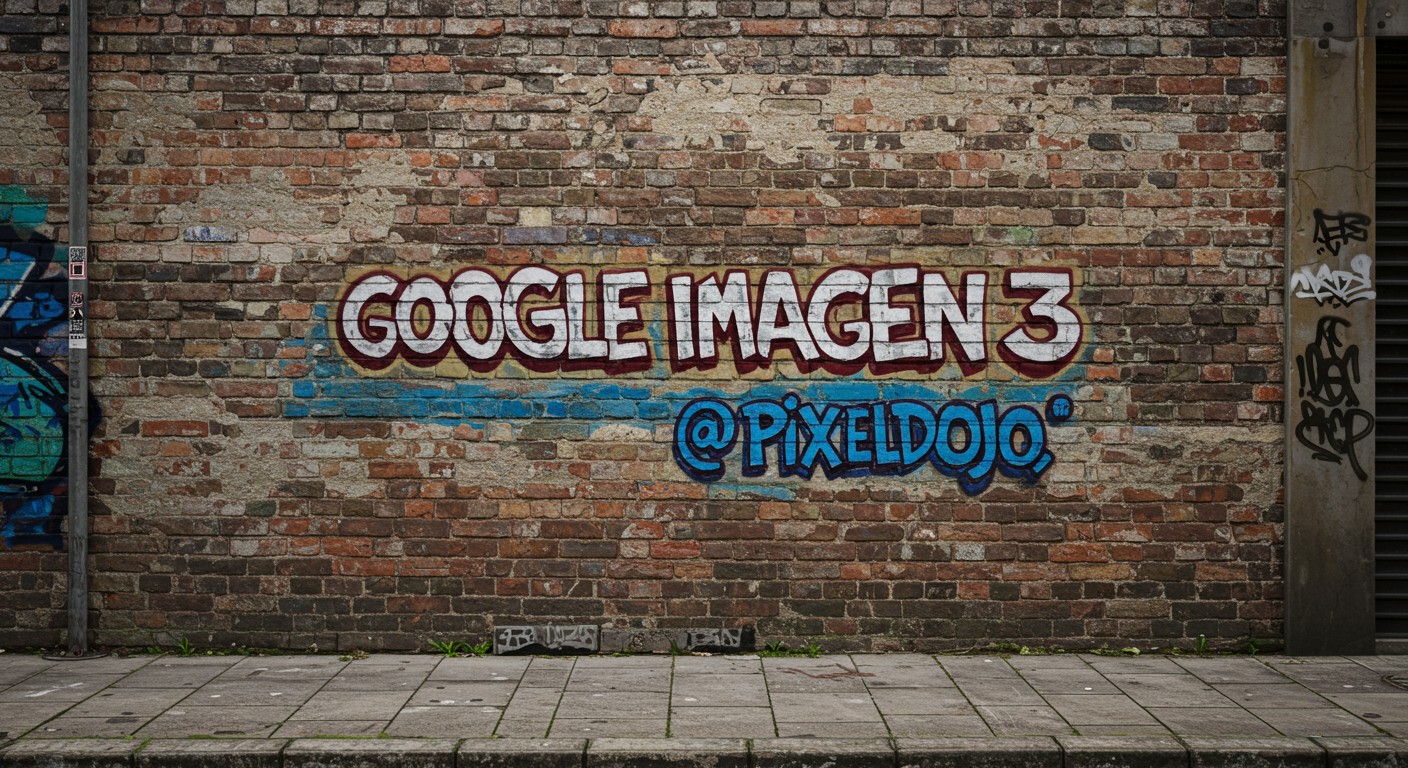
A brick wall weathered and tagged with graffiti
imagen
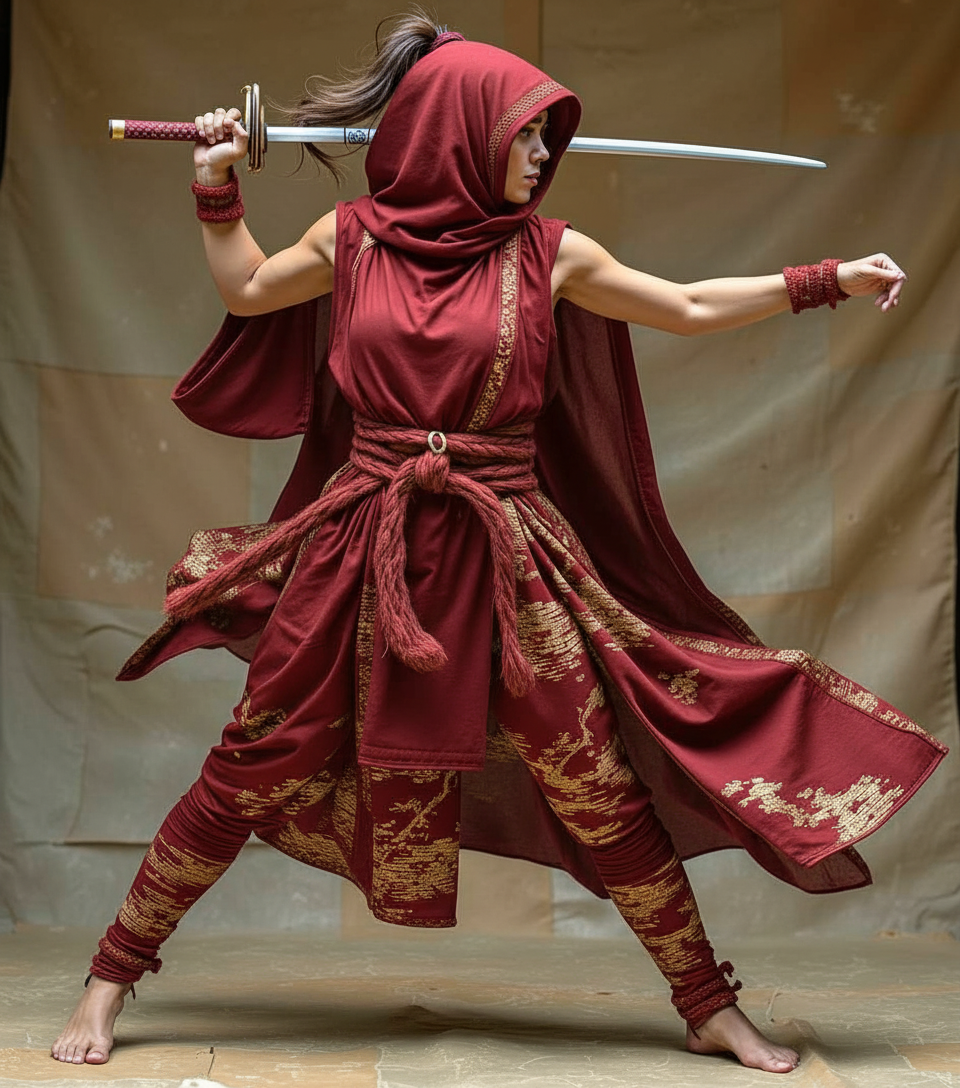
Show me her in a red dress edited with Google Nano Banana
google-gemini-image

Show me an oscar selfie edited with Google Nano Banana Pro
google-gemini-image
Models you can run on PixelDojo for google veo online
Switch models without switching tools. Each one runs in the same PixelDojo studio.
What you can do with google veo online on PixelDojo
Veo Text to Video
We give you Google Veo in the browser so you can turn written prompts into short videos. You describe the scene, style, and motion, then generate clips without installing local tools.
Image to Video Motion
You can start from a still frame and ask Veo to add camera moves and subject motion. This helps you extend key art, product shots, or storyboards into playable clips.
Cinematic Look and Audio
Veo on PixelDojo supports detailed lighting, composition, and natural movement for film-like results. Many generations also include matching sound so your draft is closer to a finished cut.
Iterate Online Without Setup
We host Veo so you can generate, review, and refine videos from one account. You keep prompts, outputs, and follow-up takes together while you work toward the shot you need.
Loved by thousands of creators worldwide who rely on PixelDojo's 40+ cutting-edge AI tools for consistent, high-quality results. Experience professional outcomes with our risk-free approach – cancel anytime.
Why Choose Pixel Dojo for google veo online
Professional-quality results with cutting-edge AI technology
Deliver Cinematic Videos That Captivate Audiences
You achieve Hollywood-level production value from your browser, complete with realistic physics, precise camera movements like dollies and tracking shots, and synchronized native audio that immerses viewers. VEO 3.1 and Kling Video turn detailed prompts into dynamic clips that increase watch time, shares, and conversions. Marketers launch campaigns that feel premium, while creators produce content that stands out on every platform, all without traditional costs or delays.
Keep Characters and Brands Perfectly Consistent
You maintain identical looks for people, products, and styles across multiple scenes using Ingredients to Video with references from QWEN Image 2, Ideogram 4, or P-Image Ideogram. Pair with Character Sheets, WAN Video Character Swap, and Face Swap so your mascot or spokesperson stays recognizable, building trust and emotional connection. This lets you create series, ads, or stories that feel cohesive and professional, driving stronger brand recall and audience loyalty.
Scale Content Creation Without Extra Time or Teams
You produce more videos faster by generating, extending, editing, and enhancing in one place. Use Video Autocaption, Video Reframe, Merge Videos, and tools like Seedance 2.5 Video Edit or Happy Horse Video Edit to polish clips for social, then upscale with Magnific Upscaler or Clarity Pro. Combined with 40+ tools including Riverflow and WAN 3.0, you multiply output, test ideas rapidly, and grow engagement while keeping full creative control and canceling anytime if needed.
How It Works
PixelDojo simplifies Google Veo online video creation so you move from concept to finished cinematic clip quickly. Follow these steps using VEO 3.1 alongside image and edit tools for complete control and professional outcomes.
Step 1: Choose Your Tool and Prepare References
Open Generate Videos and select VEO 3.1, Gemini Omni Flash, or Grok Video. For even more precision, first create reference images of characters, objects, or styles using Nano Banana 2, GPT Image 2, Flux.2 Studio, Krea Image, or Seedream 4.5. These stills become ingredients that lock in consistency. You can also start directly from text or upload existing photos. This preparation ensures your videos match your exact vision from the first generation.
Step 2: Enter Your Prompt and Generate the Video
Craft a structured prompt covering cinematography, subject, action, context, and style plus audio cues for native sound. Upload your reference images for Ingredients to Video or image-to-video mode. PixelDojo's VEO 3.1 produces realistic clips with physics, lighting, and motion that follow your instructions closely. Add first and last frames for seamless transitions or extend scenes. Preview instantly and regenerate variations until the clip feels perfect for your audience.
Step 3: Customize, Enhance, and Download
Refine with Edit Videos tools including Runway Aleph, Grok Video Edit, Kling Video Edit, WAN 2.7 Video Edit, or Seedance 2 Video Edit. Apply Style Transfer, Magic Lighting, or Background Remover on stills, then use Character Stylist or LoRA Face Swap. Upscale via P-Image Upscale, Creative Upscaler, or FLUX Video Upscale. Add captions with Video Autocaption, reframe for vertical, and merge clips. Download high-resolution files ready for marketing, social, or professional use.
The Pixel Dojo Advantage
Why PixelDojo outperforms other options for Google Veo online video generation
| Others | Pixel Dojo |
|---|---|
| Traditional video production | You skip weeks of shooting, locations, and post-production. Generate, iterate, and deliver cinematic videos in minutes at a fraction of the cost while maintaining full creative control and professional quality. |
| Generic AI tools | You gain dedicated VEO 3.1 access plus 40+ complementary tools for images, editing, characters, upscaling, and audio in one seamless workflow, delivering more consistent and complete results than single-purpose platforms. |
| Manual photo and video editing | You automate complex tasks such as physics-accurate motion, native audio sync, character consistency, and high-res enhancement. Focus on storytelling while PixelDojo handles the technical work, producing more content faster. |
Loved by creators on PixelDojo
Real feedback from people using PixelDojo, pulled from our in-product surveys.
Lots of Tools, and the one time I needed support I got help right away
Easy to use once you get the hang of it
Love it make anything I can think of so far
Great for all your ideas use it encourage more people to use it
Because it is awesome
exceptional quality and great overall design of platform and interface. very intuative. love the creative freedom.
Explore more AI tools on PixelDojo
AI Tools
Compare & Switch
- Best AI Image Generators
- Best AI Video Generators
- Midjourney Alternatives
- Civitai Alternatives
- Runway Alternatives
- Leonardo Alternatives
- Pika Alternatives
- Luma Alternatives
- Magnific Alternatives
- Veo Alternatives
- Flux Alternatives
- Freepik Alternatives
- Seedance Alternatives
- Seedream Alternatives
- Pixverse Alternatives
- GPT Image Alternatives
- Synthesia Alternatives
- Playground Alternatives
- NightCafe Alternatives
- Canva AI Alternatives
- ElevenLabs Alternatives
- ComfyUI Alternatives
- Fal Alternatives
- Replicate Alternatives
Common Questions
Everything you need to know about google veo online
How do I start generating Google Veo videos online with PixelDojo?
Sign up and go to Generate Videos to choose VEO 3.1 or Gemini Omni Flash. Enter a detailed prompt or upload images made with Flux.2 Studio, QWEN Image 2, or Hunyuan Image 3. PixelDojo processes everything in the browser so you see results quickly. Combine with Marketing Studio for campaign-ready output. Thousands of creators begin this way and immediately produce usable clips. You can cancel anytime if it does not fit your needs.
What prompting techniques work best for Google Veo 3.1 online on PixelDojo?
Structure prompts as cinematography plus subject plus action plus context plus style and ambiance, adding audio descriptions. Example: tracking shot of a chef preparing food in a sunlit kitchen, warm documentary style with sizzling sounds. PixelDojo's VEO 3.1 follows these closely for realistic results. Use image references from Recraft V4.1 or Bria 3.2 to lock visuals. This approach consistently yields higher-quality videos that perform better for your audience.
Can I create consistent characters using Google Veo online with PixelDojo tools?
Yes. Generate reference images with Ideogram 4, PonyXL, or Z Image Turbo, then feed them into VEO 3.1 Ingredients to Video. Follow up with Consistent Characters, Character Sheets, Kling Avatar, or WAN Video Character Swap to keep identity stable across scenes. This is ideal for branded series or storytelling. Pair with Face Swap and Virtual Try-On for extra flexibility, all inside PixelDojo's 40+ tools.
Does PixelDojo support native audio and vertical Google Veo videos online?
VEO 3.1 generates videos with synchronized native audio including dialogue, effects, and ambiance. Native vertical outputs work perfectly for social platforms. After generation, use Video Reframe, Video Autocaption, and Extract Frame. Enhance further with Seed Audio 1.0 or Text to Speech. You get complete, ready-to-publish clips that save time and increase engagement across channels.
How can I use Google Veo online on PixelDojo for marketing and social content?
Start in Marketing Studio with VEO 3.1 to produce ads, then edit with Image to Image, Inpainting, or Style Transfer. Add product consistency via Flux Pro Virtual Try-On. Upscale and polish with Reality Polisher or Portrait Upscaler. Thousands of users create converting campaigns this way because the workflow is fast, affordable, and high-quality. Cancel anytime while you test results.
Is there risk in trying Google Veo online video generation with PixelDojo?
PixelDojo offers 40+ cutting-edge AI tools loved by thousands of creators worldwide with the ability to cancel anytime. You can generate your first videos immediately using VEO 3.1, image tools like WAN Image or Ernie, and full editing suites. This removes friction so you experience professional outcomes firsthand before committing. Start today and see how quickly you produce content that grows your audience.