GPT Image 1.5 advanced upscaling

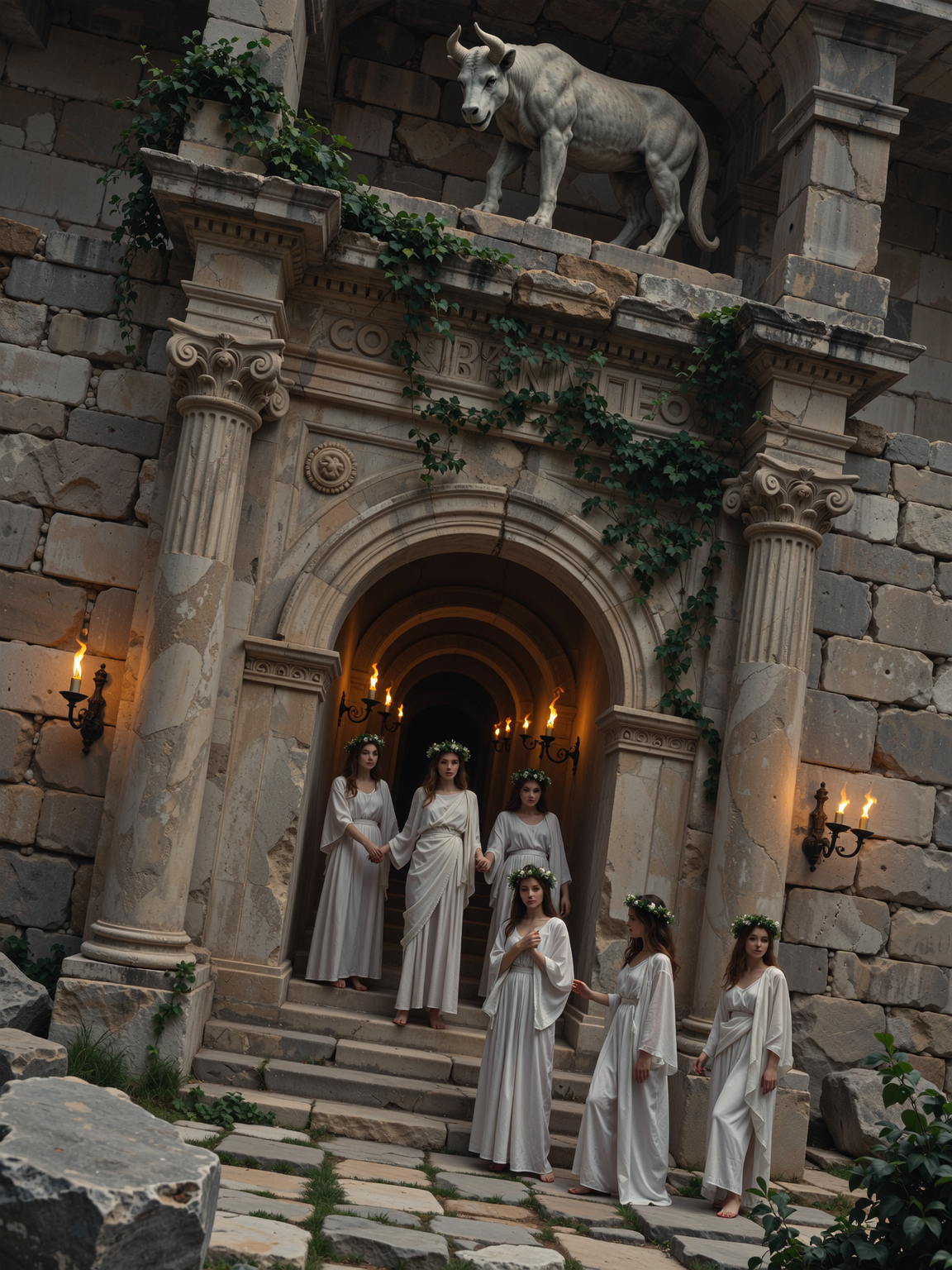
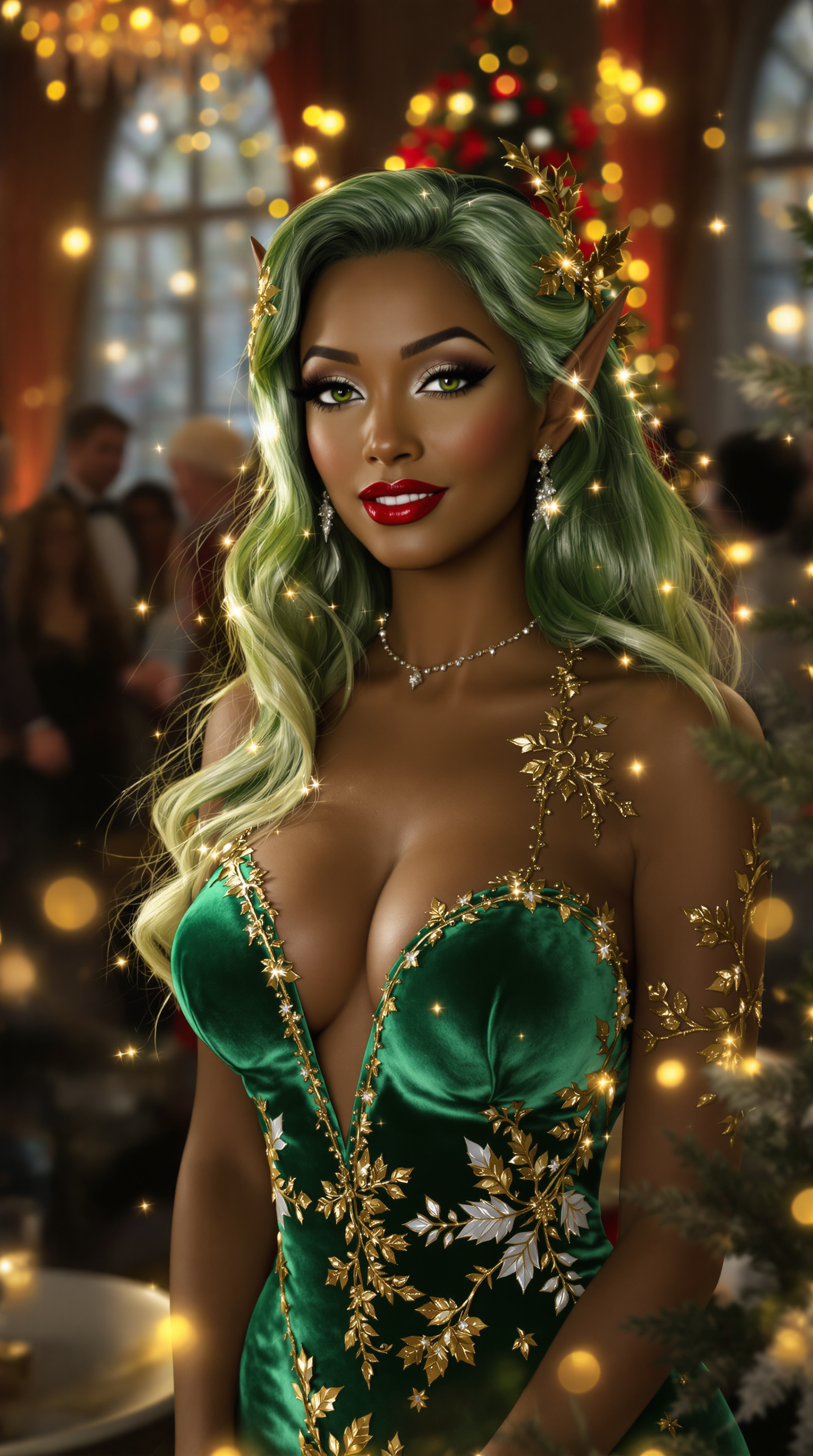
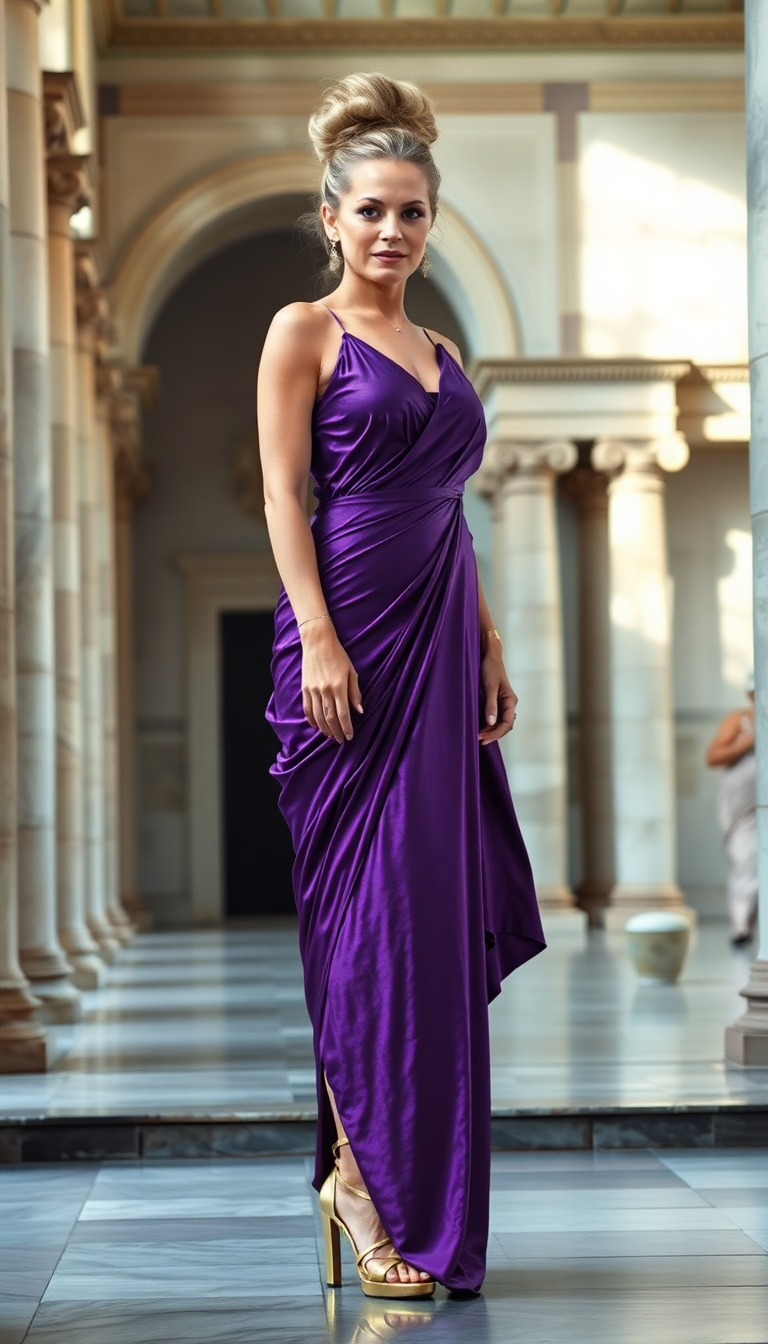
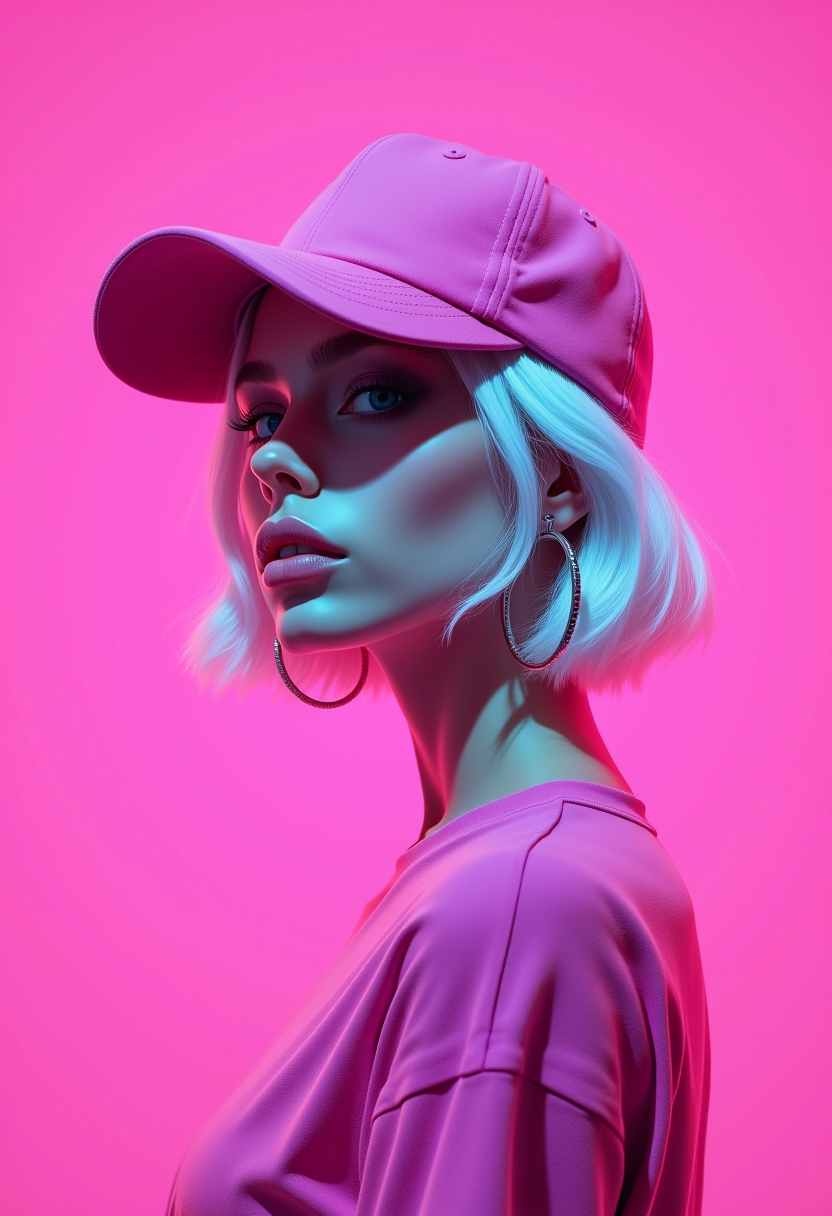
Are you tired of pixelated, low-resolution images that fail to capture the essence of your vision? With PixelDojo's GPT-Image 1.5 advanced upscaling, you can effortlessly transform your images into high-definition masterpieces. Whether you're a photographer aiming to enhance your portfolio, a marketer seeking crisp visuals, or a designer working on detailed projects, our cutting-edge AI technology ensures your images are sharp, clear, and professional.
Join over 10,000 satisfied creators who have enhanced their visuals using PixelDojo's GPT-Image 1.5. Rated 4.8/5 based on 2,500+ reviews.
Why Choose Pixel Dojo for GPT Image 1.5 advanced upscaling
Professional-quality results with cutting-edge AI technology
Achieve Stunning Image Clarity
Transform low-resolution images into high-definition visuals, ensuring every detail is crisp and clear.
Save Time with AI-Powered Upscaling
Enhance your images in seconds without the need for complex software or manual adjustments.
Preserve Original Quality
Maintain the integrity and authenticity of your original images while improving their resolution.
How It Works
Enhancing your images with GPT-Image 1.5 is a straightforward process designed for ease and efficiency.
Step 1: Upload Your Image
Select the low-resolution image you wish to upscale by uploading it to the PixelDojo platform.
Step 2: Choose Upscaling Parameters
Customize the upscaling settings to suit your needs, such as selecting the desired resolution and enhancement level.
Step 3: Download Your Enhanced Image
After processing, download your newly upscaled image, now in stunning high-definition quality.


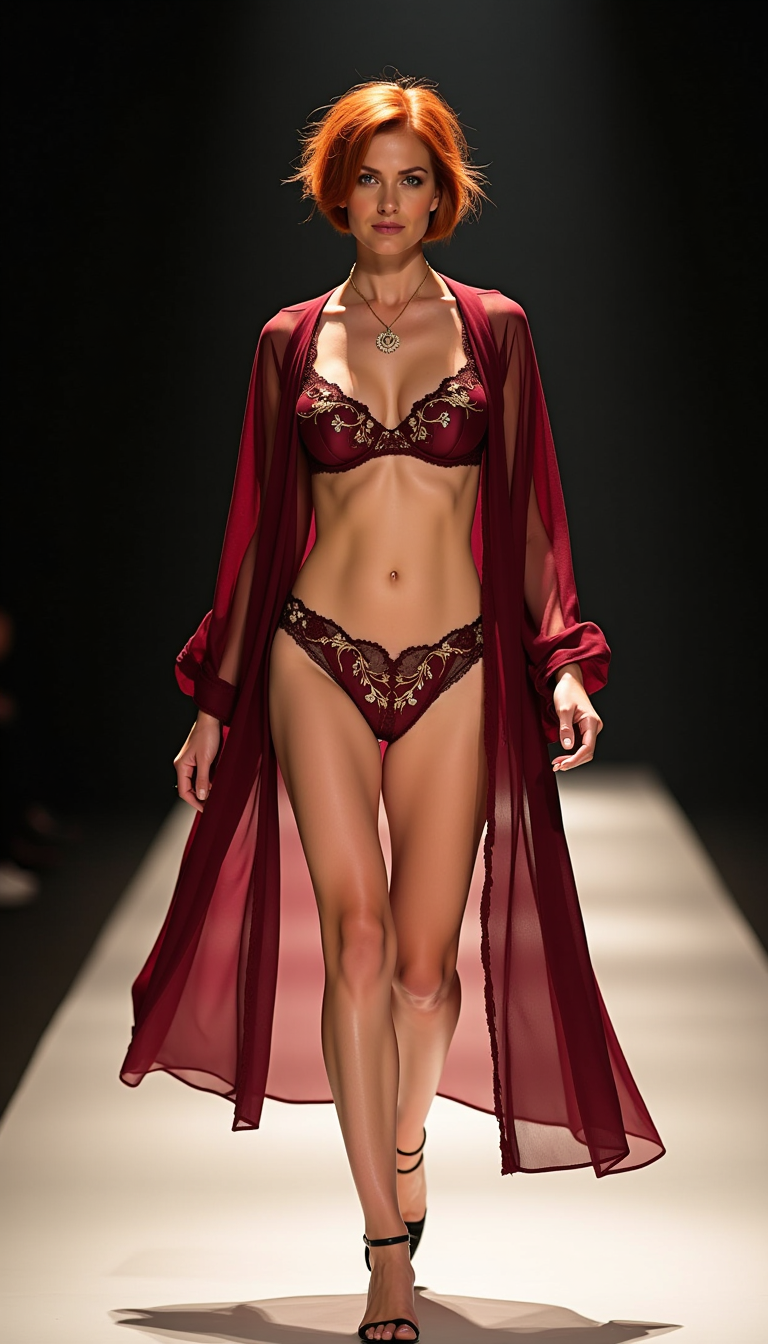
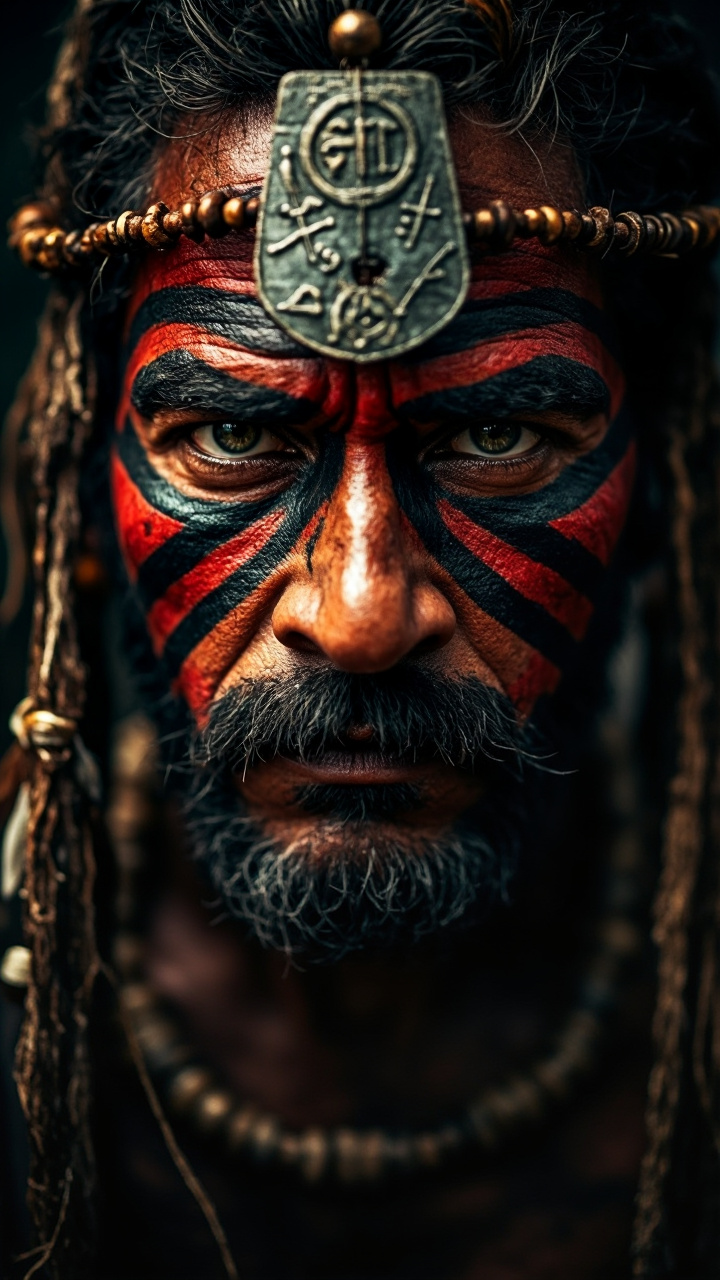
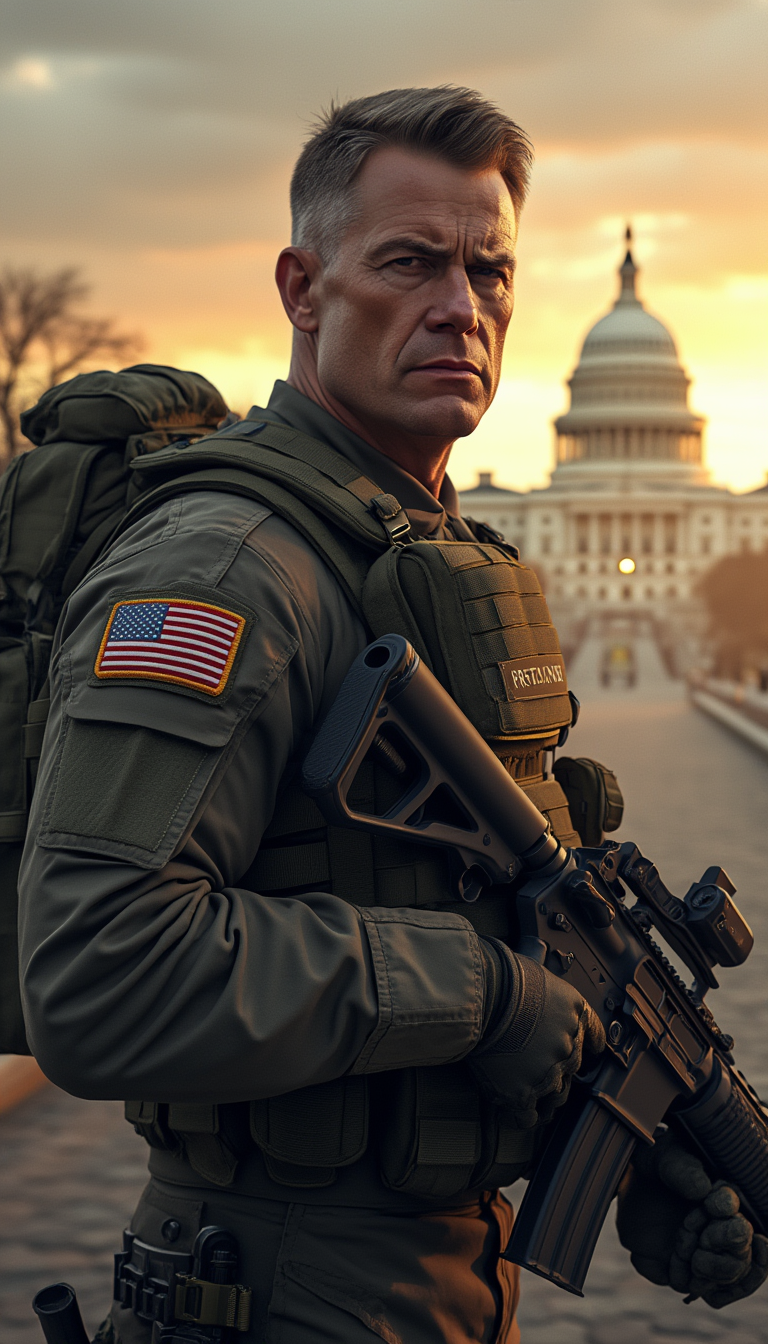
The Pixel Dojo Advantage
Discover why PixelDojo's GPT-Image 1.5 stands out in the realm of image upscaling.
| Others | Pixel Dojo |
|---|---|
| Traditional Upscaling Methods | Unlike basic interpolation techniques that often result in blurry images, GPT-Image 1.5 utilizes advanced AI to add realistic details, ensuring superior clarity. |
| Generic AI Upscaling Tools | While other AI tools may offer upscaling, PixelDojo's GPT-Image 1.5 is specifically optimized for preserving original image quality and adding natural details. |
| Manual Photo Editing | Manual enhancement is time-consuming and requires expertise. GPT-Image 1.5 automates the process, delivering professional results in seconds. |
Loved by creators on PixelDojo
Real feedback from people using PixelDojo, pulled from our in-product surveys.
Accurate results
Great site and so much fun to use!
very useful set of tools for image creation, upscaling and enhancement
ease of use, variety of tools, high quality trainings, and a well-maintained discord channel
Ease of use, friendliness and support of the owner, continued innovation.
it is an amazing site to create a pics and vids for those who don't have the hardware themselves
Explore more AI tools on PixelDojo
AI Tools
Compare & Switch
- Best AI Image Generators
- Best AI Video Generators
- Midjourney Alternatives
- Civitai Alternatives
- Runway Alternatives
- Leonardo Alternatives
- Pika Alternatives
- Luma Alternatives
- Magnific Alternatives
- Veo Alternatives
- Flux Alternatives
- Freepik Alternatives
- Seedance Alternatives
- Seedream Alternatives
- Pixverse Alternatives
- GPT Image Alternatives
- Synthesia Alternatives
- Playground Alternatives
- NightCafe Alternatives
- Canva AI Alternatives
- ElevenLabs Alternatives
- ComfyUI Alternatives
- Fal Alternatives
- Replicate Alternatives
Common Questions
Everything you need to know about GPT Image 1.5 advanced upscaling
How does GPT-Image 1.5 advanced upscaling improve image quality?
GPT-Image 1.5 utilizes advanced AI algorithms to analyze and enhance low-resolution images, adding realistic details and improving clarity without compromising the original quality.
Is there a limit to the image size I can upscale?
PixelDojo supports a wide range of image sizes. For optimal performance, we recommend images up to 10MB, but larger files can also be processed with slightly longer processing times.
Can I use GPT-Image 1.5 for commercial projects?
Absolutely! Images enhanced with GPT-Image 1.5 can be used for both personal and commercial projects without any restrictions.
Do I need any technical skills to use GPT-Image 1.5?
Not at all. PixelDojo's interface is user-friendly, allowing anyone to upscale images with just a few clicks, regardless of technical expertise.
How long does the upscaling process take?
The processing time depends on the original image size and the selected upscaling parameters. However, most images are processed within a few seconds to a minute.
Is my original image altered during the upscaling process?
No, your original image remains unchanged. GPT-Image 1.5 creates a new, enhanced version of your image, preserving the original file.