GPT Image 1.5 artistic lens effects
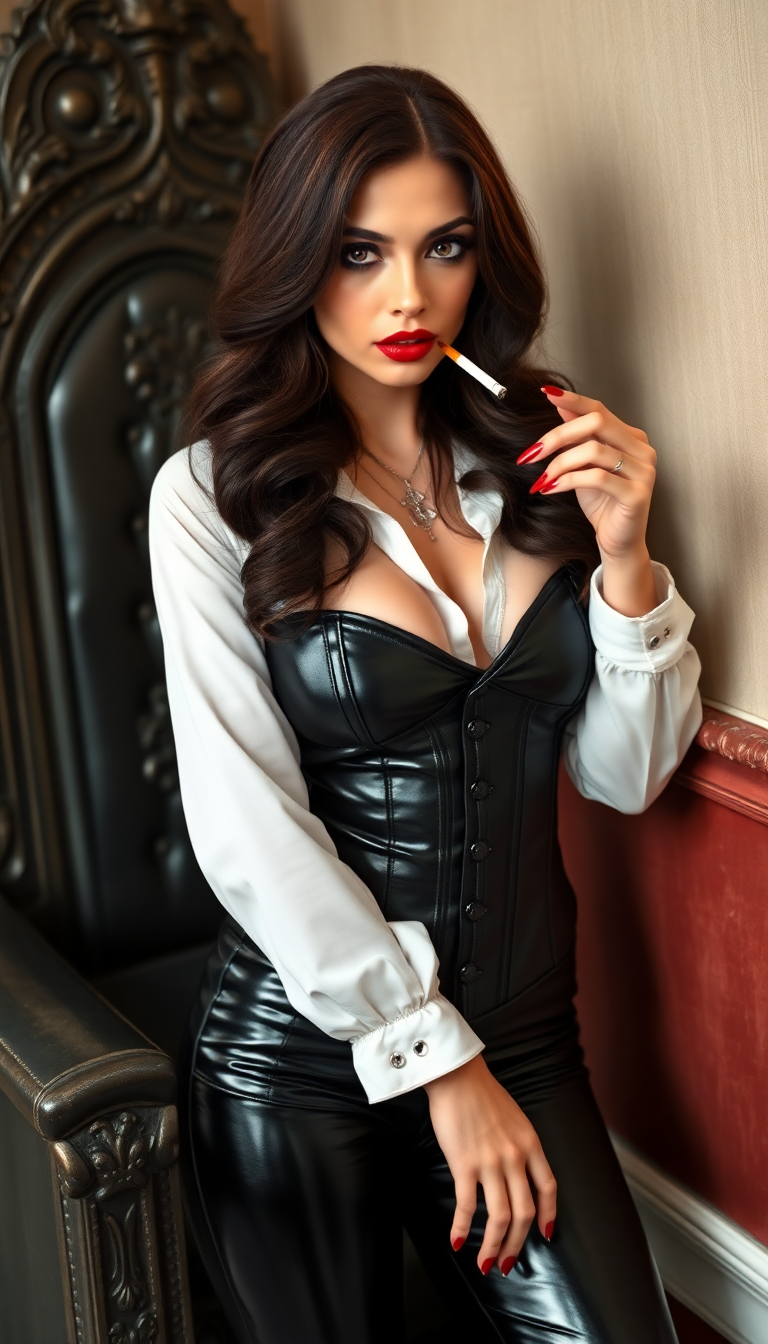
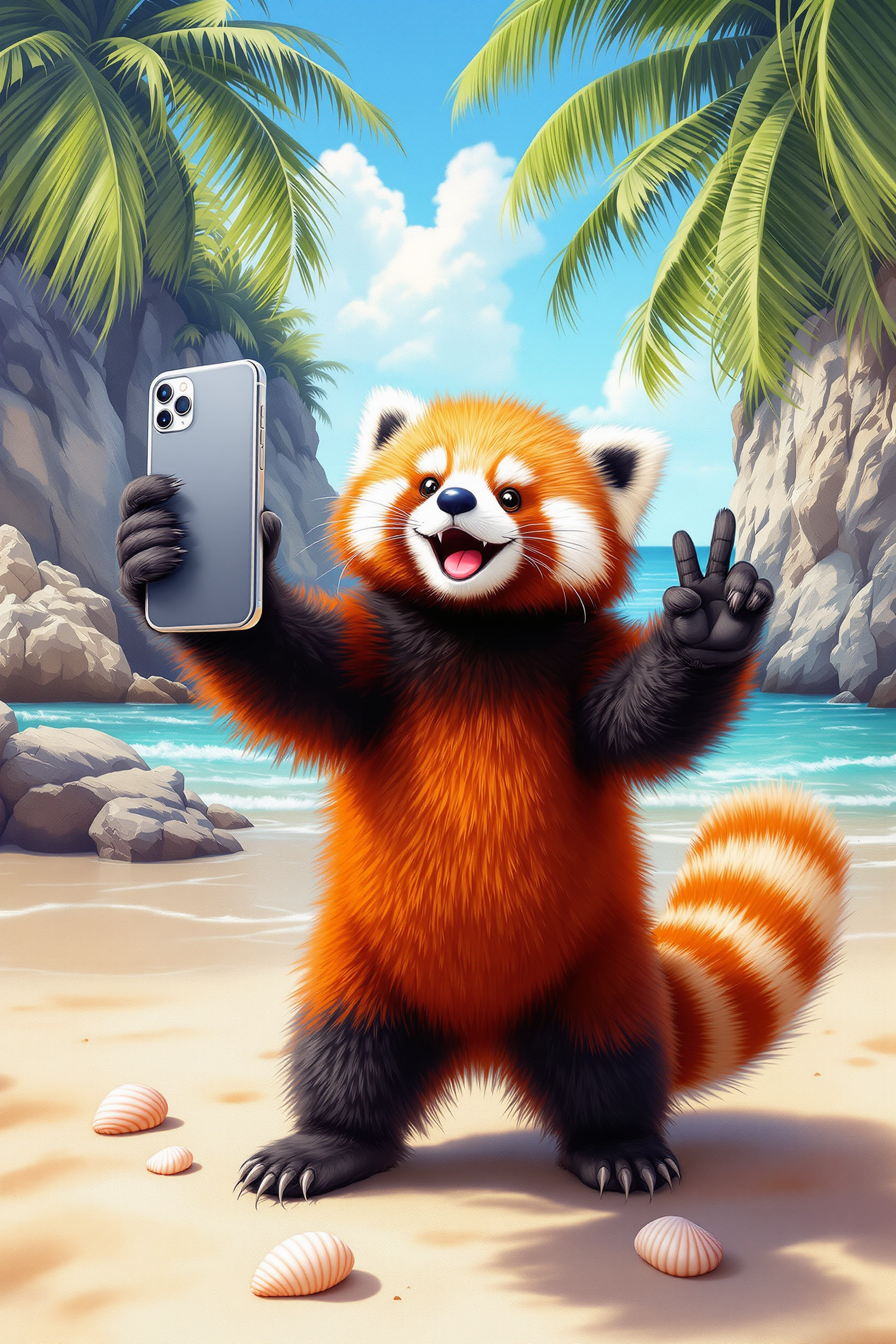
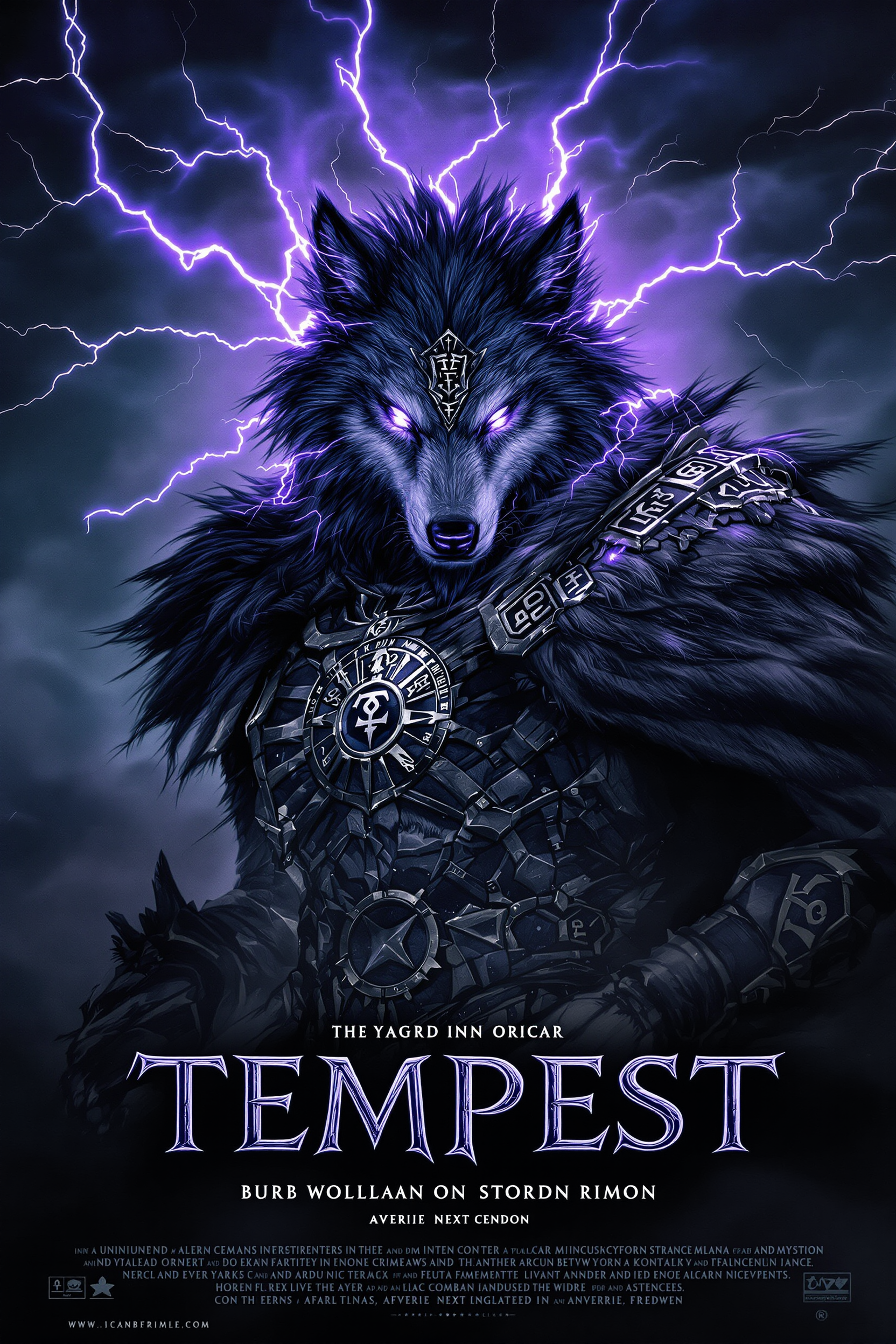
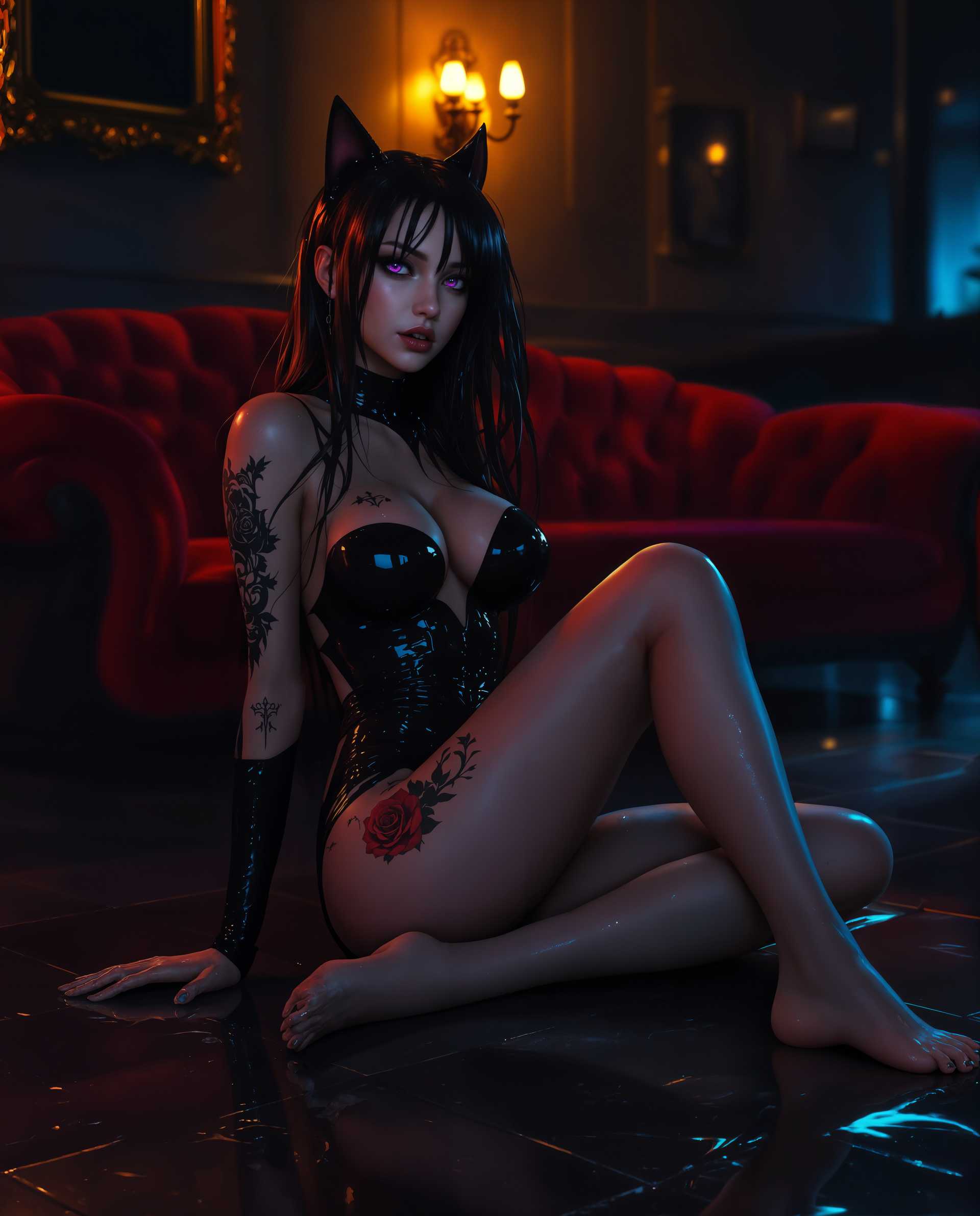
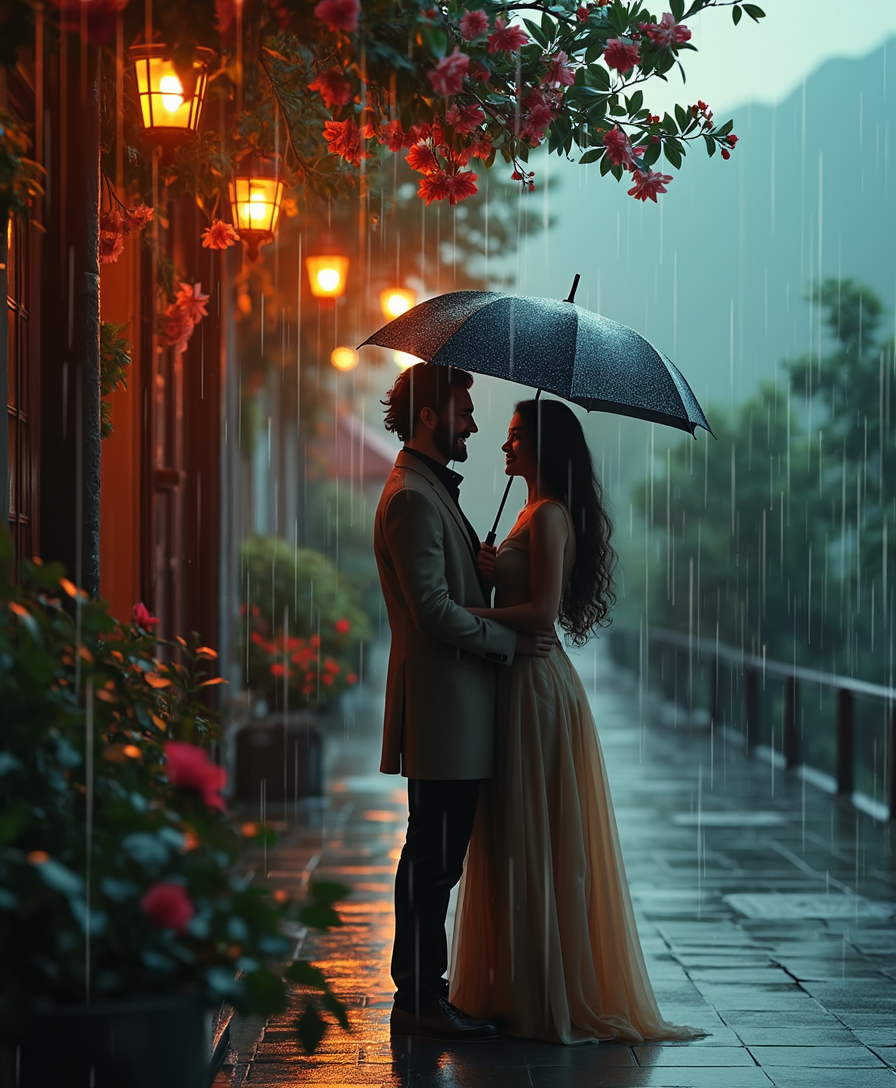
Imagine effortlessly transforming your ordinary photos into captivating artworks that reflect your unique creative vision. With PixelDojo's GPT Image 1.5, you can apply a variety of artistic lens effects to your images, enabling you to produce stunning visuals that stand out. Whether you're an artist seeking inspiration, a marketer aiming to create compelling content, or someone exploring the realms of digital art, GPT Image 1.5 empowers you to achieve remarkable outcomes with ease.
Join over 10,000 satisfied creators who have generated more than 1 million images using PixelDojo's AI tools.
Why Choose Pixel Dojo for GPT Image 1.5 artistic lens effects
Professional-quality results with cutting-edge AI technology
Effortless Artistic Transformations
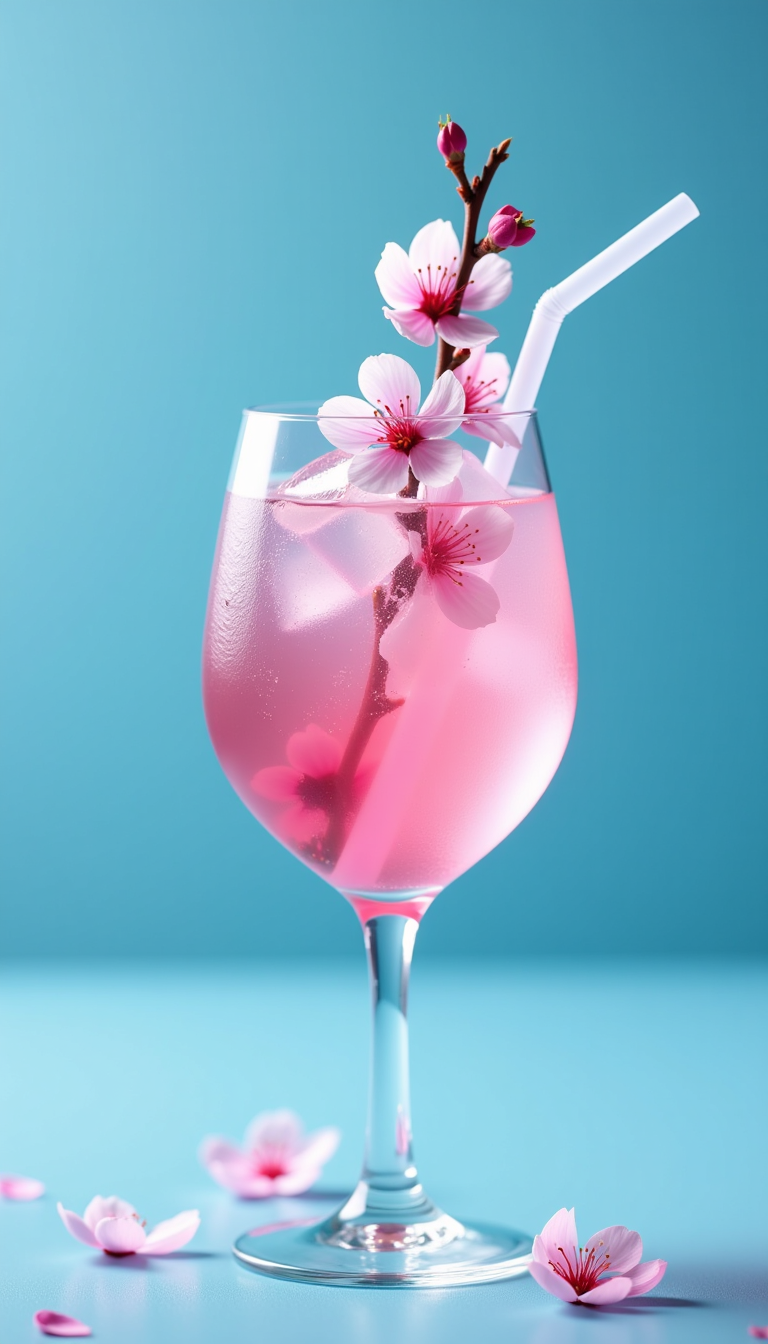
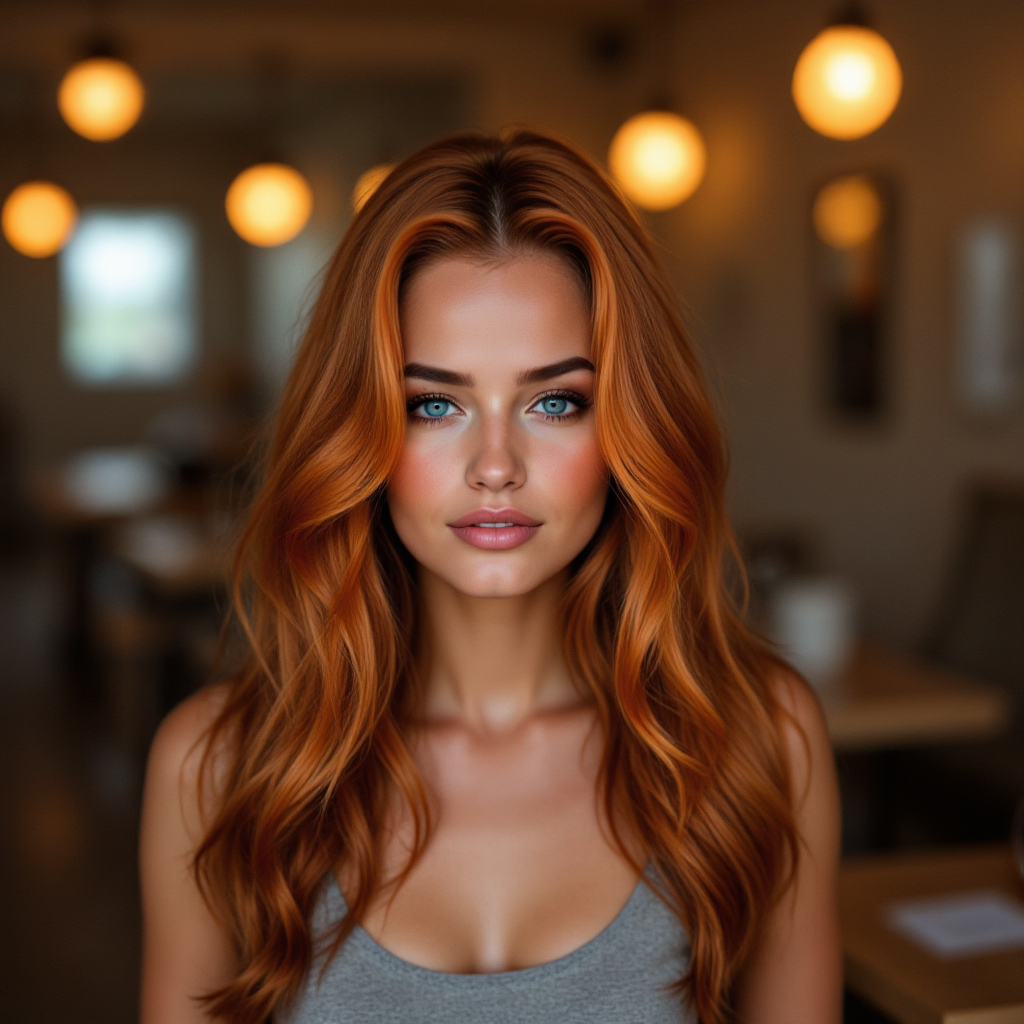
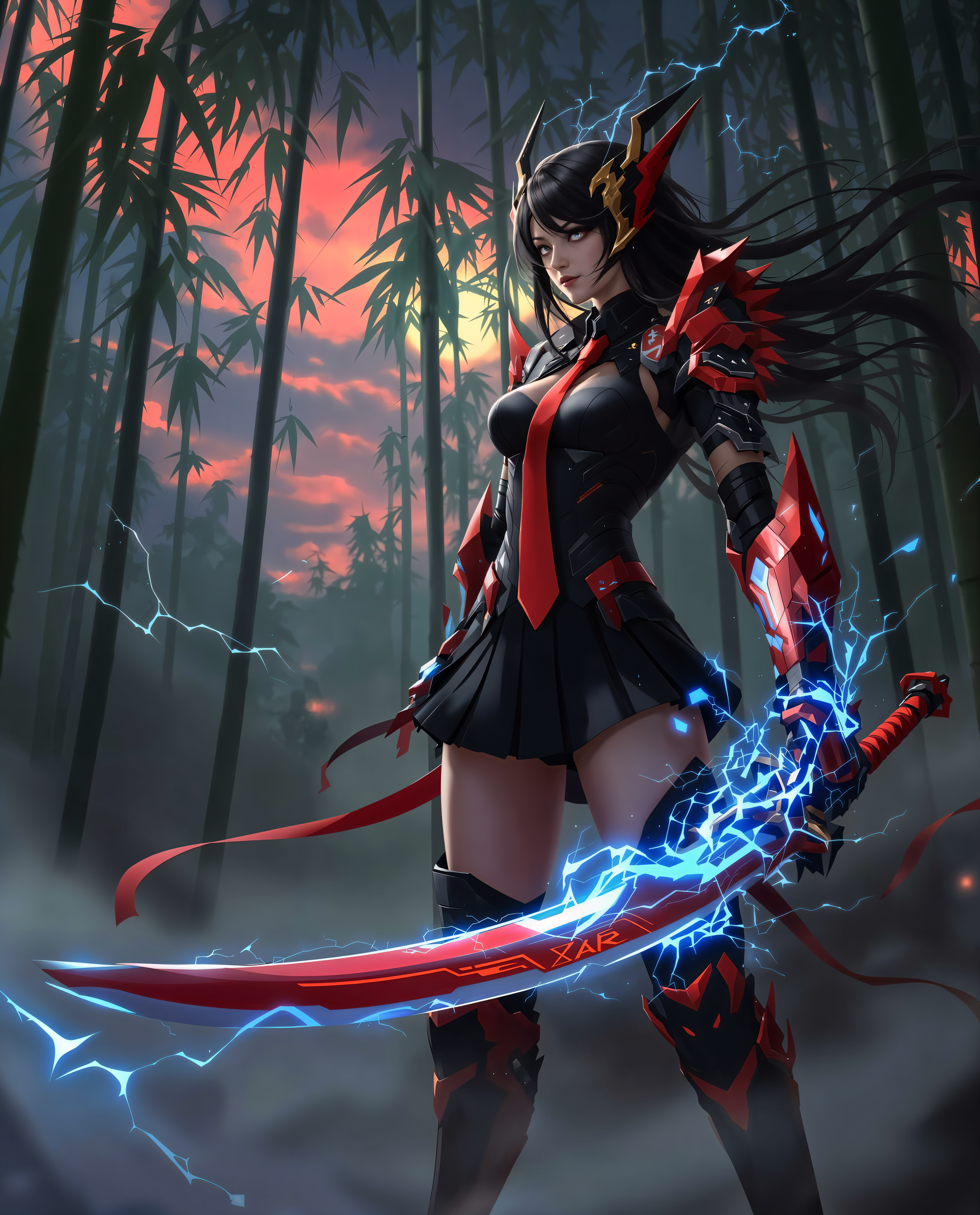
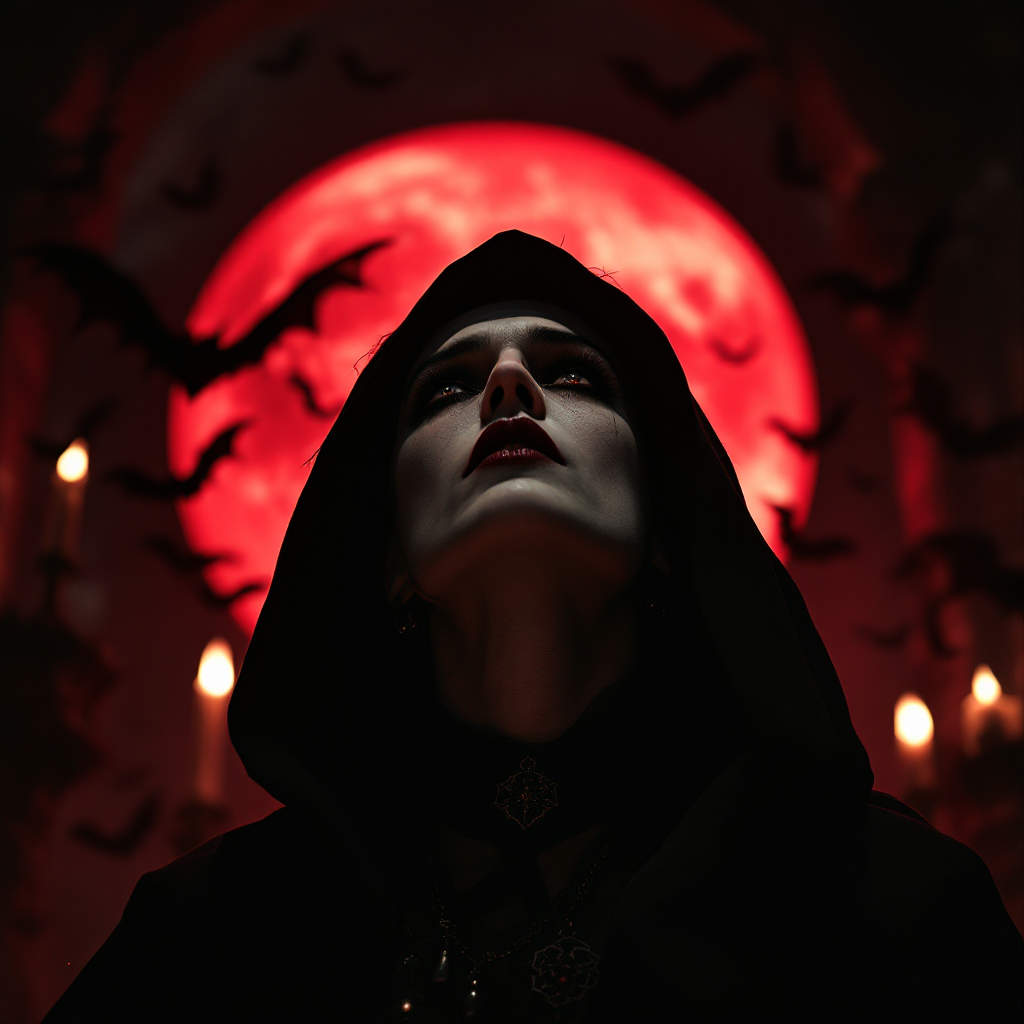
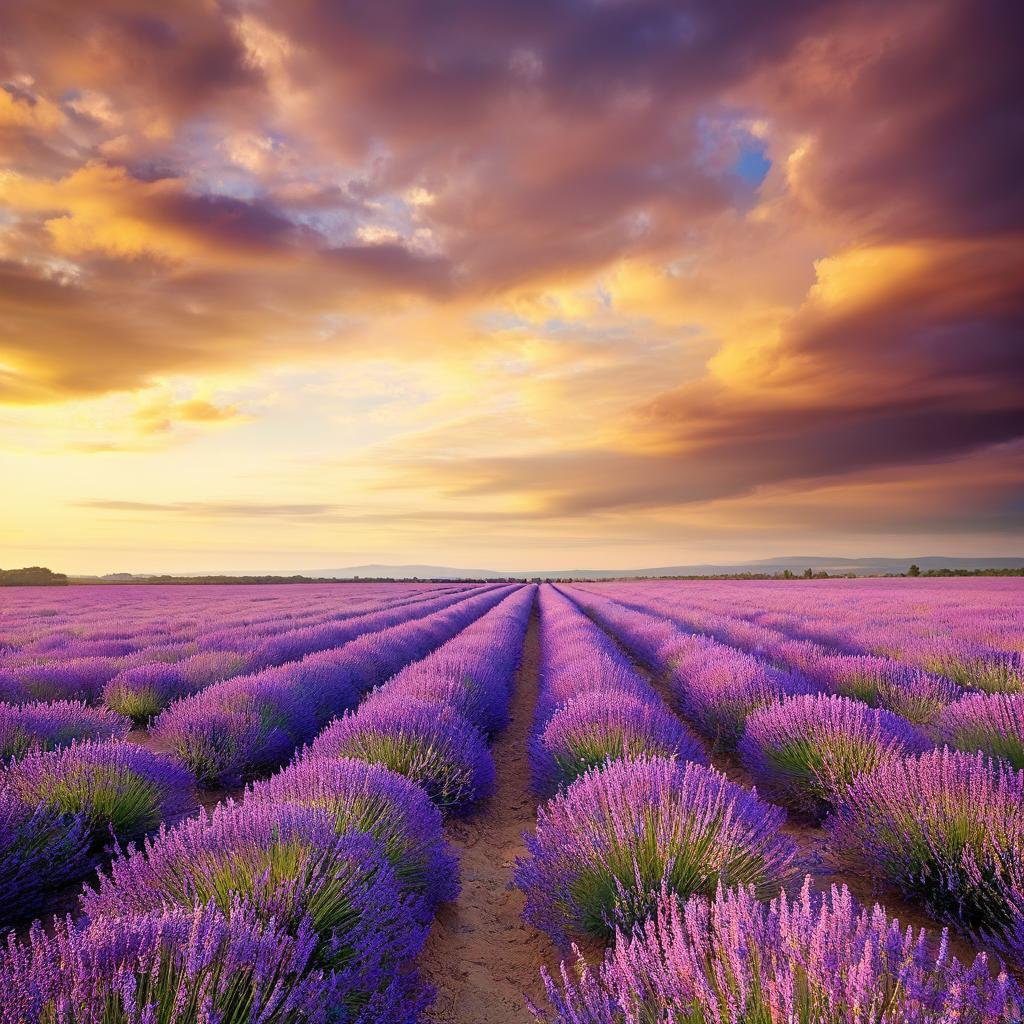
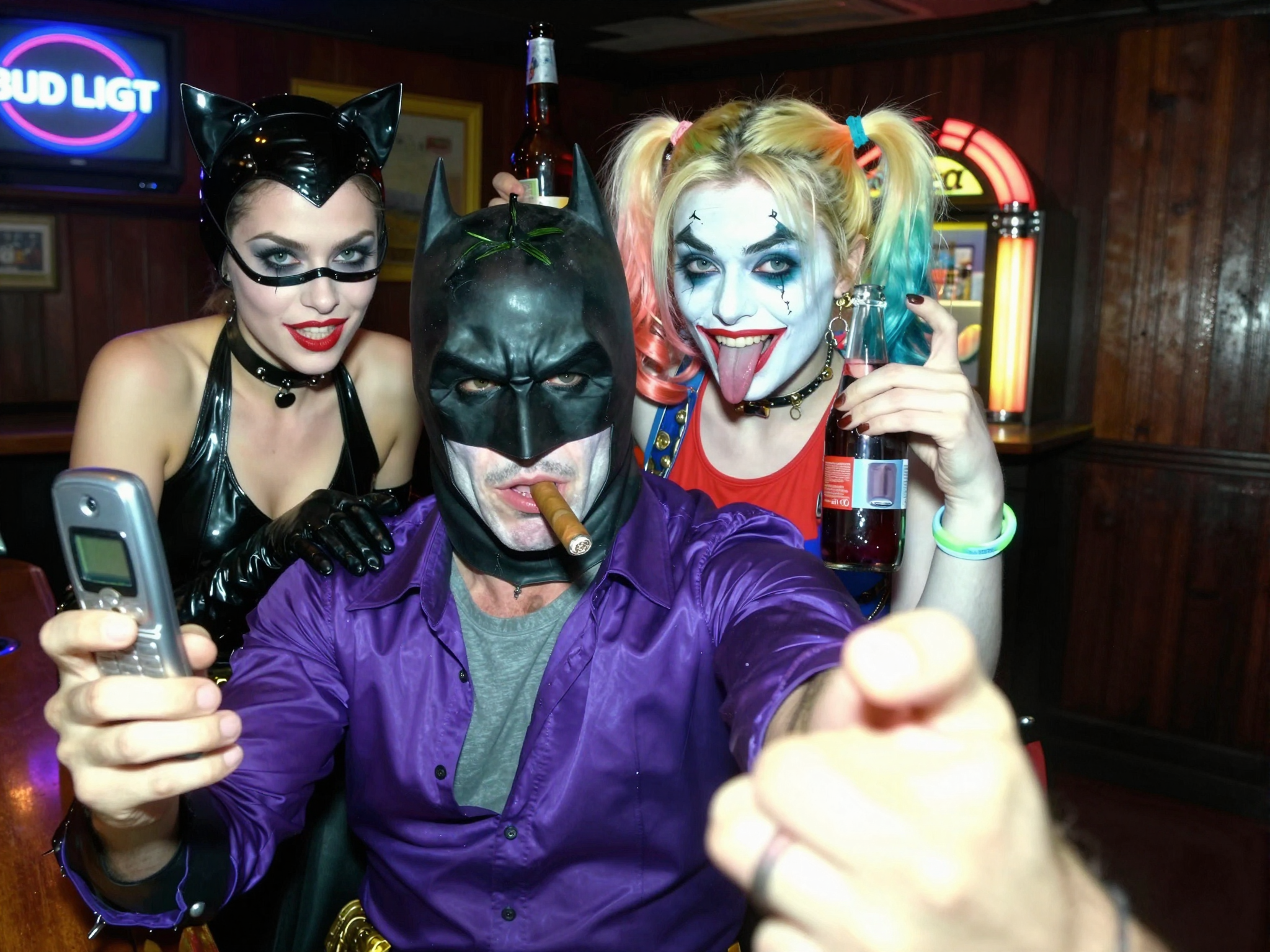
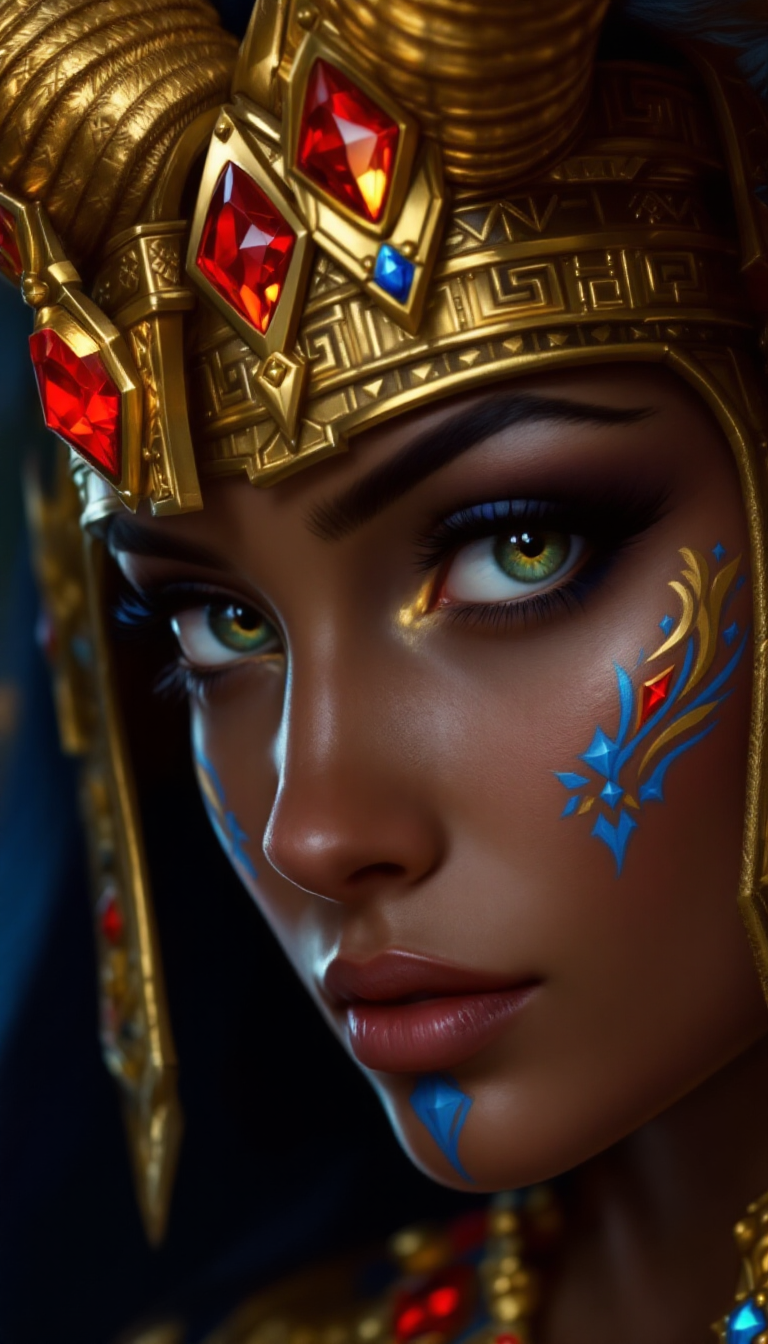
Convert your photos into various artistic styles, such as pop art, 3D renderings, or cyberpunk aesthetics, without any prior design experience.
Versatile Creative Applications
Enhance your marketing materials, social media content, or personal projects with unique and eye-catching visuals tailored to your needs.
User-Friendly Interface
Navigate our intuitive platform with ease, making AI image generation accessible to everyone.
How It Works
Creating stunning artistic lens effects with GPT Image 1.5 is simple and straightforward. Follow these steps to bring your ideas to life:
Step 1: Choose Your Tool
Select GPT Image 1.5 from PixelDojo's suite of AI tools to begin your image transformation journey.
Step 2: Enter Your Prompt
Input a descriptive text prompt detailing the artistic effect you envision. For example, 'Transform this photo into a pop art poster with high-contrast neon colors and bold black outlines.'
Step 3: Customize & Download
Adjust parameters like style and resolution to fine-tune your image. Once satisfied, download your transformed artwork.
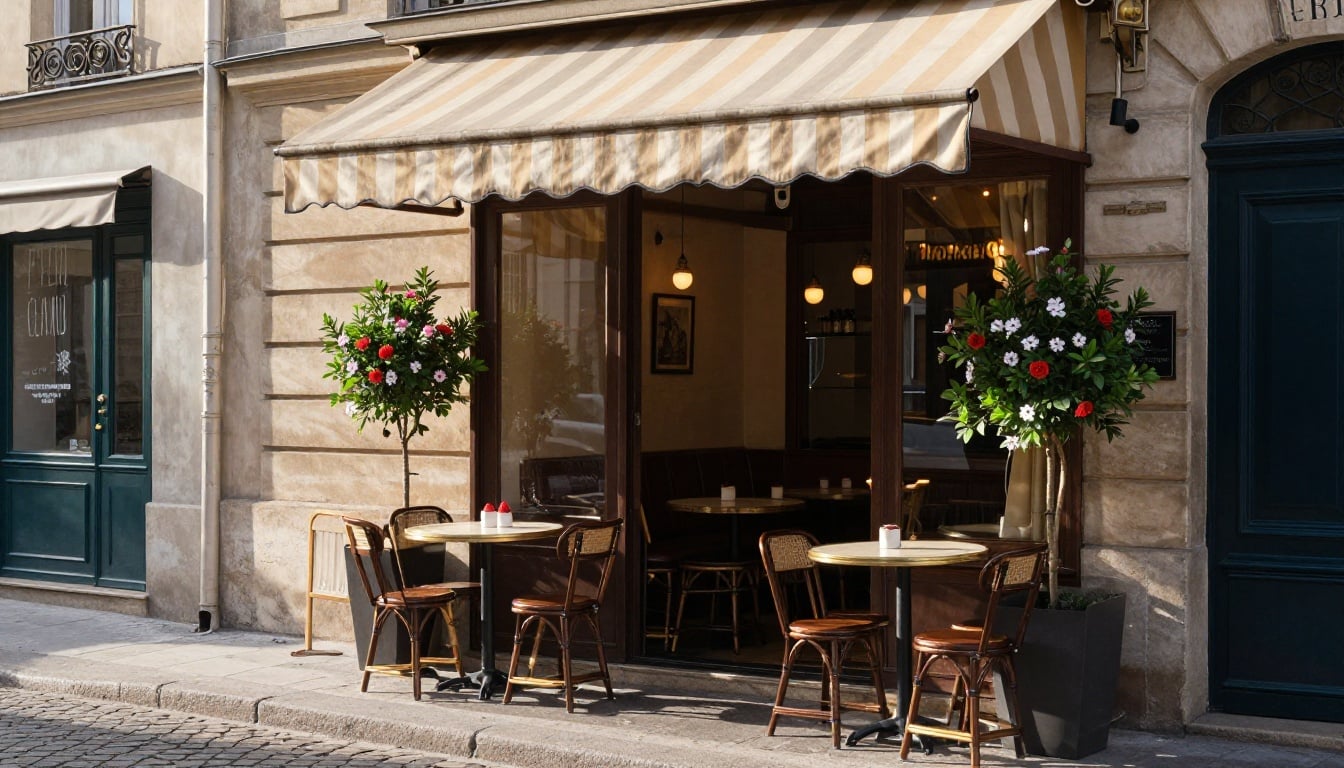
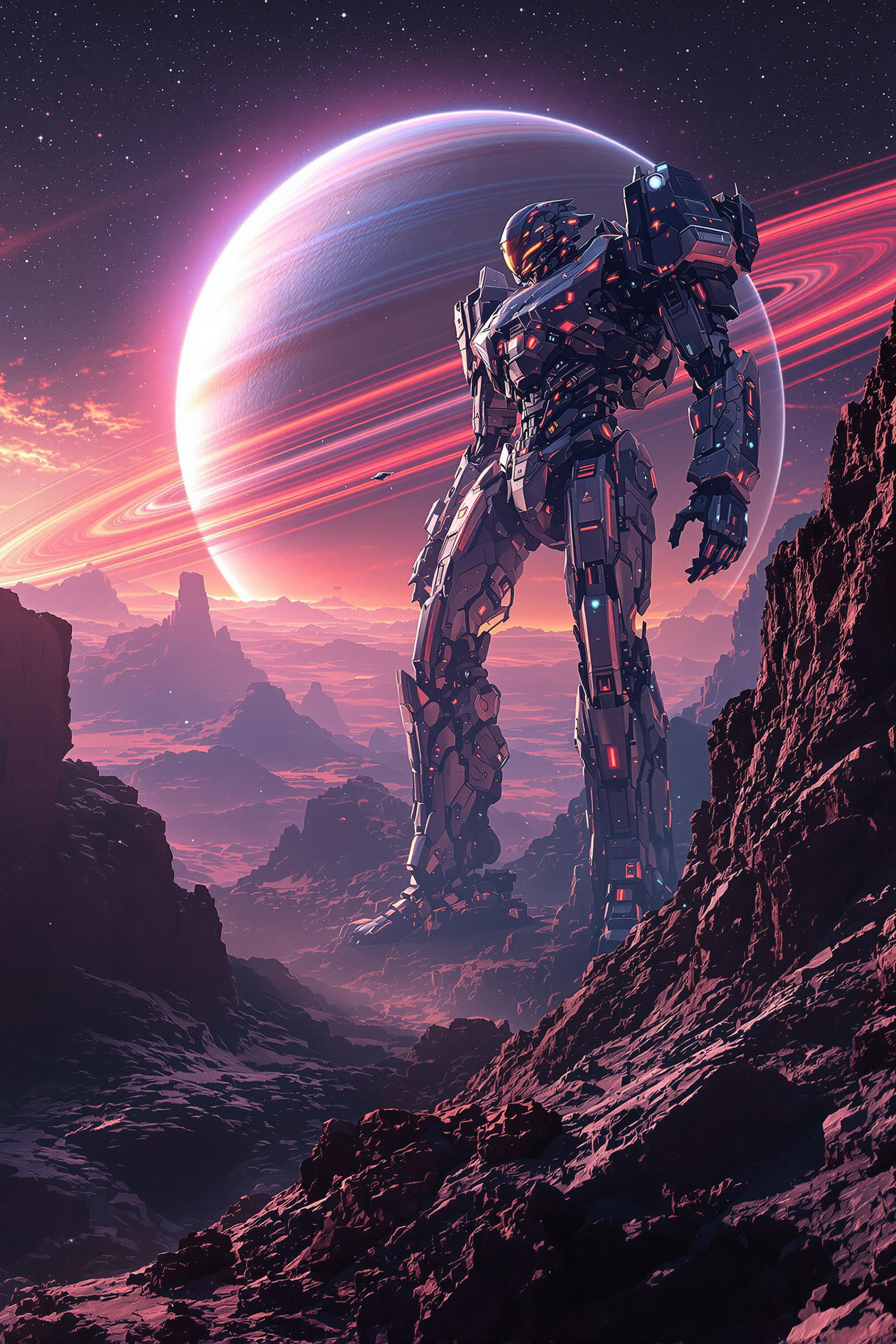
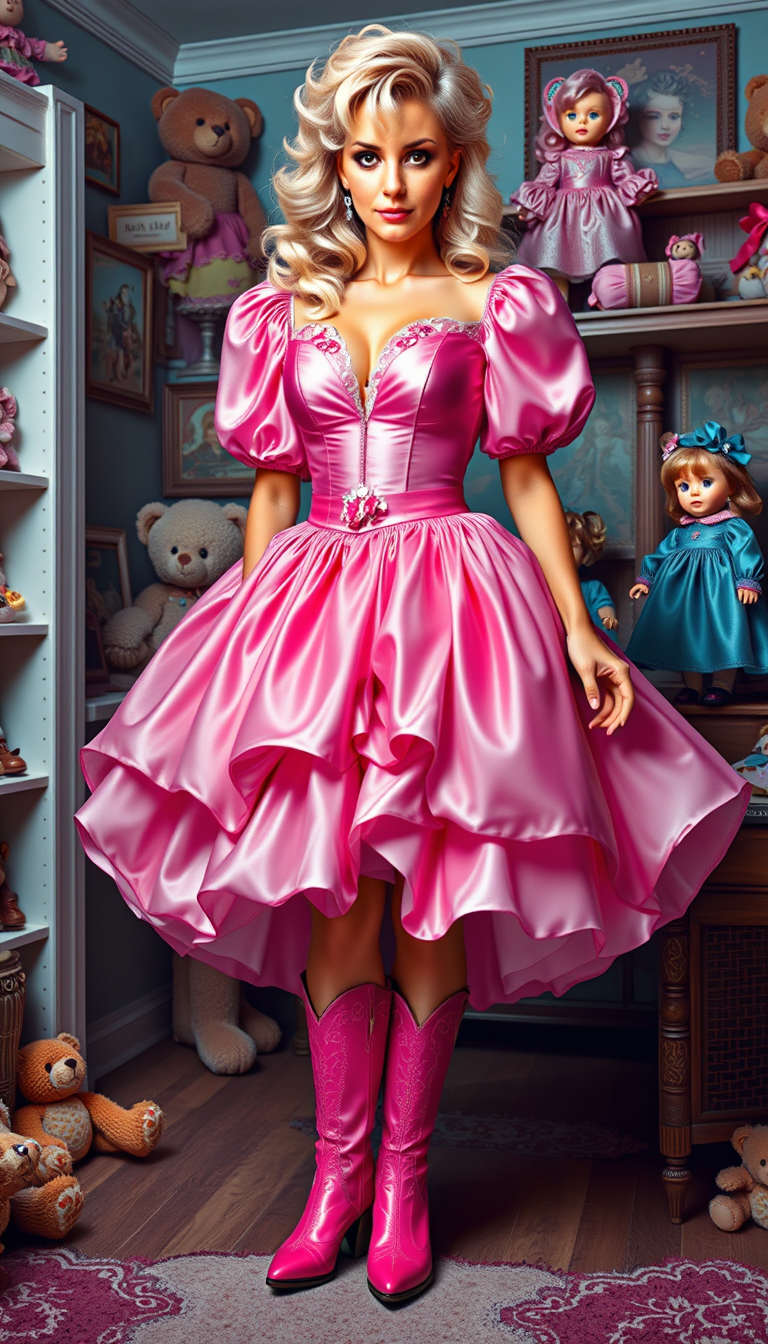
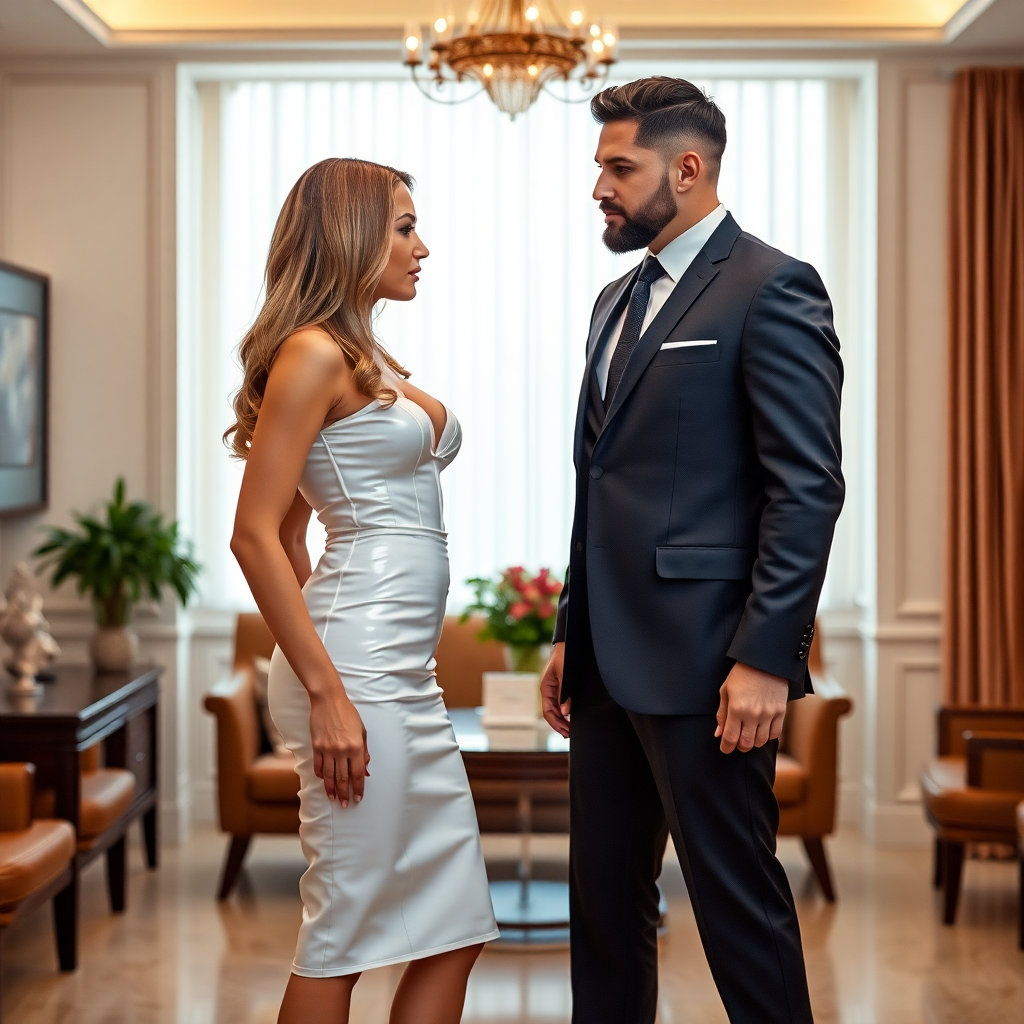
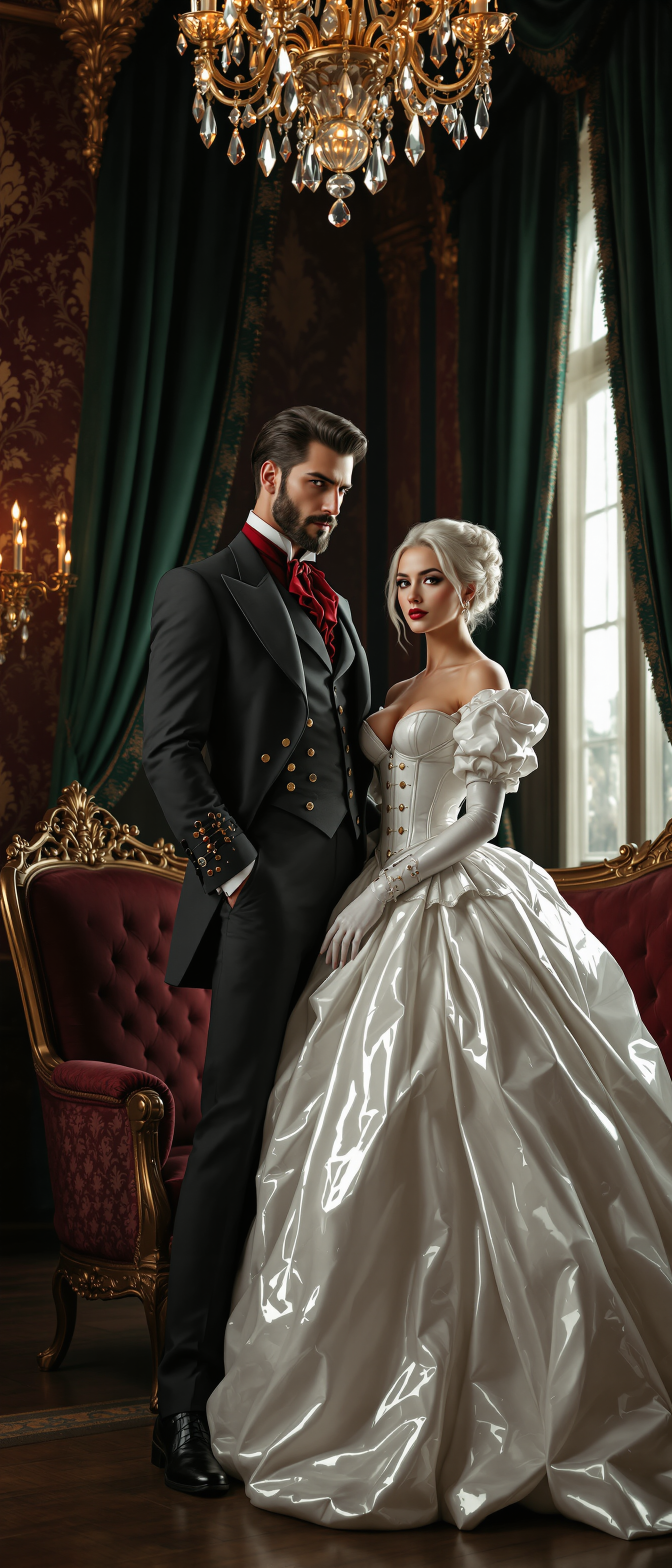
The Pixel Dojo Advantage
Why PixelDojo outperforms other options for artistic lens effect image generation
| Others | Pixel Dojo |
|---|---|
| Traditional Photo Editing | Eliminate the need for complex software and manual adjustments; achieve professional results with simple text prompts. |
| Generic AI Tools | Access a diverse range of artistic styles and effects tailored to your creative vision, surpassing the limitations of one-size-fits-all solutions. |
| Manual Artistic Creation | Save time and resources by generating high-quality artistic images instantly, without requiring advanced artistic skills. |
Loved by creators on PixelDojo
Real feedback from people using PixelDojo, pulled from our in-product surveys.
The amazing tools
Top notch quality and strong prompt adherence.
A well resourced sunscription with attention to updates.
Easy to use and there's lots of options.
super lora download
Great variety of tools to create and modify images and video.
Explore more AI tools on PixelDojo
AI Tools
Compare & Switch
- Best AI Image Generators
- Best AI Video Generators
- Midjourney Alternatives
- Civitai Alternatives
- Runway Alternatives
- Leonardo Alternatives
- Pika Alternatives
- Luma Alternatives
- Magnific Alternatives
- Veo Alternatives
- Flux Alternatives
- Freepik Alternatives
- Seedance Alternatives
- Seedream Alternatives
- Pixverse Alternatives
- GPT Image Alternatives
- Synthesia Alternatives
- Playground Alternatives
- NightCafe Alternatives
- Canva AI Alternatives
- ElevenLabs Alternatives
- ComfyUI Alternatives
- Fal Alternatives
- Replicate Alternatives
Common Questions
Everything you need to know about GPT Image 1.5 artistic lens effects
How can I create pop art images using GPT Image 1.5?
To create pop art images, select GPT Image 1.5, input a prompt like 'Transform this photo into a pop art poster with high-contrast neon colors and bold black outlines,' and the AI will generate the desired effect.
Is it possible to apply multiple artistic effects to a single image?
Yes, you can apply multiple effects by sequentially processing the image with different prompts, allowing for complex and layered artistic transformations.
Do I need any prior design experience to use GPT Image 1.5?
No prior design experience is necessary. GPT Image 1.5 is designed to be user-friendly, enabling anyone to create stunning artistic images with ease.
Can I use GPT Image 1.5 for commercial projects?
Yes, images generated with GPT Image 1.5 can be used for commercial projects, including marketing materials, product designs, and more.
How long does it take to generate an image with GPT Image 1.5?
Image generation times vary but typically range from a few seconds to a minute, depending on the complexity of the prompt and selected parameters.
Are there any limitations on the number of images I can create?
PixelDojo offers various subscription plans to suit different needs, with options for unlimited image generation. Choose the plan that best fits your creative requirements.