GPT Image 1.5 color modulation
Unlock the full potential of your images with GPT-Image 1.5's color modulation capabilities. Whether you're aiming to correct color imbalances, apply artistic filters, or completely transform the mood of your visuals, PixelDojo's advanced AI tools empower you to achieve stunning results effortlessly.
Join over 10,000 creators who have enhanced their visuals using PixelDojo's AI-powered tools, achieving a 95% satisfaction rate.
Why Choose Pixel Dojo for GPT Image 1.5 color modulation
Professional-quality results with cutting-edge AI technology
Achieve Precise Color Adjustments
Fine-tune hues, saturation, and brightness to correct imperfections or match specific color schemes.
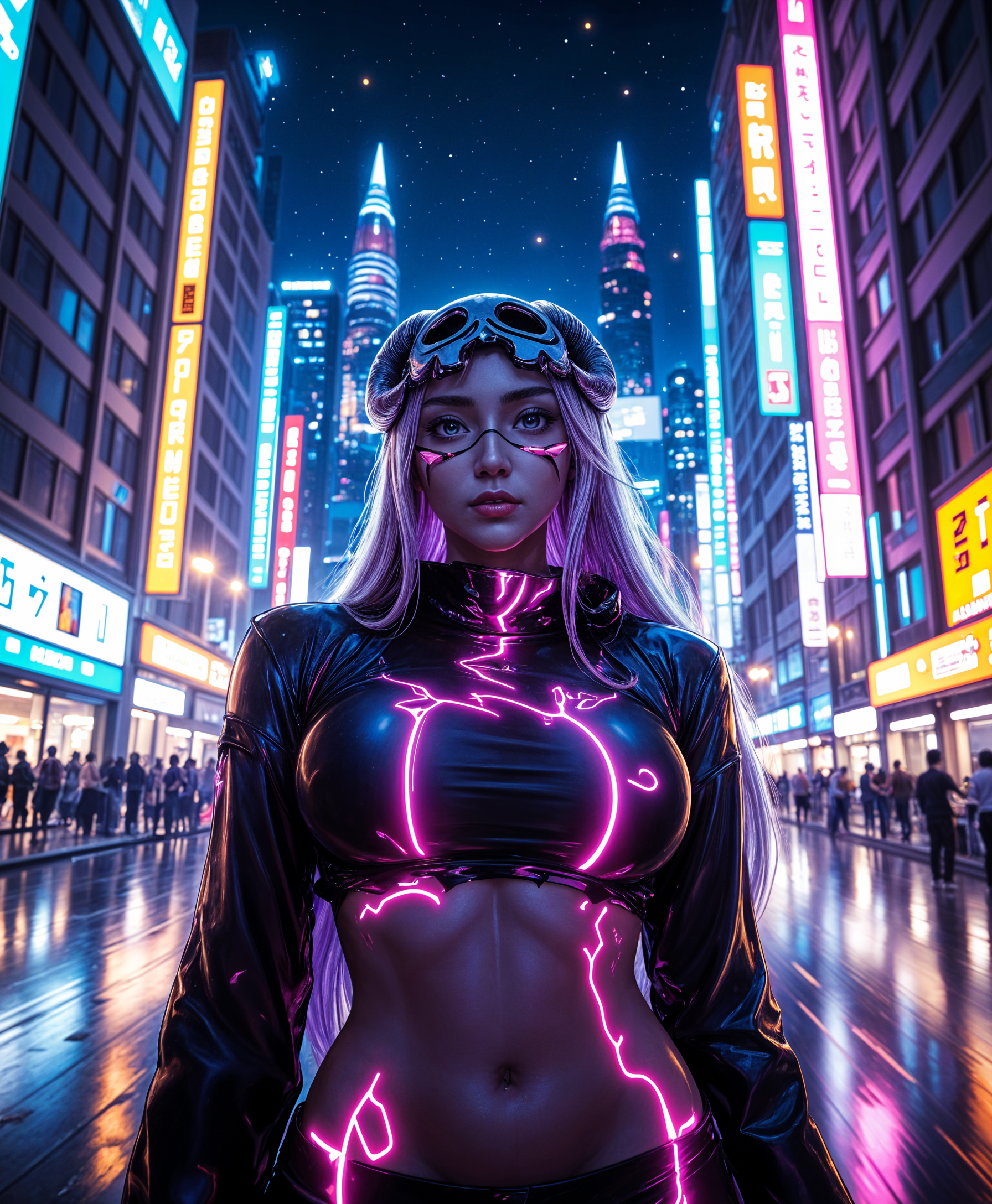
Apply Creative Color Transformations
Experiment with artistic filters and styles to give your images a unique and captivating look.
Enhance Visual Consistency
Ensure uniform color tones across multiple images for cohesive branding and storytelling.
How It Works
Transforming your images with GPT-Image 1.5's color modulation is simple and intuitive. Follow these steps to achieve your desired results:
Step 1: Select Your Image
Upload the image you wish to modify to PixelDojo's platform.
Step 2: Define Your Color Modulation Parameters
Specify the desired color adjustments, such as hue shifts, saturation changes, or applying specific color filters.
Step 3: Apply Changes and Download
Preview the modifications, make any necessary tweaks, and download the enhanced image.
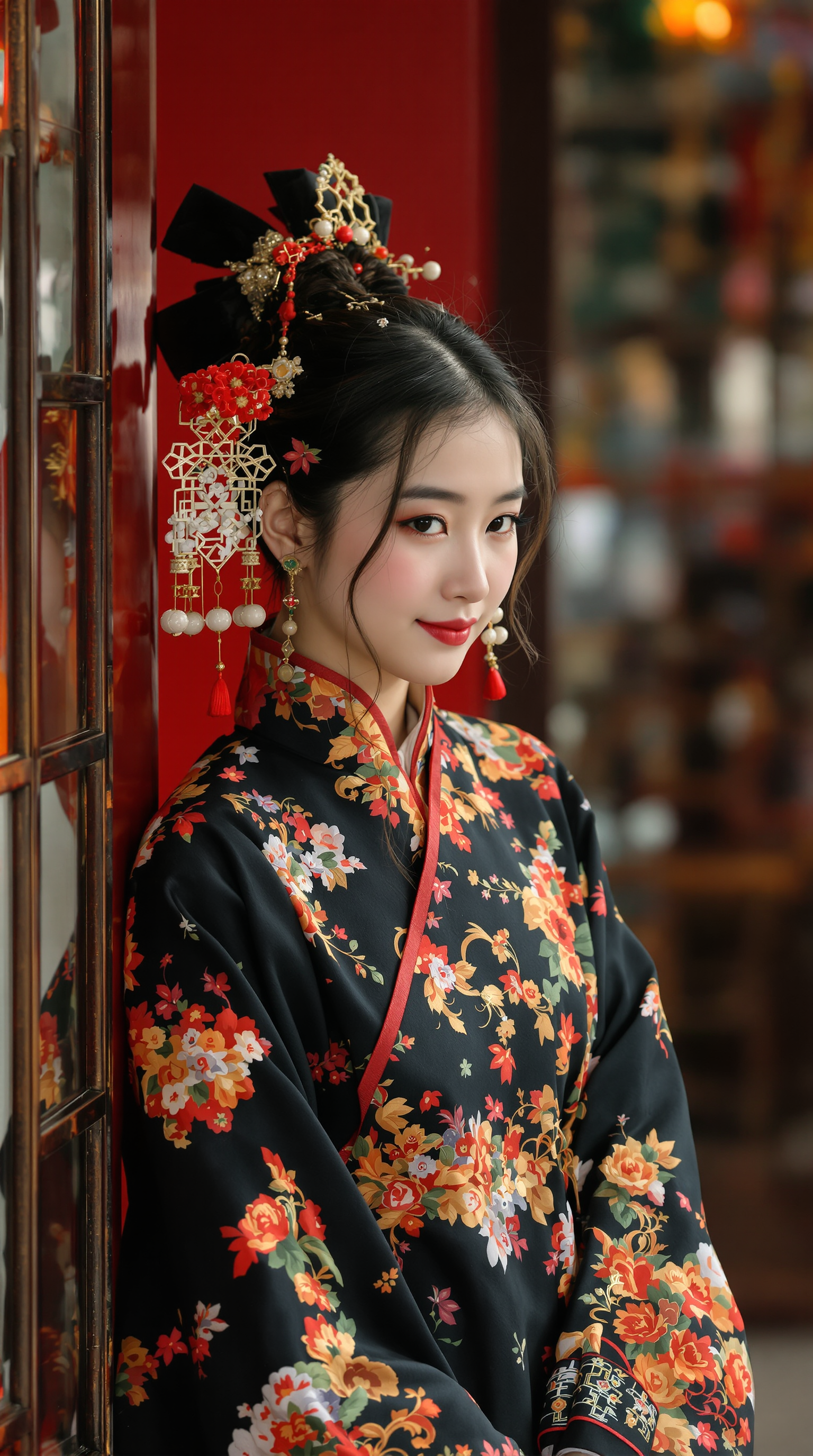
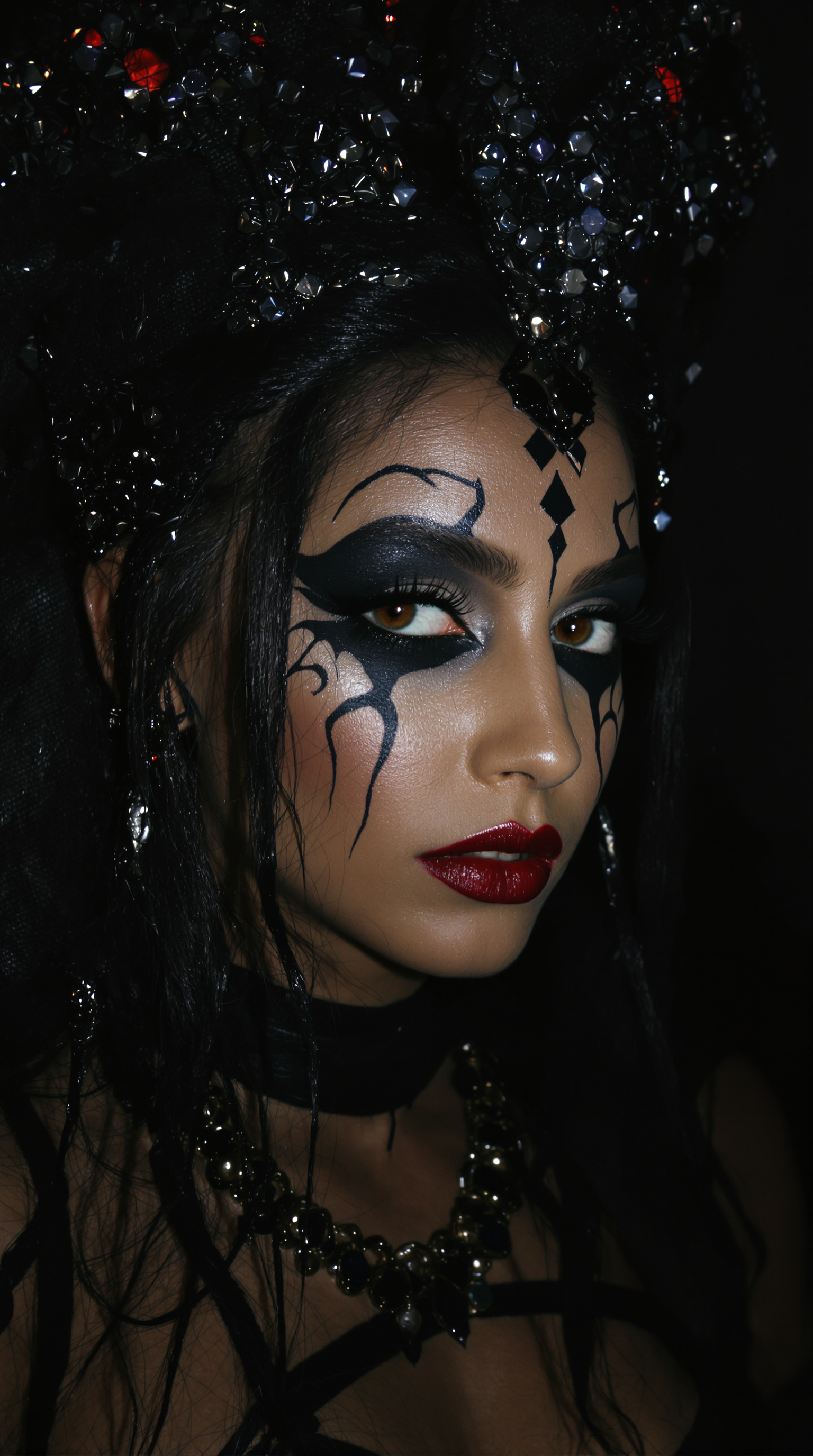
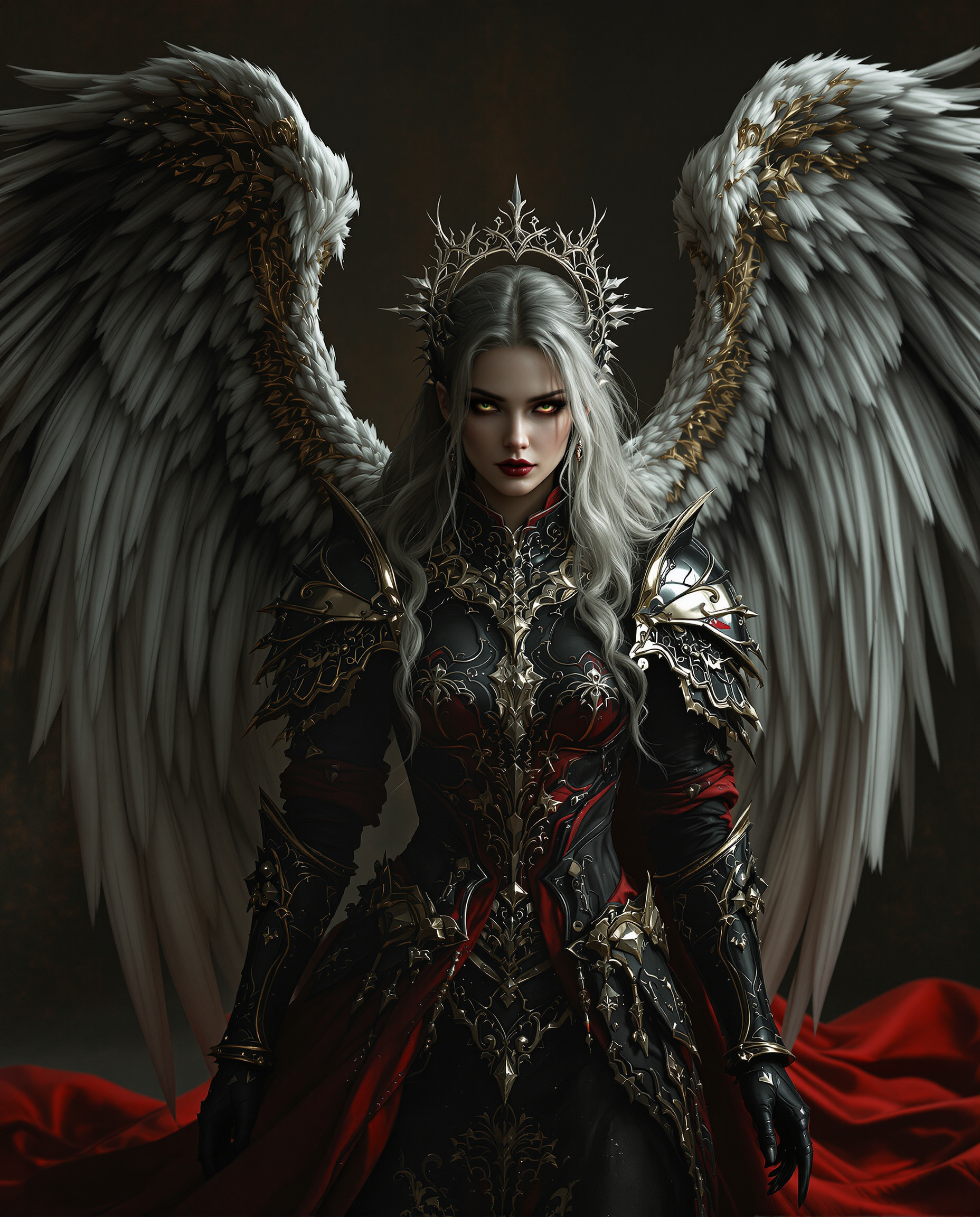
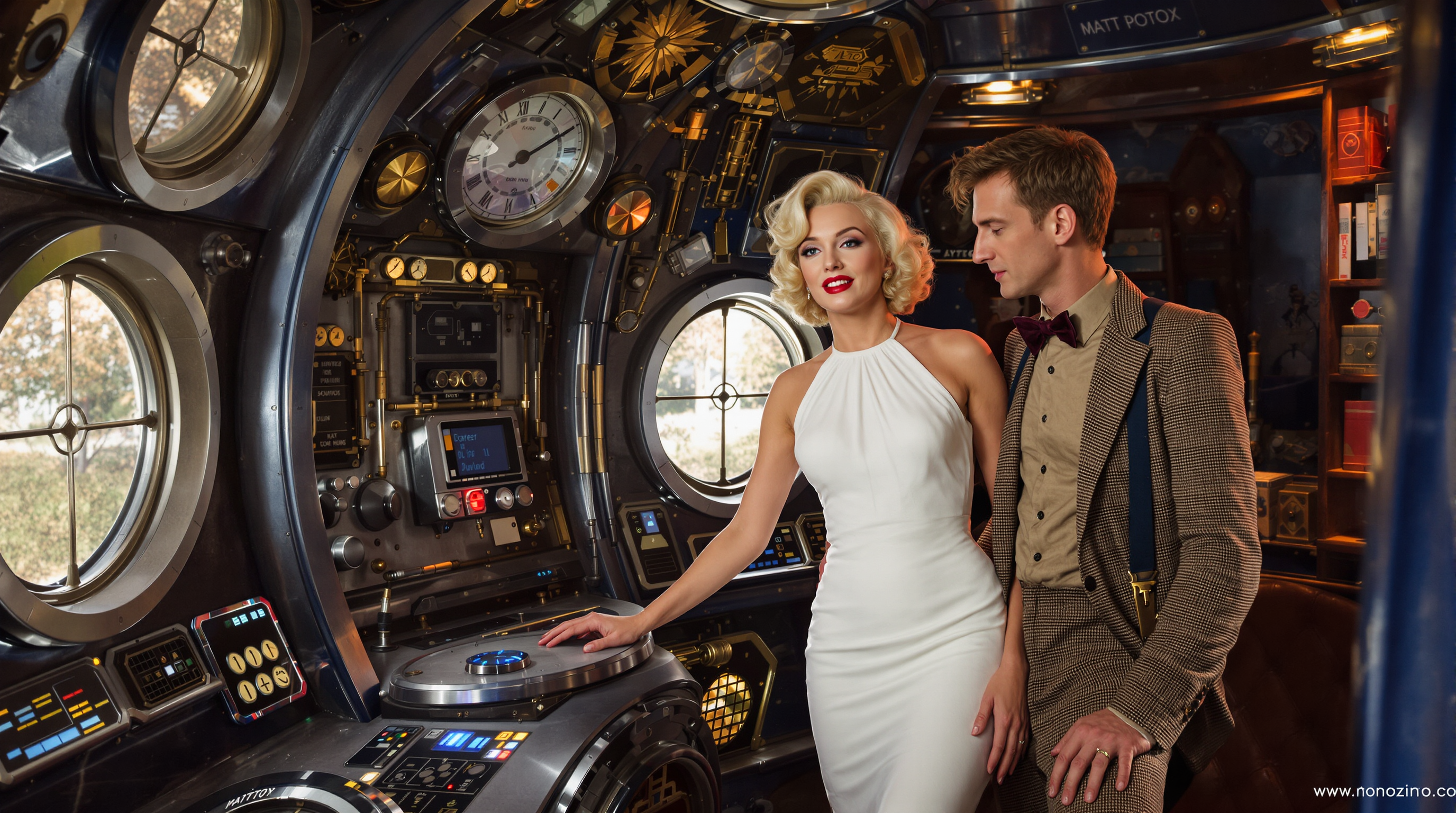
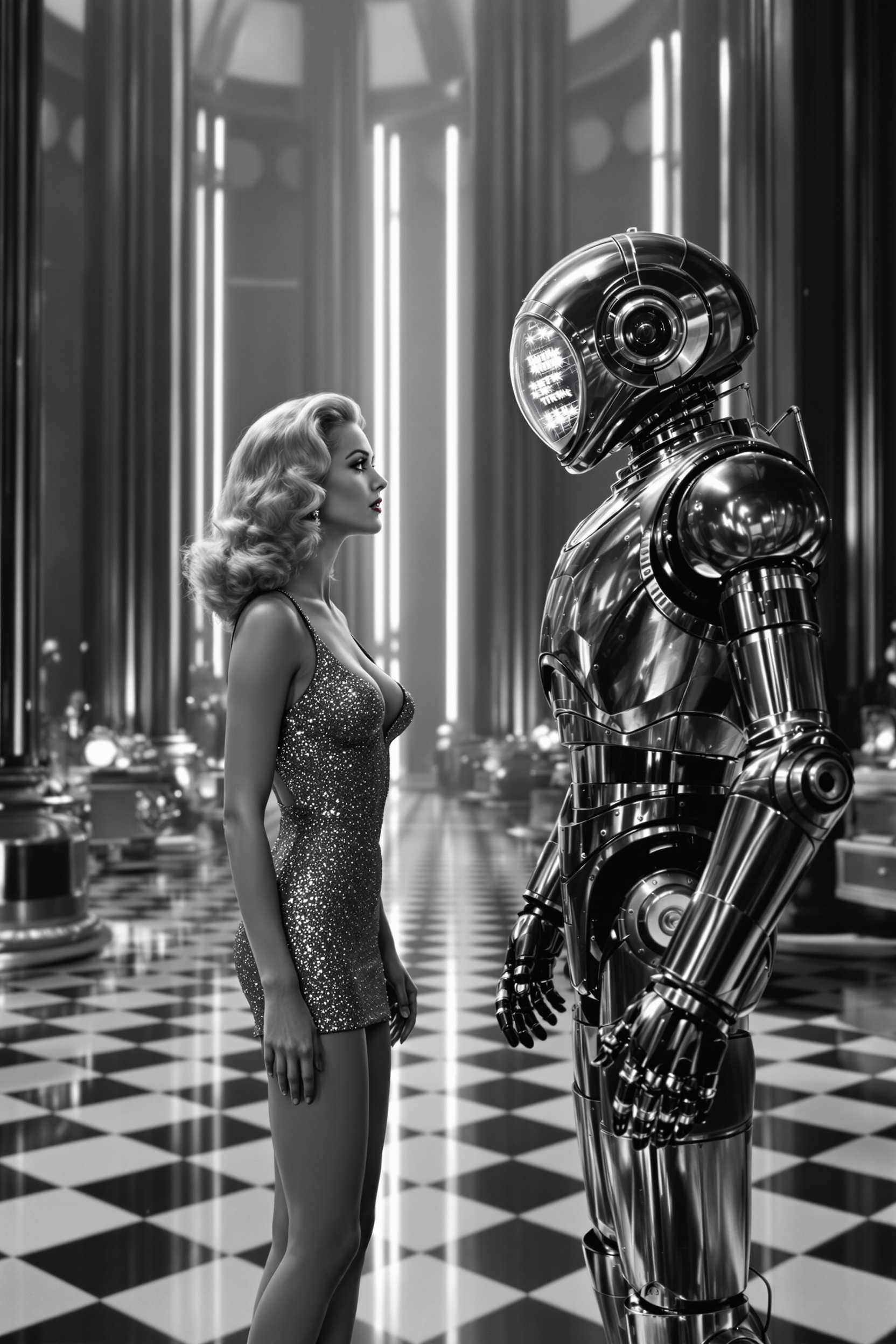
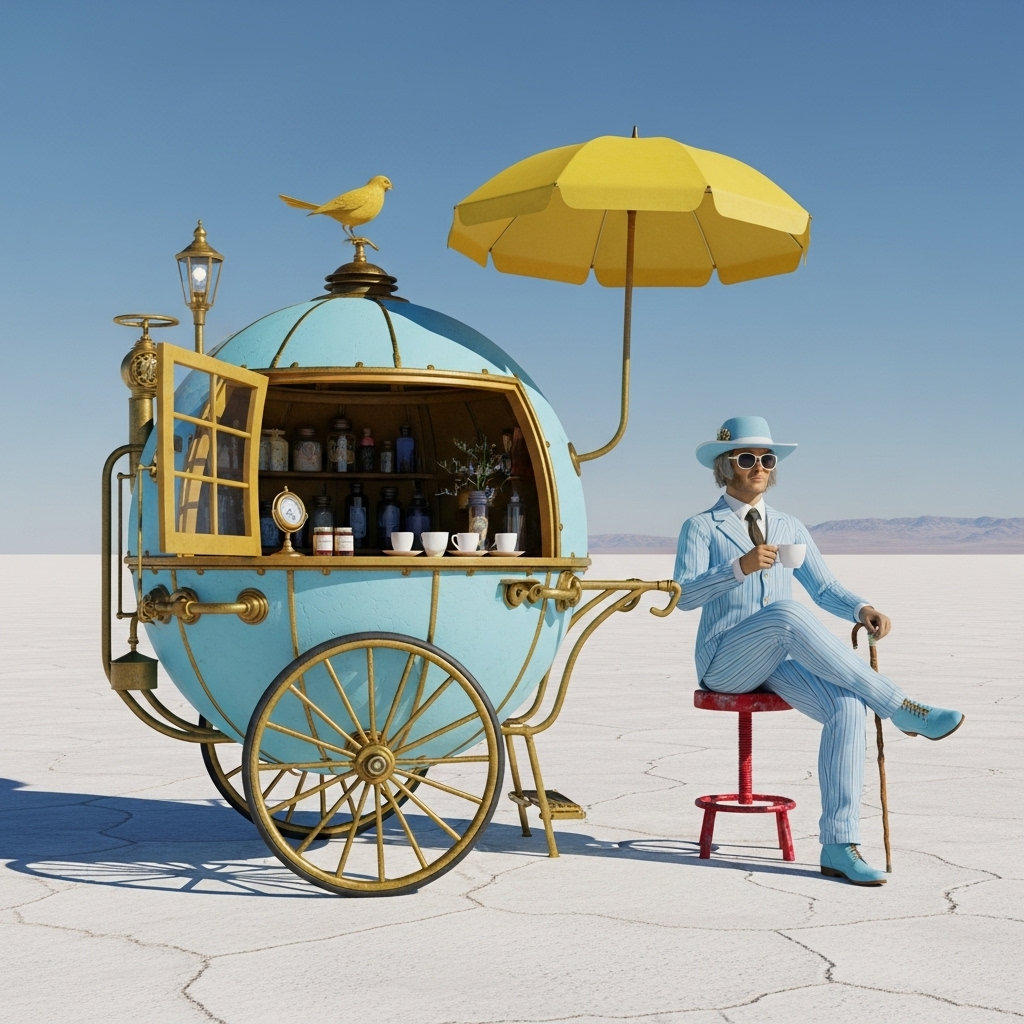
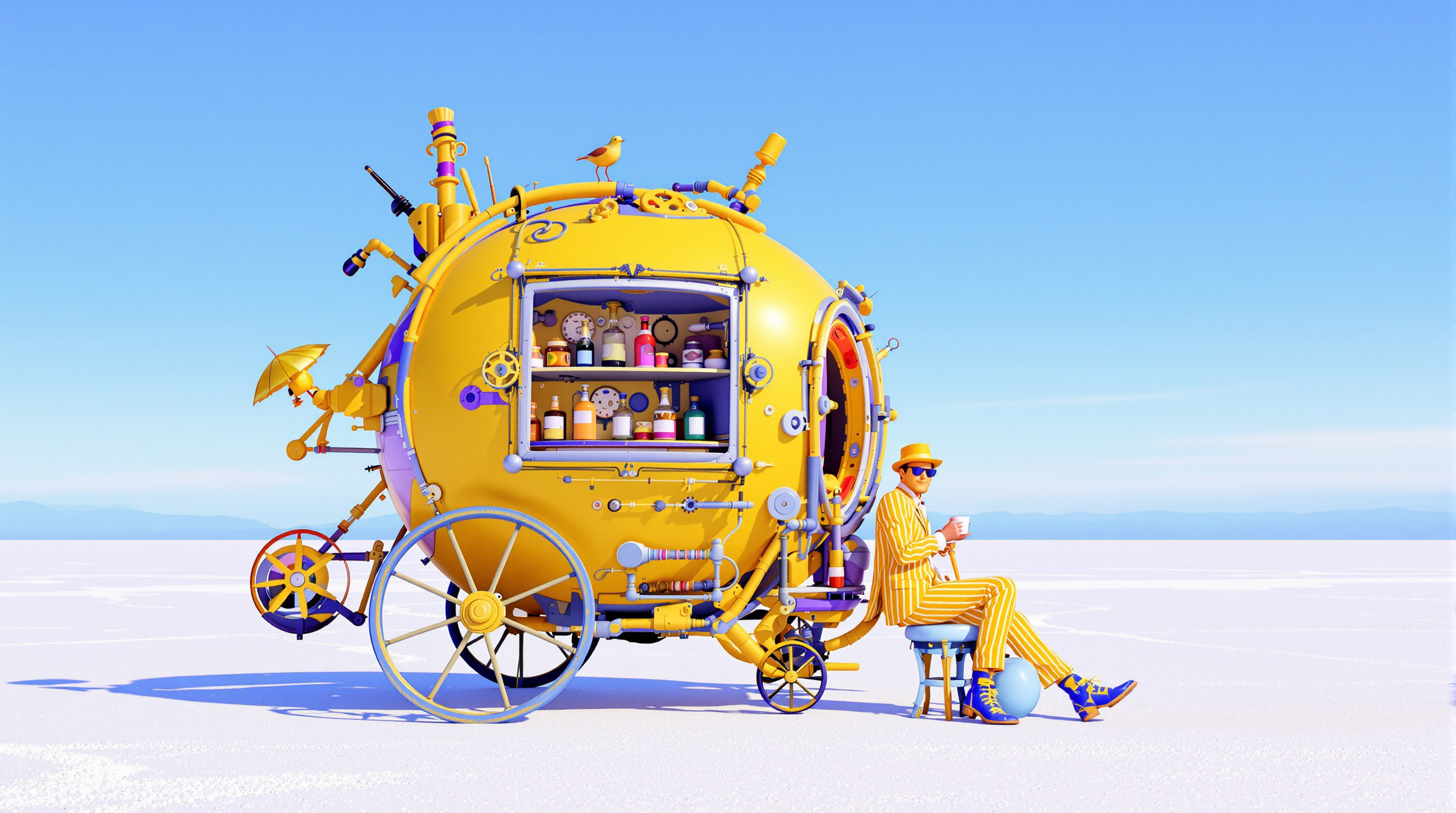
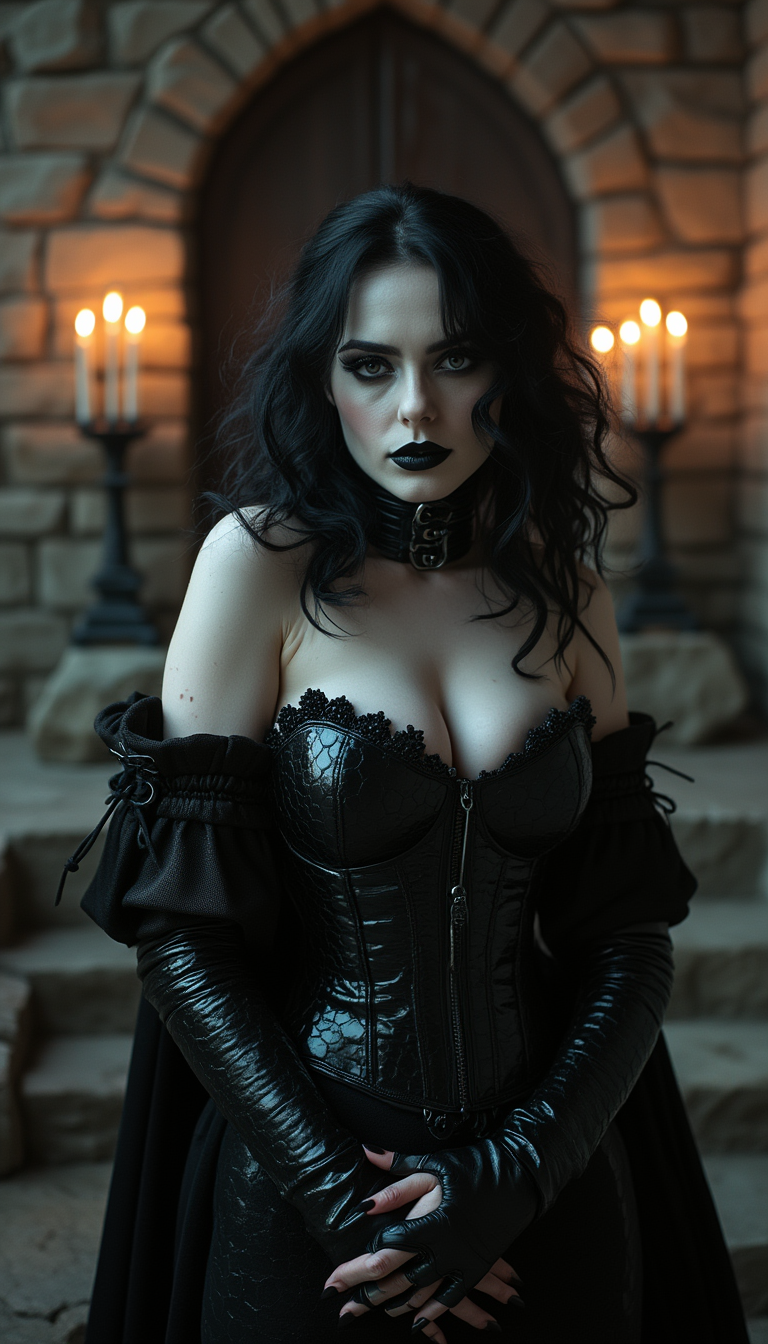
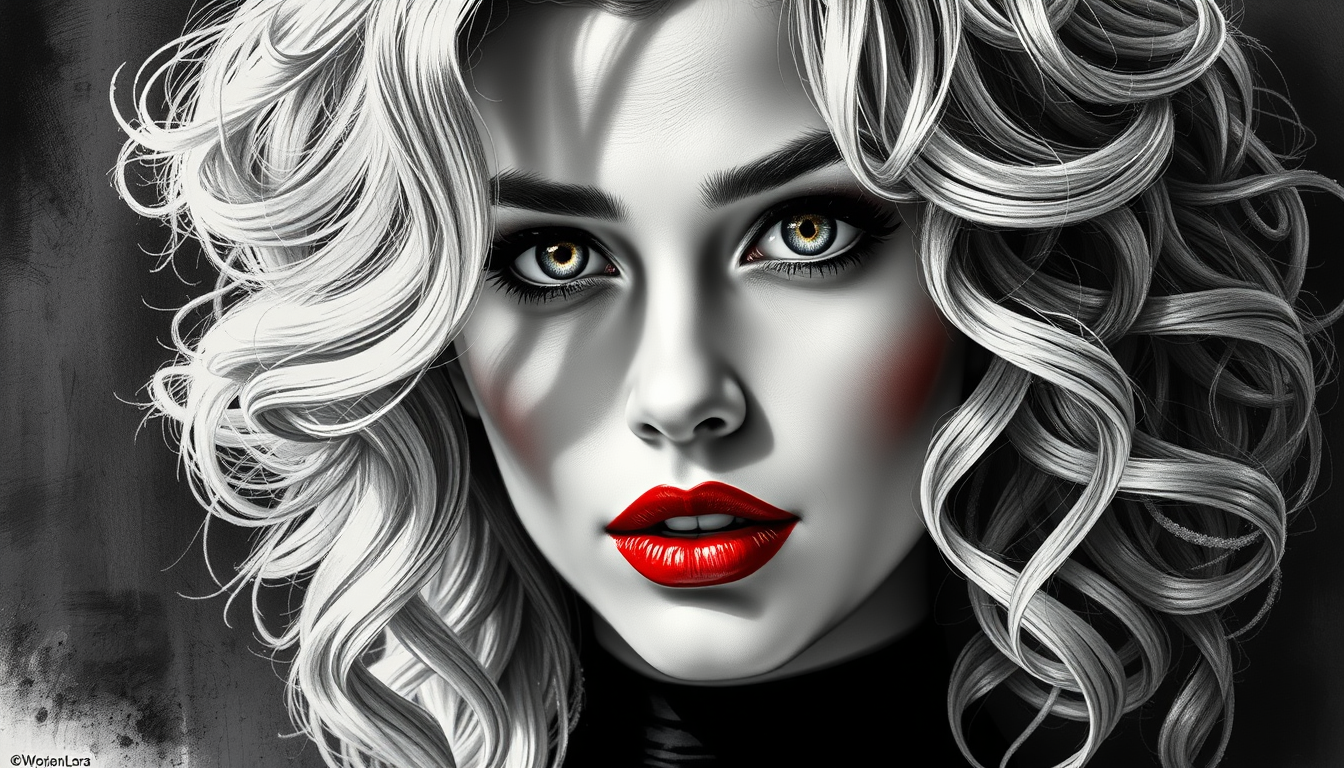
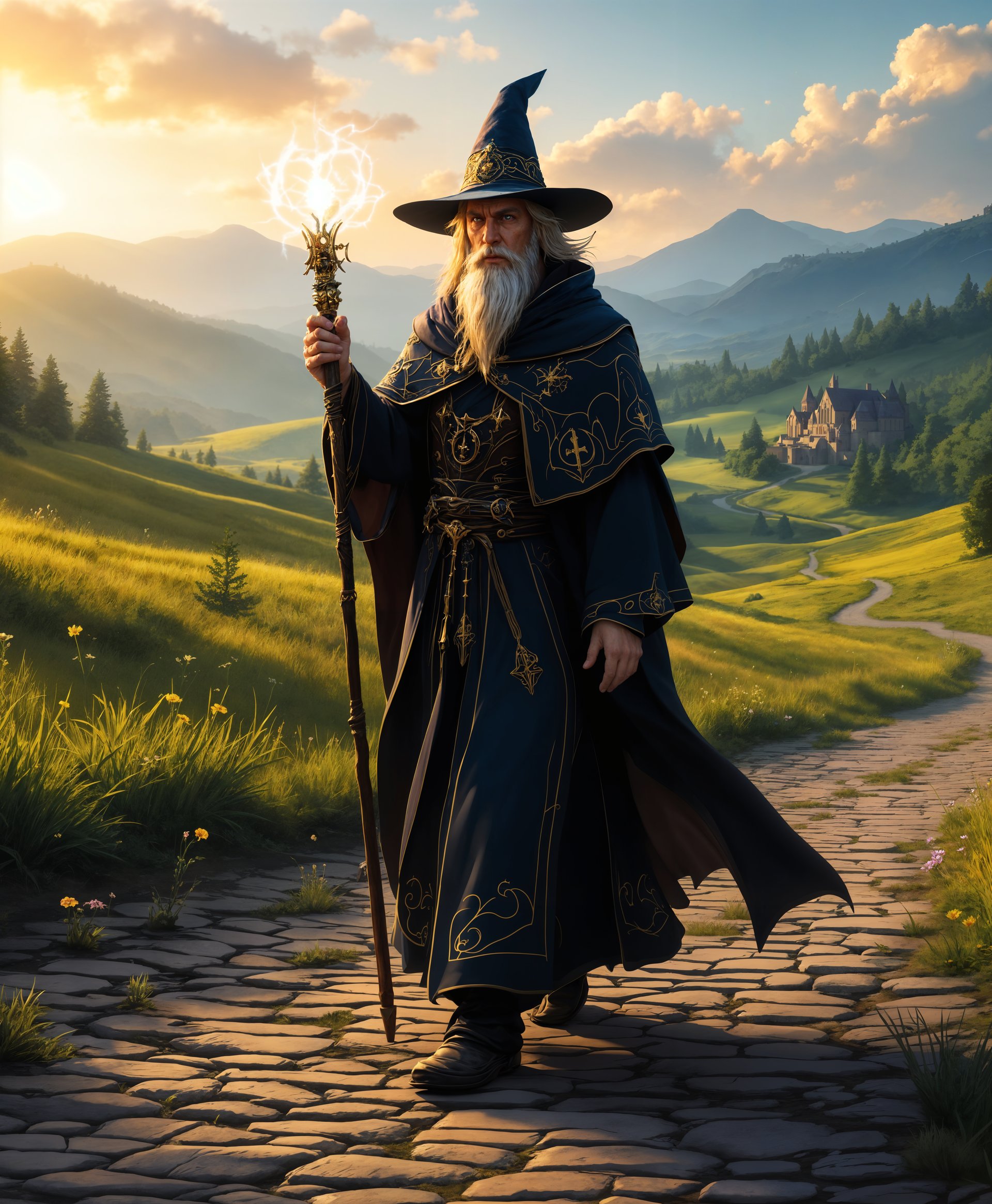


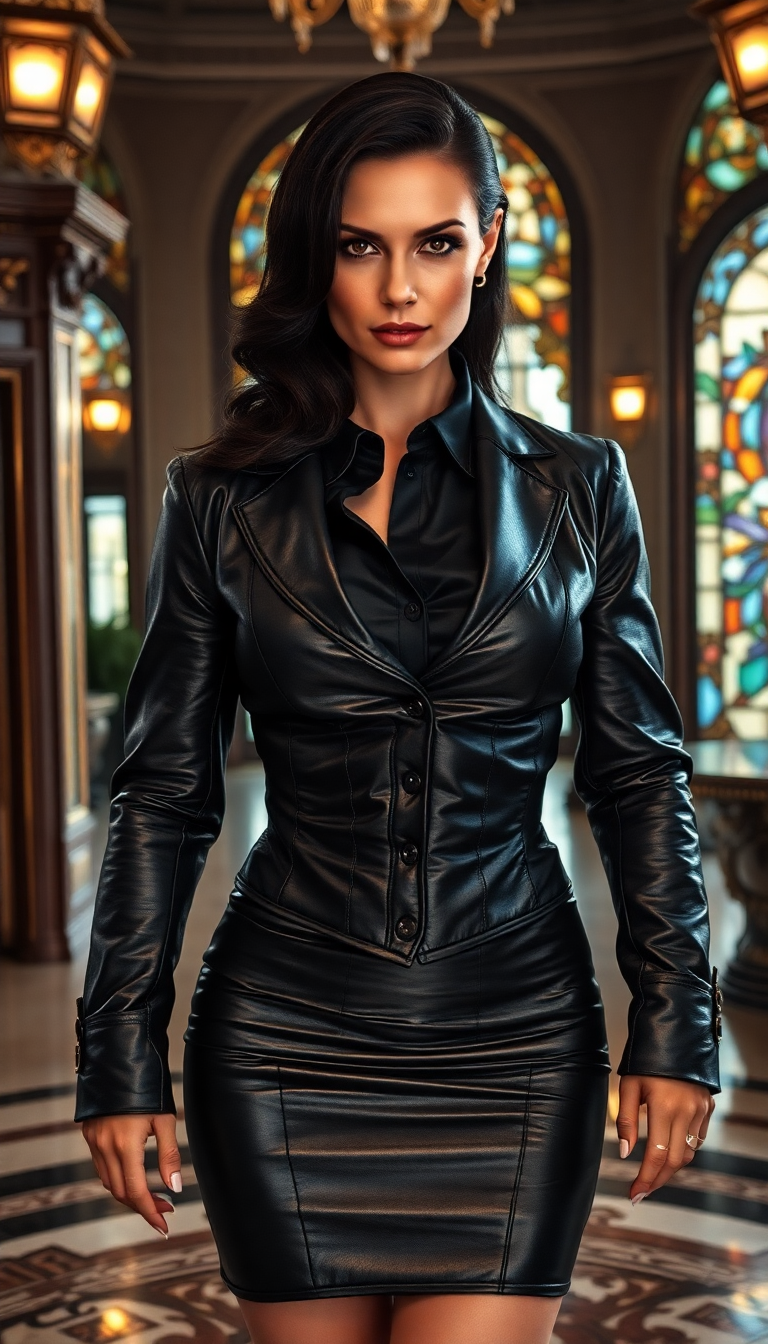
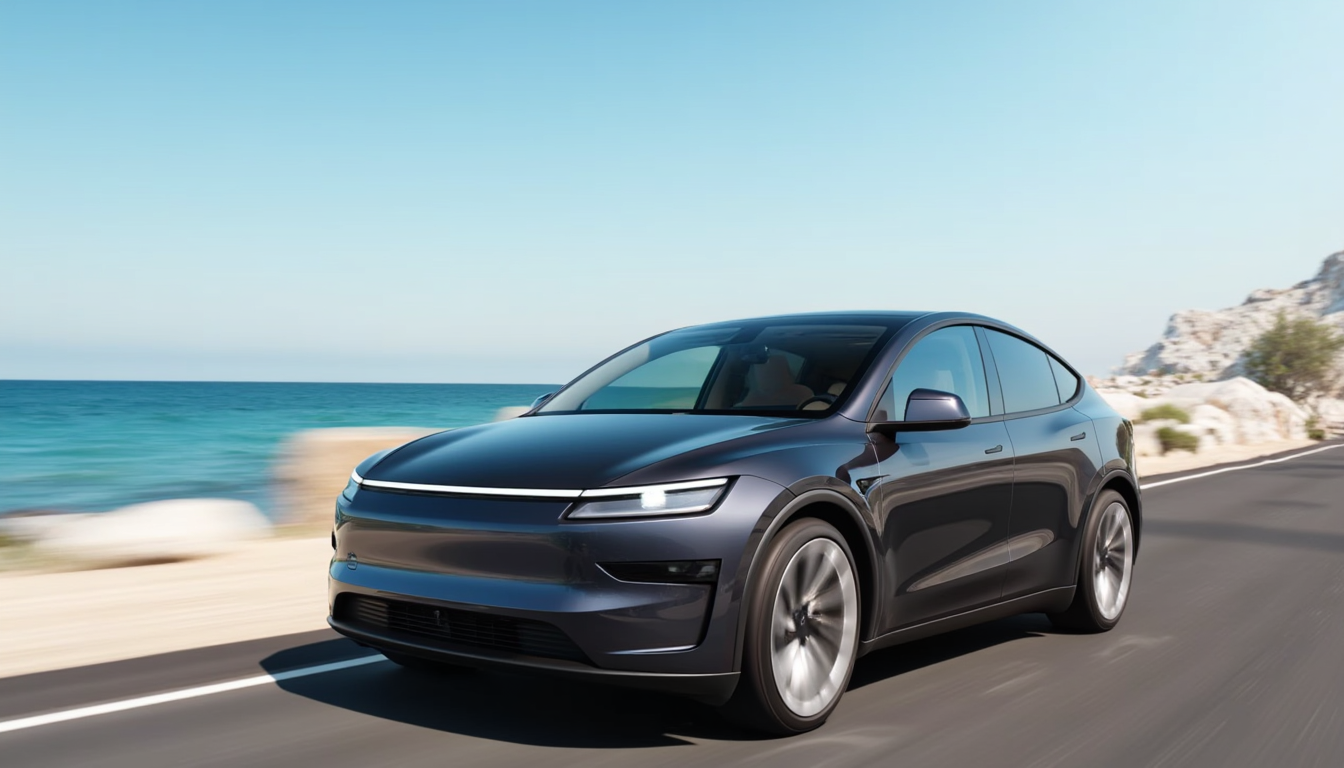

The Pixel Dojo Advantage
Why PixelDojo's GPT-Image 1.5 stands out for color modulation:
| Others | Pixel Dojo |
|---|---|
| Traditional Photo Editing Software | Automates complex color adjustments, saving time and effort. |
| Generic AI Image Editors | Offers more precise control over color parameters and maintains image quality. |
| Manual Color Correction | Eliminates the need for advanced technical skills, making color modulation accessible to all. |
Loved by creators on PixelDojo
Real feedback from people using PixelDojo, pulled from our in-product surveys.
Creative freedom, range of tools and options.
I love the training feature
the quality is the best
All the tools needed in one dashboard
Very fair and very broad in tools.
Accurate results
Explore more AI tools on PixelDojo
AI Tools
Compare & Switch
- Best AI Image Generators
- Best AI Video Generators
- Midjourney Alternatives
- Civitai Alternatives
- Runway Alternatives
- Leonardo Alternatives
- Pika Alternatives
- Luma Alternatives
- Magnific Alternatives
- Veo Alternatives
- Flux Alternatives
- Freepik Alternatives
- Seedance Alternatives
- Seedream Alternatives
- Pixverse Alternatives
- GPT Image Alternatives
- Synthesia Alternatives
- Playground Alternatives
- NightCafe Alternatives
- Canva AI Alternatives
- ElevenLabs Alternatives
- ComfyUI Alternatives
- Fal Alternatives
- Replicate Alternatives
Common Questions
Everything you need to know about GPT Image 1.5 color modulation
How does GPT-Image 1.5's color modulation improve my images?
It allows you to make precise color adjustments, apply artistic filters, and ensure color consistency, enhancing the overall visual appeal of your images.
Is technical expertise required to use PixelDojo's color modulation tools?
No, our user-friendly interface is designed for both beginners and professionals, making advanced color adjustments accessible to everyone.
Can I revert changes if I'm not satisfied with the results?
Yes, you can preview modifications before finalizing and revert to the original image if needed.
Are there predefined filters available for quick color adjustments?
Yes, PixelDojo offers a range of artistic filters and styles that you can apply with a single click.
How does PixelDojo ensure the quality of color-modulated images?
Our AI algorithms are trained to maintain image integrity, ensuring that color adjustments enhance without degrading quality.
Is there a limit to the number of images I can process?
PixelDojo offers various subscription plans to suit different needs, including options for unlimited image processing.