GPT Image 1.5 multi-figure art
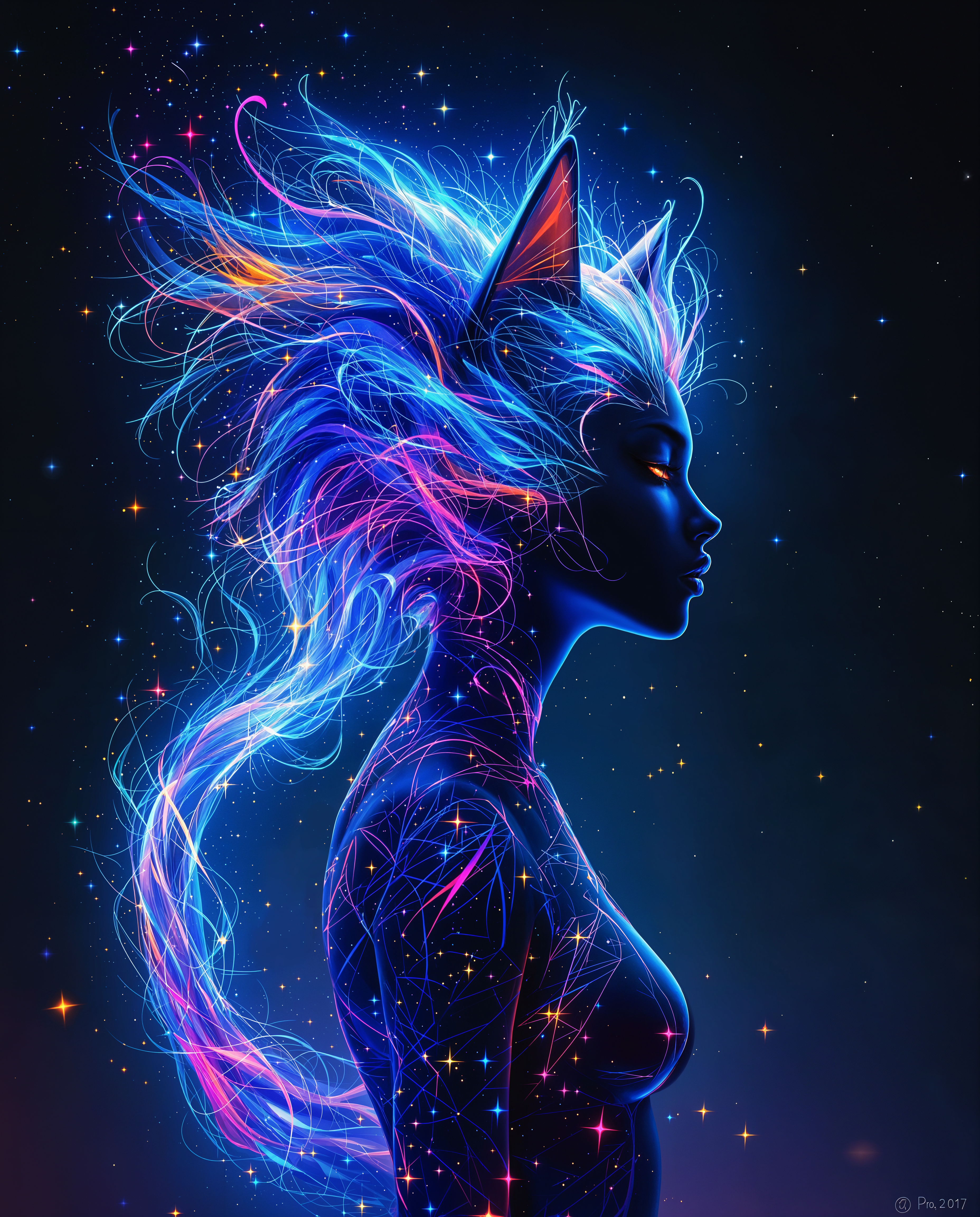
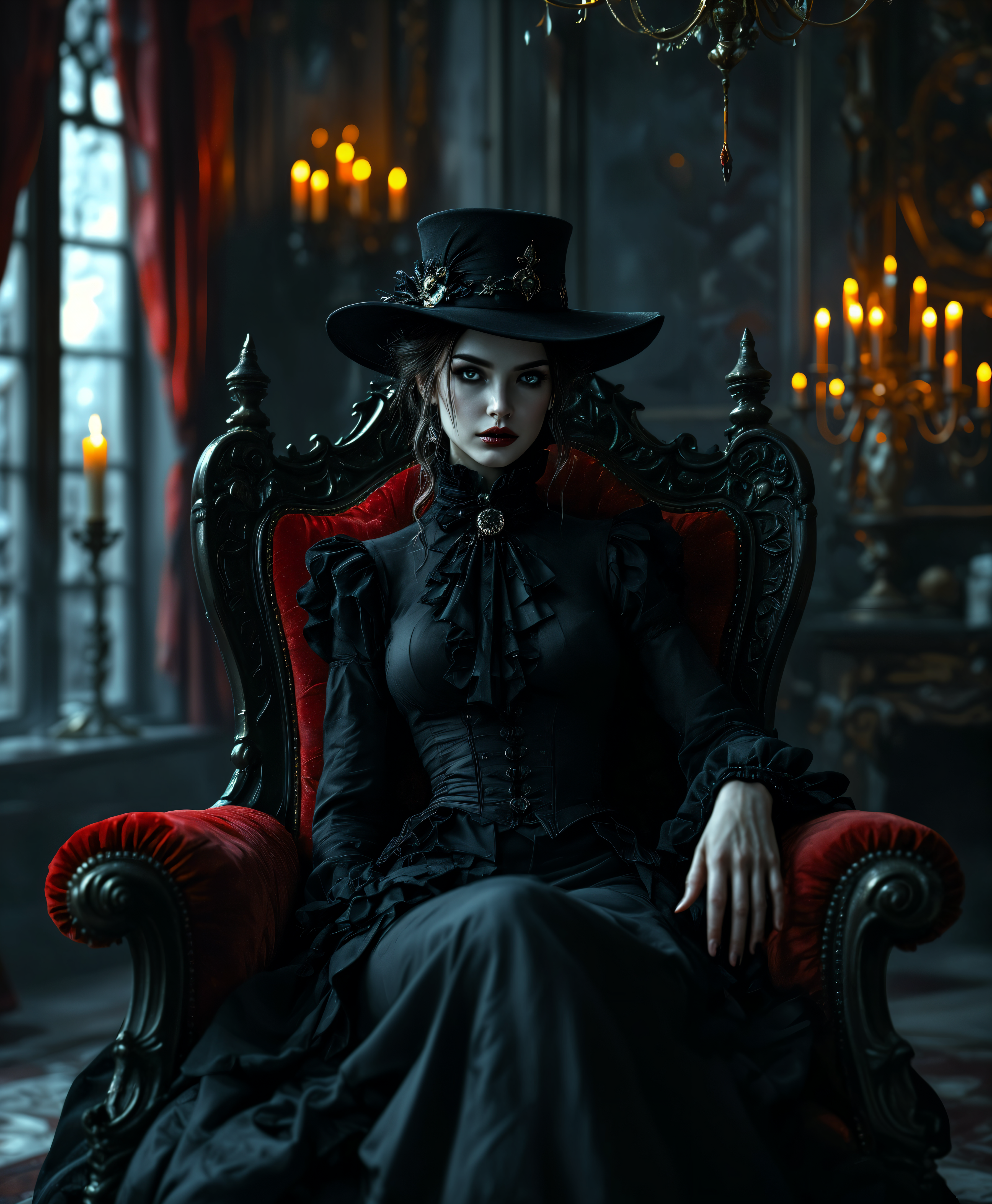
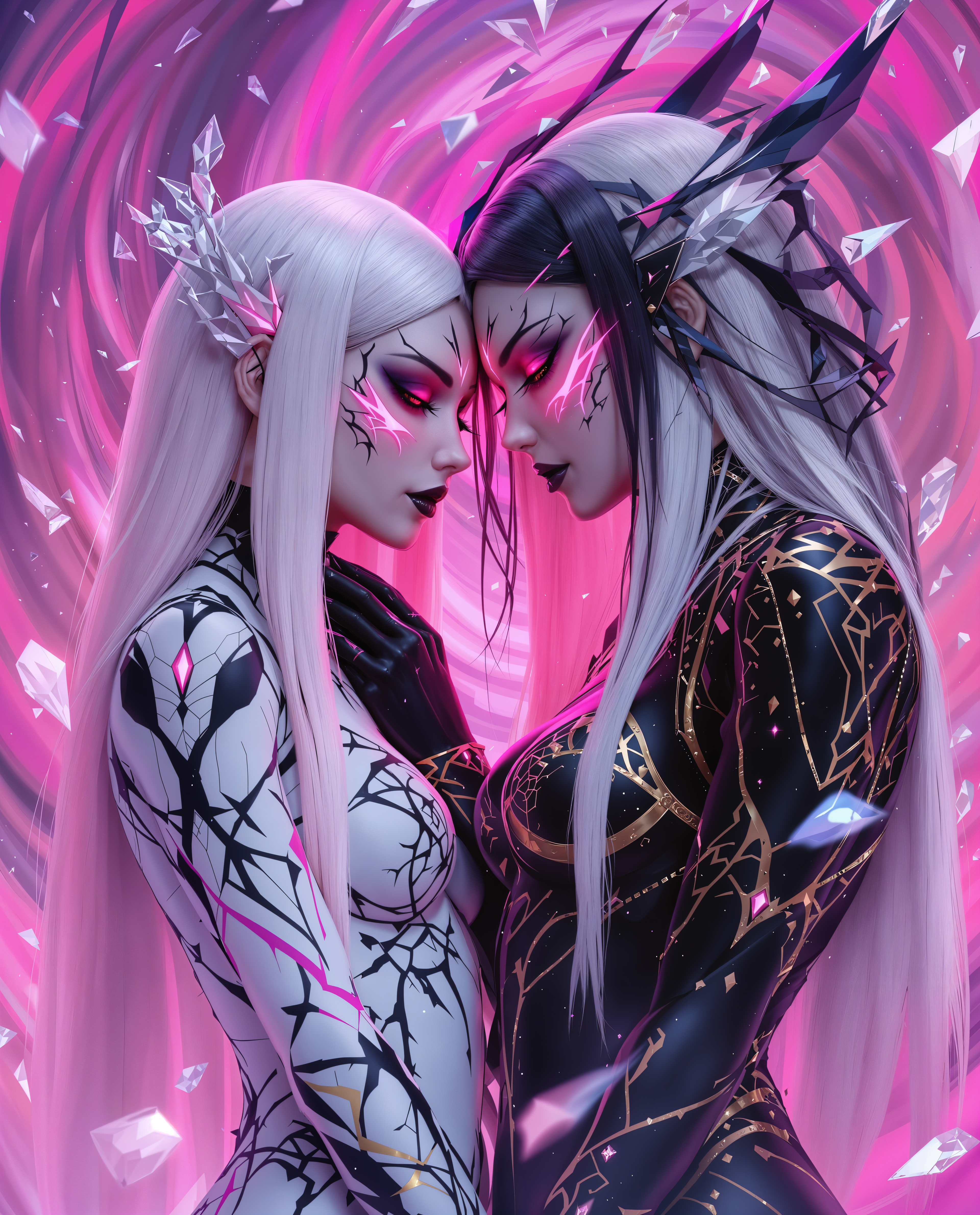
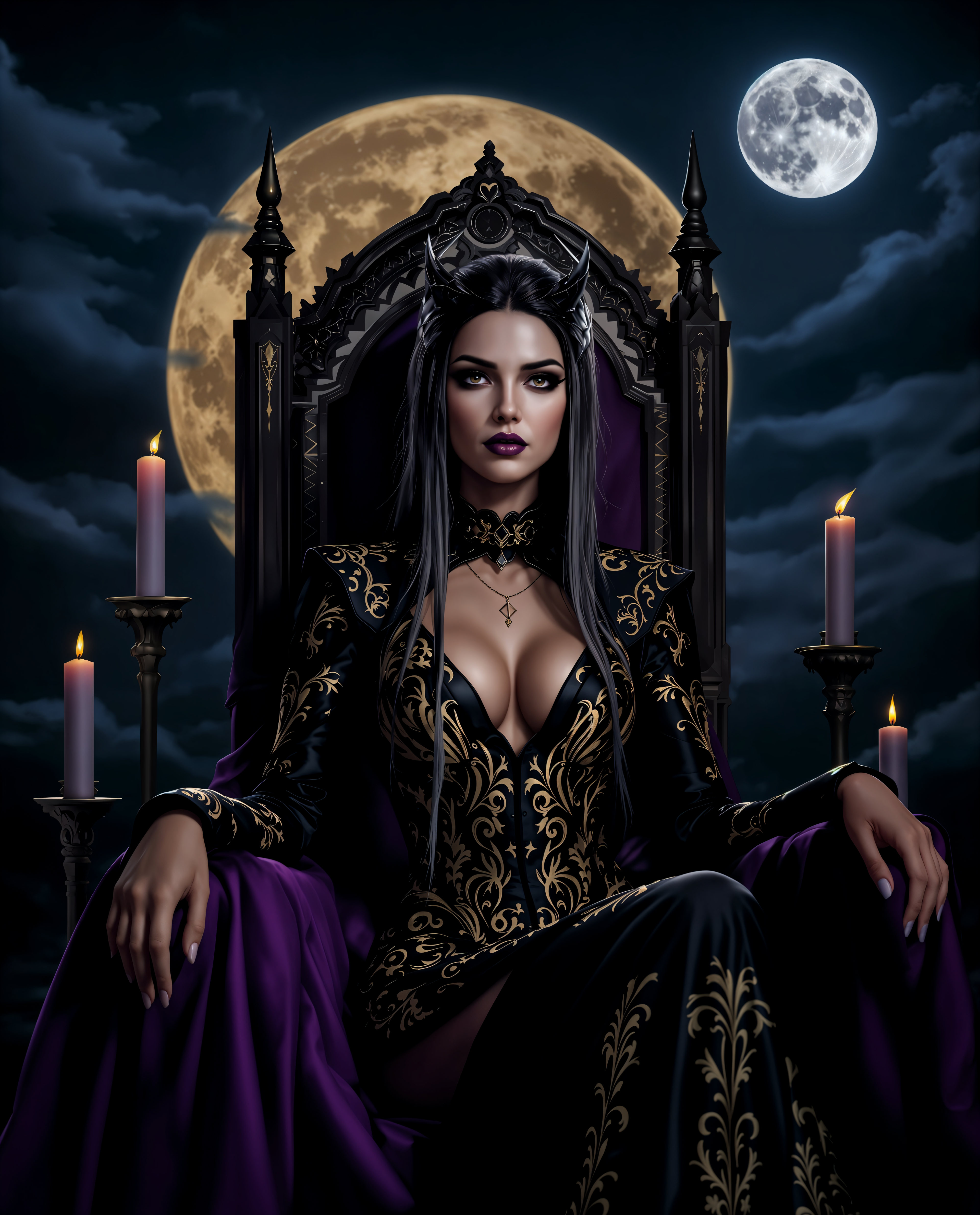
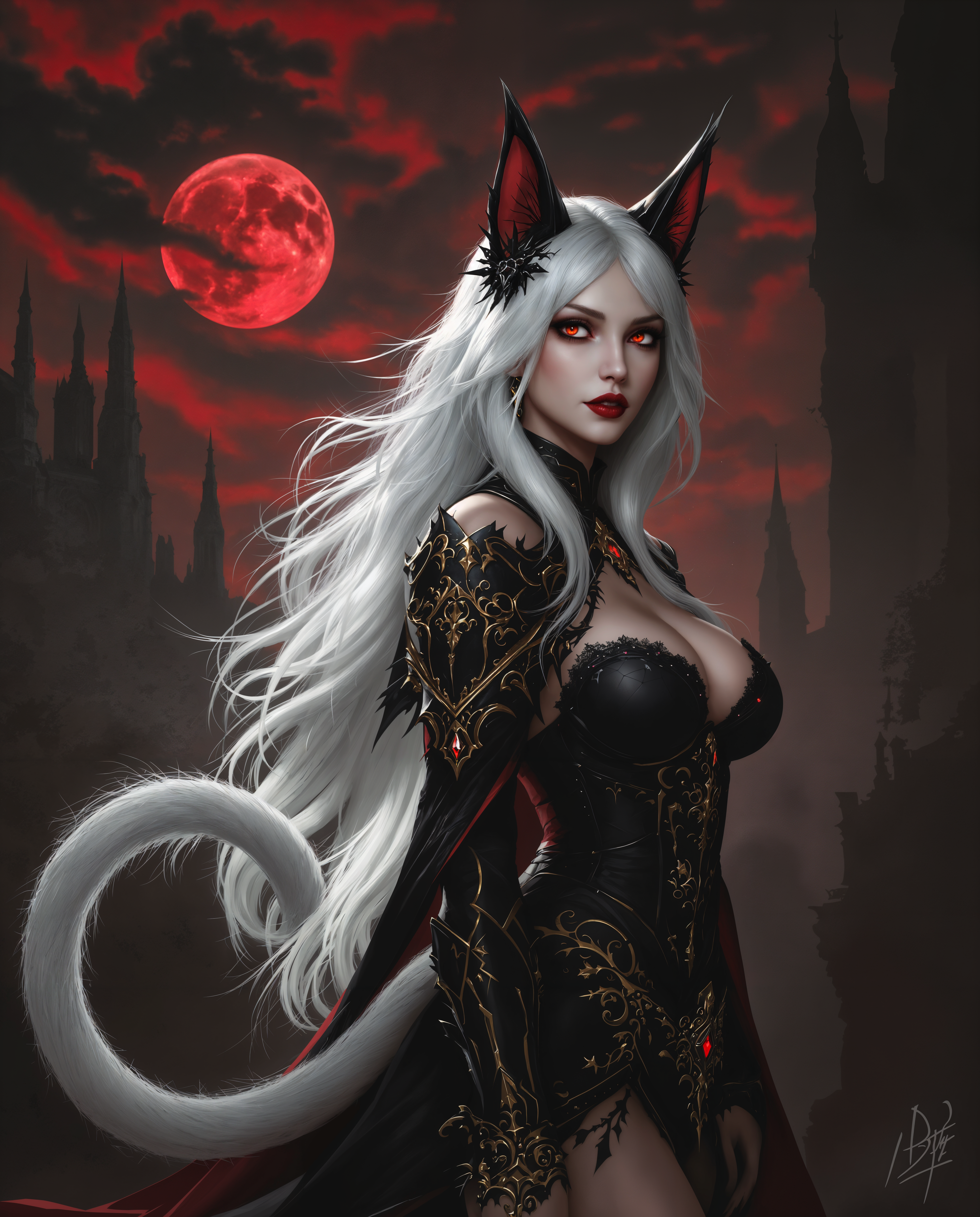
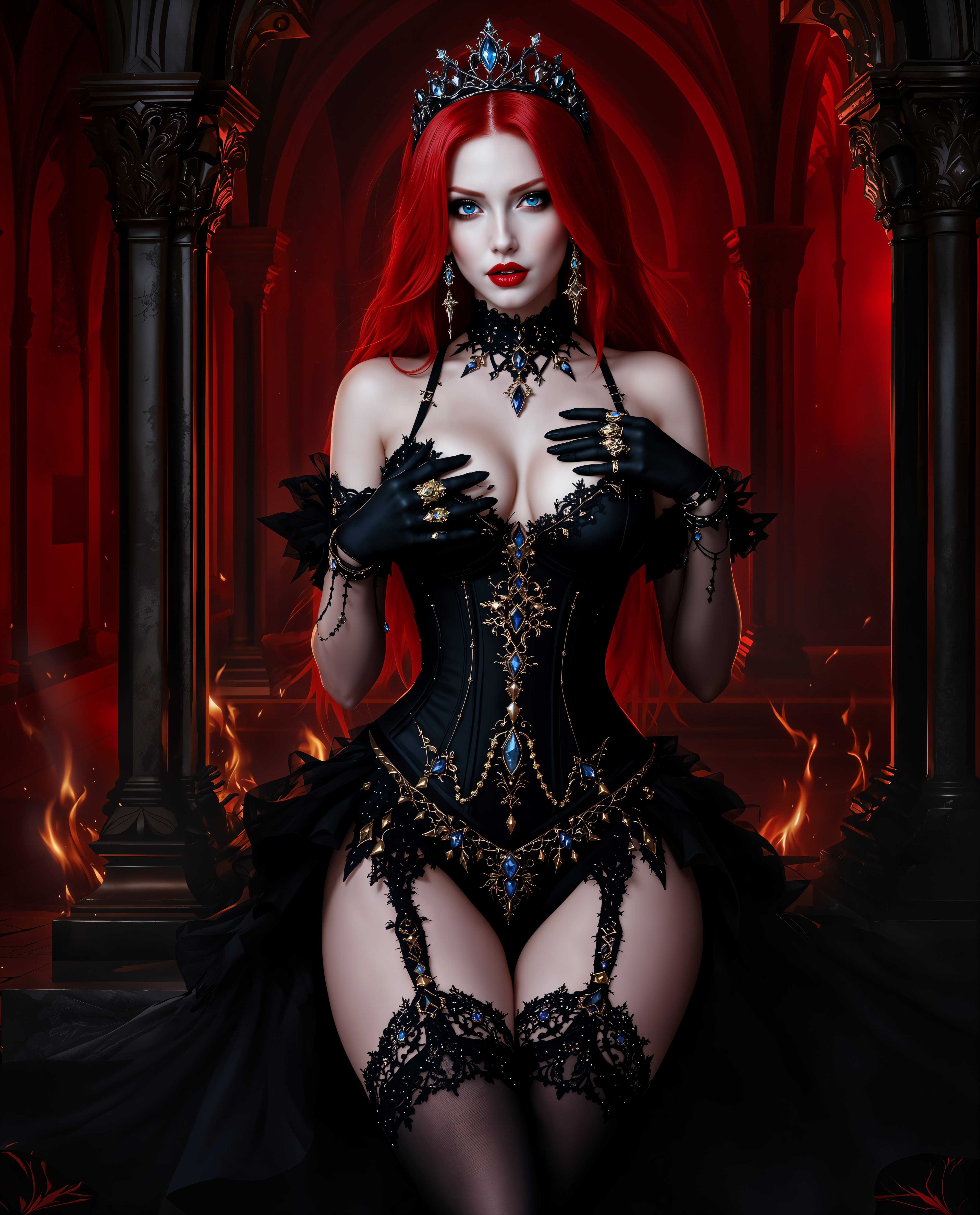
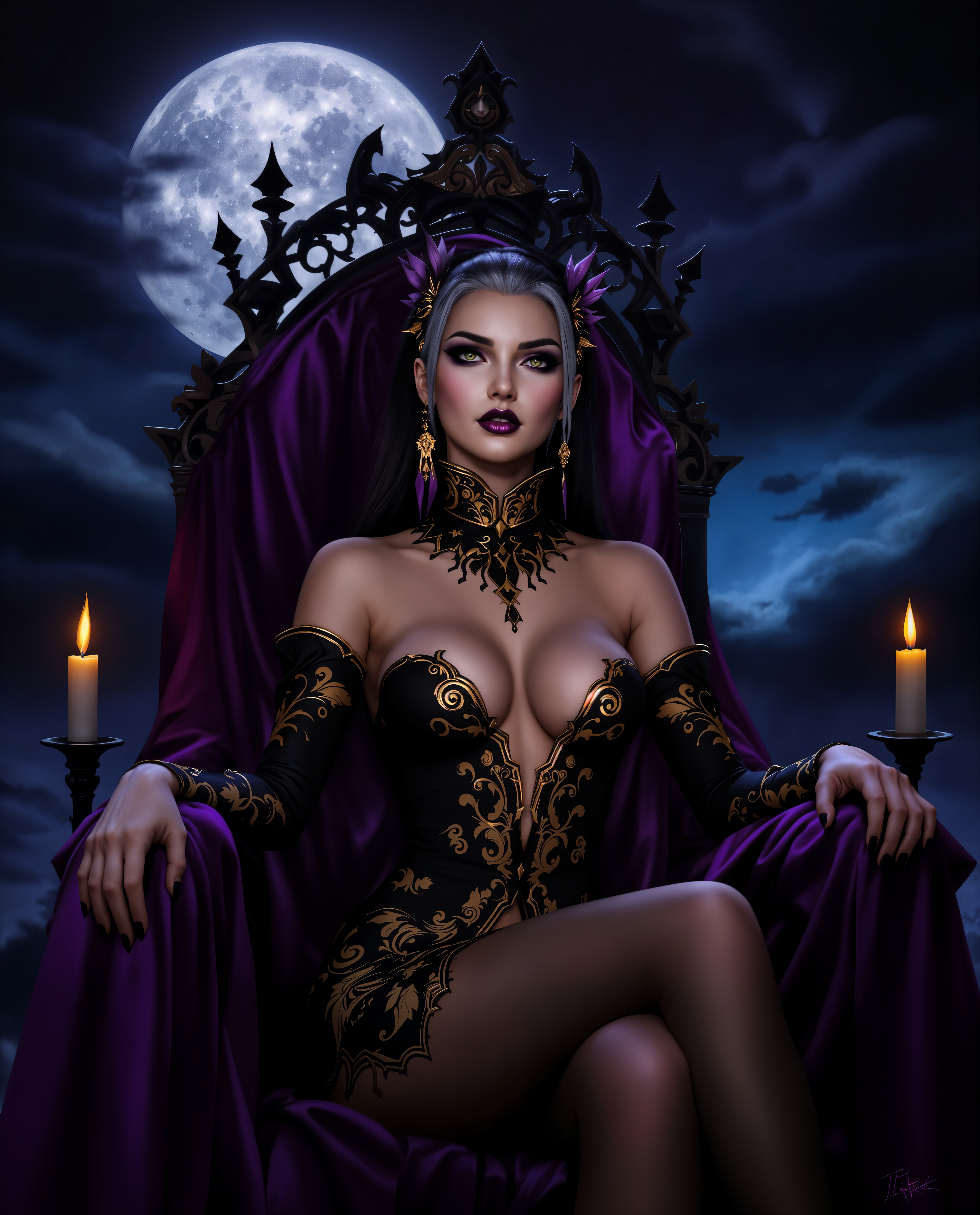
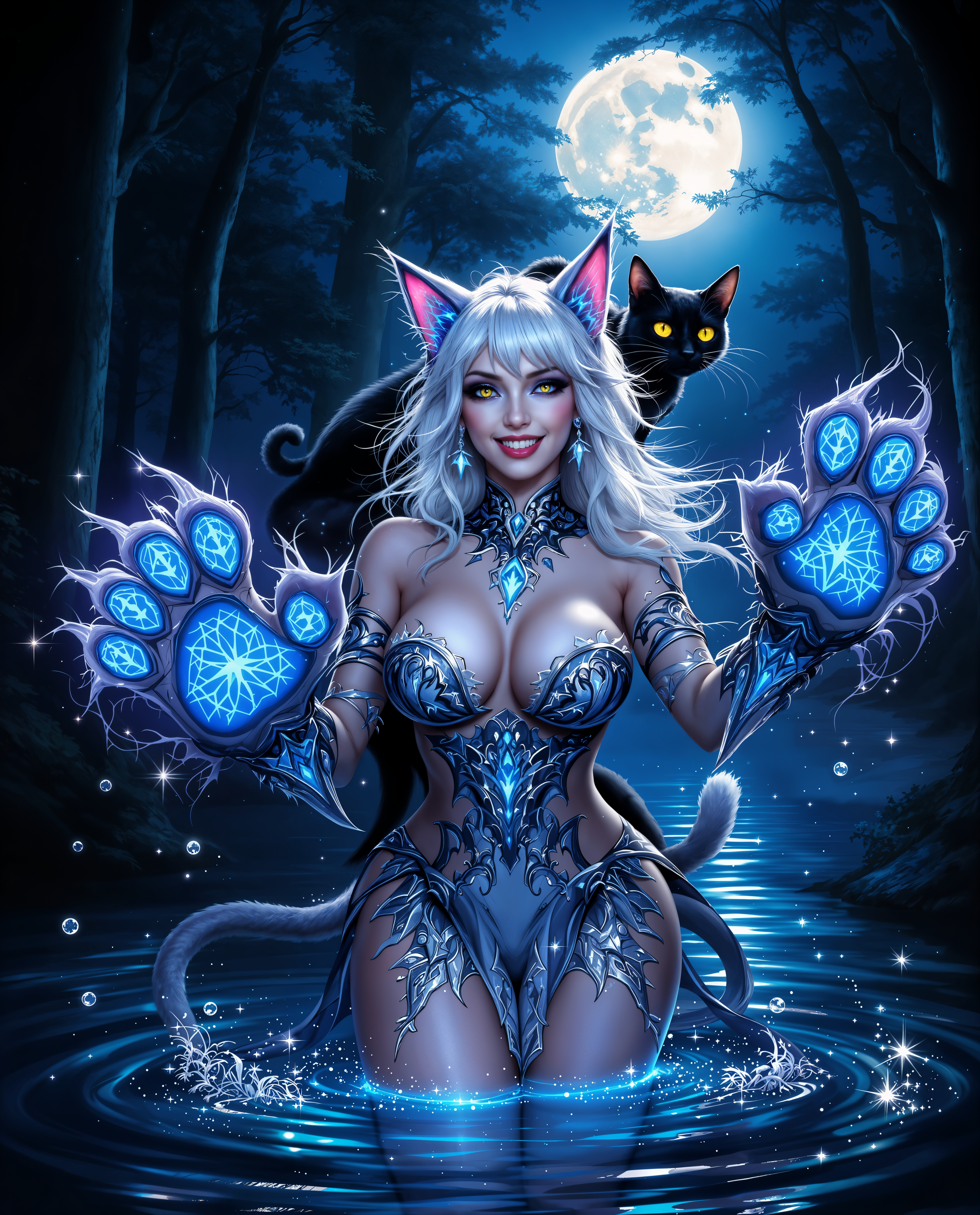
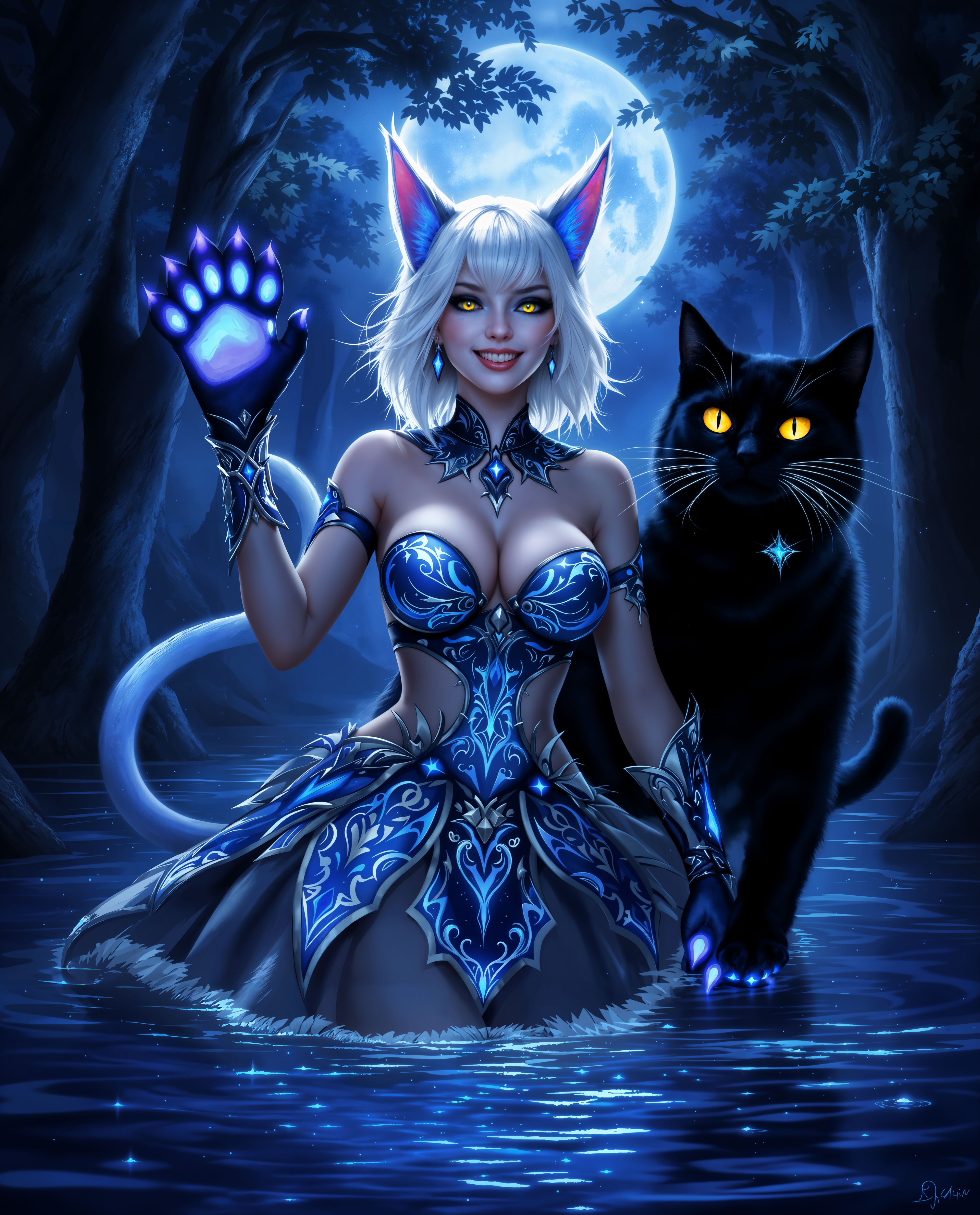
Unlock the power of GPT-Image 1.5 on PixelDojo to create dynamic multi-figure art effortlessly. Whether you're an artist, designer, or content creator, our AI-driven tools enable you to produce professional-quality compositions in minutes, transforming your creative visions into reality.
Join over 50,000 creators who have generated more than 1 million images using PixelDojo's cutting-edge AI tools. Rated 4.8/5 by our satisfied users.
Why Choose Pixel Dojo for GPT Image 1.5 multi-figure art
Professional-quality results with cutting-edge AI technology
Effortless Multi-Figure Compositions
Create complex scenes featuring multiple characters with ease, saving hours of manual work.
Consistent Character Likeness
Maintain character consistency across different scenes, ideal for storytelling and branding.
High-Quality, Customizable Outputs
Generate high-resolution images with customizable styles to match your unique artistic vision.
How It Works
Creating multi-figure art with GPT-Image 1.5 on PixelDojo is simple and intuitive. Follow these steps to bring your ideas to life:
Step 1: Choose Your Tool
Log in to your PixelDojo account and select 'GPT-Image 1.5' from the 'Create Images' section.
Step 2: Enter Your Prompt
Describe your desired scene in detail, specifying the number of figures, their actions, and the setting. For example: 'A group of five friends enjoying a picnic in a sunny park.'
Step 3: Customize & Download
Review the generated image, make any necessary adjustments using the editing tools, and download your final composition in high resolution.
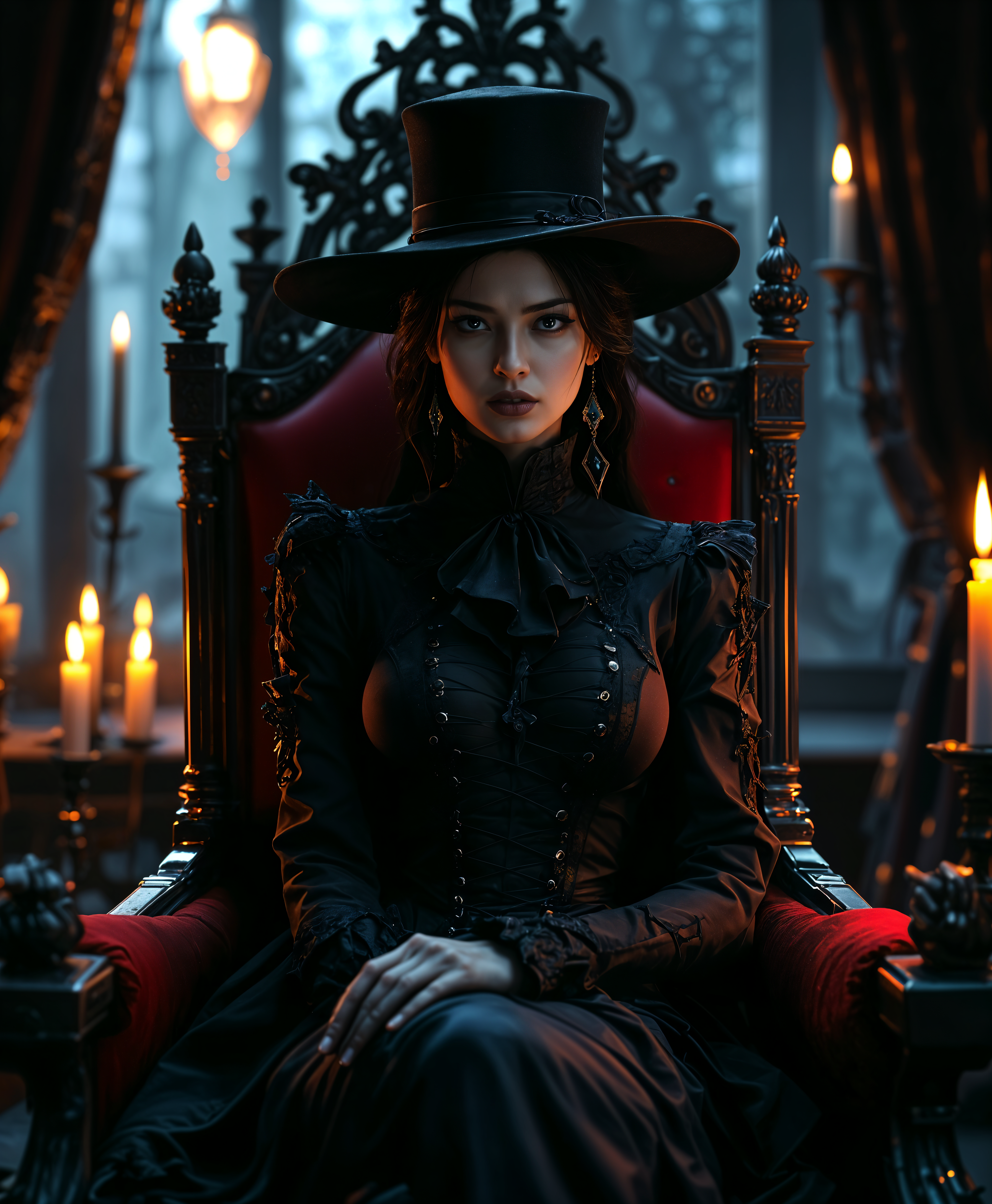
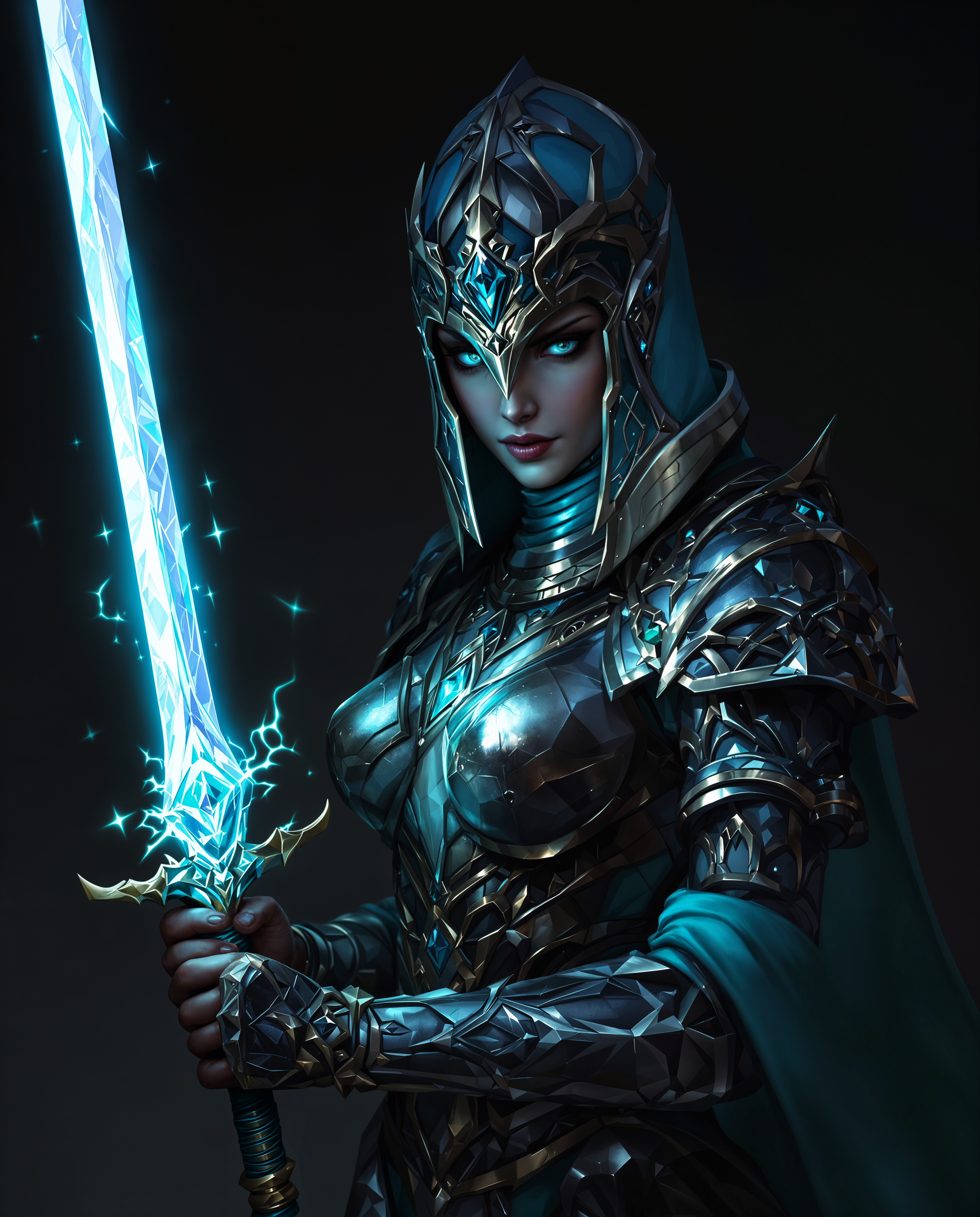
The Pixel Dojo Advantage
Why PixelDojo outperforms other options for multi-figure image generation:
| Others | Pixel Dojo |
|---|---|
| Traditional Multi-Figure Art Creation | Eliminate the need for manual sketching and composition, reducing creation time from hours to minutes. |
| Generic AI Tools | Benefit from specialized tools like GPT-Image 1.5 designed specifically for multi-figure compositions, ensuring higher quality and consistency. |
| Manual Photo Editing | Avoid the complexity of layering and blending multiple images; generate cohesive scenes in a single step. |
Loved by creators on PixelDojo
Real feedback from people using PixelDojo, pulled from our in-product surveys.
You guys, the LORA training is the BEST in the space right now, great job with that!
Tons of variety. Ease of use. Tools for beginners and advance users.
easiest workflow to get best output image or video
awesome functionality, UX, constant flood of improvements, discord interactivity
Awesome site with so many features
Love how I can almost create anything
Explore more AI tools on PixelDojo
AI Tools
Compare & Switch
- Best AI Image Generators
- Best AI Video Generators
- Midjourney Alternatives
- Civitai Alternatives
- Runway Alternatives
- Leonardo Alternatives
- Pika Alternatives
- Luma Alternatives
- Magnific Alternatives
- Veo Alternatives
- Flux Alternatives
- Freepik Alternatives
- Seedance Alternatives
- Seedream Alternatives
- Pixverse Alternatives
- GPT Image Alternatives
- Synthesia Alternatives
- Playground Alternatives
- NightCafe Alternatives
- Canva AI Alternatives
- ElevenLabs Alternatives
- ComfyUI Alternatives
- Fal Alternatives
- Replicate Alternatives
Common Questions
Everything you need to know about GPT Image 1.5 multi-figure art
How does GPT-Image 1.5 ensure character consistency in multi-figure art?
GPT-Image 1.5 utilizes advanced AI algorithms to maintain consistent character features across different scenes, ensuring uniformity in multi-figure compositions.
Can I customize the style of the generated multi-figure images?
Yes, PixelDojo offers various customization options, allowing you to adjust styles, color schemes, and other elements to match your artistic vision.
Is there a limit to the number of figures I can include in a scene?
While GPT-Image 1.5 is optimized for multi-figure compositions, extremely complex scenes may require additional processing time. We recommend starting with a moderate number of figures for optimal results.
Do I need prior experience in digital art to use PixelDojo?
No, PixelDojo is designed to be user-friendly for both beginners and professionals. Our intuitive interface guides you through the creation process seamlessly.
What file formats are available for the generated images?
You can download your images in various formats, including JPEG and PNG, suitable for both web and print use.
Is there a free trial available for PixelDojo's services?
Yes, PixelDojo offers a free trial period, allowing you to explore our tools and create stunning multi-figure art before committing to a subscription.