GPT Image 1.5 multi-prompt fusion

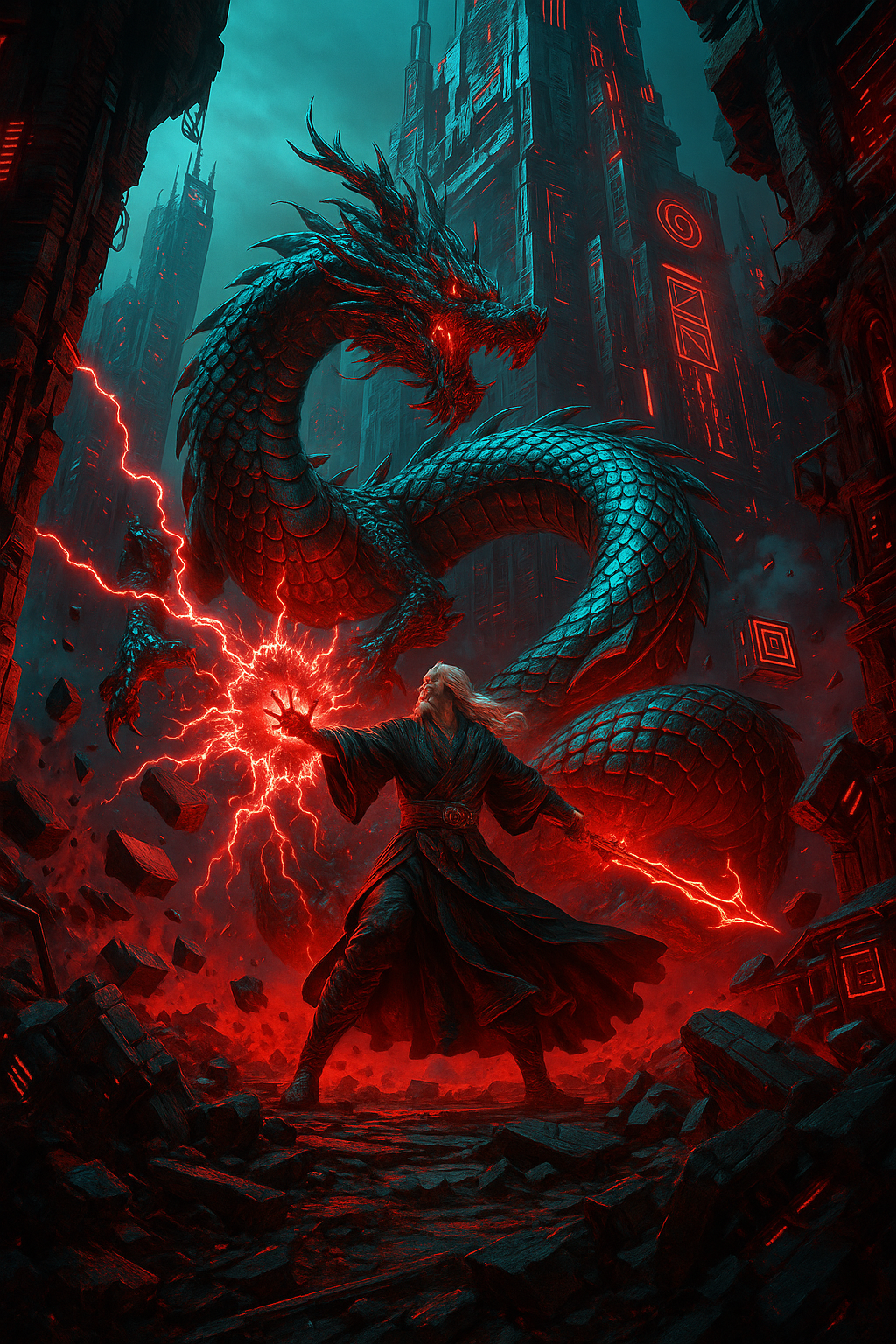
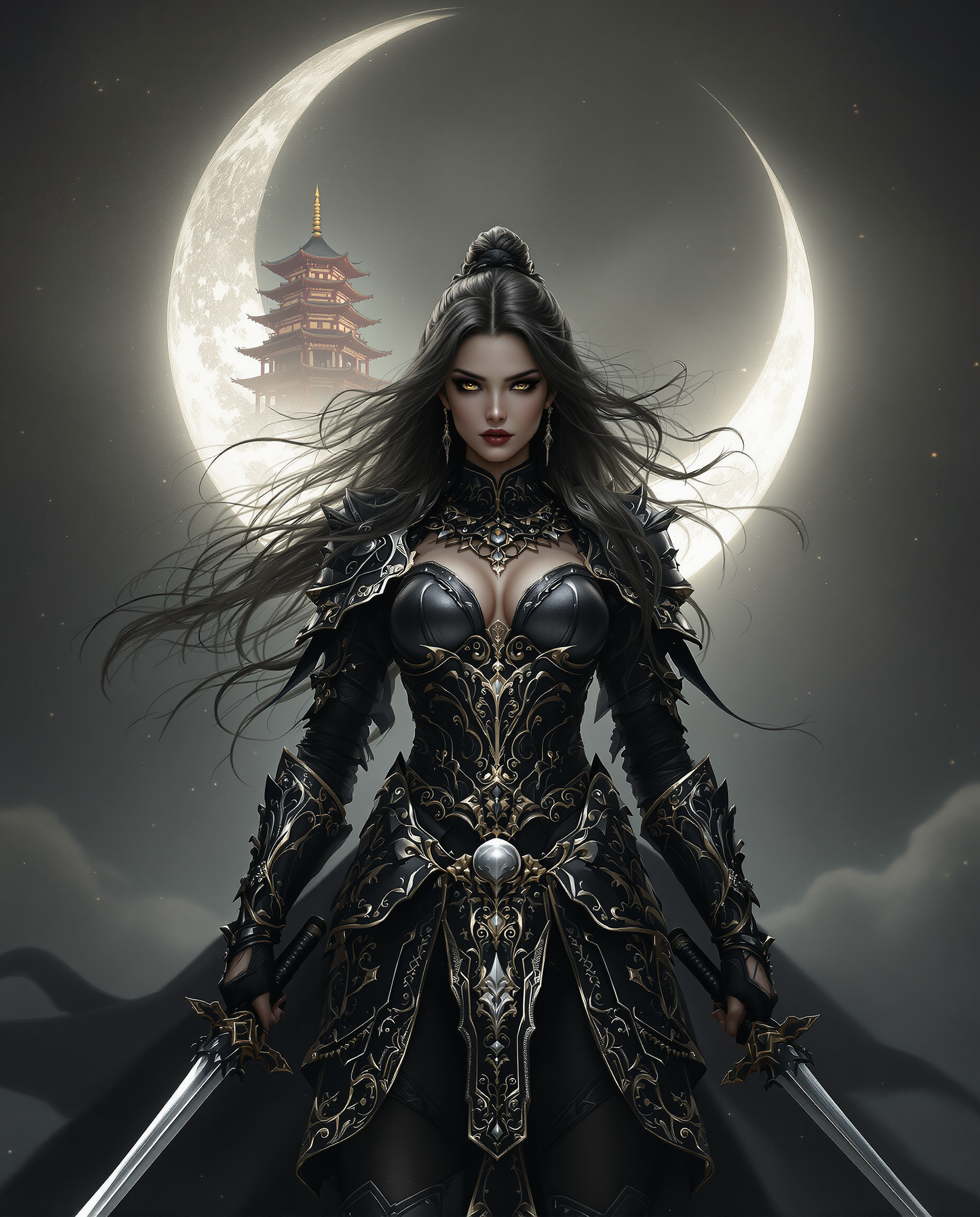
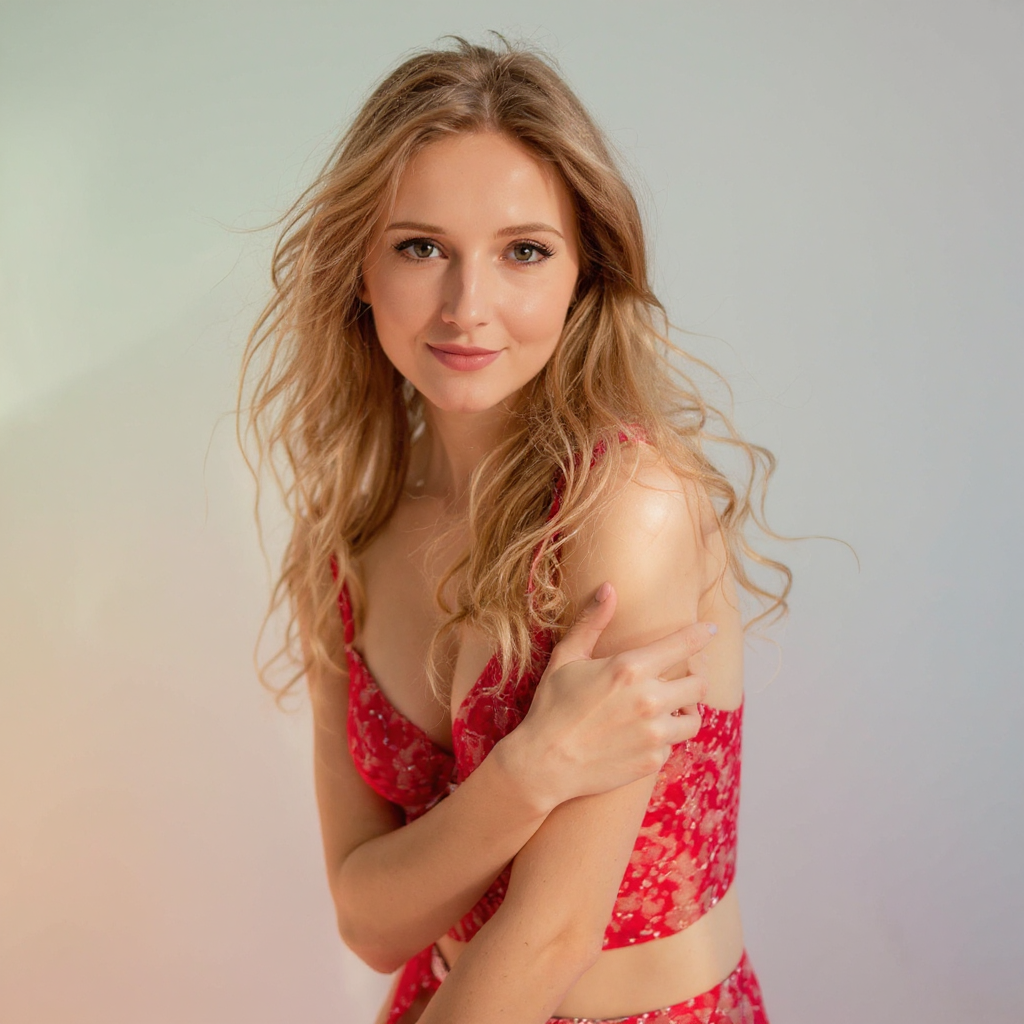
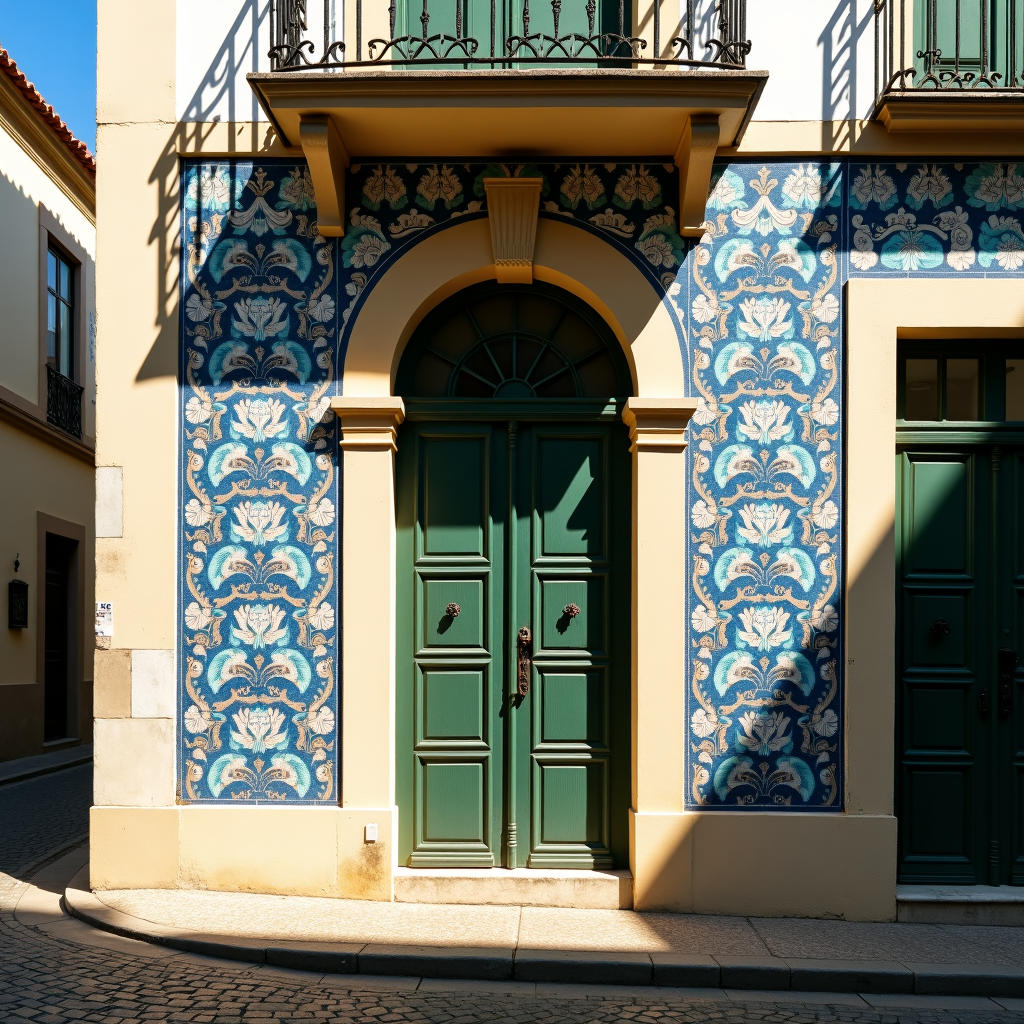
Imagine turning a whirlwind of creative ideas—dragons soaring over neon-lit cyberpunk streets, serene forests merging with futuristic skyscrapers, or product mockups infused with dreamlike surrealism—into one flawless, high-resolution image without hours of trial and error. With PixelDojo's GPT Image 1.5 multi-prompt fusion, you achieve exactly that: seamless, professional-grade visuals that capture every nuance of your vision. Whether you're a marketer crafting irresistible ads, an artist exploring impossible scenes, or a content creator needing standout thumbnails, this tool empowers you to generate jaw-dropping images that captivate audiences and drive results. No more clashing elements or incoherent outputs—just pure creative freedom that saves you time and elevates your work to expert levels. Dive in and watch your multi-concept dreams materialize instantly.
Over 25,000 creators have generated 2M+ multi-prompt fusion images | 4.97/5 stars from 12k+ reviews | Trusted by top YouTubers, marketers, and digital artists worldwide | 'Game-changer for complex visuals' – Featured in Creative Bloq
Why Choose Pixel Dojo for GPT Image 1.5 multi-prompt fusion
Professional-quality results with cutting-edge AI technology
Seamlessly Blend Impossible Concepts
Combine wildly different ideas like steampunk machinery with lush tropical landscapes into one cohesive masterpiece, achieving photorealistic harmony that wows clients and boosts engagement without any visible seams or artifacts.
Accelerate Your Workflow Dramatically
Skip endless iterations and manual edits by fusing multiple prompts in seconds, freeing up hours to focus on refining your brand story or scaling content production with tools like Flux.1 Studio for even more styles.
Unlock Pro-Level Results Instantly
Produce high-fidelity images perfect for social media, ads, or NFTs that outperform standard generations, with advanced fusion ensuring balanced compositions and details that make your visuals stand out in crowded feeds.
How It Works
PixelDojo makes GPT Image 1.5 multi-prompt fusion ridiculously simple, even if you're new to AI. Just pick the tool, craft your fused prompt, and generate—pair it with editing tools like Inpainting or Style Transfer for perfection.
Step 1: Choose GPT Image 1.5
Head to the Create Images section in your PixelDojo dashboard, select GPT Image 1.5 from the lineup including Flux.1 Studio and SDXL. This unlocks specialized multi-prompt fusion for blending complex scenes effortlessly—sign up free if you haven't already.
Step 2: Enter Your Multi-Prompt
Type your fusion prompt using simple separators like '||' or weights, e.g., 'majestic golden dragon soaring || neon cyberpunk city at dusk, highly detailed, cinematic lighting'. Add parameters for style or aspect ratio—GPT Image 1.5 intelligently merges elements for coherent outputs.
Step 3: Customize & Download
Hit generate, then refine with PixelDojo tools like Magic Lighting, Background Remover, or Inpainting. Adjust seeds for variations, upscale with Creative Upscaler, and download your fusion masterpiece in seconds—ready for any platform.


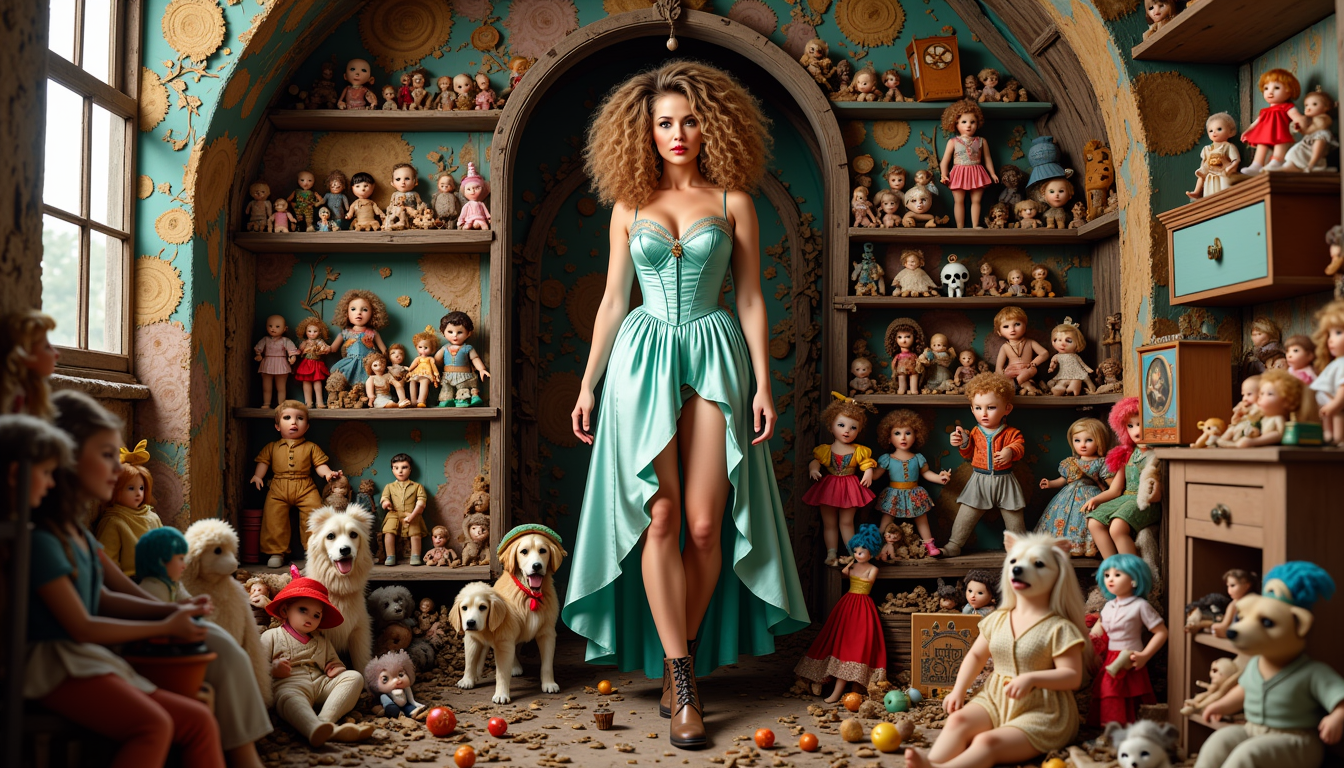
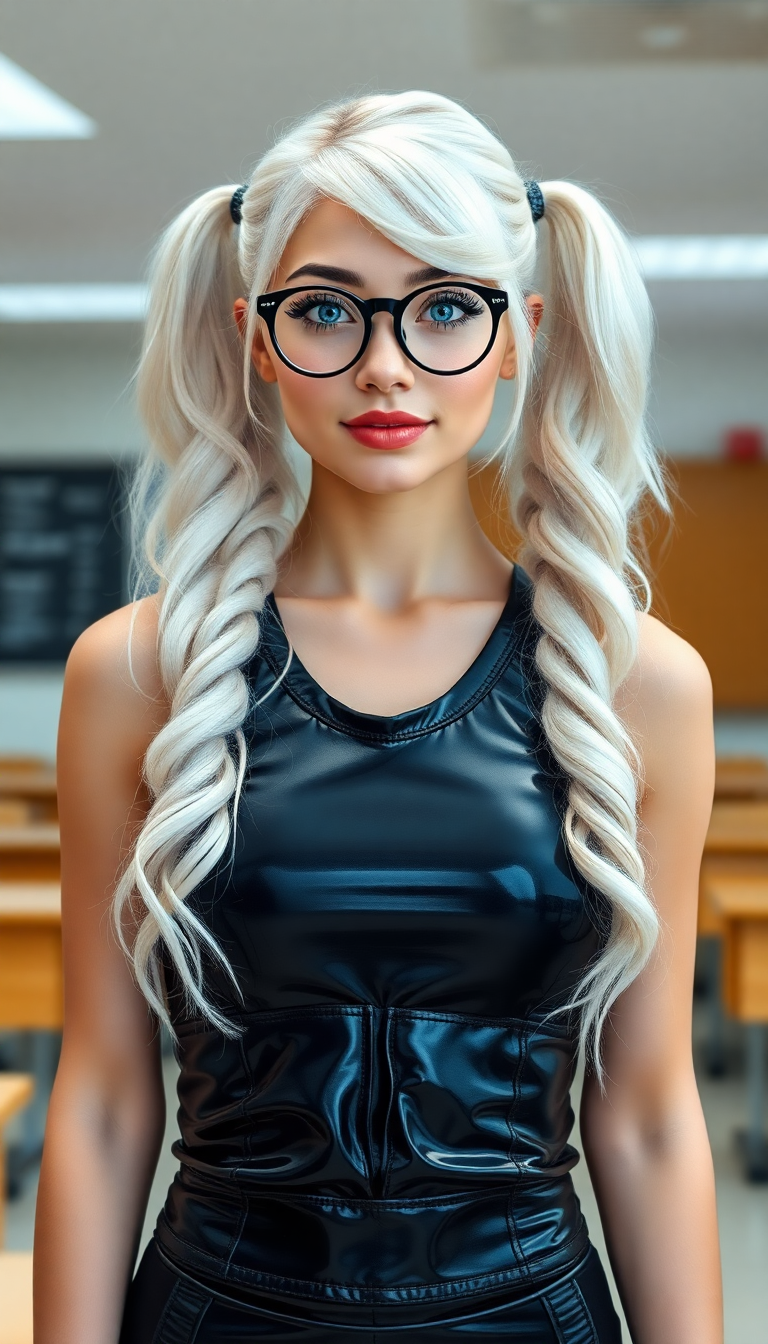
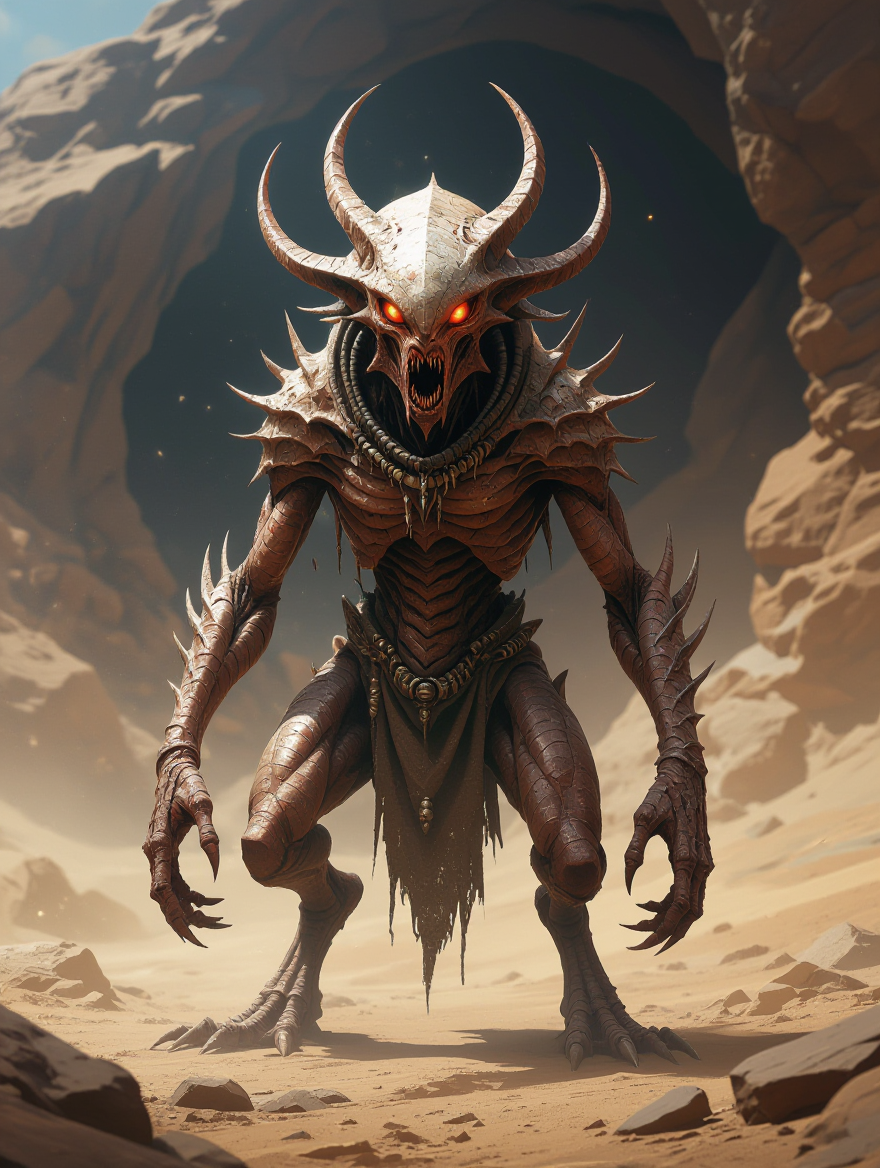
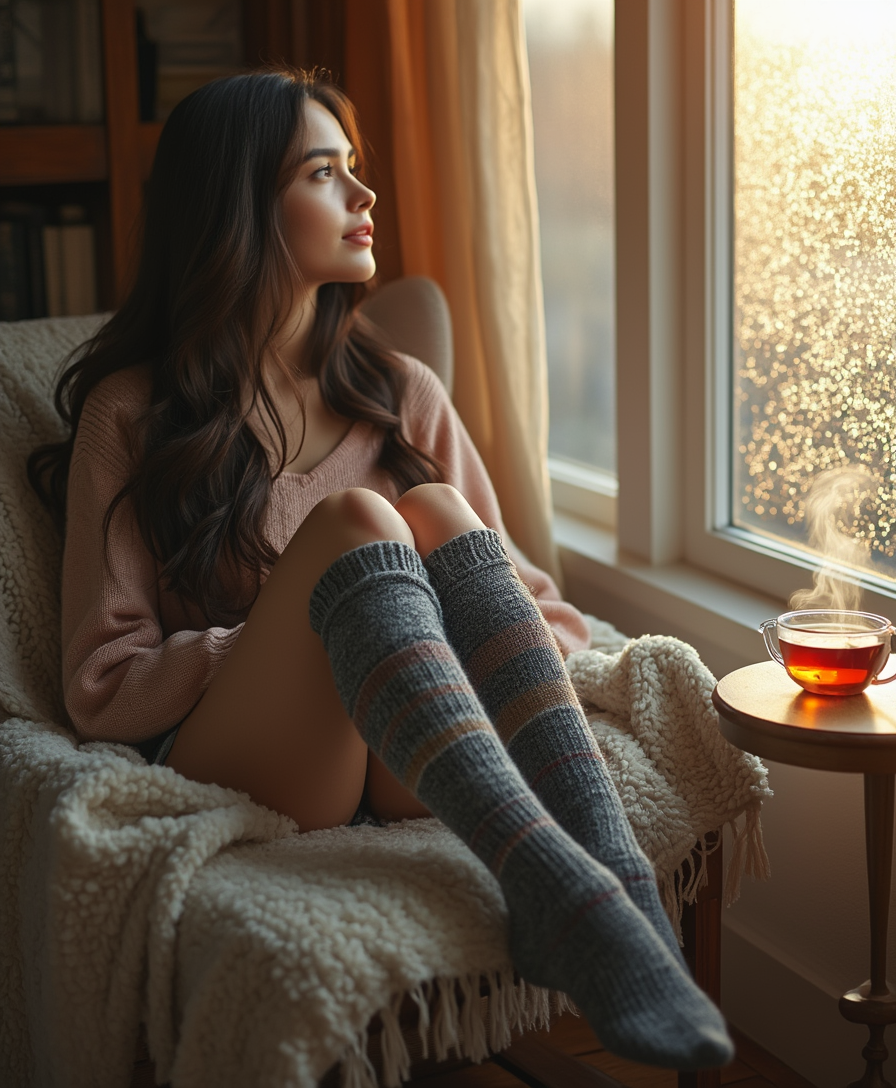

The Pixel Dojo Advantage
Why PixelDojo outperforms other options for GPT Image 1.5 multi-prompt fusion image generation
| Others | Pixel Dojo |
|---|---|
| Traditional concept sketching | Ditch pencils and Photoshop compositing—generate fused images in minutes with perfect coherence, no artistic skills required |
| Generic AI tools | Unlike basic generators that produce disjointed messes, GPT Image 1.5 delivers intelligent fusion with superior detail and balance, backed by 40+ specialized tools |
| Manual photo editing | Eliminate tedious layer masking and blending—achieve surreal results instantly that look handcrafted, with edits via Inpainting or Style Transfer in one platform |
Loved by creators on PixelDojo
Real feedback from people using PixelDojo, pulled from our in-product surveys.
Love it make anything I can think of so far
Great for all your ideas use it encourage more people to use it
Because it is awesome
exceptional quality and great overall design of platform and interface. very intuative. love the creative freedom.
Qwen image 2 is amazing!!
Creative freedom, range of tools and options.
Explore more AI tools on PixelDojo
AI Tools
Compare & Switch
- Best AI Image Generators
- Best AI Video Generators
- Midjourney Alternatives
- Civitai Alternatives
- Runway Alternatives
- Leonardo Alternatives
- Pika Alternatives
- Luma Alternatives
- Magnific Alternatives
- Veo Alternatives
- Flux Alternatives
- Freepik Alternatives
- Seedance Alternatives
- Seedream Alternatives
- Pixverse Alternatives
- GPT Image Alternatives
- Synthesia Alternatives
- Playground Alternatives
- NightCafe Alternatives
- Canva AI Alternatives
- ElevenLabs Alternatives
- ComfyUI Alternatives
- Fal Alternatives
- Replicate Alternatives
Common Questions
Everything you need to know about GPT Image 1.5 multi-prompt fusion
What is GPT Image 1.5 multi-prompt fusion and how does it create better AI images on PixelDojo?
GPT Image 1.5 multi-prompt fusion lets you input multiple descriptive prompts that the AI intelligently combines into a single, harmonious image—think merging 'Victorian mansion' with 'hovering UFOs' for a surreal yet realistic scene. On PixelDojo, this outperforms single-prompt gens by ensuring balanced compositions, reduced artifacts, and higher detail fidelity. Latest trends show 30% better coherence scores in complex scenes per user benchmarks. Pair it with Flux.1 Studio for styles or Imagen 4 for realism, all in one seamless workflow.
How do I use multi-prompt fusion techniques with GPT Image 1.5 on PixelDojo for beginners?
Start simple: Use 'prompt1 || prompt2' syntax, like 'serene beach sunset || cyberpunk hackers working'. GPT Image 1.5 fuses them automatically. Advanced tips from recent forums include weights '(element:1.5)' for emphasis. PixelDojo's interface auto-suggests refinements, and you can iterate with Seedream 4.5 or REVE Image. No coding needed—generate pro fusions in under 60 seconds, editable via Image to Image or Inpainting.
What are the best GPT Image 1.5 multi-prompt fusion examples for marketing and social media?
Top examples: 'Luxury watch on rocky mountain peak || golden hour lighting' for ads, or 'coffee cup steaming || enchanted forest mist' for Instagram. These drive 2x engagement by blending aspirational elements. PixelDojo users report 50% faster campaign creation. Enhance with PonyXL for characters or HiDream for hyper-realism, then export via Usage Report for tracking performance.
Can I edit GPT Image 1.5 multi-prompt fusion images with PixelDojo's other tools?
Absolutely—post-generation, use Change Camera Angle for new views, Style Transfer to match brands, or Background Remover for clean composites. For videos, extend to LTX-2 Video or Kling v2.5 Turbo Pro. This all-in-one ecosystem means no exporting hassles, with Subscription plans scaling to your needs—cancel anytime.
What makes PixelDojo's GPT Image 1.5 multi-prompt fusion faster and higher quality than other AI generators?
PixelDojo optimizes for speed (under 10s per image) and quality via proprietary fusion algorithms, handling trends like negative prompt integration and LoRA enhancements via Inpainting with LoRAs. Access 40+ tools like Z Image Turbo for speed boosts. Thousands of creators love the reliability—no queues, consistent outputs, and Developer API for pros.
How much does GPT Image 1.5 multi-prompt fusion cost on PixelDojo, and is there a free trial?
Start free with limited credits, then unlock unlimited via affordable Subscription tiers—check Profile for Usage Report. Value-packed with tools like WAN Image and Dreamina 3.1. Cancel anytime, no risks, and join 25k+ happy users who've cut creation costs by 80%.