GPT Image 1.5 photoreal precision
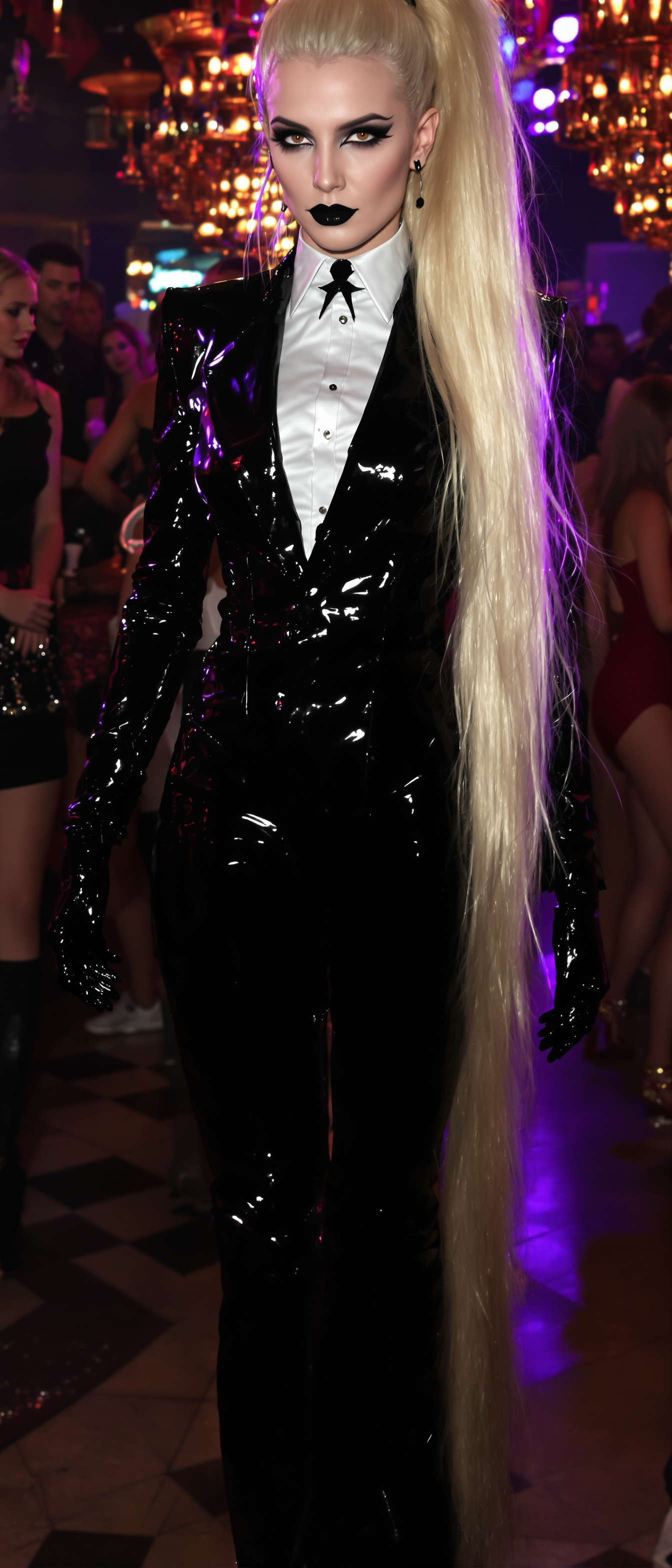
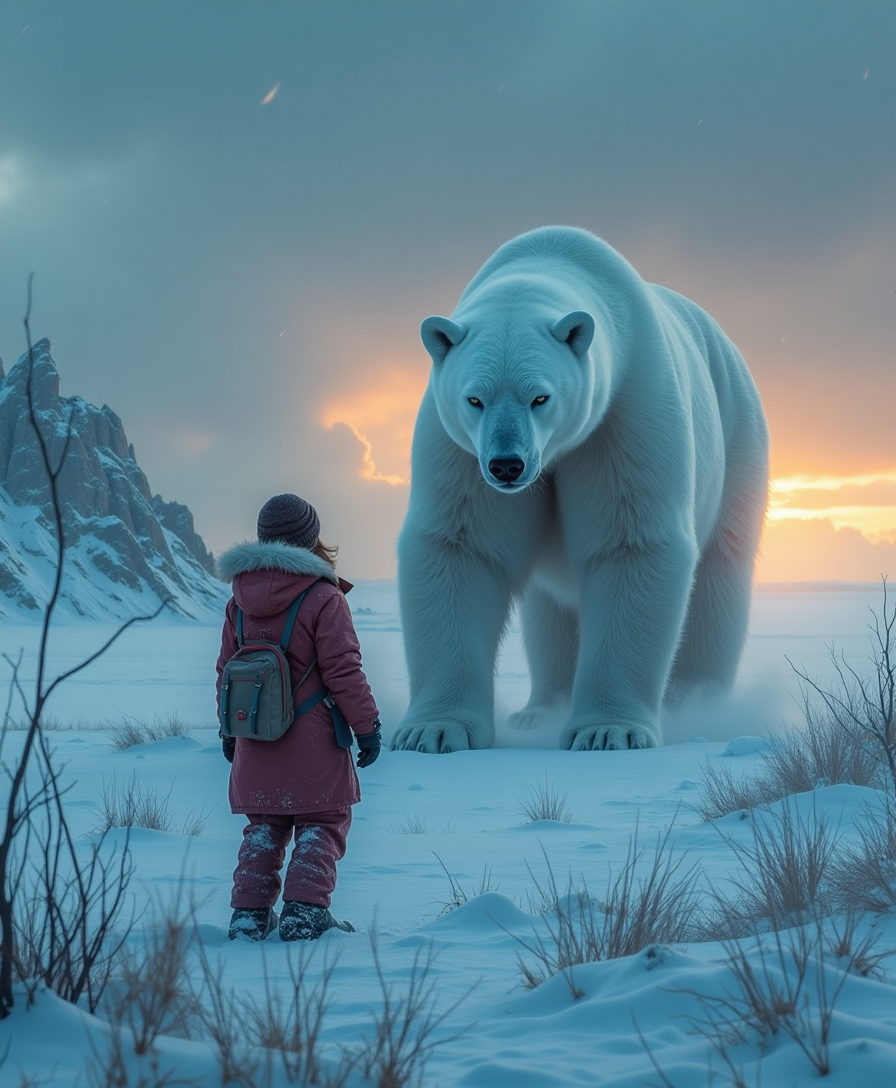
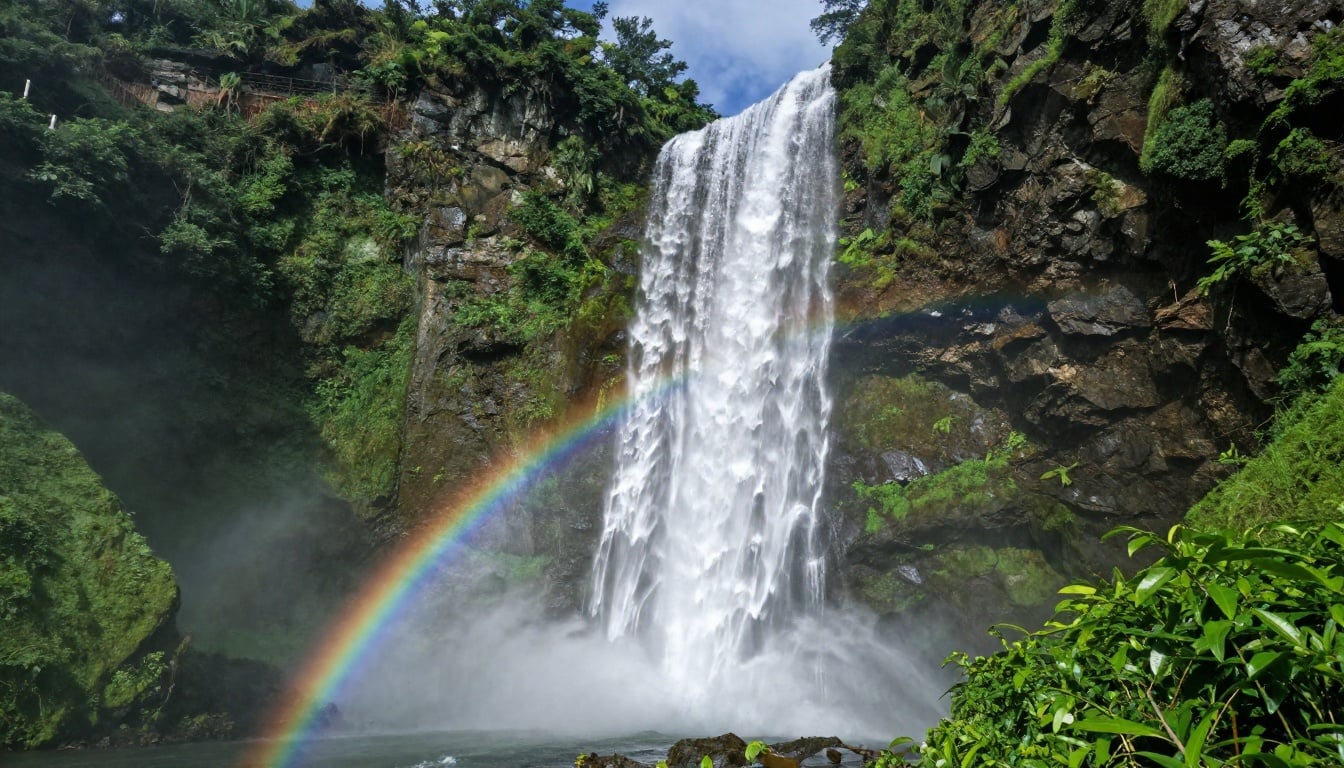
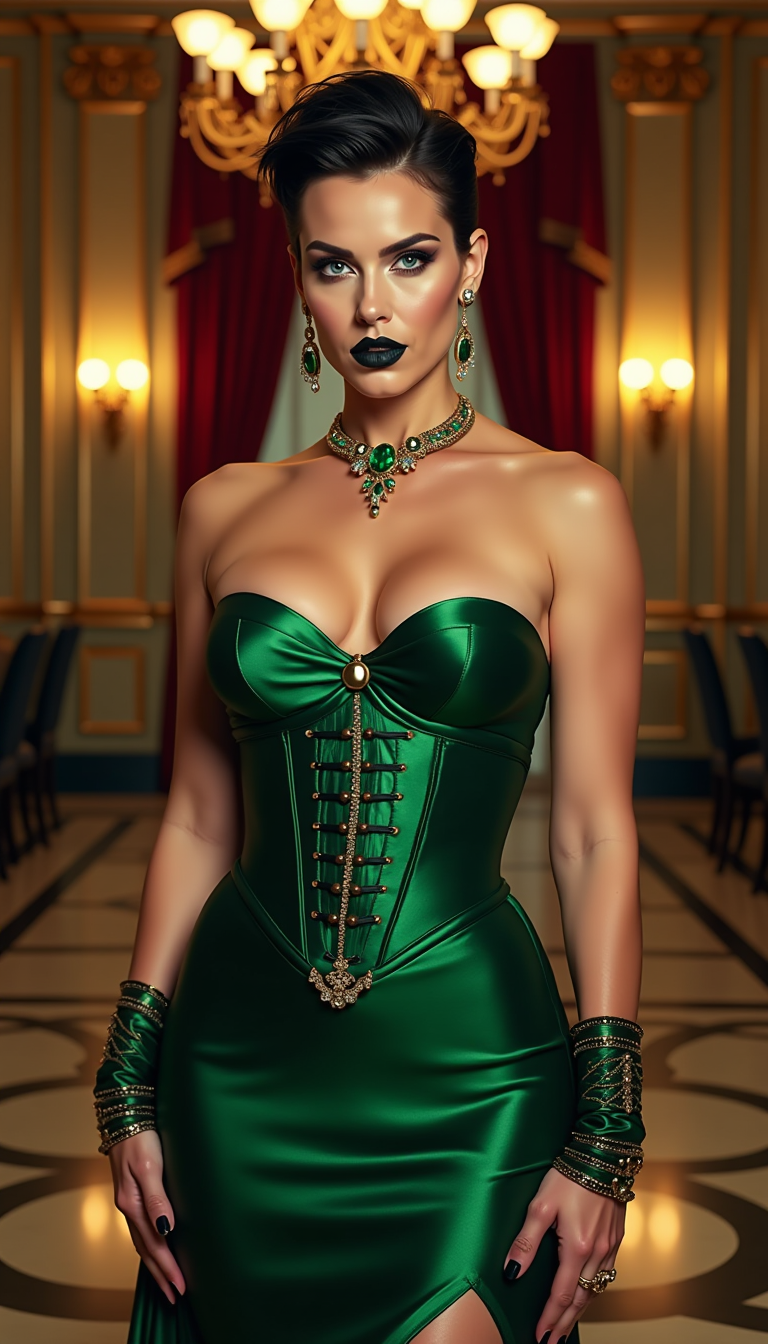
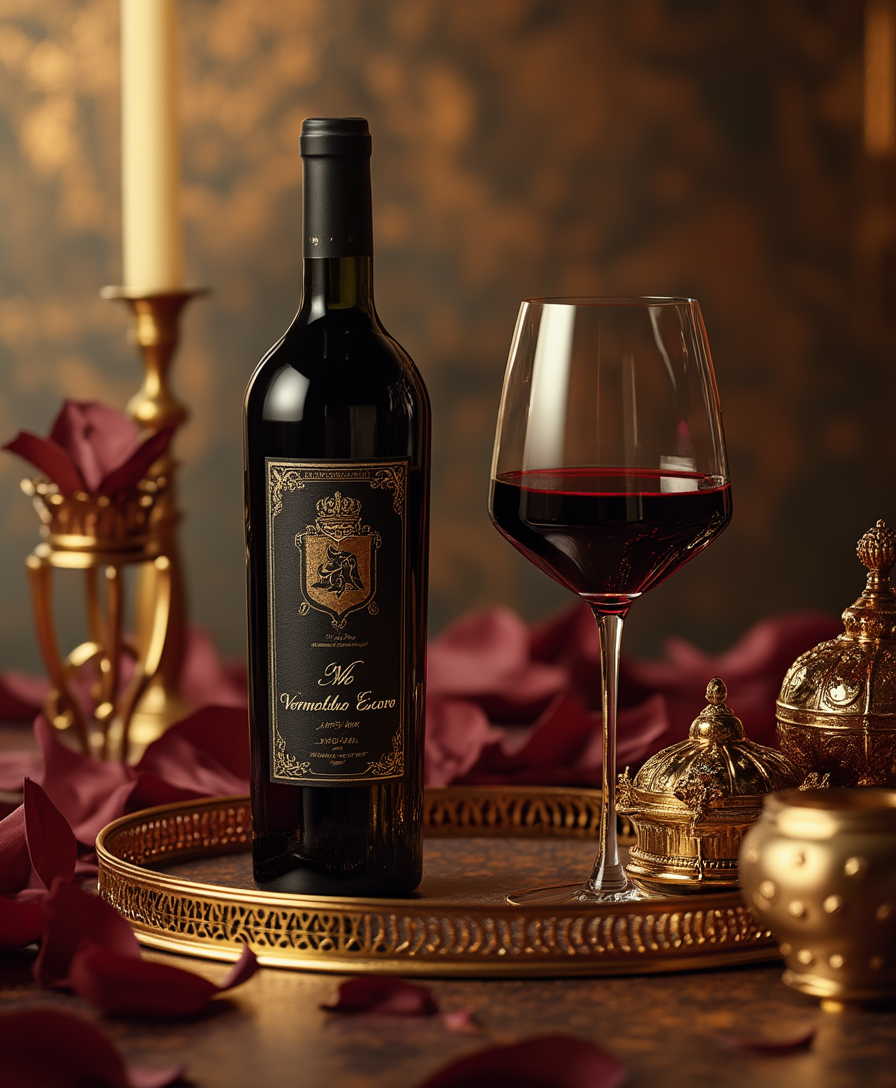
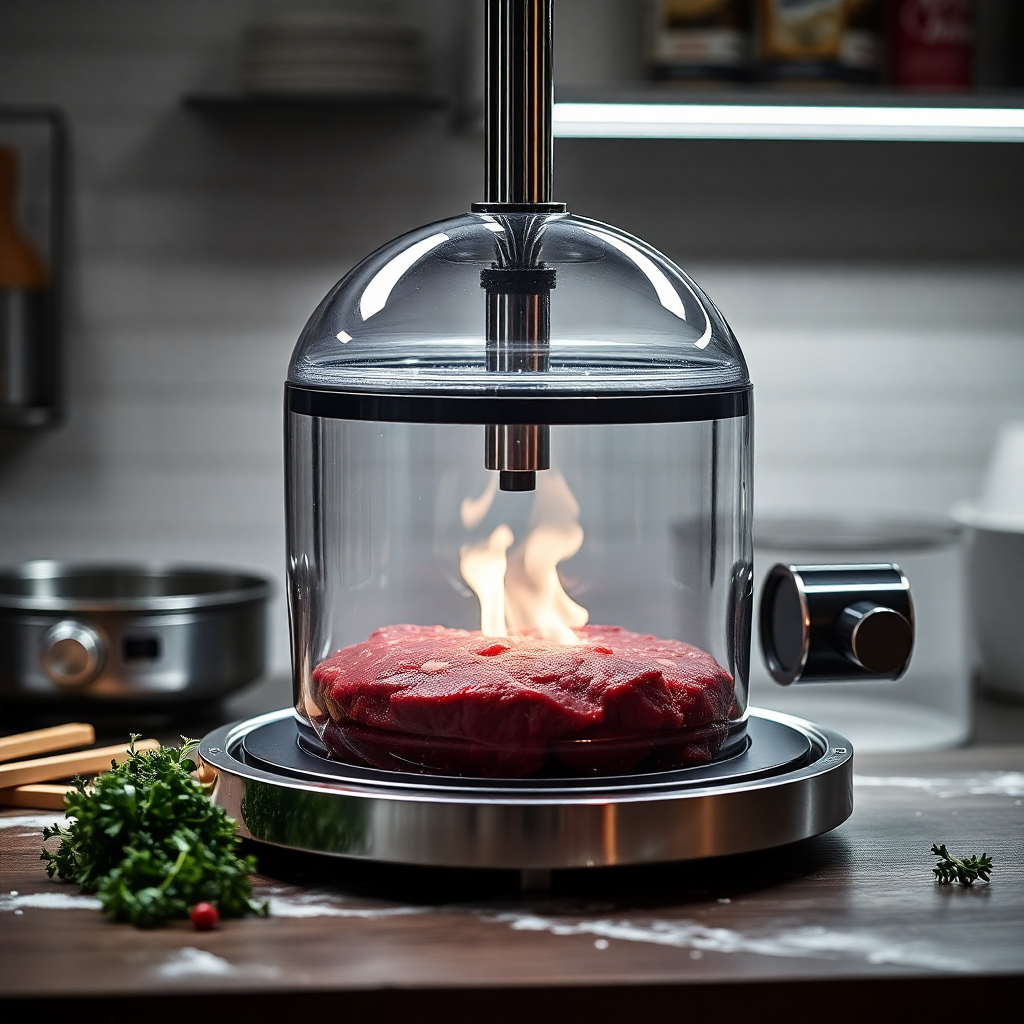
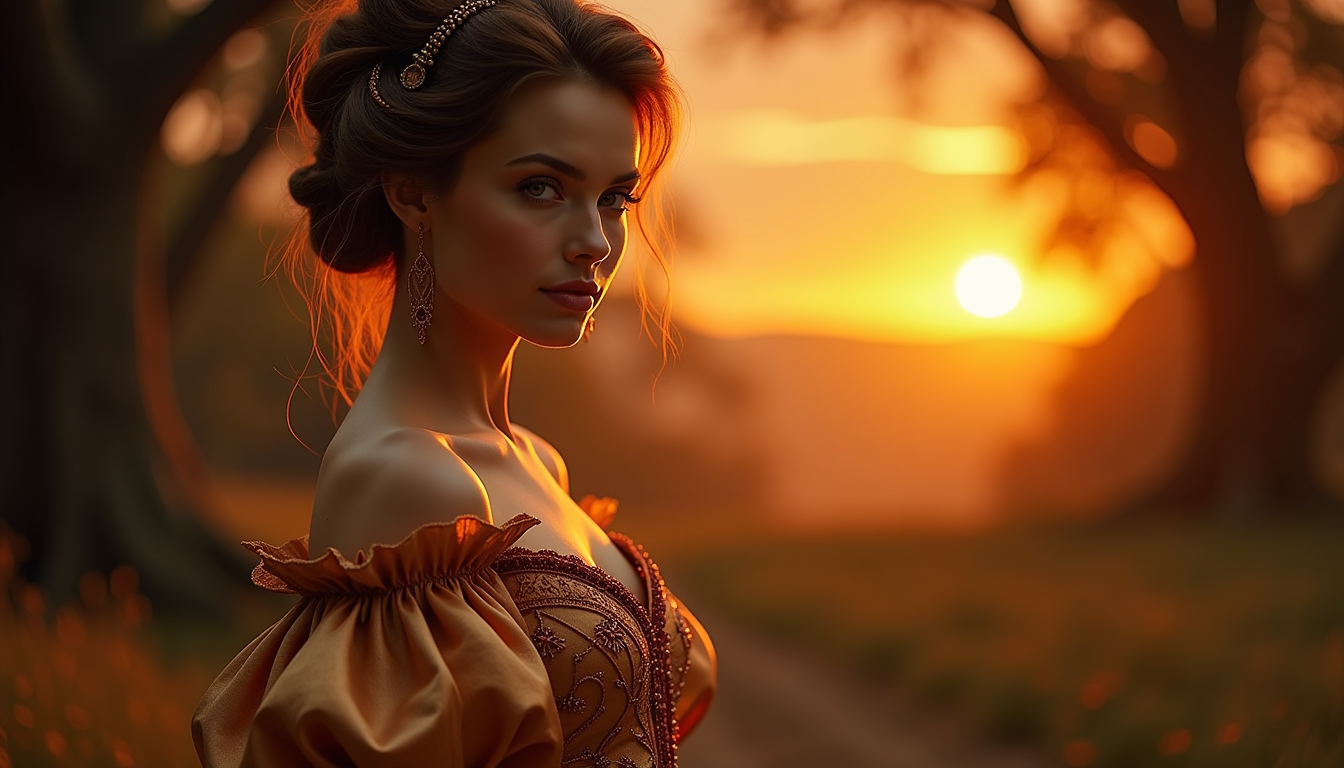
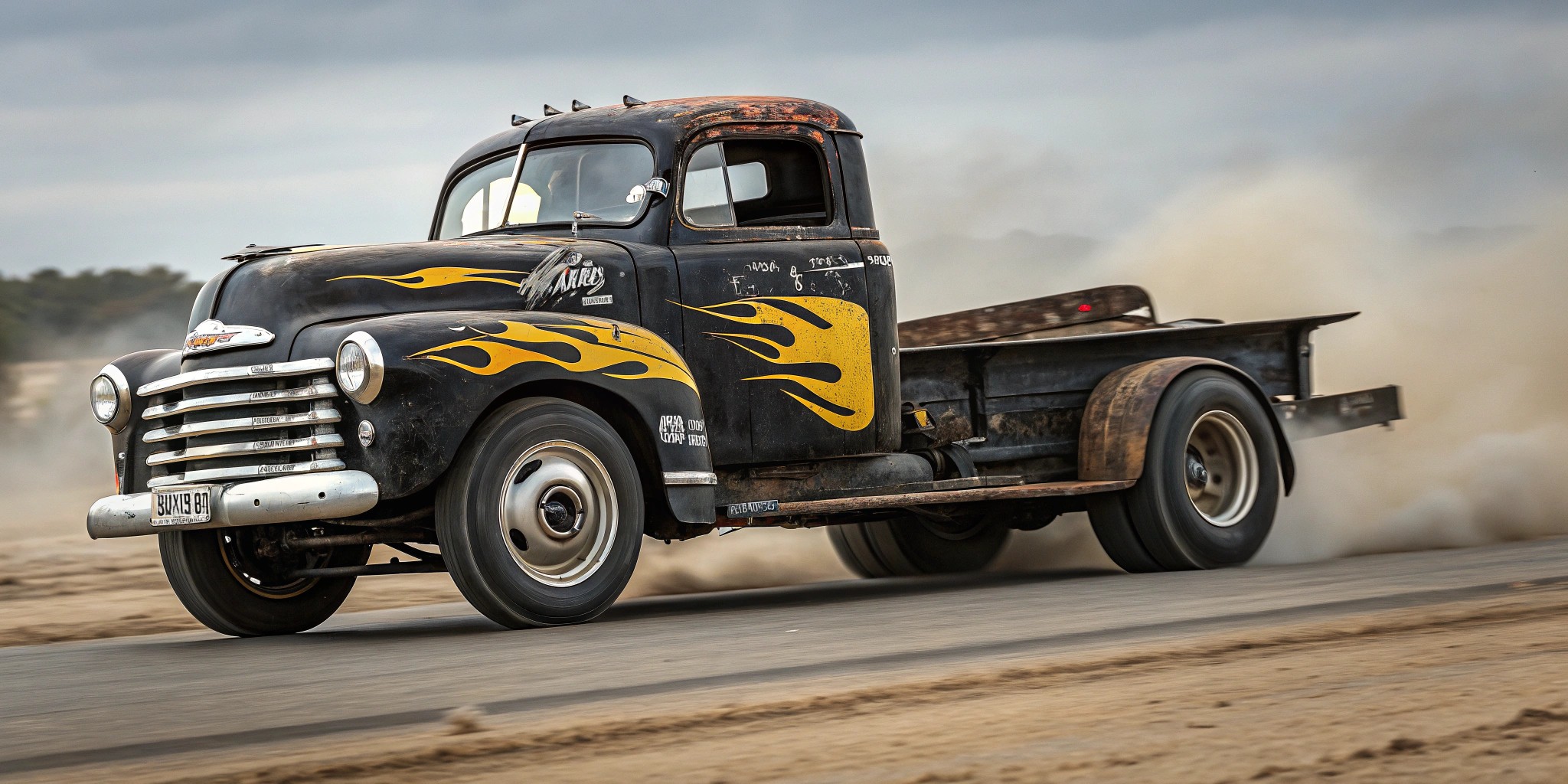
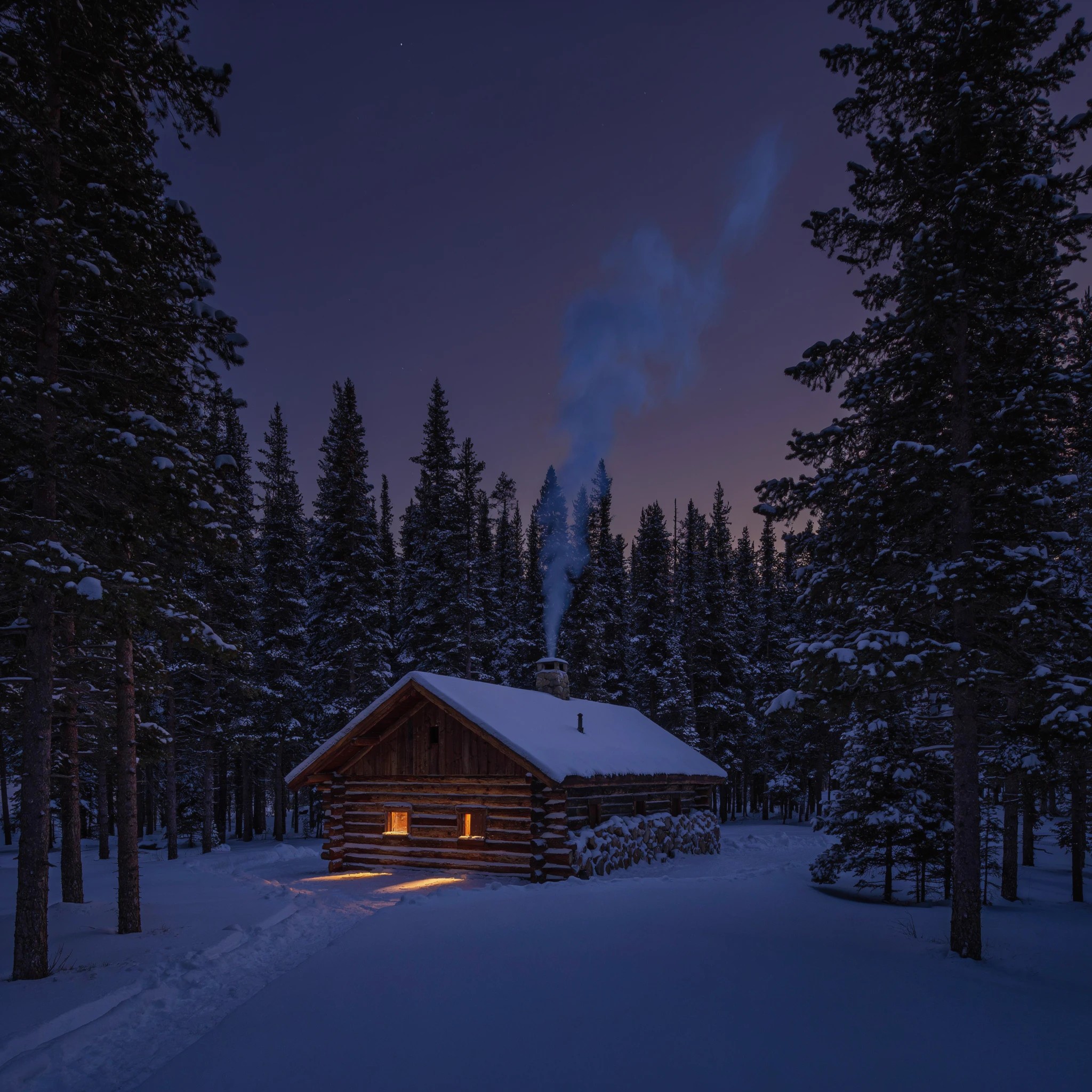
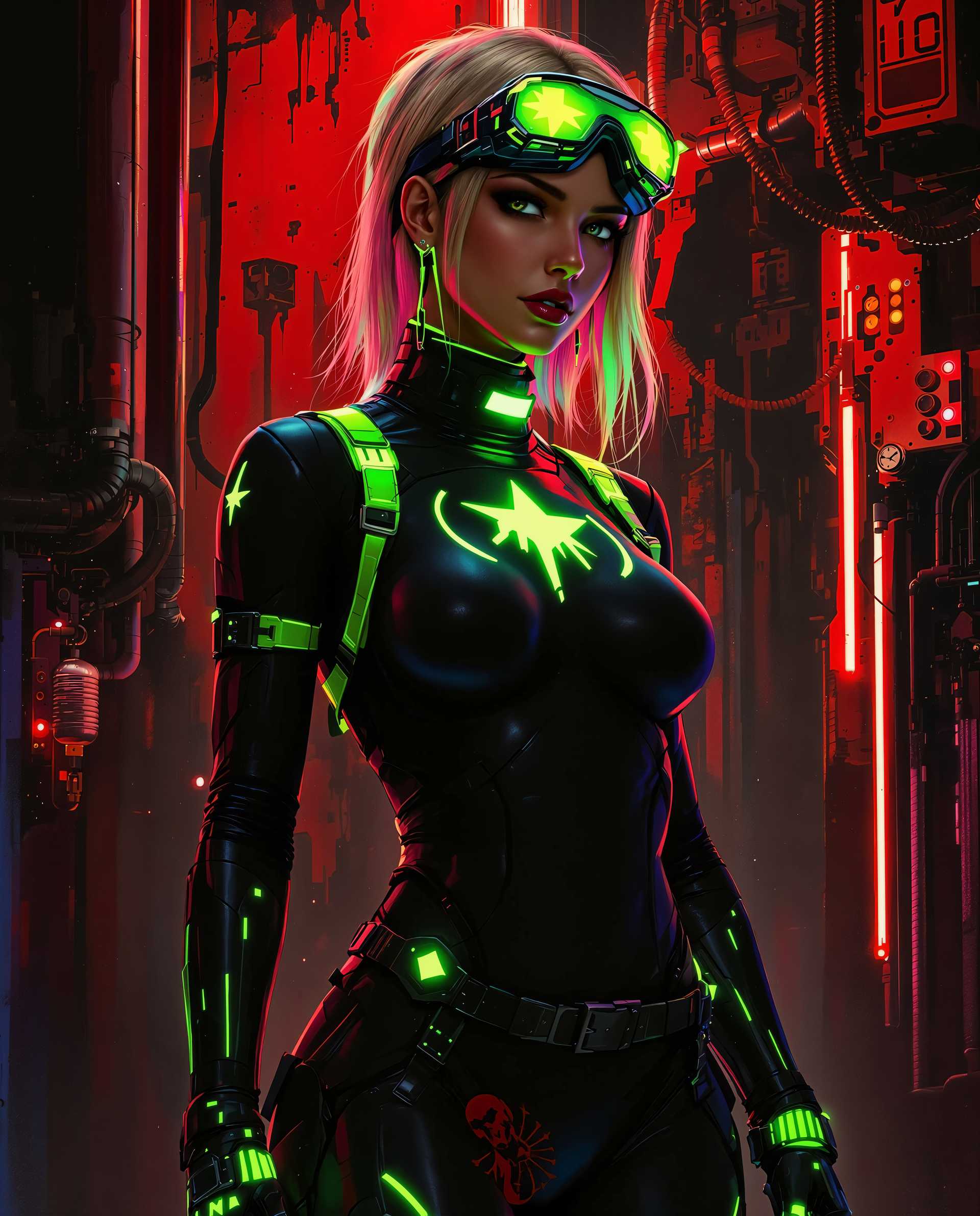
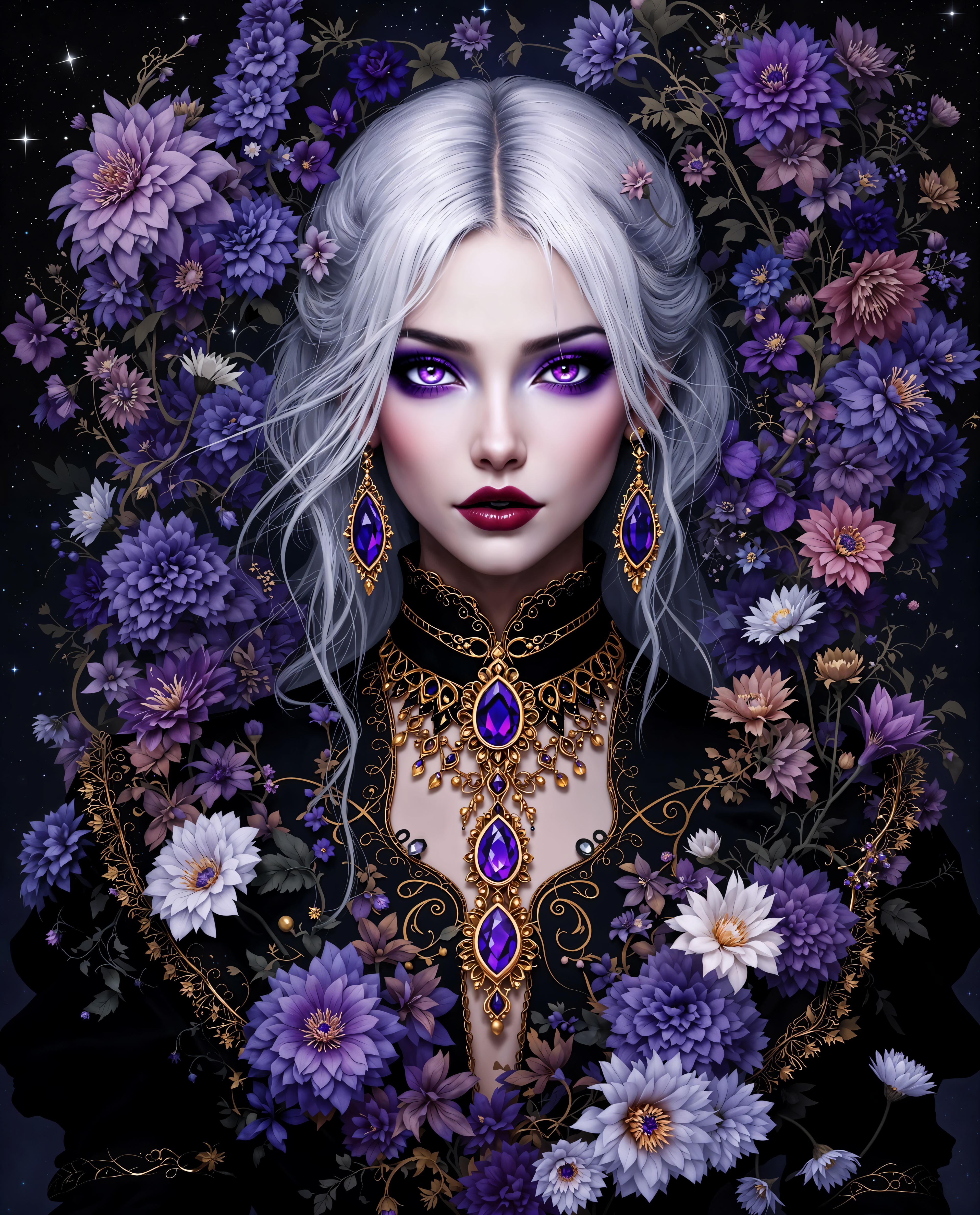
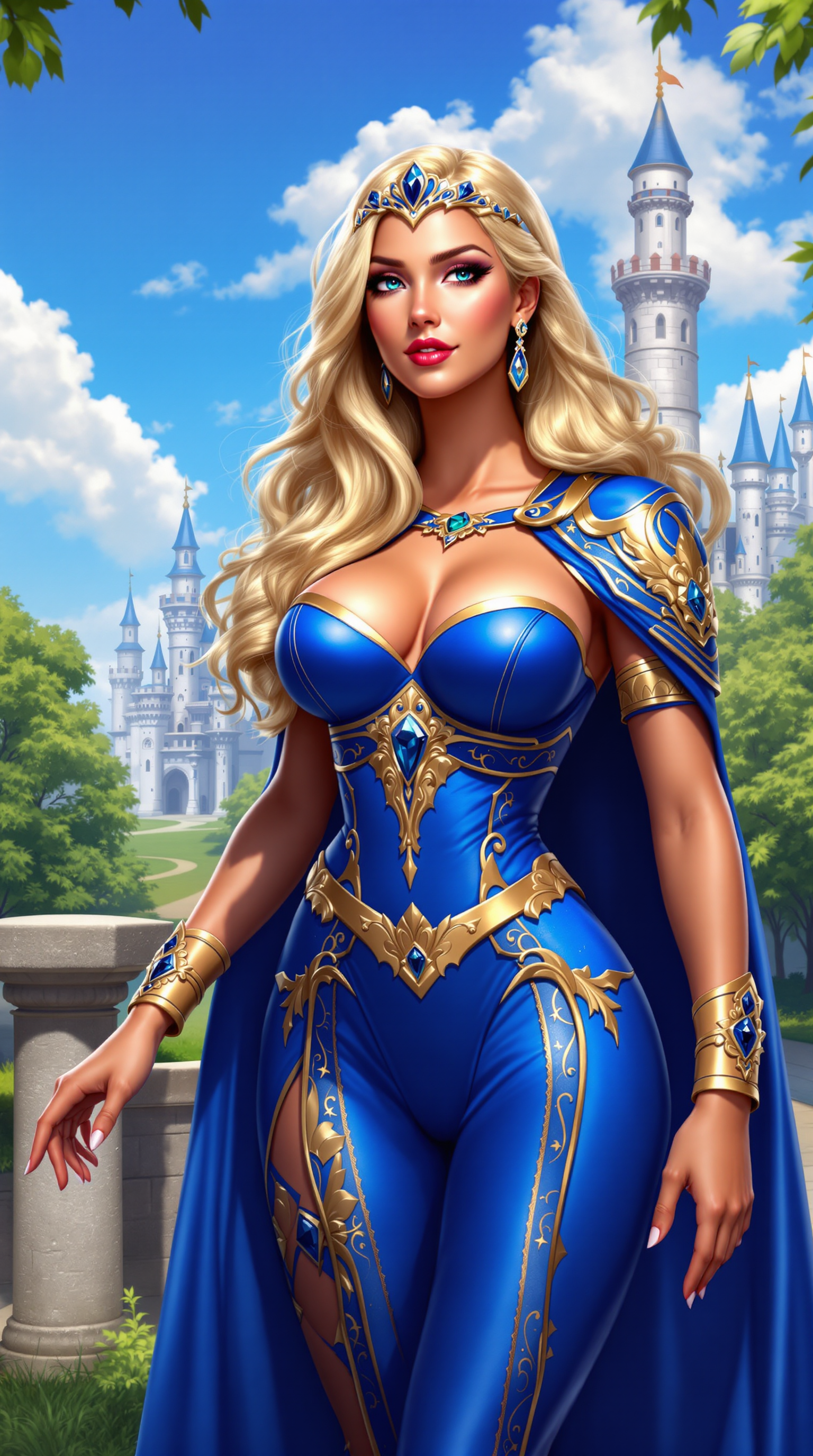
Imagine bringing your creative visions to life with stunning, photorealistic images in just seconds. With PixelDojo's GPT-Image 1.5, you can effortlessly generate high-quality visuals that capture every detail, making your projects stand out. Whether you're a designer, marketer, or content creator, our advanced AI tools empower you to produce lifelike images that resonate with your audience.
Join over 50,000 creators who have generated more than 1 million images using PixelDojo's cutting-edge AI tools. Experience the future of image creation today.
Why Choose Pixel Dojo for GPT Image 1.5 photoreal precision
Professional-quality results with cutting-edge AI technology
Rapid Image Generation
Create high-resolution, photorealistic images in under 3 seconds, streamlining your creative workflow.
Unmatched Precision
Achieve lifelike results with accurate lighting, textures, and details that bring your ideas to reality.
User-Friendly Interface
Generate images effortlessly with intuitive tools, regardless of your technical expertise.
How It Works
Creating photorealistic images with PixelDojo's GPT-Image 1.5 is simple and efficient. Follow these steps to transform your ideas into stunning visuals:
Step 1: Choose Your Tool
Select 'GPT-Image 1.5' from PixelDojo's suite of AI tools to begin your image creation journey.
Step 2: Enter Your Prompt
Describe the image you envision in the prompt box. Be as detailed as possible to guide the AI effectively.
Step 3: Customize & Download
Review the generated image, make any necessary adjustments, and download the final high-resolution image for your use.

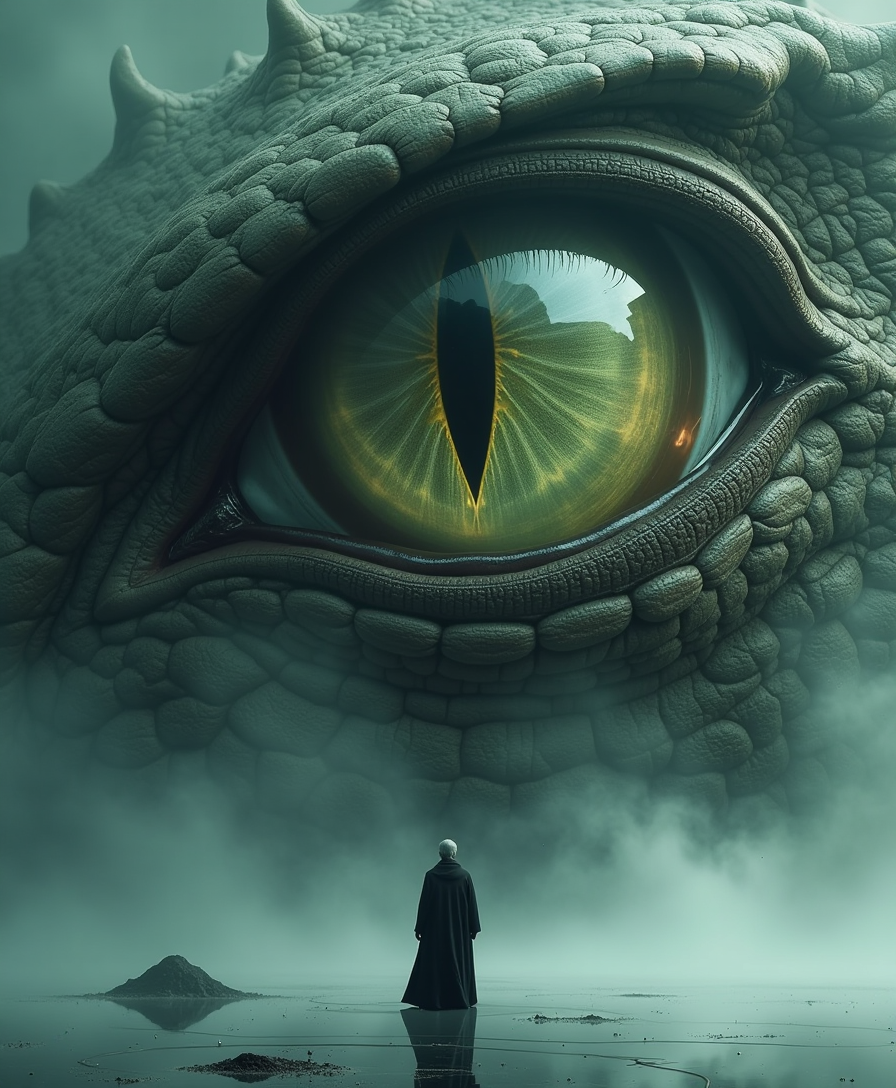
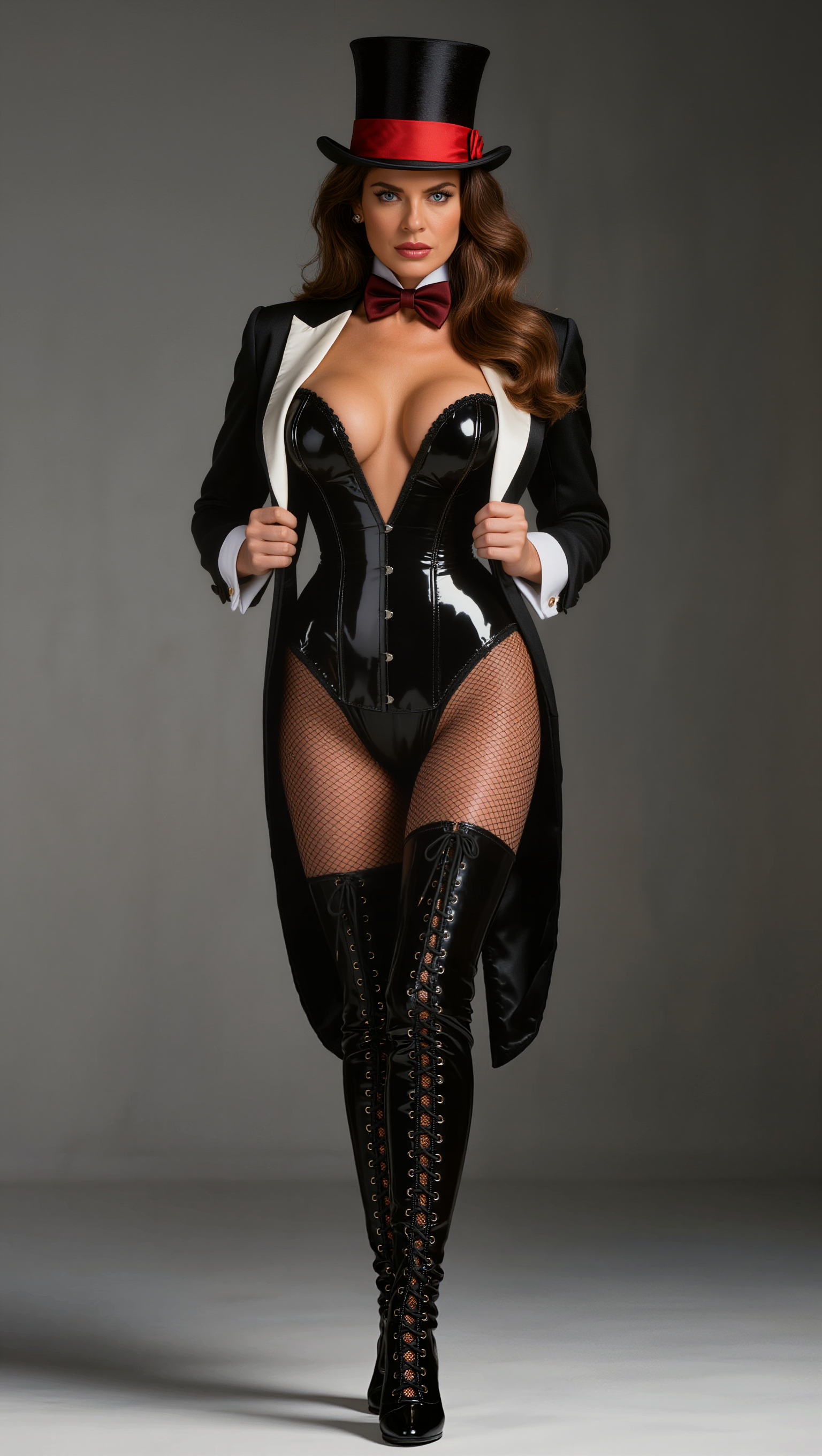
The Pixel Dojo Advantage
Discover why PixelDojo's GPT-Image 1.5 stands out in photorealistic image generation:
| Others | Pixel Dojo |
|---|---|
| Traditional Photography | Eliminate the need for costly equipment and time-consuming shoots by generating images instantly. |
| Stock Photos | Create unique, tailored images that perfectly match your vision, avoiding generic stock imagery. |
| Manual Photo Editing | Save hours of editing by generating ready-to-use images with precise details and desired aesthetics. |
Loved by creators on PixelDojo
Real feedback from people using PixelDojo, pulled from our in-product surveys.
very useful set of tools for image creation, upscaling and enhancement
ease of use, variety of tools, high quality trainings, and a well-maintained discord channel
Ease of use, friendliness and support of the owner, continued innovation.
it is an amazing site to create a pics and vids for those who don't have the hardware themselves
good tools in one place
Prompt updates, strong features, and a community that is always willing to help and hear/act on professional feedback. I've never had a better experience.
Explore more AI tools on PixelDojo
AI Tools
Compare & Switch
- Best AI Image Generators
- Best AI Video Generators
- Midjourney Alternatives
- Civitai Alternatives
- Runway Alternatives
- Leonardo Alternatives
- Pika Alternatives
- Luma Alternatives
- Magnific Alternatives
- Veo Alternatives
- Flux Alternatives
- Freepik Alternatives
- Seedance Alternatives
- Seedream Alternatives
- Pixverse Alternatives
- GPT Image Alternatives
- Synthesia Alternatives
- Playground Alternatives
- NightCafe Alternatives
- Canva AI Alternatives
- ElevenLabs Alternatives
- ComfyUI Alternatives
- Fal Alternatives
- Replicate Alternatives
Common Questions
Everything you need to know about GPT Image 1.5 photoreal precision
How does GPT-Image 1.5 achieve photorealistic image generation?
GPT-Image 1.5 utilizes advanced AI algorithms to interpret your prompts and generate images with accurate lighting, textures, and details, resulting in lifelike visuals.
Can I edit the images generated by GPT-Image 1.5?
Yes, PixelDojo offers a suite of editing tools that allow you to refine and customize your generated images to meet your specific needs.
Is there a limit to the number of images I can generate?
PixelDojo provides flexible subscription plans to accommodate various usage levels, ensuring you can generate as many images as your projects require.
Do I need technical skills to use GPT-Image 1.5?
No, our user-friendly interface is designed for creators of all skill levels, making it easy to generate and customize images without technical expertise.
What file formats are available for the generated images?
You can download your images in various formats, including JPEG and PNG, suitable for both digital and print applications.
Can I use the generated images for commercial purposes?
Yes, images created with PixelDojo's GPT-Image 1.5 can be used for commercial projects, adhering to our licensing terms.