GPT Image 1.5 reference image integration

Unlock the full potential of AI-driven image creation by integrating reference images with GPT-Image 1.5 on PixelDojo. This powerful combination allows you to generate highly customized and precise visuals, ensuring your creative vision is accurately realized.
Join thousands of creators who have enhanced their AI image generation with PixelDojo's GPT-Image 1.5, achieving unparalleled accuracy and customization in their projects.
Why Choose Pixel Dojo for GPT Image 1.5 reference image integration
Professional-quality results with cutting-edge AI technology
Achieve Unmatched Precision
By incorporating reference images, you can guide GPT-Image 1.5 to produce visuals that closely align with your specific requirements, ensuring every detail is captured accurately.
Streamline Your Creative Process
Integrating reference images simplifies the image generation workflow, reducing the need for extensive post-processing and allowing you to focus on creativity.
Maintain Consistent Visual Styles
Use reference images to ensure a cohesive aesthetic across multiple projects, reinforcing your brand identity and visual storytelling.
How It Works
Creating customized AI-generated images with GPT-Image 1.5 and reference images on PixelDojo is straightforward. Follow these steps to bring your vision to life:
Step 1: Select GPT-Image 1.5
Navigate to the 'Create Images' section on PixelDojo and choose GPT-Image 1.5 as your image generation tool.
Step 2: Upload Your Reference Image
Click on the 'Upload Reference Image' button and select the image that best represents the style or elements you want to incorporate.
Step 3: Enter Your Prompt
In the prompt field, describe the image you wish to generate, specifying how the reference image should influence the final output.


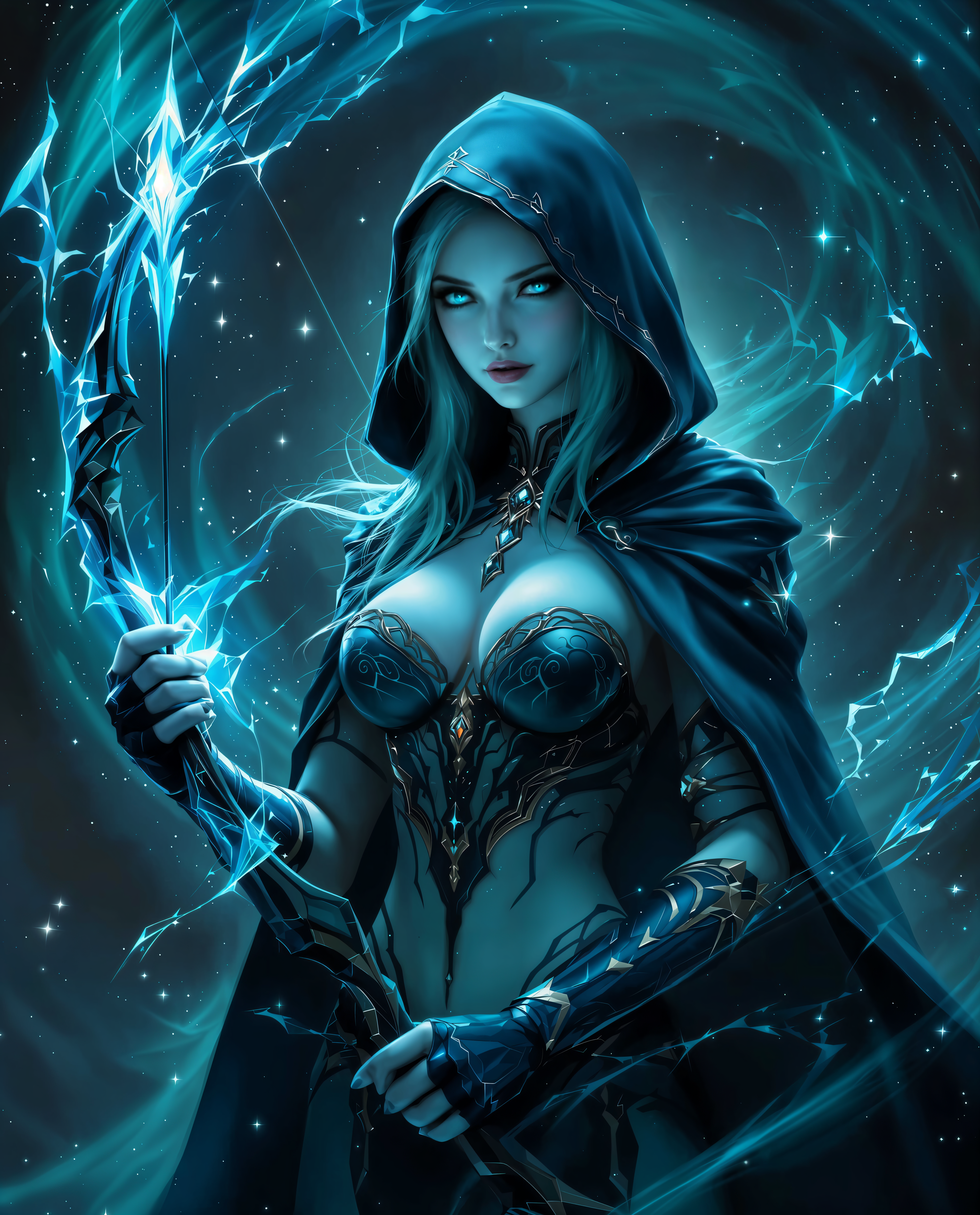
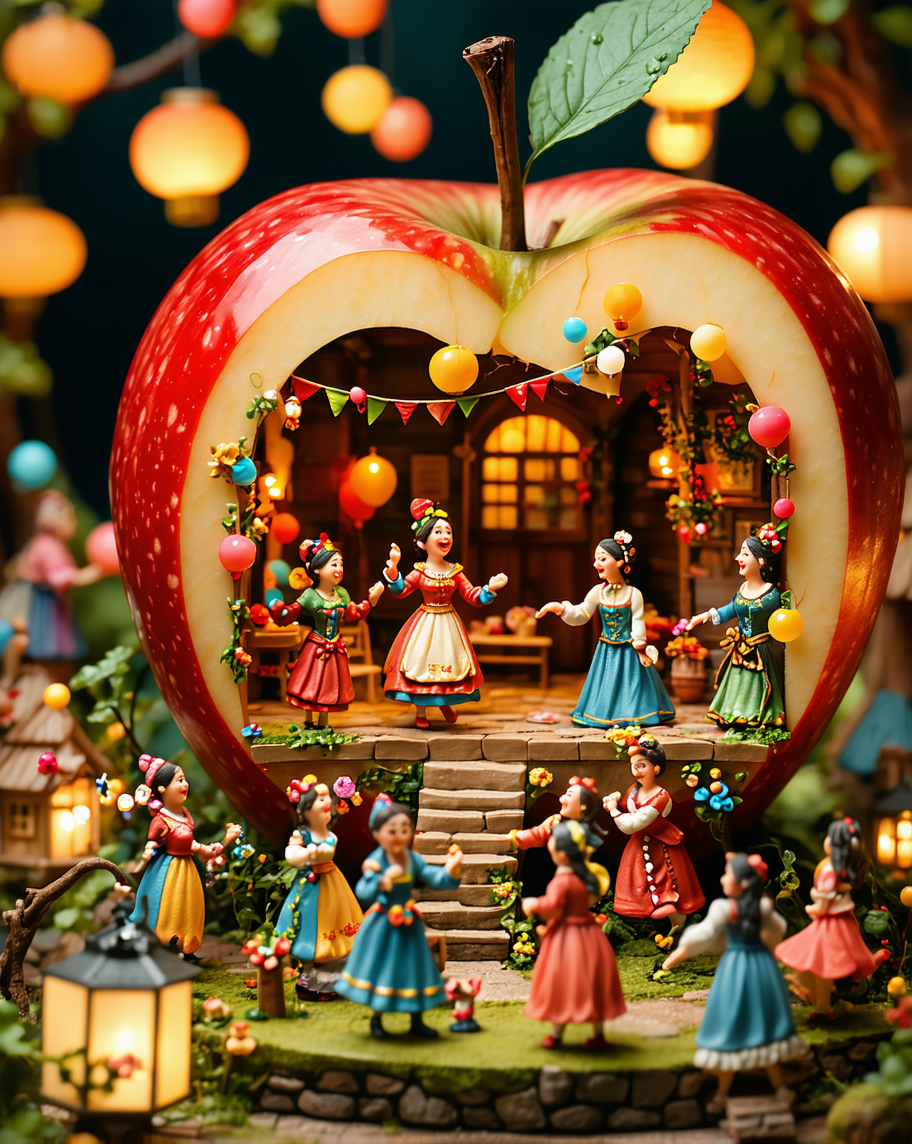
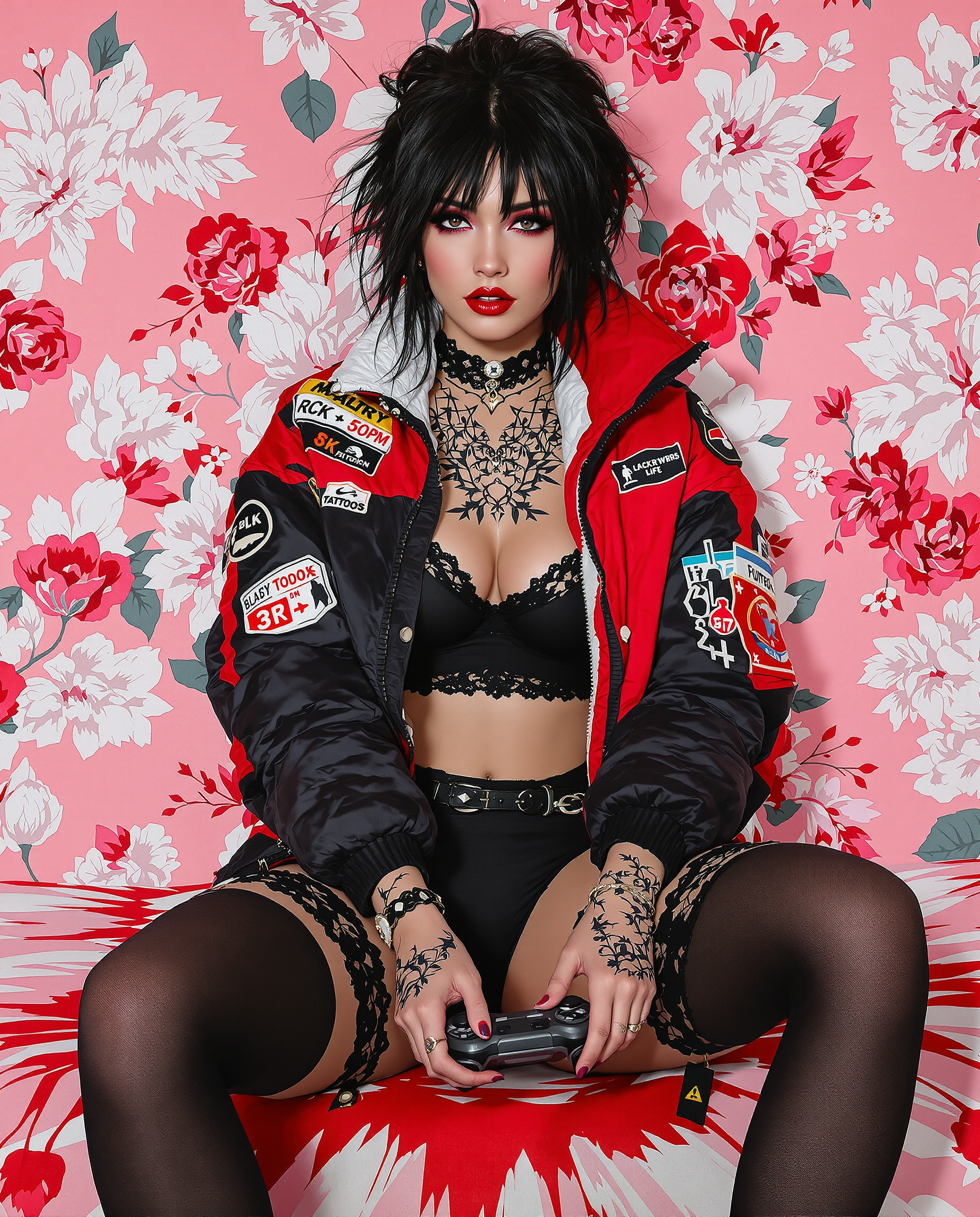
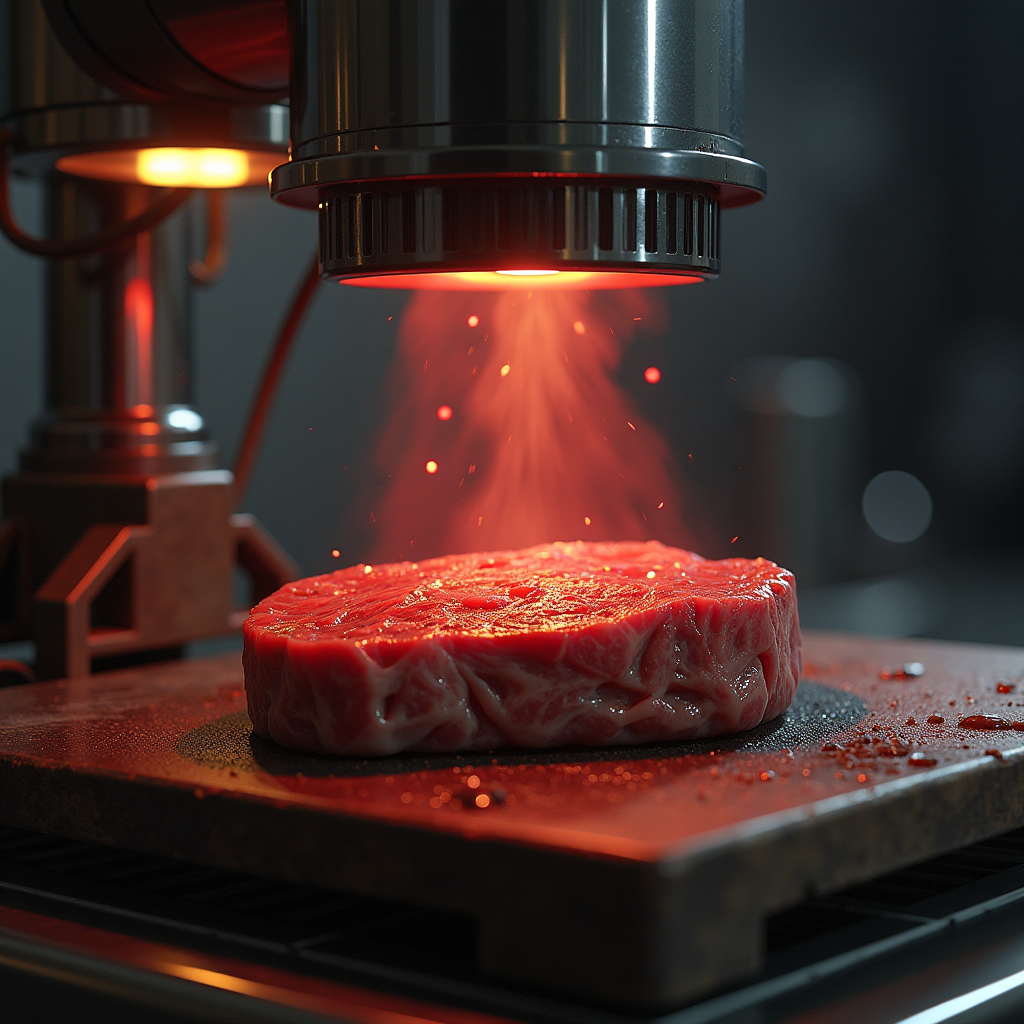
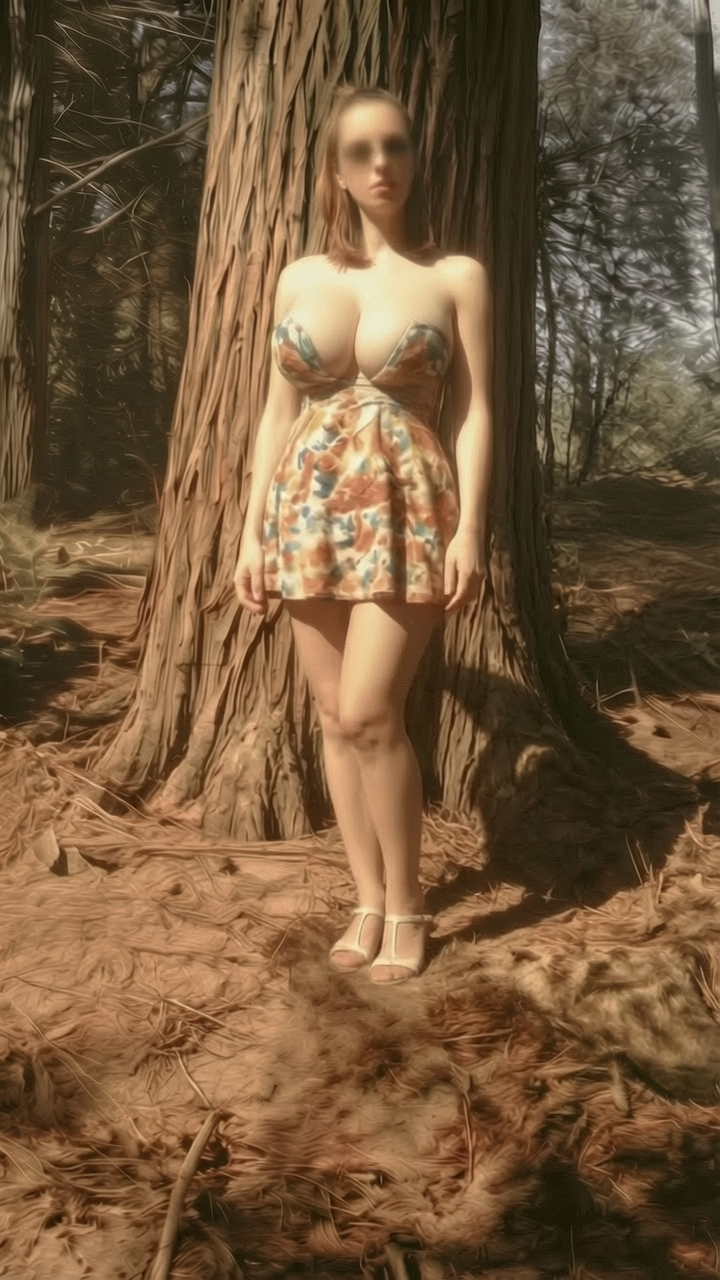
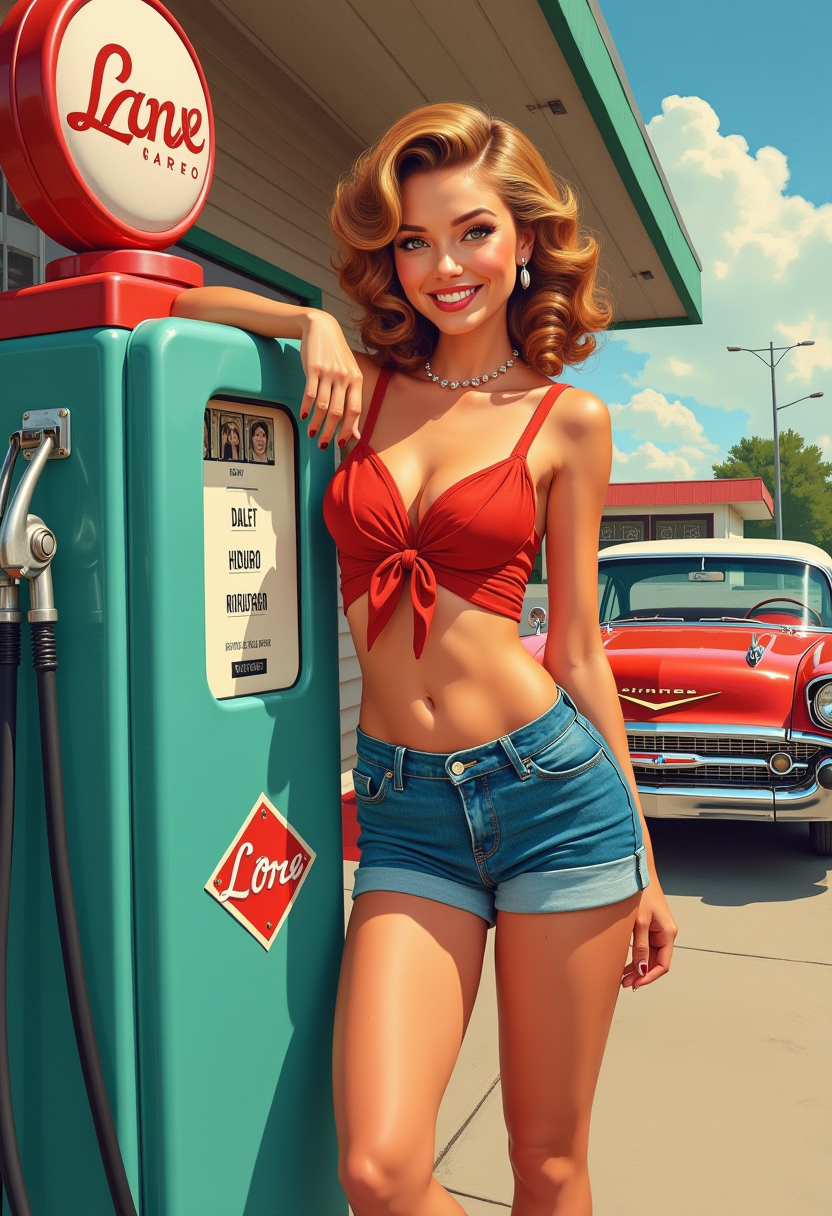
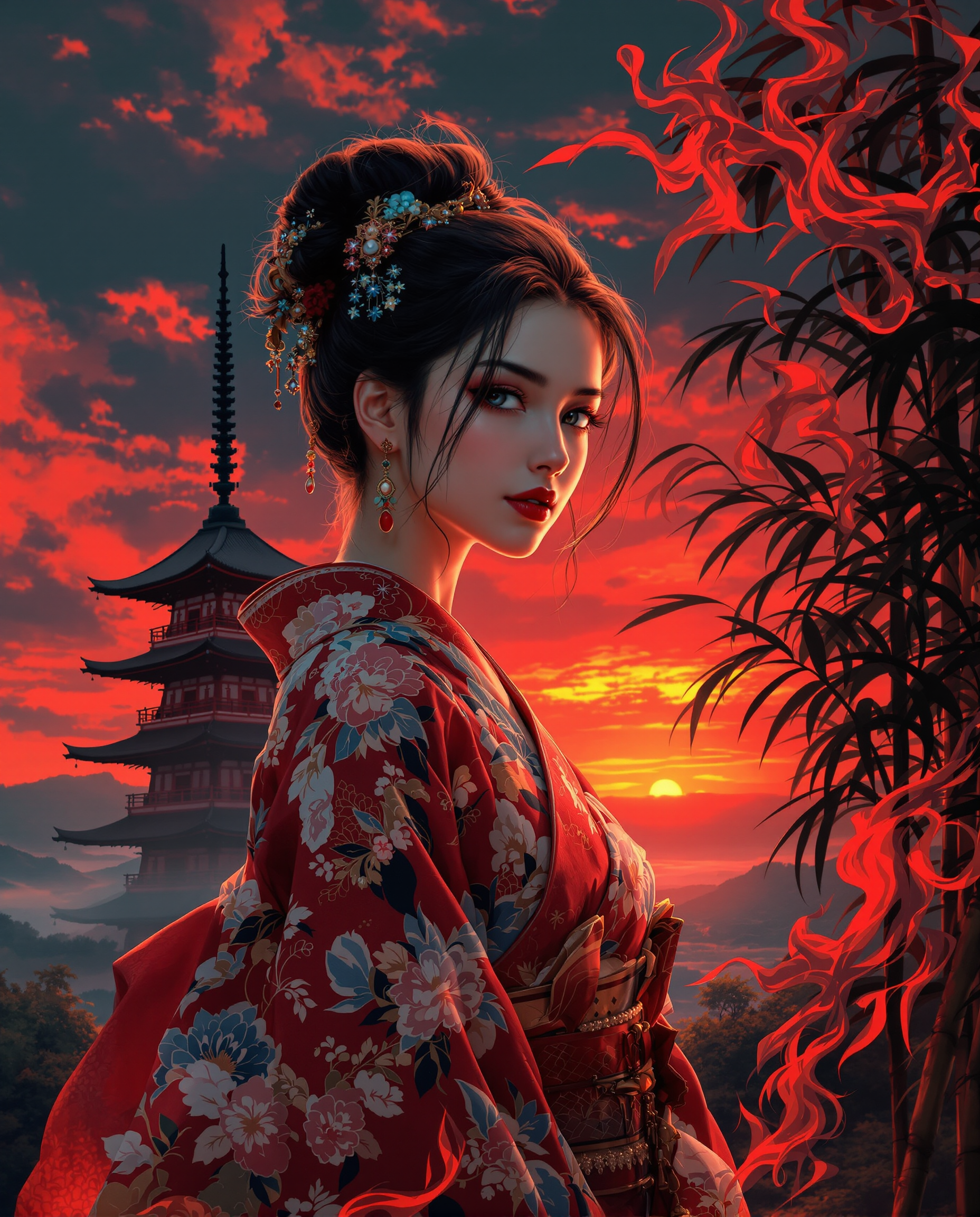
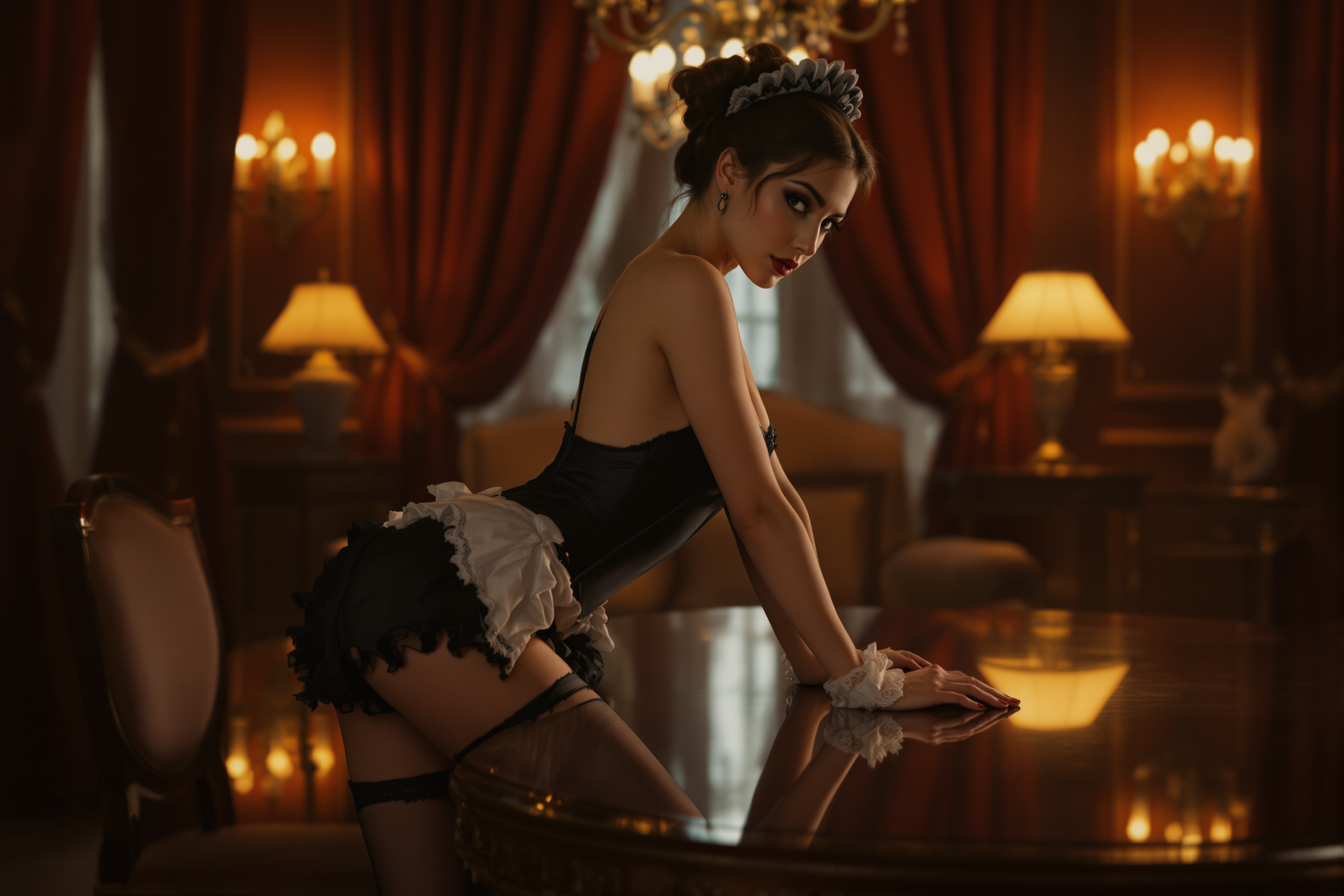
The Pixel Dojo Advantage
Discover how PixelDojo's GPT-Image 1.5 with reference image integration stands out from other image generation methods:
| Others | Pixel Dojo |
|---|---|
| Traditional AI Image Generation | While traditional methods rely solely on text prompts, PixelDojo allows you to incorporate reference images, resulting in outputs that closely match your vision. |
| Manual Image Editing | Manual editing can be time-consuming and requires advanced skills. PixelDojo streamlines the process, enabling you to achieve desired results efficiently without extensive editing. |
| Generic AI Tools | Generic tools may lack the precision and customization offered by PixelDojo's integration of GPT-Image 1.5 with reference images, ensuring your outputs are both unique and accurate. |
Loved by creators on PixelDojo
Real feedback from people using PixelDojo, pulled from our in-product surveys.
You keep adding to it to stay up to date and that is GOLD.
very easy to use and good support
Very easy to use
super easy to use
it's very easy to use
Practically every Ai suite in one place? Who wouldn't?
Explore more AI tools on PixelDojo
AI Tools
Compare & Switch
- Best AI Image Generators
- Best AI Video Generators
- Midjourney Alternatives
- Civitai Alternatives
- Runway Alternatives
- Leonardo Alternatives
- Pika Alternatives
- Luma Alternatives
- Magnific Alternatives
- Veo Alternatives
- Flux Alternatives
- Freepik Alternatives
- Seedance Alternatives
- Seedream Alternatives
- Pixverse Alternatives
- GPT Image Alternatives
- Synthesia Alternatives
- Playground Alternatives
- NightCafe Alternatives
- Canva AI Alternatives
- ElevenLabs Alternatives
- ComfyUI Alternatives
- Fal Alternatives
- Replicate Alternatives
Common Questions
Everything you need to know about GPT Image 1.5 reference image integration
How does integrating reference images with GPT-Image 1.5 enhance image generation?
By using reference images, GPT-Image 1.5 can generate visuals that closely align with specific styles or elements, resulting in more accurate and customized outputs.
Can I use multiple reference images in a single project?
Yes, PixelDojo allows you to upload multiple reference images, enabling GPT-Image 1.5 to blend various styles and elements seamlessly.
Is there a limit to the size or format of reference images I can upload?
PixelDojo supports various image formats and sizes. For optimal performance, it's recommended to use high-resolution images in common formats like JPEG or PNG.
Do I need advanced technical skills to use reference image integration?
No, PixelDojo's user-friendly interface makes it easy for users of all skill levels to integrate reference images with GPT-Image 1.5 and generate customized visuals.
Can I edit the generated images further after using reference images?
Absolutely. PixelDojo offers a range of editing tools that allow you to refine and enhance your generated images to meet your exact specifications.
Is there a cost associated with using reference image integration on PixelDojo?
PixelDojo offers various subscription plans to suit different needs. Integrating reference images with GPT-Image 1.5 is included in our premium plans, providing excellent value for professional creators.