gpt image 2 integration
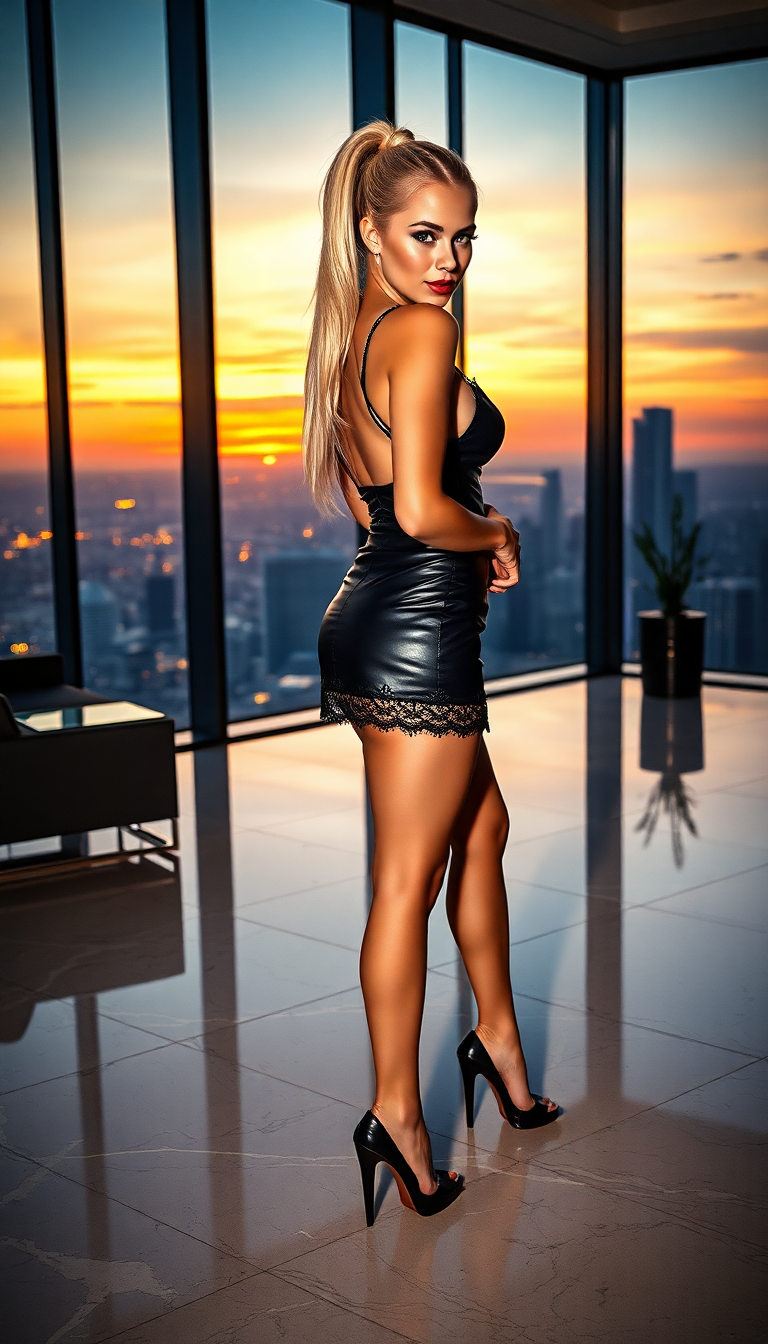
Unlock the power of AI-driven image creation with PixelDojo's GPT Image 2 integration. Whether you're a marketer aiming to craft compelling advertisements, a designer seeking inspiration, or a content creator in need of unique visuals, our platform empowers you to transform your ideas into high-quality images effortlessly. Say goodbye to complex design software and hello to intuitive, prompt-based image generation.
Join over 10,000 satisfied users who have enhanced their visual content with PixelDojo's cutting-edge AI tools. Rated 4.8/5 based on 2,500+ reviews.
Why Choose Pixel Dojo for gpt image 2 integration
Professional-quality results with cutting-edge AI technology
Effortless Image Creation
Generate high-quality images from simple text prompts, eliminating the need for advanced design skills.
Versatile Visual Styles
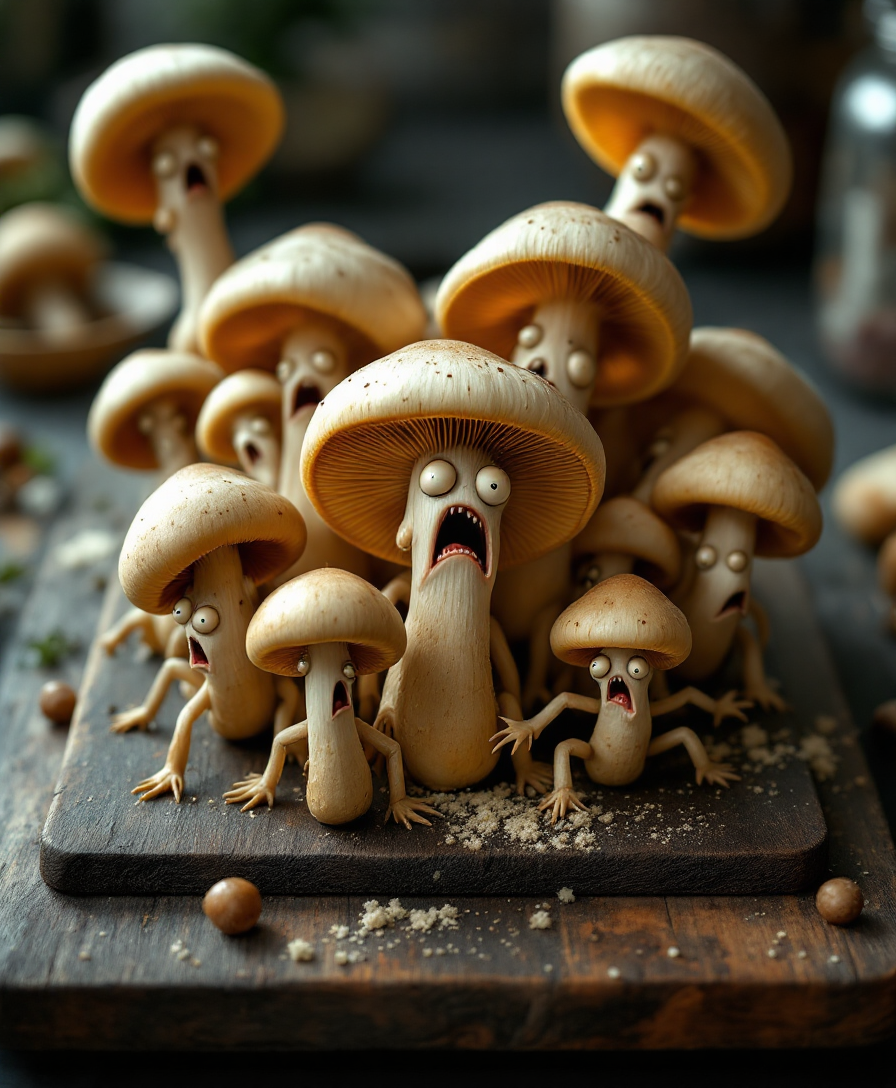
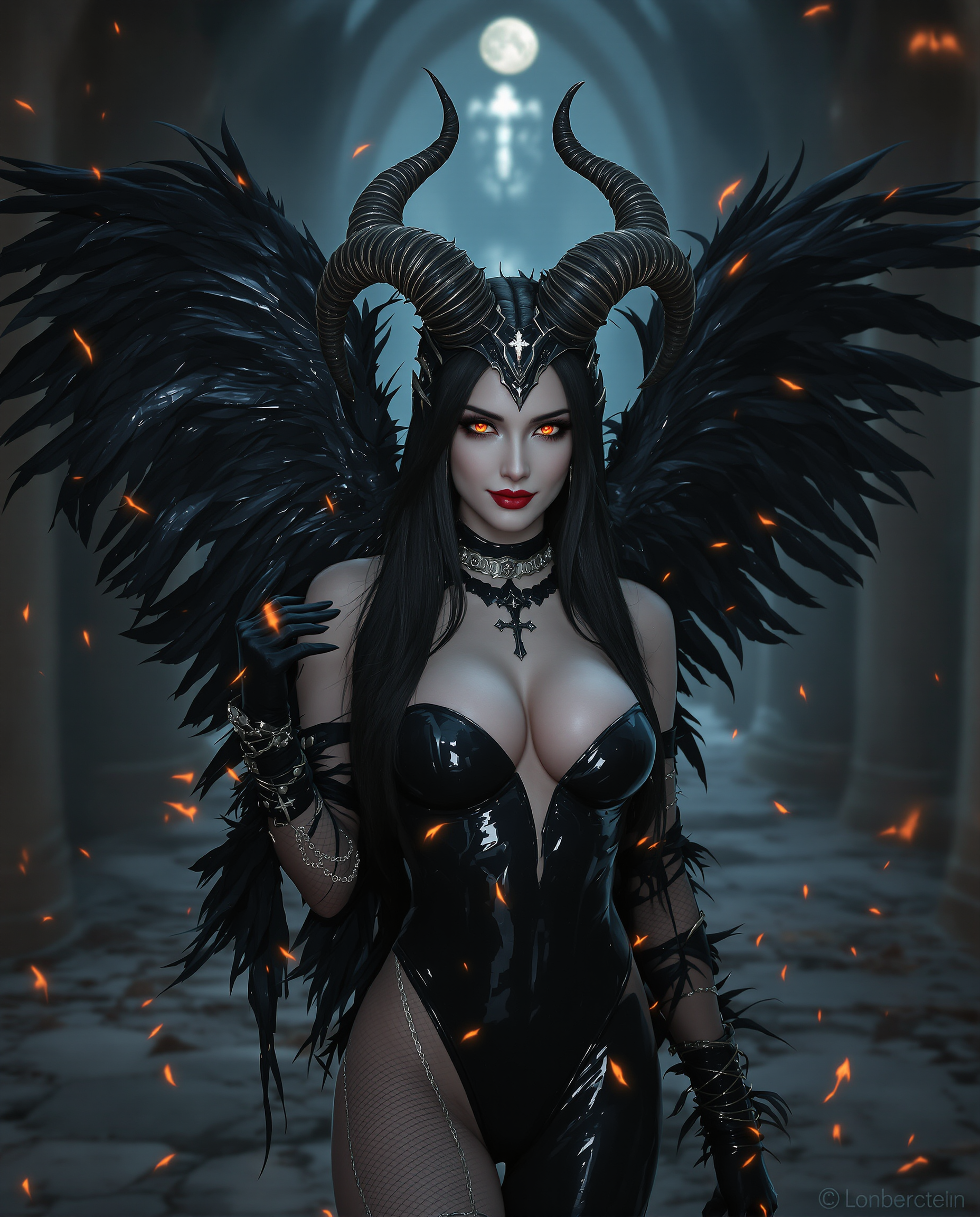
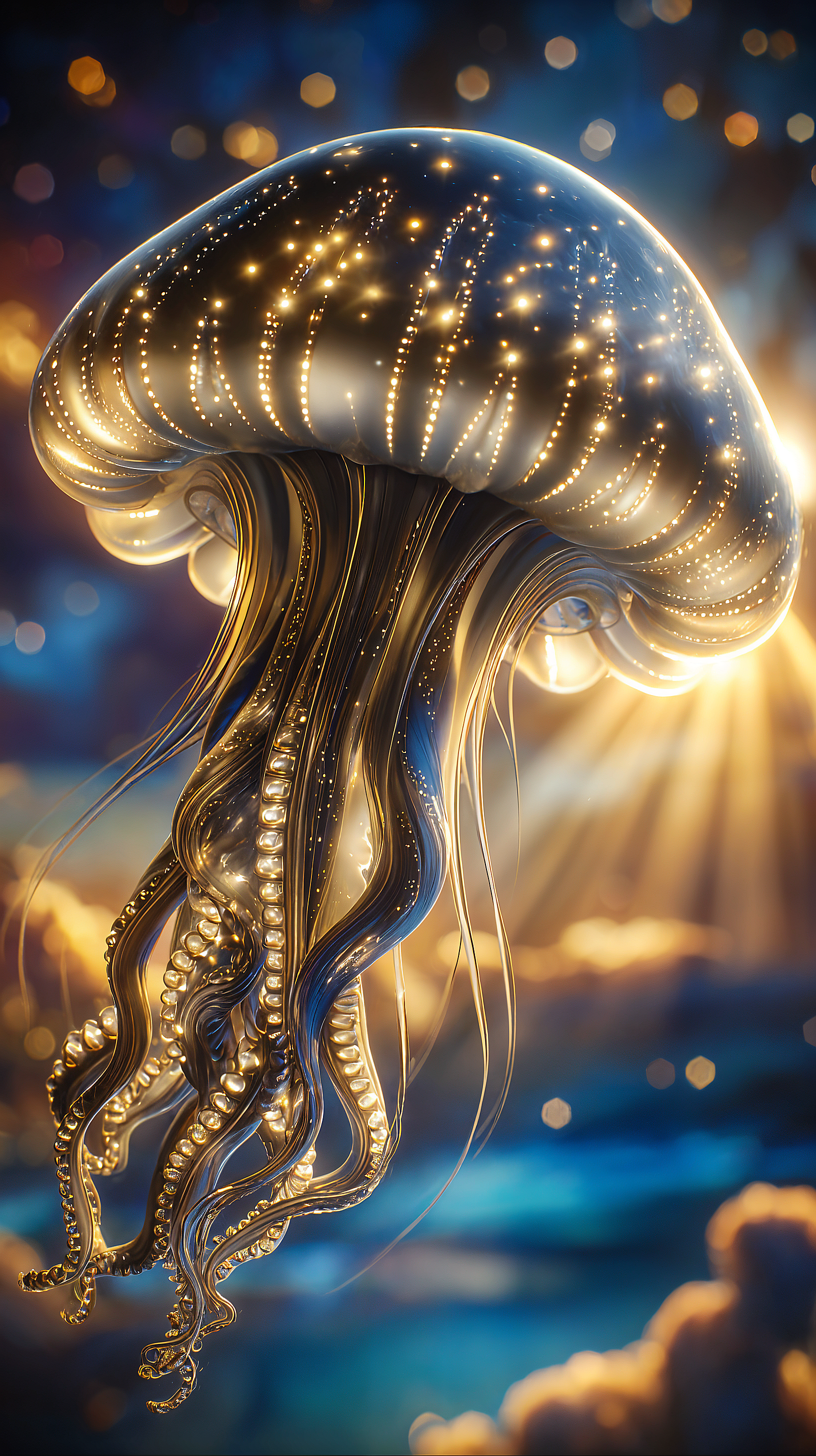
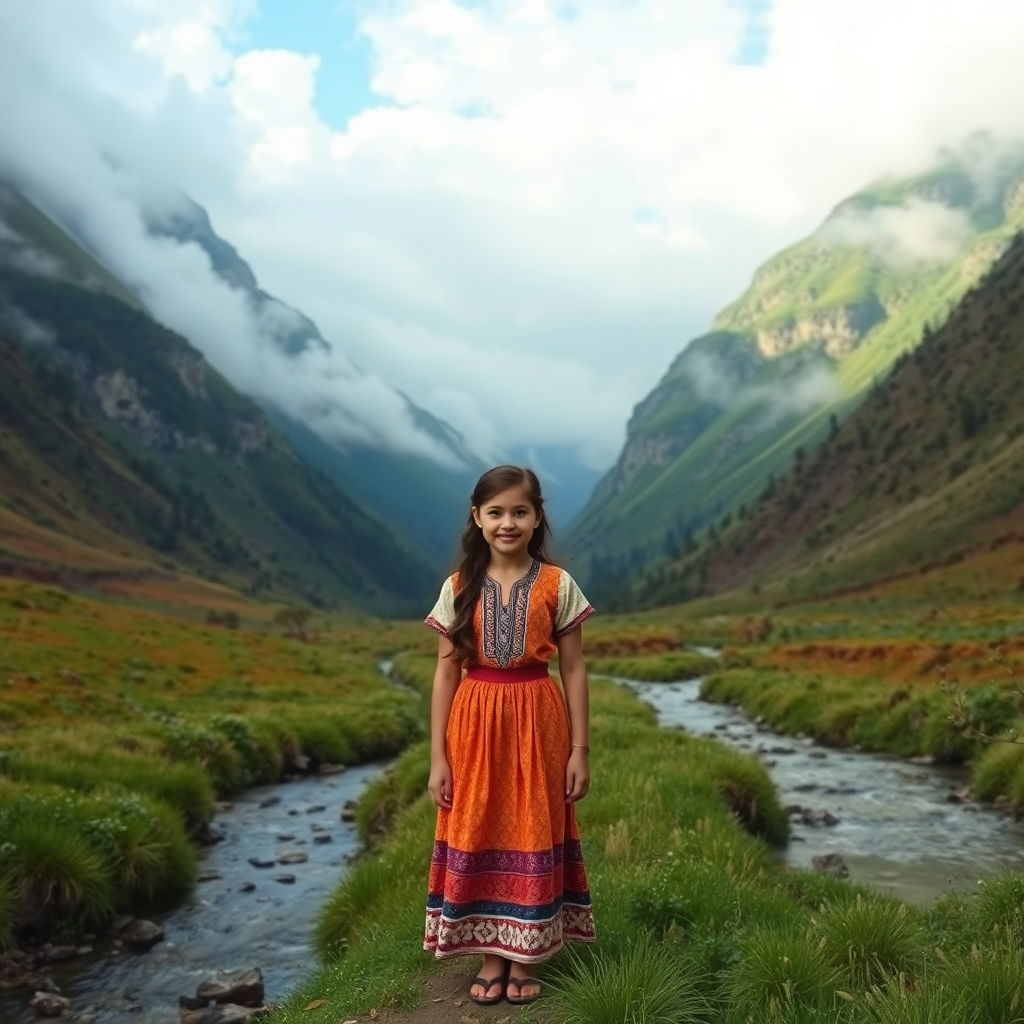
Produce images in various styles, from photorealistic to illustrative, tailored to your specific needs.
Time and Cost Efficiency
Reduce the time and expense associated with traditional design processes by leveraging AI-powered image generation.
How It Works
Creating stunning visuals with PixelDojo's GPT Image 2 integration is a straightforward process. Follow these simple steps to bring your ideas to life:
Step 1: Choose Your Tool
Log in to your PixelDojo account and select the 'GPT Image 2' tool from the 'Generate Images' category.
Step 2: Enter Your Prompt
Describe the image you want to create using natural language. Be specific about elements like subject, style, lighting, and composition to achieve the best results.
Step 3: Customize & Download
Review the generated image, make any necessary adjustments, and download the final version in your preferred format.
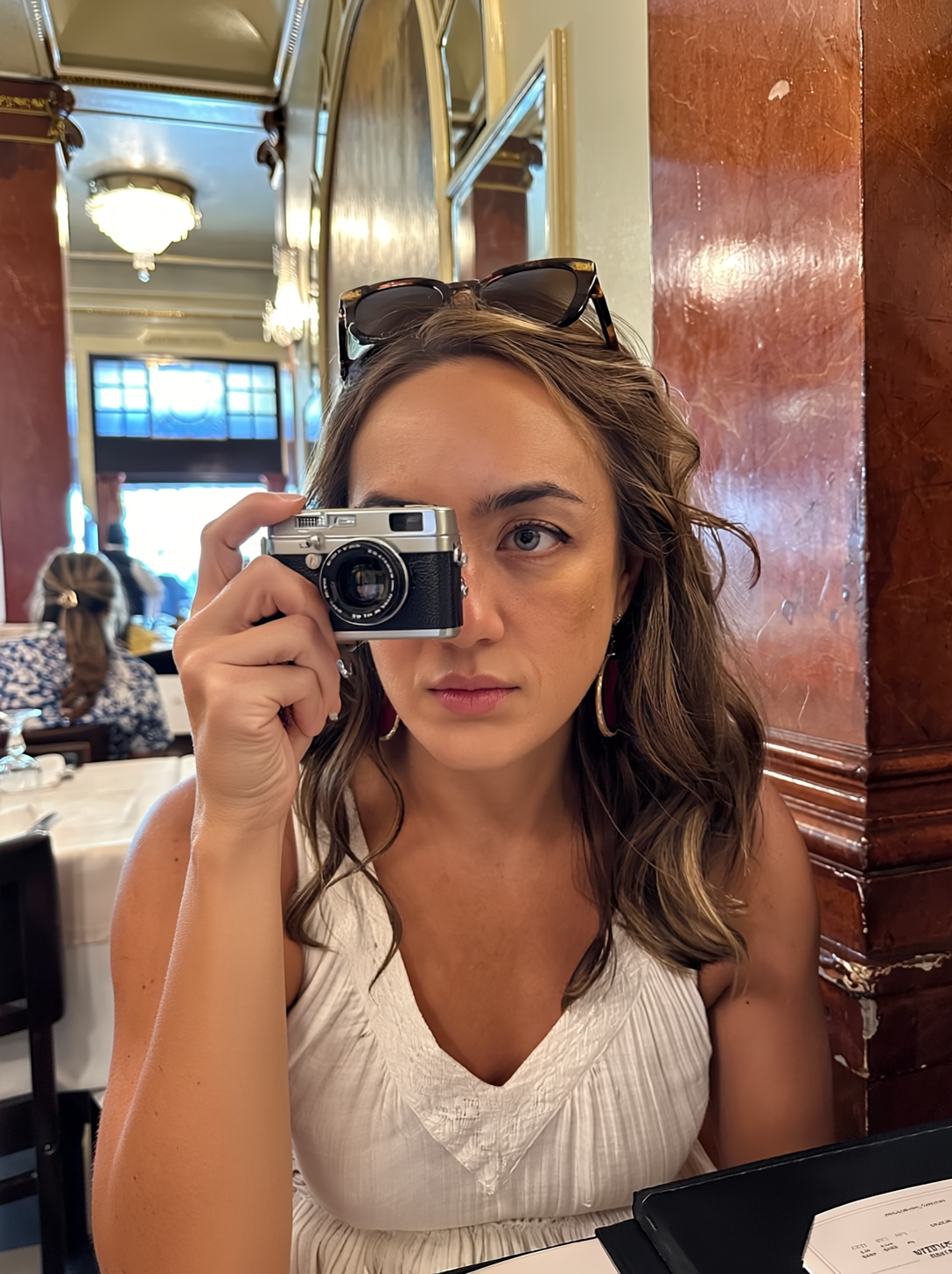
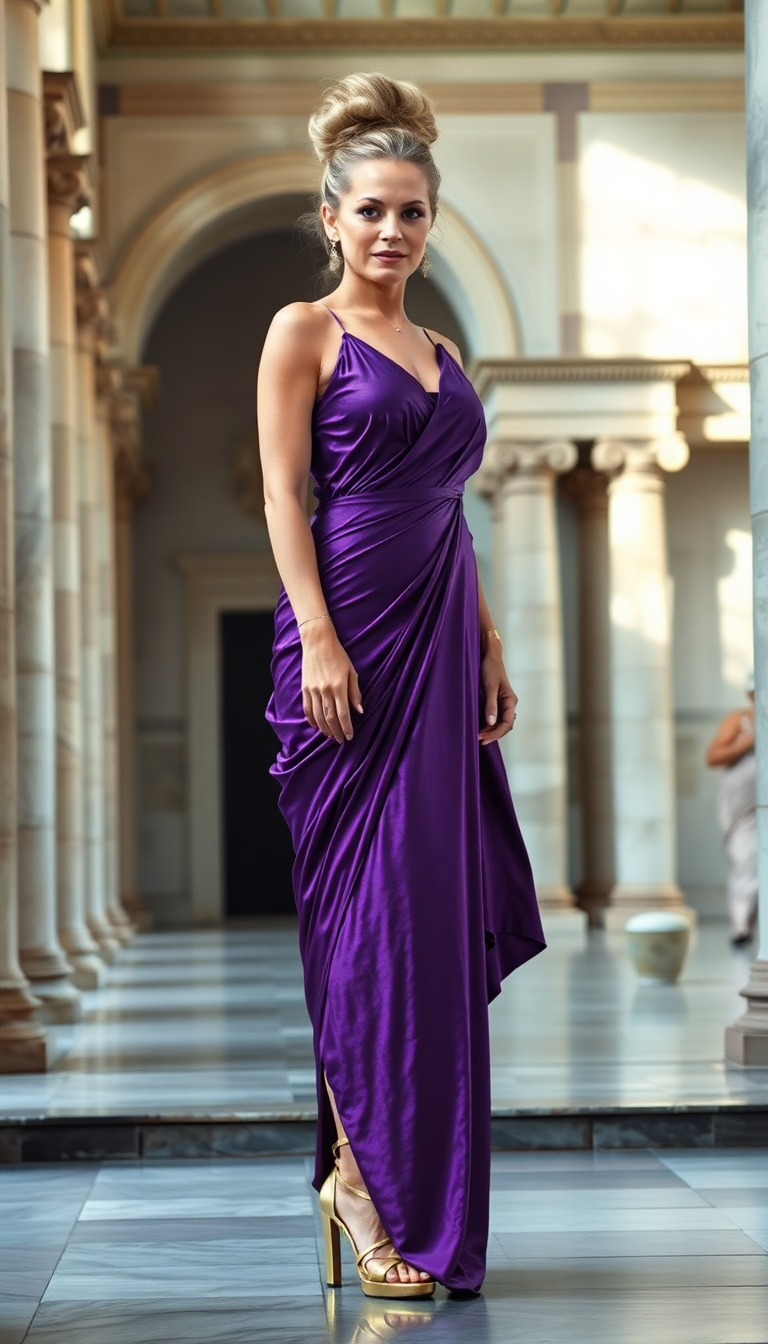
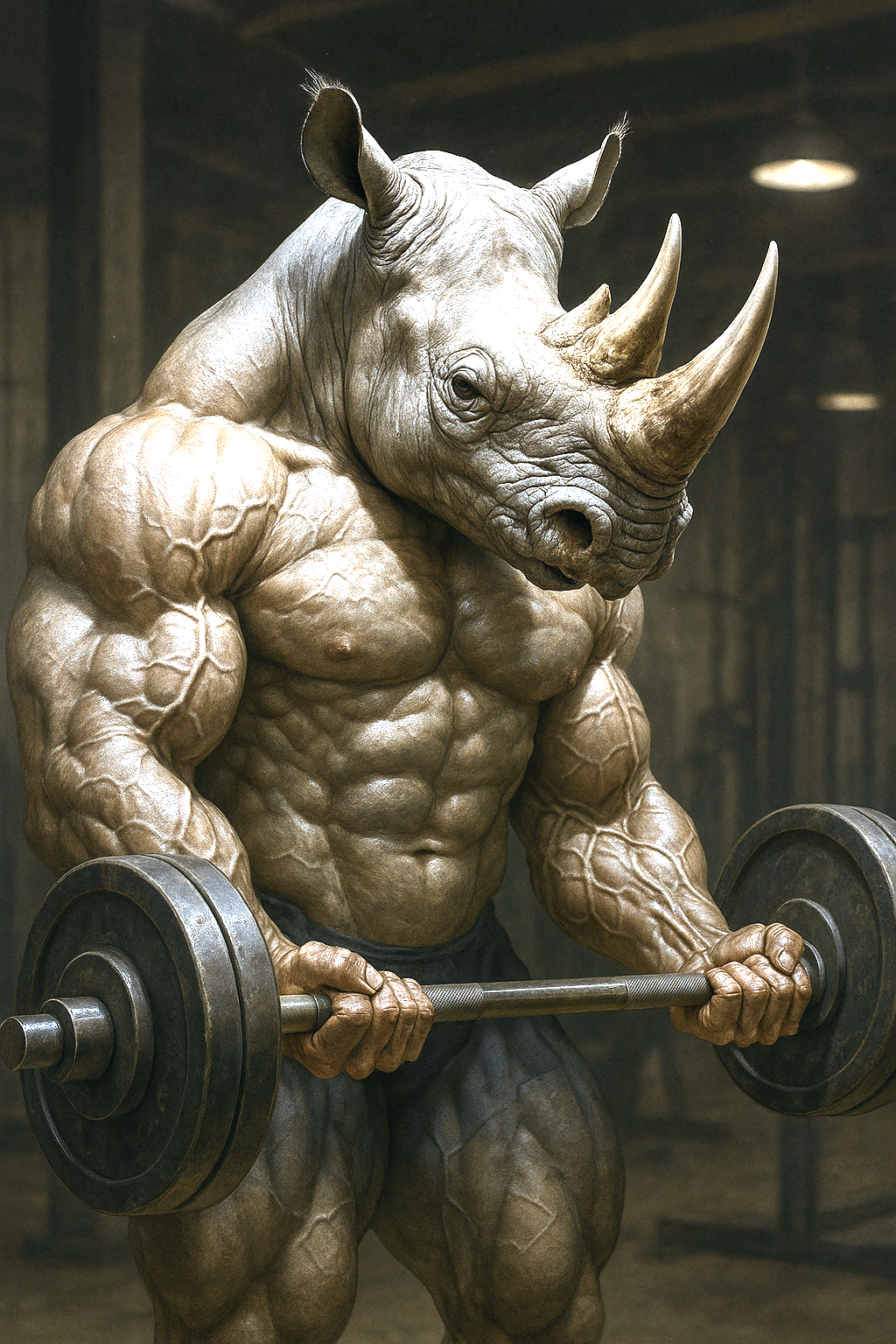
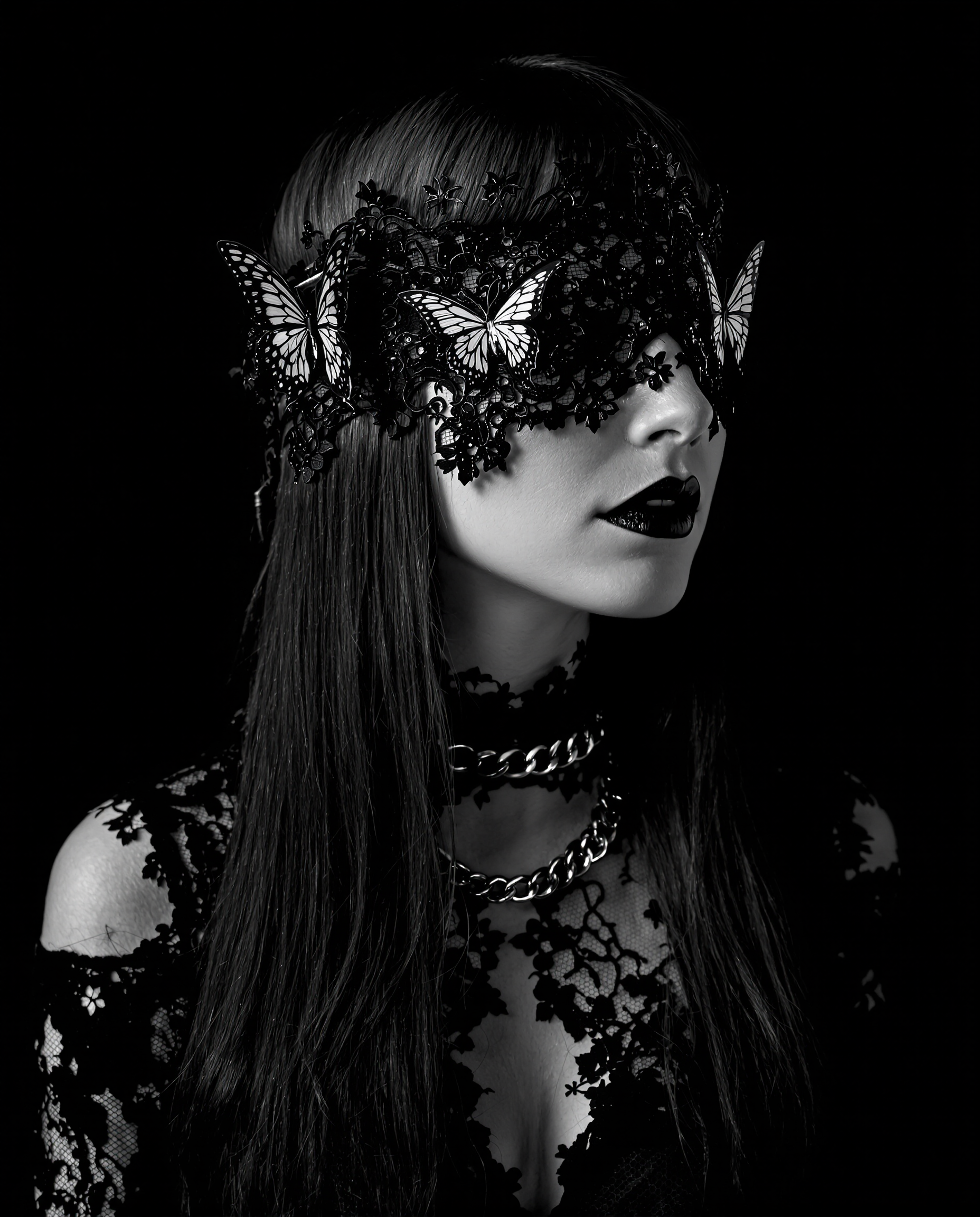

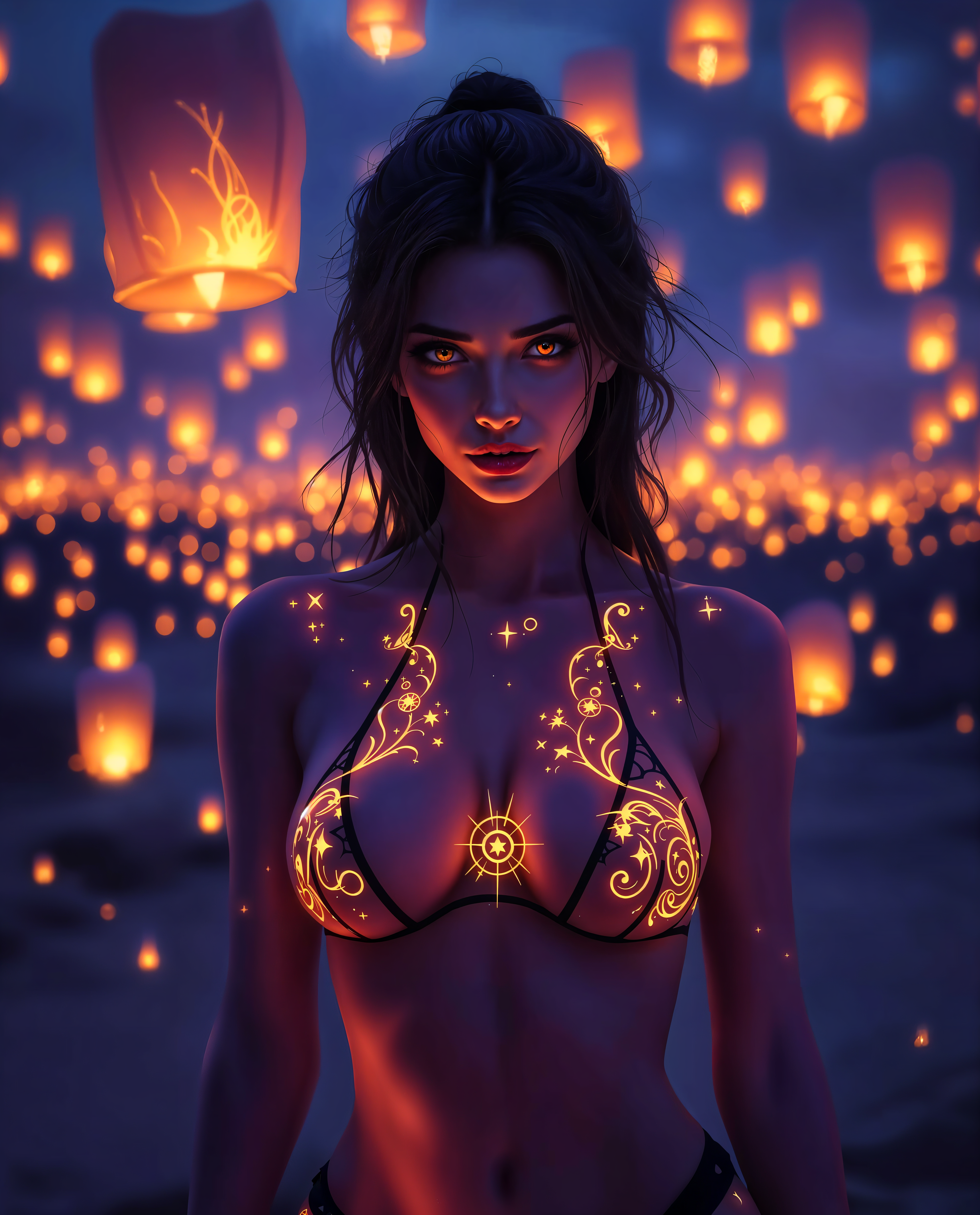
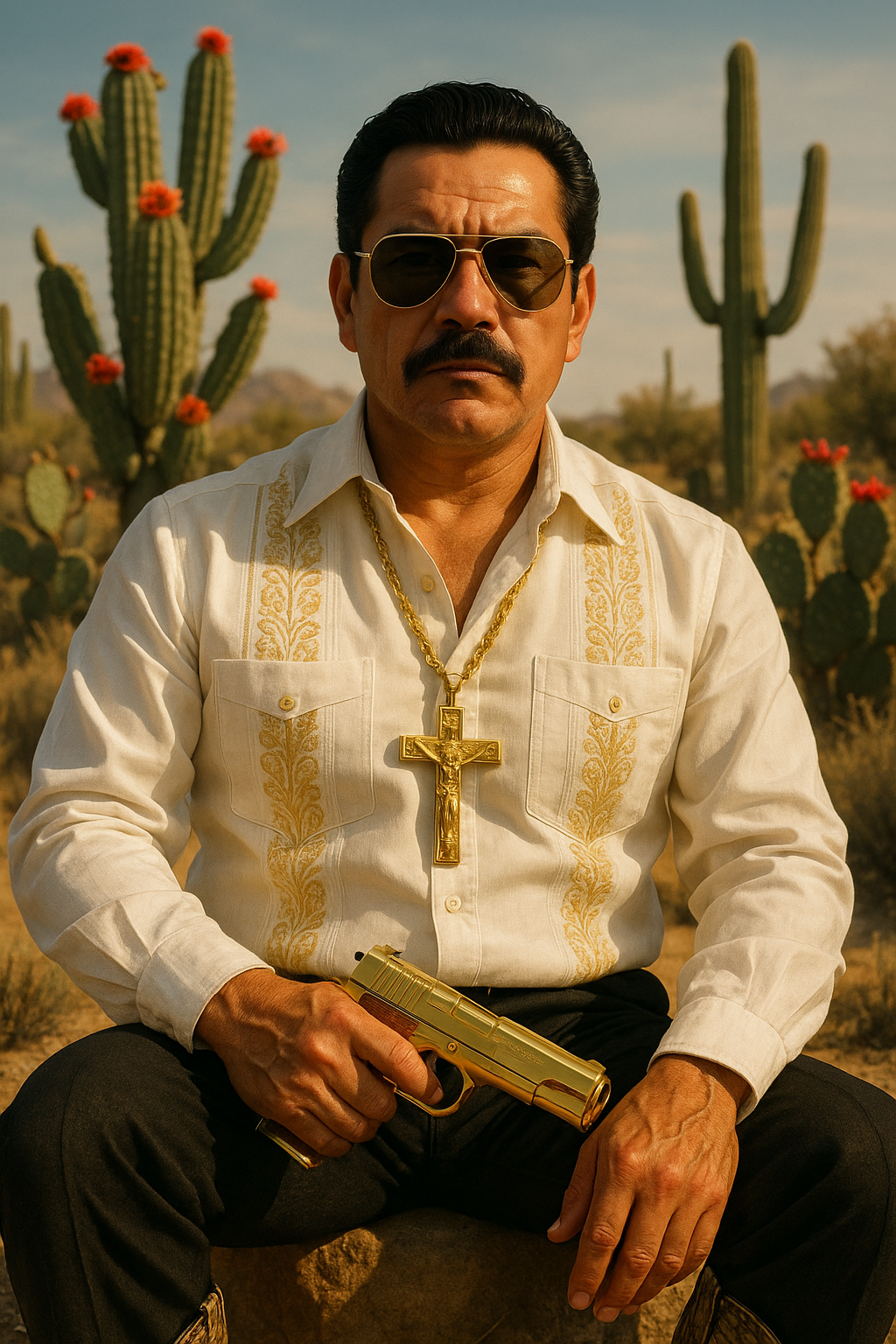
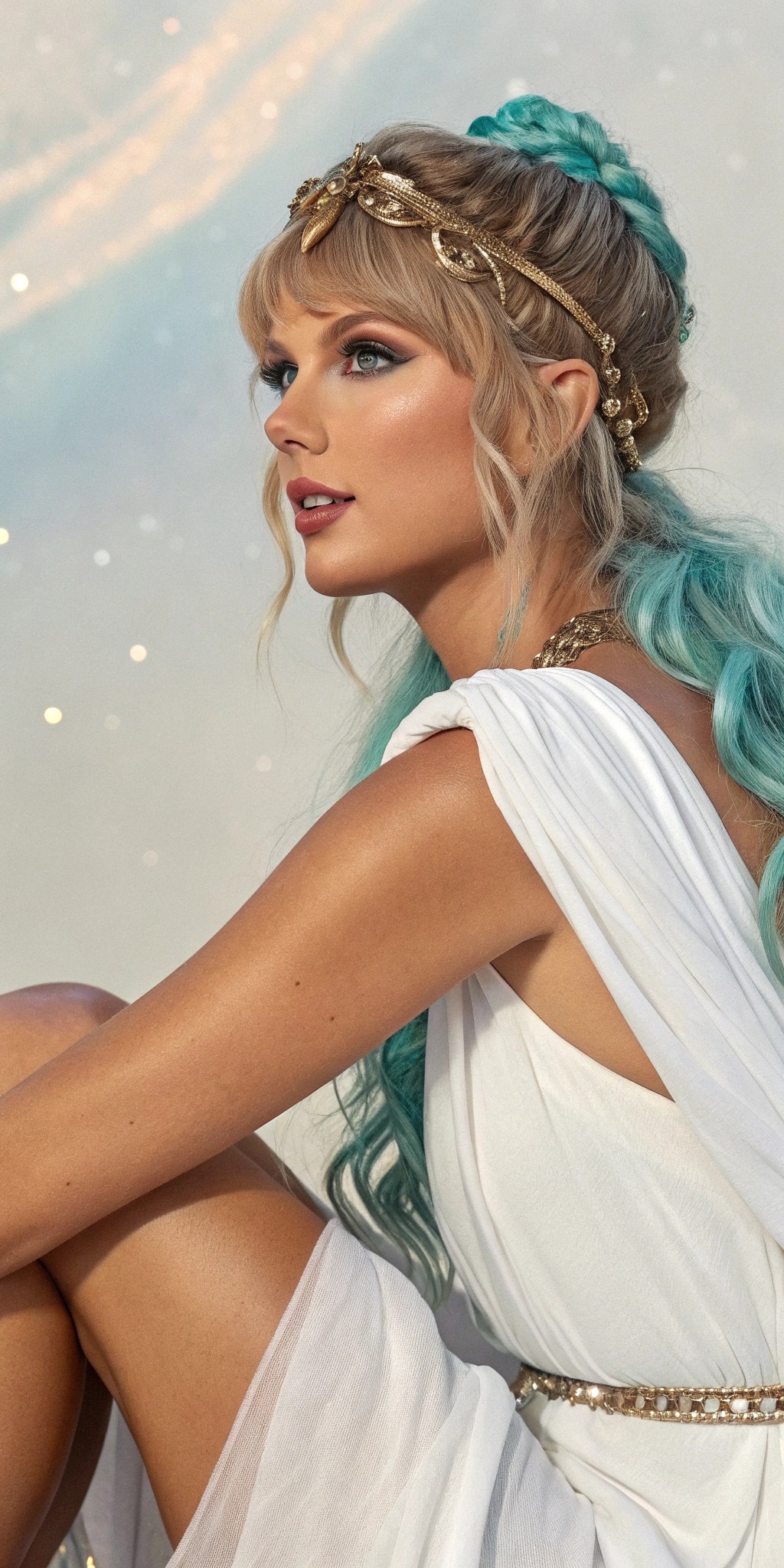

The Pixel Dojo Advantage
Why PixelDojo outperforms other options for AI image generation
| Others | Pixel Dojo |
|---|---|
| Traditional Design Software | No need for extensive design skills or expensive software licenses; create images with simple text prompts. |
| Stock Image Libraries | Generate unique, tailor-made images that perfectly match your vision, avoiding generic stock photos. |
| Freelance Designers | Achieve faster turnaround times and reduce costs by generating images instantly without outsourcing. |
Loved by creators on PixelDojo
Real feedback from people using PixelDojo, pulled from our in-product surveys.
I love this app
It has all the tools I can think of...
deployment rate of splendid features is incredible. Legend
large selection of tools on one platform
the amount you can do on this site
all in one place
Explore more AI tools on PixelDojo
AI Tools
Compare & Switch
- Best AI Image Generators
- Best AI Video Generators
- Midjourney Alternatives
- Civitai Alternatives
- Runway Alternatives
- Leonardo Alternatives
- Pika Alternatives
- Luma Alternatives
- Magnific Alternatives
- Veo Alternatives
- Flux Alternatives
- Freepik Alternatives
- Seedance Alternatives
- Seedream Alternatives
- Pixverse Alternatives
- GPT Image Alternatives
- Synthesia Alternatives
- Playground Alternatives
- NightCafe Alternatives
- Canva AI Alternatives
- ElevenLabs Alternatives
- ComfyUI Alternatives
- Fal Alternatives
- Replicate Alternatives
Common Questions
Everything you need to know about gpt image 2 integration
How does GPT Image 2 integration enhance image generation?
GPT Image 2 utilizes advanced AI algorithms to interpret text prompts and generate high-quality images, allowing users to create visuals without traditional design skills.
Can I customize the style of the generated images?
Yes, by specifying details such as style, lighting, and composition in your prompt, you can tailor the generated images to your specific preferences.
Is there a limit to the number of images I can generate?
PixelDojo offers various subscription plans to suit different needs, including options with unlimited image generation. Choose the plan that best fits your requirements.
What file formats are available for download?
Generated images can be downloaded in multiple formats, including PNG, JPEG, and WebP, ensuring compatibility with various platforms and uses.
Can I use the generated images for commercial purposes?
Yes, images created with PixelDojo's GPT Image 2 integration come with commercial usage rights, allowing you to use them in marketing materials, advertisements, and more.
How accurate is the text rendering in the generated images?
GPT Image 2 is designed to produce images with high text rendering accuracy, making it suitable for creating visuals that include readable text elements.