gpt image 2 online
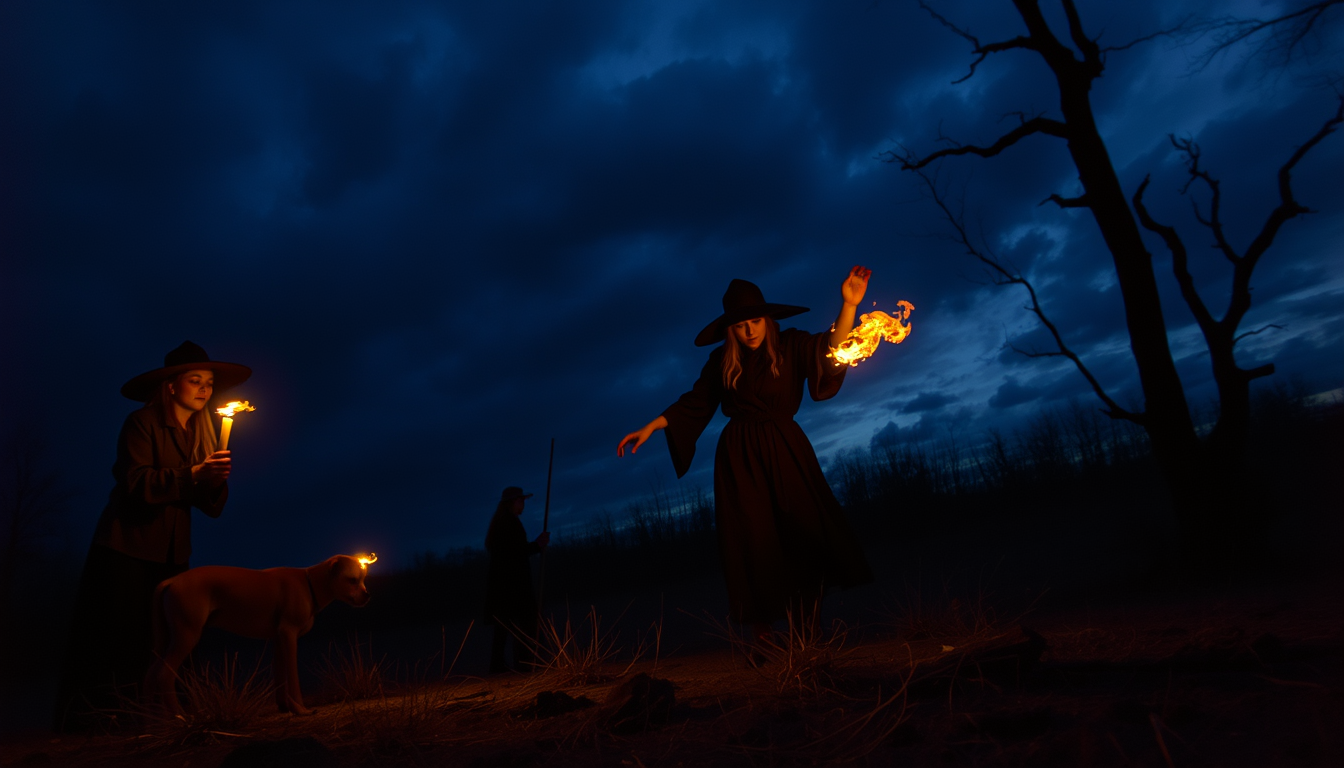
Generated on PixelDojo. Produced by PixelDojo's generation pipeline.
Transform your ideas into professional, high-converting visuals in seconds with GPT Image 2 online at PixelDojo. You no longer need a design team, expensive software, or hours of trial and error. Describe the poster, product shot, infographic, social ad, or lifestyle scene you want and watch PixelDojo’s GPT Image 2 deliver photorealistic results with crystal-clear text, accurate layouts, and instruction-perfect details. Marketers, e-commerce sellers, content creators, and small business owners use GPT Image 2 online every day to produce campaign assets that actually look like they came from a studio. Pair it with PixelDojo’s full suite—Nano Banana 2, Flux.2 Studio, Krea Image, Seedream 5, Image to Image, Inpainting, Background Remover, and Magnific Upscaler—and you complete entire creative workflows without leaving one platform. Get print-ready or social-ready files, iterate instantly, keep characters and branding consistent, and ship work that converts. Thousands of creators already rely on these 40+ cutting-edge tools. Cancel anytime. Start generating the images your audience actually clicks today.
Real image examples generated on PixelDojo
Every example below was produced on PixelDojo. Hover to see the prompt.
Witch at sabbath by Eric Fischl
flux
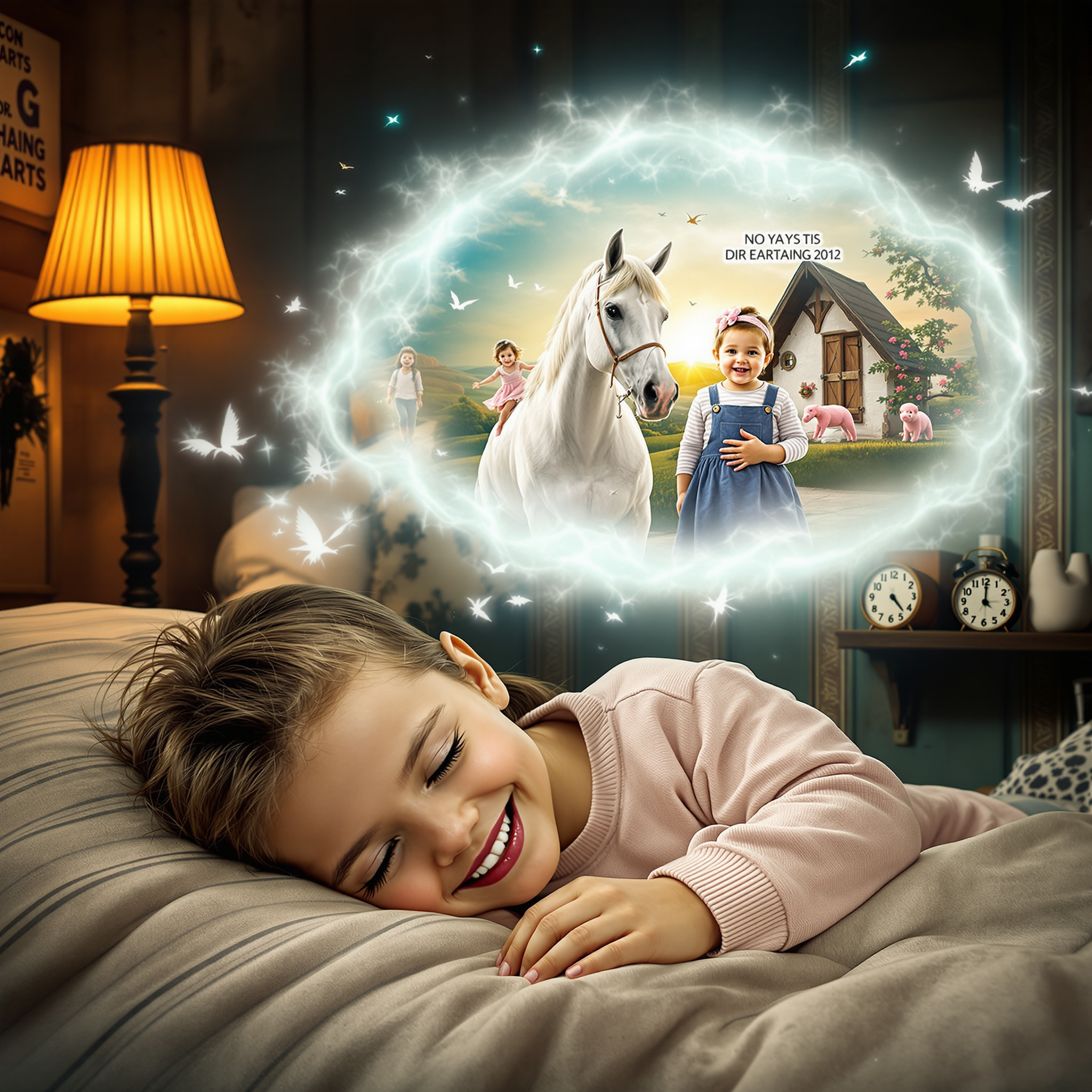
gpt image 2 online on PixelDojo
flux-redux
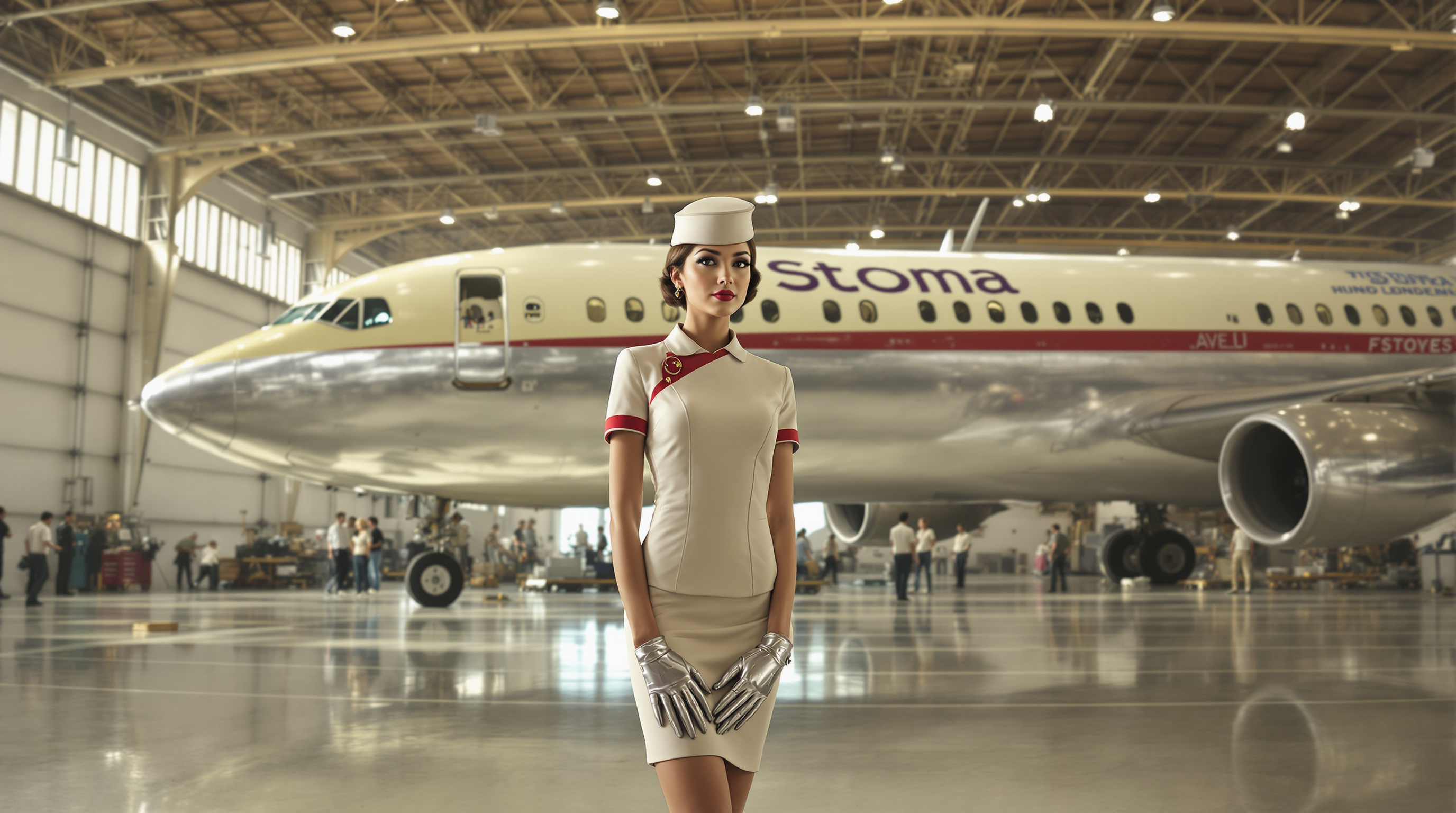
This image is a highresolution photograph that captures a scene in an aircraft hangar
flux

A high-resolution
flux
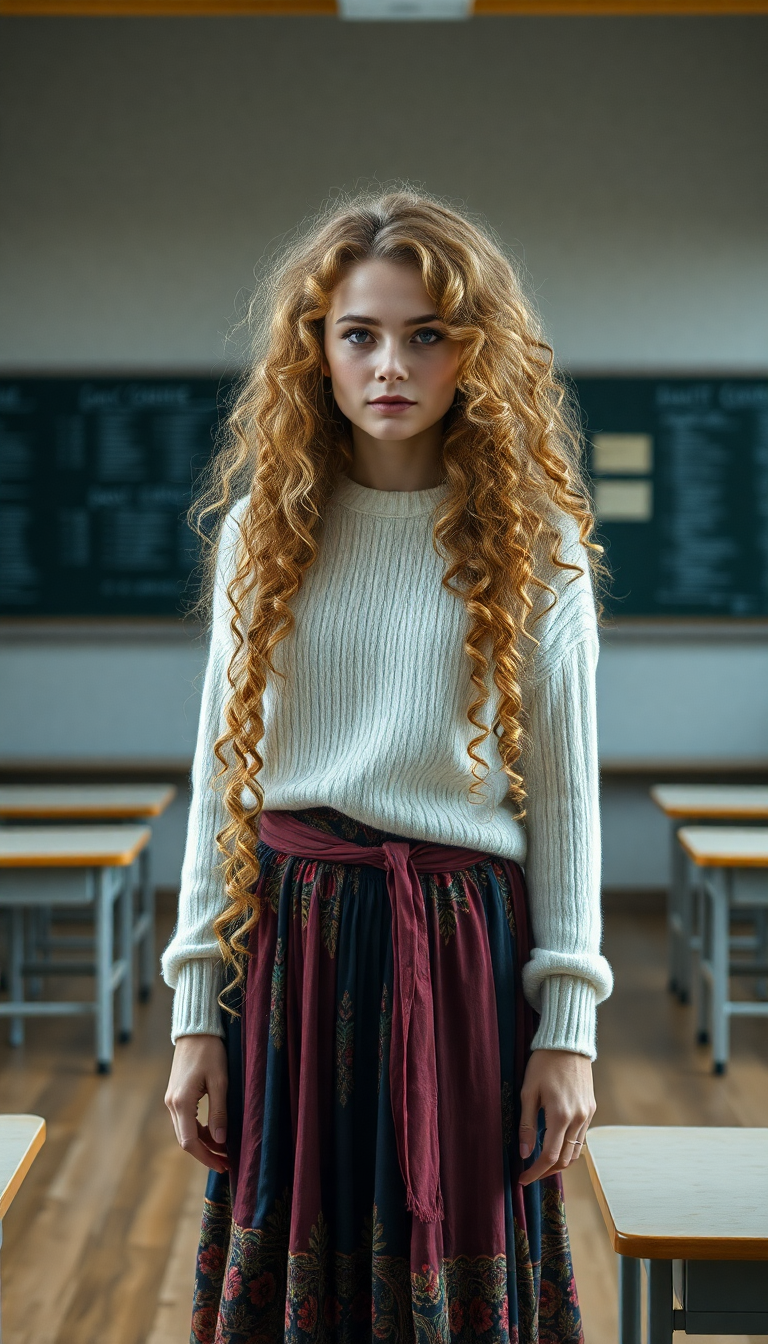
A breathtaking full-body portrait of a 49 year old woman
flux
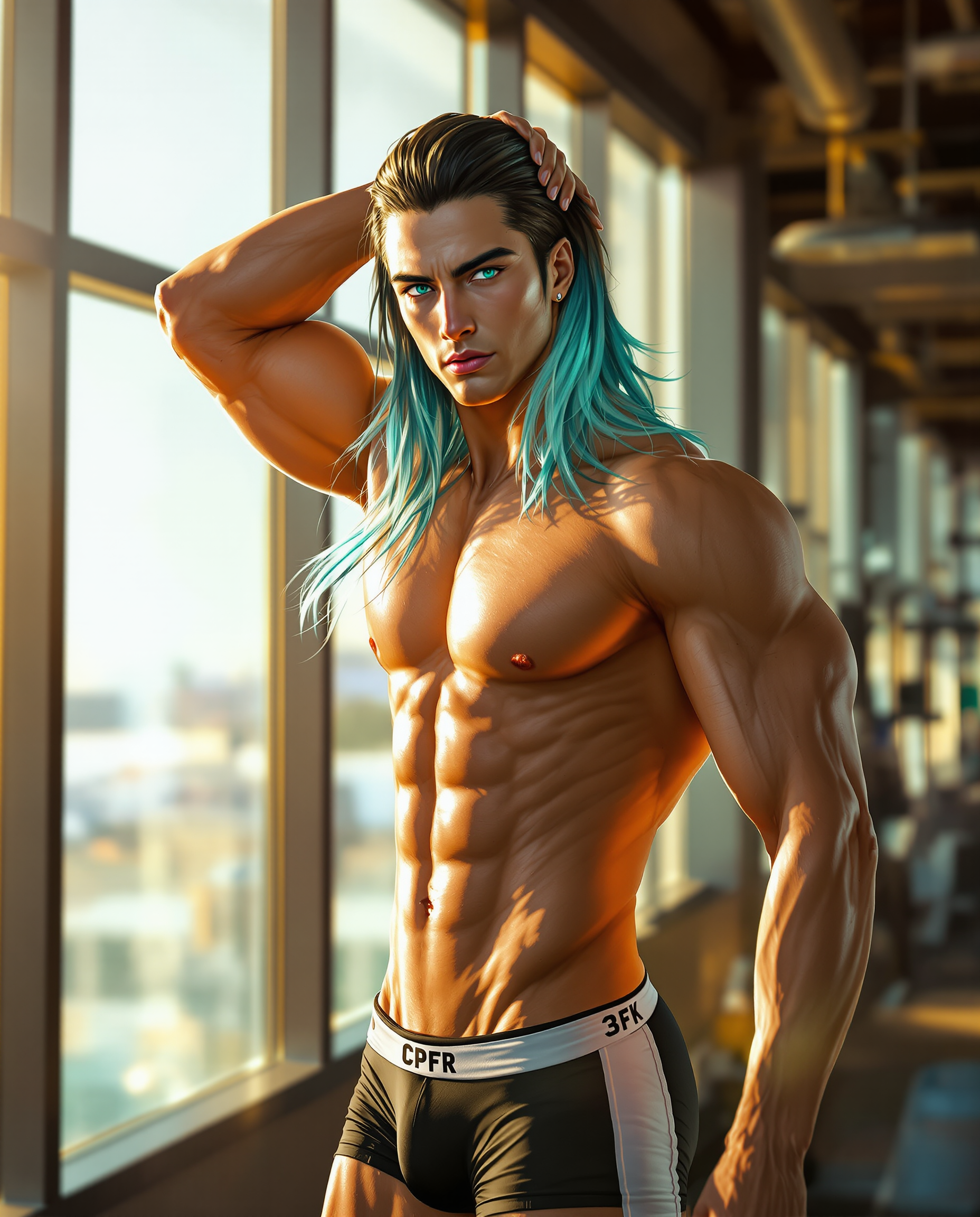
A highly detailed digital realistic photo photograph of a male real person of a strikingly…
flux
Models you can run on PixelDojo for gpt image 2 online
Switch models without switching tools. Each one runs in the same PixelDojo studio.
What you can do with gpt image 2 online on PixelDojo
Text To Image Online
We run GPT Image 2 in the browser so you can turn written prompts into still images without installing software. You stay in one workspace from prompt to preview.
Prompt And Style Control
We let you refine subject, composition, and look through successive prompts. You can keep generating until the frame matches what you need.
Fast Iteration In Browser
We keep generation, history, and edits in one online flow. You can compare variants and continue from a result you like.
Export Ready Image Files
We deliver finished stills you can download for drafts, posts, and production. You choose what to keep and reuse in later sessions.
Loved by thousands of creators worldwide. Access 40+ cutting-edge AI tools including GPT Image 2, Nano Banana 2, Flux.2 Studio and Seedream 5. Cancel anytime. Join the community producing professional visuals daily.
Why Choose Pixel Dojo for gpt image 2 online
Professional-quality results with cutting-edge AI technology
Launch Campaigns with Readable, On-Brand Text
You create posters, packaging, ads, menus, UI mockups and infographics where every headline, label and call-to-action is sharp and correctly spelled. GPT Image 2 online on PixelDojo follows complex layout instructions so your marketing assets look professionally designed and ready to drive clicks and sales without extra cleanup.
Edit Photos and Mockups in Plain Language
You upload a product photo or draft and simply describe the change—new background, different lighting, added props, or style shift. Combine GPT Image 2 with PixelDojo’s Image to Image, Inpainting, Magic Lighting, Style Transfer and Reality Polisher to refine results in minutes instead of hours, keeping original details intact.
Ship High-Resolution Assets for Any Channel
You generate photorealistic portraits, product hero shots, lifestyle scenes and illustrations that work on social, web, print or presentations. Then upscale with P-Image Upscale, Magnific Upscaler or Portrait Upscaler, reframe, or remove backgrounds so every file is campaign-ready and looks like it was shot by a professional.
How It Works
You create professional GPT Image 2 images online on PixelDojo in three straightforward steps. The platform combines the power of GPT Image 2 with complementary tools so you go from idea to finished asset without switching apps.
Step 1: Choose Your Tool
Sign in to PixelDojo and open the Generate Images section. Select GPT Image 2 for maximum instruction following and text quality. You can also start with Image to Image if you already have a reference photo, or explore Flux.2 Studio, Krea Image or Seedream 5 for alternative looks. The dashboard keeps everything in one place so you stay focused on the outcome you want.
Step 2: Enter Your Prompt
Write a clear description of the subject, composition, lighting, materials, any on-image text, and intended use (ad, poster, product mockup). GPT Image 2 excels when you specify layout and typography details. Optionally upload one or more reference images for style or product consistency. Choose aspect ratio and quality, then generate. PixelDojo handles the rest so you receive images that match your brief.
Step 3: Customize & Download
Review the results and refine using PixelDojo’s Edit Images tools: Inpainting for precise changes, Change Camera Angle, Background Remover, Style Transfer or Reality Polisher. Upscale with Magnific Upscaler or P-Image Upscale if you need extra resolution. Download watermark-free files ready for your campaign, store, or social channels. Iterate as many times as you need.
The Pixel Dojo Advantage
Why PixelDojo outperforms other options for GPT Image 2 online image generation
| Others | Pixel Dojo |
|---|---|
| Traditional graphic design | You skip weeks of briefs, revisions and high agency fees. Generate professional GPT Image 2 visuals in minutes, test multiple versions instantly, and produce complete campaign sets that would otherwise cost thousands and take days. |
| Generic AI tools | You get GPT Image 2 plus 40+ specialized tools in one workspace—Nano Banana 2, Flux.2 Studio, Seedream 5, full editing suite, character consistency, video tools and upscalers—so you finish entire projects without exporting and importing between platforms. |
| Manual photo editing | You replace hours of layer work and masking with simple descriptions. GPT Image 2 combined with PixelDojo’s Inpainting, Magic Lighting, Outpainting and Background Remover delivers studio-quality results while you stay focused on strategy instead of software. |
Loved by creators on PixelDojo
Real feedback from people using PixelDojo, pulled from our in-product surveys.
large selection of tools on one platform
the amount you can do on this site
all in one place
It is a lot of fun to uae and easy too.
So many different models to try out
You keep adding to it to stay up to date and that is GOLD.
Explore more AI tools on PixelDojo
AI Tools
Compare & Switch
- Best AI Image Generators
- Best AI Video Generators
- Midjourney Alternatives
- Civitai Alternatives
- Runway Alternatives
- Leonardo Alternatives
- Pika Alternatives
- Luma Alternatives
- Magnific Alternatives
- Veo Alternatives
- Flux Alternatives
- Freepik Alternatives
- Seedance Alternatives
- Seedream Alternatives
- Pixverse Alternatives
- GPT Image Alternatives
- Synthesia Alternatives
- Playground Alternatives
- NightCafe Alternatives
- Canva AI Alternatives
- ElevenLabs Alternatives
- ComfyUI Alternatives
- Fal Alternatives
- Replicate Alternatives
Common Questions
Everything you need to know about gpt image 2 online
How do I start generating images with GPT Image 2 online on PixelDojo?
You simply sign up or log in at PixelDojo, go to Generate Images, and select GPT Image 2. Type your prompt, optionally add reference images, choose settings, and generate. New users can try the platform immediately. You also have access to 40+ other tools such as Nano Banana 2, Flux.2 Studio and the full Edit Images suite so you can complete any project. Cancel anytime.
Why is GPT Image 2 online on PixelDojo ideal for images that contain text?
GPT Image 2 is known for exceptional instruction following and readable text rendering, making it perfect for posters, ads, packaging, infographics and UI mockups. On PixelDojo you combine it with Inpainting, Style Transfer and Reality Polisher so the final asset looks professionally designed and ready for commercial use without extra retouching.
Can I edit my existing photos using GPT Image 2 online at PixelDojo?
Yes. Upload your photo and describe the changes you want. GPT Image 2 works alongside PixelDojo’s Image to Image, Inpainting, Change Camera Angle, Background Remover and Magic Lighting tools. You keep the original details you care about while updating style, background, lighting or objects in minutes.
How can I create consistent product mockups with GPT Image 2 and PixelDojo?
Use GPT Image 2 with reference images of your product, then refine with Image to Image and Inpainting. For ongoing campaigns, PixelDojo’s Consistent Characters, Character Sheets and Virtual Try-On tools help maintain brand look across multiple shots. Upscale the final files with Magnific Upscaler or P-Image Upscale for marketplace or print quality.
Is it possible to use GPT Image 2 images commercially on PixelDojo?
PixelDojo is built for creators who need production-ready assets. You generate with GPT Image 2, polish with the editing and upscale tools, and download files suitable for ads, e-commerce, social and print. Combined with 40+ tools and the ability to cancel anytime, you have a complete commercial workflow without extra licenses or exports.
Which other PixelDojo tools work best with GPT Image 2 online?
You get the most value by pairing GPT Image 2 with Nano Banana 2 and Flux.2 Studio for style variety, Image to Image and Inpainting for edits, Background Remover and Reality Polisher for cleanup, Magnific Upscaler and P-Image Upscale for resolution, plus Consistent Characters and Marketing Studio when you need brand or campaign consistency. Everything lives in one account.