gpt image 2 outpainting
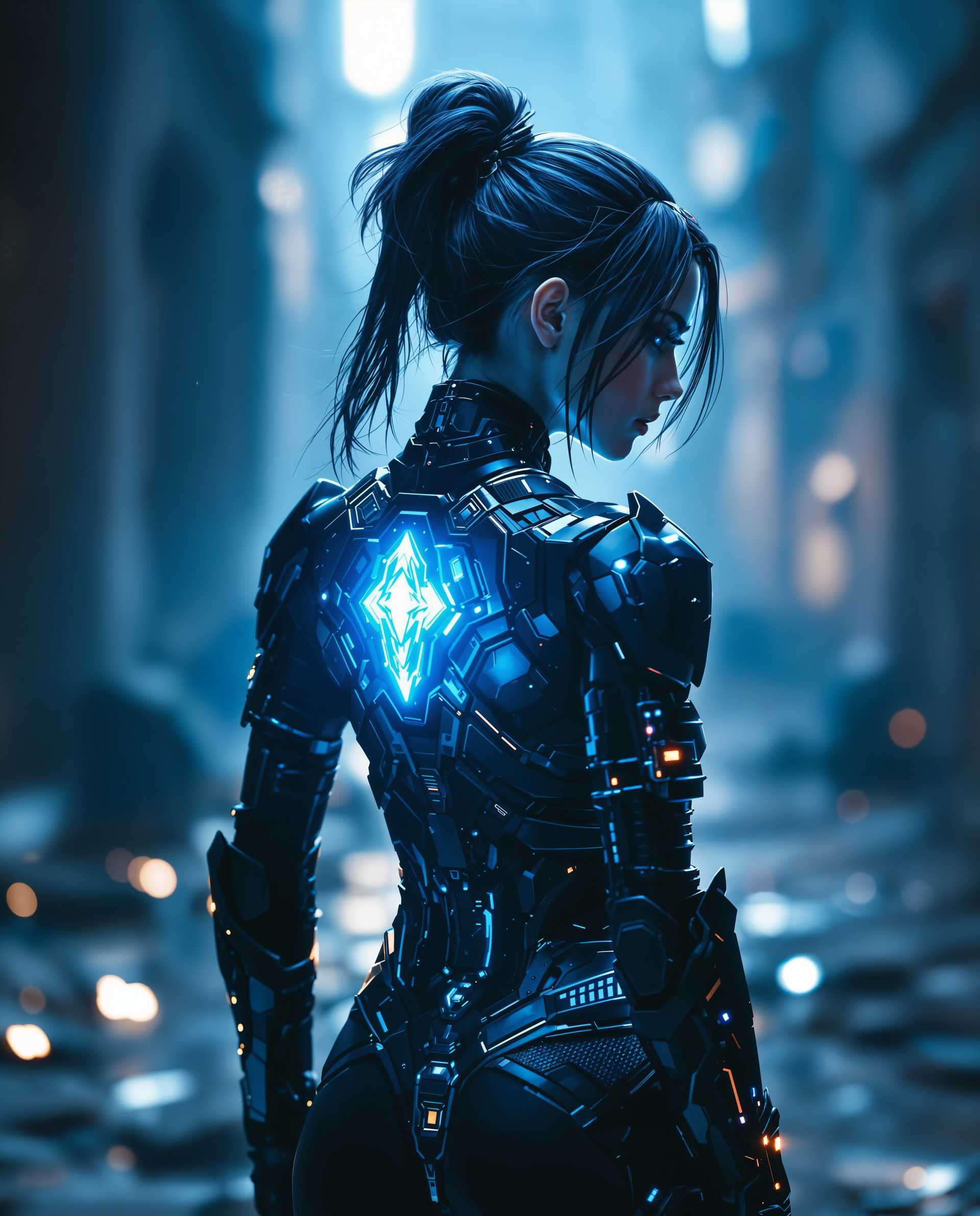
Imagine effortlessly expanding your images beyond their original borders, creating stunning visuals that captivate your audience. With PixelDojo's GPT Image 2 Outpainting tool, you can seamlessly extend any image, adding depth and context to your creations. Whether you're a designer, marketer, or content creator, our AI-powered tool empowers you to enhance your visuals without the need for complex editing software.
Join over 10,000 creators who have transformed their visuals with PixelDojo's AI tools. Rated 4.8/5 based on 2,500+ reviews.
Why Choose Pixel Dojo for gpt image 2 outpainting
Professional-quality results with cutting-edge AI technology
Seamless Image Expansion
Extend your images in any direction while maintaining the original style and composition, creating cohesive and natural-looking results.
Time-Saving Automation
Automate the outpainting process, reducing the need for manual editing and allowing you to focus on your creative vision.
High-Resolution Outputs
Generate high-quality, high-resolution images suitable for professional use, ensuring your visuals stand out.
How It Works
Creating expanded images with GPT Image 2 Outpainting is simple and intuitive. Follow these steps to transform your visuals:
Step 1: Upload Your Image
Select the image you wish to expand and upload it to the PixelDojo platform.
Step 2: Define Expansion Parameters
Choose the direction(s) and scale of the expansion. Options include extending left, right, up, down, or in all directions by percentages such as 25%, 50%, or 100%.
Step 3: Generate and Download
Click 'Expand Image' to let the AI process your request. In seconds, your expanded image will be ready for download.
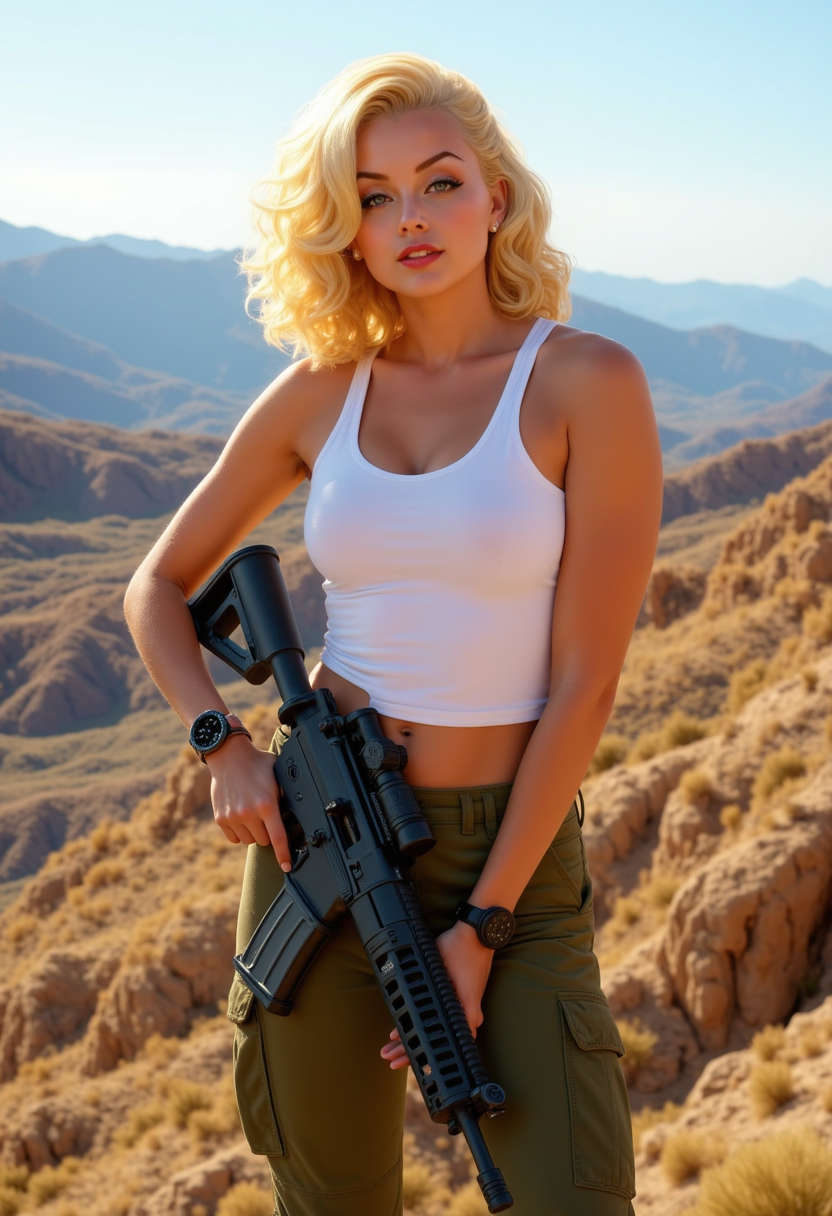

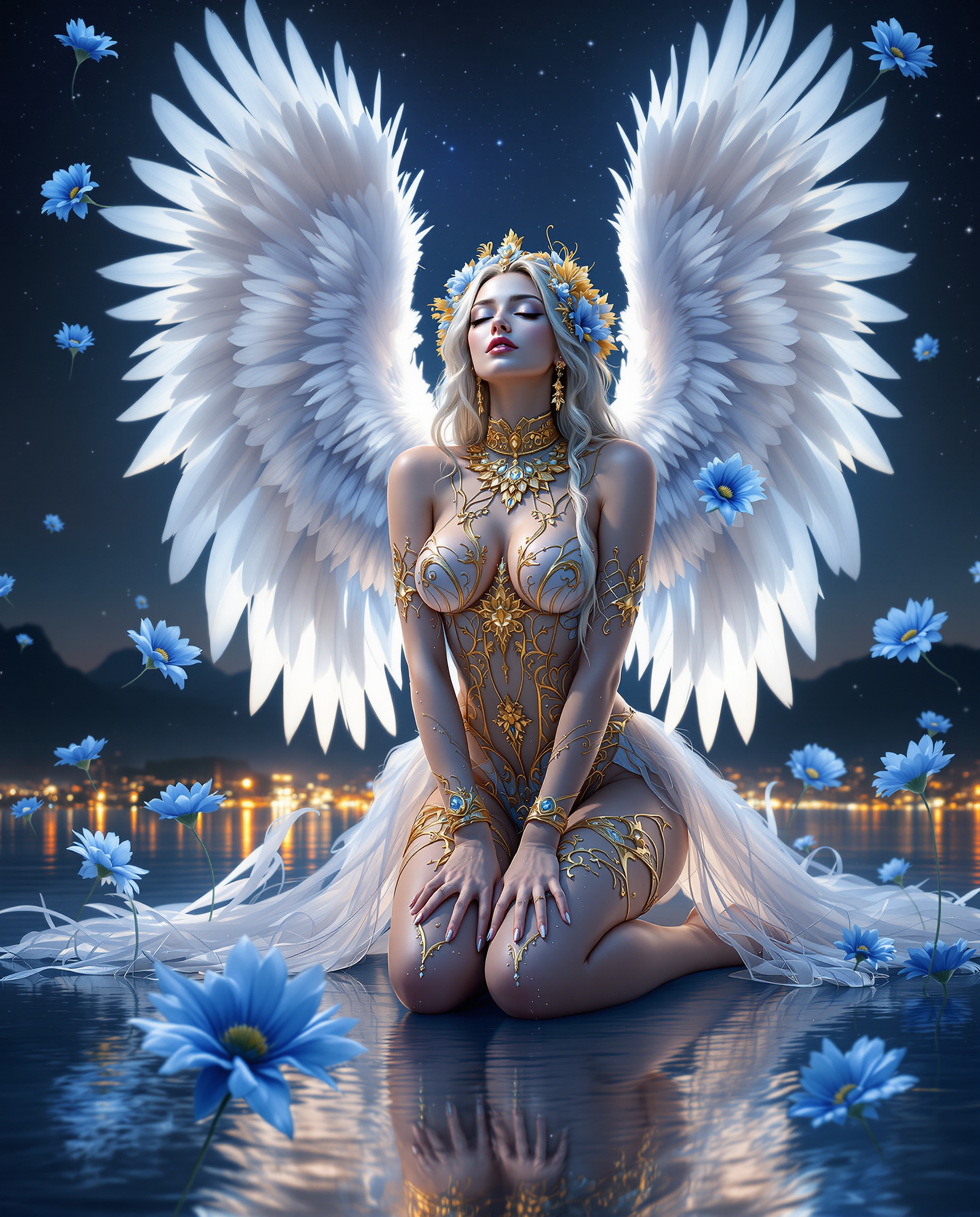

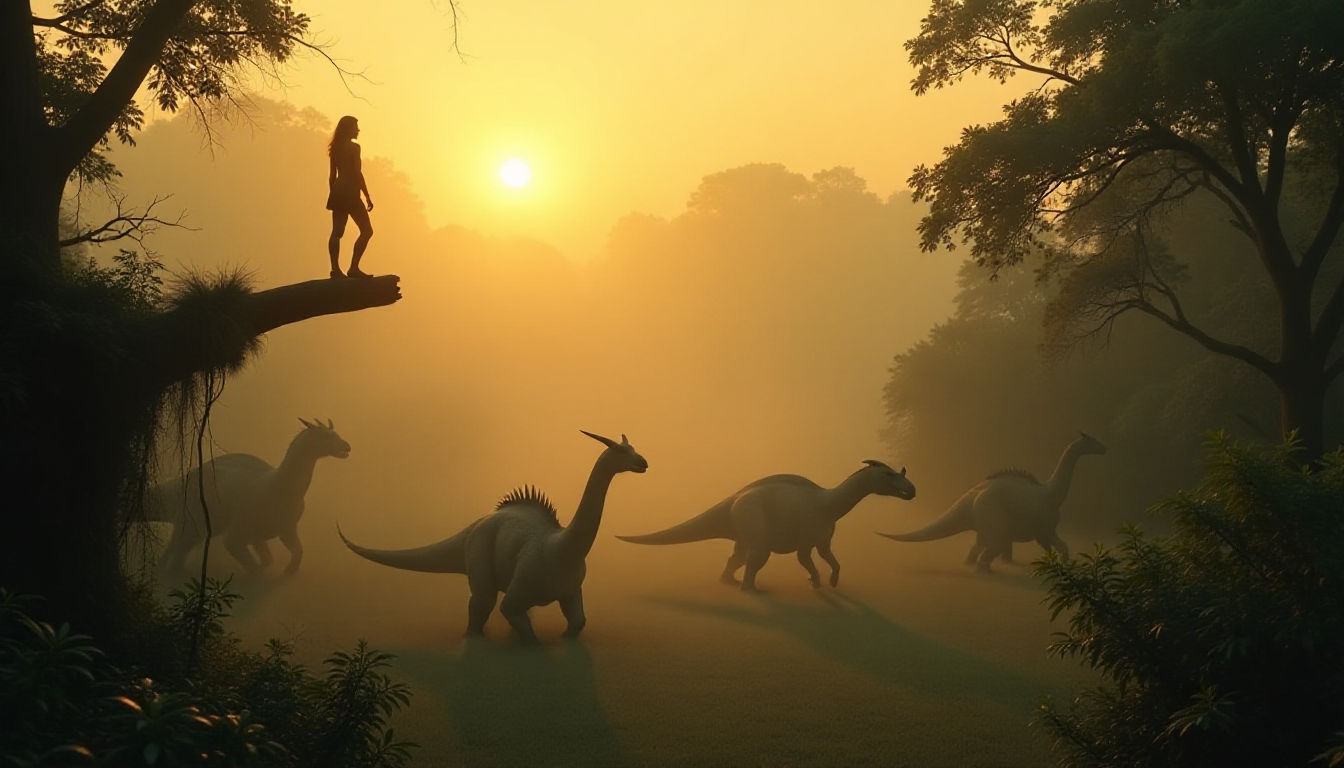

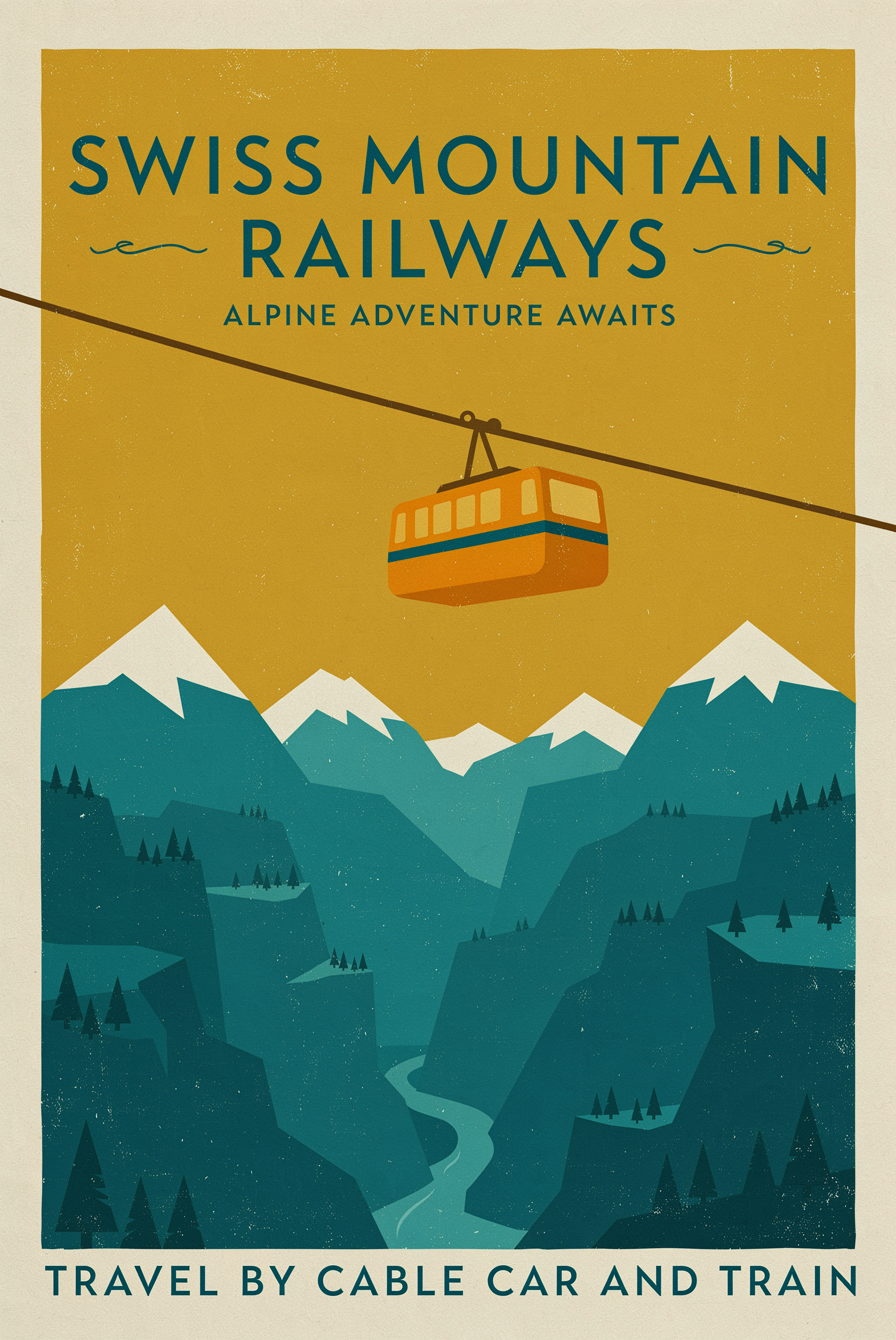

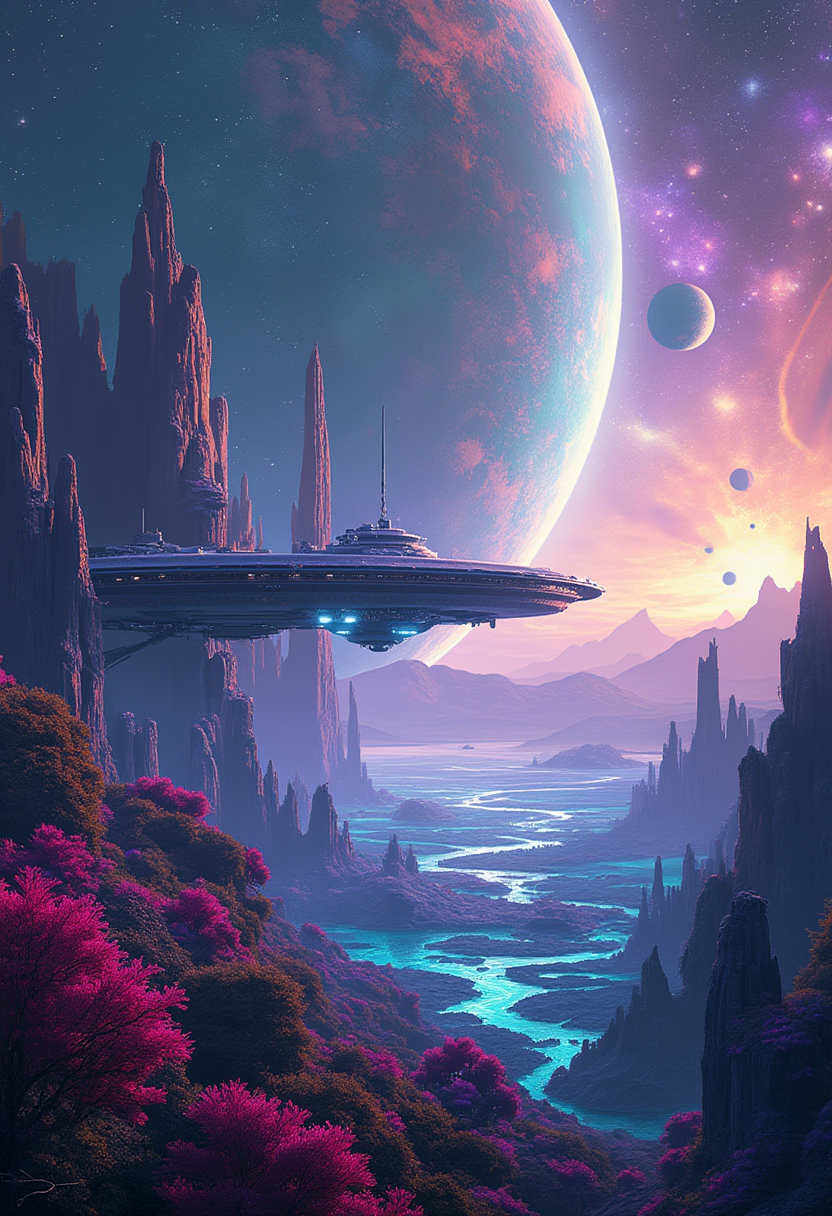
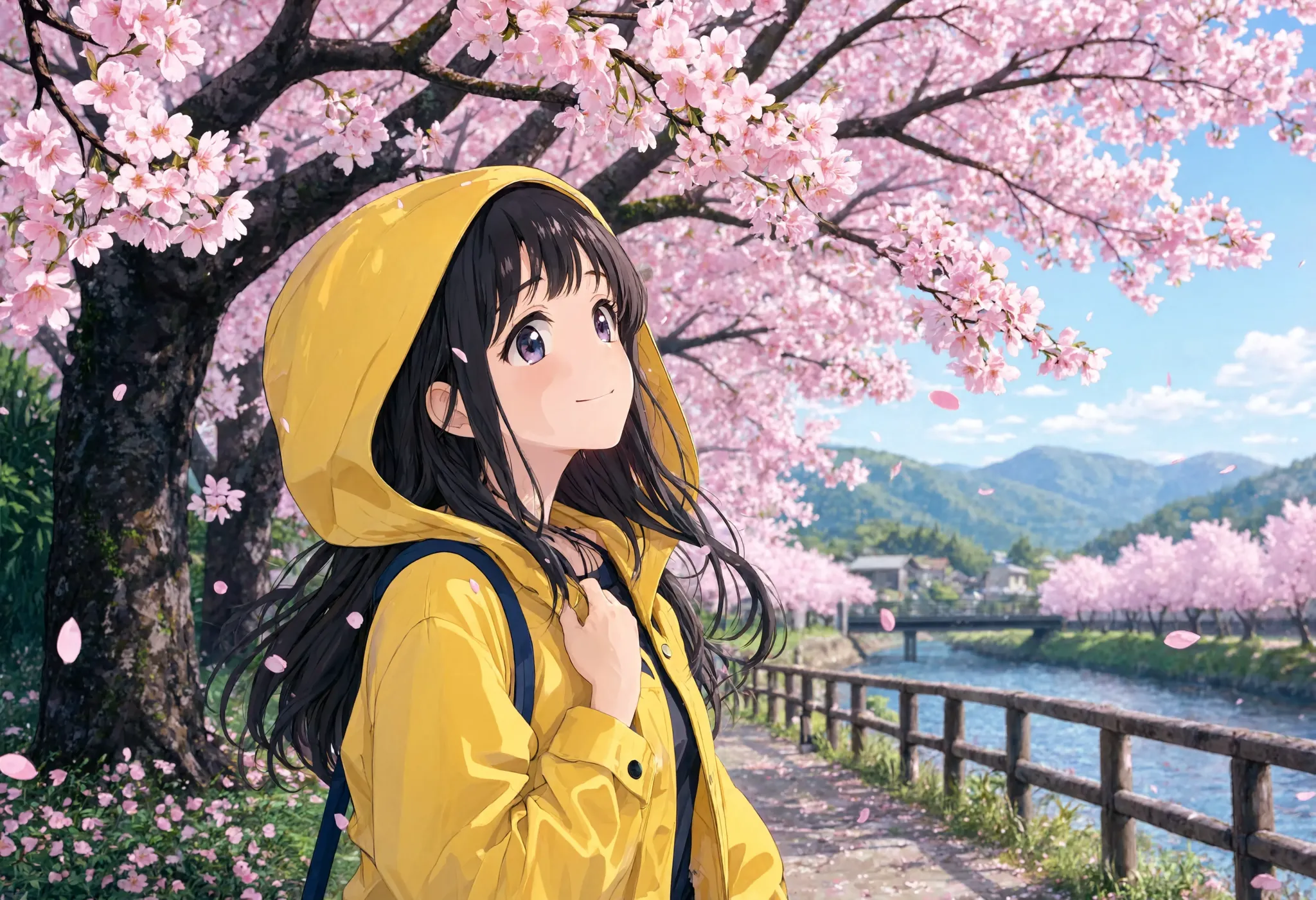

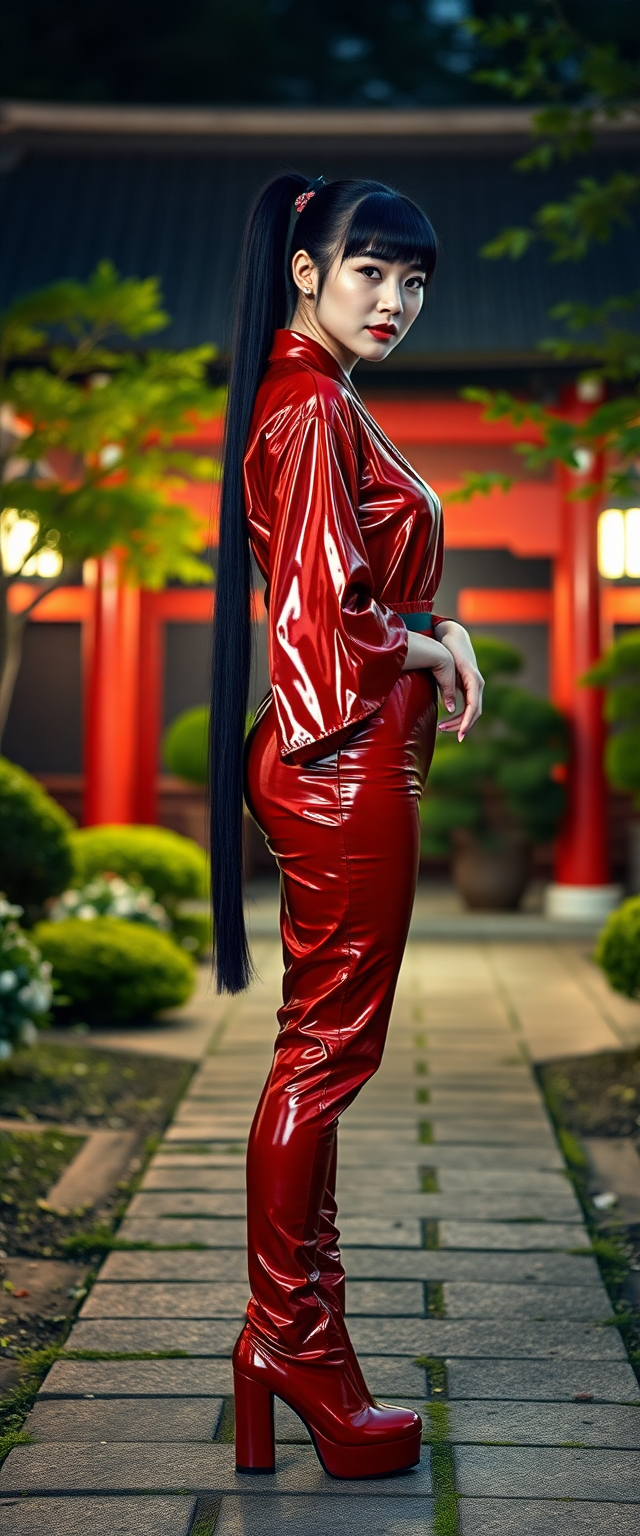
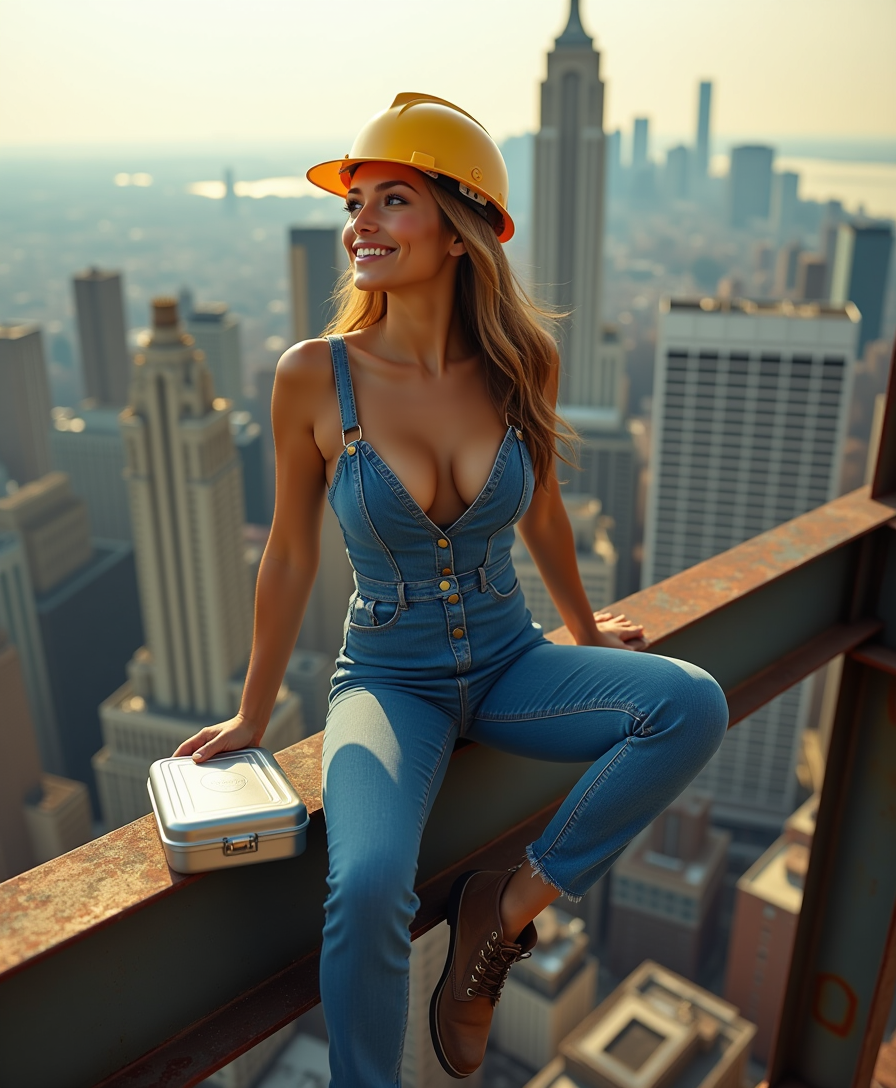
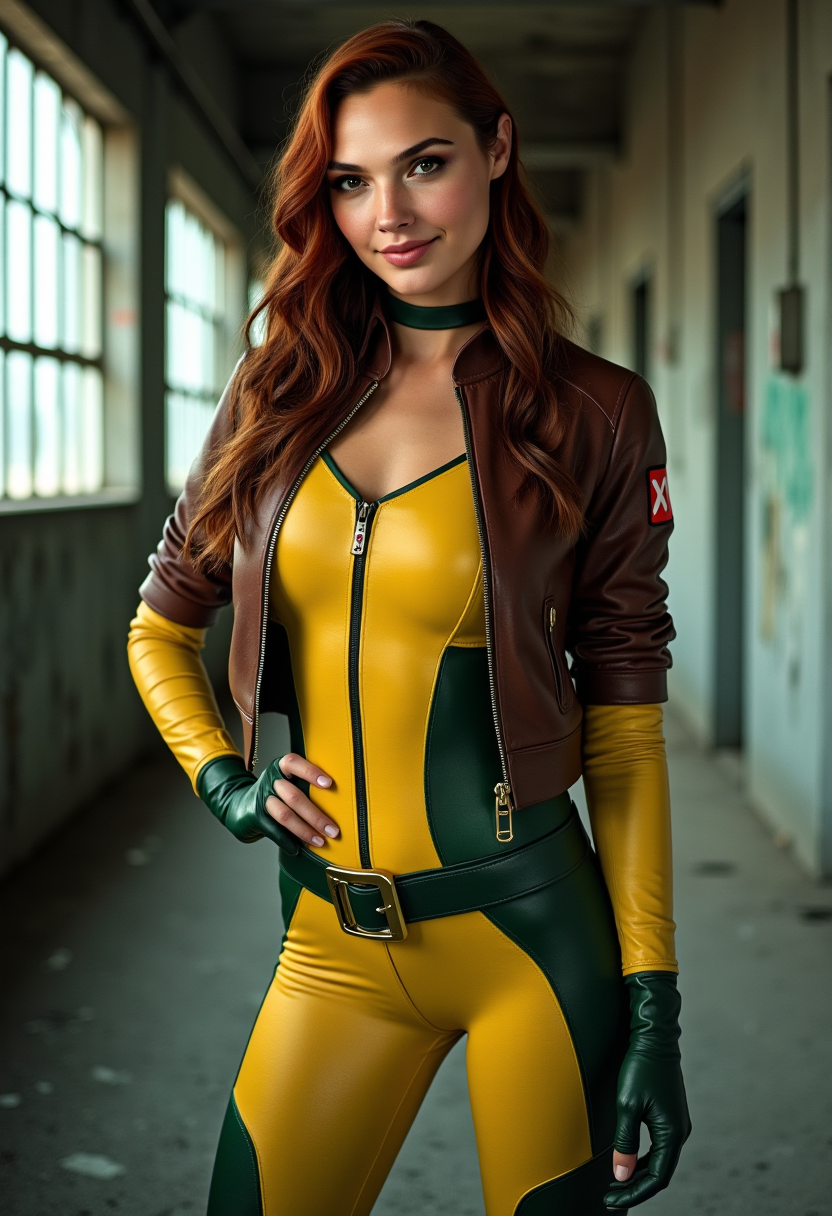
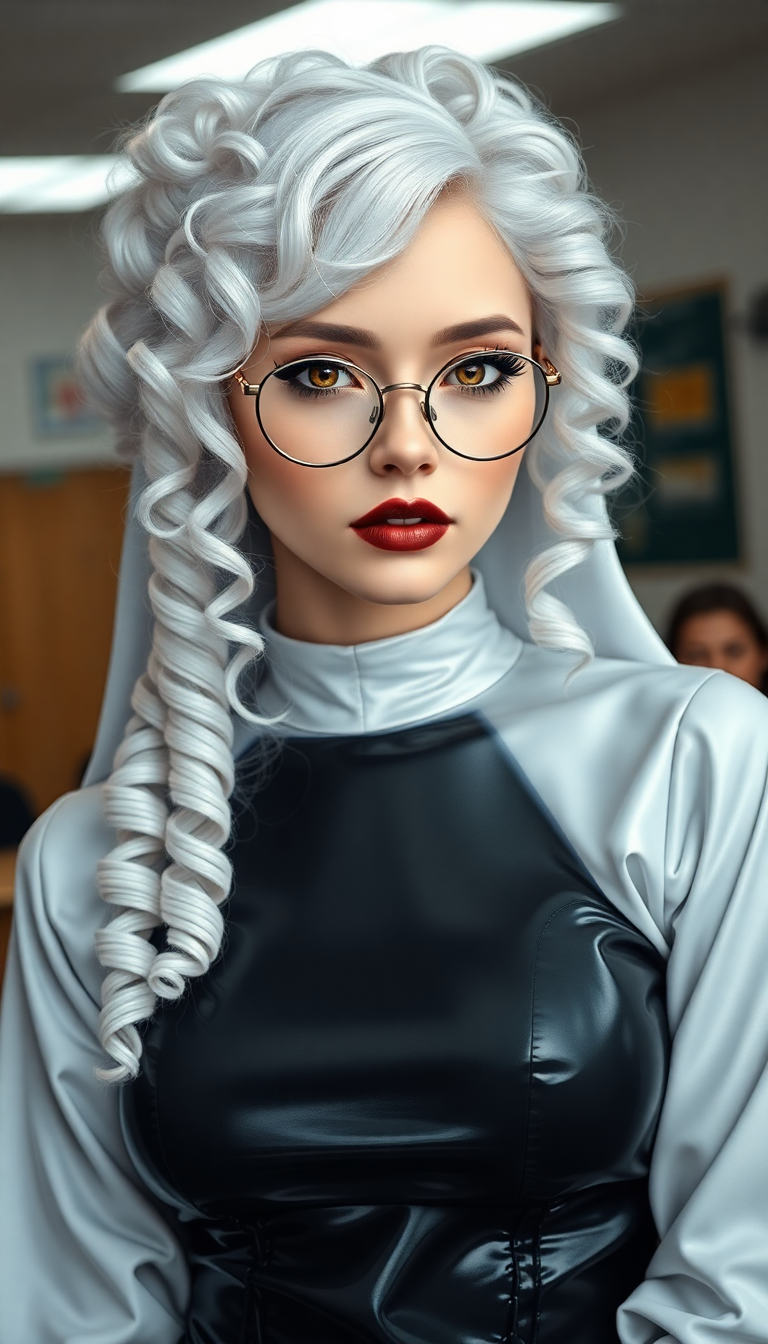
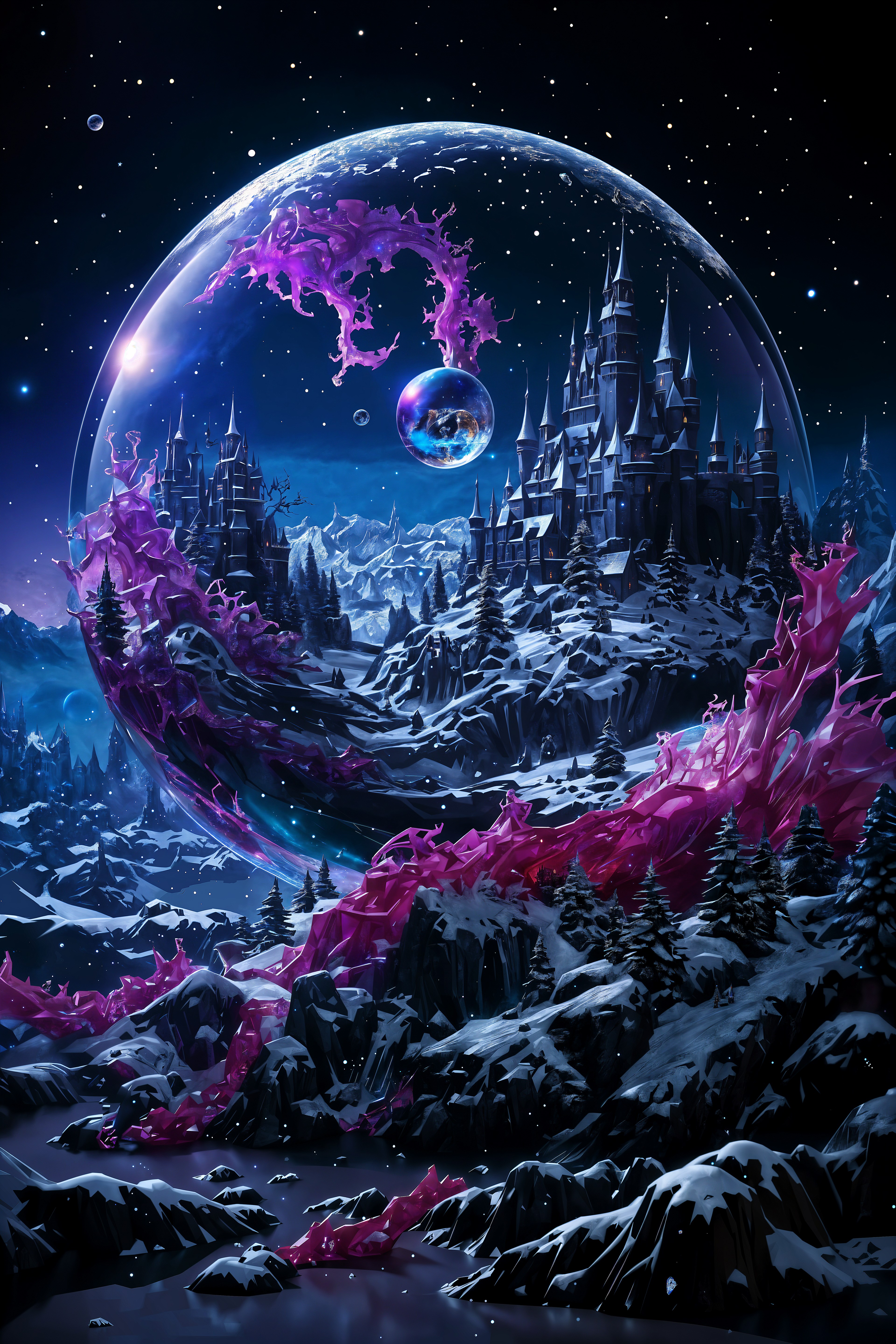
The Pixel Dojo Advantage
Why PixelDojo's GPT Image 2 Outpainting stands out:
| Others | Pixel Dojo |
|---|---|
| Traditional Photo Editing | Eliminates the need for manual editing, saving time and ensuring consistency. |
| Generic AI Tools | Offers precise control over expansion parameters and maintains high-resolution quality. |
| Manual Outpainting Techniques | Automates the process, reducing the learning curve and making it accessible to all skill levels. |
Loved by creators on PixelDojo
Real feedback from people using PixelDojo, pulled from our in-product surveys.
versatile menu of tools
Best AI tool availble the suite is rad
Versatility quality, value, ROI, innovation
variety of tools available and prompt tools
A "one-stop-shop" for creators! Thanks!!
Lots of different tools. It's easy to purchase more credits.
Explore more AI tools on PixelDojo
AI Tools
Compare & Switch
- Best AI Image Generators
- Best AI Video Generators
- Midjourney Alternatives
- Civitai Alternatives
- Runway Alternatives
- Leonardo Alternatives
- Pika Alternatives
- Luma Alternatives
- Magnific Alternatives
- Veo Alternatives
- Flux Alternatives
- Freepik Alternatives
- Seedance Alternatives
- Seedream Alternatives
- Pixverse Alternatives
- GPT Image Alternatives
- Synthesia Alternatives
- Playground Alternatives
- NightCafe Alternatives
- Canva AI Alternatives
- ElevenLabs Alternatives
- ComfyUI Alternatives
- Fal Alternatives
- Replicate Alternatives
Common Questions
Everything you need to know about gpt image 2 outpainting
What is GPT Image 2 Outpainting?
GPT Image 2 Outpainting is an AI-powered tool that allows you to extend the borders of your images seamlessly, adding new content that matches the original style and composition.
How much can I extend an image?
You can extend your image by 25%, 50%, or 100% in any direction—left, right, up, down, or all directions simultaneously.
Will the original quality of my image be preserved?
Yes, the tool maintains the original quality and style of your image while adding new content that blends seamlessly.
Do I need any prior editing experience to use this tool?
No, PixelDojo's GPT Image 2 Outpainting is designed to be user-friendly and accessible to individuals of all skill levels.
Can I use this tool for commercial projects?
Absolutely. The high-resolution outputs are suitable for professional and commercial use.
Is there a limit to the number of images I can expand?
PixelDojo offers various subscription plans to suit your needs, including options with unlimited access to our tools.