gpt image 2 workflows
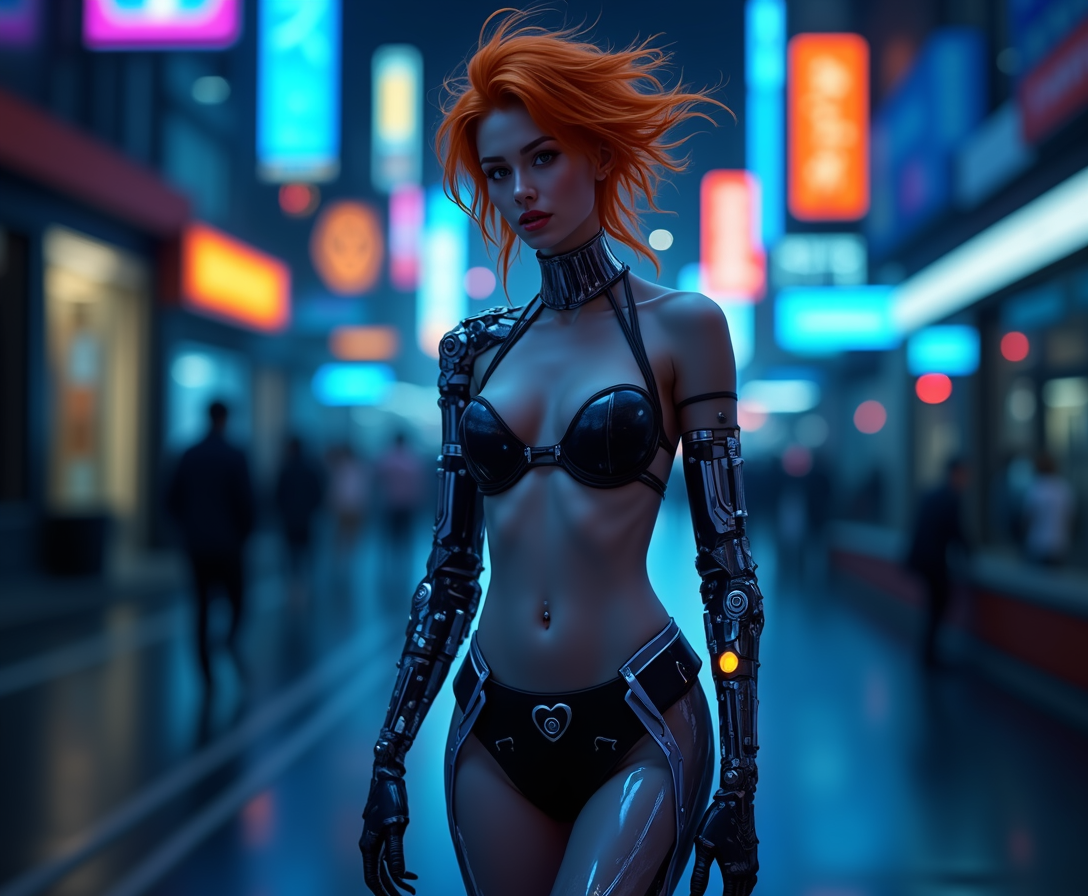
Elevate your creative projects with PixelDojo's GPT Image 2 workflows. Harness the power of advanced AI to generate and edit high-quality images that bring your ideas to life. Whether you're a designer, marketer, or content creator, our intuitive tools empower you to produce stunning visuals effortlessly.
Join thousands of satisfied creators who have transformed their workflows with PixelDojo's GPT Image 2 tools. With a 4.8/5 average rating, our platform is trusted by professionals worldwide.
Why Choose Pixel Dojo for gpt image 2 workflows
Professional-quality results with cutting-edge AI technology
Effortless Image Generation
Quickly create high-quality images from text prompts, saving time and resources.
Precision Editing
Make detailed edits to existing images with ease, ensuring your visuals meet exact specifications.
Consistent Branding
Maintain visual consistency across all your projects, enhancing brand recognition and appeal.
How It Works
Creating stunning images with PixelDojo's GPT Image 2 workflows is simple and intuitive. Follow these steps to bring your vision to life:
Step 1: Choose Your Tool
Select the appropriate GPT Image 2 tool for your project, such as 'GPT Image 2' for image generation or 'Image to Image' for editing.
Step 2: Enter Your Prompt
Input a detailed description of the image you want to create or the edits you wish to make. The more specific your prompt, the better the results.
Step 3: Customize & Download
Review the generated image, make any necessary adjustments, and download the final version for your use.
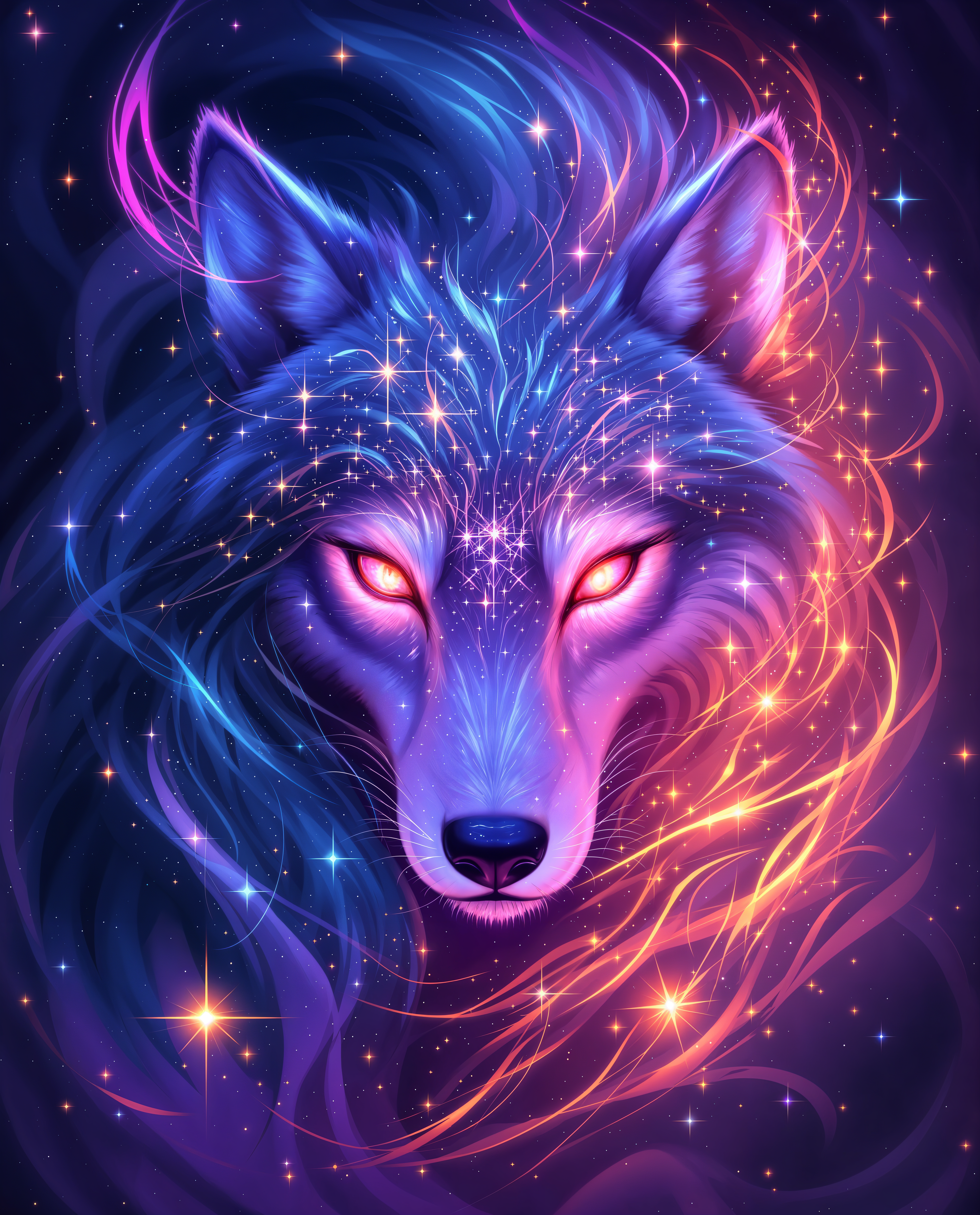
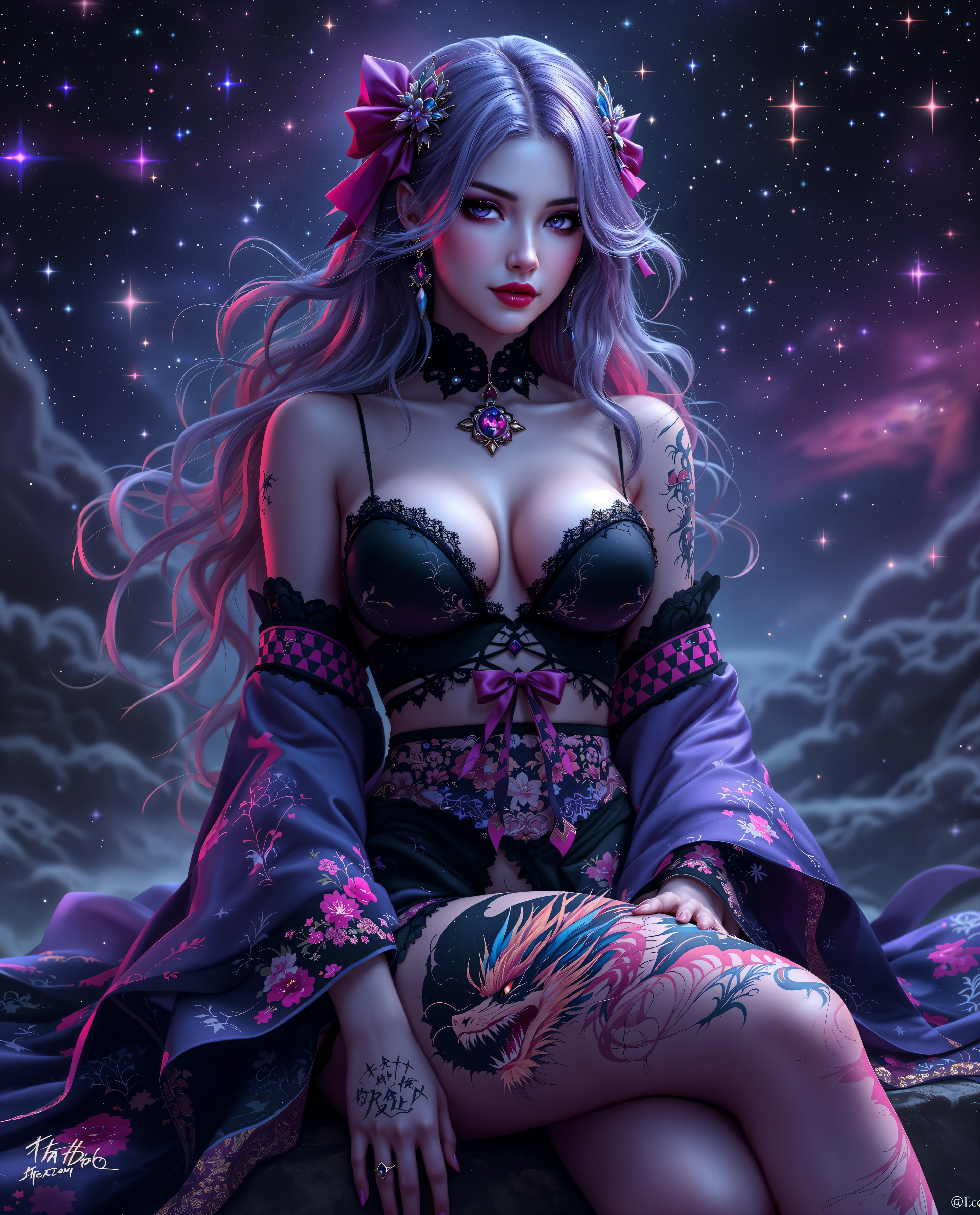
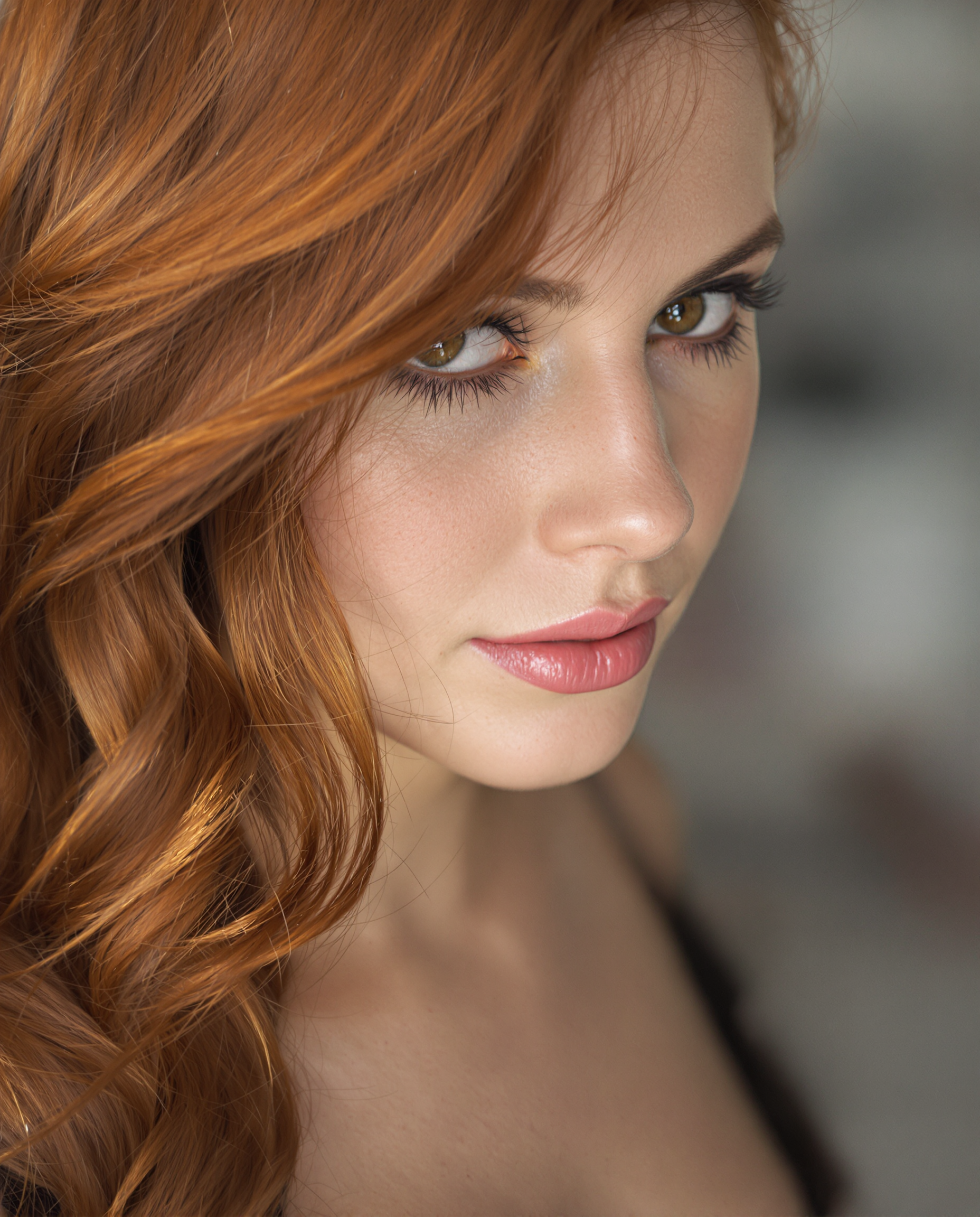
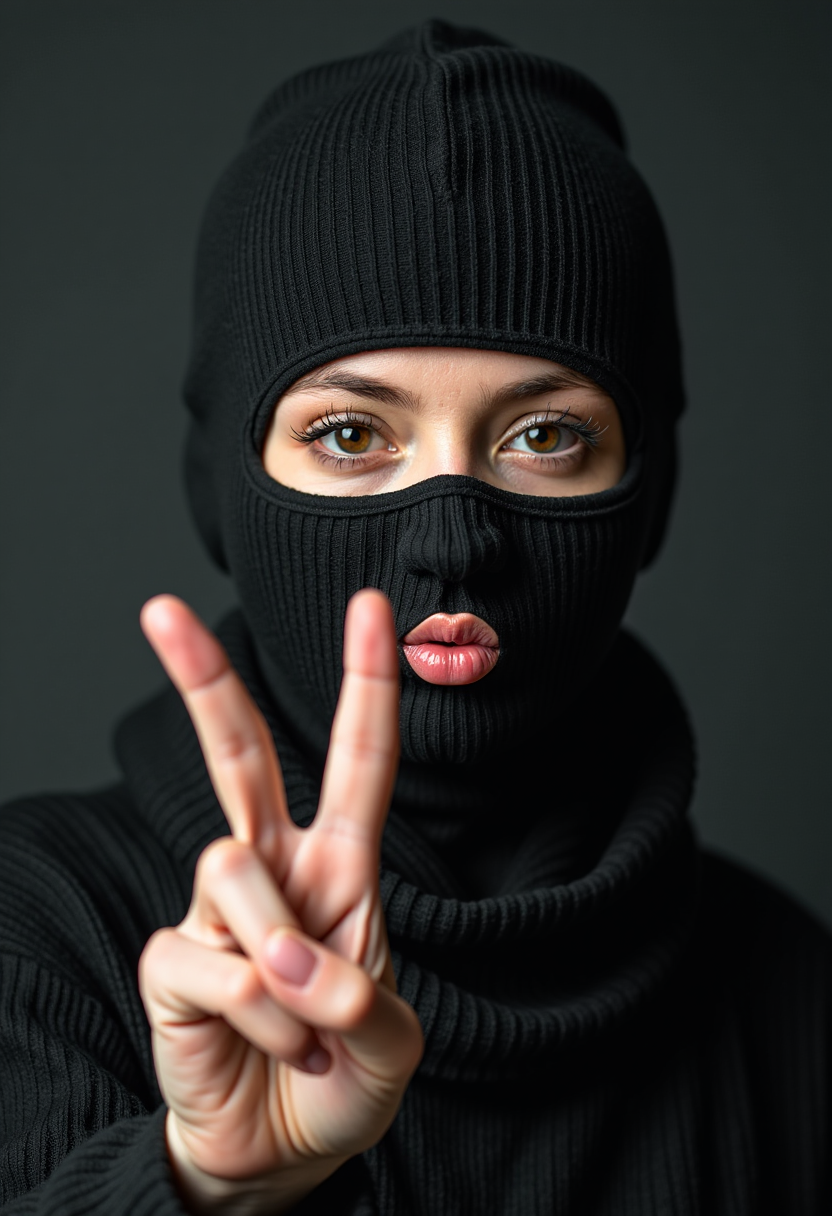
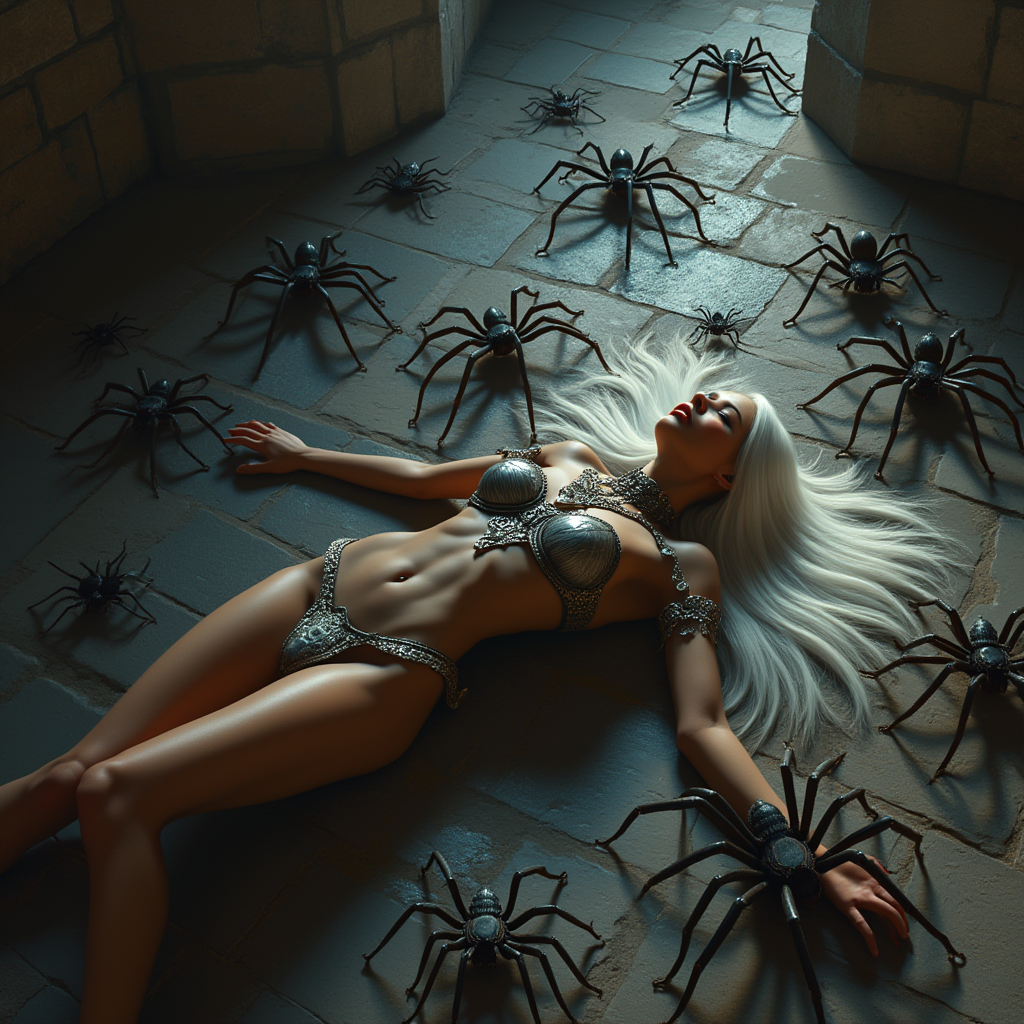
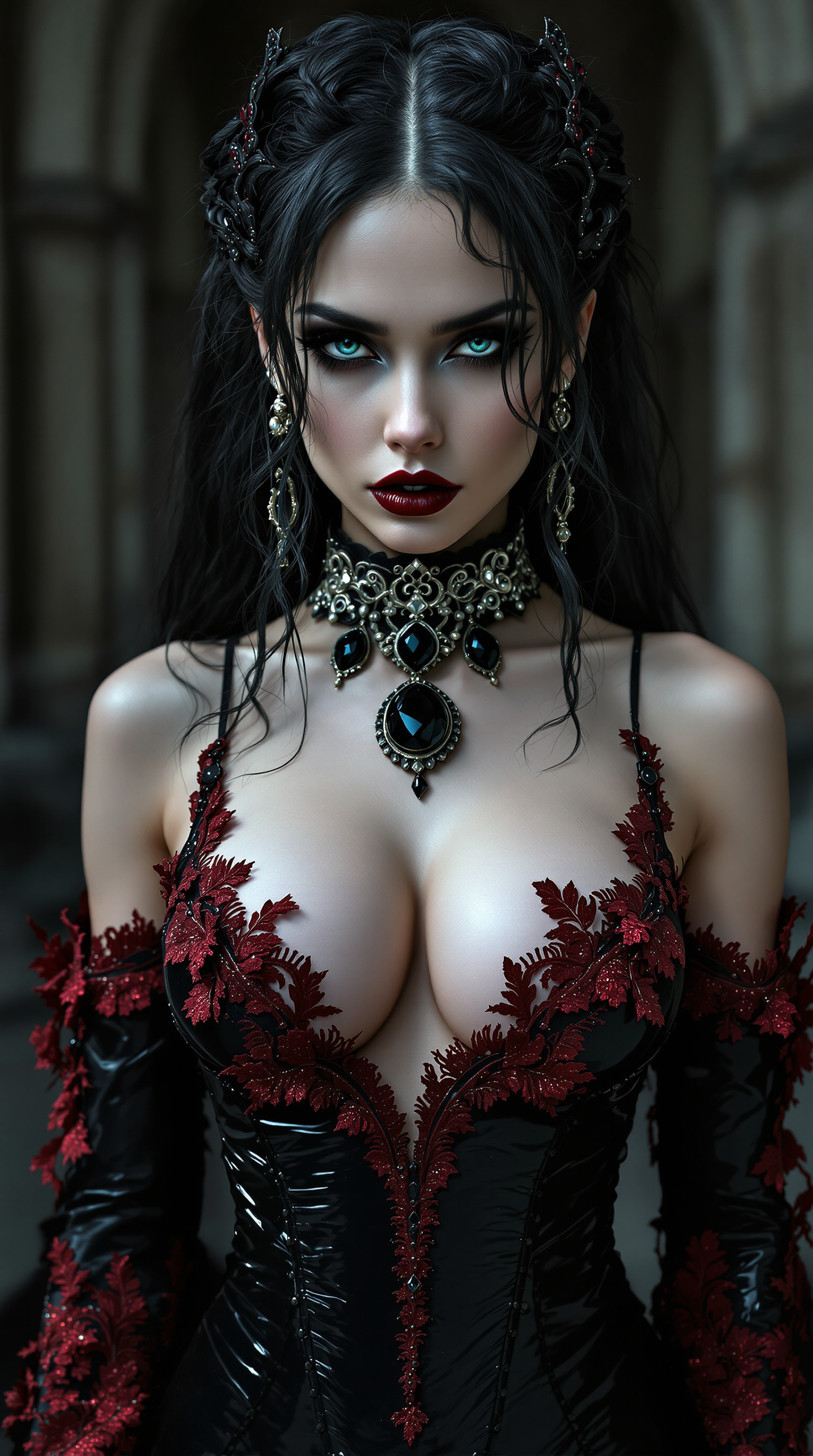
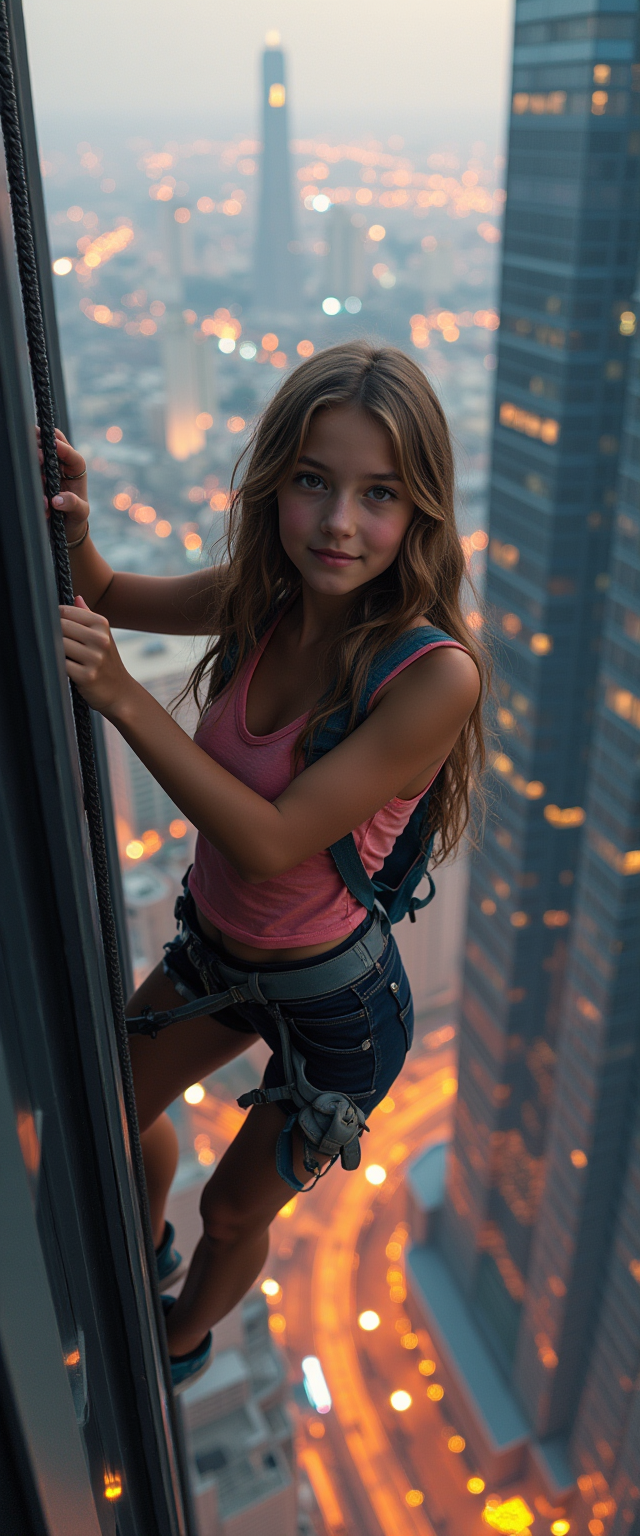

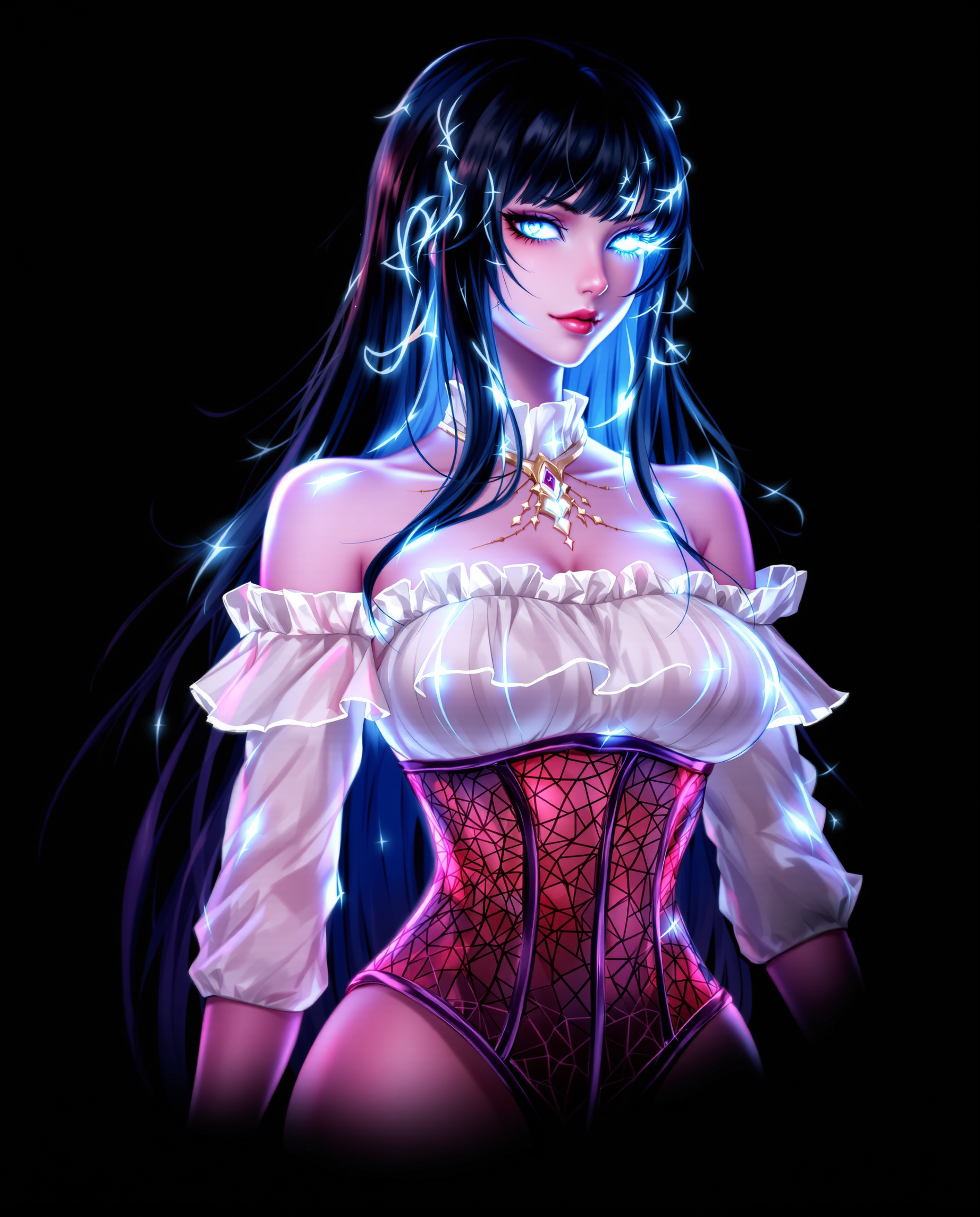
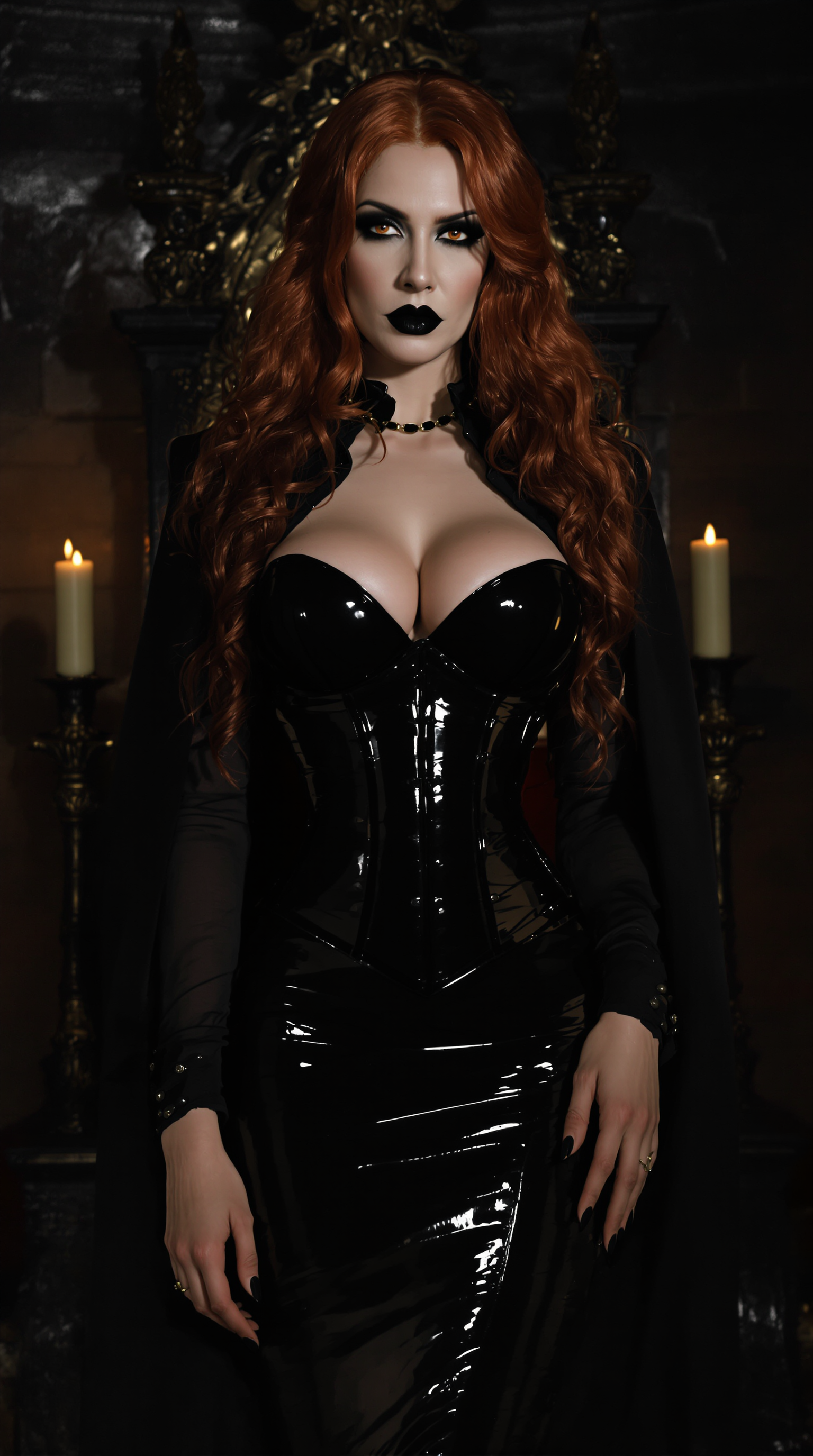
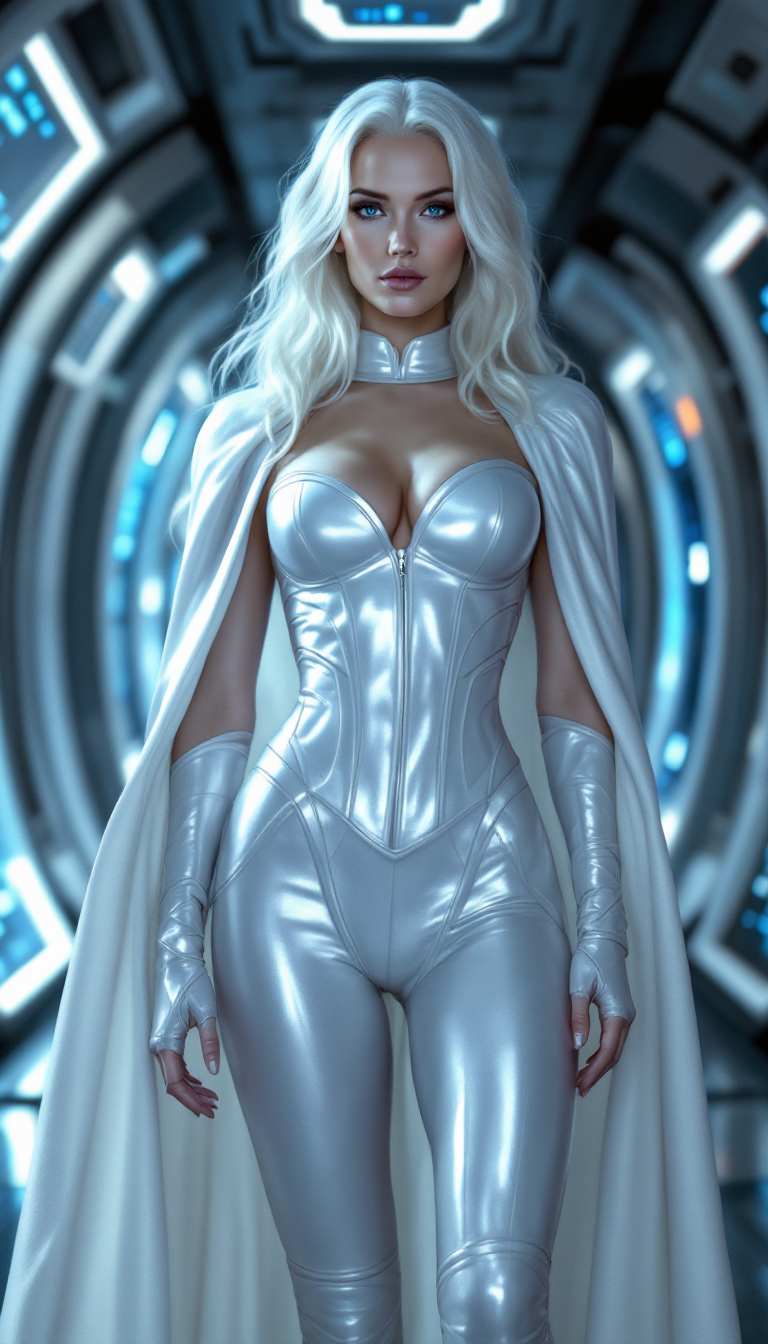

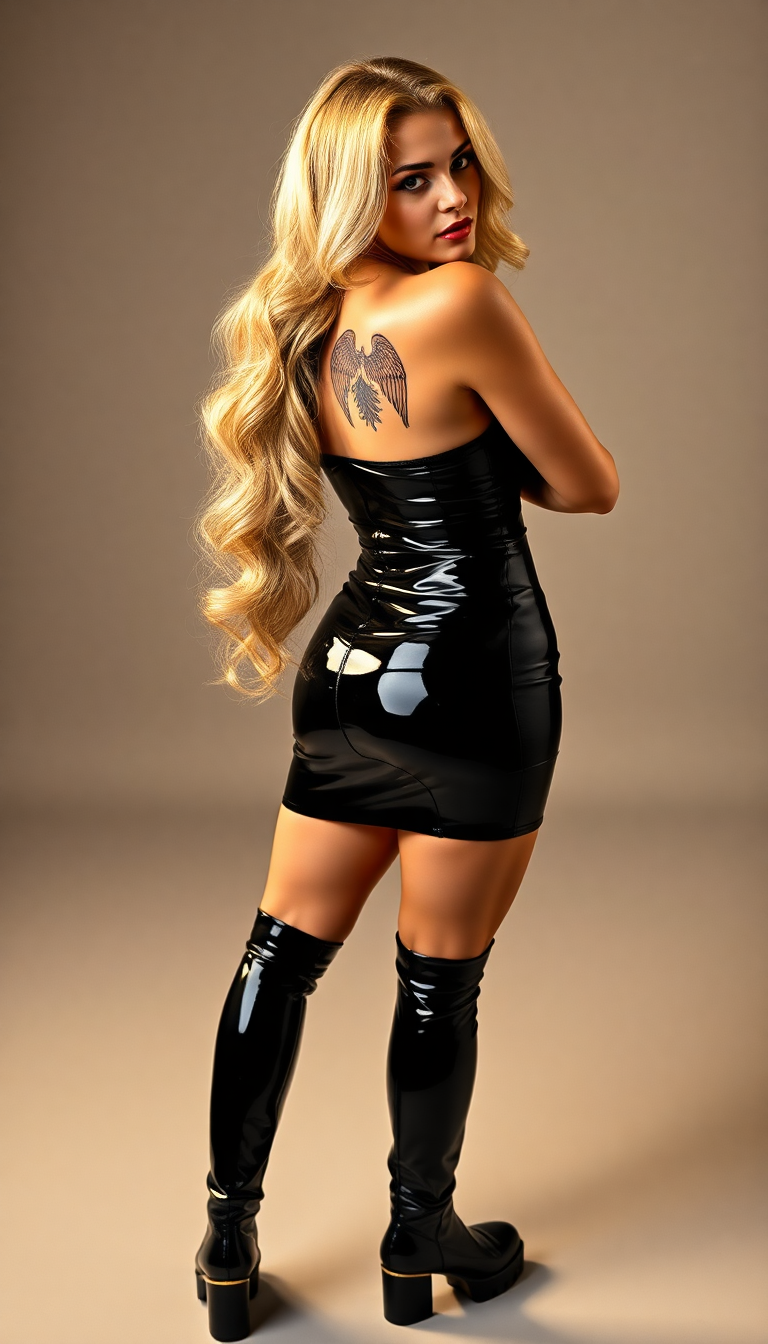
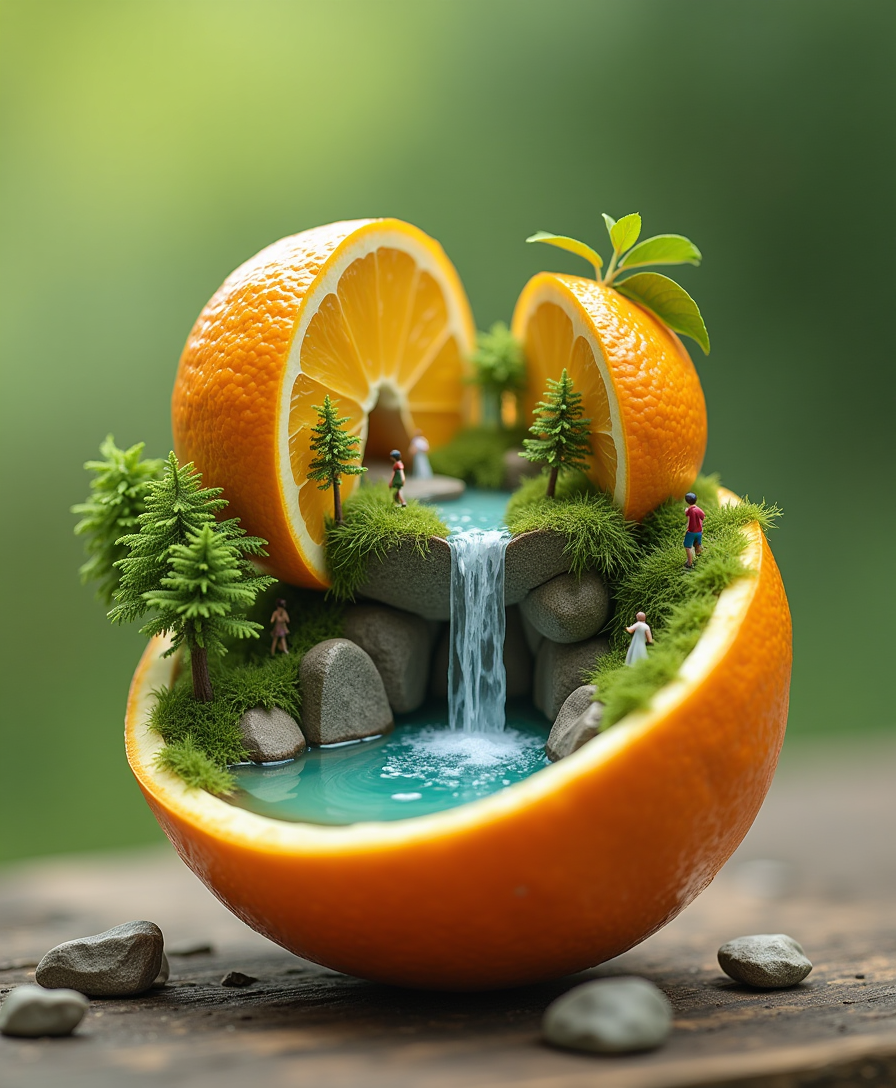
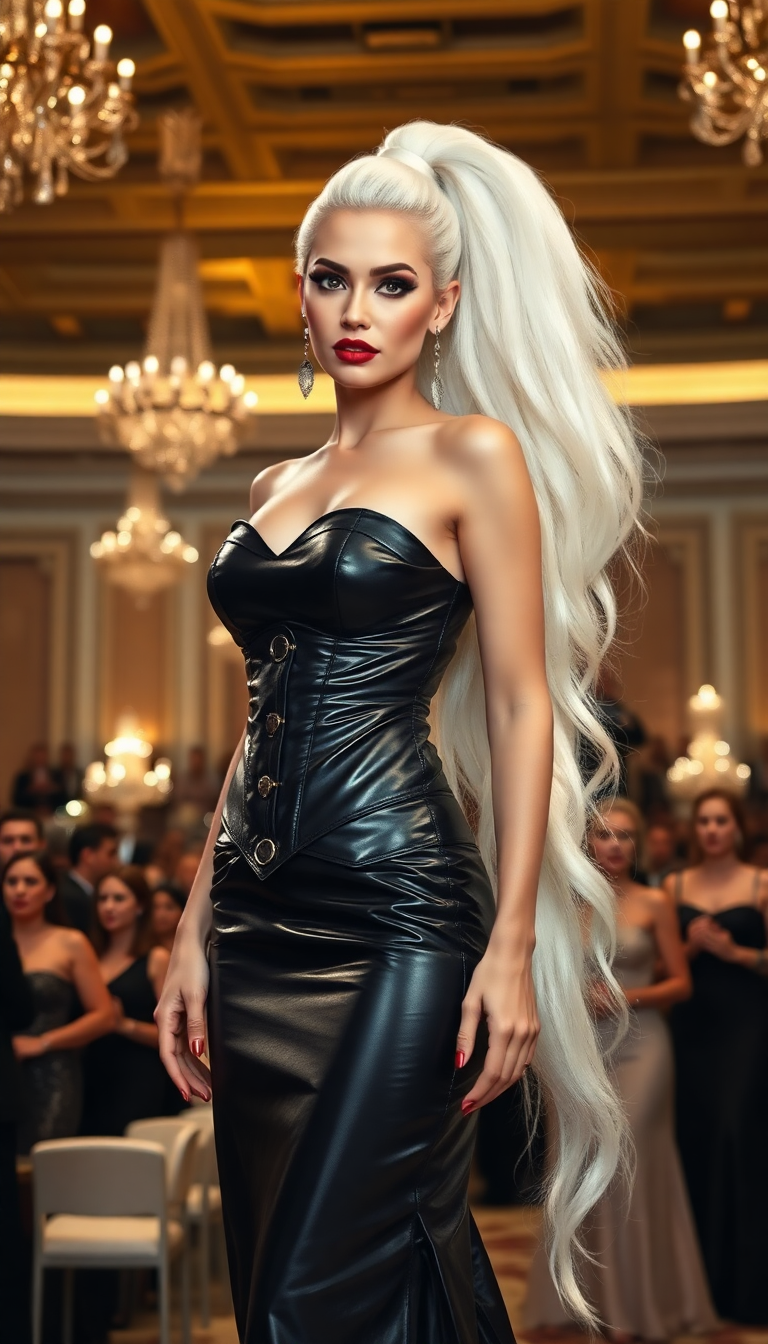
The Pixel Dojo Advantage
Discover why PixelDojo's GPT Image 2 workflows are the superior choice for AI-driven image creation and editing:
| Others | Pixel Dojo |
|---|---|
| Traditional Image Creation | Eliminate the need for expensive software and extensive manual effort. Generate images quickly and efficiently. |
| Generic AI Tools | Benefit from advanced features like precise text rendering and layout control, ensuring professional-quality results. |
| Manual Photo Editing | Save time with AI-powered editing that maintains image integrity while allowing for detailed adjustments. |
Loved by creators on PixelDojo
Real feedback from people using PixelDojo, pulled from our in-product surveys.
The guy that operates the website is constantly updating it
I’ve been using PixelDojo for around 8 months now and it’s always worked wonderfully while constantly adding features.
The site is easy to navigate and use.
All the tools, readily available and easy to understand
You guys, the LORA training is the BEST in the space right now, great job with that!
Tons of variety. Ease of use. Tools for beginners and advance users.
Explore more AI tools on PixelDojo
AI Tools
Compare & Switch
- Best AI Image Generators
- Best AI Video Generators
- Midjourney Alternatives
- Civitai Alternatives
- Runway Alternatives
- Leonardo Alternatives
- Pika Alternatives
- Luma Alternatives
- Magnific Alternatives
- Veo Alternatives
- Flux Alternatives
- Freepik Alternatives
- Seedance Alternatives
- Seedream Alternatives
- Pixverse Alternatives
- GPT Image Alternatives
- Synthesia Alternatives
- Playground Alternatives
- NightCafe Alternatives
- Canva AI Alternatives
- ElevenLabs Alternatives
- ComfyUI Alternatives
- Fal Alternatives
- Replicate Alternatives
Common Questions
Everything you need to know about gpt image 2 workflows
How does PixelDojo's GPT Image 2 improve my image creation process?
PixelDojo's GPT Image 2 workflows leverage advanced AI to generate and edit images based on your text prompts, streamlining the creative process and reducing the time and effort required to produce high-quality visuals.
Can I edit existing images using PixelDojo's GPT Image 2 tools?
Yes, PixelDojo offers tools like 'Image to Image' that allow you to make detailed edits to existing images, ensuring they meet your exact specifications.
Is there a learning curve to using PixelDojo's GPT Image 2 workflows?
PixelDojo's tools are designed with user-friendliness in mind. With intuitive interfaces and clear instructions, you can start creating and editing images with minimal learning time.
How does PixelDojo ensure the quality of generated images?
PixelDojo utilizes advanced AI models that have been trained on diverse datasets, enabling the generation of high-quality, realistic images that align with your prompts.
Can I use the images created with PixelDojo for commercial purposes?
Yes, images generated and edited using PixelDojo's tools can be used for commercial purposes, making them ideal for marketing materials, product designs, and more.
What makes PixelDojo's GPT Image 2 workflows stand out from other AI image generation tools?
PixelDojo's GPT Image 2 workflows offer advanced features like precise text rendering, layout control, and high-quality image generation, providing a comprehensive solution for both creation and editing needs.