grok ai video generator

Imagine turning a simple description into a captivating cinematic video complete with realistic motion, dramatic lighting, synchronized dialogue, sound effects, and music that perfectly matches the mood. With PixelDojo's Grok AI video generator, you can do exactly that—creating professional 8-10 second videos optimized for social media, marketing, storytelling, and content creation without cameras, crews, or expensive editing software. Our seamless integration of Grok Video, Grok R2V, Grok Imagine Video Extend, and Grok Video Edit lets you generate hyper-realistic or stylized clips that drive engagement and results. Whether you want viral Reels that stop scrolls, compelling product demos with voiceover, consistent character-driven stories for your brand, or quick prototypes for creative projects, you achieve polished, high-impact videos that look like they came from a professional studio. Latest trends in 2026 show creators using Grok-powered tools for cinematic shorts with native audio, smooth camera movements like pans and orbits, and consistent physics that keep viewers hooked. You get fast generation times, natural audio synthesis including dialogue and orchestral swells, and the ability to iterate instantly. No more waiting weeks or spending thousands—bring your ideas to life in minutes, boost your social presence, convert more customers with video ads, and express your creativity without limits. Thousands of creators worldwide trust PixelDojo's 40+ cutting-edge AI tools to deliver consistent quality every time. Start free, cancel anytime, and see the difference professional AI video makes for your goals.
Join 35,000+ creators who generated 1.2 million videos last month • 4.9/5 rating from 8,400 reviews • "The audio sync and cinematic quality are unreal – my Reels went viral overnight" – Content Creator • Featured in top AI trend reports for 2026
Why Choose Pixel Dojo for grok ai video generator
Professional-quality results with cutting-edge AI technology
Create Viral Short-Form Videos That Captivate Audiences
Generate 8-10 second cinematic clips with synchronized native audio, smooth motion, and trending styles that boost engagement on Reels, Shorts, and social platforms. Achieve higher view counts, shares, and conversions by producing scroll-stopping content that feels professionally produced, all from simple text prompts describing scenes, camera moves, lighting, and sound.
Produce Consistent Branded Videos Effortlessly
Maintain perfect character consistency, style, and tone across multiple clips using Grok R2V reference tools combined with our Consistent Characters feature. Create cohesive marketing campaigns, storytelling series, or educational content that builds brand recognition while saving hours of production time and ensuring every video aligns with your vision.
Edit, Extend & Refine Videos with Natural Language
Use simple text commands with Grok Video Edit and Grok Imagine Video Extend to modify scenes, lengthen clips seamlessly, adjust audio, or change camera angles while preserving quality and consistency. Turn good videos into exceptional ones, experiment freely, and export ready-to-post assets that drive real business outcomes like increased sales and audience growth.
How It Works
Creating outstanding videos with PixelDojo's Grok AI video generator is straightforward and delivers professional results quickly. Our platform combines the latest Grok capabilities with intuitive controls so you focus on your creative vision and achieve cinematic outcomes with synchronized audio, realistic motion, and viral potential. Follow these steps to generate, refine, and export high-quality videos that captivate your audience.
Step 1: Select Your Grok Video Tool
Log into PixelDojo and navigate to the video generation section. Choose Grok Video for powerful text-to-video creation, Grok R2V to animate images or use reference videos for style and character consistency, or Grok Imagine Video Extend to build upon existing clips. Our dashboard highlights the best tool for your goal—whether viral shorts, branded ads, or extended storytelling sequences. This first choice sets up perfect parameters for 720p output with native audio support.
Step 2: Write a Detailed Prompt and Generate
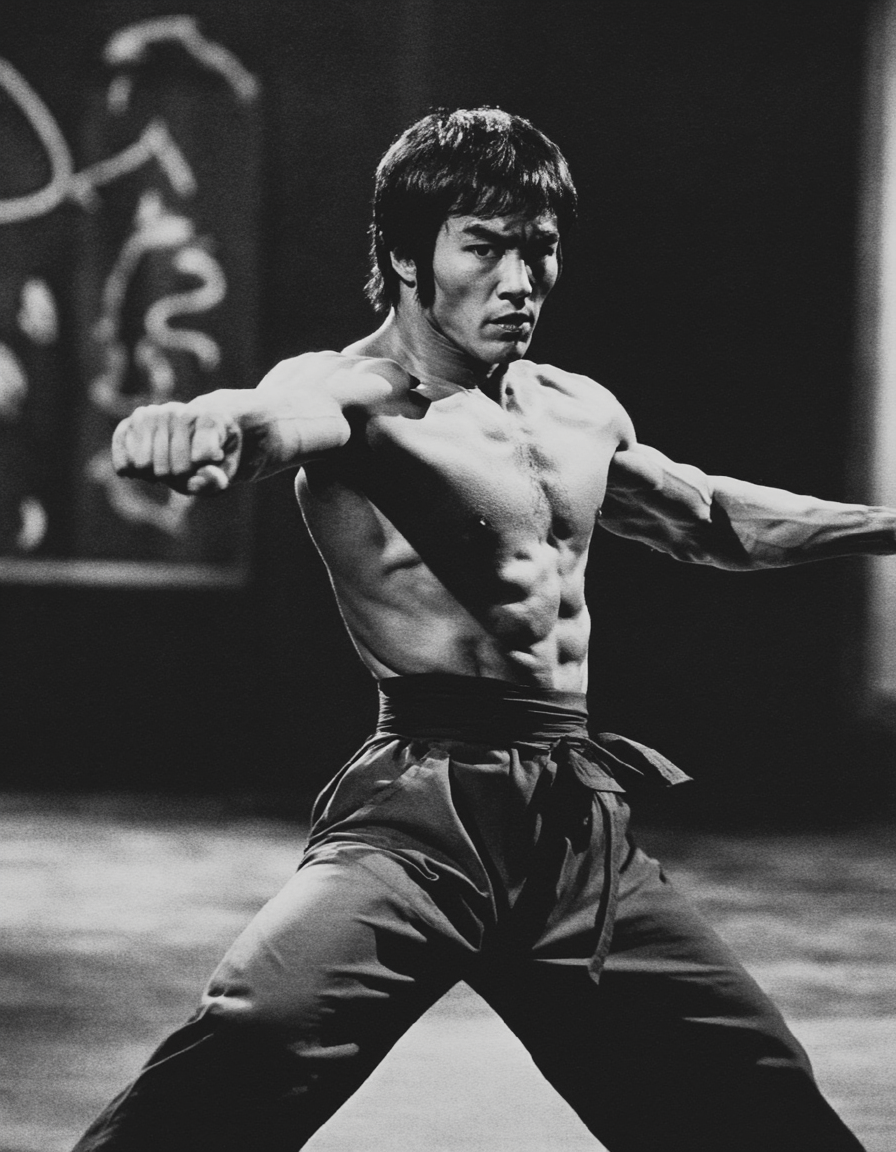
Describe your video vividly: include the subject, specific actions and motion (e.g. 'smooth orbital camera around a cyberpunk warrior drawing a glowing katana'), lighting, mood, camera techniques (pan, dolly zoom, close-up), art style (cinematic, hyper-realistic), and audio elements (epic orchestral music swell, rain SFX, subtle dialogue). Trends in 2026 favor detailed prompts with emotional tone and dynamic movement. Hit generate and receive a high-quality video with synchronized sound in under a minute. Iterate by refining your prompt for even better results.
Step 3: Edit, Enhance & Export Your Video
Review the output and use Grok Video Edit with natural language like 'extend the ending with a dramatic zoom out and add rising tension music' or 'make the lighting more dramatic.' Combine with tools like Video Autocaption, Lip Sync, Reality Polisher, or Video Upscaler for perfection. Maintain character consistency across projects, reframe for different platforms, or merge clips. Download in multiple resolutions and formats ready for immediate posting or further use. The entire process empowers you to create pro-level videos that achieve your specific goals.



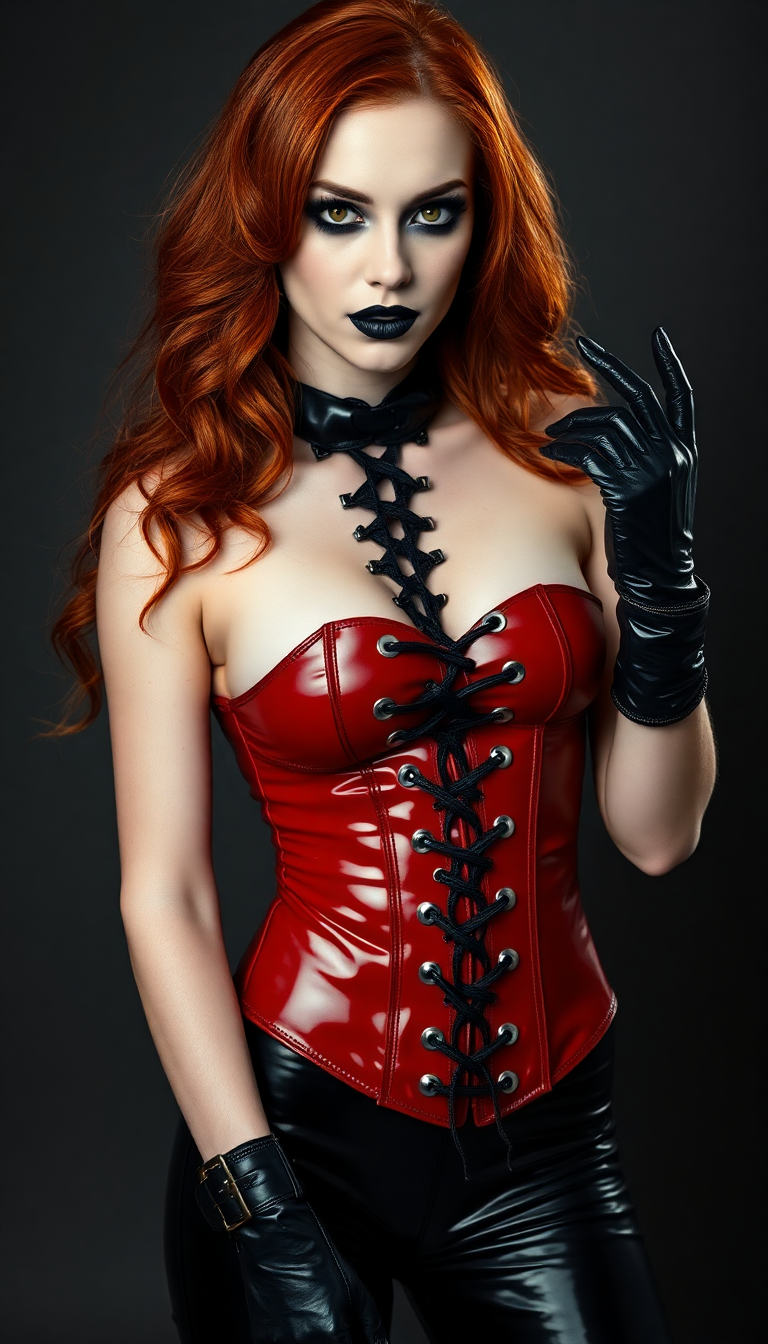

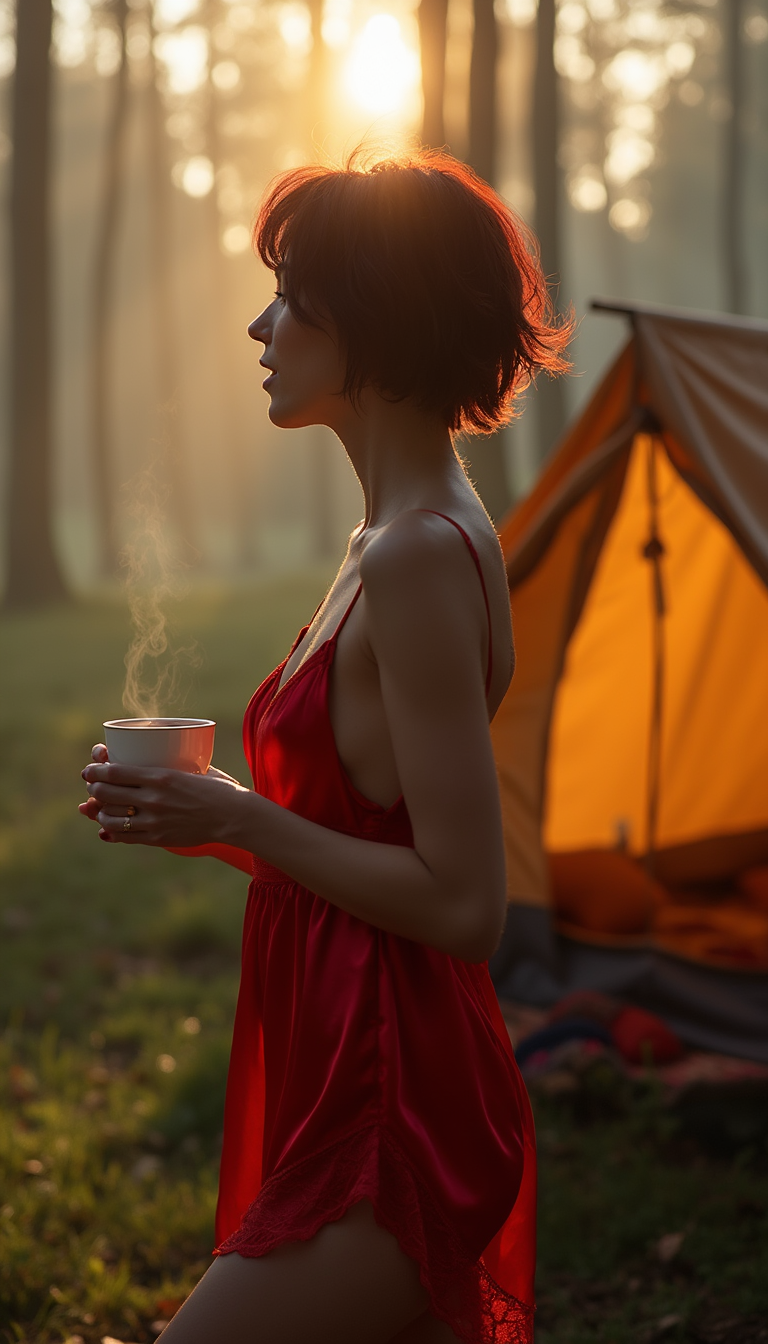
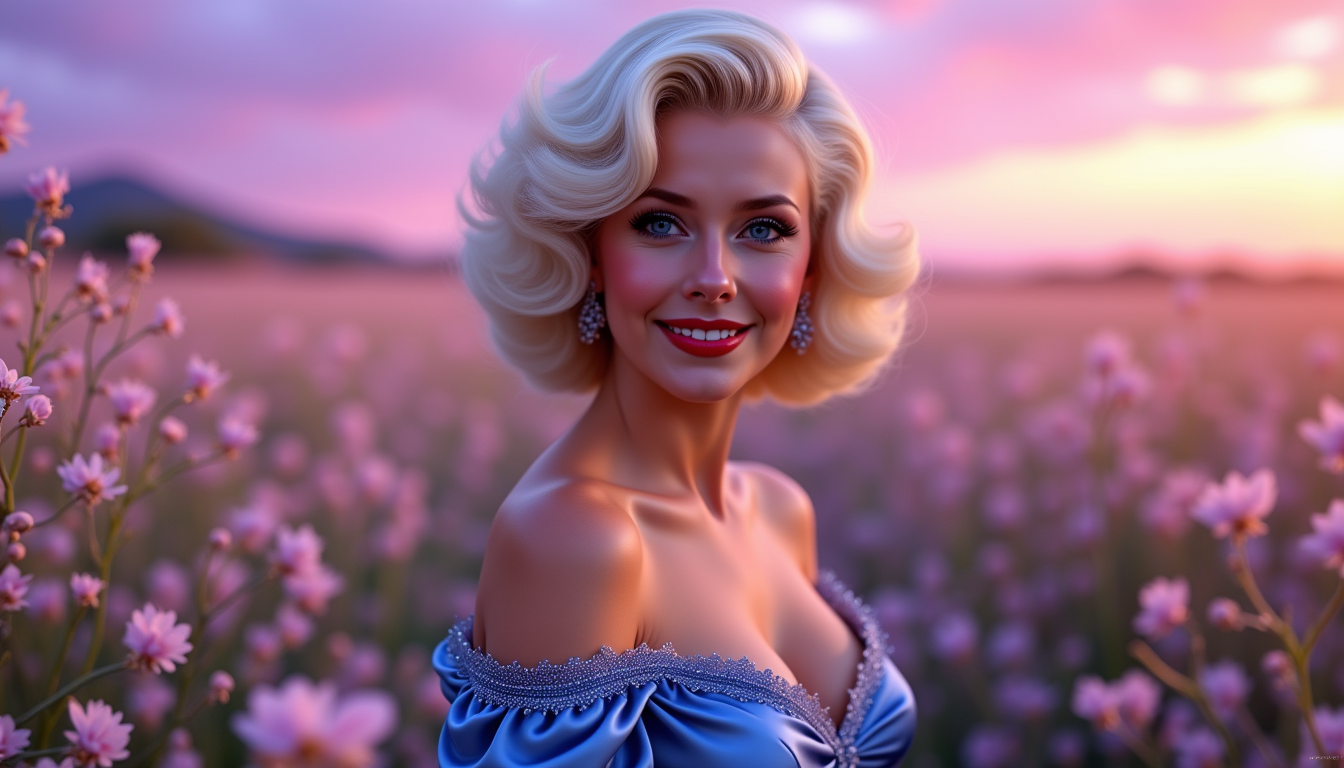
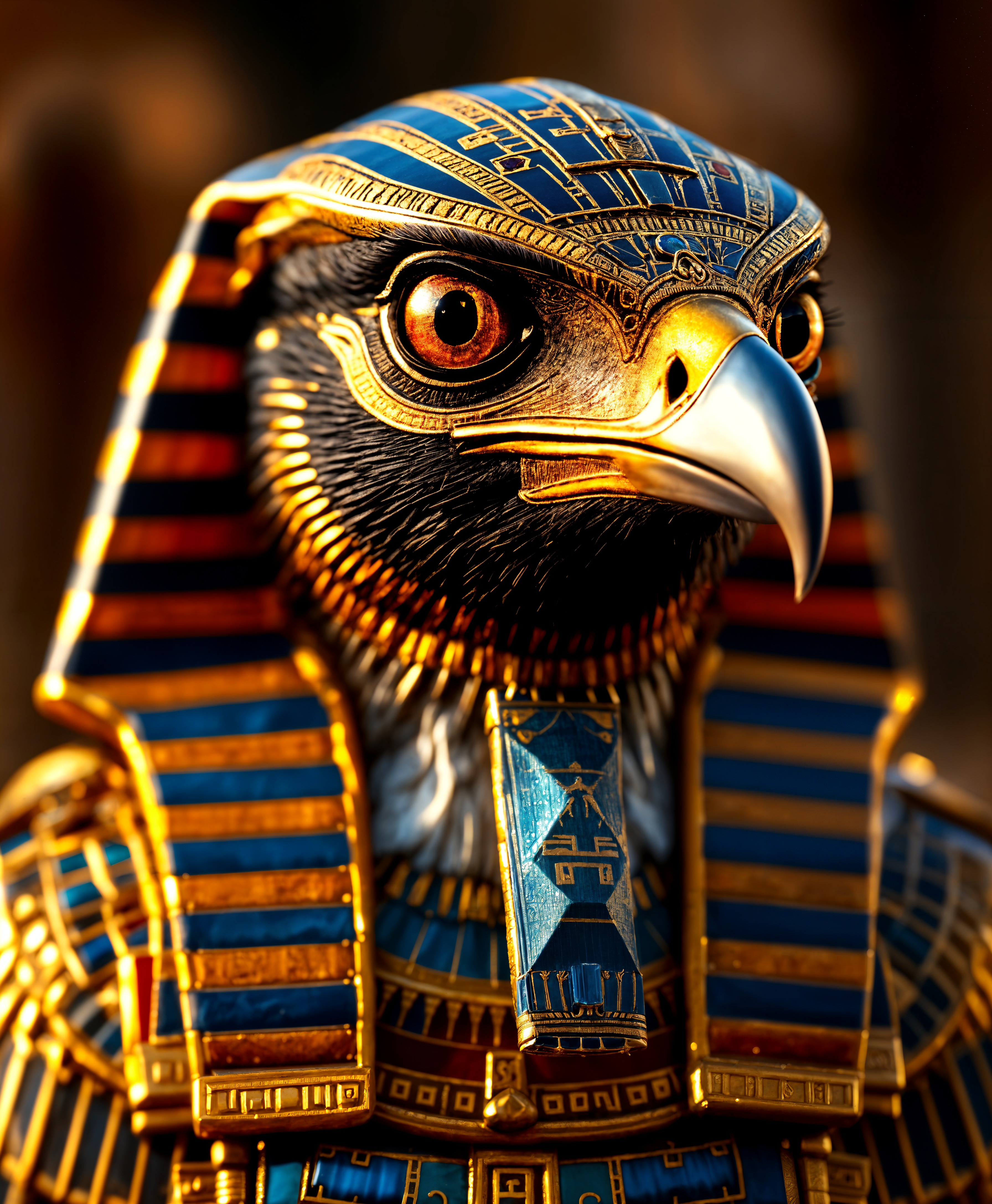
The Pixel Dojo Advantage
PixelDojo's Grok AI video generator delivers superior outcomes compared to traditional methods or limited platforms by combining powerful generation with integrated editing, consistency tools, and fast iteration—all in one easy-to-use workspace. You achieve professional cinematic results faster while maintaining full creative control.
| Others | Pixel Dojo |
|---|---|
| Traditional video production | Skip weeks of scripting, filming, actors, and editing that cost thousands of dollars. Instead, generate multiple high-quality variations with realistic motion and native audio in minutes, allowing you to test ideas rapidly and produce content that drives engagement and sales immediately. |
| Generic single-model AI video tools | Access Grok's latest cinematic and audio capabilities alongside complementary tools like character consistency, upscalers, natural language editing, and reference features. This integrated approach ensures higher consistency, better prompt adherence, and more professional final videos without switching between apps or fighting rate limits. |
| Manual editing software | Eliminate steep learning curves and time-intensive manual work. Our AI handles complex motion, lighting, physics, and sound synchronization automatically while giving you precise text-based control to refine everything, resulting in polished videos that look studio-quality and help you achieve your content, marketing, or storytelling goals faster. |
Loved by creators on PixelDojo
Real feedback from people using PixelDojo, pulled from our in-product surveys.
All the tools, readily available and easy to understand
You guys, the LORA training is the BEST in the space right now, great job with that!
Tons of variety. Ease of use. Tools for beginners and advance users.
easiest workflow to get best output image or video
awesome functionality, UX, constant flood of improvements, discord interactivity
Awesome site with so many features
Explore more AI tools on PixelDojo
AI Tools
Compare & Switch
- Best AI Image Generators
- Best AI Video Generators
- Midjourney Alternatives
- Civitai Alternatives
- Runway Alternatives
- Leonardo Alternatives
- Pika Alternatives
- Luma Alternatives
- Magnific Alternatives
- Veo Alternatives
- Flux Alternatives
- Freepik Alternatives
- Seedance Alternatives
- Seedream Alternatives
- Pixverse Alternatives
- GPT Image Alternatives
- Synthesia Alternatives
- Playground Alternatives
- NightCafe Alternatives
- Canva AI Alternatives
- ElevenLabs Alternatives
- ComfyUI Alternatives
- Fal Alternatives
- Replicate Alternatives
Common Questions
Everything you need to know about grok ai video generator
How does the Grok AI video generator on PixelDojo work for creating videos with audio?
PixelDojo's Grok AI video generator uses advanced models like Grok Video and Grok Imagine to transform your text prompts or reference images into 8-10 second 720p cinematic videos complete with native synchronized audio including dialogue, music, and sound effects. You simply describe the scene, desired camera movements (such as pans or orbits), motion details, lighting, style, and audio tone. The AI handles realistic physics, emotional expression, and smooth transitions. After generation, you refine using Grok Video Edit or Grok Imagine Video Extend with natural language commands like 'add rising orchestral music and extend by 4 seconds while keeping character consistent.' This delivers professional outcomes like viral shorts or branded content quickly. Combined with our 40+ tools including upscalers, character consistency, and autocaption, you achieve results that would otherwise require expensive production teams. Start with no credit card required and cancel anytime.
What are the best prompts and techniques for the Grok AI video generator in 2026?
The most effective prompts for Grok AI video on PixelDojo are highly descriptive and structured: specify subject, detailed action and motion (e.g., 'playful corgi skateboarding through neon cyberpunk streets with smooth tracking shot'), camera techniques (dolly zoom, 360 orbit, slow pan), lighting (golden hour god rays, dramatic volumetric fog), art style (hyper-realistic cinematic, anime flair), mood, and audio ('epic orchestral swell with whooshing SFX and subtle dialogue'). Current 2026 trends favor short storytelling arcs, consistent characters across clips, and emotional resonance for viral potential on social platforms. Use reference images with Grok R2V for style or face consistency. Our platform provides prompt enhancers and examples to help you iterate fast. Users achieve scroll-stopping Reels, marketing videos that convert, and creative experiments that would be impossible with traditional methods. Experiment freely with our generous free tier to discover what resonates with your audience.
Can I edit, extend, and maintain consistency with Grok AI video generator on PixelDojo?
Yes. PixelDojo excels here with specialized tools like Grok Video Edit, Grok Imagine Video Extend, and WAN/Kling Video Character Swap integration. After your initial generation, simply type instructions such as 'extend the scene with a dramatic reveal and matching audio tone' or 'change the camera angle to overhead while keeping the character's face identical.' Our system maintains visual consistency, motion coherence, and audio quality across edits and extensions. Pair this with Consistent Characters, Pose Control, or LoRA Face Swap for branded series where the same protagonist appears throughout. You can also use Video Upscaler, Magic Lighting adjustments, or Lip Sync for final polish. This workflow lets marketers create full campaigns, educators build lesson series, and creators develop ongoing stories without losing quality—outcomes that build audience loyalty and drive measurable results like higher retention and conversions. All within one platform alongside 40+ other AI tools.
How long are videos from the Grok AI video generator and what quality can I expect?
Grok-powered video generation on PixelDojo typically produces 8-10 second clips at 720p resolution with 24fps for smooth, cinematic playback—ideal length for maximum engagement on social platforms in 2026. You can extend these seamlessly using Grok Imagine Video Extend to create longer sequences while preserving style, lighting, characters, and audio continuity. Quality is professional-grade with realistic human movement, accurate physics, expressive faces, dynamic lighting, and context-aware native audio that includes music, effects, and lip-synced dialogue. Many creators report results rivaling traditional production but generated in under a minute. For even higher fidelity, apply our Magnific Upscaler, Creative Upscaler, or Reality Polisher. Whether creating viral entertainment, product explainer videos that increase sales, or artistic shorts, you achieve outcomes that look and sound expensive without the cost or time investment. PixelDojo's approach removes common AI artifacts through smart post-processing tools.
Is the Grok AI video generator on PixelDojo suitable for beginners and professionals?
Absolutely. Beginners love the intuitive interface and prompt suggestions that guide you to stunning results without technical knowledge. Simply describe what you want in plain English and watch cinematic videos with audio appear. Professionals appreciate the advanced controls: precise reference video uploads with Grok R2V, natural language editing, integration with our Developer API for workflows, character consistency tools for campaigns, and the ability to train custom models. Both groups benefit from the risk-free environment—try unlimited variations, combine with Image to Video or Seedance tools for hybrid workflows, and access usage reports to track productivity. Thousands of creators from solo influencers to marketing teams use it daily to save time, reduce costs, and produce higher volumes of quality content. With cancel-anytime subscriptions and no long-term commitment, you can explore how Grok AI video helps you specifically achieve your unique goals whether growing a following, driving e-commerce sales, or prototyping film concepts.
What makes PixelDojo the best platform for Grok AI video generation compared to alternatives?
PixelDojo stands out by offering the full power of Grok Video, Grok R2V, Grok Video Edit, and Grok Imagine Video Extend within an ecosystem of 40+ specialized AI tools for images, video editing, upscaling, character consistency, 3D, audio, and model training. Unlike fragmented experiences, everything works together seamlessly so you can generate a base video, refine it with text commands, ensure character consistency across a series, add perfect captions or lip sync, upscale to higher resolution, and export optimized versions for every platform—all without leaving the site. You get faster iteration, better consistency, integrated audio synthesis, and creative flexibility that translates directly into better outcomes like higher engagement rates, stronger brand storytelling, and faster content production. Our platform is loved by thousands worldwide precisely because it removes friction and delivers real results. Start with free credits, explore all models side-by-side, and experience why creators choose PixelDojo for their most important video projects. Cancel anytime if it doesn't exceed your expectations.