grok image generator
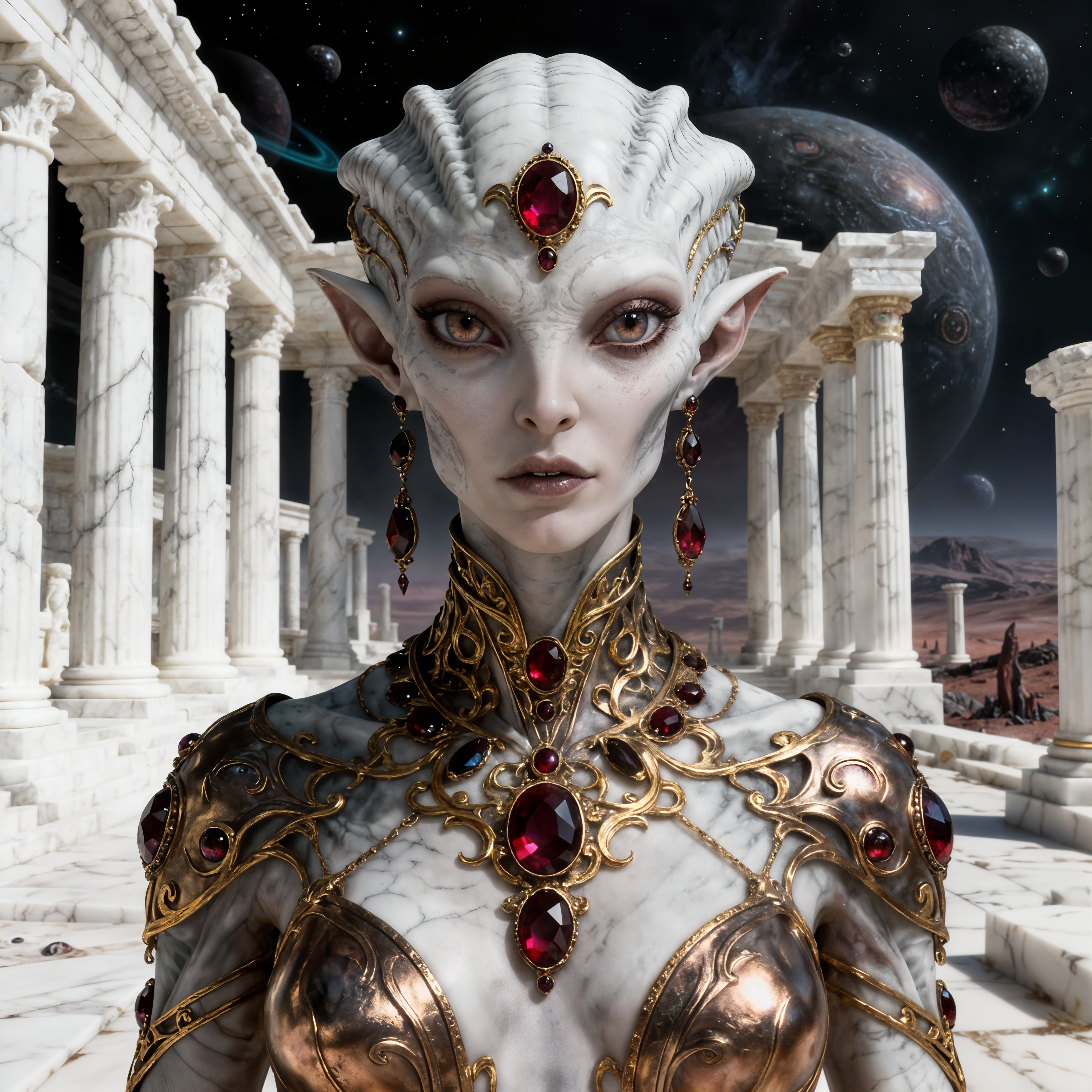
Bring your boldest ideas to life with PixelDojo's Grok Image Generator. Whether you want hyper-realistic portraits that capture genuine emotion, cinematic scenes that tell a complete story, or creative visuals that stop scrolls and drive engagement, you can achieve professional outcomes in seconds. No photography equipment, no expensive shoots, and no restrictive filters holding you back. In 2026, the best creators rely on advanced prompt techniques focused on natural language descriptions of lighting, texture, mood, and composition. Our Grok Image tool excels at delivering lifelike skin details, dynamic lighting interactions, accurate text rendering, and complex scenes that feel authentic. You can generate product mockups that look shot in a professional studio, character designs ready for full campaigns, or social media assets that perform exceptionally well. PixelDojo makes it effortless by integrating Grok Image with our full ecosystem of 40+ tools. Start with Grok for the initial vision, then refine with Image to Image, enhance details using Reality Polisher, maintain perfect face consistency across a series with Consistent Characters, or transform stills into video with Grok Video or Kling Video. The result? You save hours of work while producing visuals that look like they cost thousands. Marketers close more deals with compelling product imagery. Artists explore unlimited styles and concepts. Content creators build libraries of unique assets that boost engagement and grow their audiences. Best of all, you get generous usage limits, no need for separate premium subscriptions, and the freedom to cancel anytime. Thousands of creators worldwide trust PixelDojo to deliver the outcomes that matter - faster creation, higher quality, and real business results.
Loved by 35,000+ creators • 4.9/5 average rating from 4,800 reviews • "Grok Image on PixelDojo creates the most realistic faces and lighting I've seen. Generated my entire brand campaign visuals in one morning." • "Finally an AI image tool that understands complex prompts perfectly and integrates with editing tools seamlessly."
Why Choose Pixel Dojo for grok image generator
Professional-quality results with cutting-edge AI technology
Achieve Photorealistic Quality That Impresses
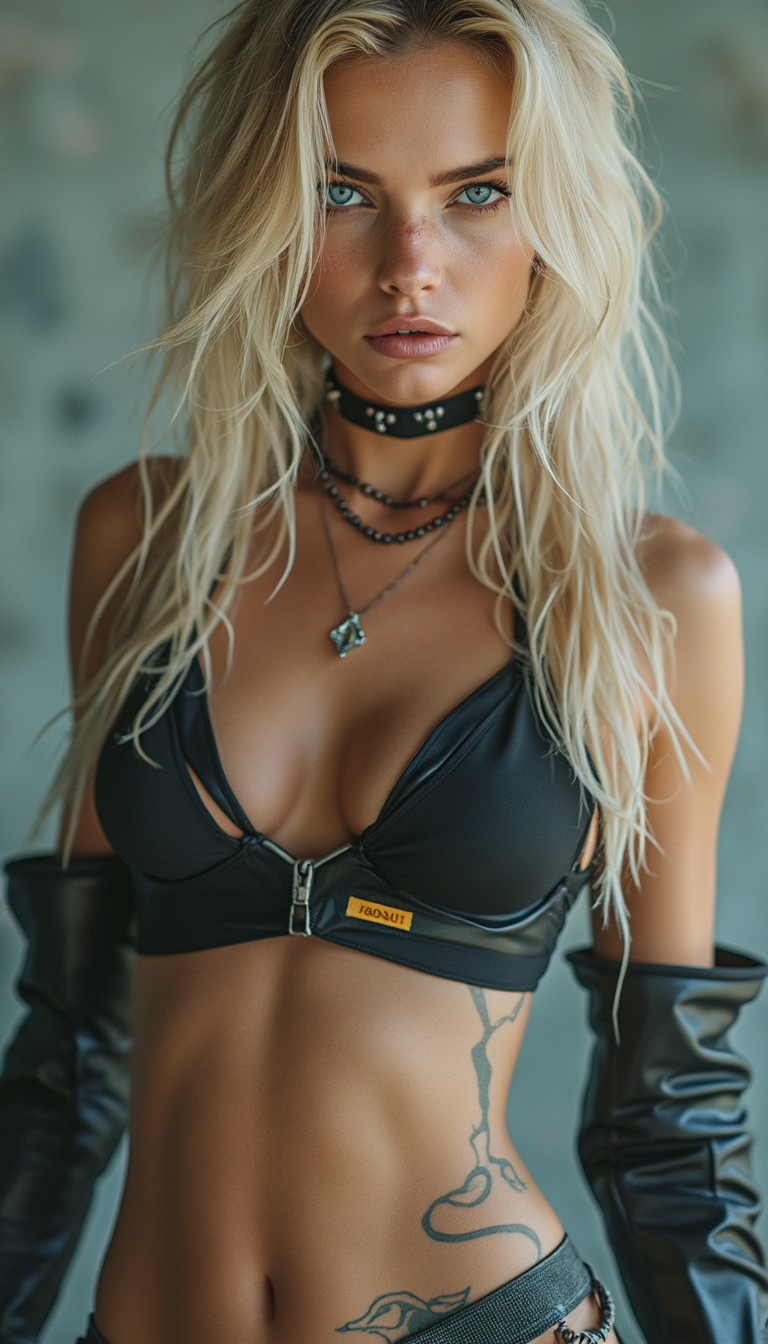
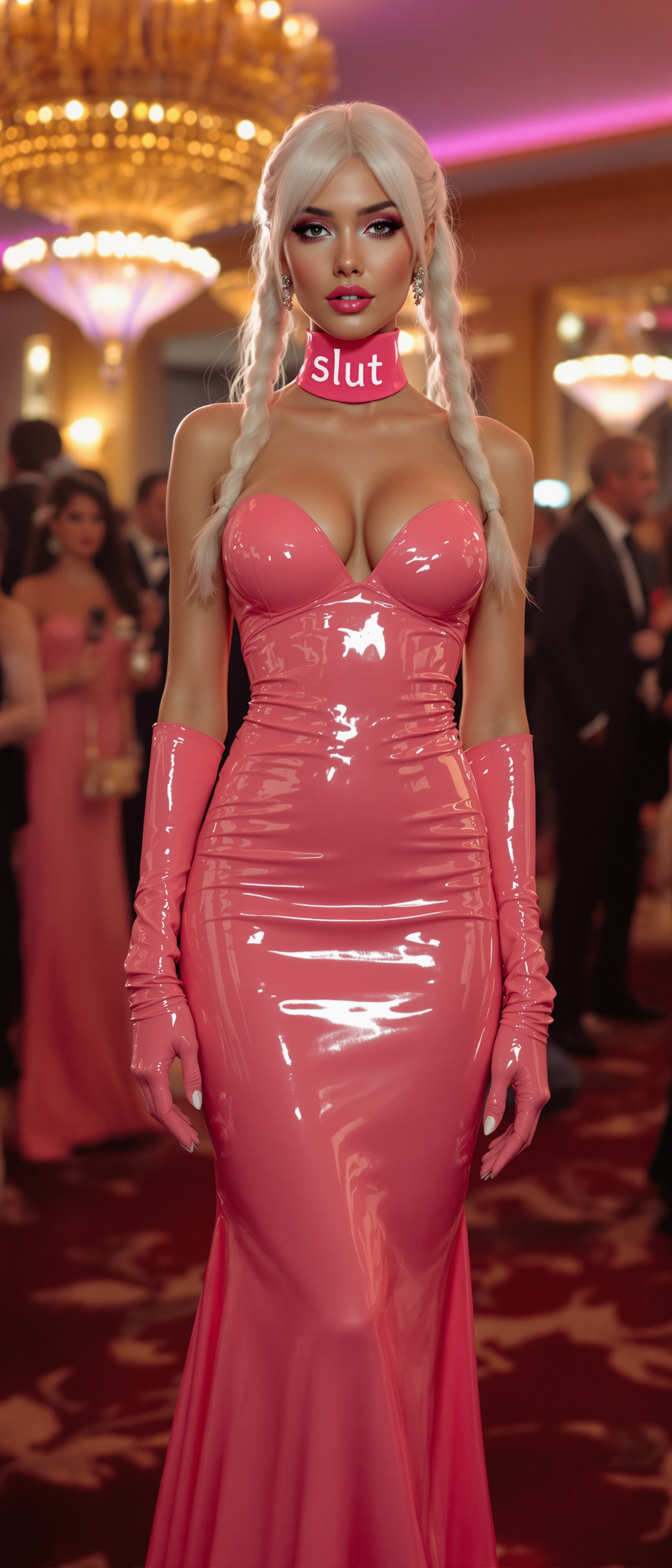
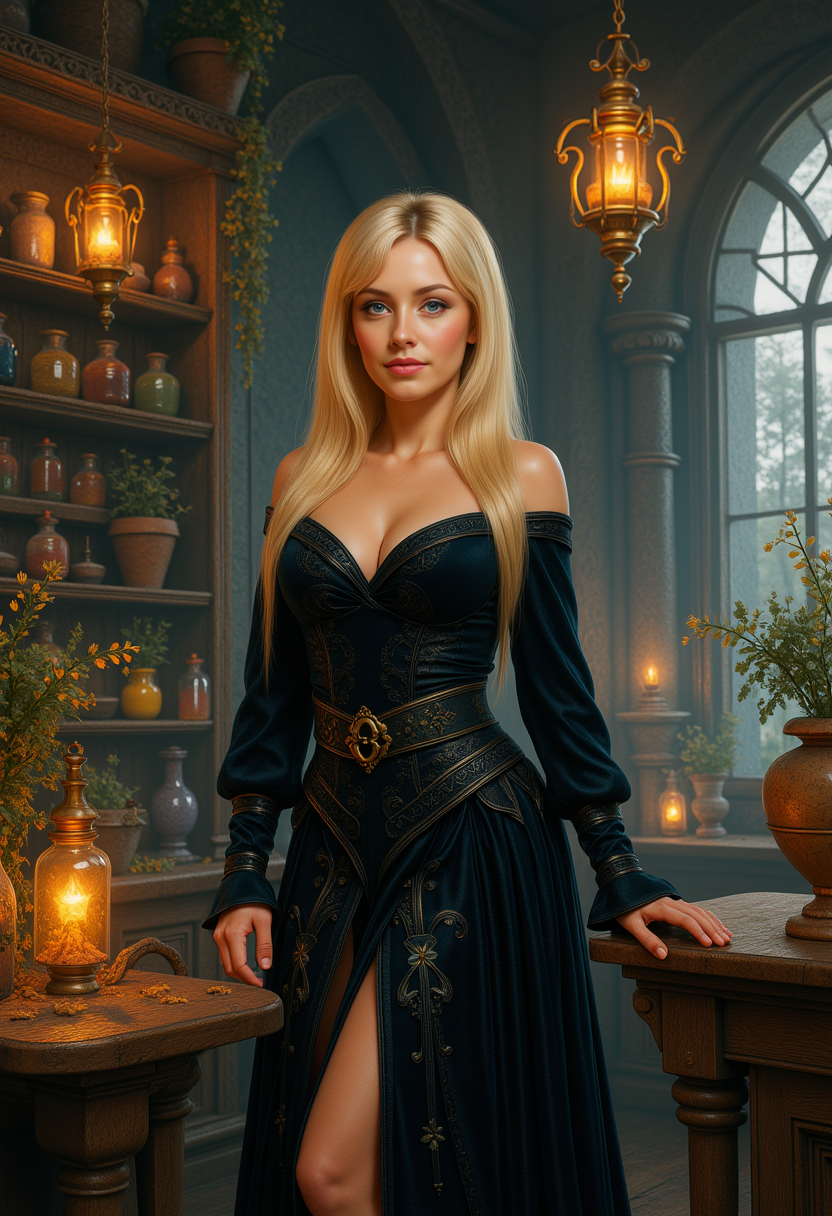
With PixelDojo's Grok Image generator, you create images featuring lifelike skin textures, natural lighting physics, intricate environmental details, and emotional depth that rivals professional photography. Your portraits will connect with viewers on a human level, your product shots will drive conversions, and your scenes will transport audiences. Combine this with our Portrait Upscaler and Reality Polisher to produce print-ready or social-first assets that build instant credibility for your brand or personal projects. No more settling for artificial-looking results - achieve visuals that make people stop, engage, and remember your message.
Create Faster with Smart, Iterative Prompts
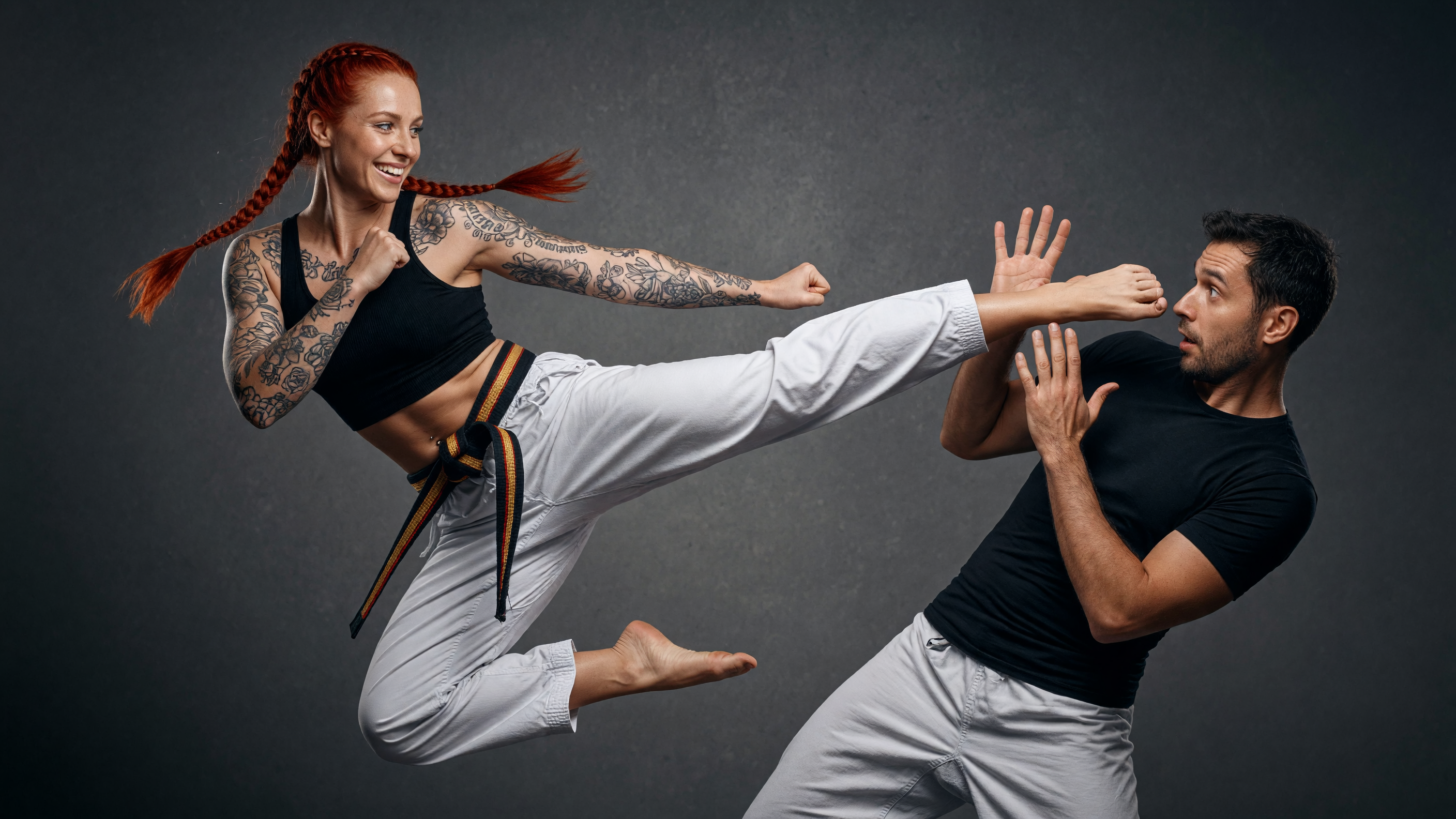
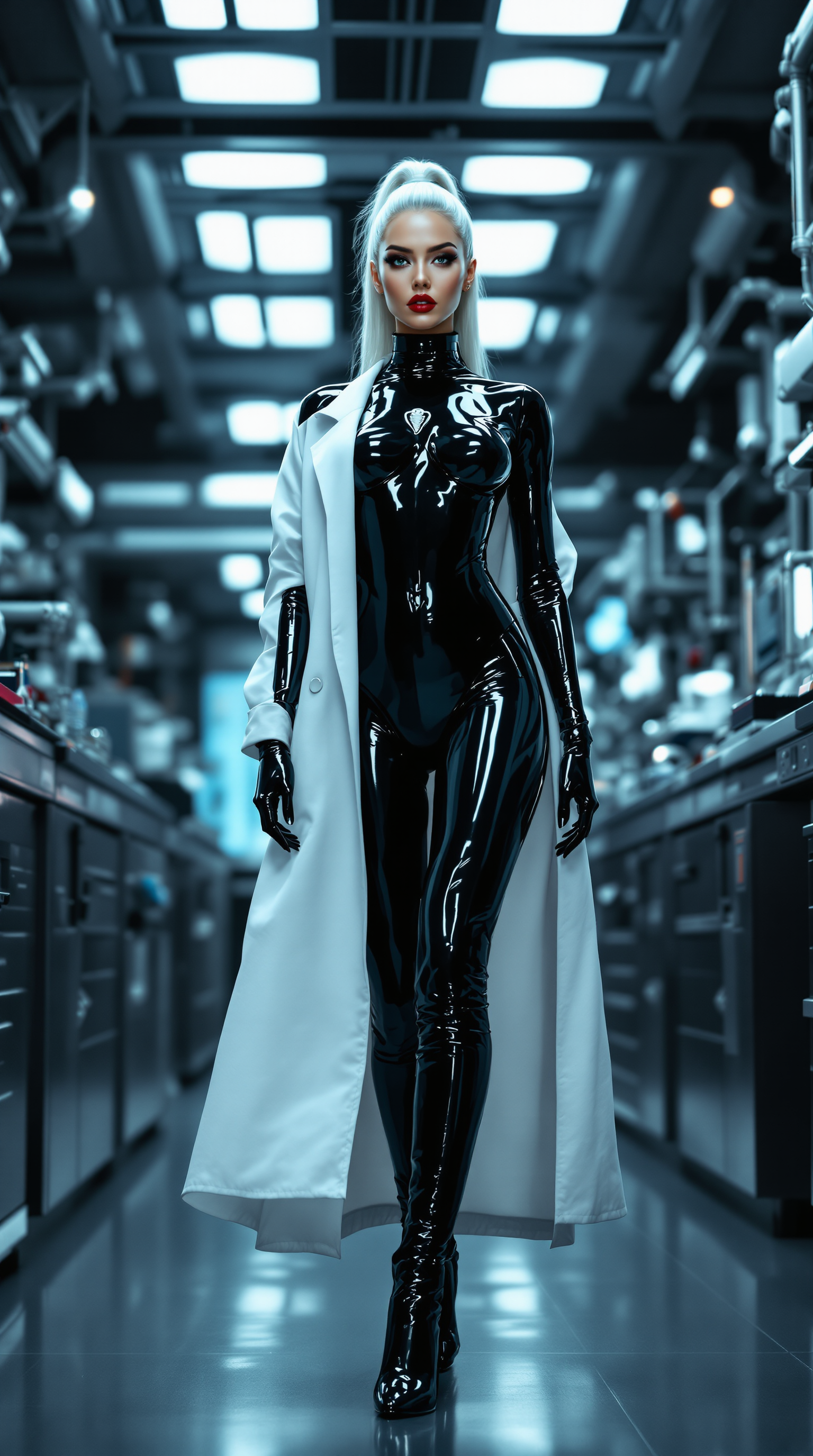
Describe your vision naturally and watch Grok Image deliver multiple high-quality options in seconds. Focus on outcomes like 'a determined female CEO presenting innovative tech in a sunlit modern office with volumetric god rays, cinematic framing, sharp detail' instead of wrestling with technical parameters. Our platform's fast generation cycle lets you iterate quickly - tweak lighting, adjust composition, or explore variations without frustration. This speed multiplies your output, helping you produce complete content libraries, test multiple concepts, or respond to trends in real time while maintaining the creative control you need to stand out.
Build Complete Projects with Integrated Tools
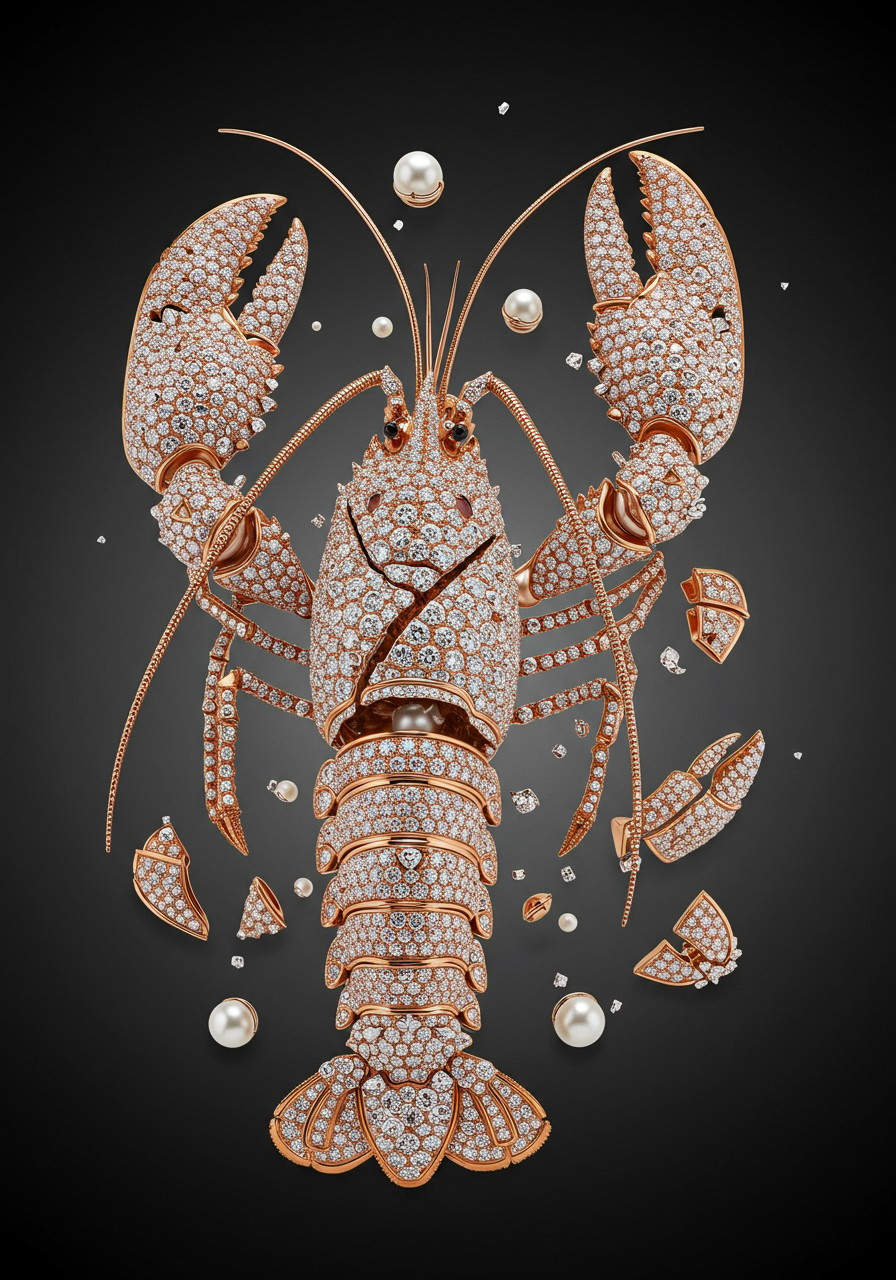
Grok Image is just the beginning on PixelDojo. Seamlessly transition your generated images into professional workflows using Inpainting to perfect details, Style Transfer for artistic variations, Change Camera Angle for new perspectives, or Consistent Characters to develop recognizable mascots and heroes across dozens of scenes. Upscale with Magnific for billboard quality, add motion with our video tools like WAN 2.7 Video or Seedance, or create matching audio with Text to Music. This unified platform eliminates tool-switching friction so you can focus on achieving your goals - whether launching a visual brand identity, producing a digital story series, or creating high-performing ad creatives that convert.
How It Works
Creating outstanding images with PixelDojo's Grok Image generator takes just minutes. Our intuitive platform guides you from idea to polished visual using proven prompt techniques that deliver consistent, high-impact results. Follow these steps to start producing photorealistic and creative images that achieve your specific goals.
Step 1: Choose Grok Image
Log into your PixelDojo account and navigate to the Generate Images dashboard. Select 'Grok Image' from our library of specialized models that also includes Flux.2 Studio, QWEN Image 2, and Recraft V4. No additional accounts or premium subscriptions required. Our clean interface lets you quickly access the latest Grok capabilities optimized for realism, prompt understanding, and creative freedom. Start a new project and you'll be ready to describe your vision immediately.
Step 2: Write a Detailed Natural Prompt
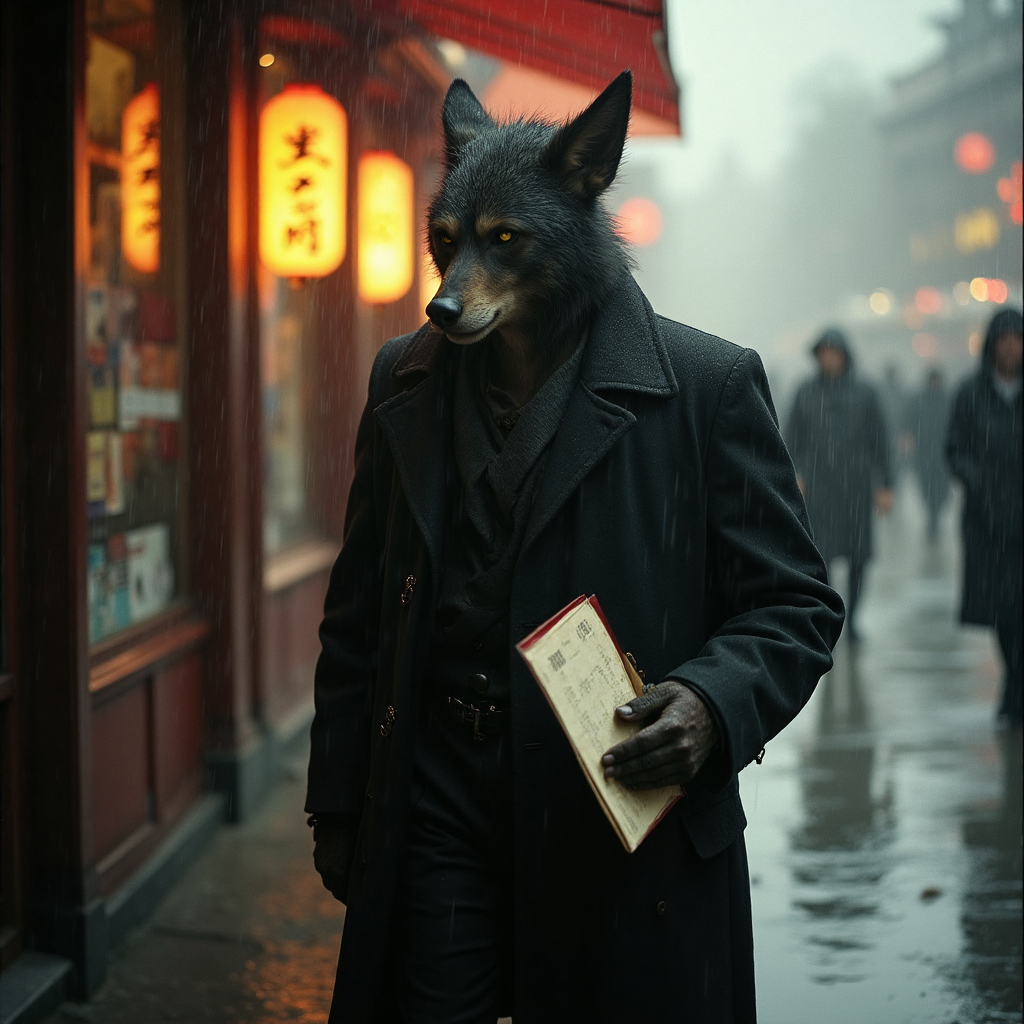
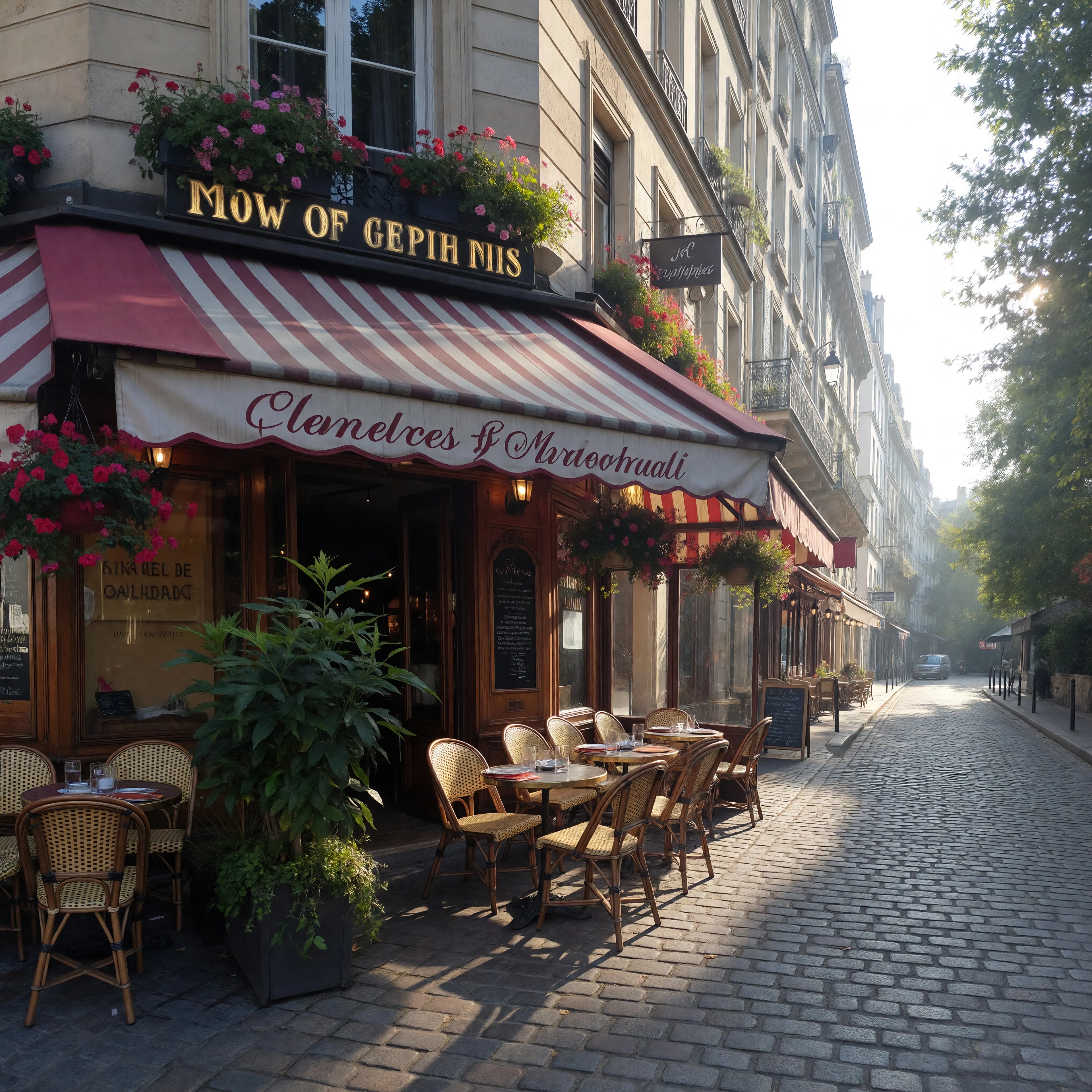
Use descriptive, natural language focusing first on your main subject, then environment, lighting, mood, camera perspective, and technical qualities. Effective 2026 prompts for Grok Image read like scene descriptions: 'Photorealistic portrait of a young Asian inventor smiling confidently in a bright loft studio filled with prototypes, soft morning light streaming through large windows creating gentle lens flare, sharp focus on expressive eyes, cinematic color grading, 8k detail'. Our smart prompt helper suggests improvements for better lighting, composition, and impact. Generate multiple variations to explore options quickly.
Step 3: Generate, Refine & Export
Click generate to receive high-quality results instantly. Review the variations, then use our integrated tools to perfect them. Apply Inpainting to adjust specific elements, Reality Polisher for enhanced clarity, Magnific Upscaler for maximum resolution, or Face Swap and Consistent Characters for series work. Transform favorites into videos using Grok Video or Kling Video Edit. Download in multiple formats, save to your library, or continue iterating. The entire workflow stays within PixelDojo so you maintain momentum from concept to final deliverable.
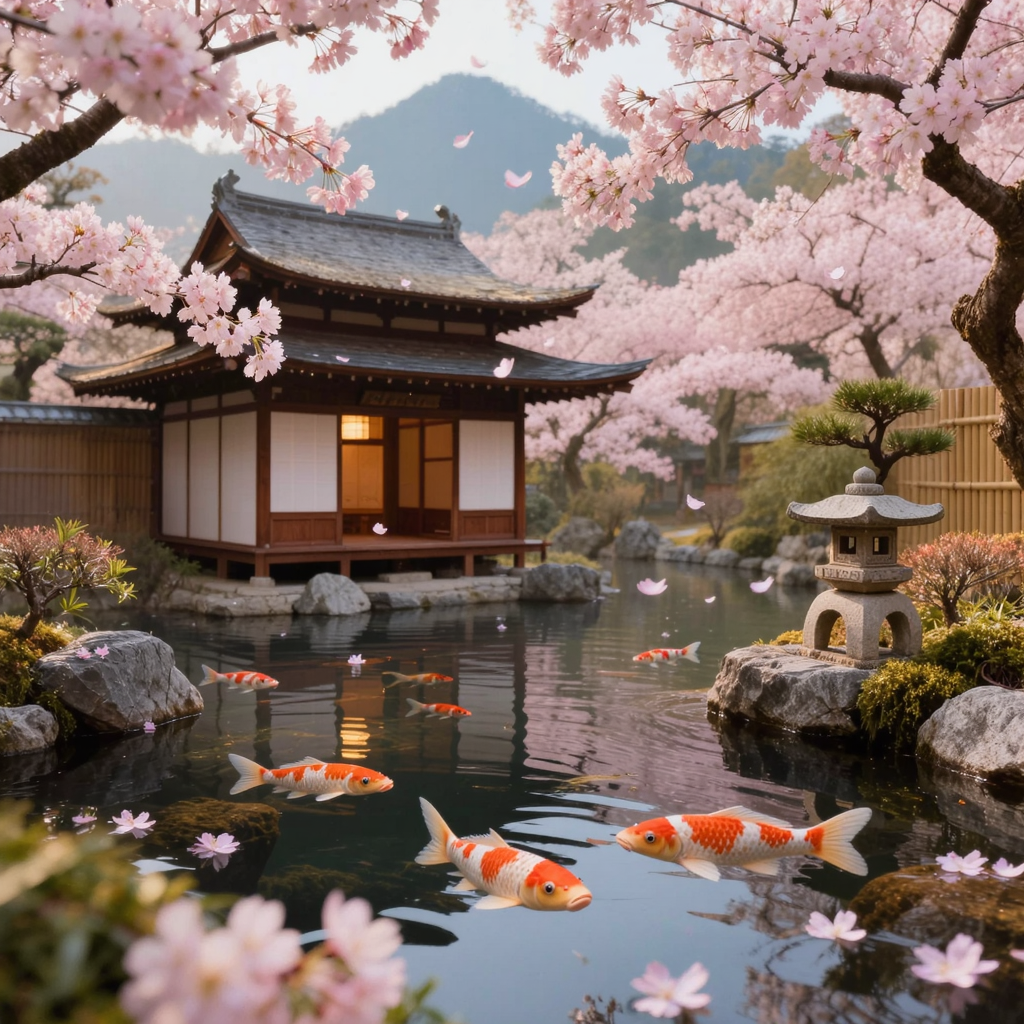
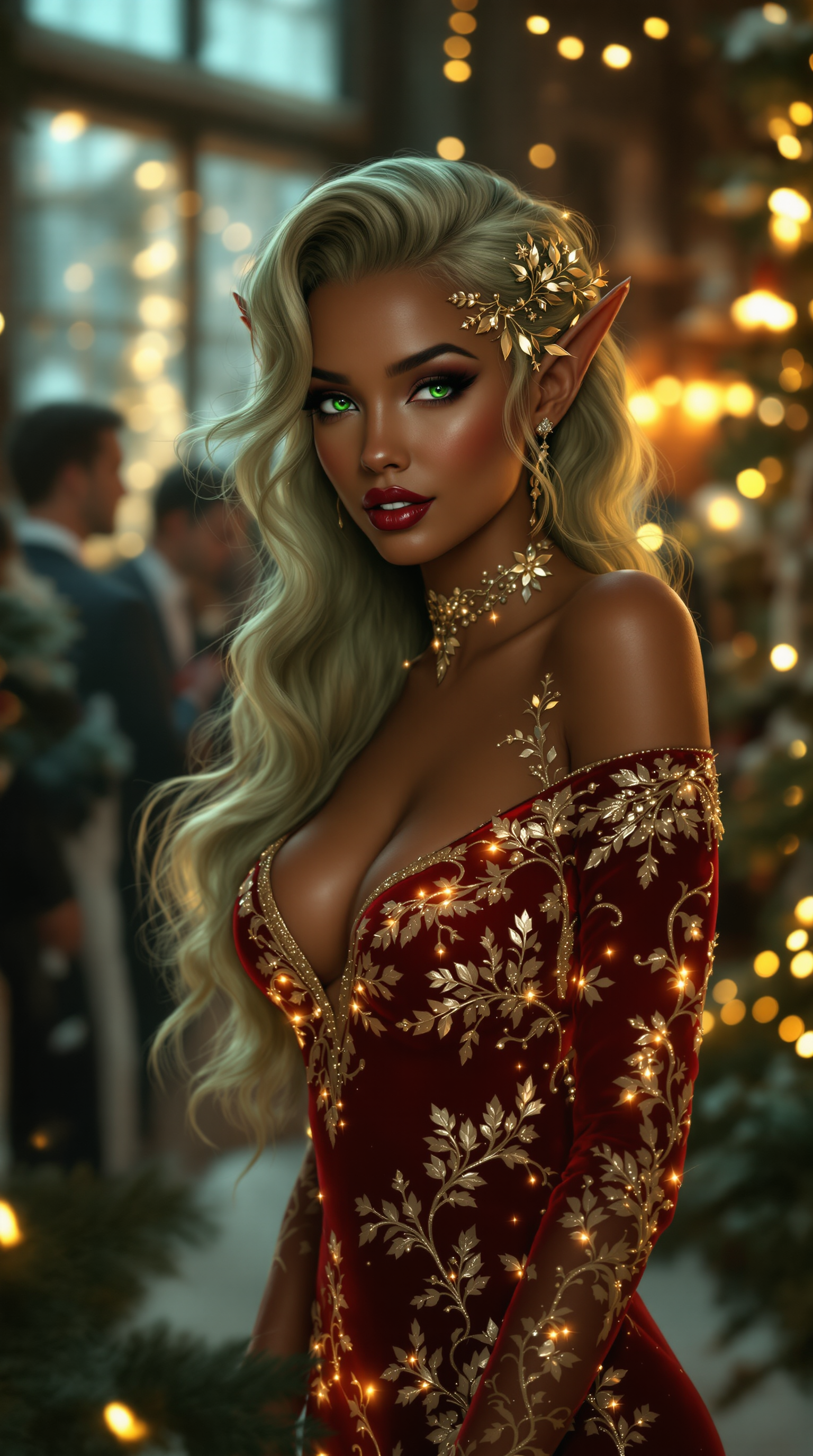
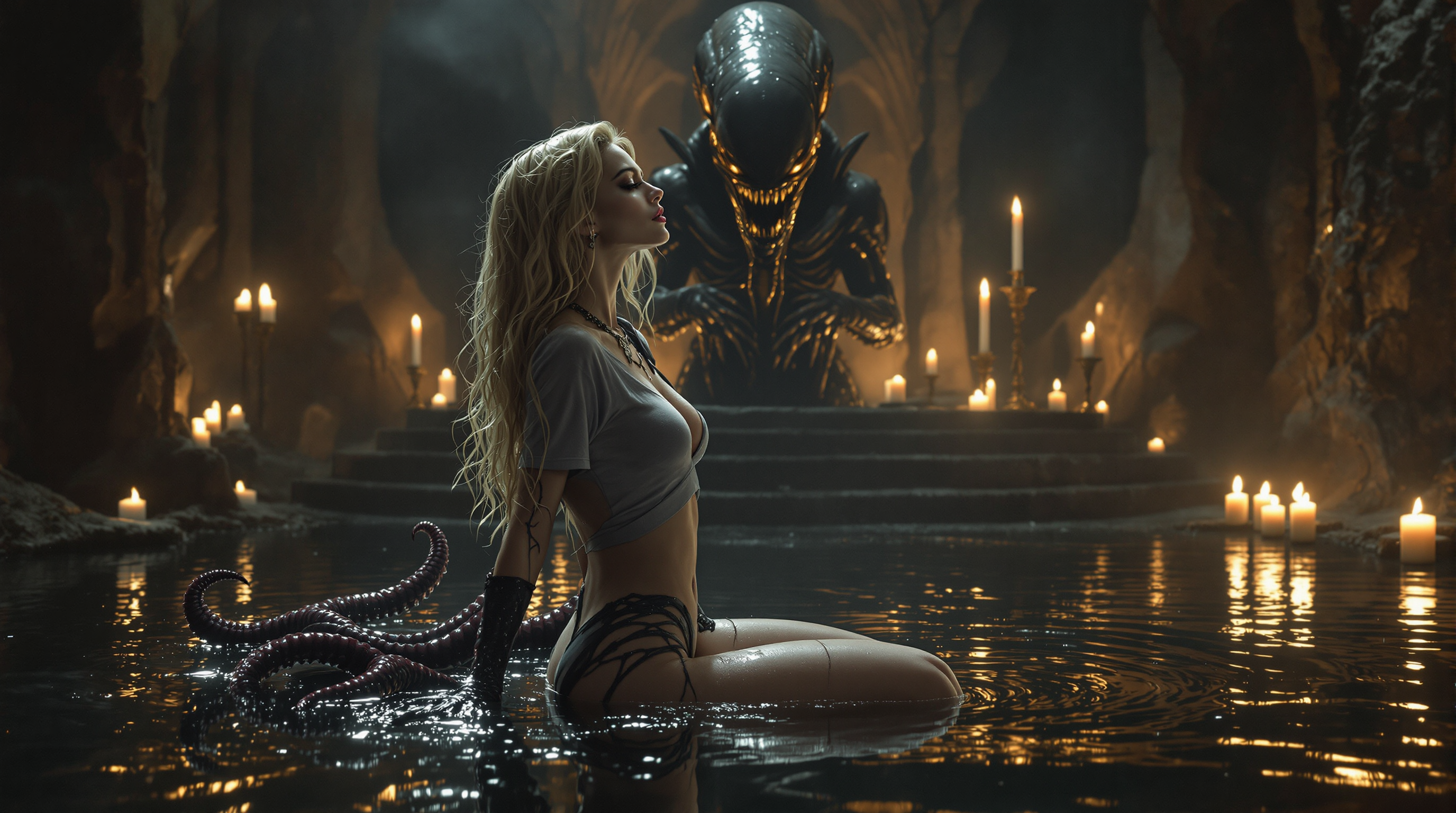

The Pixel Dojo Advantage
PixelDojo's Grok Image Generator delivers superior outcomes compared to traditional approaches by combining powerful AI with an integrated creative workflow designed for real results.
| Others | Pixel Dojo |
|---|---|
| Traditional photography or stock imagery | Generate completely original, perfectly tailored images in seconds instead of spending days coordinating shoots or settling for generic stock that doesn't match your brand. Achieve exact lighting, angles, and details you need to tell your unique story. |
| Limited free or basic AI generators | Access advanced Grok capabilities with generous limits, superior prompt adherence for realistic results, and immediate access to professional editing, upscaling, and video tools in one place. Create without watermarks, daily caps, or quality compromises. |
| Manual design or editing software | Skip the hours of technical work and steep learning curves. Simply describe what you want and refine with intuitive AI tools. Produce multiple concepts rapidly, maintain consistency across projects, and focus on strategy and creativity instead of pixels. |
Loved by creators on PixelDojo
Real feedback from people using PixelDojo, pulled from our in-product surveys.
Very eay to use, works well to train SDXL loras.
The amazing tools
Top notch quality and strong prompt adherence.
A well resourced sunscription with attention to updates.
Easy to use and there's lots of options.
super lora download
Explore more AI tools on PixelDojo
AI Tools
Compare & Switch
- Best AI Image Generators
- Best AI Video Generators
- Midjourney Alternatives
- Civitai Alternatives
- Runway Alternatives
- Leonardo Alternatives
- Pika Alternatives
- Luma Alternatives
- Magnific Alternatives
- Veo Alternatives
- Flux Alternatives
- Freepik Alternatives
- Seedance Alternatives
- Seedream Alternatives
- Pixverse Alternatives
- GPT Image Alternatives
- Synthesia Alternatives
- Playground Alternatives
- NightCafe Alternatives
- Canva AI Alternatives
- ElevenLabs Alternatives
- ComfyUI Alternatives
- Fal Alternatives
- Replicate Alternatives
Common Questions
Everything you need to know about grok image generator
What makes PixelDojo's Grok image generator the best choice for realistic AI images in 2026?
PixelDojo's Grok Image tool delivers exceptional photorealism with superior handling of human features, complex lighting interactions, skin textures, and environmental details. You achieve outcomes like studio-quality portraits, believable product visualizations, and emotionally resonant scenes without needing an X Premium account. Combined with our editing suite including Image to Image, Inpainting, Magic Lighting, and Magnific Upscaler, you can refine any generation into final assets ready for marketing, social media, or print. Creators love the fast iteration, natural prompt understanding, and ability to maintain consistency across entire projects using our Consistent Characters tools.
What are the best prompt techniques for the Grok image generator on PixelDojo?
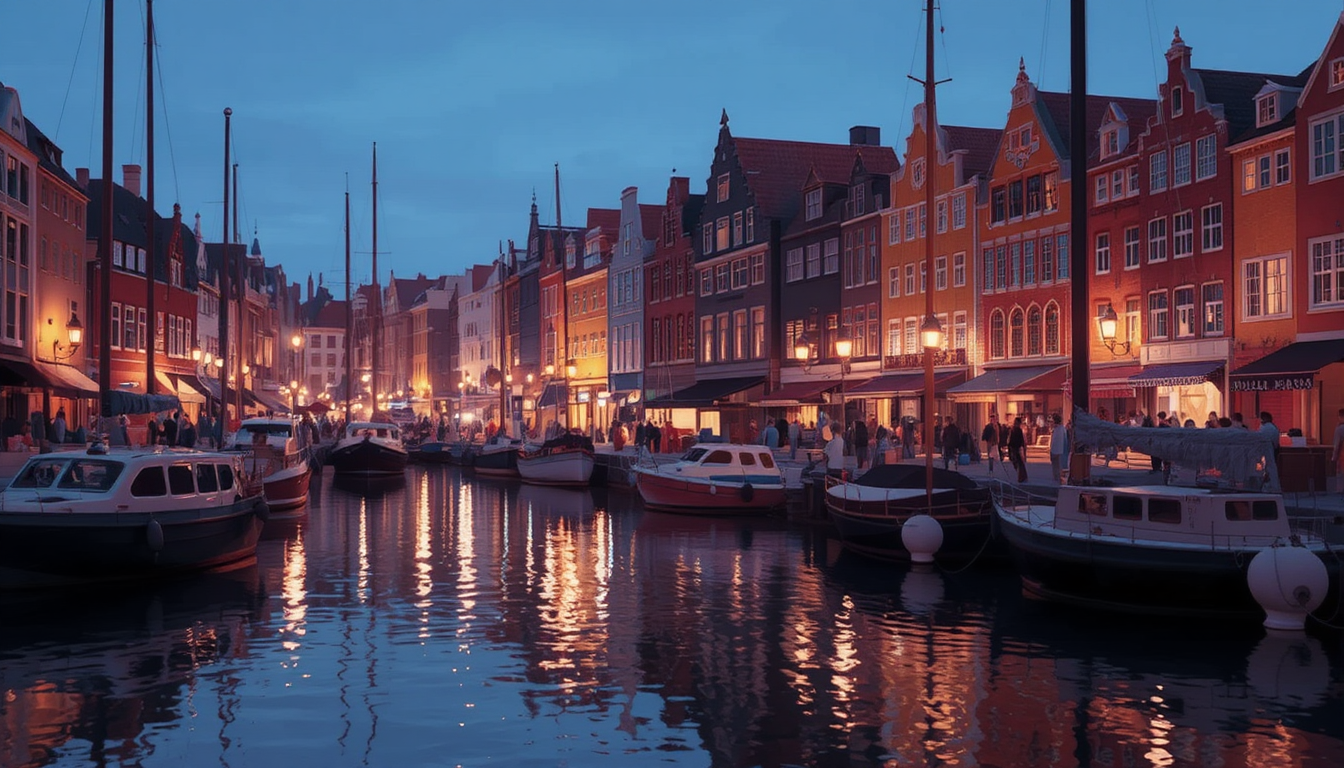
Write prompts in natural, descriptive English focusing on subject first, followed by setting, lighting, mood, camera angle, and style. Effective examples include 'Cinematic wide shot of a serene mountain lake at dawn with mist rising from the water, golden sunlight breaking through clouds, ultra realistic reflections, peaceful atmosphere, shot on 35mm film'. Include specific references to light quality (volumetric rays, soft diffused), textures, and composition. Avoid negative prompts and instead describe the positive qualities you want. Our platform provides prompt suggestions and remembers your successful styles. Test variations by regenerating with small changes to lighting or perspective for dramatically better results. This approach consistently produces images that feel authentic and professional.
Can I create consistent characters using the Grok image generator?
Yes. Generate your primary character with Grok Image, then leverage PixelDojo's dedicated Consistent Characters tool, Ideogram Character, or LoRA Face Swap to maintain the exact same face, clothing style, and personality across dozens of different scenes and poses. This workflow is perfect for building illustrated stories, brand mascots, social media series, or animated content. After establishing consistency, you can further enhance with Pose Control, Character Stylist, or move directly into video generation with WAN Video Character Swap or Kling Video Character Swap. Many creators build entire visual universes this way, saving enormous time compared to redrawing or photographing models repeatedly.
How many images can I generate with Grok Image and what are the costs?
PixelDojo offers flexible plans with generous monthly generations that scale with your needs. Grok Image is available immediately upon signup with no paywalls for basic use, and our paid subscriptions provide high-volume access perfect for professionals. You can also purchase additional credits anytime. Unlike platforms with strict daily limits, we prioritize serious creators who need to produce at scale. All plans include full access to our editing, upscaling, video, and training tools. You can cancel your subscription at any time with no penalties. Many users find that the time saved and quality achieved deliver strong return on investment within the first week.
What editing and enhancement tools work best with images from the Grok image generator?
Every image generated with Grok Image integrates perfectly with our complete toolkit. Use Background Remover and Inpainting to modify elements, Magic Lighting and Style Transfer to completely change the atmosphere, Change Camera Angle for fresh perspectives, and Reality Polisher to elevate fine details. For presentation, apply Magnific Upscaler or Creative Upscaler for crisp large-format results. Portrait Upscaler specializes in enhancing faces while preserving the realistic quality Grok is known for. You can also extract frames, add autocaptions, create lip sync, or generate matching videos using tools like Grok Video Edit, Kling Video Edit, or Seedance 2. This end-to-end capability means one generation can evolve into an entire multimedia campaign.
Is Grok Image on PixelDojo good for creating memes, social content, and artistic styles?
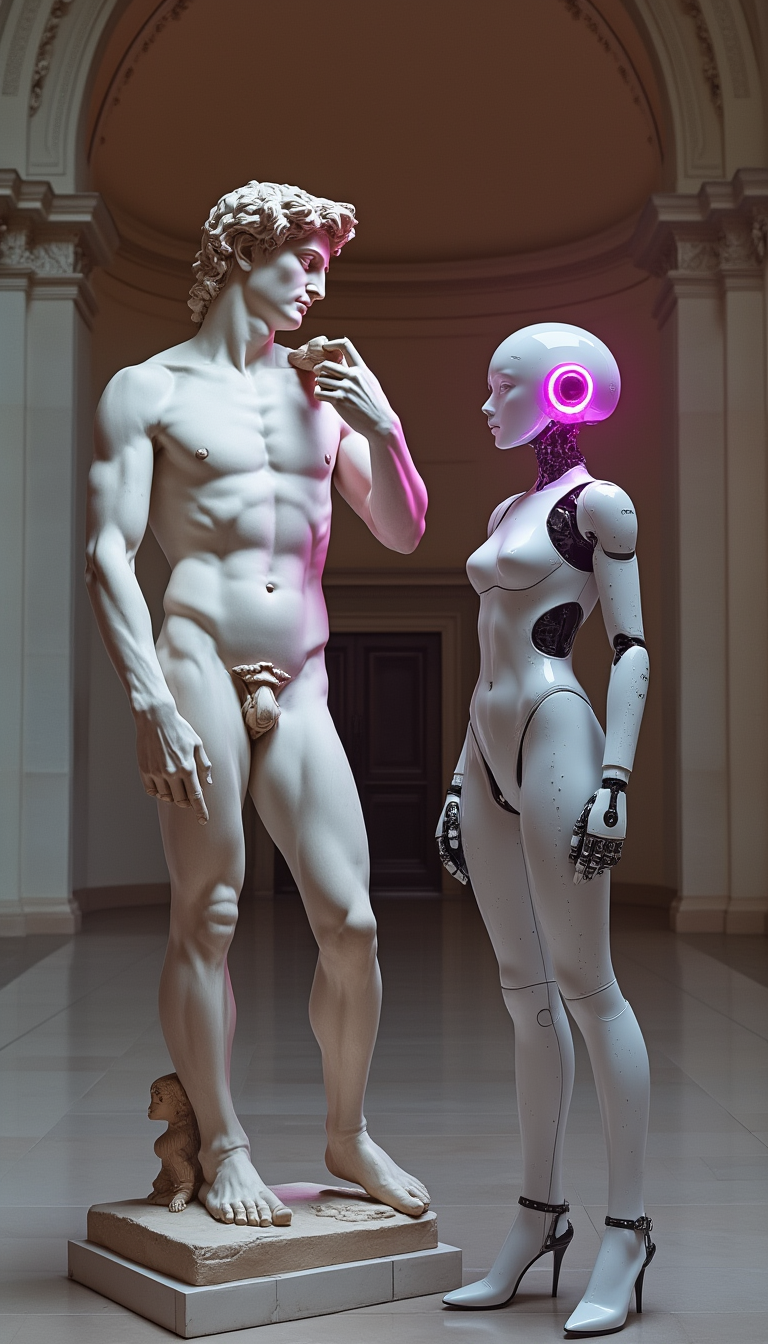
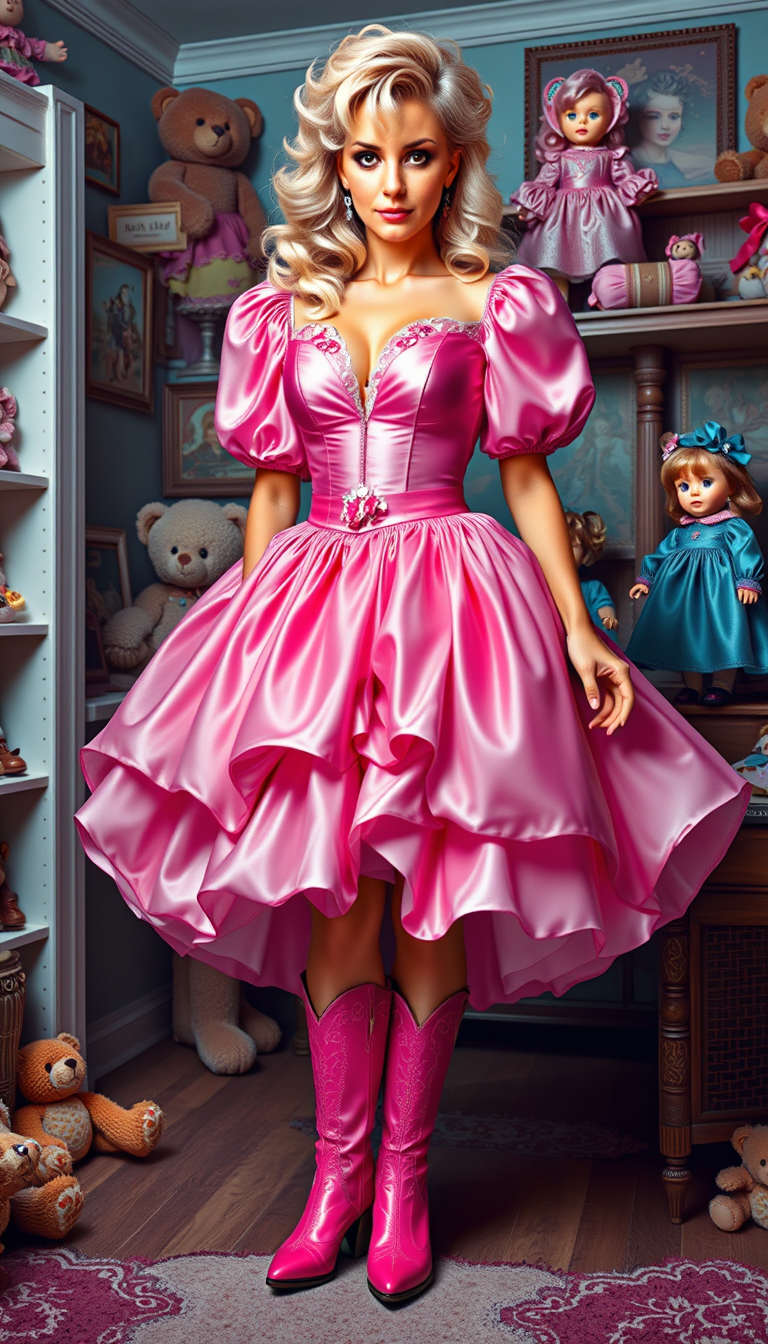
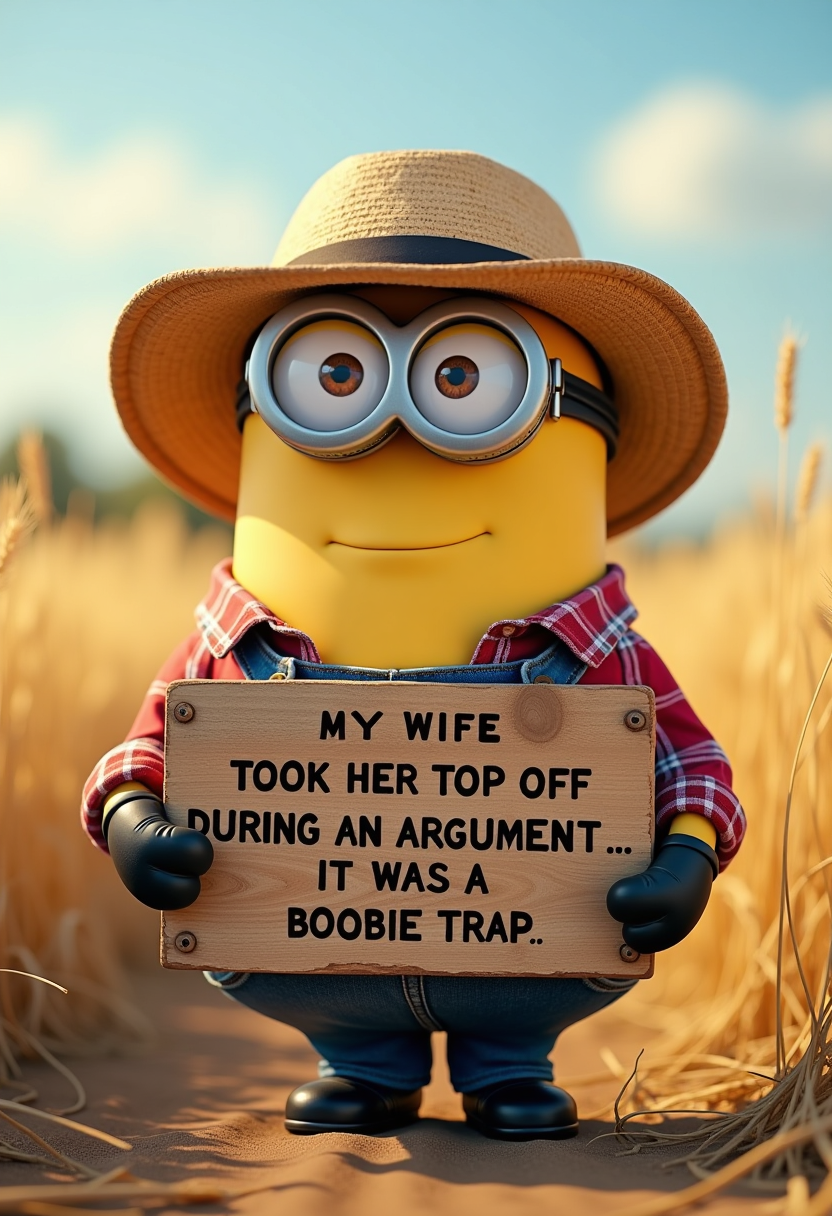
Absolutely. Grok Image excels at understanding humor, cultural references, and creative concepts with fewer restrictions than many other tools, making it ideal for viral memes, eye-catching social posts, and unique artistic explorations. You can generate stylized illustrations, surreal compositions, or text-heavy designs that render clearly. Pair it with Recraft V4, PonyXL, or ImagineArt 1.5 for specific aesthetic directions. Creators regularly produce scroll-stopping content that performs exceptionally well because the images feel fresh and authentic. After generation, use our Video Autocaption, Merge Videos, or Text to Speech tools to expand single images into complete social campaigns or short-form video content that drives real engagement and growth.