gta filter AI Generator
Imagine turning any photo of yourself or friends into an authentic Grand Theft Auto character that looks straight out of Los Santos. With PixelDojo's GTA filter tools, you can instantly create eye-catching GTA style images that dominate social feeds, boost your gaming profiles, and deliver professional-looking game art without any design skills. Whether you're crafting viral TikTok content, designing custom avatars, or building epic posters, PixelDojo helps you achieve stunning results in seconds that capture the bold outlines, dramatic lighting, and iconic Rockstar aesthetic of GTA V.
Over 50,000 creators have generated millions of GTA-style images on PixelDojo. Rated 4.9/5 by thousands of users, with viral results shared across Instagram, TikTok, and gaming communities worldwide. Trusted by gamers and content creators for authentic transformations every time.
Why Choose Pixel Dojo for gta filter
Professional-quality results with cutting-edge AI technology
Create Viral Social Media Content
Generate scroll-stopping GTA filter images that get likes, shares, and engagement on every platform. Turn ordinary selfies into loading-screen worthy portraits that stand out in feeds and spark conversations.
Design Unique Gaming Avatars & Profiles
Craft personalized GTA V style characters for Steam, Discord, Xbox, or PlayStation profiles. Stand out with custom in-game inspired looks that reflect your personality and style perfectly.
Produce Professional Game-Style Art
Create high-quality GTA aesthetic posters, thumbnails, and merchandise designs that look like official Rockstar artwork. Achieve cinematic lighting and bold character renders without hiring artists or learning complex software.
How It Works
Creating your own GTA filter images is simple and fast using PixelDojo's specialized AI tools. Follow these three steps to transform any photo into authentic GTA V style art.
Step 1: Choose Your Tool
Select Google Nano Banana or Image to Image combined with Style Transfer from PixelDojo's Generate Images and Edit Images sections. These tools are specifically optimized for precise GTA style transformations and deliver the most authentic results.
Step 2: Enter Your Prompt
Upload your photo and use a detailed prompt like: 'Transform this photo into realistic GTA V gameplay style with bold outlines, high contrast shading, smooth textures, Rockstar game lighting, and detailed 3D character rendering like an in-game screenshot.' Add specifics about clothing, background, or mood for personalized results.
Step 3: Customize & Download
Refine your image using tools like Magic Lighting, Change Camera Angle, or Reality Polisher for perfect GTA aesthetics. Then upscale with P-Image Upscale or Creative Upscaler for crisp, high-resolution downloads ready for social sharing or printing.



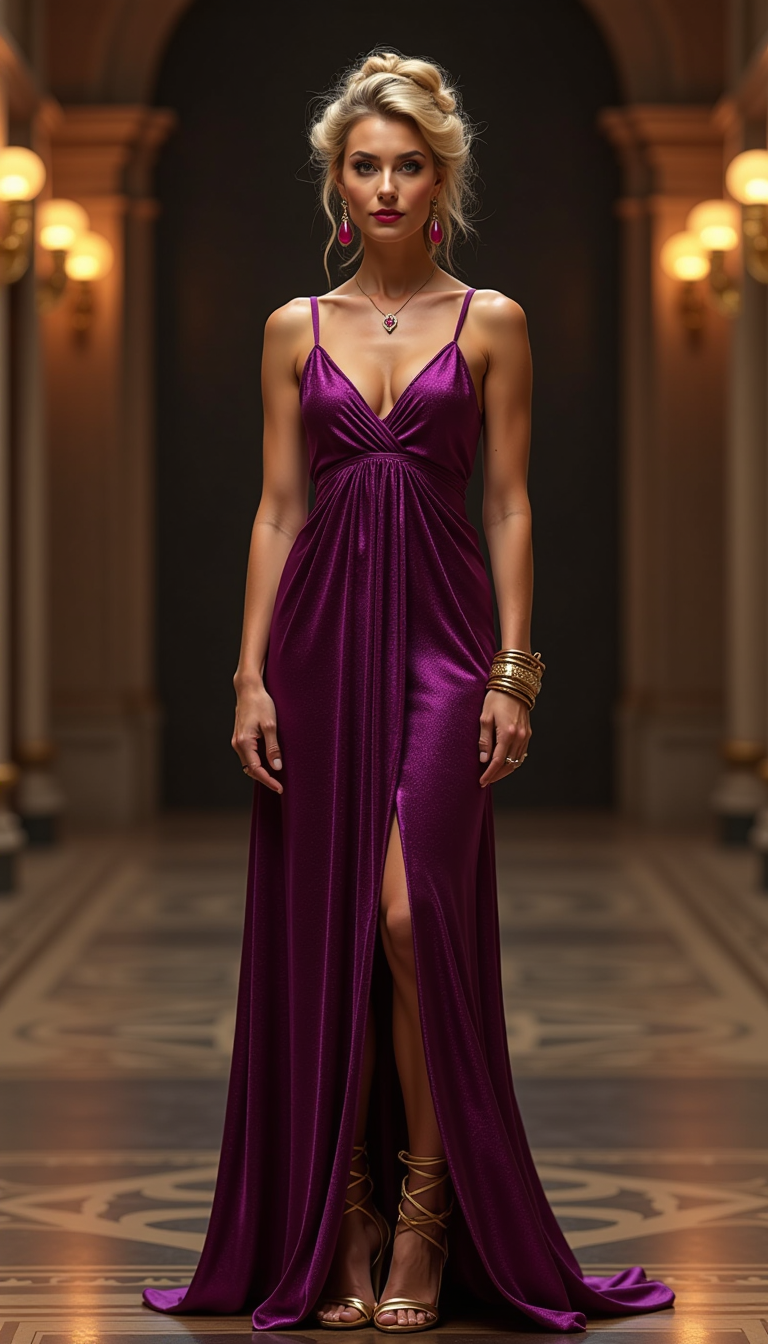
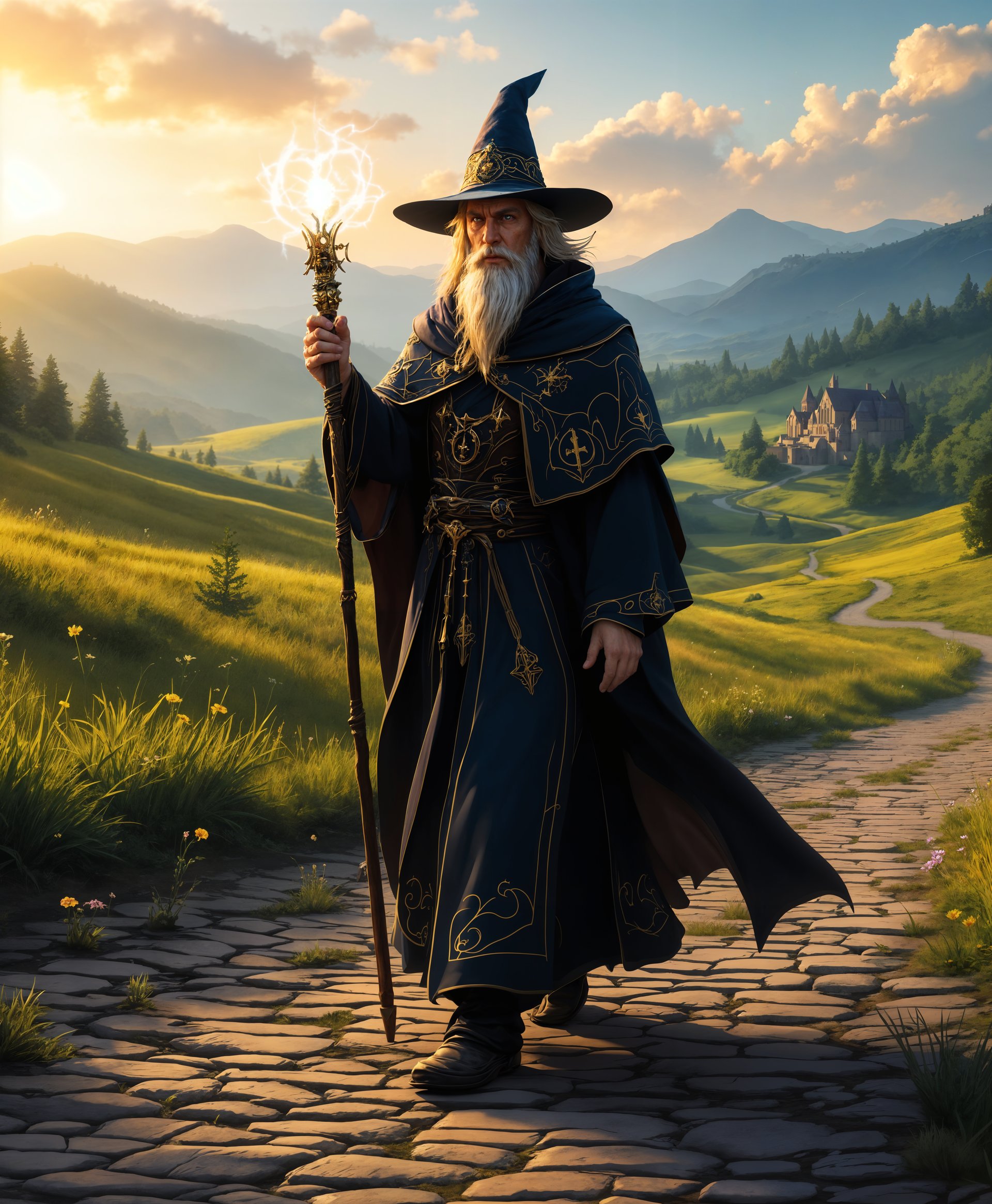
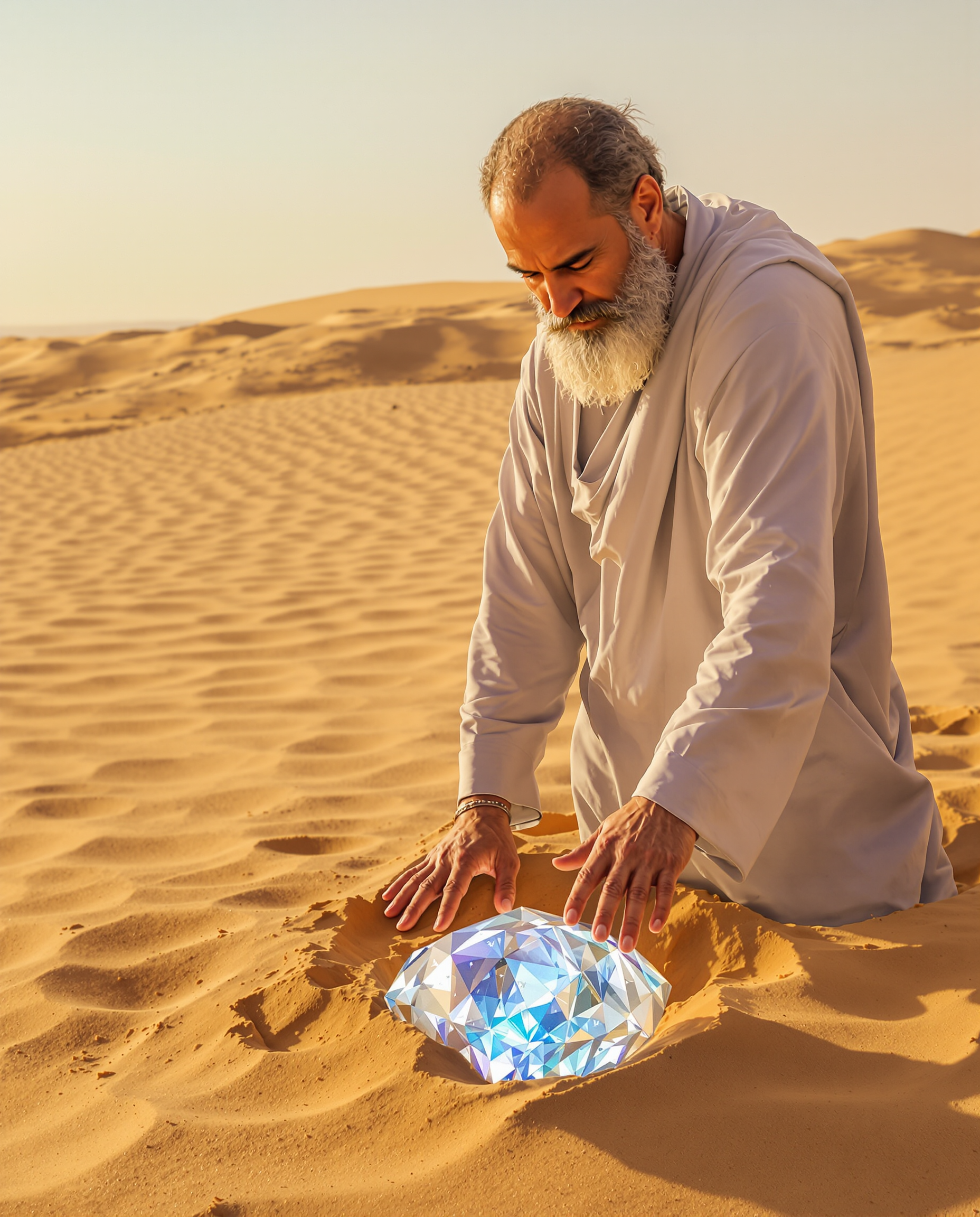
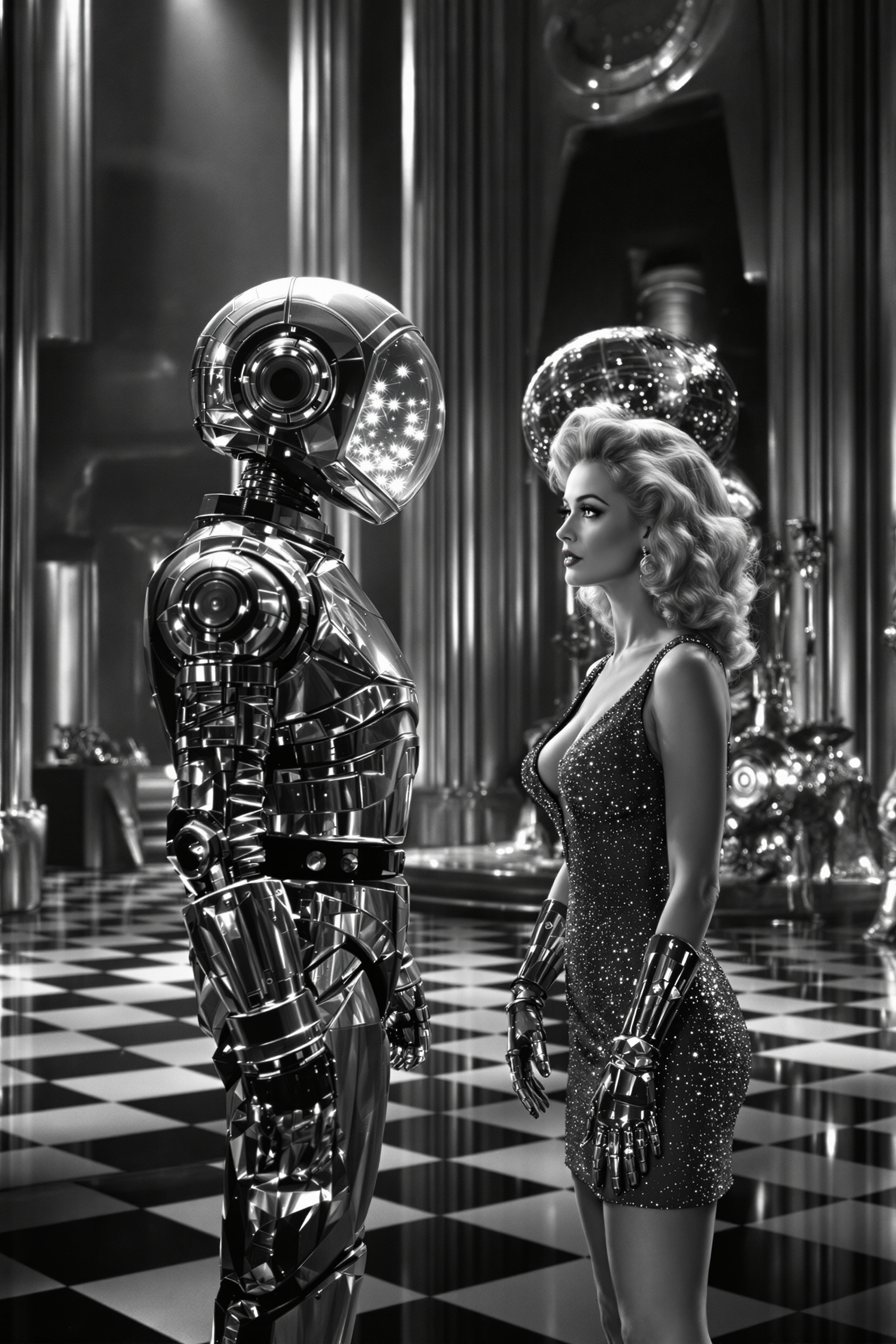
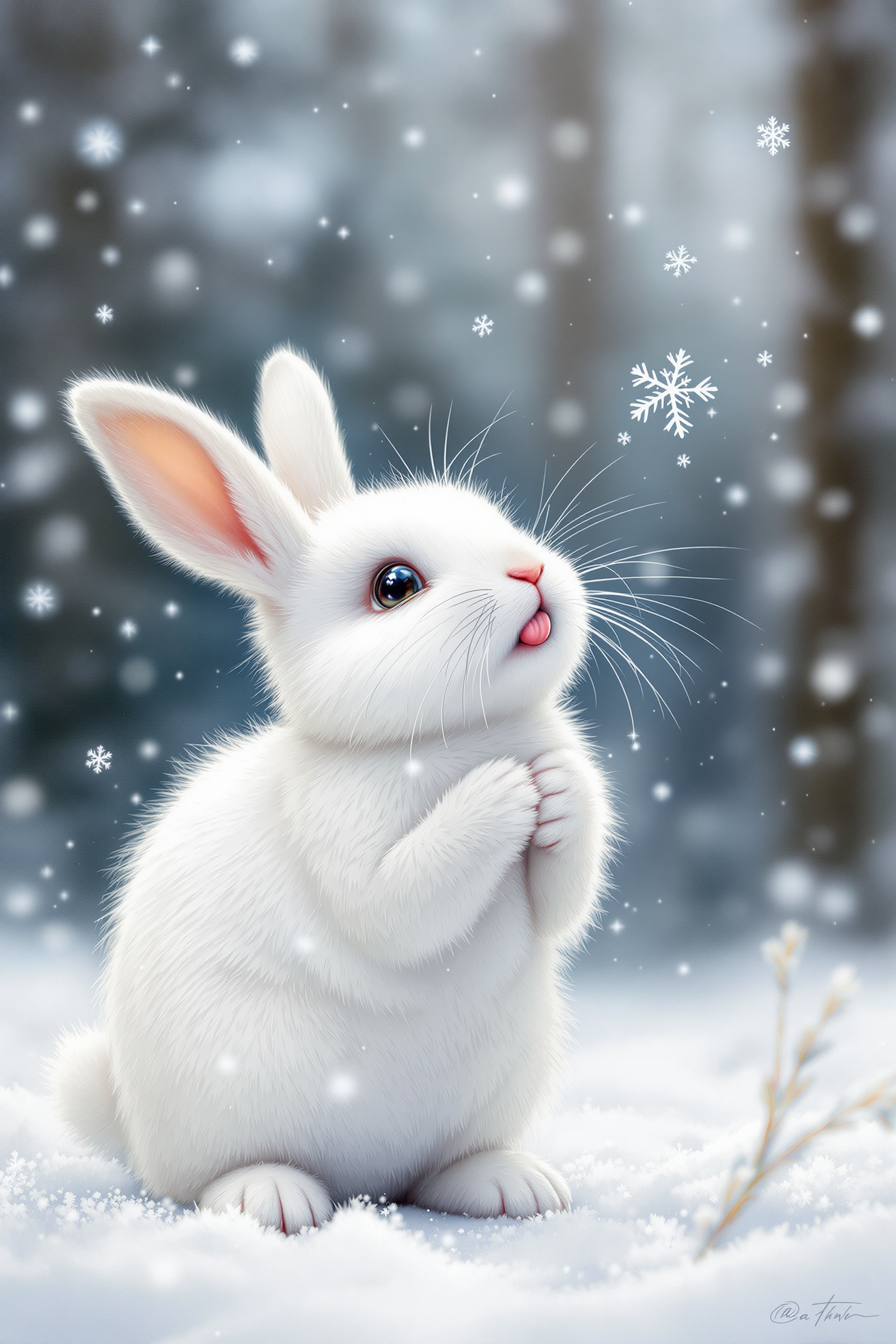
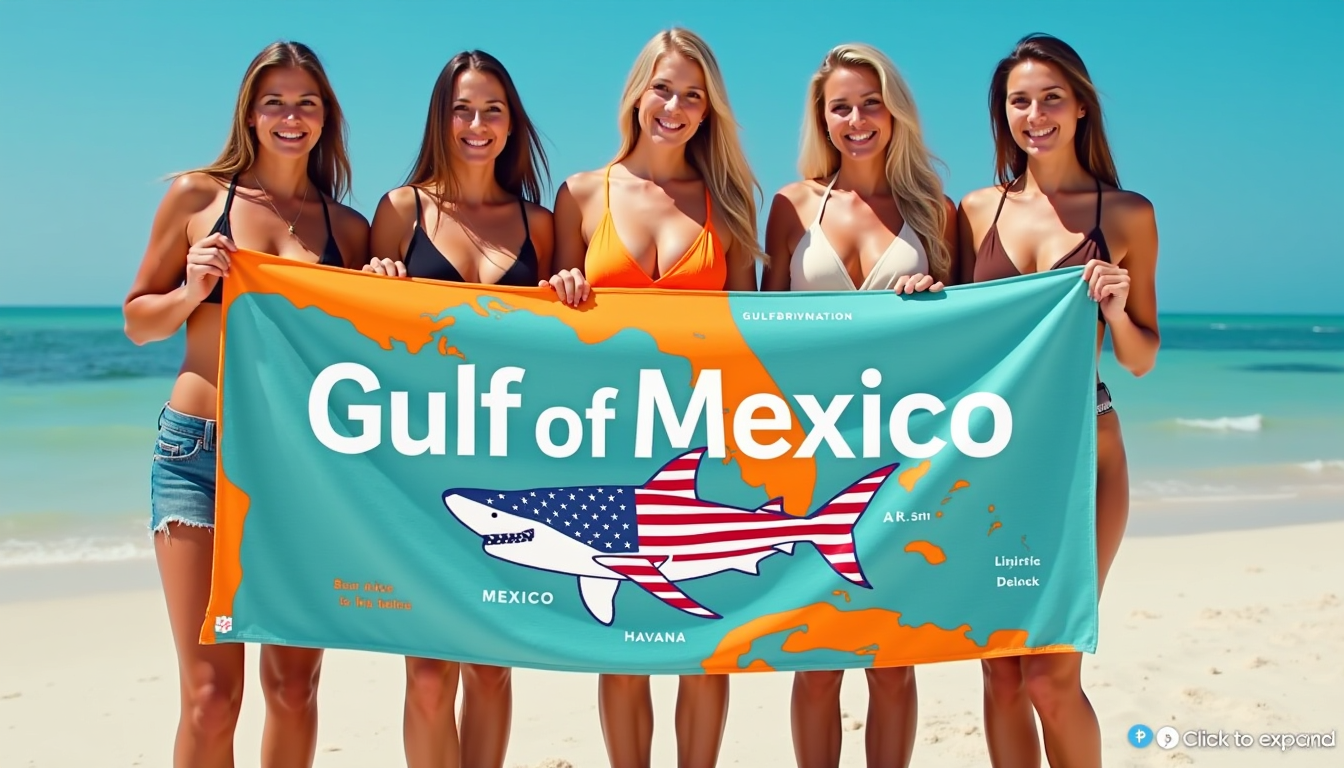
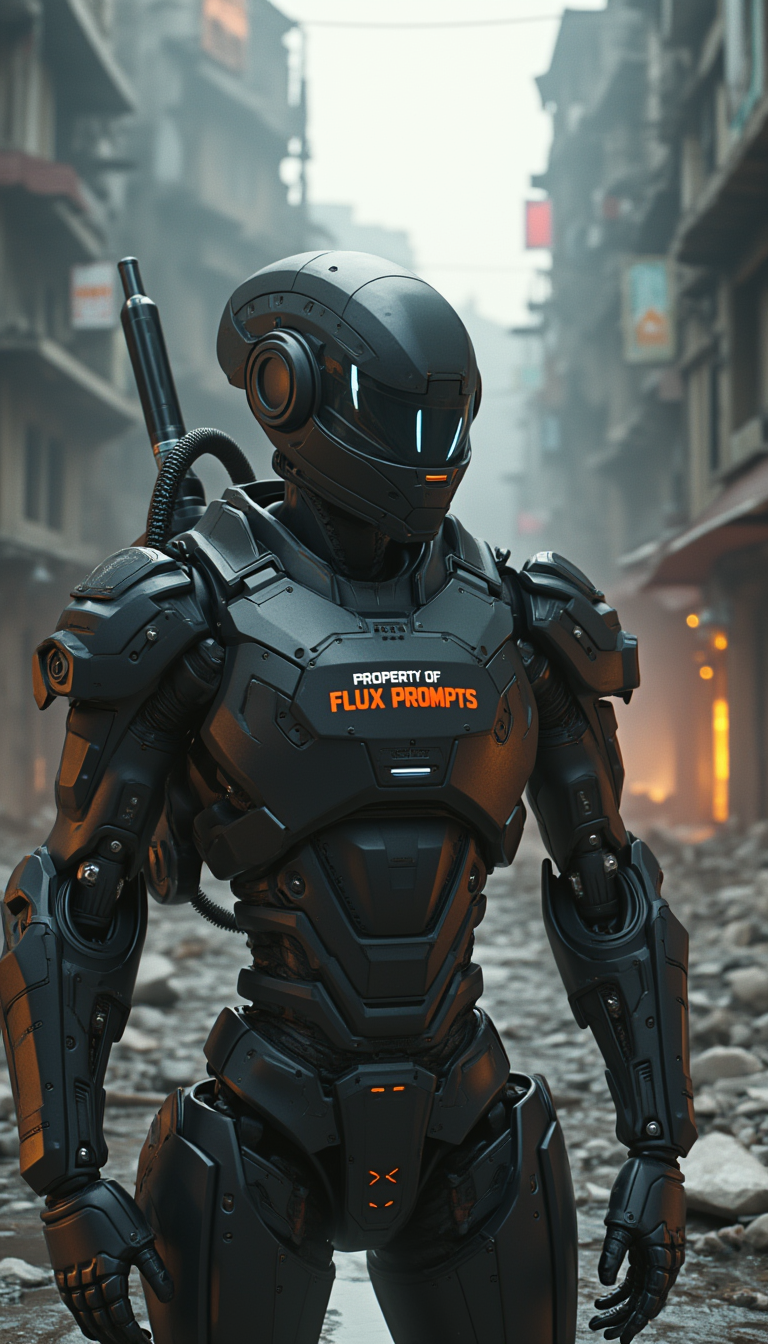
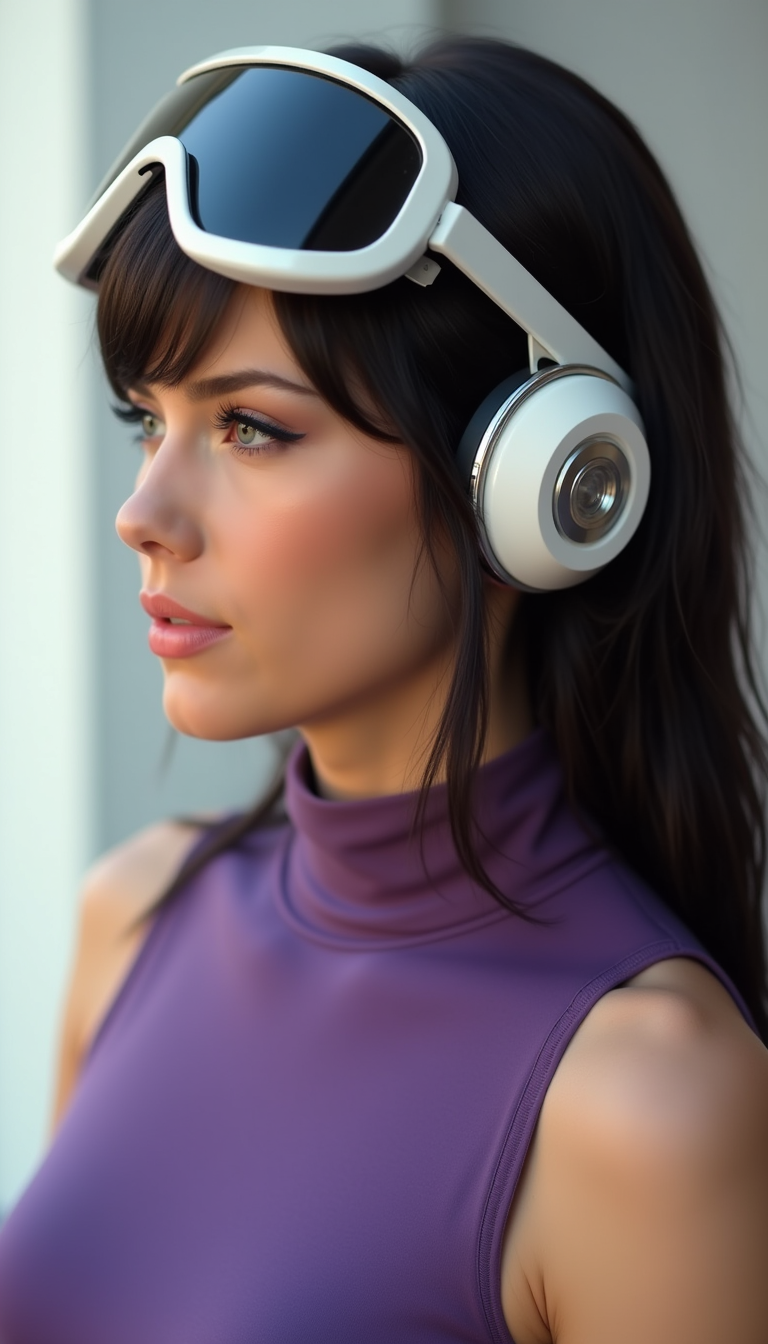
The Pixel Dojo Advantage
Why PixelDojo outperforms other options for GTA filter image generation
| Others | Pixel Dojo |
|---|---|
| Traditional GTA style creation | Skip hours of manual drawing or expensive commissions. Generate authentic GTA V style art in seconds with AI that understands Rockstar's exact visual language. |
| Generic AI tools | Access specialized models like Google Nano Banana and dedicated style transfer tools fine-tuned for GTA aesthetics, delivering more consistent and recognizable results than general-purpose generators. |
| Manual photo editing | Eliminate the steep learning curve of Photoshop or complex filters. Achieve professional GTA lighting, shading, and character proportions automatically with intuitive AI controls. |
Loved by creators on PixelDojo
Real feedback from people using PixelDojo, pulled from our in-product surveys.
Creative freedom, range of tools and options.
I love the training feature
the quality is the best
All the tools needed in one dashboard
Very fair and very broad in tools.
Accurate results
Explore more AI tools on PixelDojo
AI Tools
Compare & Switch
- Best AI Image Generators
- Best AI Video Generators
- Midjourney Alternatives
- Civitai Alternatives
- Runway Alternatives
- Leonardo Alternatives
- Pika Alternatives
- Luma Alternatives
- Magnific Alternatives
- Veo Alternatives
- Flux Alternatives
- Freepik Alternatives
- Seedance Alternatives
- Seedream Alternatives
- Pixverse Alternatives
- GPT Image Alternatives
- Synthesia Alternatives
- Playground Alternatives
- NightCafe Alternatives
- Canva AI Alternatives
- ElevenLabs Alternatives
- ComfyUI Alternatives
- Fal Alternatives
- Replicate Alternatives
Common Questions
Everything you need to know about gta filter
How to create GTA filter images with AI on PixelDojo?
Simply choose Google Nano Banana or the Image to Image tool with Style Transfer, upload your photo, and enter a prompt describing the GTA V style. PixelDojo's AI handles the transformation, applying bold outlines, dramatic lighting, and in-game rendering effects automatically. Customize further with editing tools and download high-res results in seconds.
What makes PixelDojo's GTA style images look authentic?
PixelDojo uses advanced models including Google Nano Banana and Flux.2 Studio specifically capable of replicating GTA V's signature aesthetic: high-contrast shading, smooth 3D textures, Rockstar lighting, and character proportions. Combine with Style Transfer and Magic Lighting for results that match official game screenshots.
Can I turn my selfie into a GTA V character portrait?
Yes! Upload your selfie to Google Nano Banana or Image to Image, add a prompt like 'realistic GTA V loading screen portrait with bold outlines and cinematic lighting,' and generate. Use Consistent Characters or Pose Control if you want variations while keeping your likeness intact.
Are PixelDojo GTA filter images good for social media and thumbnails?
Absolutely. The bold, eye-catching GTA style performs exceptionally well on Instagram, TikTok, YouTube, and gaming platforms. Upscale your images with Creative Upscaler or P-Image Upscale for crisp thumbnails and profile pictures that grab attention instantly.
How do I get consistent GTA style across multiple photos?
Use Consistent Characters or LoRA Face Swap tools alongside your base GTA style generation. Train a quick model with Flux 2 Trainer if needed, or apply the same detailed prompt and reference image across batches for uniform results perfect for series or campaigns.
Is there a free way to try GTA filter image generation on PixelDojo?
Yes, start with free credits on signup. Experiment with Google Nano Banana, Image to Image, and Style Transfer tools to create your first GTA style images. Upgrade anytime for unlimited access to all 40+ tools with the flexibility to cancel whenever you want.