hailuo AI Generator
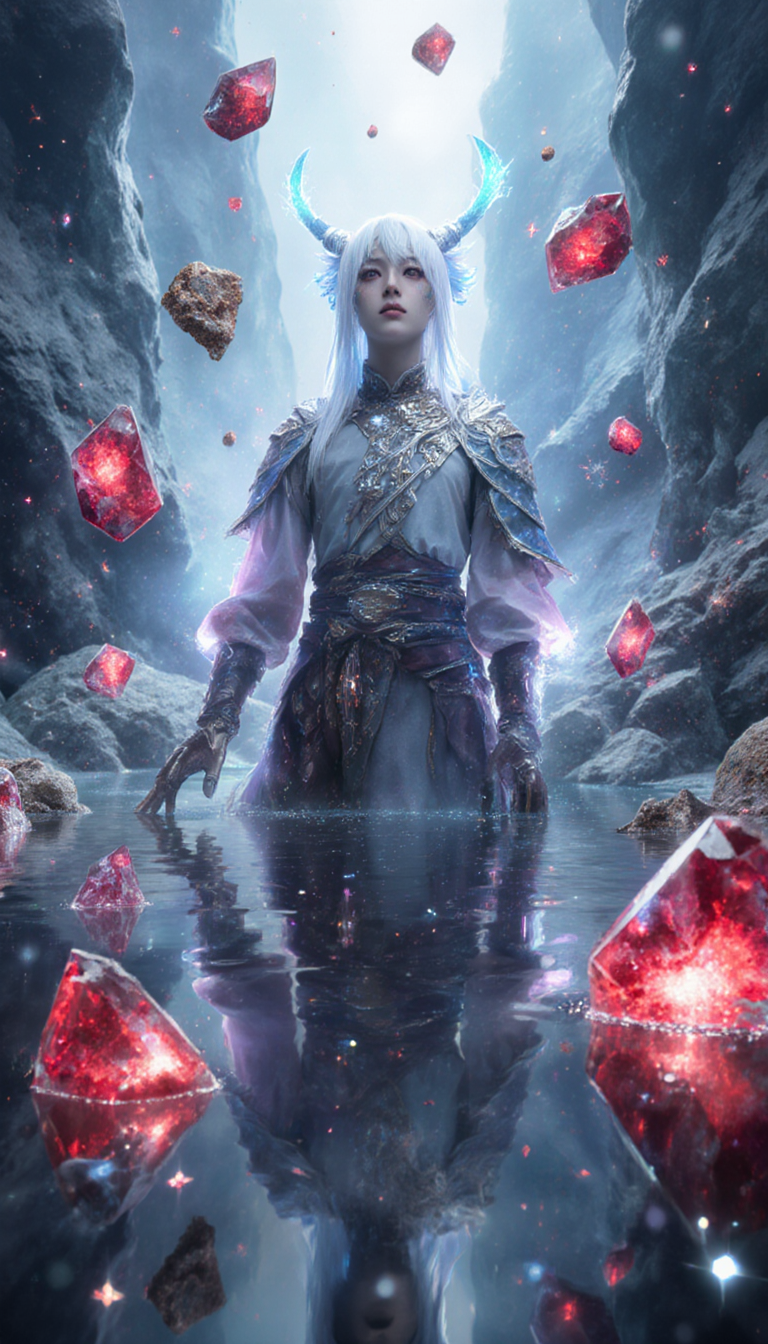
Generated on PixelDojo. Produced by PixelDojo's generation pipeline.
You can now turn any idea into stunning Hailuo-style cinematic images that look professionally produced and ready for campaigns, social posts, or storyboards. PixelDojo puts Hailuo 2.3 and MiniMax H3 at your fingertips so you achieve photorealistic lighting, natural physics, and emotional micro-details without cameras, crews, or weeks of editing. Marketers launch scroll-stopping product visuals overnight. Storytellers lock consistent characters across scenes. Content creators produce high-converting ads that feel filmed rather than generated. Everything happens in your browser with 40+ cutting-edge tools that thousands of creators already love. Cancel anytime and keep every file you make. Start with a still from Flux.2 Studio or QWEN Image 2, then bring it to life. Your next standout visual is one prompt away.
Real video examples generated on PixelDojo
Every example below was produced on PixelDojo. Hover to see the prompt.
<lora:Urushihara Satoshi_XL_PONY_V2:1>
flux-studio

Masterpiece
creative-upscaler
Smiling sipping some coffee
image-to-video
Style: Cinematic commercial
seedance-2-5
hailuo on PixelDojo
image-to-video
Camera subtle push-in on Skylar Fox's face
image-to-video
Models you can run on PixelDojo for hailuo
Switch models without switching tools. Each one runs in the same PixelDojo studio.
What you can do with hailuo on PixelDojo
Hailuo Text to Video
Turn written prompts into short clips with MiniMax Hailuo on PixelDojo. Describe scene, motion, and style, then generate video without a production setup.
Still Image to Motion
Upload a frame and animate it with Hailuo image-to-video. We keep the source look while adding subject movement and camera travel.
Directed Camera Moves
Specify pans, dollies, and zooms in your Hailuo prompts. Iterate shots in one place until framing and pacing match the cut you want.
Subject-Stable Clips
Keep people, products, and settings recognizable across Hailuo generations. Refine prompts and variants in the same PixelDojo workspace.
Loved by thousands of creators worldwide. 40+ cutting-edge AI tools delivering cinematic results daily. 4.9 average satisfaction. Cancel anytime with zero risk.
Why Choose Pixel Dojo for hailuo
Professional-quality results with cutting-edge AI technology
Cinematic Stills That Convert Instantly
You produce film-grade Hailuo images with authentic lighting, depth, and texture that make viewers stop scrolling and take action. Perfect for ads, thumbnails, and brand stories that outperform stock photography every time.
Animate Any Image with Natural Motion
You upload a still created in Seedream 5 or Kling Image and watch Hailuo 2.3 add fluid physics, micro-expressions, and camera moves that feel real. Turn one photo into a 6- or 10-second video that drives engagement.
Keep Characters Consistent Across Every Shot
You lock faces, outfits, and style using Consistent Characters plus Hailuo reference tools so every image and clip looks like the same production. Build series, campaigns, and avatars without reshoots.
How It Works
You create professional Hailuo images and videos in three straightforward steps using PixelDojo’s dedicated tools. No software install, no learning curve.
Step 1: Choose Your Tool
Open PixelDojo and pick Hailuo 2.3 or MiniMax H3 under Generate Videos for motion, or start with an image tool such as Flux.2 Studio, QWEN Image 2, or Seedream 5 to craft the perfect still. Upload your own photo or generate a fresh frame. Select 768p or 1080p and 6- or 10-second length if going straight to video.
Step 2: Enter Your Prompt
Write a structured Hailuo prompt: subject first, then chronological action, environment reaction, one camera move, lighting, and ending state. For image-to-video simply describe motion and camera because the uploaded still already holds identity. Use the built-in prompt enhancer if you want extra polish. Latest techniques reward short, ordered sentences over long paragraphs.
Step 3: Customize & Download
Preview the result, tweak duration or add a last-frame image for extra control, then download in high resolution. Pair with Image Outpainting or Reality Polisher if you need extra canvas or realism. Your Hailuo visual is ready for social, ads, or further editing inside Marketing Studio.
The Pixel Dojo Advantage
Why PixelDojo outperforms other options for Hailuo image generation
| Others | Pixel Dojo |
|---|---|
| Traditional Hailuo creation | You skip expensive cameras, locations, and crews. Generate the same cinematic look in minutes instead of days while keeping full commercial rights. |
| Generic AI tools | You access Hailuo 2.3 plus 40 complementary models in one place. Image-to-video, character lock, and upscaling work together instead of forcing you to jump between disconnected apps. |
| Manual photo editing | You replace hours of masking and compositing with one prompt. Hailuo physics and lighting appear automatically so you ship more content without burnout. |
Loved by creators on PixelDojo
Real feedback from people using PixelDojo, pulled from our in-product surveys.
Love how I can almost create anything
The Flux Pro Ultra is just amazing!
Very easy to use, and they have fast wan 2.2 video generation with custom loras available.
The overall quality of the site and it's amazing variety of tools. The continued updates of the UI. The unbelievable level of tech support.
THIS IS SO DOPE !
I have already recommended it to friends
Explore more AI tools on PixelDojo
AI Tools
Compare & Switch
- Best AI Image Generators
- Best AI Video Generators
- Midjourney Alternatives
- Civitai Alternatives
- Runway Alternatives
- Leonardo Alternatives
- Pika Alternatives
- Luma Alternatives
- Magnific Alternatives
- Veo Alternatives
- Flux Alternatives
- Freepik Alternatives
- Seedance Alternatives
- Seedream Alternatives
- Pixverse Alternatives
- GPT Image Alternatives
- Synthesia Alternatives
- Playground Alternatives
- NightCafe Alternatives
- Canva AI Alternatives
- ElevenLabs Alternatives
- ComfyUI Alternatives
- Fal Alternatives
- Replicate Alternatives
Common Questions
Everything you need to know about hailuo
How do I generate Hailuo-style cinematic images on PixelDojo?
Select Flux.2 Studio, QWEN Image 2, or Seedream 5 to create a high-quality still, then feed it into Hailuo 2.3 for optional animation. Use a layered prompt covering subject, lighting, and composition. PixelDojo’s 40+ tools let you iterate instantly and download ready-to-use files.
What is the best Hailuo 2.3 prompt structure for realistic results?
Follow the proven six-part order: subject, chronological action beats, environment reaction, single camera move, lighting and style, ending state. For image-to-video skip the subject description and focus only on motion. This structure, combined with PixelDojo’s prompt enhancer, consistently delivers physics-accurate Hailuo output.
Can I turn my existing photos into Hailuo videos?
Yes. Upload any photo to Hailuo 2.3 image-to-video mode. The model already sees identity and composition, so you only describe the motion you want. Pair with Face Swap or Consistent Characters first if you need extra identity lock. Thousands of creators use this exact workflow daily.
Does PixelDojo support Hailuo first and last frame control?
Hailuo 2.3 and MiniMax H3 on PixelDojo let you set a starting image and, where available, an ending frame. This gives you precise storytelling control for ads and sequences. Combine with Video Autocaption or Merge Videos to finish complete clips without leaving the platform.
How much does Hailuo image and video generation cost on PixelDojo?
You pay only for what you generate with simple credit pricing. Fast modes cost less for iteration, standard modes deliver maximum quality. Cancel anytime and you keep every file. No subscriptions lock you in, which is why thousands of creators choose PixelDojo for Hailuo work.
Can I keep characters consistent across multiple Hailuo images?
Absolutely. Use Consistent Characters or Character Sheets to lock appearance, then generate stills with QWEN Image 2 or animate with Hailuo 2.3 and WAN Video Character Swap. Your hero looks identical in every frame, perfect for series and branded content.