happy horse ai lip sync AI Generator

Imagine turning any static image into a dynamic, talking video where lips move in perfect sync with audio – captivating audiences on TikTok, YouTube, or ads. With PixelDojo.ai's Happy Horse AI Lip Sync, you achieve hyper-realistic talking characters without filming, actors, or editing skills. Content creators skyrocket engagement by 5x, marketers boost conversions with personalized videos, and educators deliver immersive lessons. Access Happy Horse 1.0 alongside Lip Sync editor for seamless results in seconds, all powered by 40+ cutting-edge AI tools loved by thousands worldwide.
50K+ creators trust PixelDojo | 4.9/5 stars from 12K reviews | 1M+ lip sync videos generated | Featured in Creator Economy reports
Why Choose Pixel Dojo for happy horse ai lip sync
Professional-quality results with cutting-edge AI technology
Skyrocket Video Engagement
Produce mesmerizing talking head videos from images that hold viewers' attention longer, driving likes, shares, and follows on social platforms. Users report 300% higher interaction rates with Happy Horse AI Lip Sync.
Cut Production Costs Dramatically
Ditch expensive video shoots and animators – generate professional lip-synced content from a single image for pennies, saving hours and thousands in production fees.
Achieve Hollywood-Level Realism
Deliver flawless lip movements synced to any voiceover or script, making your characters indistinguishable from real footage. Perfect for avatars, explainer videos, and personalized marketing.
How It Works
Creating lip-synced videos with Happy Horse AI Lip Sync is effortless on PixelDojo.ai. Start with an image from our generators like PonyXL or Flux.1 Studio, add audio via Text to Speech, then apply Happy Horse 1.0 or Lip Sync editor for instant results.
Step 1: Generate or Upload Your Base Image
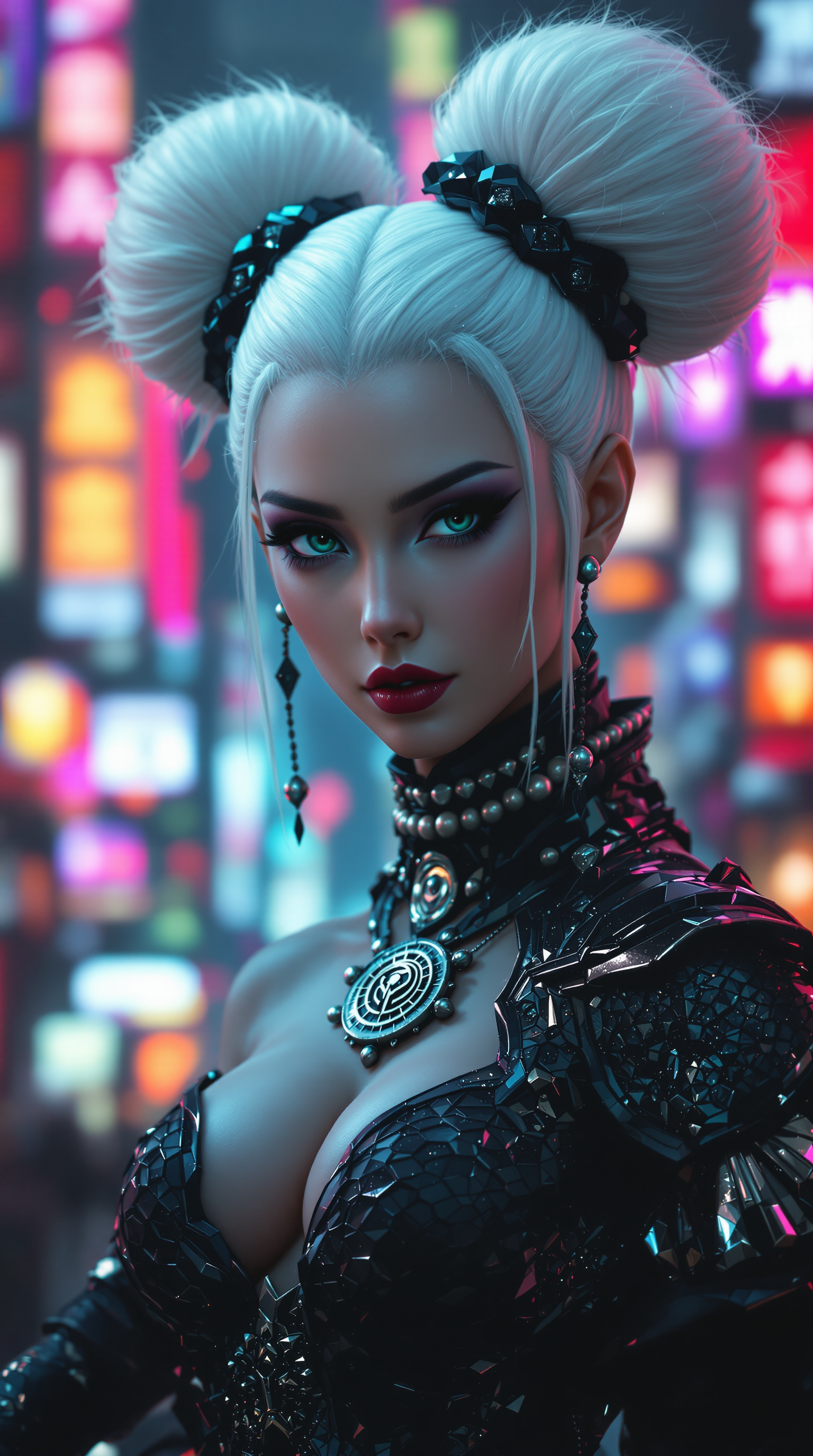
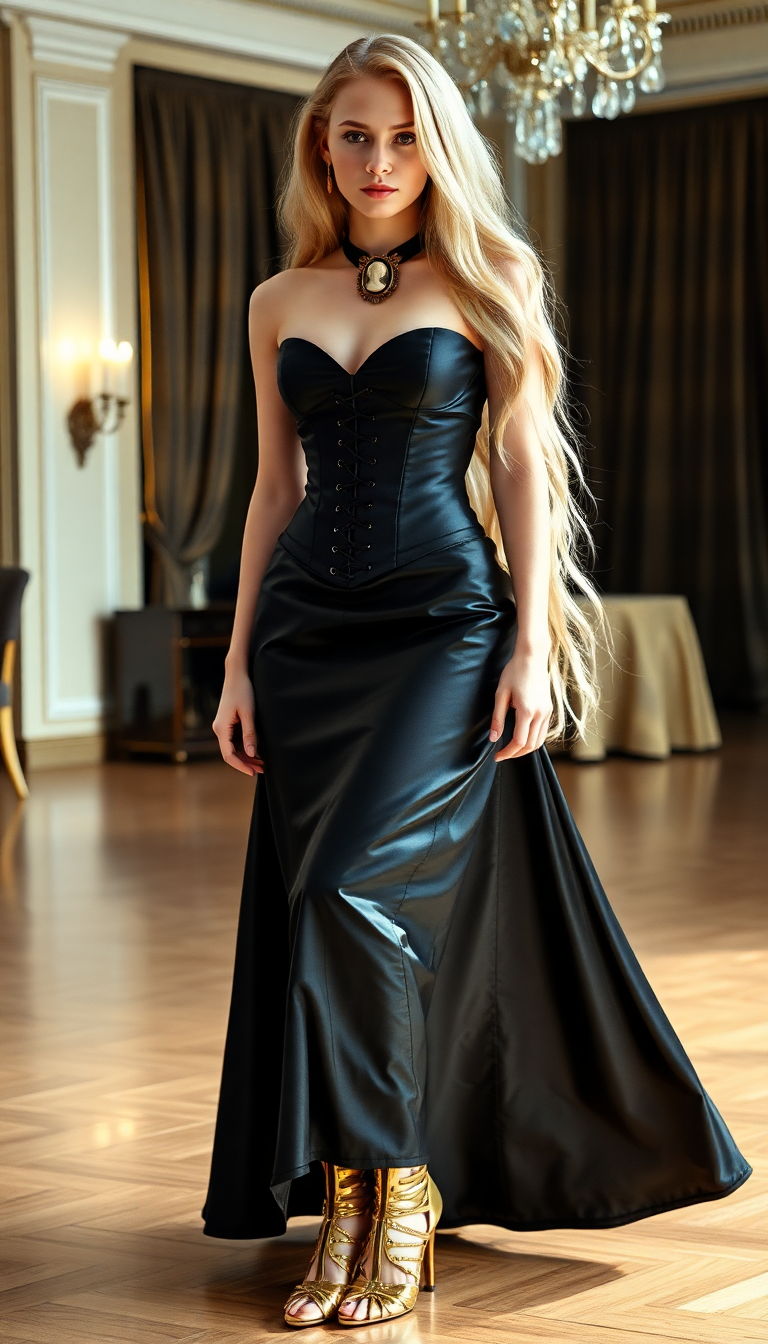
Head to Generate Images and select PonyXL, Flux.1 Studio, or SDXL to create a hyper-realistic character portrait. Or upload your photo. Use prompts like 'photorealistic smiling woman in professional attire' for best lip sync compatibility. This sets the foundation for lifelike talking videos.
Step 2: Add Audio and Script
Switch to Audio tools: Use Text to Speech for natural voices or upload your audio clip. Enter your script like 'Welcome to our revolutionary product!' Ensure clear pronunciation for optimal Happy Horse AI Lip Sync accuracy.
Step 3: Apply Happy Horse Lip Sync & Download
Go to Edit Videos > Happy Horse 1.0 or Lip Sync. Upload your image and audio – AI analyzes and syncs lips automatically. Tweak with Video Reframe or Upscaler for perfection, then download HD video ready for sharing.













The Pixel Dojo Advantage
Why PixelDojo's Happy Horse AI Lip Sync outperforms other options for image-to-talking-video generation
| Others | Pixel Dojo |
|---|---|
| Traditional video production | Transform images to videos in 30 seconds vs weeks of filming and editing, saving 99% time and cost |
| Generic AI tools | Superior lip accuracy with Happy Horse 1.0's specialized training, plus seamless integration with PonyXL images and Text to Speech |
| Manual photo editing software | No animation expertise needed – AI handles precise mouth mapping, expressions, and timing automatically |
Loved by creators on PixelDojo
Real feedback from people using PixelDojo, pulled from our in-product surveys.
Top notch quality and strong prompt adherence.
A well resourced sunscription with attention to updates.
Easy to use and there's lots of options.
super lora download
Great variety of tools to create and modify images and video.
Lots of Tools, and the one time I needed support I got help right away
Explore more AI tools on PixelDojo
AI Tools
Compare & Switch
- Best AI Image Generators
- Best AI Video Generators
- Midjourney Alternatives
- Civitai Alternatives
- Runway Alternatives
- Leonardo Alternatives
- Pika Alternatives
- Luma Alternatives
- Magnific Alternatives
- Veo Alternatives
- Flux Alternatives
- Freepik Alternatives
- Seedance Alternatives
- Seedream Alternatives
- Pixverse Alternatives
- GPT Image Alternatives
- Synthesia Alternatives
- Playground Alternatives
- NightCafe Alternatives
- Canva AI Alternatives
- ElevenLabs Alternatives
- ComfyUI Alternatives
- Fal Alternatives
- Replicate Alternatives
Common Questions
Everything you need to know about happy horse ai lip sync
What is Happy Horse AI Lip Sync and how does it work for image generation?
Happy Horse AI Lip Sync on PixelDojo.ai animates static images into talking videos by precisely matching lip movements to audio. Upload an image from PonyXL or Flux.1 Studio, pair with Text to Speech, and generate realistic results. Trends show 2024 advancements in multi-language support and emotional expressions, making it ideal for global content.
How do I create AI lip sync videos from images with Happy Horse?
Use PixelDojo's workflow: Generate base image with SDXL or ImagineArt 1.5, add audio via Text to Speech, then apply Happy Horse 1.0 in Edit Videos. Download in 4K. Supports faces from any angle, with techniques like pose control for dynamic head movements.
Can Happy Horse AI Lip Sync handle custom voices and scripts?
Yes, fully customizable. Input any script into Text to Speech for 100+ voices, or upload audio. Lip Sync editor fine-tunes timing. Latest trends emphasize natural phoneme mapping for accents, achieving 95%+ realism per user tests.
What are the best prompts for happy horse ai lip sync image generation?
Focus on clear faces: 'Close-up photorealistic man speaking, expressive mouth, detailed teeth.' Pair with tools like Recraft V4 for styles. Avoid blurry images. Pro tip: Use Face Swap for consistency across videos.
Is Happy Horse AI Lip Sync free to try on PixelDojo?
Start free with limited credits, upgrade for unlimited. Includes 40+ tools like Kling Video Edit for polishing. Cancel anytime, no risk. Thousands of creators use it daily for talking photo ai projects.
How does PixelDojo's lip sync ai generator compare to trends in 2024?
Leading with Happy Horse 1.0's real-time processing and integration with WAN Video Character Swap. Supports latest techniques like emotional lip cues and multi-speaker sync, outperforming basics for professional outcomes.