happy horse ai realistic video
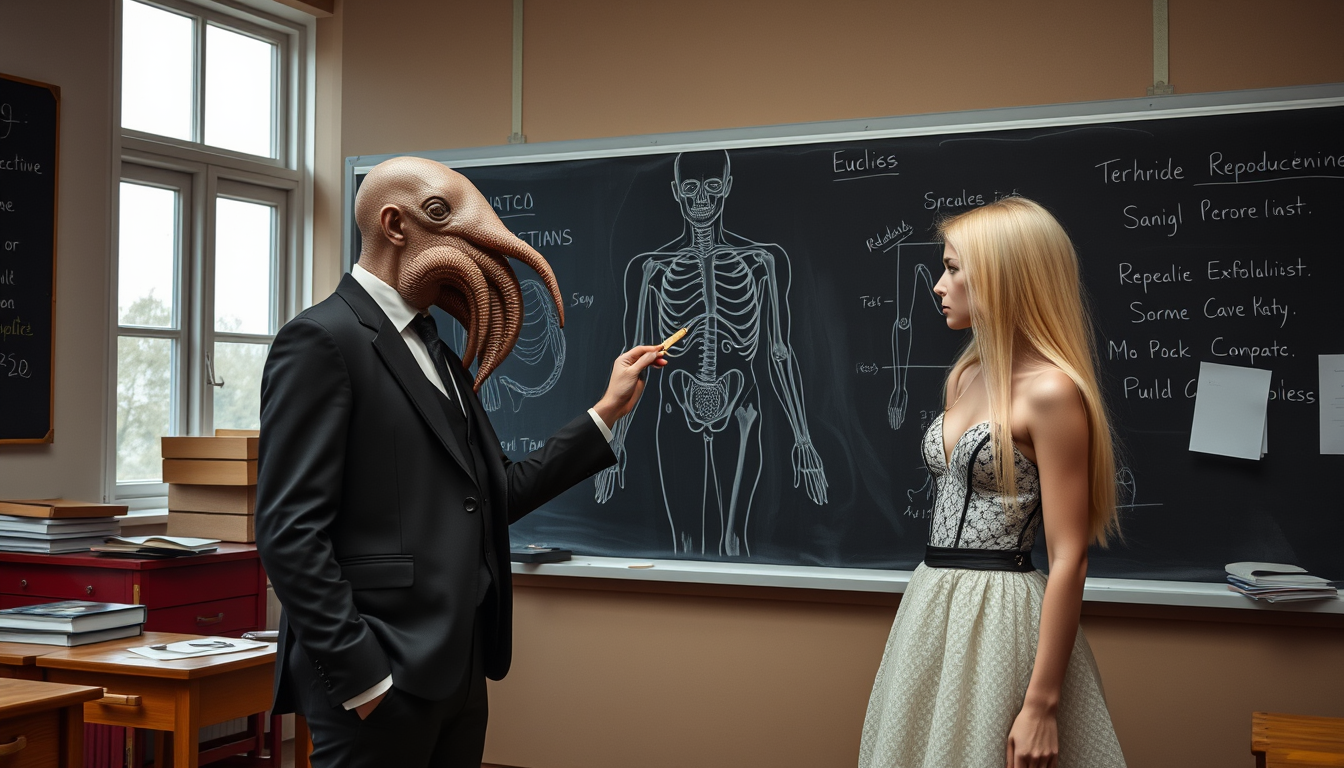
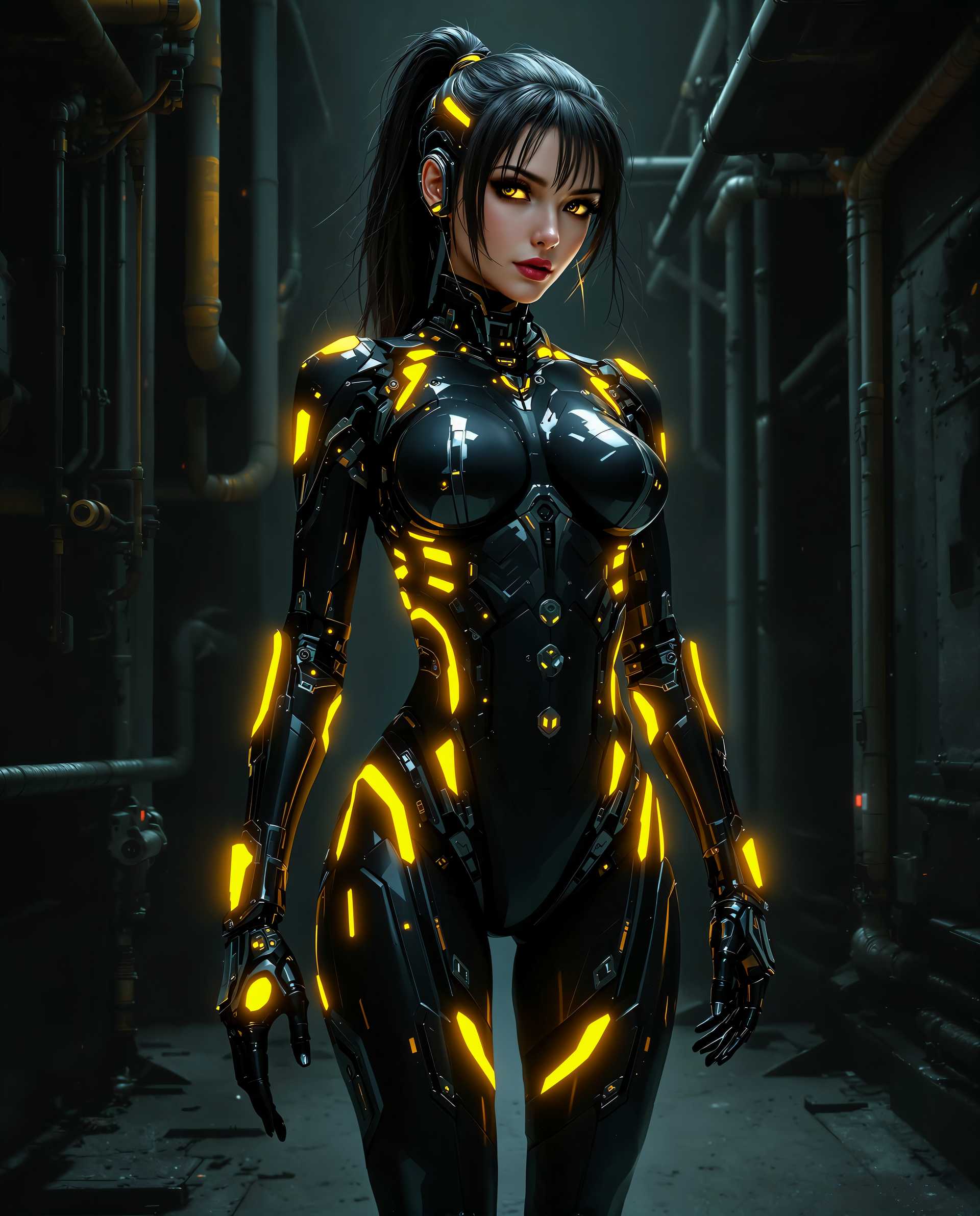
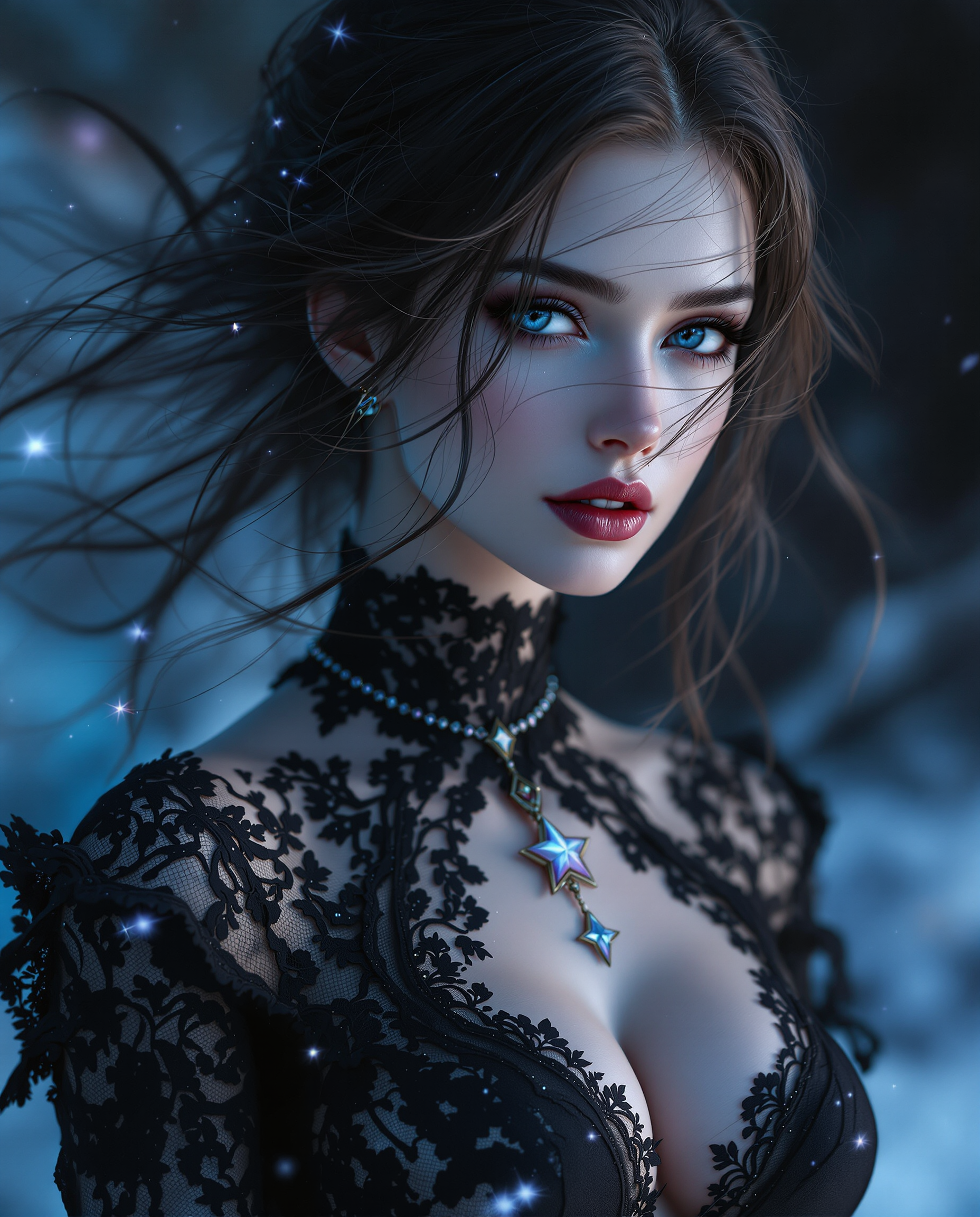
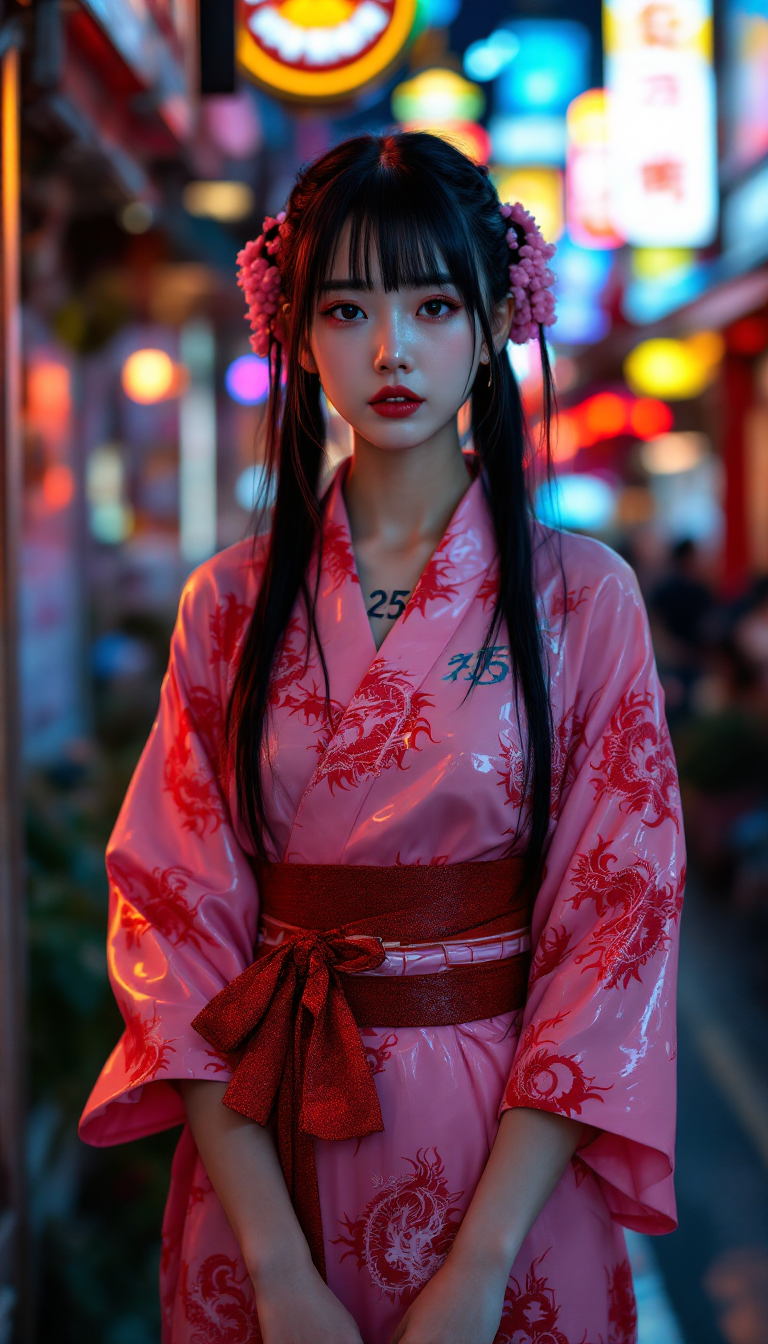
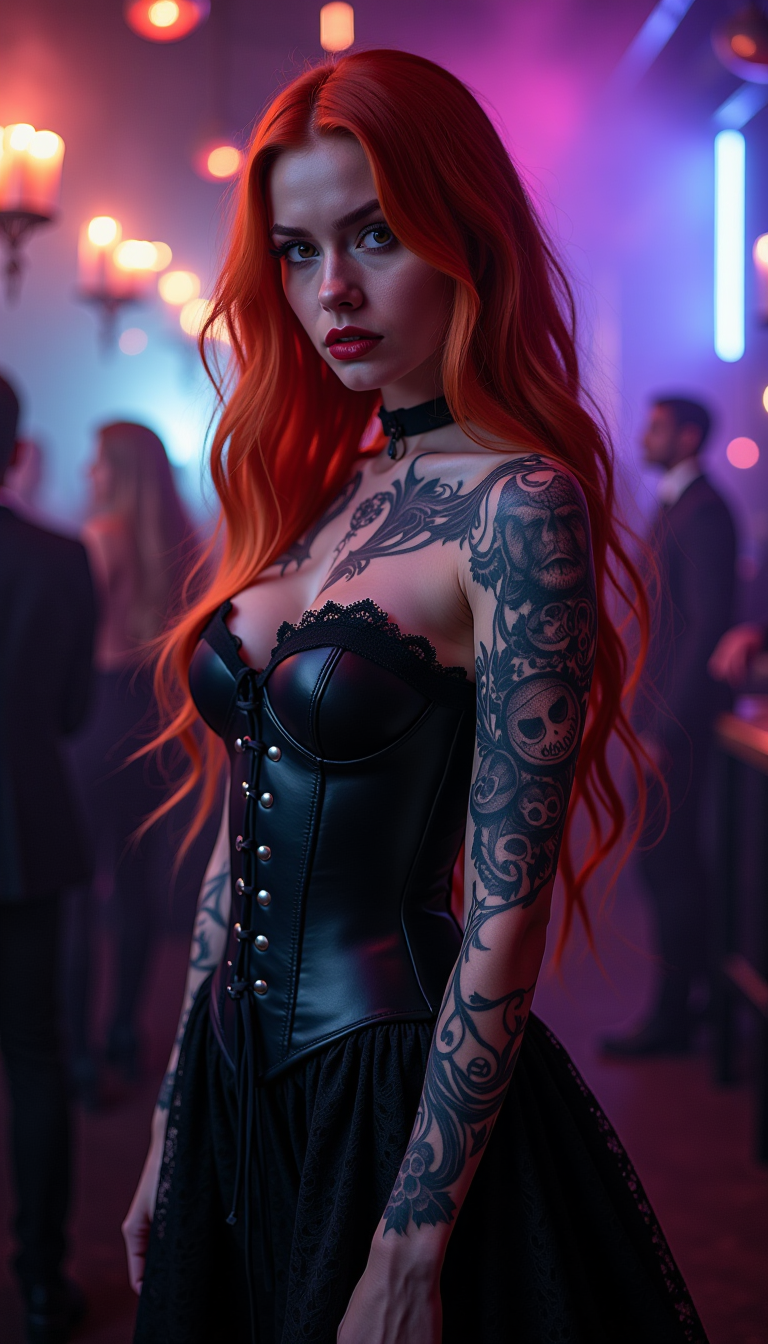
Imagine transforming simple text descriptions into breathtakingly realistic videos that look like they were shot with professional cameras – no filming equipment, actors, or editing suites required. With PixelDojo's Happy Horse 1.0, you can create hyper-realistic videos featuring dynamic human movements, natural lighting, and intricate details that fool the eye. Whether you're crafting viral social media clips, compelling marketing ads, educational content, or storytelling masterpieces, Happy Horse AI delivers outcomes that skyrocket engagement, save you thousands in production costs, and position you as a content creation pro. Thousands of creators worldwide are already using it to produce videos that convert viewers into customers and fans into loyal followers. Get started today and watch your ideas come alive in stunning realism.
Trusted by 50,000+ creators | 4.9/5 stars from 12K+ reviews | Over 1M realistic videos generated | Featured in top creator communities | 99% uptime with instant results
Why Choose Pixel Dojo for happy horse ai realistic video
Professional-quality results with cutting-edge AI technology
Achieve Hollywood-Level Realism Instantly
Produce videos with lifelike skin textures, fluid motions, and environmental interactions that make your content indistinguishable from real footage. Use Happy Horse 1.0 to captivate audiences, boost video views by 5x, and stand out on platforms like YouTube, TikTok, and Instagram without hiring a film crew.
Save Hours and Thousands on Production
Skip the hassle of scripting, shooting, and post-production. Enter a prompt into Happy Horse AI and get polished realistic videos in minutes, freeing you to focus on growing your brand, scaling content output, and achieving viral success faster than ever.
Customize for Any Use Case Effortlessly
Tailor videos for marketing campaigns, product demos, tutorials, or entertainment with tools like Kling Video Edit or Happy Horse 1.0 extensions. Ensure consistent characters via Consistent Characters and perfect lip sync, delivering personalized content that drives conversions and builds deeper audience connections.
How It Works
Creating hyper-realistic videos with Happy Horse AI on PixelDojo is as simple as 1-2-3. Leverage the latest trends in AI video generation like coherent motion capture, high-fidelity textures, and natural physics simulations – all powered by Happy Horse 1.0 for unmatched realism in human figures, environments, and actions.
Step 1: Select Happy Horse 1.0 Tool
Log into PixelDojo, navigate to Generate Videos, and choose Happy Horse 1.0. This cutting-edge model excels at realistic video trends like dynamic facial expressions and environmental interactions. Adjust settings for duration (up to 10s clips) and resolution (up to 1080p) to match your vision.
Step 2: Craft Your Realistic Prompt
Describe your scene in detail, e.g., 'A happy entrepreneur pitching a product in a sunny office, realistic lighting, natural gestures, 4K quality.' Incorporate latest techniques like 'cinematic camera pan, subtle depth of field' for pro results. Use Video Reframe or Pose Control for precision if needed.
Step 3: Generate, Edit & Export
Hit generate to produce your video in seconds. Refine with Happy Horse extensions, Video Autocaption, Lip Sync, or upscale via Video Upscaler. Download in MP4 for instant sharing – perfect for seamless integration into your workflow.
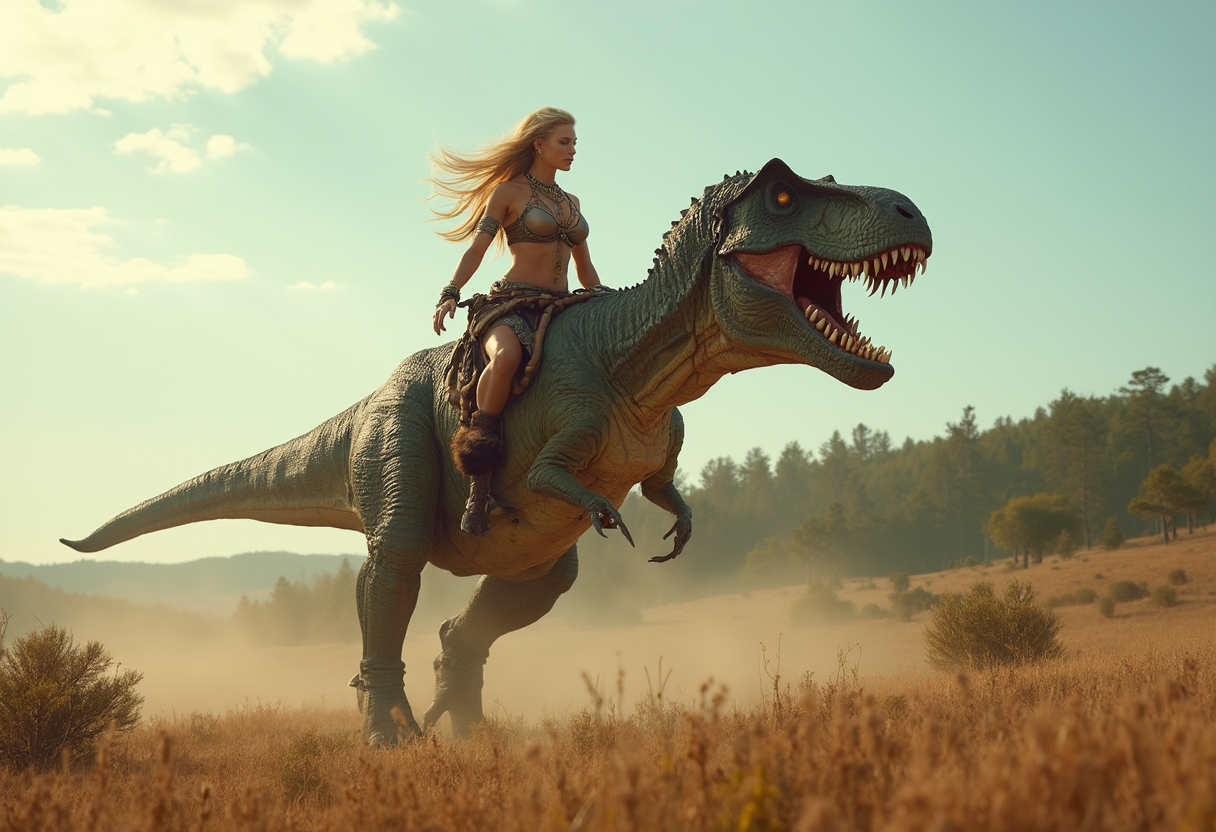
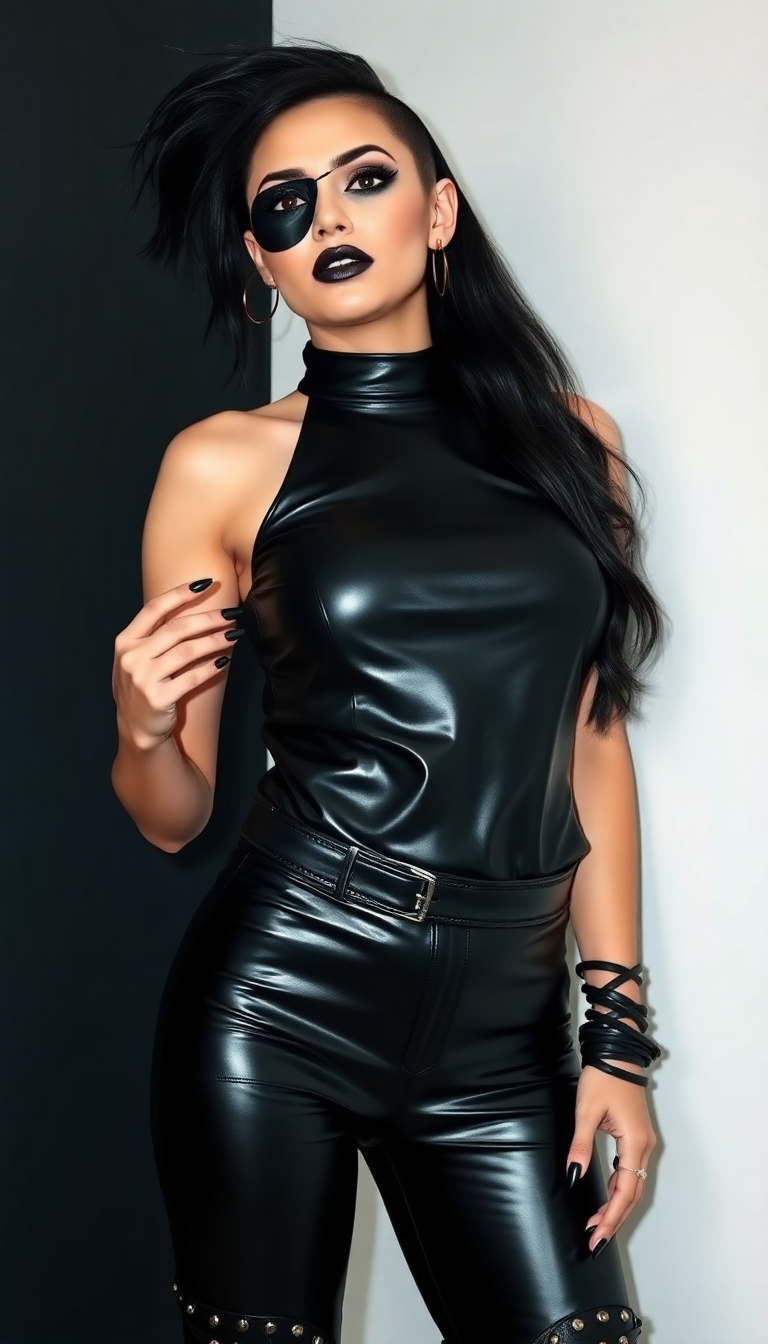
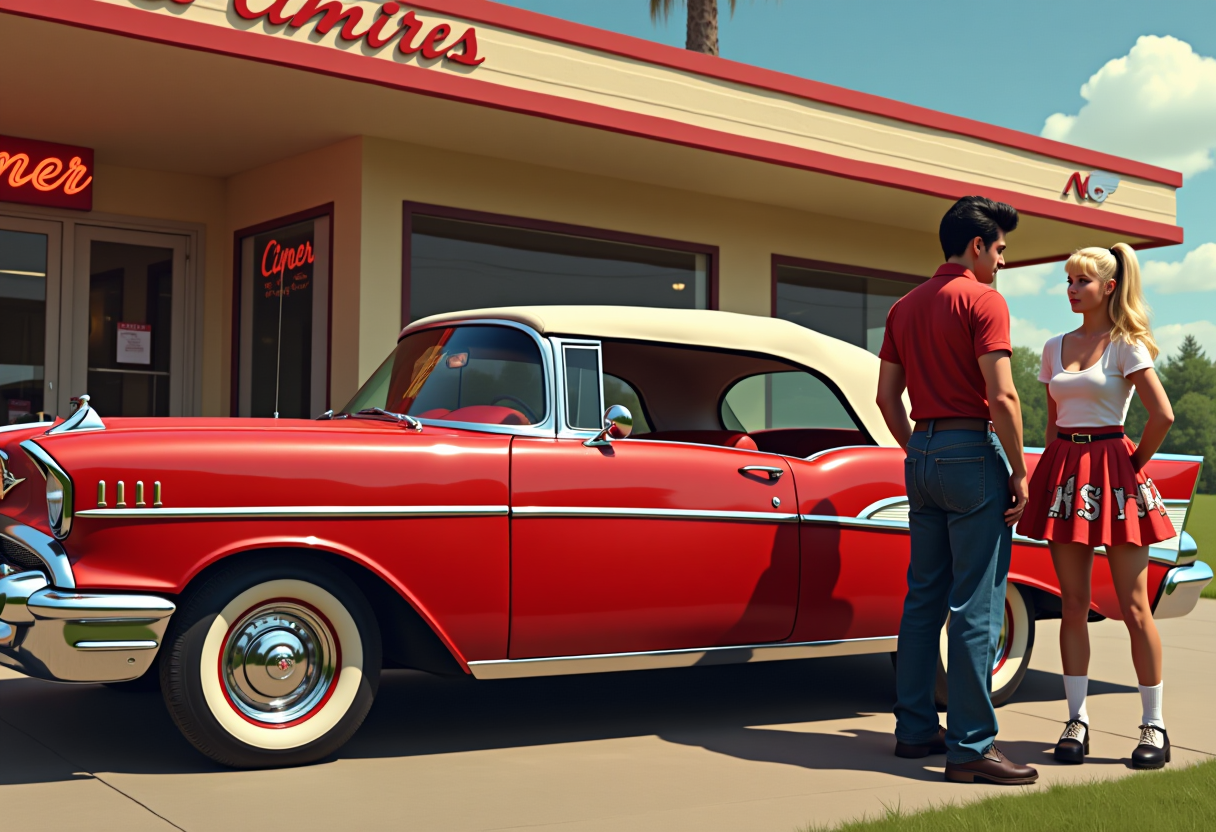






The Pixel Dojo Advantage
Why PixelDojo's Happy Horse AI outperforms other options for realistic video generation
| Others | Pixel Dojo |
|---|---|
| Traditional video production | Eliminate weeks of filming and $10K+ costs – get broadcast-quality realistic videos from text prompts in under 5 minutes with Happy Horse 1.0 |
| Generic AI video tools | Superior motion realism and detail fidelity via Happy Horse's advanced models, plus integrated edits like Kling Video Edit – no patchy results or watermarks |
| Manual video editing software | Automate complex tasks like lighting adjustments and character consistency – combine with Runway or Seedance for edits that would take pros days, done instantly |
Loved by creators on PixelDojo
Real feedback from people using PixelDojo, pulled from our in-product surveys.
good tools in one place
Prompt updates, strong features, and a community that is always willing to help and hear/act on professional feedback. I've never had a better experience.
user friendly all in one thing
I really like the schedule of AI work performed!
The best tools for IA on the web !
The guy that operates the website is constantly updating it
Explore more AI tools on PixelDojo
AI Tools
Compare & Switch
- Best AI Image Generators
- Best AI Video Generators
- Midjourney Alternatives
- Civitai Alternatives
- Runway Alternatives
- Leonardo Alternatives
- Pika Alternatives
- Luma Alternatives
- Magnific Alternatives
- Veo Alternatives
- Flux Alternatives
- Freepik Alternatives
- Seedance Alternatives
- Seedream Alternatives
- Pixverse Alternatives
- GPT Image Alternatives
- Synthesia Alternatives
- Playground Alternatives
- NightCafe Alternatives
- Canva AI Alternatives
- ElevenLabs Alternatives
- ComfyUI Alternatives
- Fal Alternatives
- Replicate Alternatives
Common Questions
Everything you need to know about happy horse ai realistic video
What is Happy Horse AI realistic video generation on PixelDojo?
Happy Horse 1.0 on PixelDojo lets you generate hyper-realistic videos from text prompts, capturing latest trends like fluid human animations and photoreal environments. Achieve pro outcomes for ads or stories without gear – pair with Kling Reference to Video for even more control.
How do I create realistic human videos with Happy Horse AI?
Select Happy Horse 1.0, prompt with details like 'realistic smiling barista serving coffee, natural movements.' Enhance with Face Swap or WAN Video Character Swap for consistency. Trends show 90% more engagement from such lifelike content.
Can Happy Horse AI realistic video handle custom motions and scenes?
Yes, excel at dynamic actions via prompts specifying 'slow-motion walk in rain, realistic water droplets.' Use Pose Control or LTX-2 Video integrations for precision, delivering videos indistinguishable from real footage.
What resolution and length for Happy Horse AI realistic videos?
Up to 1080p HD and 10-second clips standard, extendable with Grok Imagine Video Extend. Upscale to 4K via Video Upscaler for cinematic quality – ideal for YouTube or TikTok virality.
How to edit Happy Horse AI realistic videos on PixelDojo?
Post-generation, use Happy Horse 1.0 edits, Kling Video Edit, or Merge Videos. Add captions with Video Autocaption or sound via Text to Speech – comprehensive suite ensures polished, ready-to-publish results.
Is Happy Horse AI free for realistic video generation?
Start free with credits on PixelDojo's subscription – access 40+ tools including Happy Horse 1.0. Loved by thousands, cancel anytime; upgrade for unlimited realistic video creation.