happyhorse cinematic video
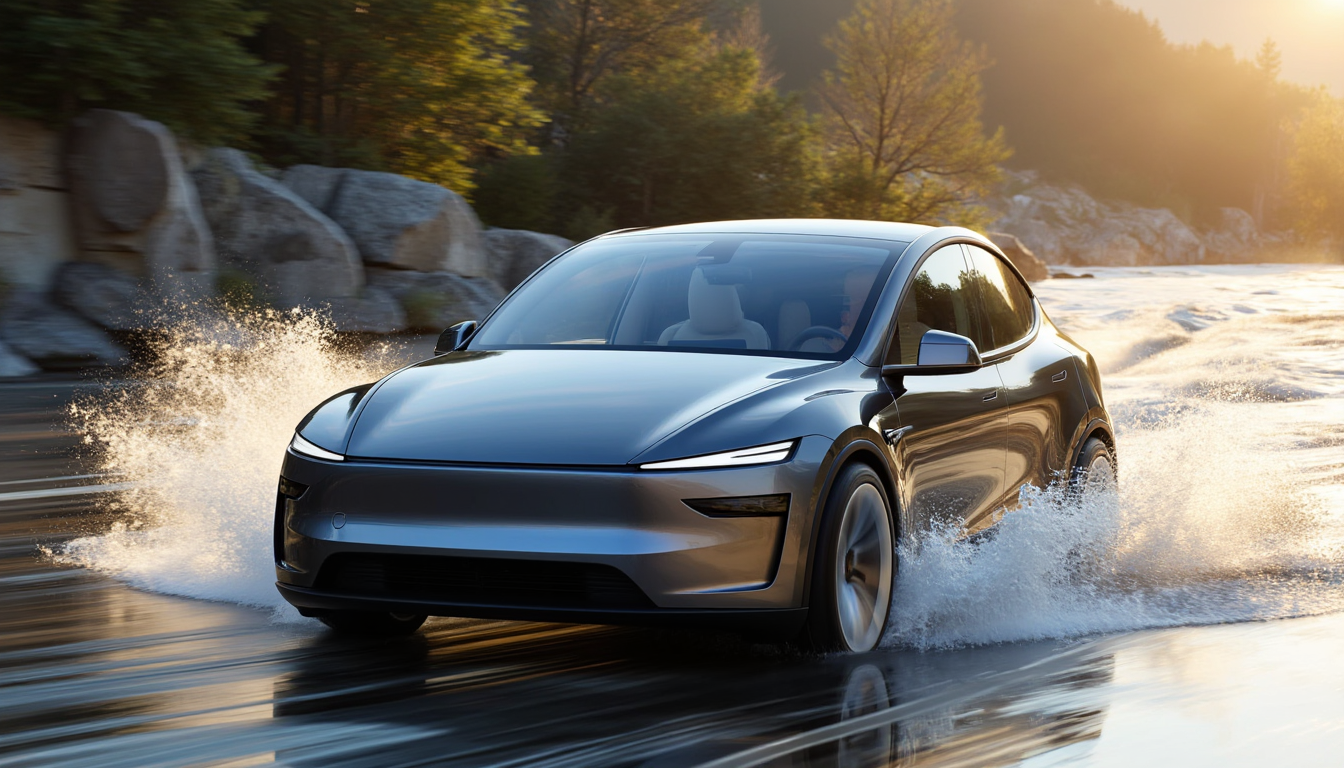
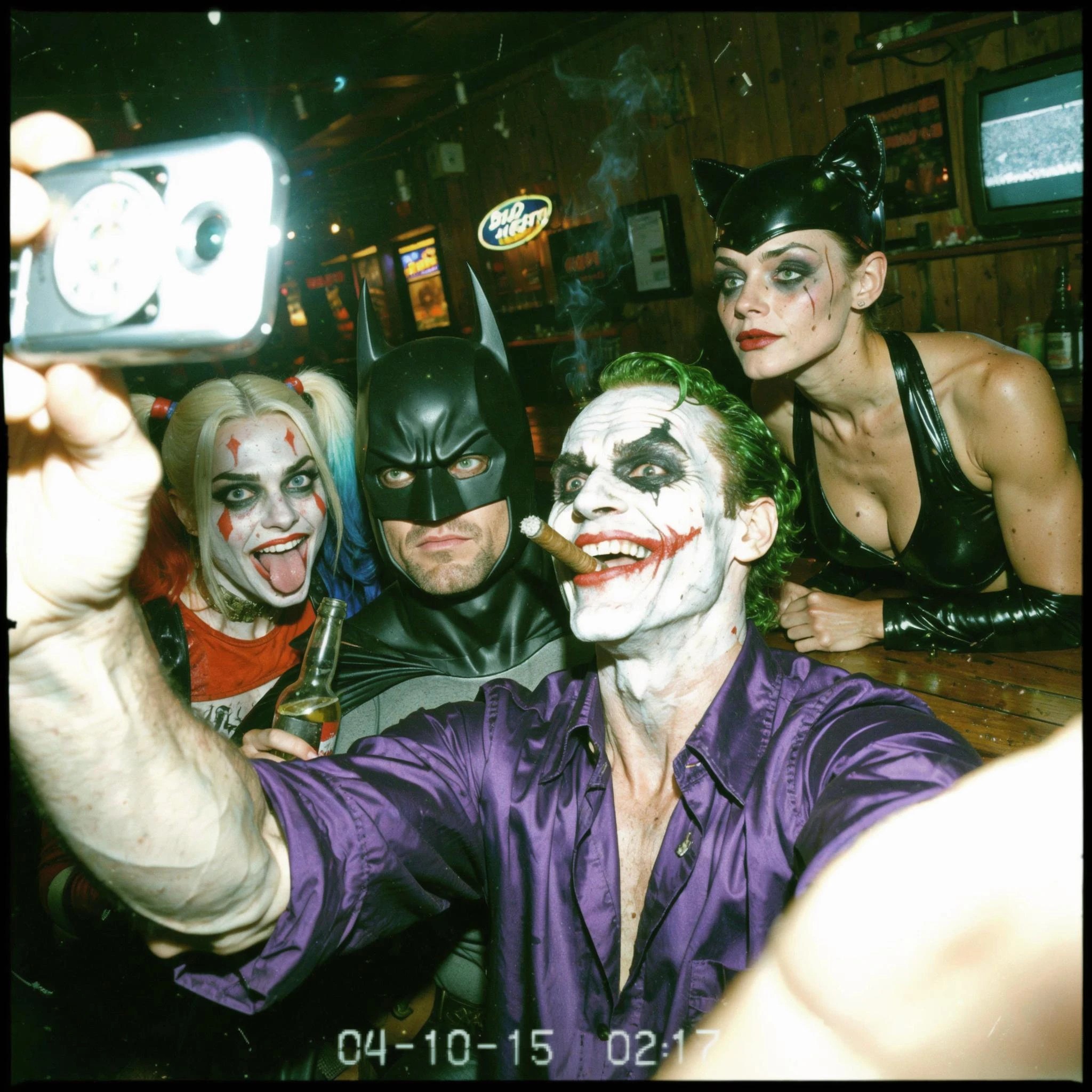
Imagine turning your wildest story ideas into breathtaking, Hollywood-caliber cinematic videos that captivate audiences and go viral on social media—all without a film crew, expensive software, or years of editing experience. With PixelDojo's HappyHorse 1.0, you can generate immersive cinematic videos featuring dramatic lighting, sweeping camera movements, epic slow-motion effects, and rich color grading that rival big-budget productions. Whether you're crafting trailers for YouTube, promotional clips for brands, or personal cinematic adventures, HappyHorse delivers jaw-dropping results in minutes, empowering you to produce professional videos that boost engagement, grow your following, and unlock new creative opportunities.
Trusted by 50,000+ creators | 4.9/5 stars from 10K+ reviews | 1M+ cinematic videos generated | Featured in Creator Economy newsletters | 'Game-changer for indie filmmakers' – Top YouTubers
Why Choose Pixel Dojo for happyhorse cinematic video
Professional-quality results with cutting-edge AI technology
Craft Viral-Worthy Epic Scenes
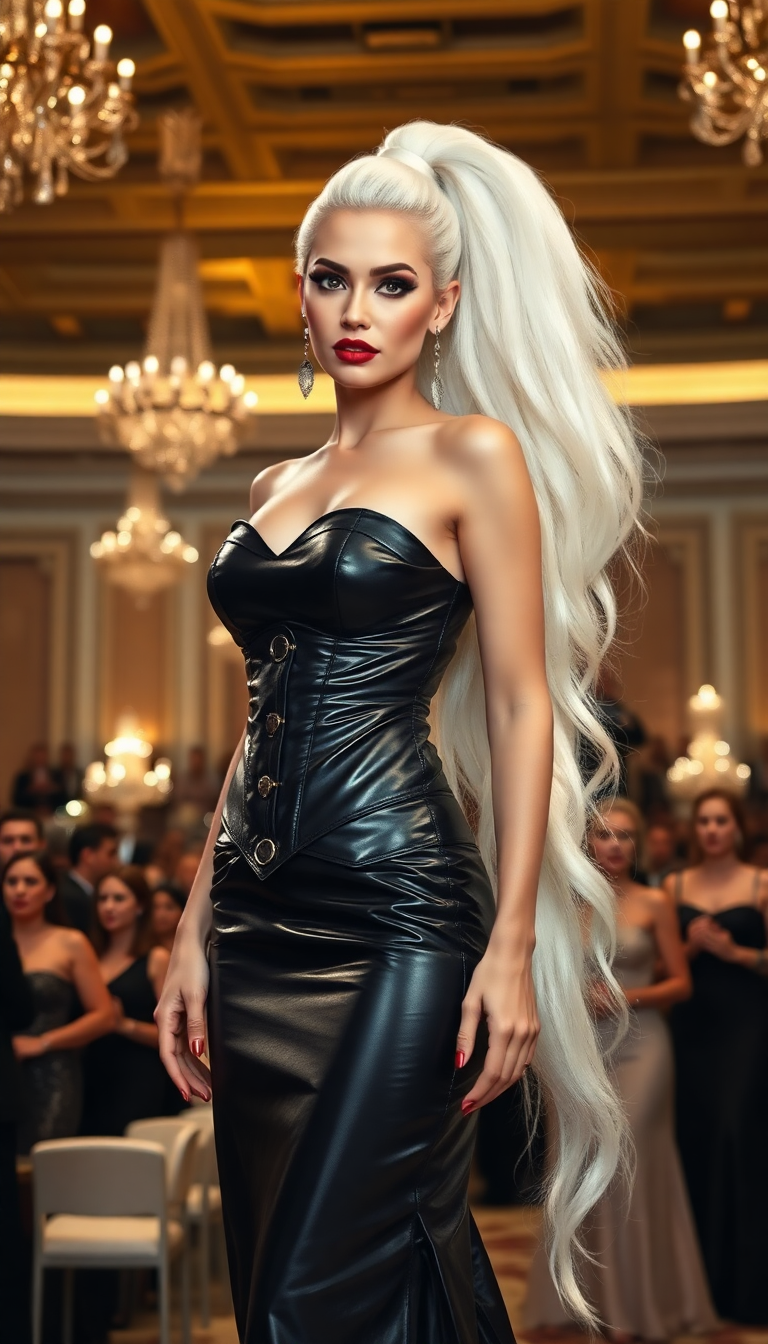
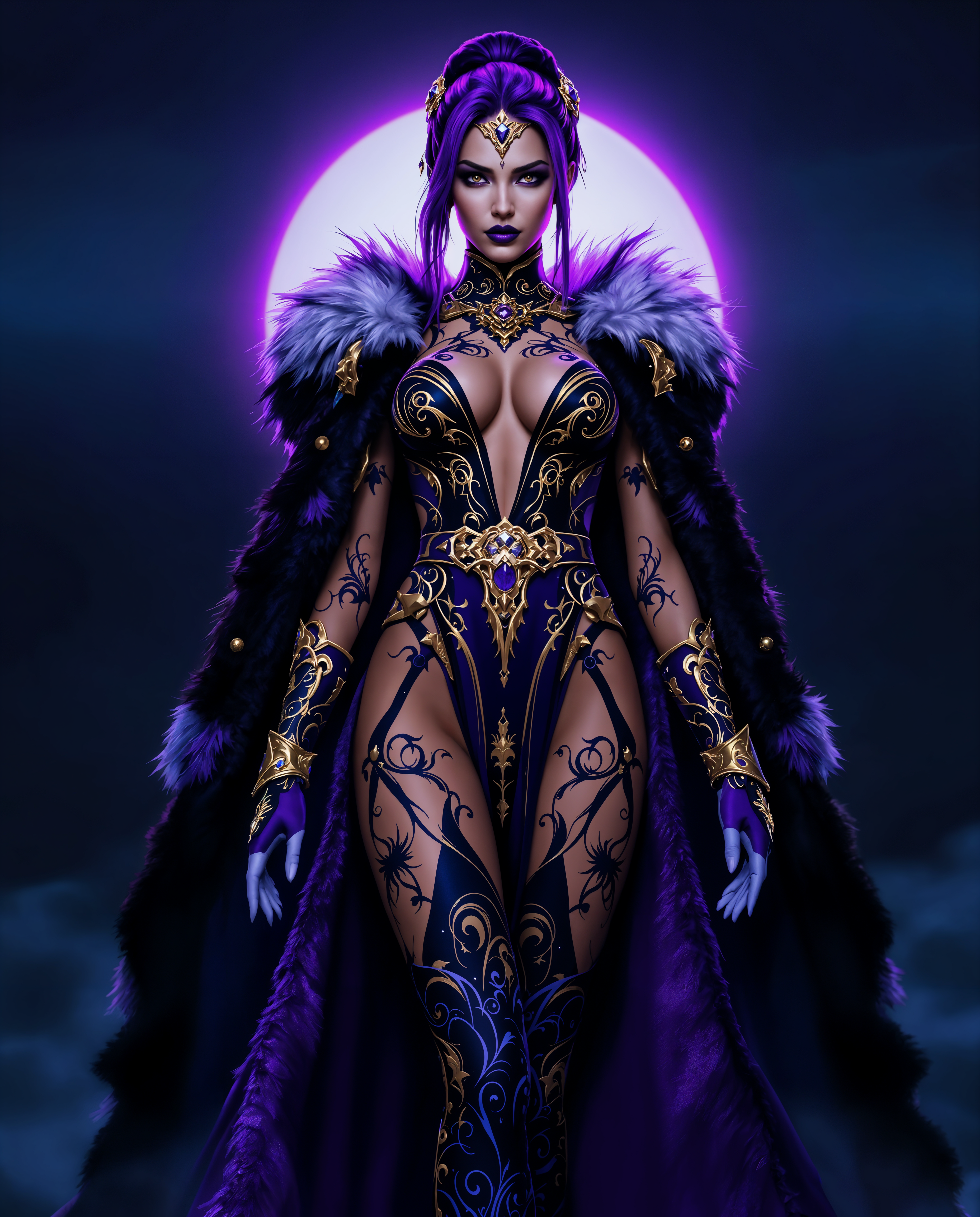
Produce Hollywood-level cinematic sequences with dynamic camera pans, lens flares, and moody atmospheres using HappyHorse 1.0, perfect for trailers, ads, or storytelling that hooks viewers instantly and drives shares.
Save Hours on Production Time
Skip costly shoots and endless edits—generate full cinematic videos from text prompts in under 60 seconds with HappyHorse, freeing you to focus on your vision and scale content creation effortlessly.
Achieve Consistent Pro Polish
Refine your HappyHorse videos with seamless edits via Kling Video Edit or Seedance 2 Video Edit, ensuring flawless motion, lighting, and character consistency for videos that look ready for festivals or client pitches.
How It Works
Creating HappyHorse cinematic videos on PixelDojo is as simple as typing a description. Leverage HappyHorse 1.0 alongside tools like Kling Reference to Video for precision control, turning prompts into polished masterpieces.
Step 1: Choose HappyHorse 1.0
Head to PixelDojo's Generate Videos section, select HappyHorse 1.0, and upload a reference image if desired using WAN Reference to Video for style matching. This sets the cinematic foundation for your epic scene.
Step 2: Enter Your Cinematic Prompt
Describe your vision in detail, like 'Epic knight battle in rainy forest, slow-motion sword clashes, volumetric god rays, cinematic 35mm film look.' Add motion cues for HappyHorse to generate fluid, immersive video clips up to 10 seconds.
Step 3: Customize & Download
Enhance with Video Upscaler for 4K sharpness, Kling Video Edit for length extensions, or Lip Sync for dialogue. Preview, tweak parameters like aspect ratio (16:9 cinematic), then download your ready-to-share HappyHorse cinematic video.









The Pixel Dojo Advantage
Why PixelDojo outperforms other options for HappyHorse cinematic video generation
| Others | Pixel Dojo |
|---|---|
| Traditional video production | Cut costs by 99% and time from weeks to minutes—HappyHorse 1.0 delivers cinematic quality without crews, gear, or post-production marathons |
| Generic AI tools | Specialized HappyHorse 1.0 excels in true cinematic motion and lighting, unlike basic generators, with integrated edits via Kling Video Edit for pro results |
| Manual video editing | Automate complex effects like dolly zooms and color grading instantly, empowering you to iterate fast and produce endless variations effortlessly |
Loved by creators on PixelDojo
Real feedback from people using PixelDojo, pulled from our in-product surveys.
Prompt updates, strong features, and a community that is always willing to help and hear/act on professional feedback. I've never had a better experience.
user friendly all in one thing
I really like the schedule of AI work performed!
The best tools for IA on the web !
The guy that operates the website is constantly updating it
I’ve been using PixelDojo for around 8 months now and it’s always worked wonderfully while constantly adding features.
Explore more AI tools on PixelDojo
AI Tools
Compare & Switch
- Best AI Image Generators
- Best AI Video Generators
- Midjourney Alternatives
- Civitai Alternatives
- Runway Alternatives
- Leonardo Alternatives
- Pika Alternatives
- Luma Alternatives
- Magnific Alternatives
- Veo Alternatives
- Flux Alternatives
- Freepik Alternatives
- Seedance Alternatives
- Seedream Alternatives
- Pixverse Alternatives
- GPT Image Alternatives
- Synthesia Alternatives
- Playground Alternatives
- NightCafe Alternatives
- Canva AI Alternatives
- ElevenLabs Alternatives
- ComfyUI Alternatives
- Fal Alternatives
- Replicate Alternatives
Common Questions
Everything you need to know about happyhorse cinematic video
How does PixelDojo's HappyHorse cinematic video generator create such realistic results?
HappyHorse 1.0 uses advanced AI trained on cinematic footage to interpret your prompts for authentic motion, lighting, and composition. You get fluid camera work, depth of field, and film grain automatically, refined further with tools like Video Upscaler and Kling Video Edit for 4K Hollywood polish without any technical hassle.
What are the best prompts for generating HappyHorse cinematic videos?
Craft prompts with specifics like 'sweeping aerial shot over futuristic city at dusk, neon glows, slow-motion rain, 24fps cinematic.' Include styles such as 'Blade Runner inspired' or camera terms like 'dolly zoom.' PixelDojo's HappyHorse 1.0 shines with these, and you can reference images via Kling Reference to Video for precise control.
Can I extend or edit HappyHorse cinematic videos on PixelDojo?
Absolutely—use Grok Imagine Video Extend or Seedance 2 Video Edit to lengthen clips up to 30+ seconds, add effects, or sync audio with Video Autocaption and Text to Speech. Merge Videos combines multiple HappyHorse generations into full narratives seamlessly.
Is HappyHorse 1.0 suitable for commercial HappyHorse cinematic video projects?
Yes, all PixelDojo outputs including HappyHorse cinematic videos are commercial-rights cleared. Thousands of marketers and creators use it for ads, social content, and films, with consistent characters via Consistent Characters for branding.
How long does it take to generate a HappyHorse cinematic video?
Most 5-10 second clips render in 30-90 seconds on HappyHorse 1.0. Complex scenes with heavy motion take up to 2 minutes. Upscale to 4K instantly afterward—no waiting like traditional rendering.
What makes PixelDojo's HappyHorse cinematic video better than other AI generators?
HappyHorse 1.0 specializes in superior motion coherence and cinematic aesthetics, integrated with 40+ tools like Hailuo 2.3 for alternatives or WAN 2.7 Video Edit for refinements. You get unlimited generations on subscriptions, expert prompts, and community tips for standout results.