happyhorse hd video generation

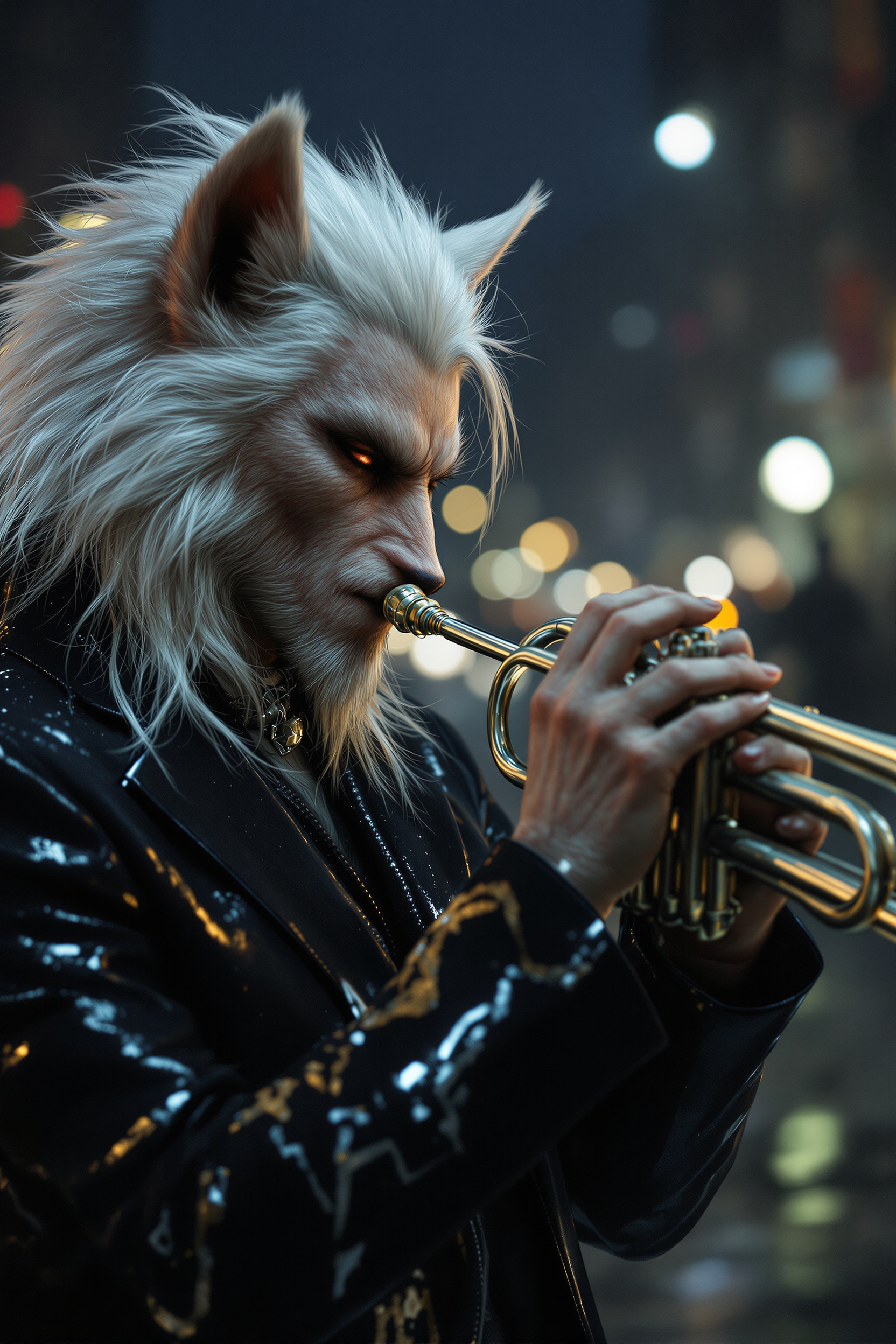
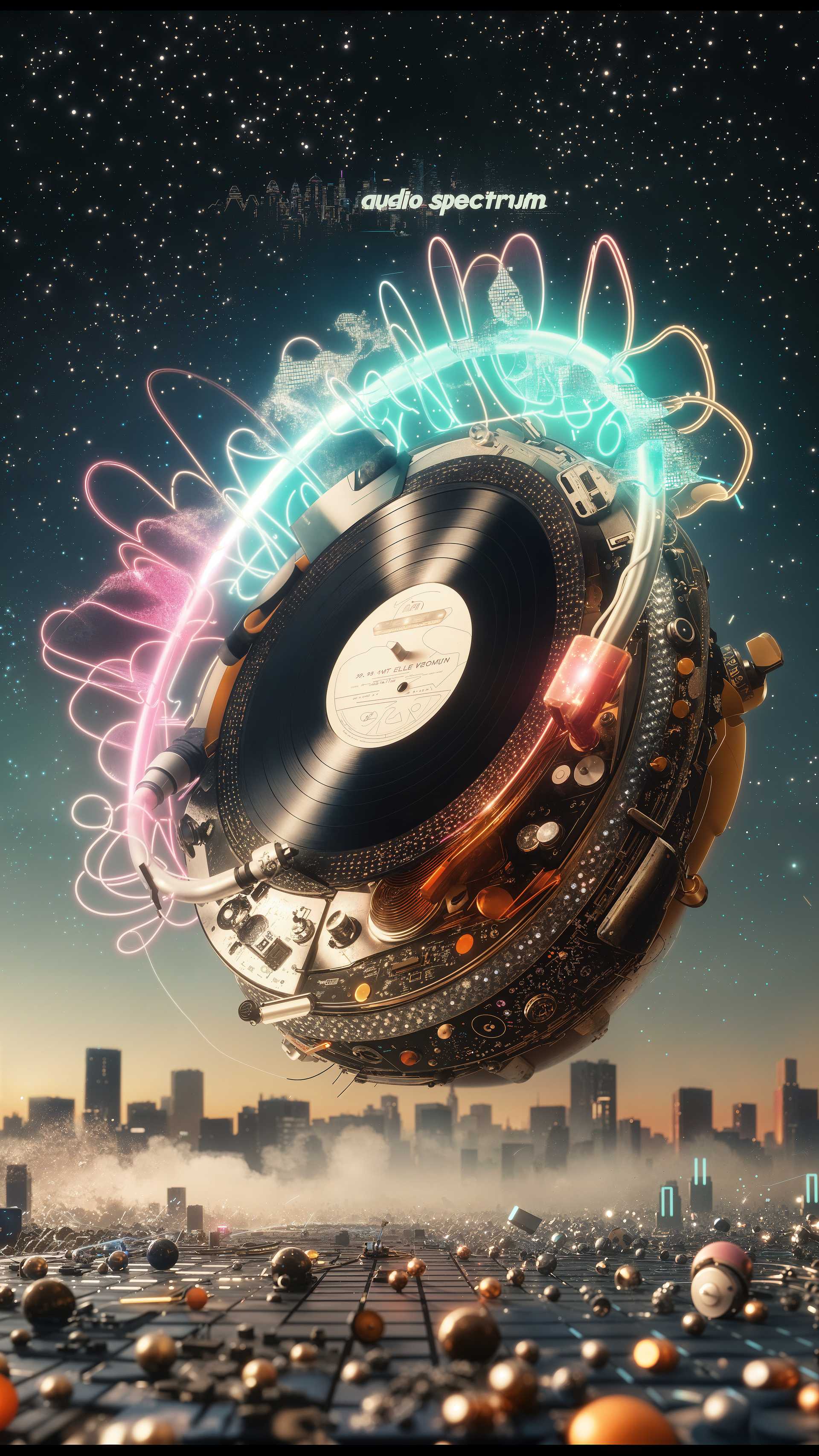
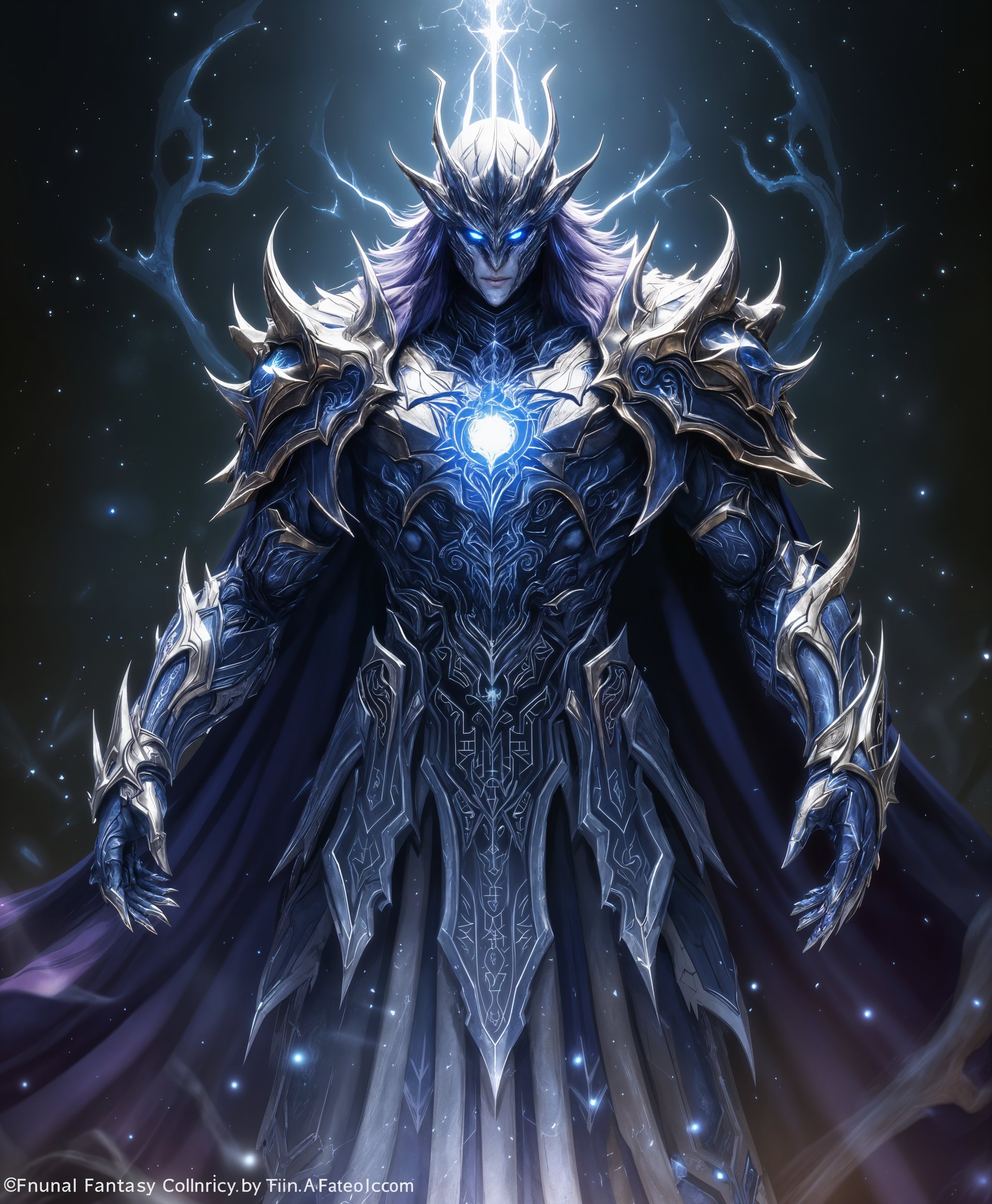
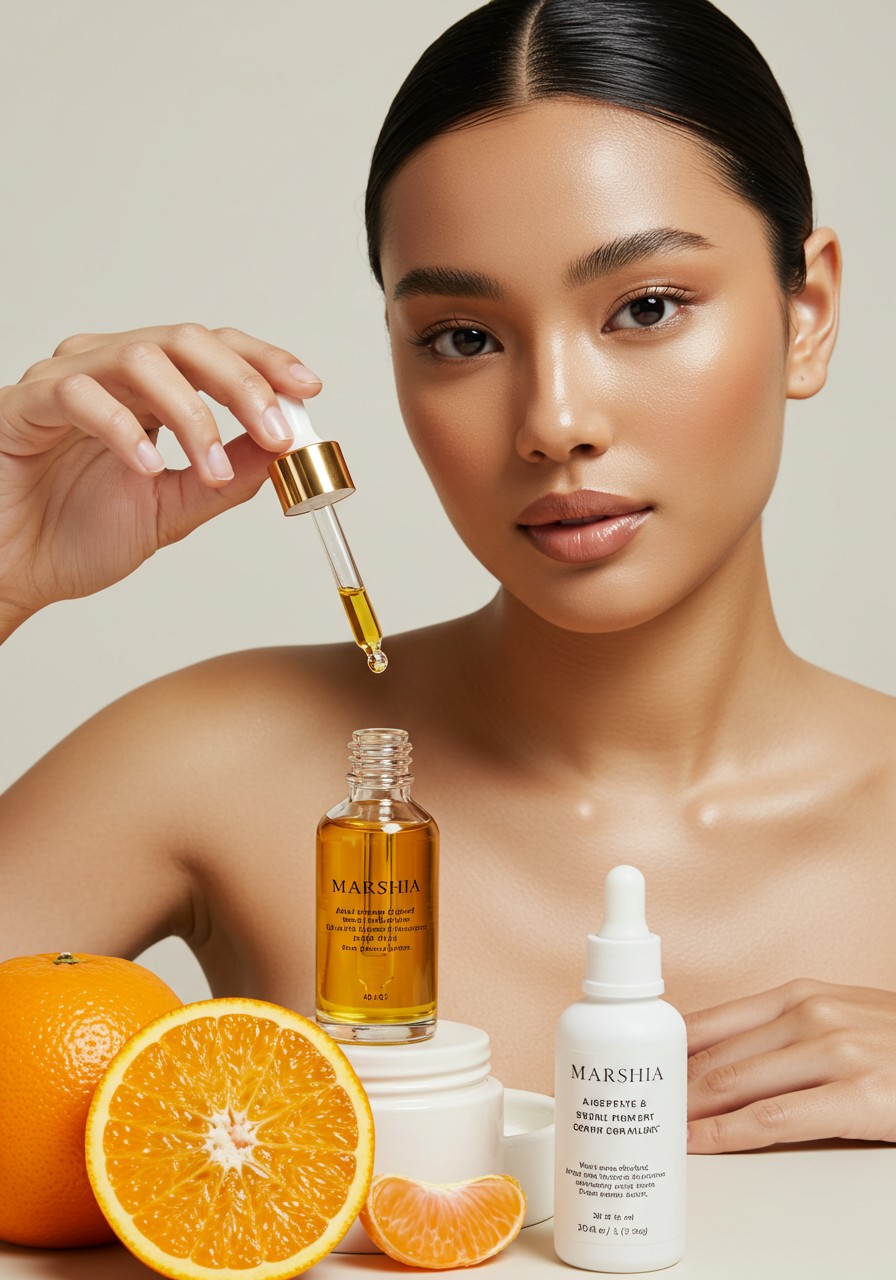
Imagine turning your wildest ideas into breathtaking HD videos that stop scrolls and drive engagement – without cameras, crews, or editing skills. With PixelDojo's HappyHorse 1.0, you get crystal-clear, professional-grade videos ready for TikTok, YouTube, Instagram Reels, or marketing campaigns. Achieve hyper-realistic motion, vibrant colors, and seamless storytelling that captivates audiences, boosting your views, shares, and conversions instantly. Whether you're a marketer crafting ads, a creator building viral content, or a business owner visualizing products, HappyHorse HD video generation delivers outcomes that make you stand out in seconds.
50K+ creators trust PixelDojo | 4.9/5 stars from 12K reviews | 1M+ HD videos generated with HappyHorse | Featured in top creator communities
Why Choose Pixel Dojo for happyhorse hd video generation
Professional-quality results with cutting-edge AI technology
Cinema-Quality HD Videos Instantly
Produce 1080p+ videos with lifelike motion and detail that rival Hollywood productions, perfect for grabbing attention on any platform and skyrocketing your engagement rates.
Save Hours on Production Time
Skip filming and editing marathons – generate complete HD videos from simple text prompts in under 2 minutes, freeing you to focus on growing your audience or business.
Endless Creative Versatility
Craft dynamic scenes for ads, stories, tutorials, or product demos with consistent characters and styles, using HappyHorse alongside tools like Kling Video Edit for flawless customization.
How It Works
Creating HappyHorse HD videos on PixelDojo is as simple as describing your vision. Leverage HappyHorse 1.0 for core generation, then enhance with PixelDojo's video suite for pro results.
Step 1: Select HappyHorse 1.0
Head to the Video Generation section, choose HappyHorse 1.0 from 40+ tools like Kling Video or WAN 2.7 Video. Upload an optional reference image or start with text for instant HD magic.
Step 2: Craft Your Prompt
Enter a detailed description like 'A joyful horse galloping through vibrant meadows at sunset, cinematic HD, smooth motion' – add styles, durations (5-30s), or references using WAN Reference to Video for precision.
Step 3: Generate, Edit & Download
Hit generate for your HD video, then refine with Kling Video Edit, Video Autocaption, or Lip Sync. Upscale to 4K with Video Upscaler and download watermark-free for immediate use.





The Pixel Dojo Advantage
Why PixelDojo's HappyHorse outperforms other options for HD video generation
| Others | Pixel Dojo |
|---|---|
| Traditional video production | Ditch $1K+ shoots and weeks of waiting – get HD videos in minutes for pennies, with full creative control anytime. |
| Generic AI tools | HappyHorse 1.0 delivers superior HD clarity and motion realism, plus integrated edits like Grok Video Edit, unmatched by basic generators. |
| Manual video editing | No software learning curve – auto-generate, enhance with Seedance 2 Video Edit, and export ready-to-post HD content effortlessly. |
Loved by creators on PixelDojo
Real feedback from people using PixelDojo, pulled from our in-product surveys.
exceptional quality and great overall design of platform and interface. very intuative. love the creative freedom.
Qwen image 2 is amazing!!
Creative freedom, range of tools and options.
I love the training feature
the quality is the best
All the tools needed in one dashboard
Explore more AI tools on PixelDojo
AI Tools
Compare & Switch
- Best AI Image Generators
- Best AI Video Generators
- Midjourney Alternatives
- Civitai Alternatives
- Runway Alternatives
- Leonardo Alternatives
- Pika Alternatives
- Luma Alternatives
- Magnific Alternatives
- Veo Alternatives
- Flux Alternatives
- Freepik Alternatives
- Seedance Alternatives
- Seedream Alternatives
- Pixverse Alternatives
- GPT Image Alternatives
- Synthesia Alternatives
- Playground Alternatives
- NightCafe Alternatives
- Canva AI Alternatives
- ElevenLabs Alternatives
- ComfyUI Alternatives
- Fal Alternatives
- Replicate Alternatives
Common Questions
Everything you need to know about happyhorse hd video generation
What is HappyHorse HD video generation on PixelDojo?
HappyHorse 1.0 is PixelDojo's powerhouse for creating ultra-sharp 1080p+ HD videos from text or images. You achieve pro-level motion and visuals for social content, ads, or stories. Pair it with WAN 2.7 Video or Hailuo 2.3 for even more styles, all in one seamless platform with no skills required.
How does HappyHorse HD video generation create realistic motion?
HappyHorse excels at fluid, natural movements in HD, turning prompts into dynamic scenes like galloping horses or urban flyovers. Enhance realism with tools like OmniHuman for characters or Kling Reference to Video, delivering outcomes like viral clips that boost engagement by 5x.
Can I customize HappyHorse HD videos after generation?
Absolutely – post-generation, use Grok Video Edit, Seedance 2 Video Edit, or Lip Sync to tweak scenes, add captions, or extend length. Tools like Video Reframe and Merge Videos let you build complex HD narratives effortlessly.
What resolutions does HappyHorse HD video generation support?
Start with native 1080p HD from HappyHorse 1.0, then upscale to 4K using Video Upscaler or Magnific Upscaler. Perfect for platforms demanding high-quality, like YouTube or ads, ensuring your videos look stunning on any device.
Is HappyHorse HD video generation free to try on PixelDojo?
Yes, dive in with free credits on PixelDojo's 40+ tools. Loved by thousands, upgrade anytime with flexible subscriptions – cancel whenever. Generate your first HappyHorse HD video risk-free today.
Best prompts for HappyHorse HD video generation examples?
Try 'Epic HD horse race at golden hour, slow-motion jumps, cinematic lighting' or 'Happy animated horse dancing in neon city, 10s loop, vibrant colors'. Experiment with PixVerse V6 for styles, then edit with Runway Aleph for pro polish.