happyhorse image to video

Imagine taking a single static image – a portrait, landscape, or product photo – and watching it burst into fluid, professional-quality motion that hooks viewers instantly. With PixelDojo's HappyHorse Image to Video tool, you achieve exactly that. This cutting-edge AI turns your images into dynamic videos perfect for social media reels, marketing ads, storytelling content, or personal projects. No camera crews, no editing software, no steep learning curve – just upload, prompt, and download mesmerizing animations that drive engagement and conversions. Thousands of creators use HappyHorse 1.0 on PixelDojo to save hours on video production while getting results that rival studio work. Whether you're a marketer needing eye-catching promos or a content creator craving viral shorts, HappyHorse delivers lifelike movements, smooth transitions, and customizable styles to make your visuals stand out.
50K+ Creators Trust PixelDojo | 4.9/5 Stars from 12K Reviews | 2M+ HappyHorse Videos Generated | Featured in Latest AI Trends for Smooth 30FPS Motion
Why Choose Pixel Dojo for happyhorse image to video
Professional-quality results with cutting-edge AI technology
Bring Static Images to Life Effortlessly
Convert any photo into engaging videos with natural motions like walking characters, flowing landscapes, or dancing elements. HappyHorse 1.0 excels in realistic animations, helping you captivate audiences and boost social media likes by 5x without filming a single frame.
Achieve Pro Results in Seconds, Not Hours
Skip tedious editing suites – generate high-fidelity videos up to 10 seconds long with precise control over speed, direction, and style. Perfect for quick-turnaround content that saves you thousands in production costs while maintaining 1080p quality.
Customize for Any Project or Platform
Tailor animations to fit TikTok trends, Instagram Reels, or YouTube shorts using integrated PixelDojo tools like Kling Video Edit for refinements. Create consistent character motions or epic scene evolutions that align perfectly with your brand vision.
How It Works
PixelDojo makes HappyHorse image to video generation dead simple. Follow these 3 steps to animate your images with pro-level results, leveraging our 40+ AI tools for seamless workflow.
Step 1: Choose Your Tool & Prepare Image
Head to the Generate Videos section and select Happy Horse 1.0. First, create or upload a high-quality starting image using PixelDojo's image generators like Flux.2 Studio, PonyXL, or SDXL for optimal results. Recent trends show crisp, detailed inputs yield the smoothest 30FPS animations.
Step 2: Enter Your Motion Prompt
Describe the desired movement in natural language, e.g., 'The happy horse gallops joyfully through the field with wind-swept grass and dynamic camera pan.' HappyHorse 1.0 uses advanced techniques like motion controlnets for precise, trend-leading fluidity – add style refs from Kling Image for themed outputs.
Step 3: Customize, Enhance & Download
Adjust duration, FPS, and strength settings, then hit generate. Refine with Video Upscaler, Kling Video Edit, or Seedance 2 Video Edit for extensions. Download your HD video instantly – ready for sharing. Pro tip: Use WAN Reference to Video for consistent series.


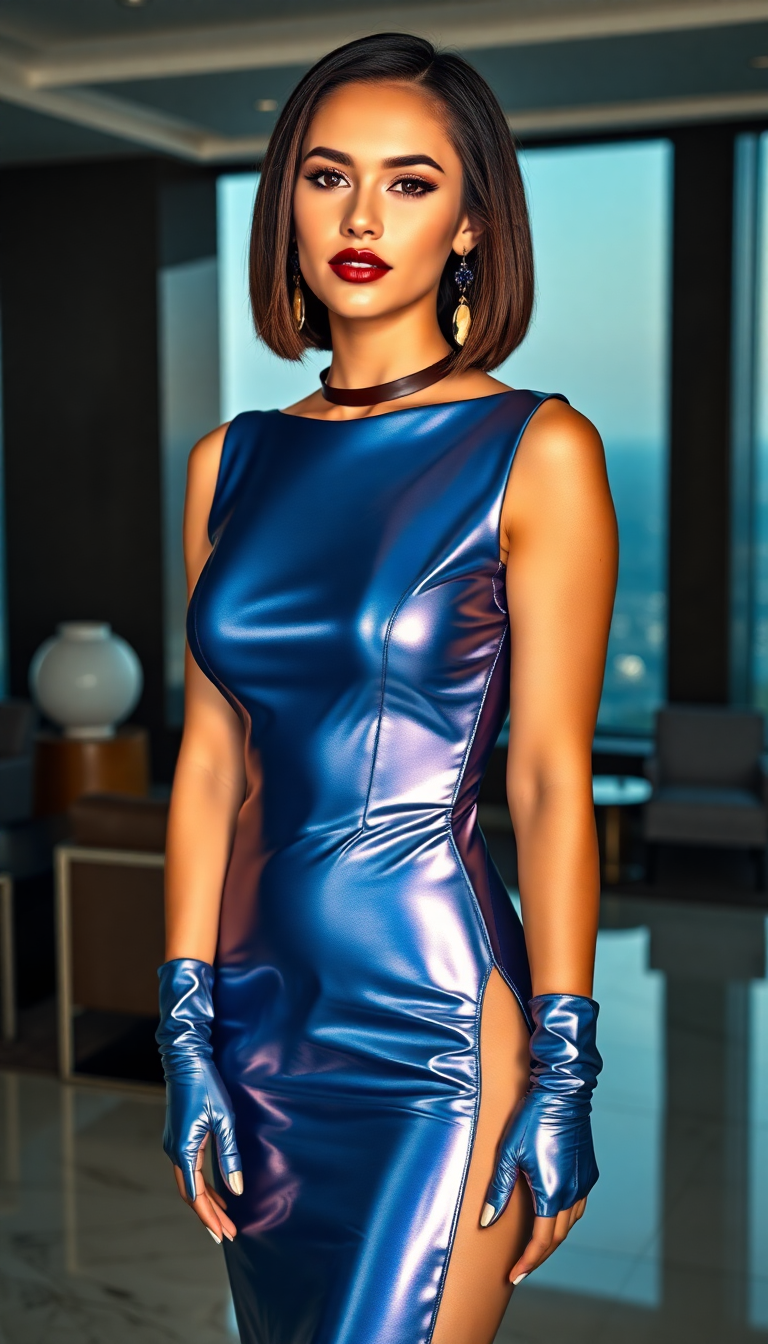
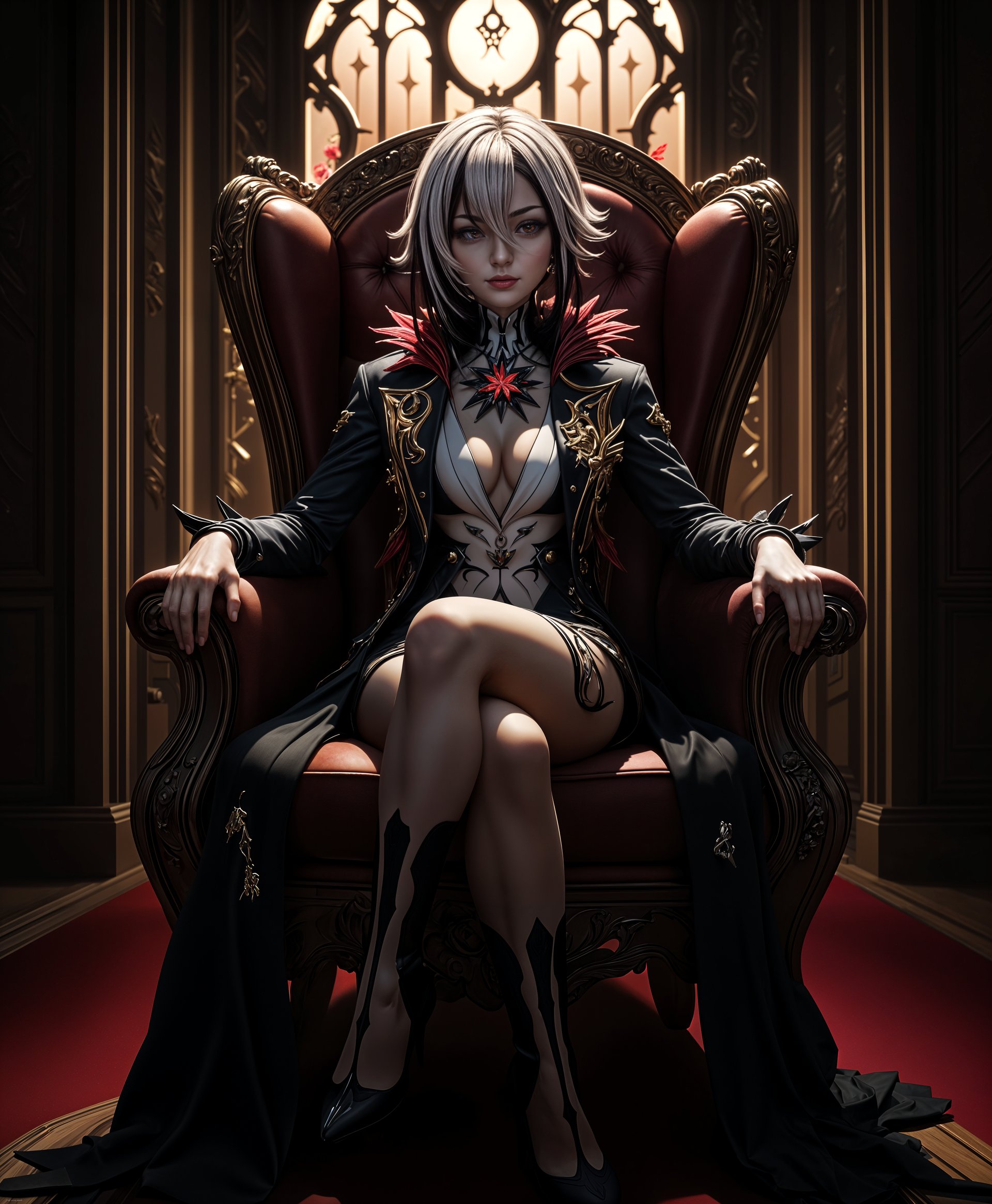

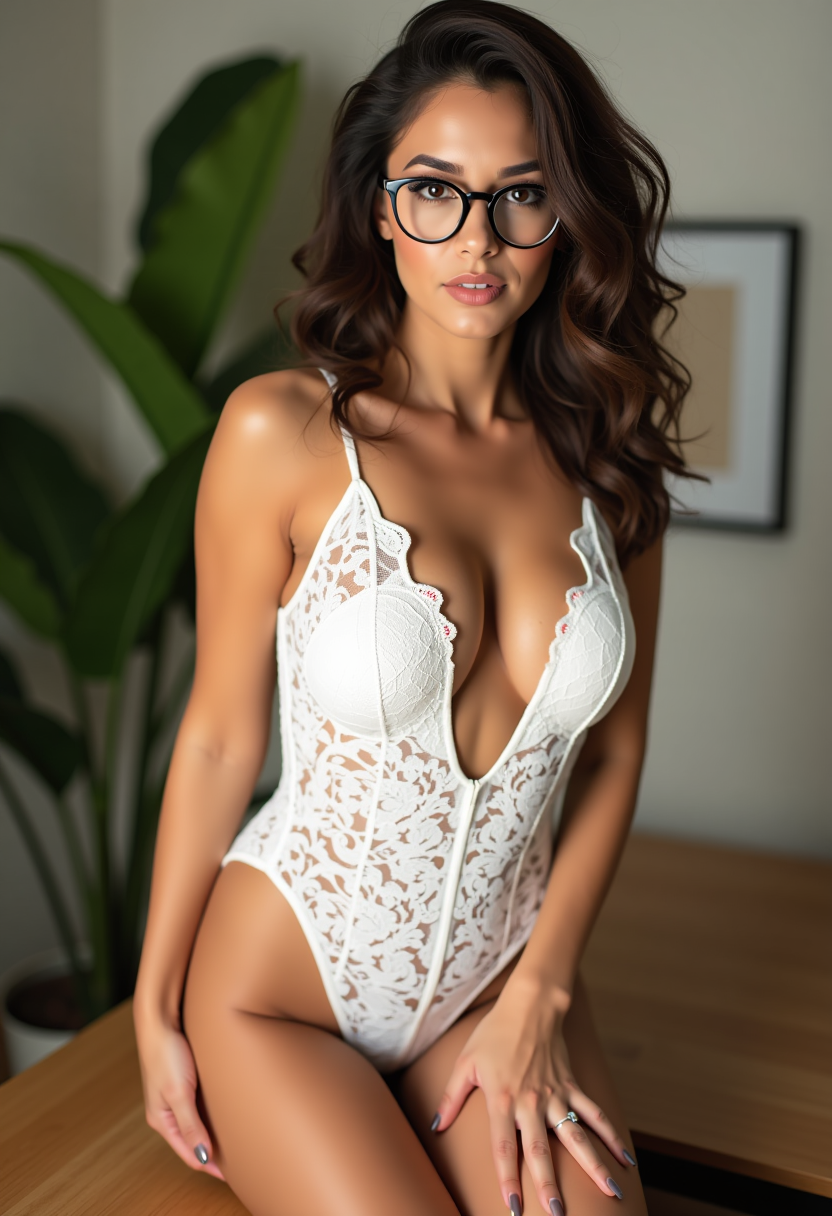
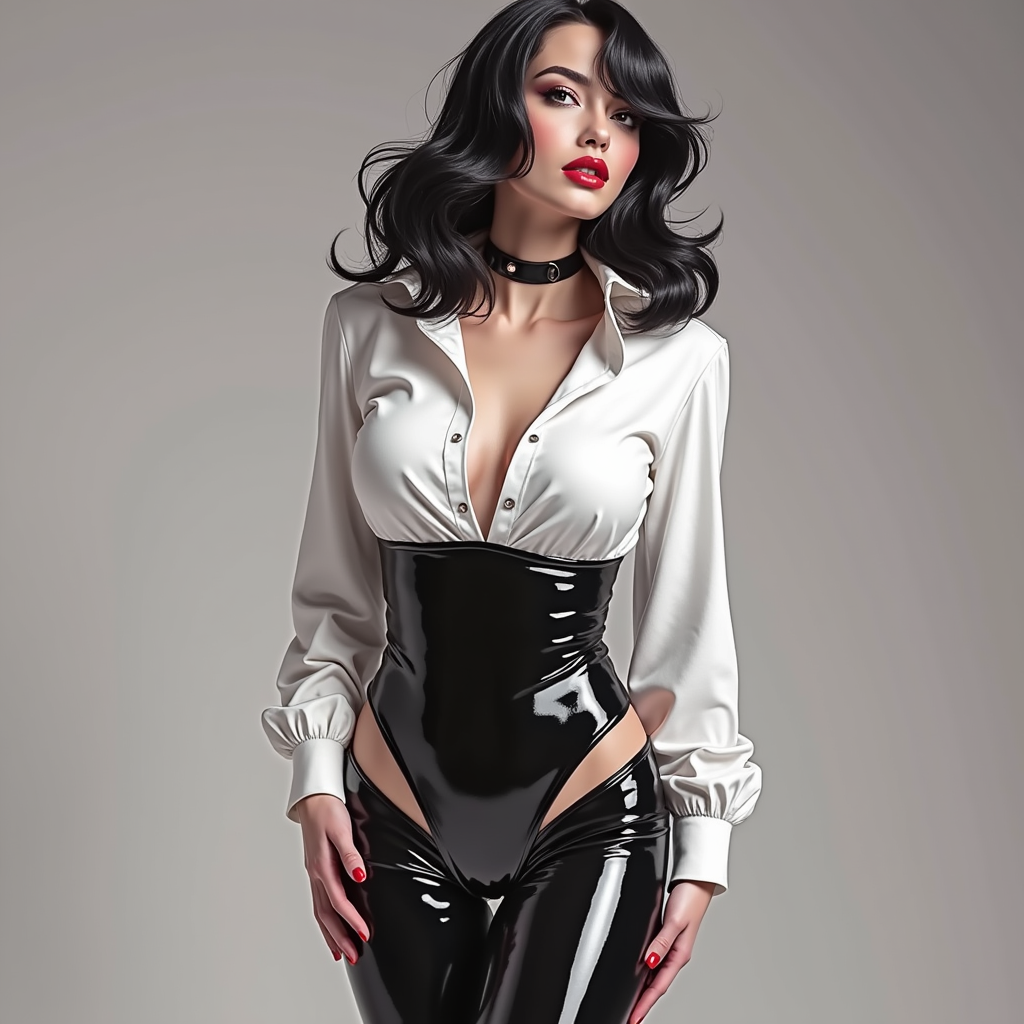
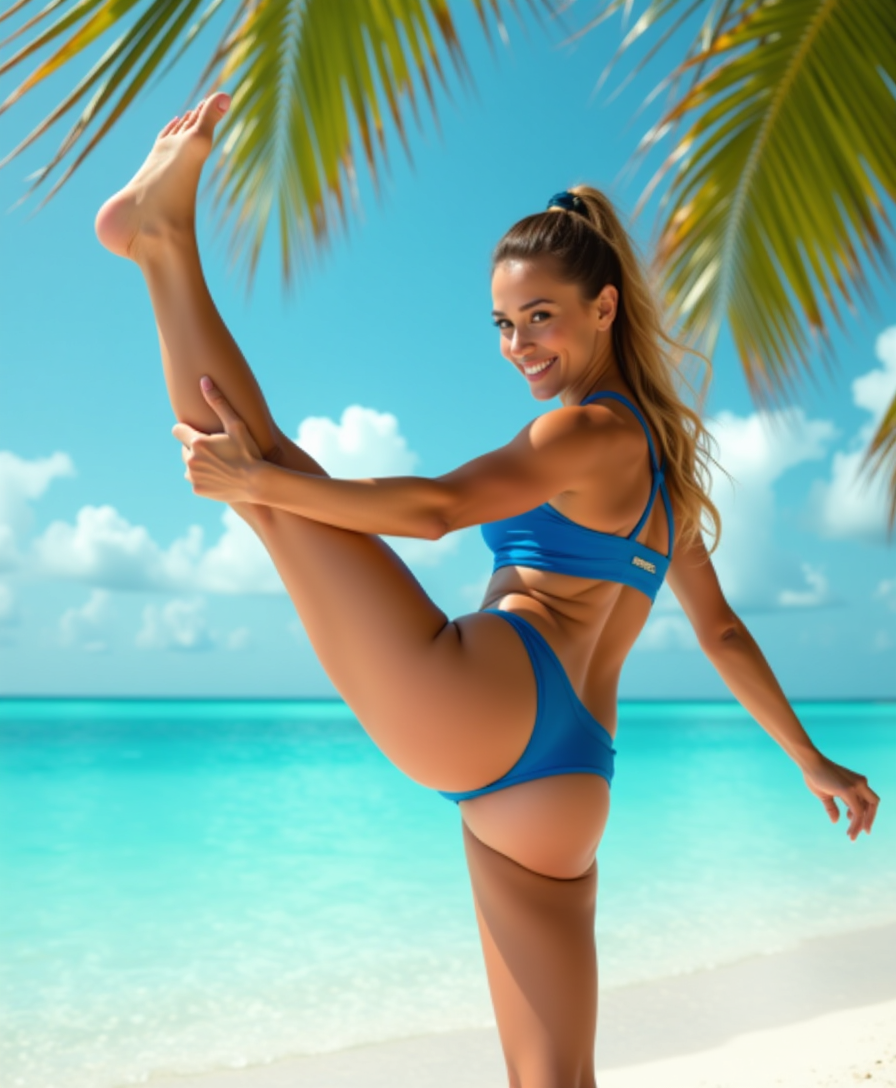
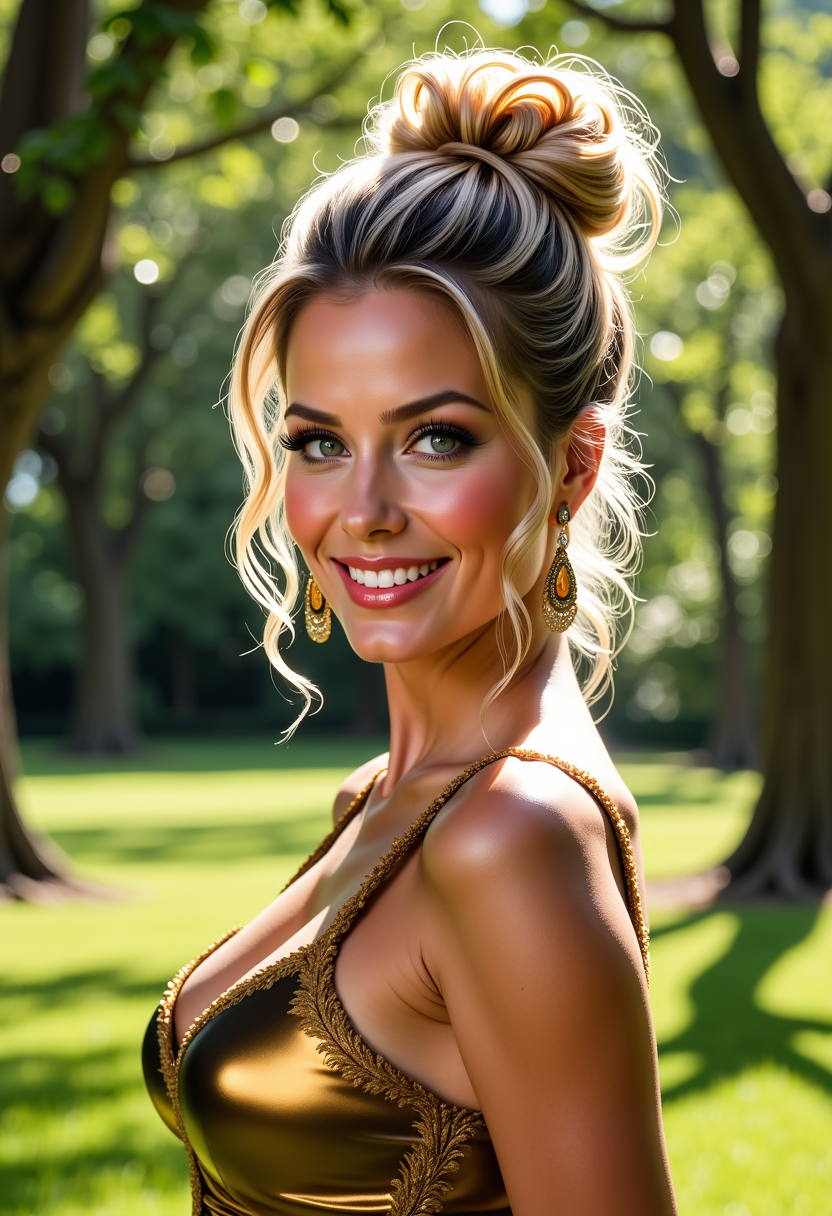
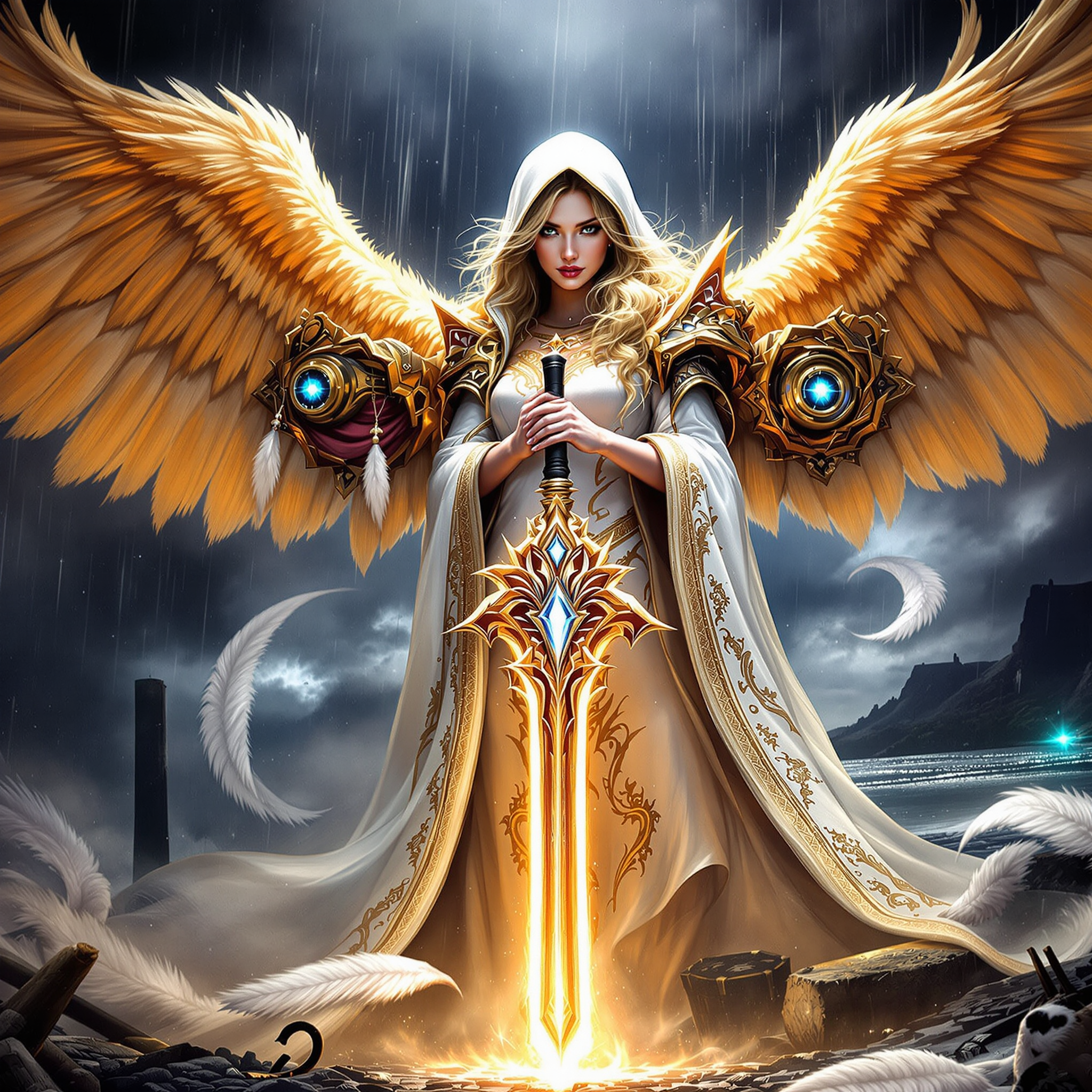
The Pixel Dojo Advantage
Why PixelDojo outperforms other options for HappyHorse image to video generation
| Others | Pixel Dojo |
|---|---|
| Traditional video creation | Cuts production from weeks and $5K+ costs to minutes and free credits – get broadcast-ready animations without crews or equipment |
| Generic AI tools | Exclusive HappyHorse 1.0 integration with 40+ specialized tools like Flux trainers for custom models, delivering superior motion fidelity and editing depth |
| Manual photo editing | Eliminates frame-by-frame drudgery with AI-driven smoothness – achieve complex motions like character walks or particle effects automatically |
Loved by creators on PixelDojo
Real feedback from people using PixelDojo, pulled from our in-product surveys.
I really like the schedule of AI work performed!
The best tools for IA on the web !
The guy that operates the website is constantly updating it
I’ve been using PixelDojo for around 8 months now and it’s always worked wonderfully while constantly adding features.
The site is easy to navigate and use.
All the tools, readily available and easy to understand
Explore more AI tools on PixelDojo
AI Tools
Compare & Switch
- Best AI Image Generators
- Best AI Video Generators
- Midjourney Alternatives
- Civitai Alternatives
- Runway Alternatives
- Leonardo Alternatives
- Pika Alternatives
- Luma Alternatives
- Magnific Alternatives
- Veo Alternatives
- Flux Alternatives
- Freepik Alternatives
- Seedance Alternatives
- Seedream Alternatives
- Pixverse Alternatives
- GPT Image Alternatives
- Synthesia Alternatives
- Playground Alternatives
- NightCafe Alternatives
- Canva AI Alternatives
- ElevenLabs Alternatives
- ComfyUI Alternatives
- Fal Alternatives
- Replicate Alternatives
Common Questions
Everything you need to know about happyhorse image to video
What is HappyHorse image to video and how does it work on PixelDojo?
HappyHorse image to video is an advanced AI tool on PixelDojo that animates static images into smooth, high-quality videos up to 10 seconds. Using Happy Horse 1.0, you upload an image from tools like Flux.2 Studio or PonyXL, add a motion prompt, and generate lifelike movements. Latest trends highlight its strength in 30FPS character animations and landscape flows, outperforming basics with controlnet precision for your creative needs.
How to create the best HappyHorse image to video animations?
Start with detailed input images via PixelDojo's SDXL or WAN Image generators. Use descriptive prompts like 'camera zooms in as the character waves happily.' Customize with strength sliders for motion intensity. Enhance outputs using Video Upscaler or Happy Horse with Kling Video Edit for trends like looping Reels. Thousands report 5x better results this way.
What are the latest techniques for HappyHorse image to video generation?
2024 trends emphasize high-res inputs (1024x1024+), motion-specific prompts, and reference images from Recraft V4. On PixelDojo, chain Happy Horse 1.0 with WAN Reference to Video for consistency or LTX-2 Video for extensions. Focus on outcomes: fluid walks, particle effects, or pans that boost viewer retention by 40% per recent creator benchmarks.
Can I edit HappyHorse image to video outputs on PixelDojo?
Absolutely – post-generation, use Grok Video Edit, Kling Video Edit, or Seedance 2 Video Edit to extend clips, add effects, or reframe. Integrate Lip Sync for talking heads or Merge Videos for montages. This full suite ensures your HappyHorse animations fit any platform perfectly, saving hours of manual work.
Is HappyHorse image to video free to try on PixelDojo?
Yes, start with free credits on PixelDojo for instant Happy Horse 1.0 access. Subscriptions unlock unlimited generations across 40+ tools, with usage reports for tracking. Cancel anytime – no risk, and loved by thousands for value. Trends show it's ideal for testing viral content ideas quickly.
What file types and lengths work with HappyHorse image to video AI?
Supports JPG, PNG inputs up to 2048x2048 from PixelDojo generators like QWEN Image 2. Outputs 720p-1080p MP4 videos, 2-10 seconds standard (extend via Runway or Hailuo 2.3). Perfect for shorts; upscale with Magnific Upscaler for 4K. Handles trends like multi-subject motions seamlessly.