higsfield AI Generator
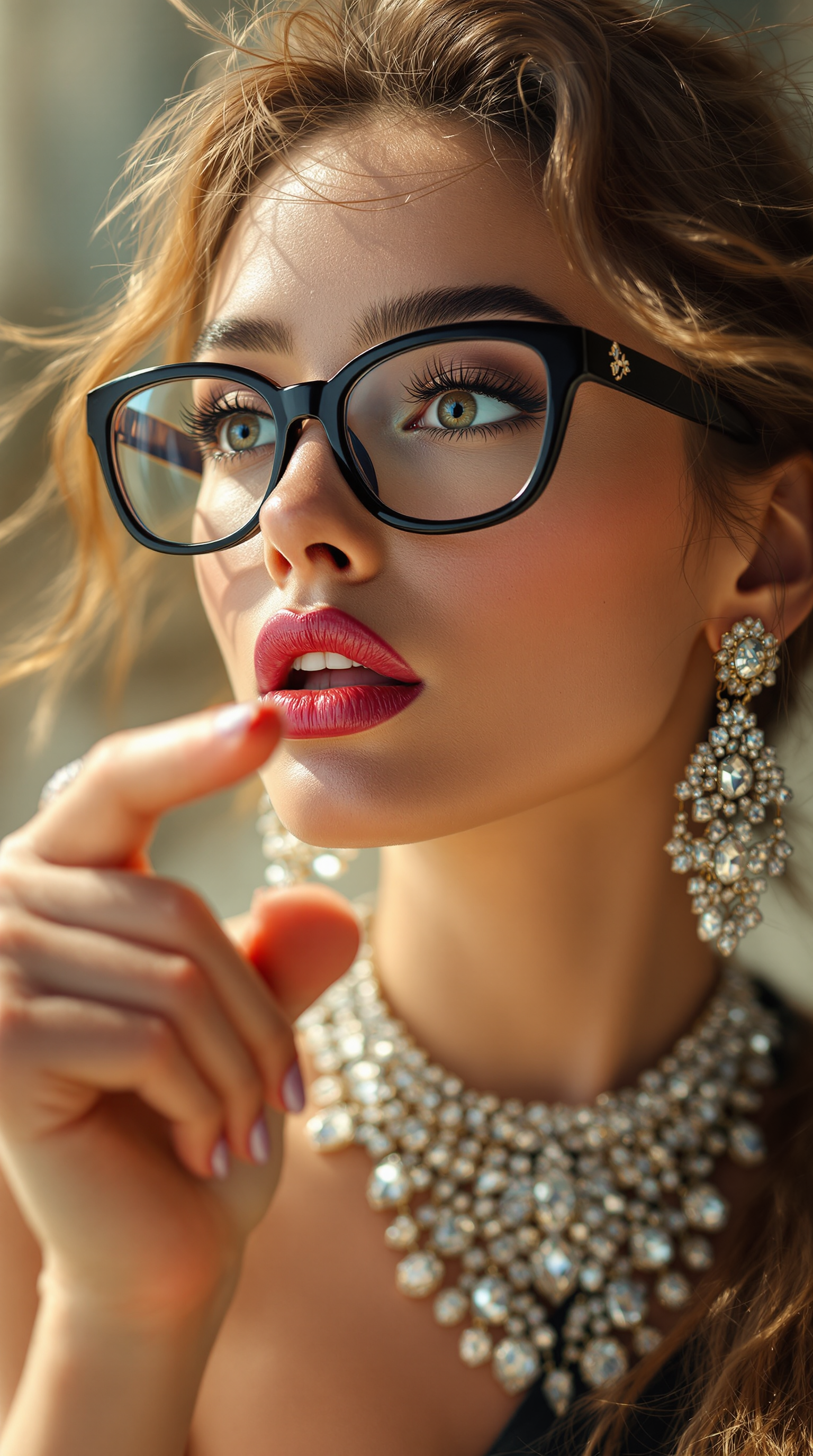
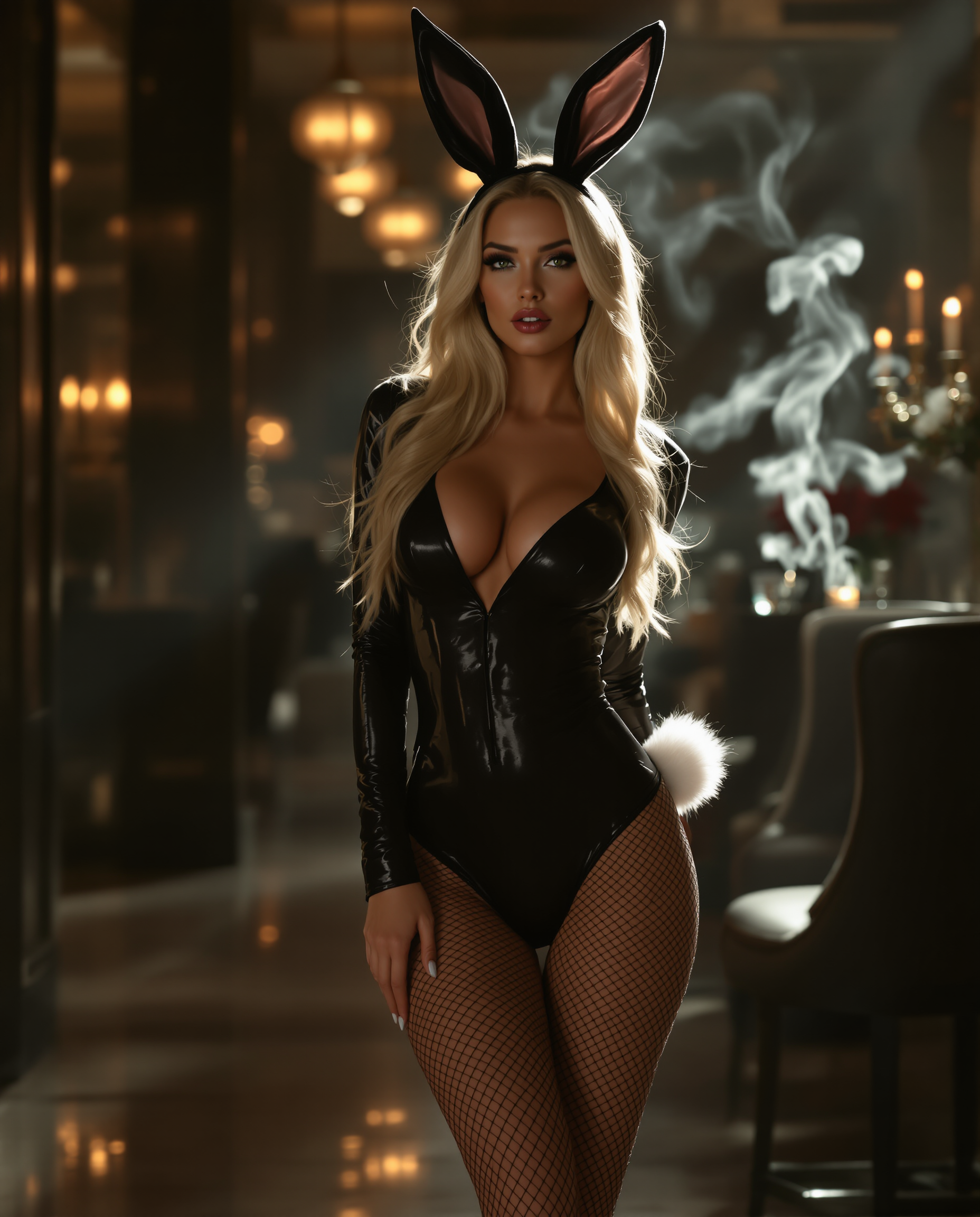
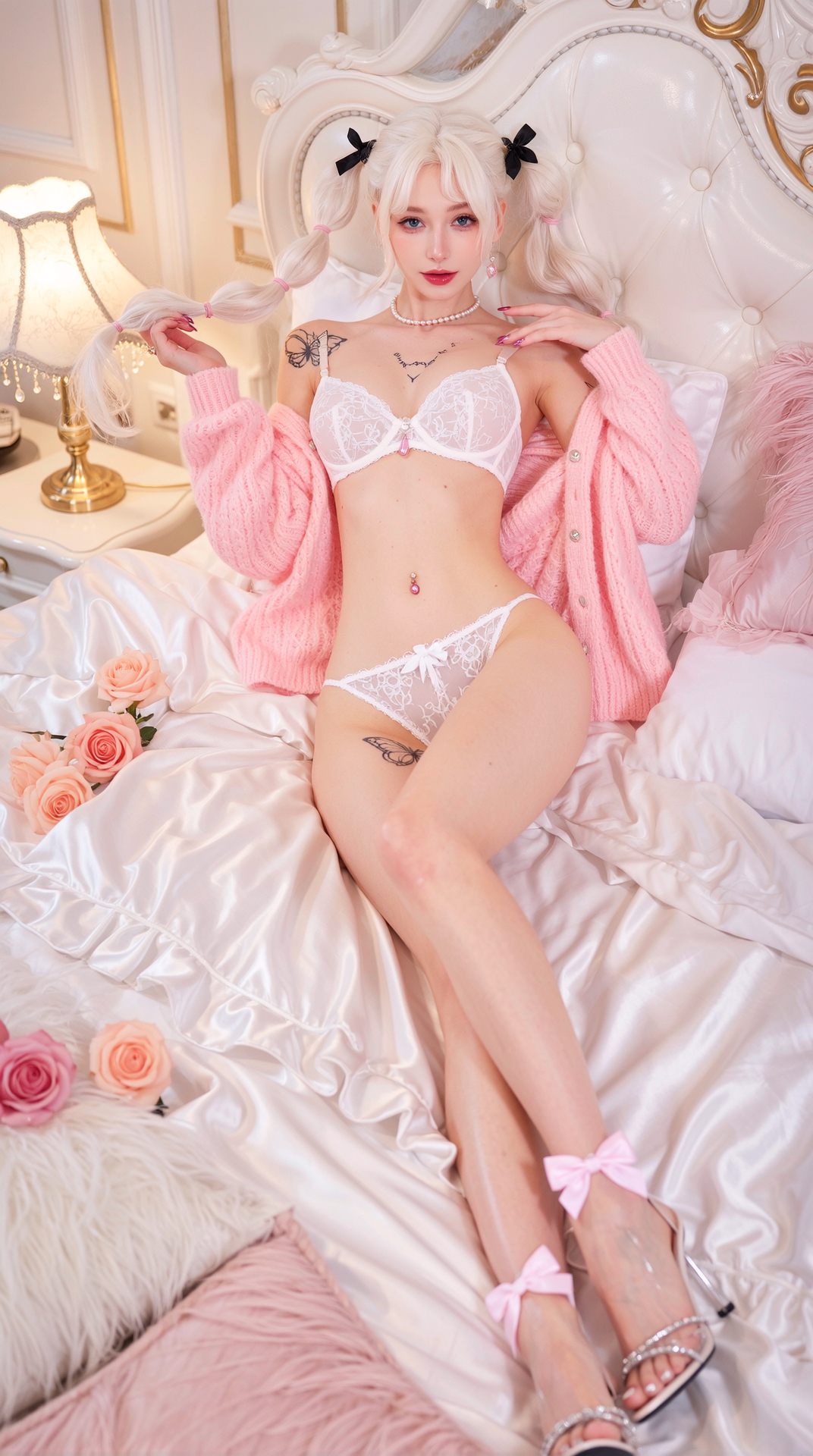
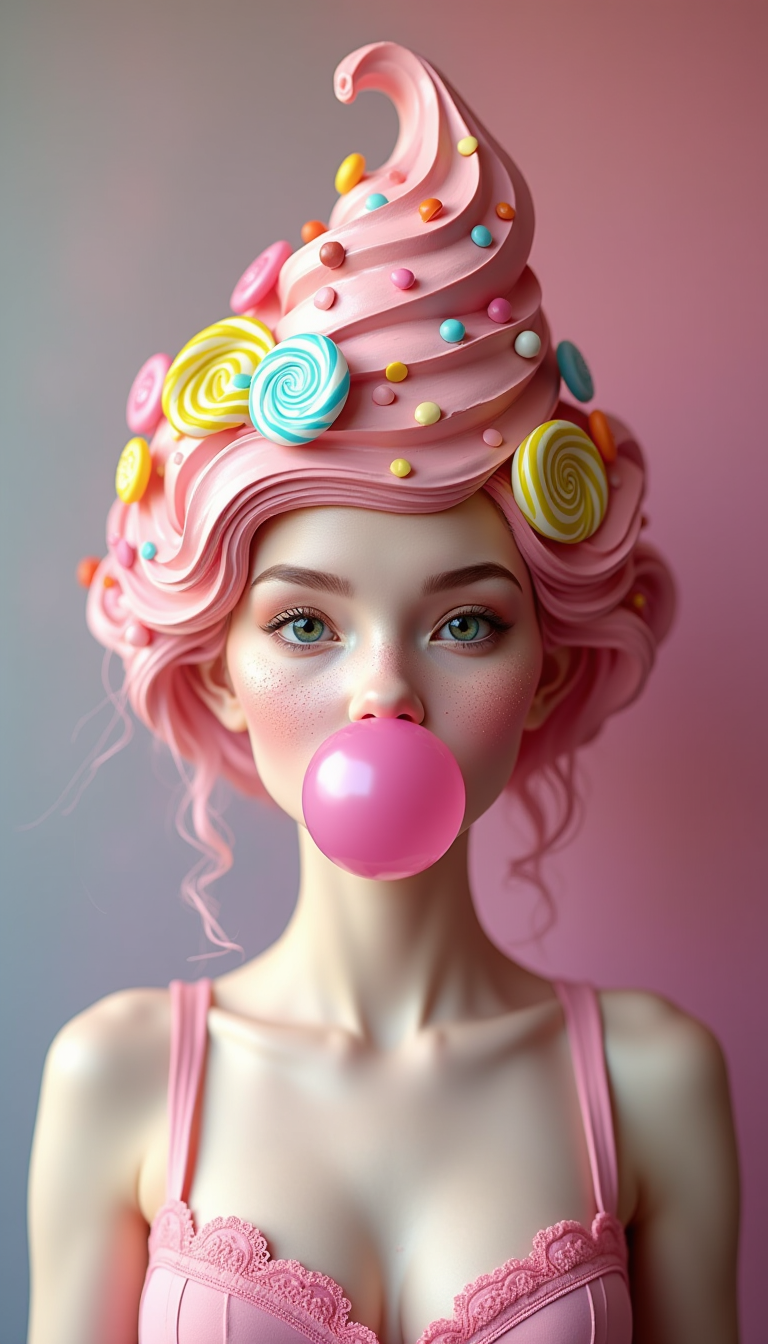
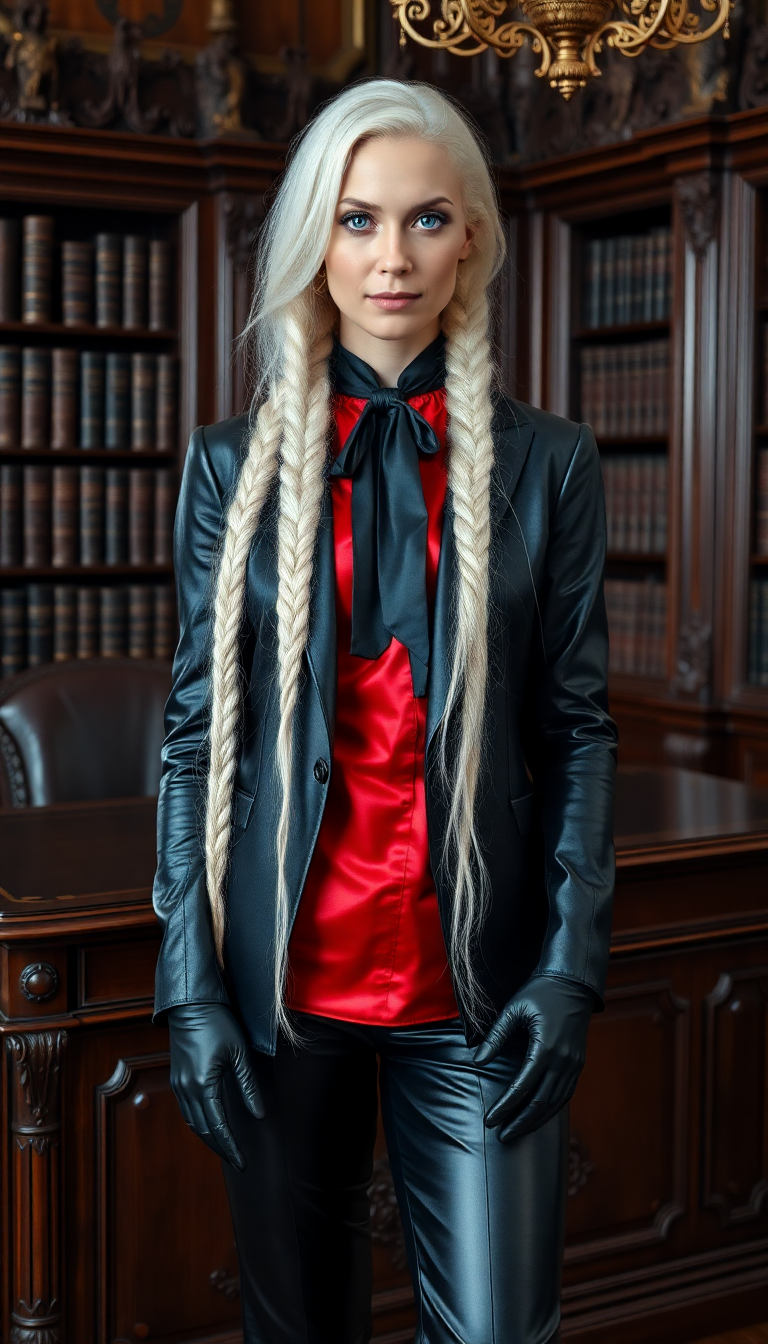
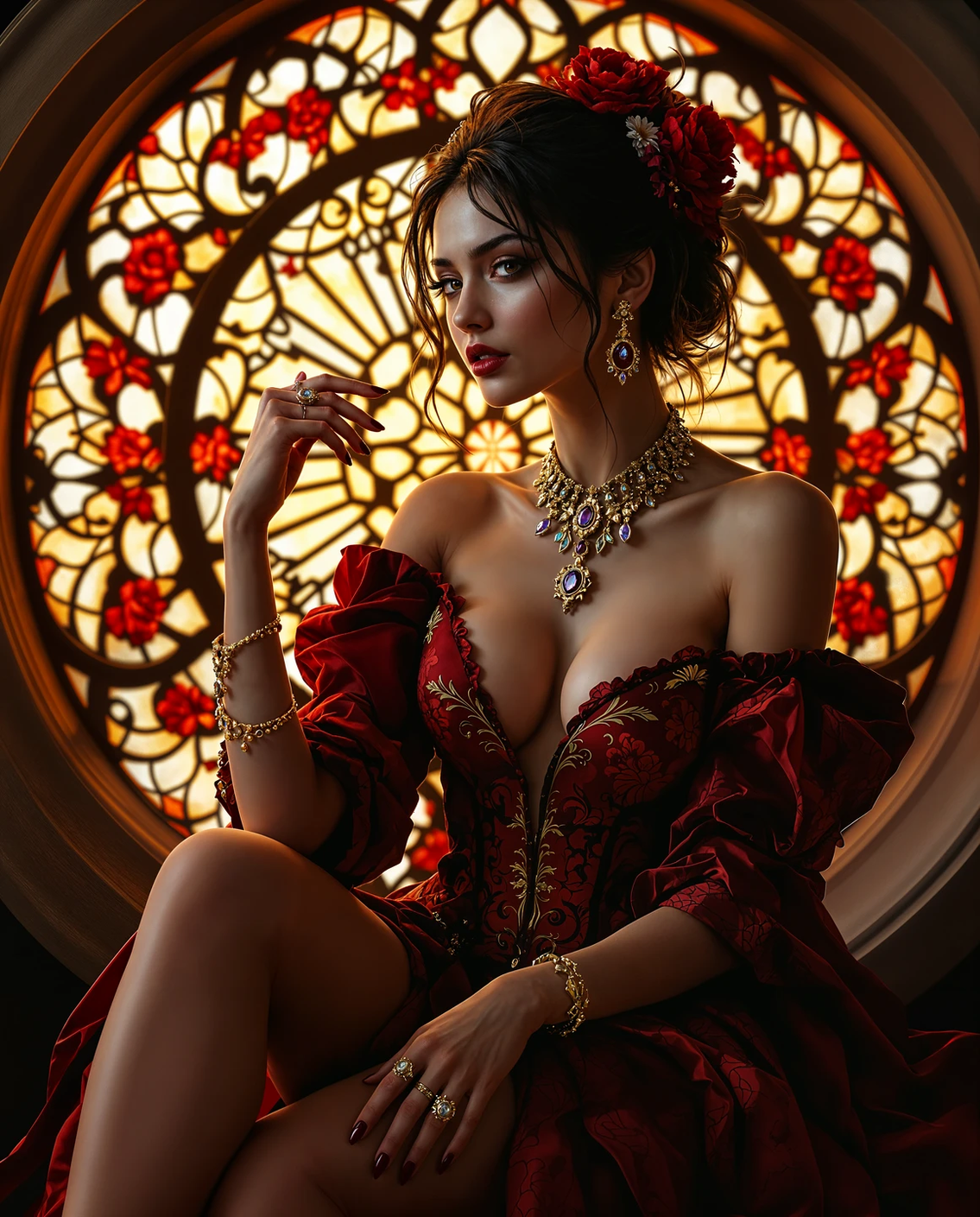
Imagine launching your next campaign with visuals that look like they were captured by a world-class photographer in a luxury studio—without the six-figure budget or weeks of scheduling. With PixelDojo, you can generate higsfield images that deliver exactly that: intentional, art-directed, photorealistic results perfect for fashion brands, marketing teams, and content creators. Focus on outcomes that matter—stunning product shots, consistent brand characters, and campaign assets that stop the scroll and drive conversions. Skip the traditional bottlenecks and create professional-grade higsfield visuals in seconds, right from your browser.
Over 50,000 creators and brands trust PixelDojo for higsfield image generation. 4.9/5 average rating from 12,000+ reviews. More than 2 million higsfield-style images generated last month alone. Cancel anytime—no long-term commitment required.
Why Choose Pixel Dojo for higsfield
Professional-quality results with cutting-edge AI technology
Launch Campaign-Ready Visuals in Minutes
Turn ideas into polished, commercial higsfield images that meet brand guidelines and look production-quality. Use tools like Nano Banana 2 and GPT Image 2 to produce 4K photorealistic assets for ads, social, and e-commerce without hiring models or renting studios.
Maintain Perfect Character Consistency Across Campaigns
Build recognizable brand ambassadors or story characters that stay identical across every shot. Consistent Characters and Flux.2 Studio help you create higsfield series where faces, outfits, and lighting match seamlessly for comics, ads, or influencer-style content.
Achieve Art-Directed Photorealism Without a Crew
Get intentional lighting, cultural aesthetics, and editorial composition that feels hand-crafted. Models like Grok Image, Krea Image, and Recraft V4.1 deliver higsfield results that eliminate generic AI looks and rival high-end photography for fashion, lifestyle, and product visuals.
How It Works
Creating higsfield images with PixelDojo is simple and outcome-focused. Choose from specialized tools, describe your vision, and refine until it's perfect.
Step 1: Choose Your Tool
Browse the Generate Images section and select a higsfield-optimized model like Nano Banana 2 for rapid photorealistic results, GPT Image 2 for precise prompt following, or Flux.2 Studio for artistic control. These tools are pre-tuned for professional commercial output.
Step 2: Enter Your Prompt
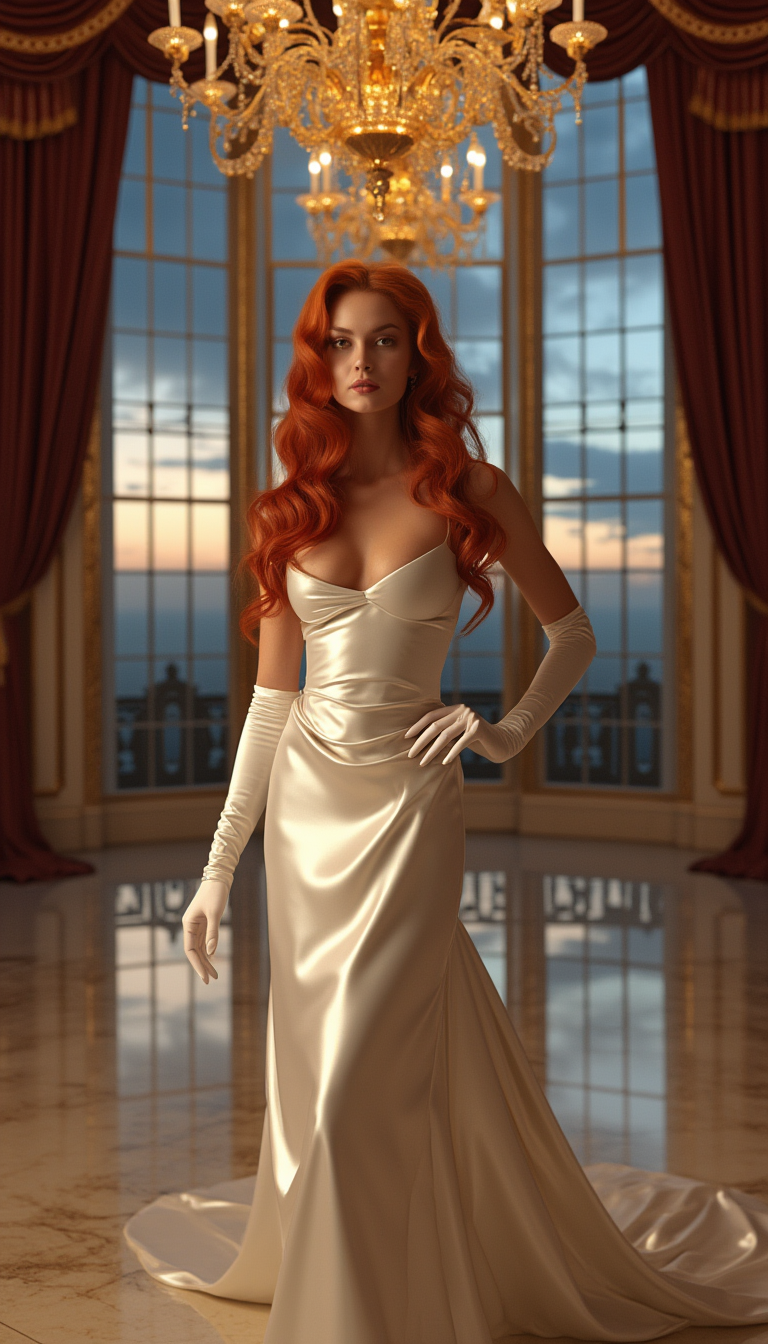
Describe your higsfield vision in natural language—include details like 'luxury fashion editorial, golden hour lighting, consistent model with flowing red hair, high-end studio, art-directed composition.' Add references if needed using Image to Image for style matching.
Step 3: Customize & Download
Refine with edits like Style Transfer, Magic Lighting, or Background Remover. Use Consistent Characters to lock in your model across multiple generations. Upscale with P-Image Upscale or Creative Upscaler for print-ready 4K files, then download instantly.
The Pixel Dojo Advantage
Why PixelDojo outperforms other options for higsfield image generation
| Others | Pixel Dojo |
|---|---|
| Traditional higsfield photography | Produce identical commercial results in seconds instead of days or weeks, at a fraction of the cost—no travel, models, or equipment needed. |
| Generic AI tools | Access specialized higsfield-tuned models like Nano Banana 2 and Soul-inspired workflows that deliver art-directed quality and perfect text/character consistency every time. |
| Manual photo editing | Generate and iterate higsfield concepts instantly with AI assistance, then fine-tune with targeted tools like Inpainting or Reality Polisher—saving hours of tedious work. |
Loved by creators on PixelDojo
Real feedback from people using PixelDojo, pulled from our in-product surveys.
I really like the schedule of AI work performed!
The best tools for IA on the web !
The guy that operates the website is constantly updating it
I’ve been using PixelDojo for around 8 months now and it’s always worked wonderfully while constantly adding features.
The site is easy to navigate and use.
All the tools, readily available and easy to understand
Explore more AI tools on PixelDojo
AI Tools
Compare & Switch
- Best AI Image Generators
- Best AI Video Generators
- Midjourney Alternatives
- Civitai Alternatives
- Runway Alternatives
- Leonardo Alternatives
- Pika Alternatives
- Luma Alternatives
- Magnific Alternatives
- Veo Alternatives
- Flux Alternatives
- Freepik Alternatives
- Seedance Alternatives
- Seedream Alternatives
- Pixverse Alternatives
- GPT Image Alternatives
- Synthesia Alternatives
- Playground Alternatives
- NightCafe Alternatives
- Canva AI Alternatives
- ElevenLabs Alternatives
- ComfyUI Alternatives
- Fal Alternatives
- Replicate Alternatives
Common Questions
Everything you need to know about higsfield
What is higsfield image generation and how do I create professional results with PixelDojo?
Higsfield image generation refers to creating art-directed, photorealistic visuals inspired by professional platforms like Higgsfield—think luxury fashion, editorial campaigns, and brand-accurate commercial photography. With PixelDojo, start in the Generate Images tab using Nano Banana 2 or GPT Image 2. Enter detailed prompts about lighting, composition, and style. Refine with Character Sheets or Style Transfer for consistent, high-end results that look intentionally crafted.
How can I generate consistent characters in higsfield style for my brand campaigns?
Use PixelDojo's Consistent Characters and Character Sheets tools alongside models like Flux.2 Studio or Ideogram 4. Upload a reference face once, then generate multiple higsfield scenes where the character appears in different outfits, angles, and settings while maintaining perfect identity. This is ideal for ongoing ad series or storytelling content.
What are the best PixelDojo tools for photorealistic higsfield fashion and product images?
For fashion and product higsfield images, Nano Banana 2 excels at sharp details and prompt accuracy, while Grok Image and Krea Image deliver natural lighting and textures. Combine with Virtual Try-On or Flux Pro Virtual Try-On for clothing mockups, and finish with Portrait Upscaler or Clarity Pro for magazine-quality output.
Can beginners create higsfield style images without design experience on PixelDojo?
Absolutely. PixelDojo's intuitive interface and pre-built presets in tools like Riverflow and Luma UNI 1 guide you through creating professional higsfield results. Start with simple prompts, preview instantly, and use one-click enhancements like Background Remover or Magic Lighting to elevate your images—no prior skills required.
How does PixelDojo help with higsfield video extensions from still images?
Generate your higsfield still with any image tool, then animate it using Generate Videos options like Kling Video, WAN 2.7 Video, or Happy Horse. Maintain the same character and style with WAN Video Character Swap or Kling Video Character Swap for seamless motion that extends your static higsfield asset into dynamic content.
Is there a risk-free way to try higsfield image generation on PixelDojo?
Yes—PixelDojo offers access to 40+ cutting-edge AI tools with a flexible plan you can cancel anytime. Thousands of creators worldwide already produce higsfield visuals daily. Sign up, generate your first images, and see the professional results for yourself with no long-term commitment.