how to use kling v3 video generator

Transform your ideas into captivating videos effortlessly with PixelDojo's Kling v3 video generator. Whether you're a content creator, marketer, or educator, Kling v3 empowers you to produce high-quality, AI-generated videos that engage and inspire your audience.
Join over 20,000 satisfied users who have revolutionized their content creation process with PixelDojo's Kling v3. Rated 4.7 out of 5 stars, our platform is trusted by creators worldwide.
Why Choose Pixel Dojo for how to use kling v3 video generator
Professional-quality results with cutting-edge AI technology
Effortless Video Creation
Generate professional-quality videos from text or images without any prior experience.
Time-Saving Automation
Automate the video creation process, allowing you to focus on your creative vision.
High-Quality Output
Produce videos with stunning visuals and synchronized audio, ready for any platform.
How It Works
Creating AI-generated videos with Kling v3 on PixelDojo is simple and intuitive. Follow these steps to bring your vision to life:
Step 1: Choose Your Input
Select whether you want to create a video from a text prompt or an existing image.
Step 2: Enter Your Prompt or Upload an Image
If you chose 'Text to Video,' type a detailed description of the scene you envision. For 'Image to Video,' upload the image you want to animate.
Step 3: Customize Video Settings
Adjust settings such as video duration, aspect ratio, and style to match your preferences.




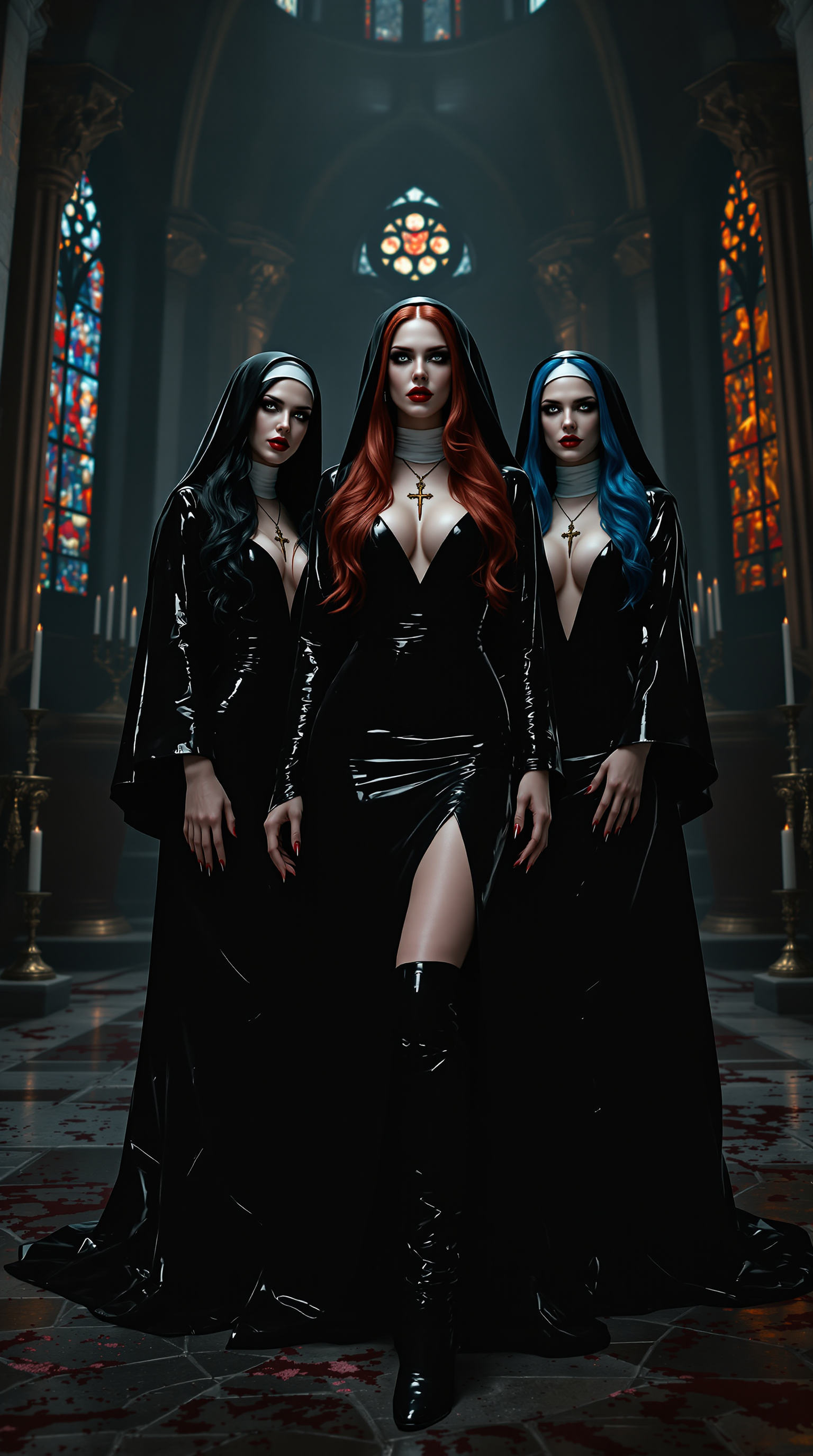

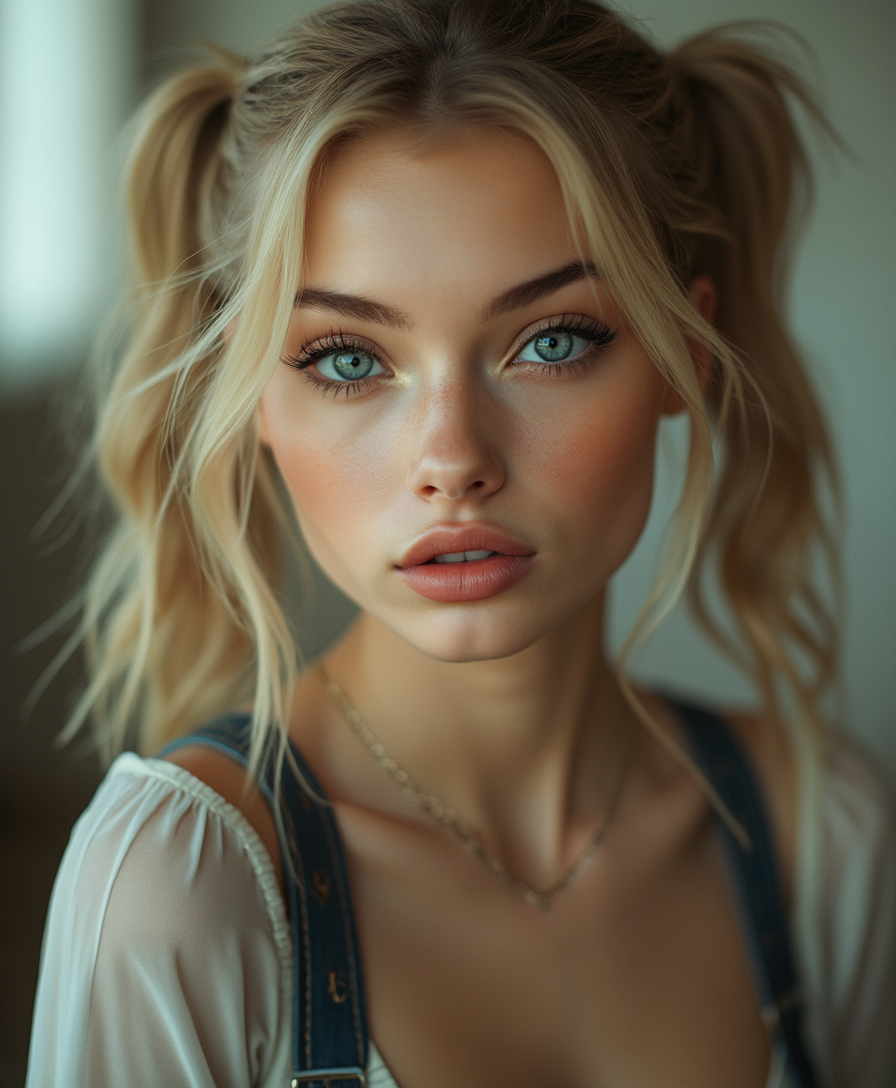

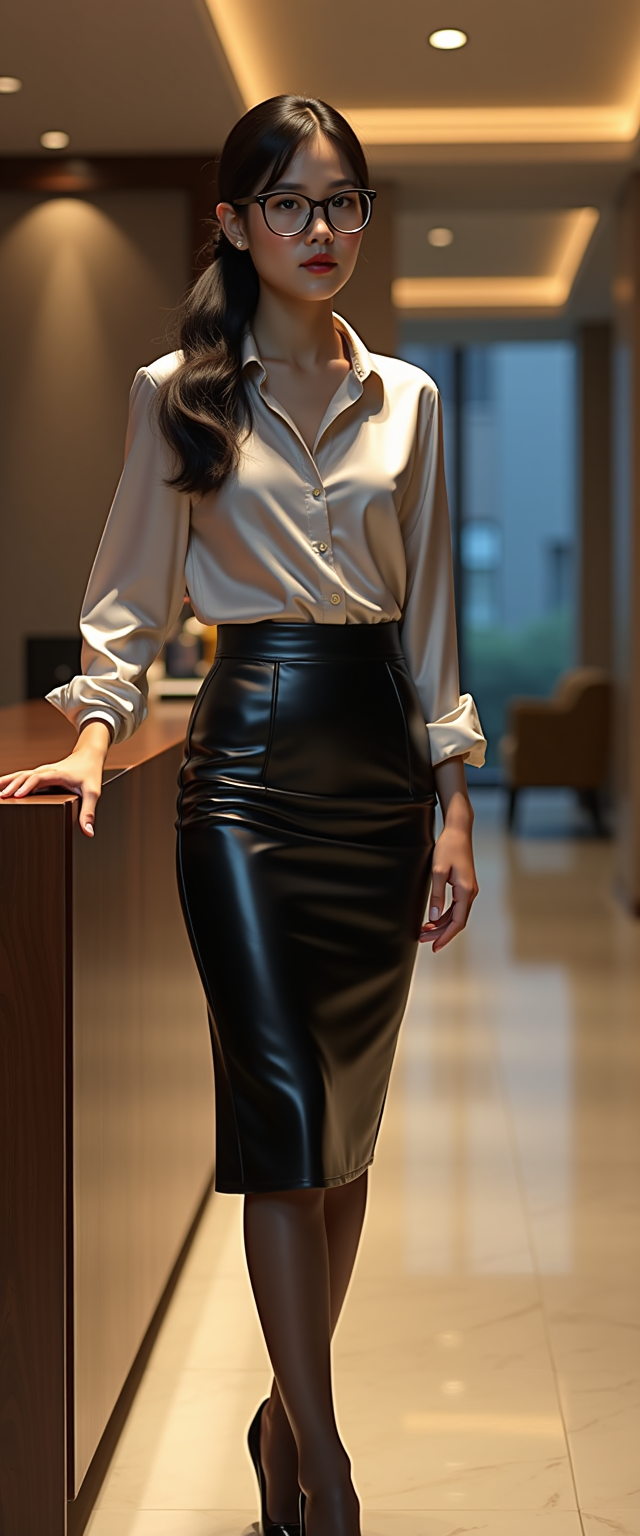

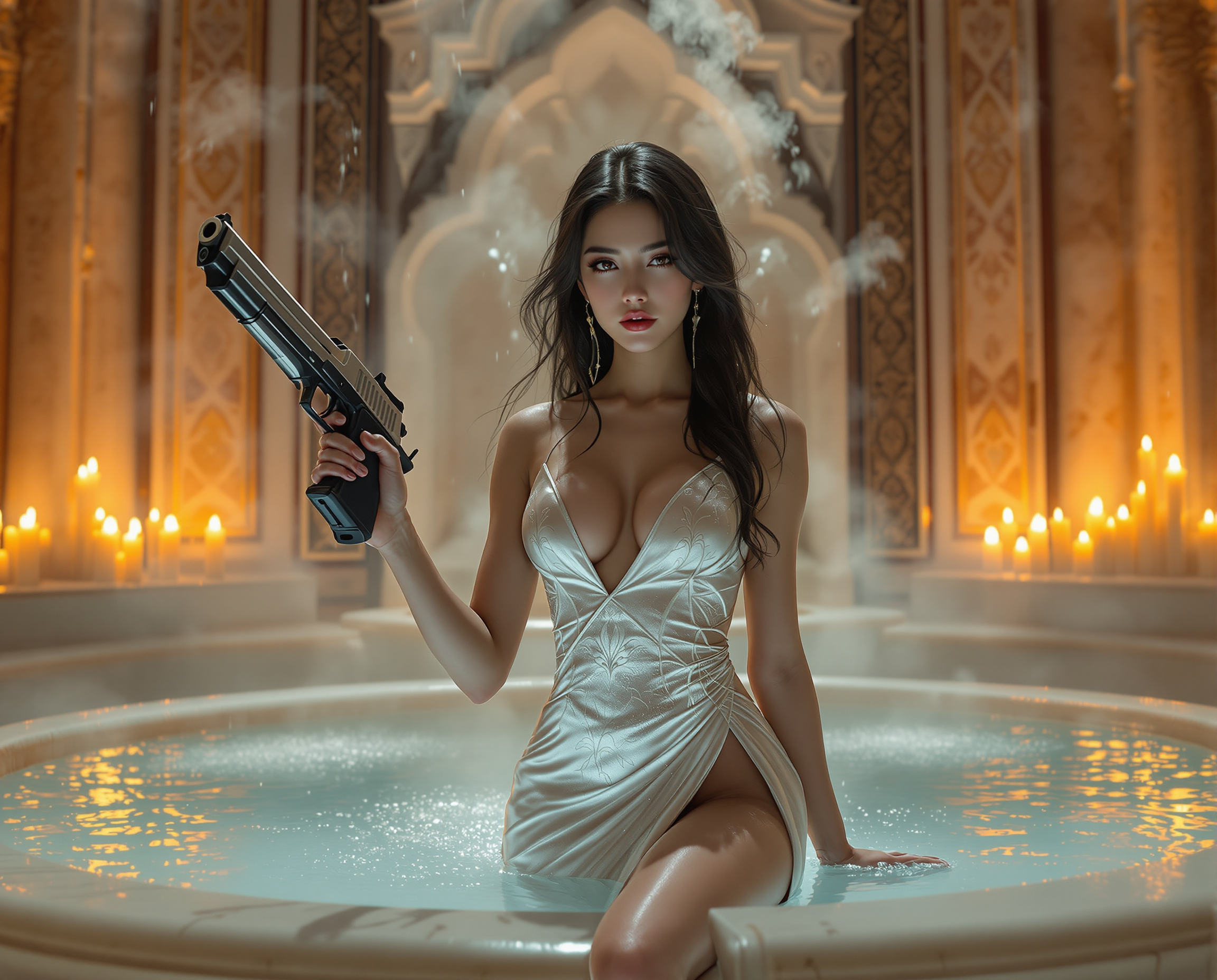
The Pixel Dojo Advantage
Why PixelDojo outperforms other options for AI video generation
| Others | Pixel Dojo |
|---|---|
| Traditional Video Production | Eliminate the need for expensive equipment and extensive editing time. |
| Generic AI Tools | Access specialized features tailored for high-quality video generation. |
| Manual Animation | Achieve complex animations without the steep learning curve of traditional methods. |
Loved by creators on PixelDojo
Real feedback from people using PixelDojo, pulled from our in-product surveys.
Tons of variety. Ease of use. Tools for beginners and advance users.
easiest workflow to get best output image or video
awesome functionality, UX, constant flood of improvements, discord interactivity
Awesome site with so many features
Love how I can almost create anything
The Flux Pro Ultra is just amazing!
Explore more AI tools on PixelDojo
AI Tools
Compare & Switch
- Best AI Image Generators
- Best AI Video Generators
- Midjourney Alternatives
- Civitai Alternatives
- Runway Alternatives
- Leonardo Alternatives
- Pika Alternatives
- Luma Alternatives
- Magnific Alternatives
- Veo Alternatives
- Flux Alternatives
- Freepik Alternatives
- Seedance Alternatives
- Seedream Alternatives
- Pixverse Alternatives
- GPT Image Alternatives
- Synthesia Alternatives
- Playground Alternatives
- NightCafe Alternatives
- Canva AI Alternatives
- ElevenLabs Alternatives
- ComfyUI Alternatives
- Fal Alternatives
- Replicate Alternatives
Common Questions
Everything you need to know about how to use kling v3 video generator
How do I start using Kling v3 on PixelDojo?
Simply sign up for a PixelDojo account, navigate to the Kling v3 tool, and follow the step-by-step instructions to create your first video.
Can I use Kling v3 for commercial projects?
Yes, videos created with Kling v3 on PixelDojo can be used for both personal and commercial purposes.
What input formats does Kling v3 support?
Kling v3 supports text prompts and image uploads in formats such as JPG and PNG.
How long does it take to generate a video?
Video generation time varies based on complexity but typically ranges from a few seconds to a couple of minutes.
Is there a limit to the number of videos I can create?
PixelDojo offers various subscription plans with different limits. Check our pricing page for more details.
Do I need any prior experience to use Kling v3?
No, Kling v3 is designed to be user-friendly and accessible to both beginners and experienced creators.