ia face AI Generator

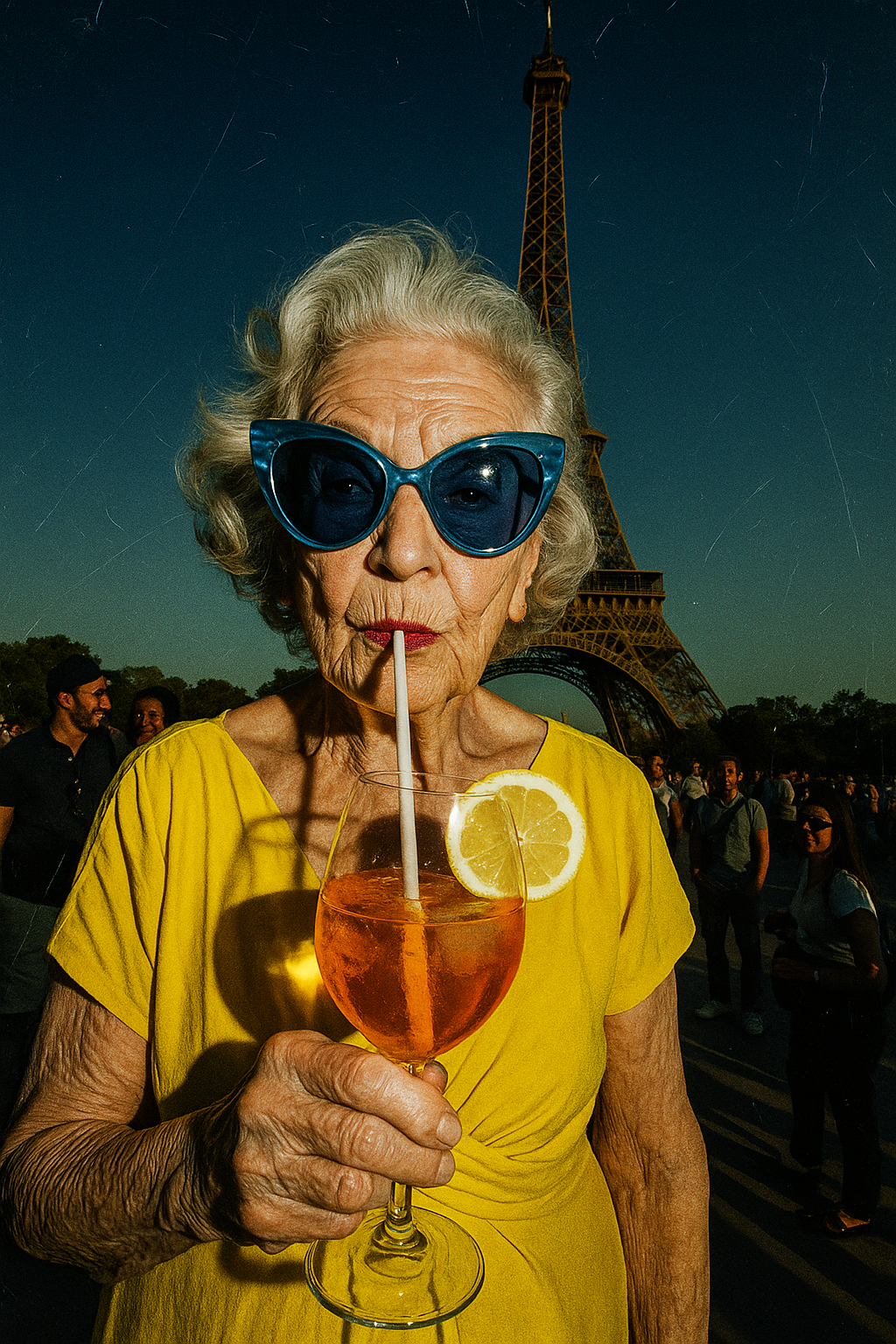
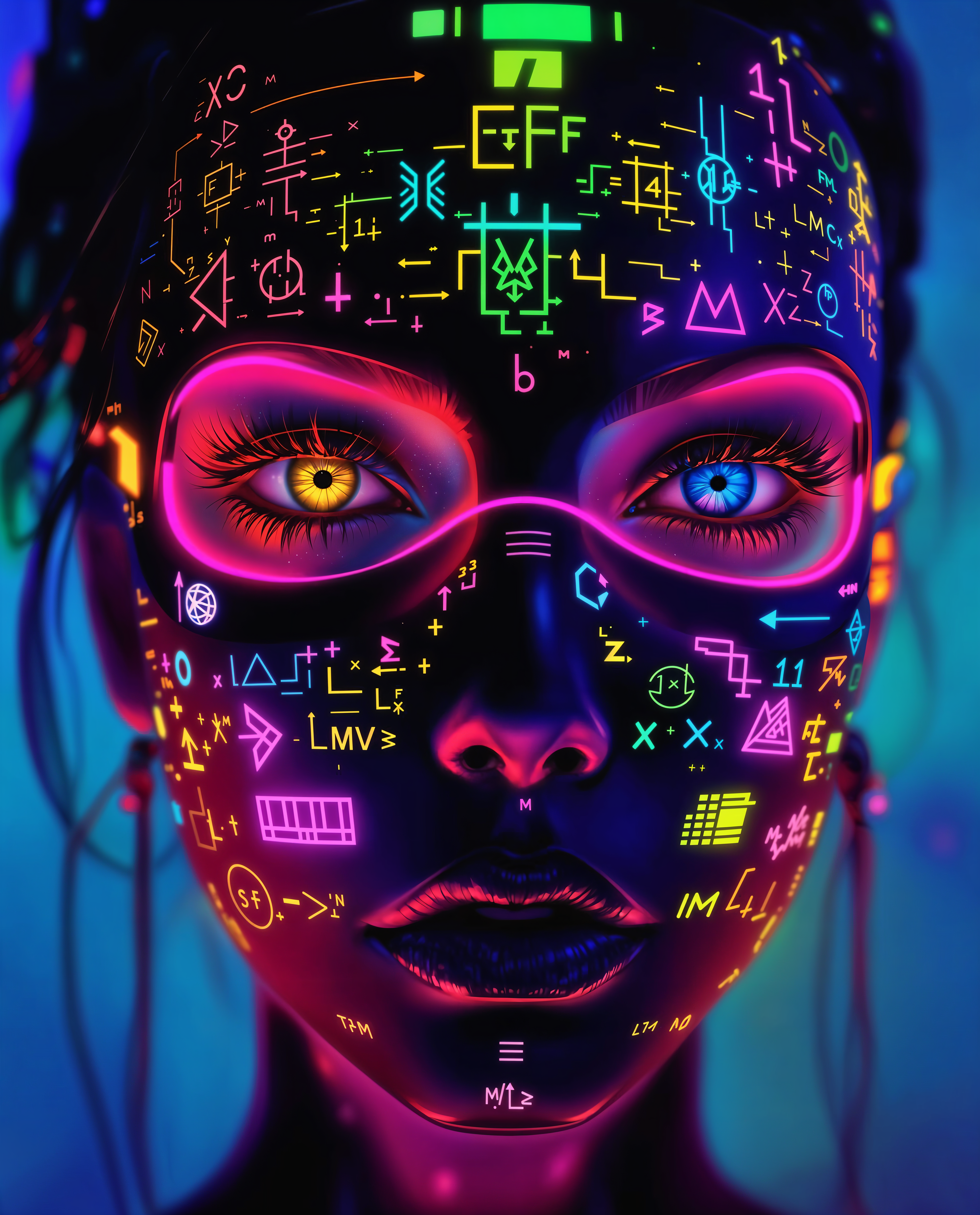
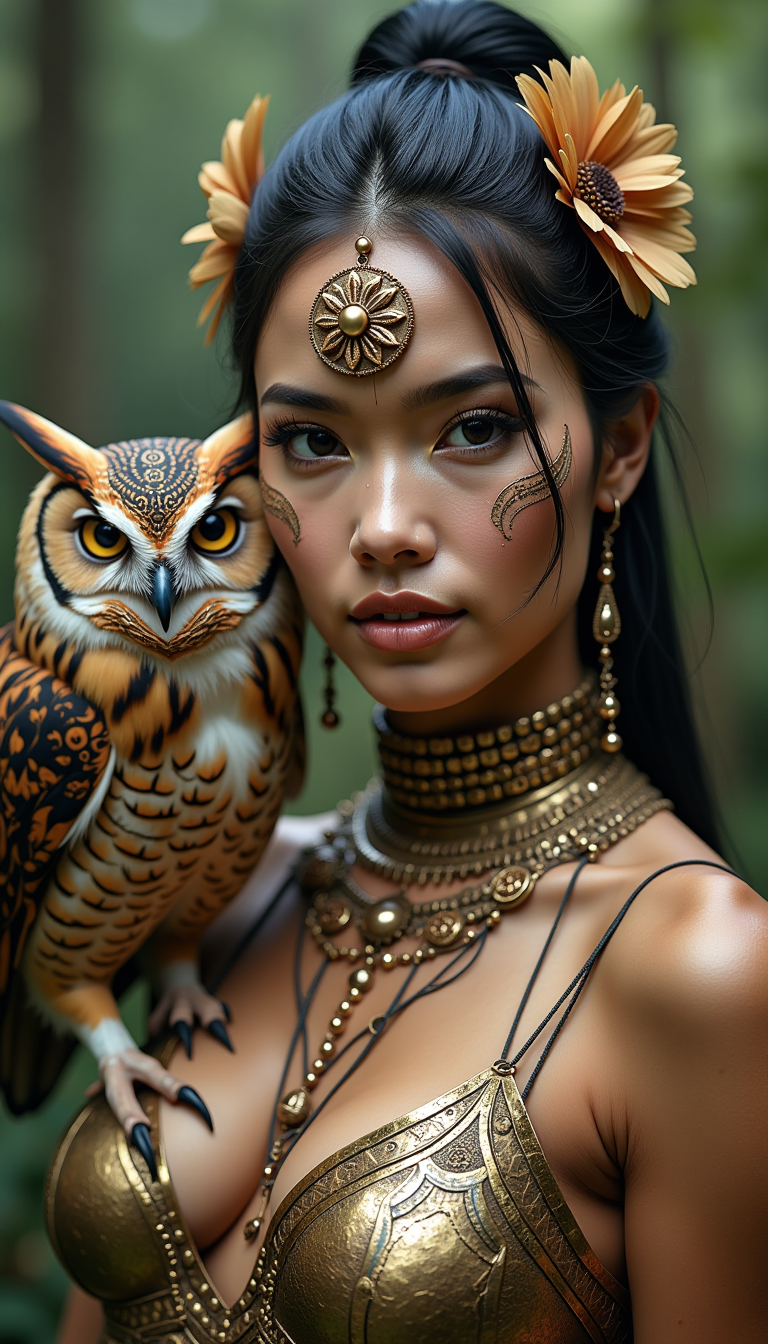
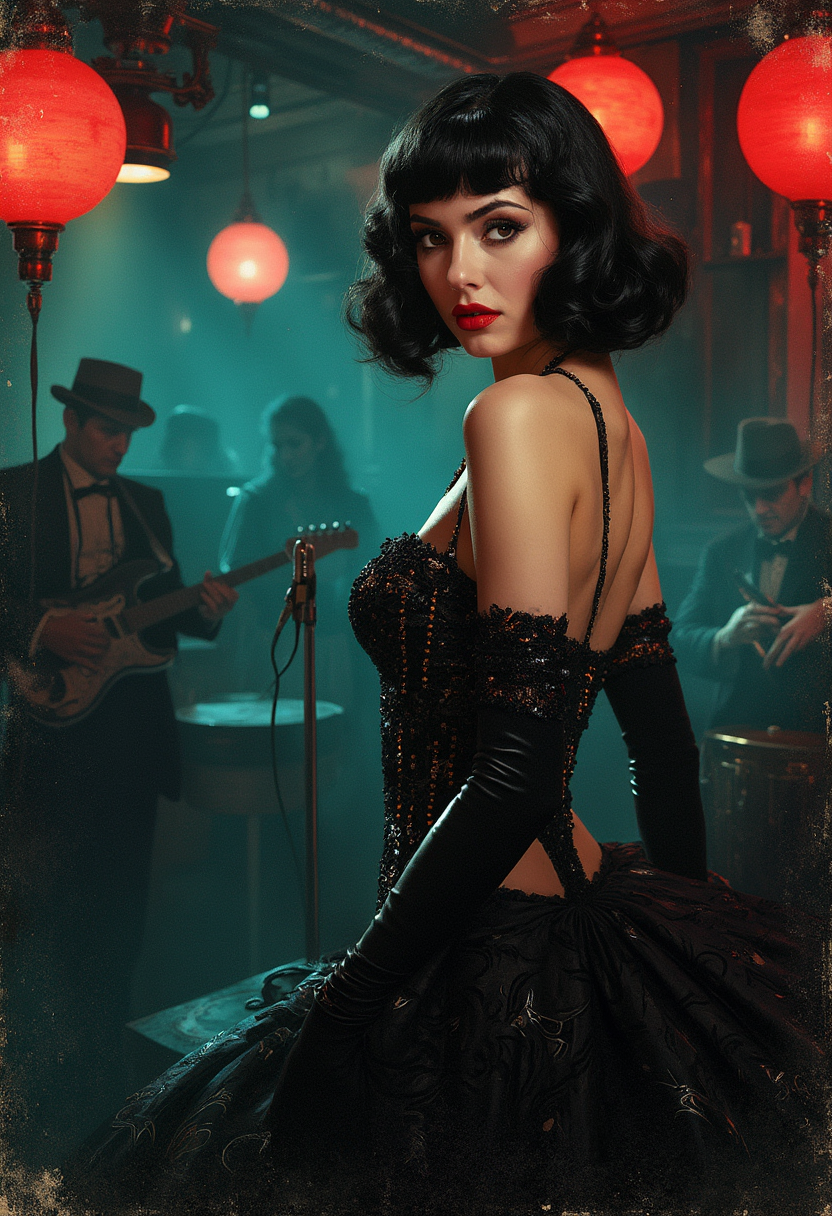
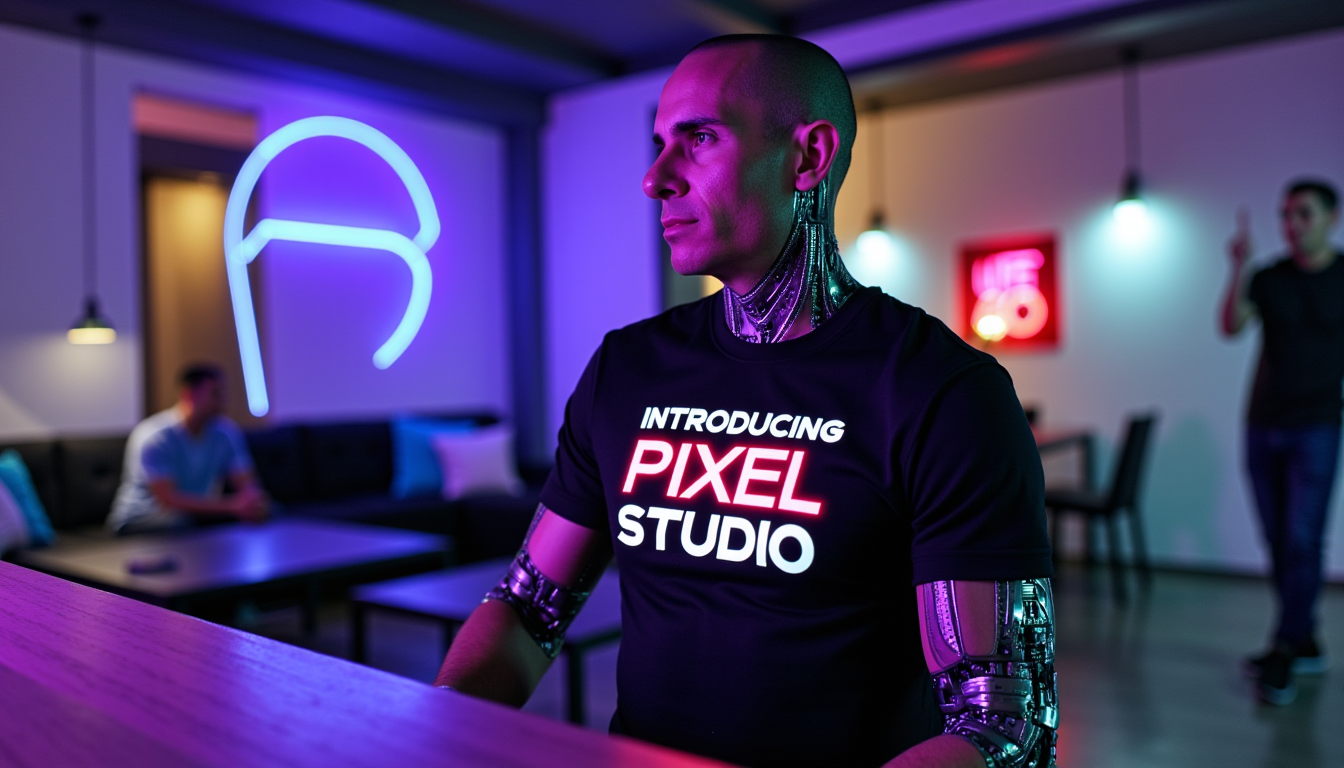
Imagine having access to unlimited professional models and photographers without booking a single studio session. With PixelDojo's IA face tools, you can create stunning, photorealistic faces that look like real people captured in natural light. Whether you need diverse headshots for marketing campaigns, consistent characters for your stories or brands, or custom avatars for social media and virtual try-ons, you achieve professional results in minutes. Focus on your vision while the AI handles the realism, skin textures, lighting, and expressions that make faces unforgettable.
Loved by 50,000+ creators worldwide. 4.9/5 average rating from 12,000+ reviews. Over 2 million IA faces generated this month alone. Cancel anytime, no long-term commitment required.
Why Choose Pixel Dojo for ia face
Professional-quality results with cutting-edge AI technology
Professional Headshots Without the Studio
Create diverse, high-quality IA face portraits with natural skin details, authentic expressions, and real-world lighting in any style or setting you need for LinkedIn, resumes, or campaigns.
Consistent Characters Across All Your Projects
Maintain the exact same face, features, and style across dozens of scenes, outfits, and poses using dedicated character tools, perfect for storytelling, branding, or series content.
Instant Face Swaps & Custom Avatars
Swap faces onto any reference image or video, create personalized avatars, and explore virtual try-ons for fashion or makeup concepts with precise control and lifelike results.
How It Works
Creating realistic IA faces is simple with PixelDojo's specialized tools. Follow these three steps to generate professional results fast.
Step 1: Choose Your Tool
Select from dedicated IA face tools like Consistent Characters, Flux.2 Studio, Grok Image, or Face Swap depending on whether you want new faces, consistency, or editing existing ones.
Step 2: Enter Your Prompt or Upload Reference
Describe the IA face you want in natural language like 'confident young professional woman with warm smile and natural lighting' or upload a reference photo for Face Swap or LoRA training.
Step 3: Customize & Download
Refine with edits like Pose Control, Style Transfer, or Reality Polisher, then upscale with Portrait Upscaler and download high-resolution IA faces ready for any use.


The Pixel Dojo Advantage
Why PixelDojo outperforms other options for IA face image generation
| Others | Pixel Dojo |
|---|---|
| Traditional photography sessions | Generate unlimited diverse IA faces instantly at a fraction of the cost with complete creative control over age, ethnicity, expression, and setting |
| Generic AI tools | Specialized IA face tools like Consistent Characters and dedicated Face Swap deliver superior realism and repeatability without generic prompt struggles |
| Manual photo editing | AI-powered Face Swap, Inpainting, and Character Stylist handle complex facial edits automatically while preserving natural details in seconds |
Loved by creators on PixelDojo
Real feedback from people using PixelDojo, pulled from our in-product surveys.
THIS IS SO DOPE !
I have already recommended it to friends
All the tools, plus the guidance
Excellent tools. Ease of use. Well thought out interface. Wide variety of AI tools and features which are up to date with more added each month
I really like how the site is kept up to date, and the leaderboard (where I'm currently #11 most popular artist)
This is the best image generator I've used so far. Well done!
Explore more AI tools on PixelDojo
AI Tools
Compare & Switch
- Best AI Image Generators
- Best AI Video Generators
- Midjourney Alternatives
- Civitai Alternatives
- Runway Alternatives
- Leonardo Alternatives
- Pika Alternatives
- Luma Alternatives
- Magnific Alternatives
- Veo Alternatives
- Flux Alternatives
- Freepik Alternatives
- Seedance Alternatives
- Seedream Alternatives
- Pixverse Alternatives
- GPT Image Alternatives
- Synthesia Alternatives
- Playground Alternatives
- NightCafe Alternatives
- Canva AI Alternatives
- ElevenLabs Alternatives
- ComfyUI Alternatives
- Fal Alternatives
- Replicate Alternatives
Common Questions
Everything you need to know about ia face
How to generate consistent IA faces for characters or brands with PixelDojo?
Use the Consistent Characters tool or train a custom model with Flux 2 Trainer or QWEN Trainer on reference images. This locks in facial features so the same IA face appears across multiple generations with different poses, outfits, or scenes.
What is the best way to create photorealistic IA faces that don't look AI-generated?
Start with Flux.2 Studio or Grok Image for base generation, then apply Reality Polisher and Portrait Upscaler. Add specific prompts for natural skin texture, subtle imperfections, and real-world lighting to achieve indistinguishable results.
Can I perform face swaps on IA faces or real photos using PixelDojo?
Yes, the dedicated Face Swap tool and LoRA Face Swap let you replace faces on any image or video reference. Combine with Kling Video Character Swap or WAN Video Character Swap for moving content while keeping perfect facial consistency.
How do I create professional IA face headshots for LinkedIn or resumes?
Choose GPT Image 2 or Flux.1 Studio, describe your desired professional look including attire and background, then refine with Magic Lighting and Smart Resize. Download in high resolution ready for any professional use.
Is it possible to generate diverse IA faces representing different ages and ethnicities?
Absolutely. PixelDojo's tools including ImagineArt, Hunyuan Image 3, and Bria 3.2 excel at diverse, inclusive IA face generation. Simply include details like age, ethnicity, and features in your prompt for accurate, respectful results.
What IA face tools work best for virtual try-on or avatar creation?
Virtual Try-On combined with Character Stylist and Heygen Avatar or Kling Avatar let you visualize clothing, makeup, or hairstyles on consistent IA faces. Perfect for e-commerce, social content, or personalized avatar projects.