image ai
Imagine turning any idea into a polished, professional image in under a minute—no design experience required. PixelDojo's image AI platform empowers you to produce stunning visuals that elevate your marketing campaigns, social content, product showcases, and creative projects. Whether you need lifelike portraits, branded illustrations, or custom artwork, our suite of tools delivers results that look hand-crafted and perform in the real world.
Over 75,000 creators worldwide trust PixelDojo to generate millions of images monthly. Average rating: 4.9/5 from verified users. Backed by thousands of success stories in e-commerce, content creation, and design.
Why Choose Pixel Dojo for image ai
Professional-quality results with cutting-edge AI technology
Produce Photorealistic Results Instantly
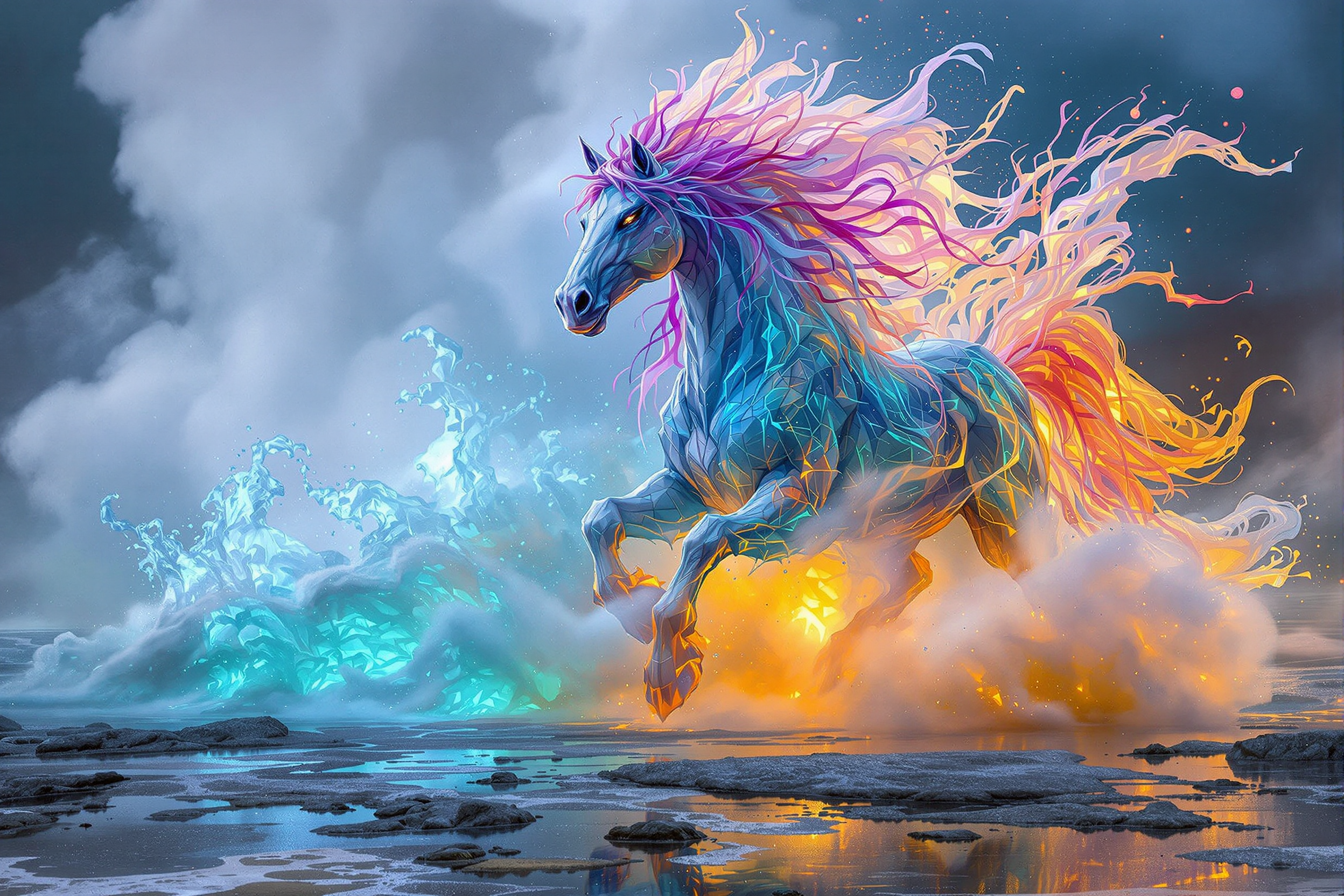
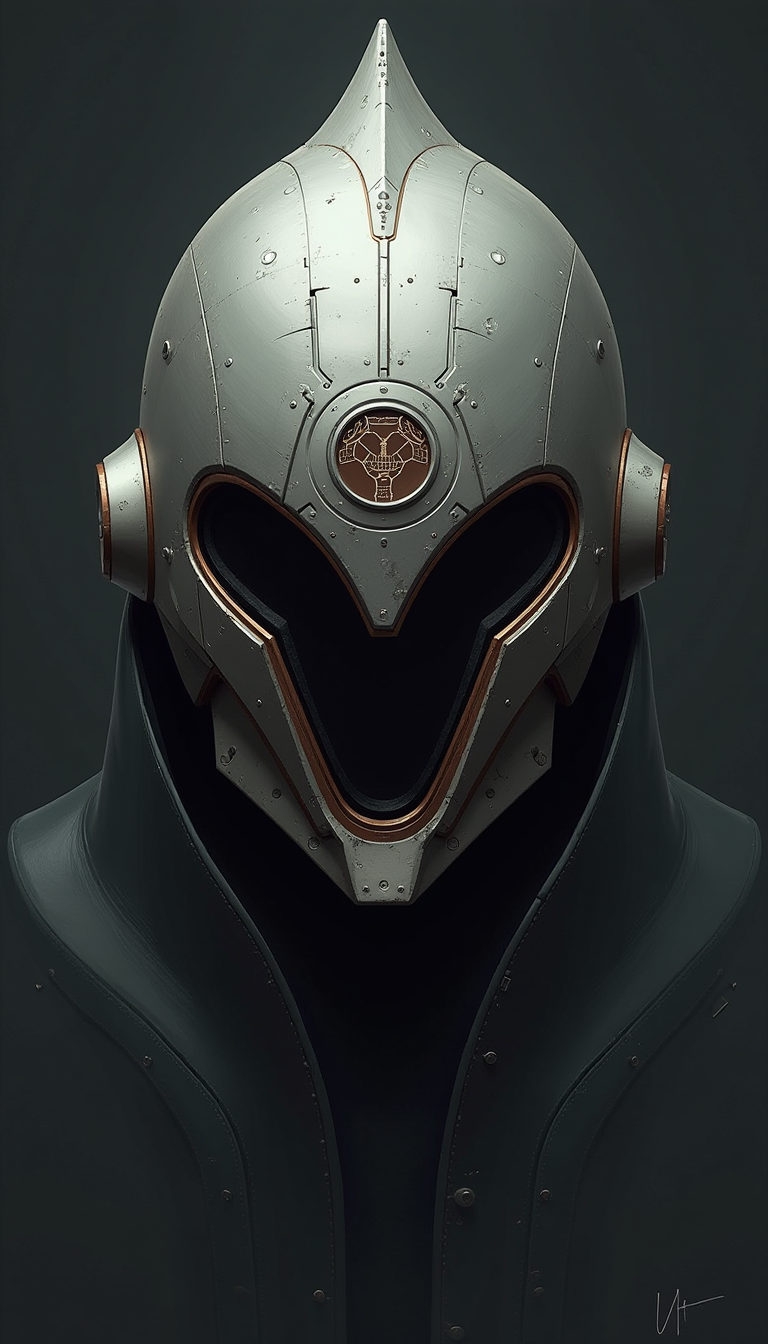
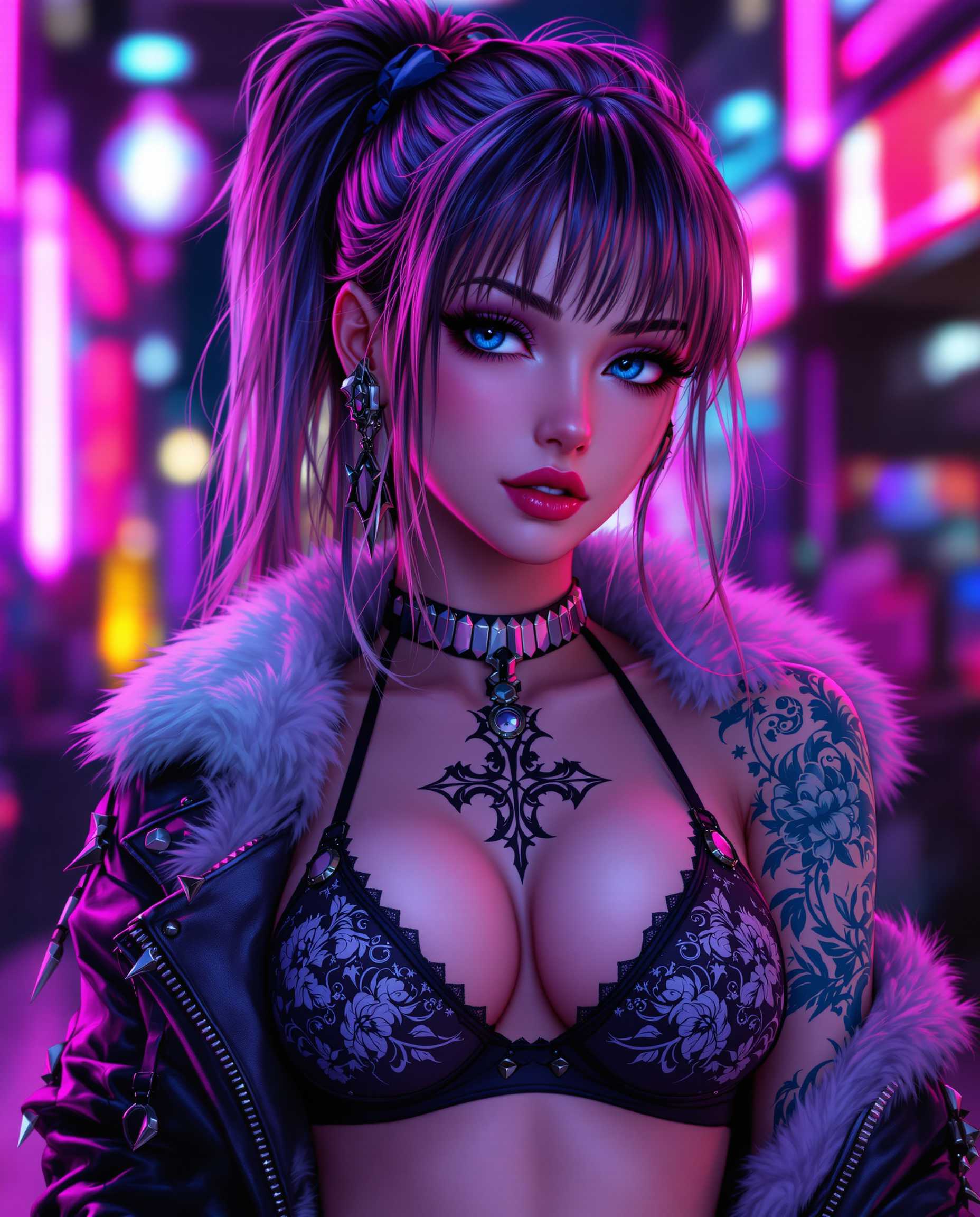
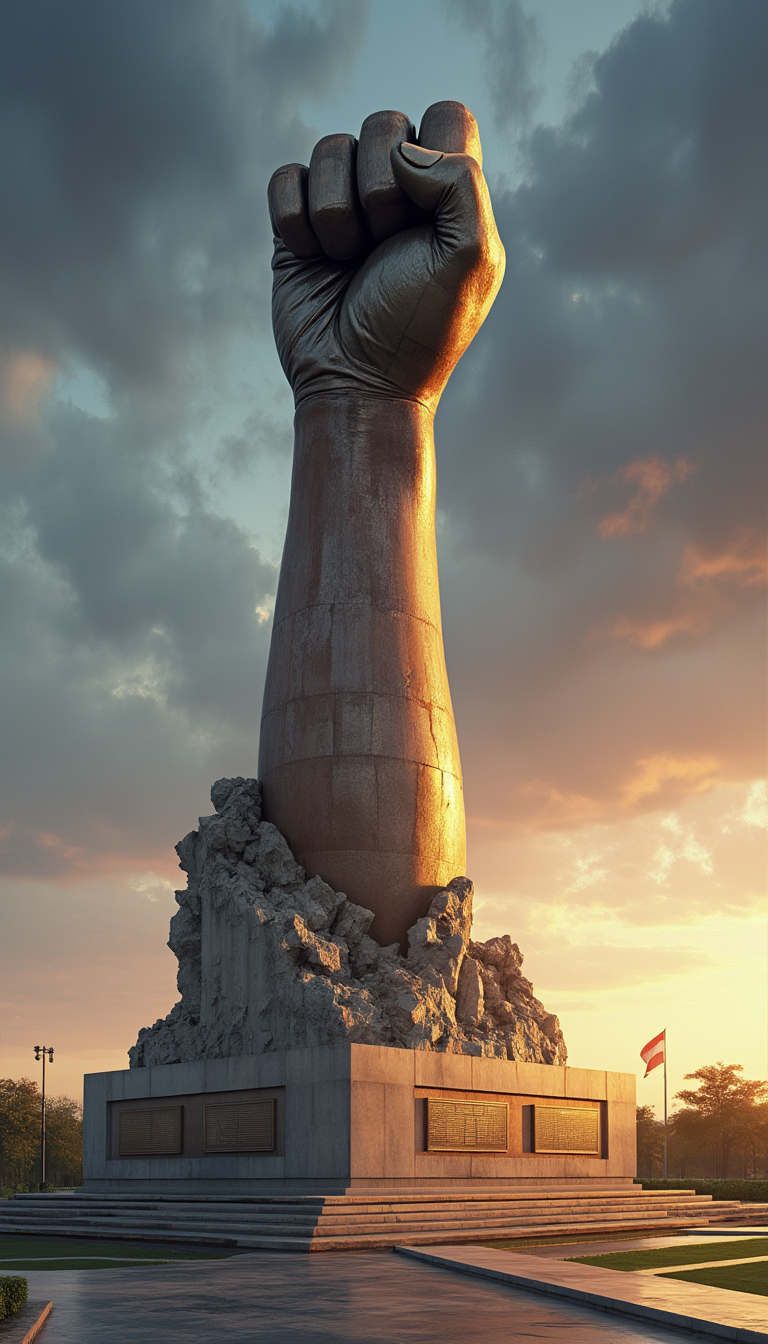
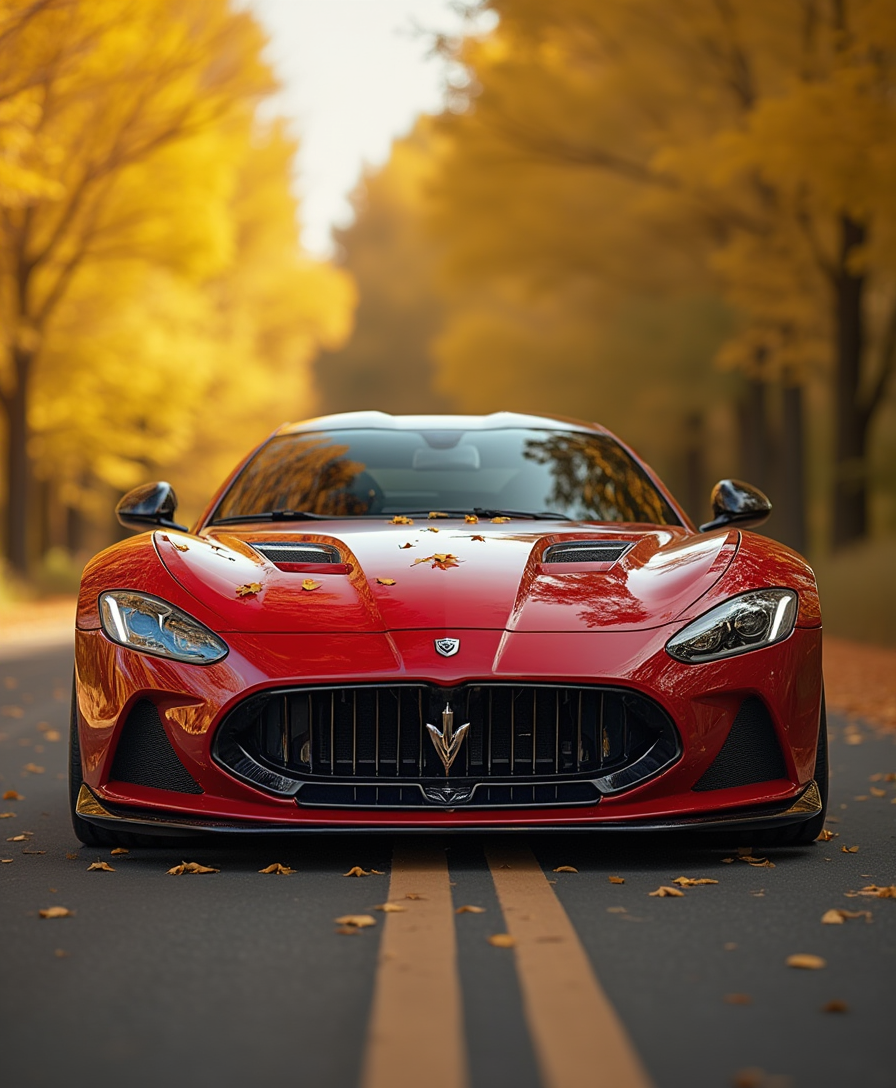
Create hyper-realistic product photos, portraits, and scenes that captivate audiences and convert viewers into customers using specialized tools like Flux.2 Studio and Grok Image.
Maintain Perfect Character & Brand Consistency
Generate entire campaigns with identical characters or brand elements every time. Consistent Characters and Character Sheets tools ensure your visual identity stays flawless across dozens of images.
Refine and Edit with Professional Precision
Iterate quickly using Inpainting, Style Transfer, and Magic Lighting to perfect lighting, remove backgrounds, or adapt styles—turning good images into exceptional ones without starting over.
How It Works
Getting started with image AI on PixelDojo is simple and intuitive. Follow these three steps to create professional results in minutes.
Step 1: Choose Your Tool
Browse our library of 40+ specialized image AI tools and pick the perfect one for your goal—try Flux.2 Studio for photorealism, Nano Banana 2 for character consistency, or Ideogram 4 for crisp text integration.
Step 2: Enter Your Prompt
Describe your vision in plain language. Include details like lighting, mood, composition, and style references. Our models understand advanced prompting techniques for highly accurate outputs.
Step 3: Customize & Download
Review your generated images, then refine with editing tools like Inpainting for targeted changes, Background Remover, or Creative Upscaler. Download in high resolution ready for any use.

The Pixel Dojo Advantage
Why PixelDojo outperforms other options for image AI generation
| Others | Pixel Dojo |
|---|---|
| Traditional image creation | Skip weeks of hiring artists or learning complex software—generate professional results in seconds with guided AI assistance |
| Generic AI tools | Access 40+ purpose-built models instead of one-size-fits-all, including specialized options for consistency, text, and editing workflows |
| Manual photo editing | Automate repetitive tasks like background removal and style matching while retaining full creative control through intuitive refinement tools |
Loved by creators on PixelDojo
Real feedback from people using PixelDojo, pulled from our in-product surveys.
A well resourced sunscription with attention to updates.
Easy to use and there's lots of options.
super lora download
Great variety of tools to create and modify images and video.
Lots of Tools, and the one time I needed support I got help right away
Easy to use once you get the hang of it
Explore more AI tools on PixelDojo
AI Tools
Compare & Switch
- Best AI Image Generators
- Best AI Video Generators
- Midjourney Alternatives
- Civitai Alternatives
- Runway Alternatives
- Leonardo Alternatives
- Pika Alternatives
- Luma Alternatives
- Magnific Alternatives
- Veo Alternatives
- Flux Alternatives
- Freepik Alternatives
- Seedance Alternatives
- Seedream Alternatives
- Pixverse Alternatives
- GPT Image Alternatives
- Synthesia Alternatives
- Playground Alternatives
- NightCafe Alternatives
- Canva AI Alternatives
- ElevenLabs Alternatives
- ComfyUI Alternatives
- Fal Alternatives
- Replicate Alternatives
Common Questions
Everything you need to know about image ai
How can I create consistent characters using image AI on PixelDojo?
Use our dedicated Consistent Characters and Character Sheets tools alongside Nano Banana 2. Upload reference images once, then generate unlimited variations where your character maintains the exact same appearance, clothing style, and facial features across every scene.
What makes PixelDojo's image AI better for photorealistic results?
Our Flux.2 Studio and Grok Image tools are optimized for hyper-realistic outputs with advanced lighting simulation and detail rendering. You can further enhance realism using Magic Lighting and Reality Polisher edits to achieve professional photography-level quality.
Can I generate images with readable text using PixelDojo image AI?
Yes! Ideogram 4 and QWEN Image 2 excel at embedding clear, legible text into designs. Simply include your desired text in the prompt, and the model handles typography, placement, and integration naturally for logos, posters, and infographics.
How do I edit existing images with PixelDojo's image AI tools?
Upload your photo and use Image to Image, Inpainting, or Change Camera Angle to transform it. Add Style Transfer for new aesthetics, remove backgrounds instantly, or apply Smart Resize while preserving quality—all without technical expertise.
Is PixelDojo image AI suitable for commercial projects and branding?
Absolutely. Generate royalty-free images for marketing, e-commerce, and client work. Our commercial-safe models and consistent output features help you build cohesive brand visuals quickly and affordably, with the flexibility to cancel anytime.
What prompting tips help get the best results from image AI?
Be specific about subject, environment, lighting, mood, and camera angle. Reference styles like 'cinematic lighting' or 'product photography on marble background.' Start broad then refine with our editing suite for perfect outcomes every time.