image ai generator

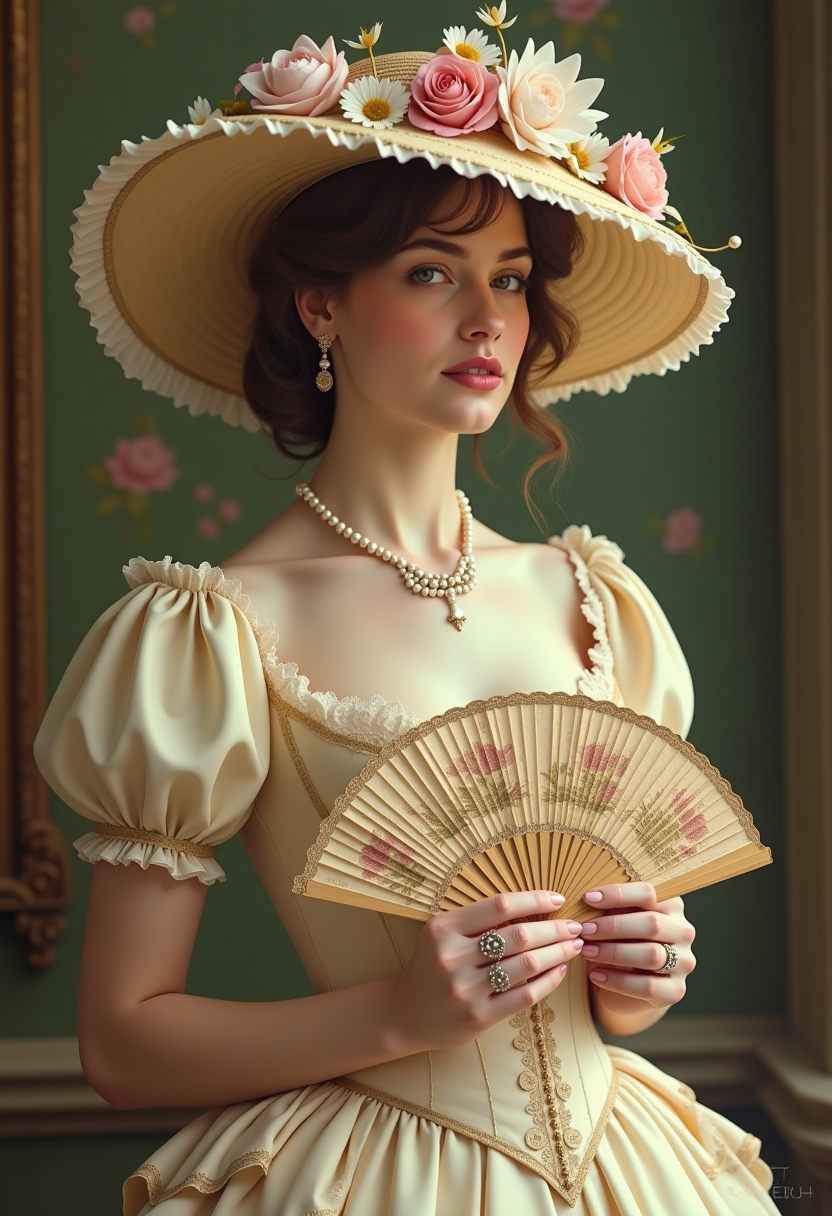
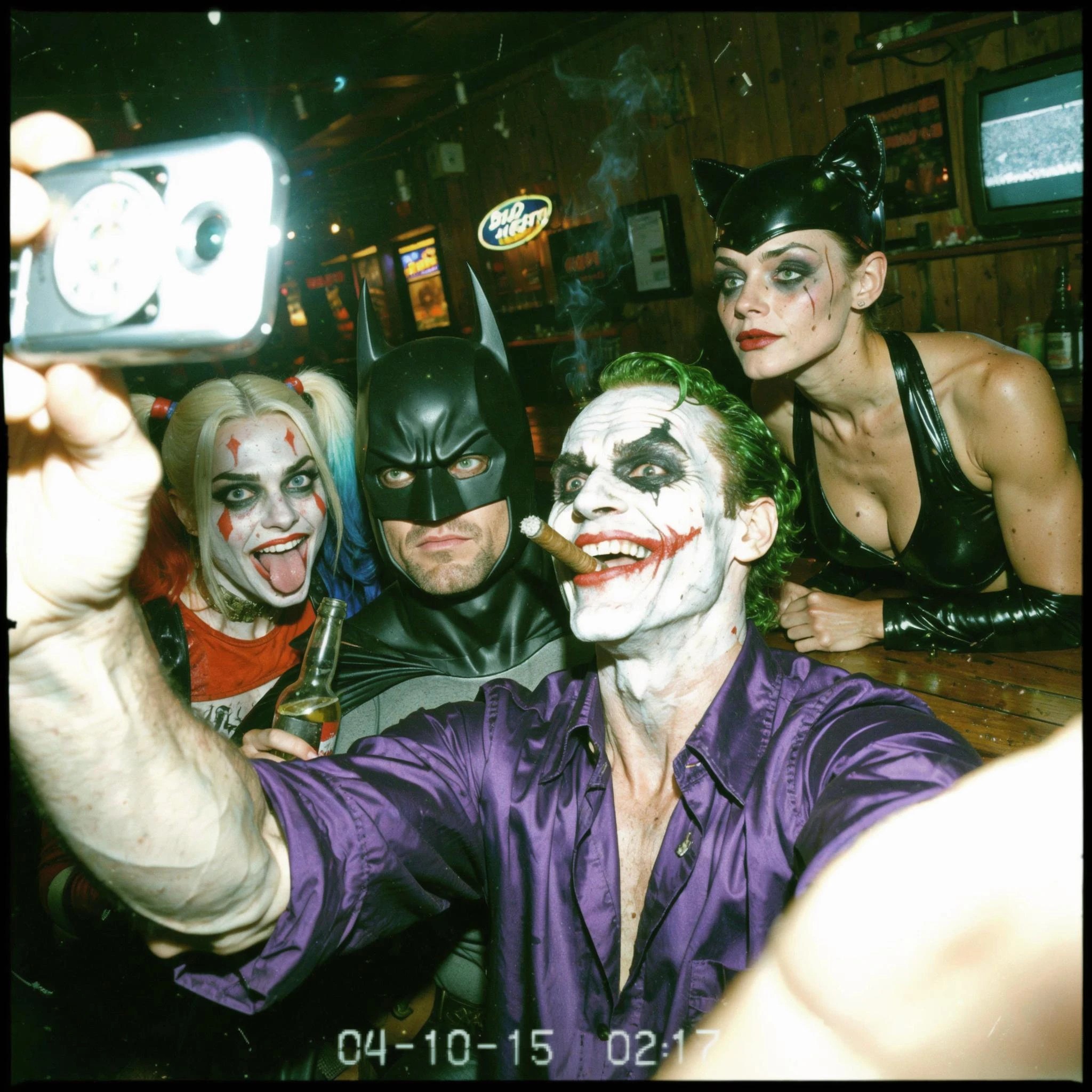
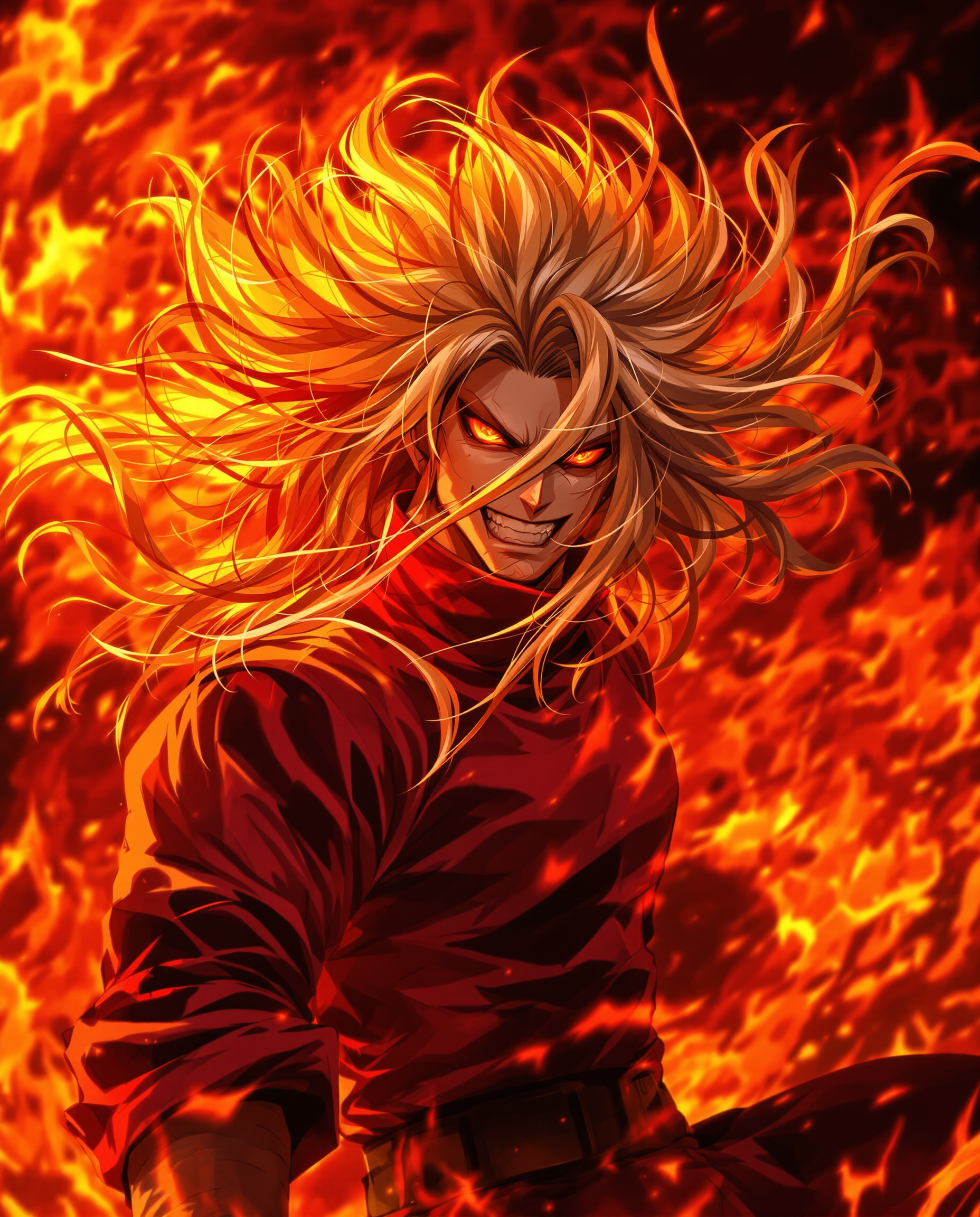
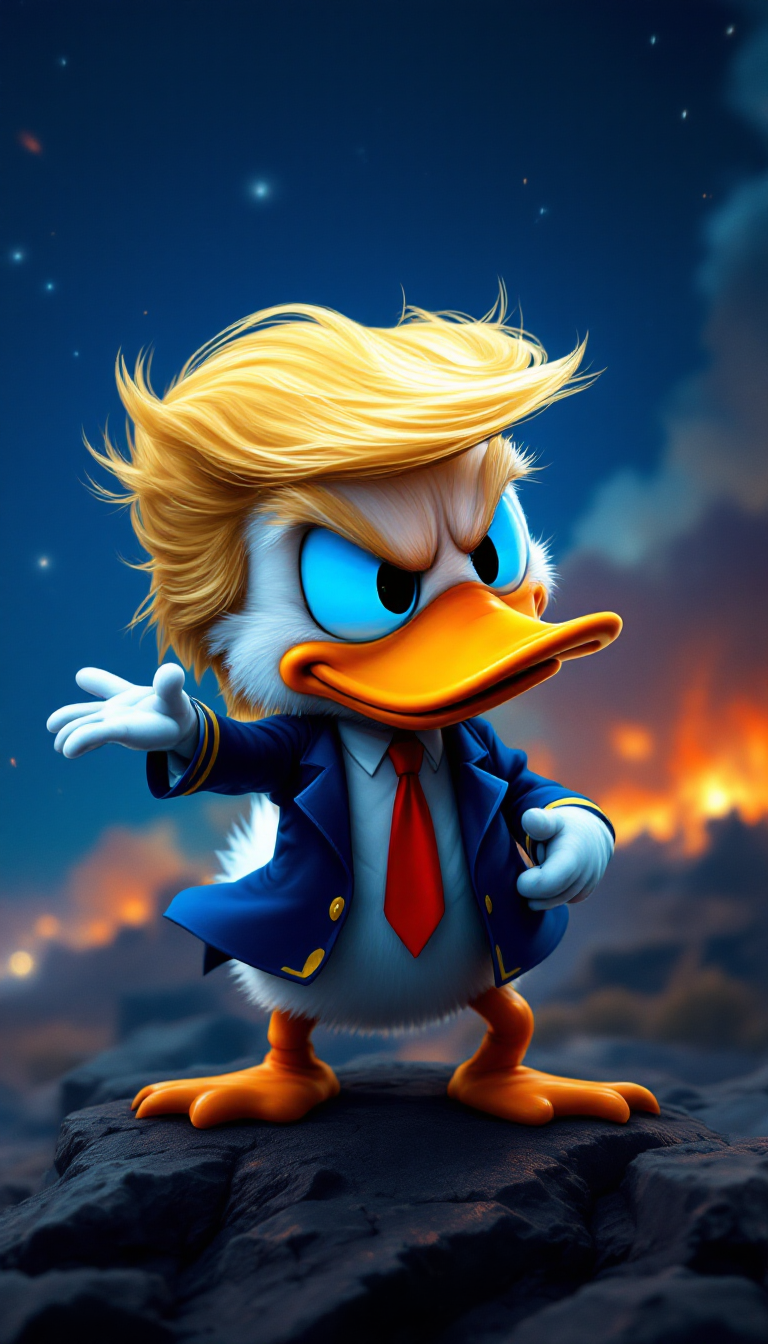
Imagine turning any idea into a polished, professional image in under 60 seconds—no photography skills, no expensive equipment, no design degree required. PixelDojo's image AI generator empowers you to create marketing visuals, product mockups, social media graphics, brand characters, and more that look like they came from a professional studio. Whether you're a solo entrepreneur building your brand, a marketer needing fresh content daily, or a creator exploring new styles, you get consistent, high-quality results every time. Leverage 2026's top advancements like reliable text rendering, multi-image character consistency, and standard 4K output to produce visuals that captivate audiences and drive results.
Join over 75,000 creators who have generated 12+ million images with PixelDojo. Rated 4.9/5 stars from 18,000+ reviews. Trusted by marketing teams at leading startups and agencies worldwide. 40+ cutting-edge AI tools, loved by thousands of creators worldwide, cancel anytime.
Why Choose Pixel Dojo for image ai generator
Professional-quality results with cutting-edge AI technology
Produce Scroll-Stopping Marketing Visuals in Minutes
Create high-converting ad creatives, social posts, and email headers that drive clicks and sales. Your campaigns launch faster with on-brand, photorealistic images tailored exactly to your message.
Maintain Perfect Character Consistency Across Campaigns
Build memorable brand mascots or virtual influencers that look identical in every scene. Keep your audience engaged with a cohesive visual identity that builds trust and recognition.
Achieve Studio-Quality Results Without Any Technical Skills
Get professional lighting, perfect composition, and sharp 4K detail automatically. Focus on your vision while the AI handles the technical execution, freeing you to iterate and create more.
How It Works
Creating professional images with PixelDojo's image AI generator takes just three simple steps. Choose from specialized tools designed for different outcomes, craft natural prompts, and refine until perfect.
Step 1: Choose Your Tool
Select the perfect generator for your goal. Use Flux.2 Studio for unmatched photorealism and detail, Nano Banana 2 for consistent characters across multiple images, or Ideogram 4 when you need crisp, readable text integrated into designs like posters and branding.
Step 2: Enter Your Prompt
Describe your vision in plain English. Be specific about style, lighting, mood, and details—for example: 'Photorealistic portrait of a confident female entrepreneur in a modern office, soft natural window light, 4K, cinematic composition.' The latest models excel at understanding complex instructions and rendering accurate text.
Step 3: Customize & Download
Review results and refine instantly using Image to Image, Inpainting, or Style Transfer. Adjust camera angles, fix elements, or upscale to 4K with P-Image Upscale. Download in your preferred format ready for any platform or campaign.
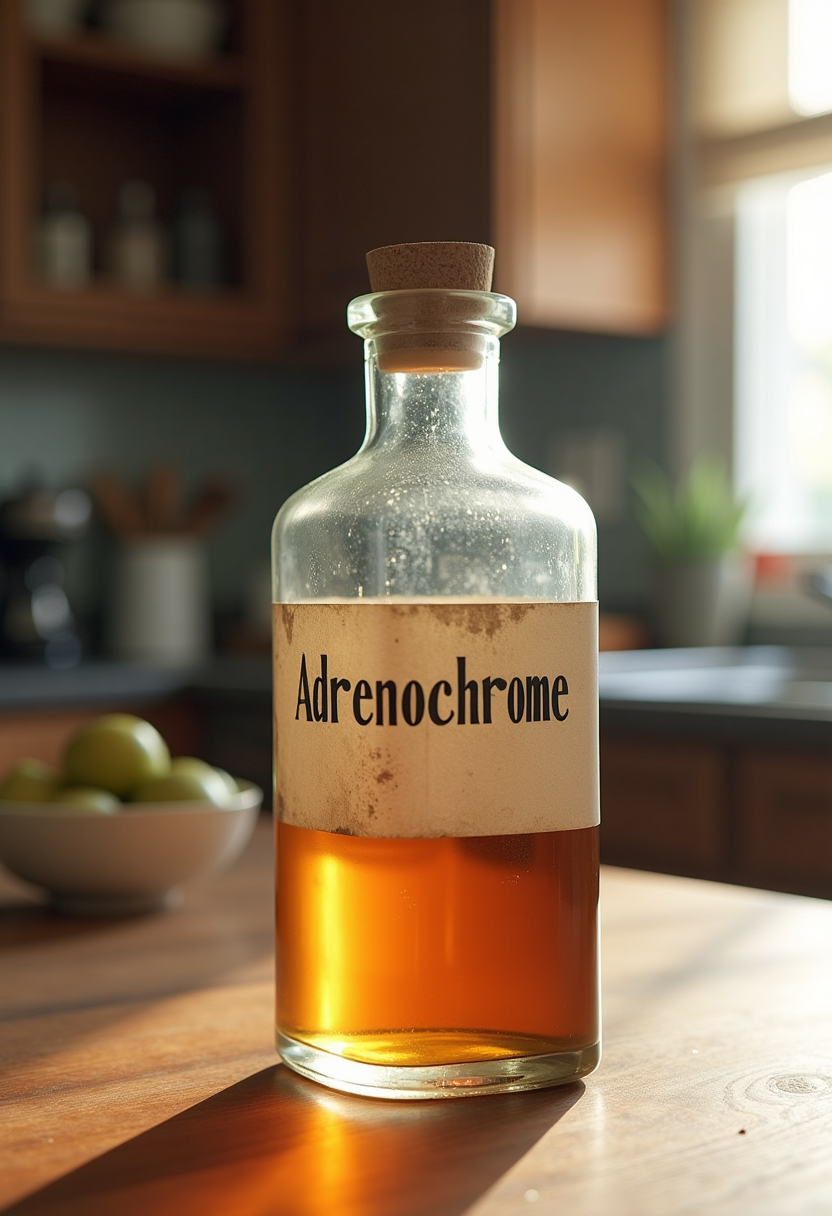
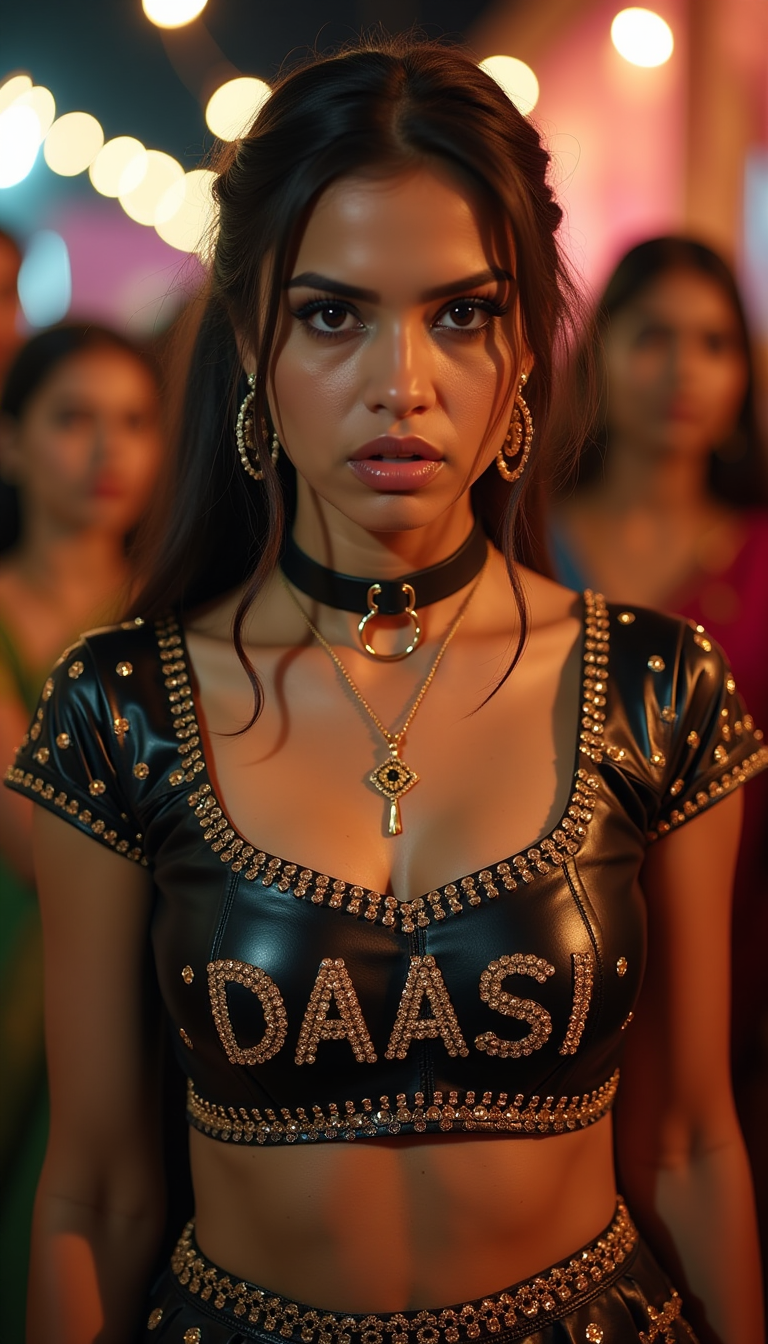
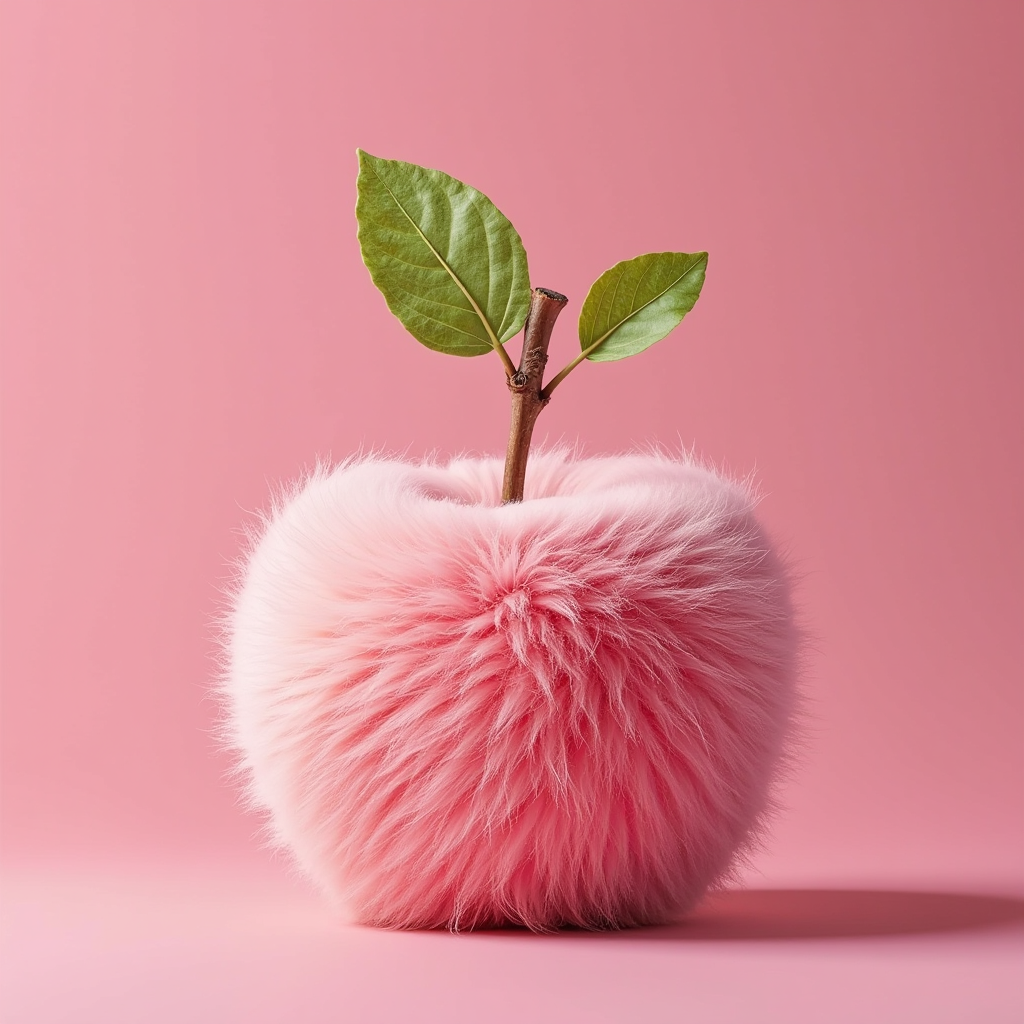
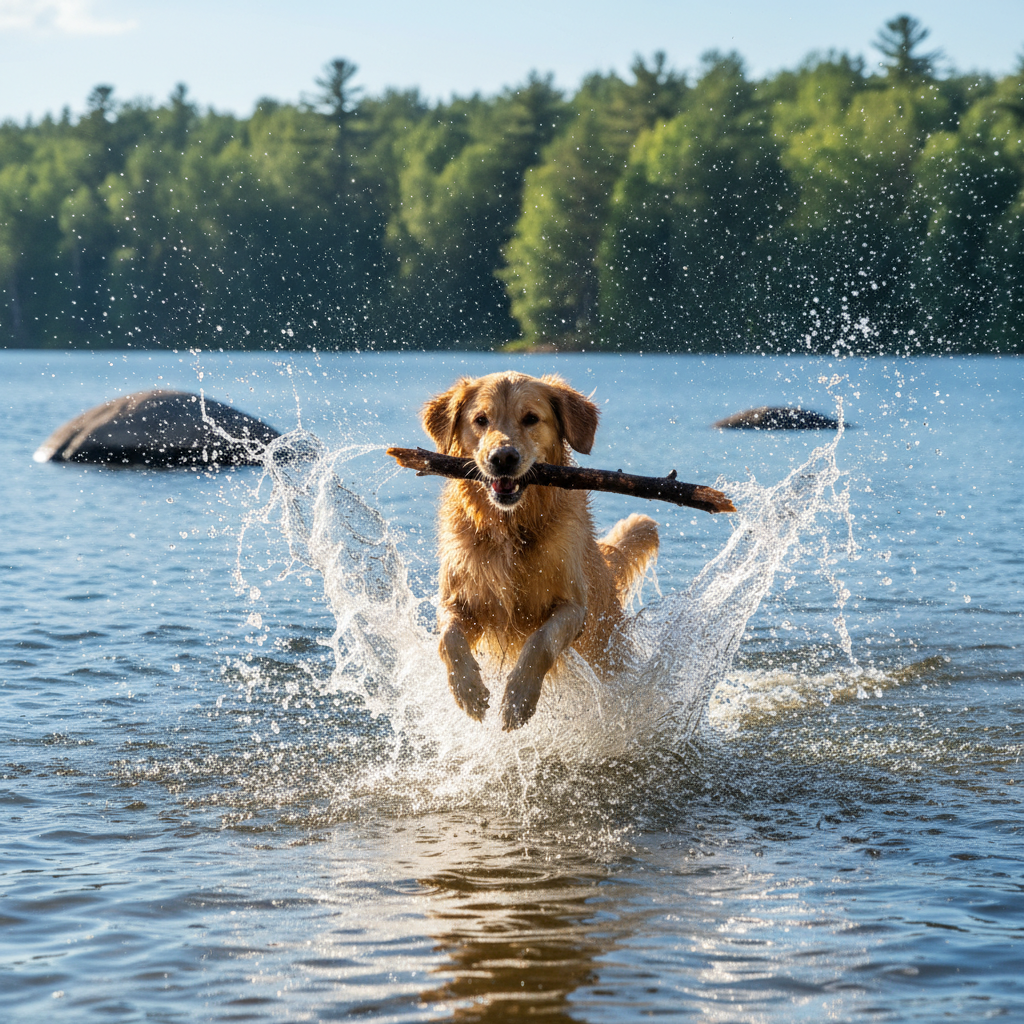
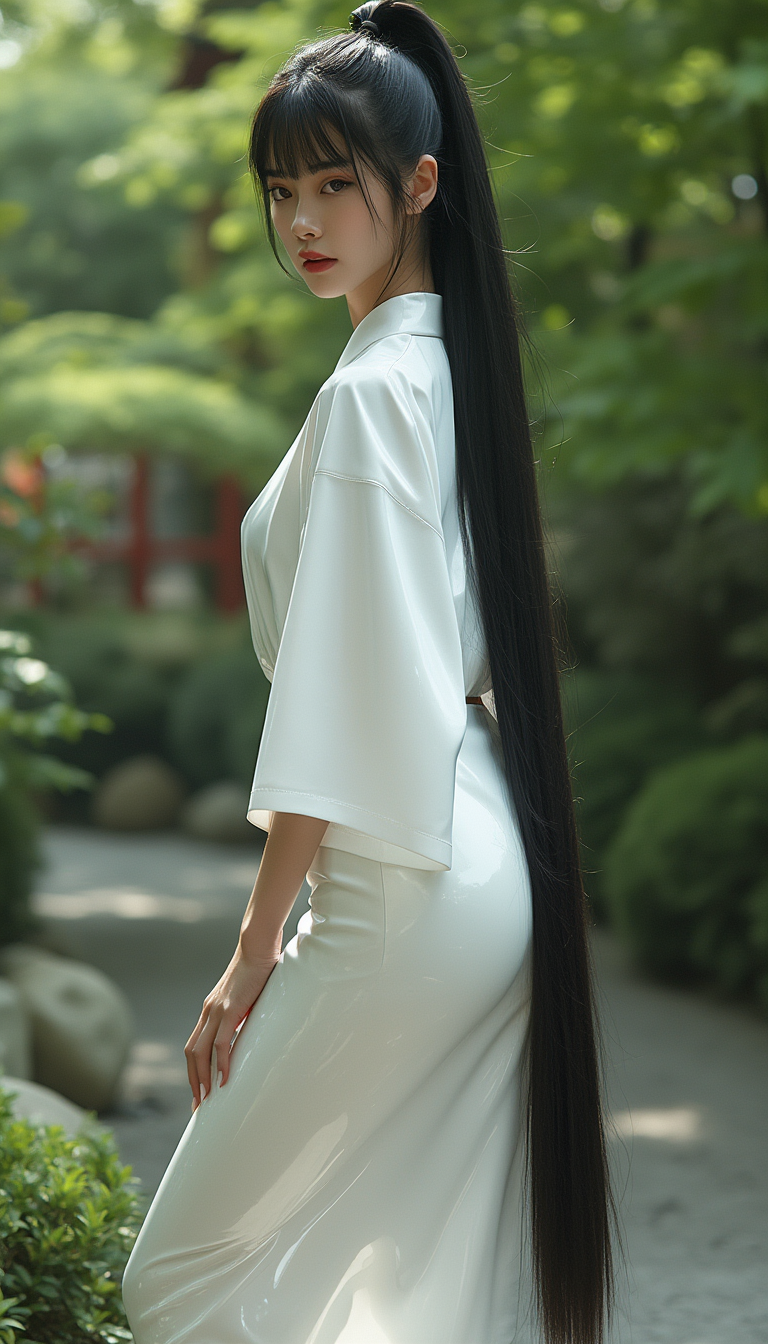
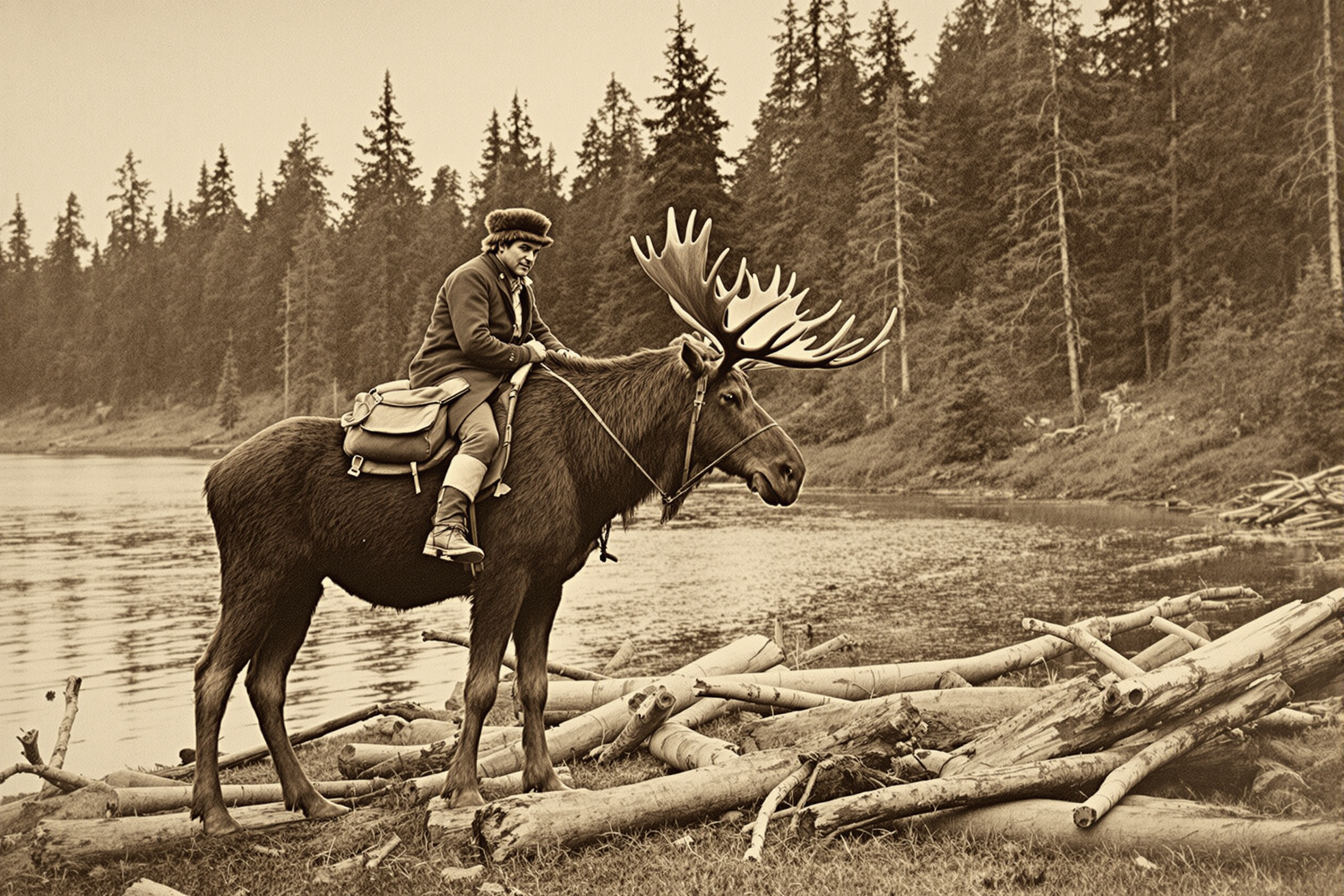
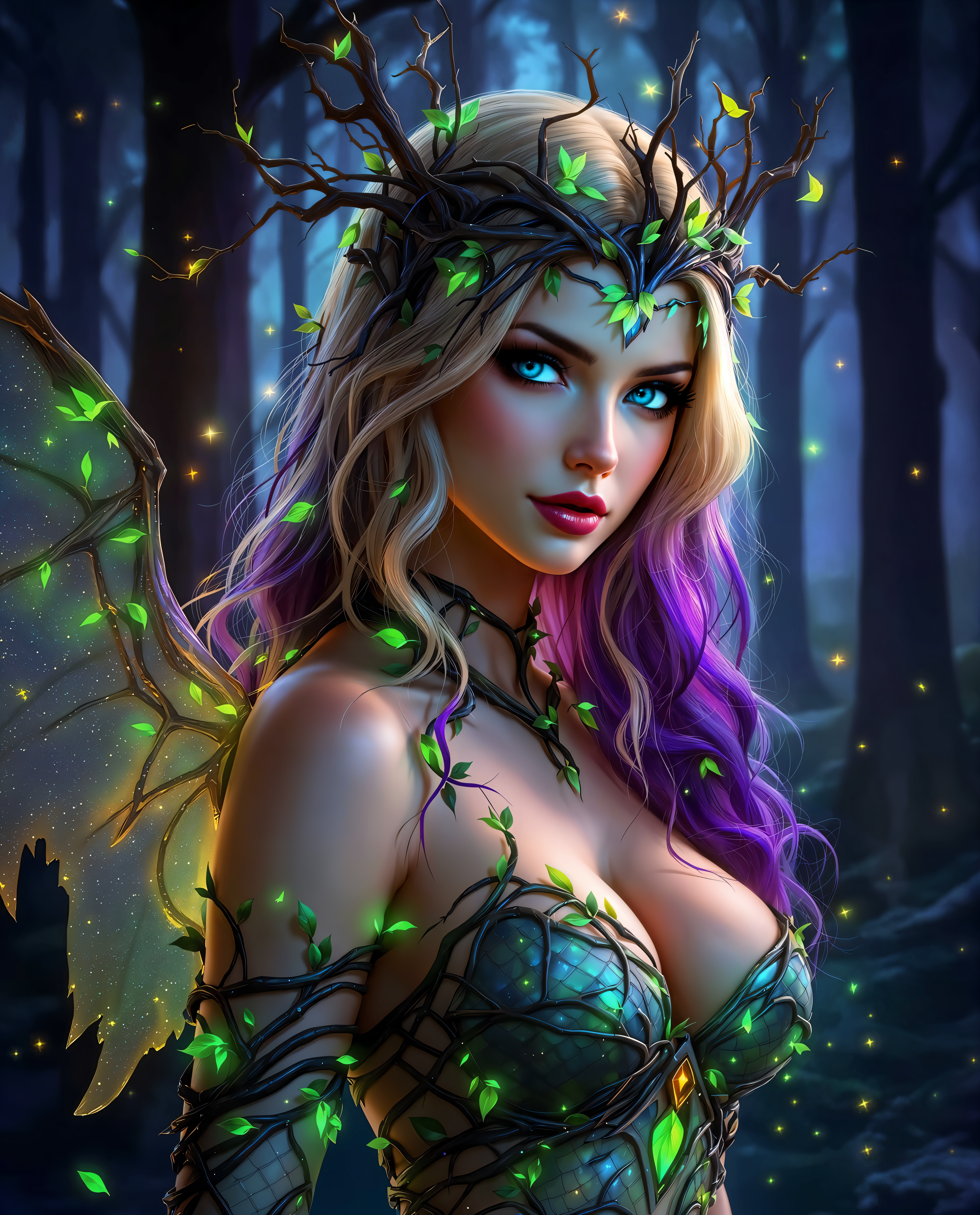
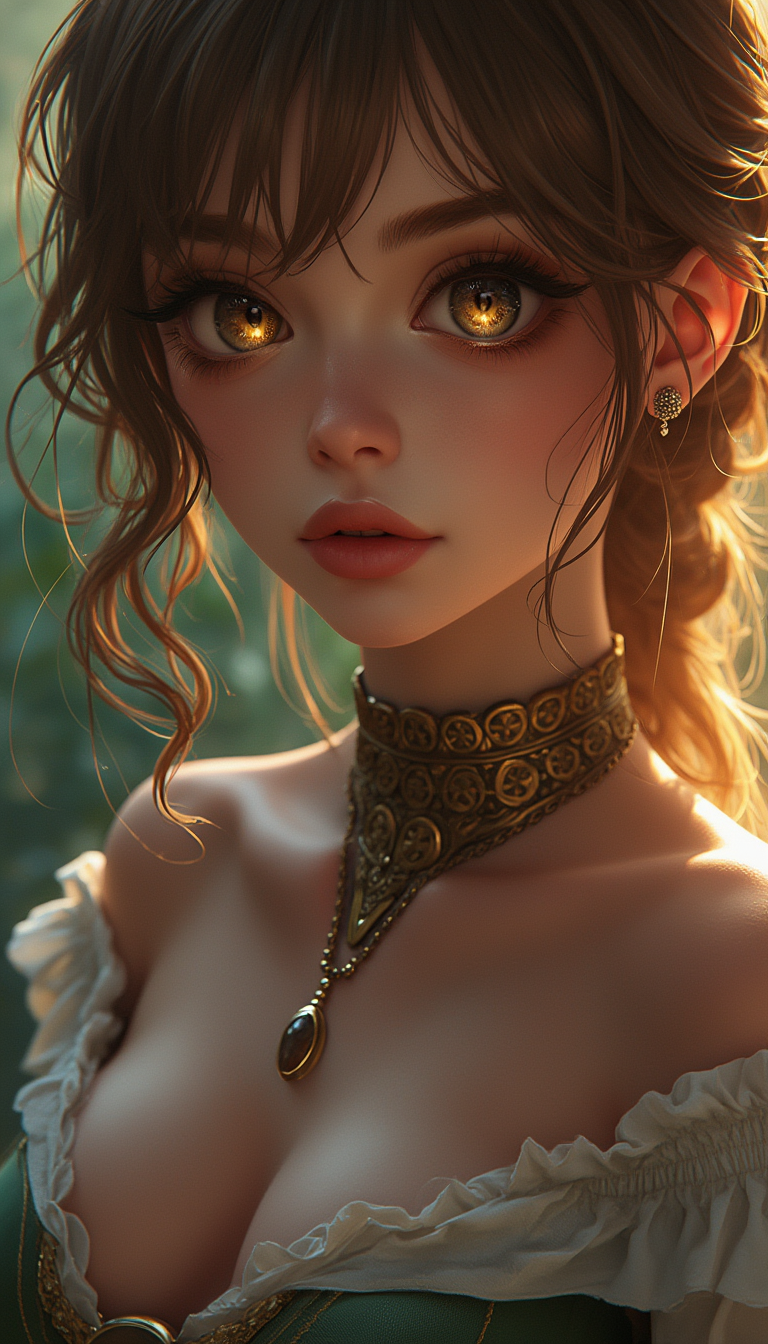
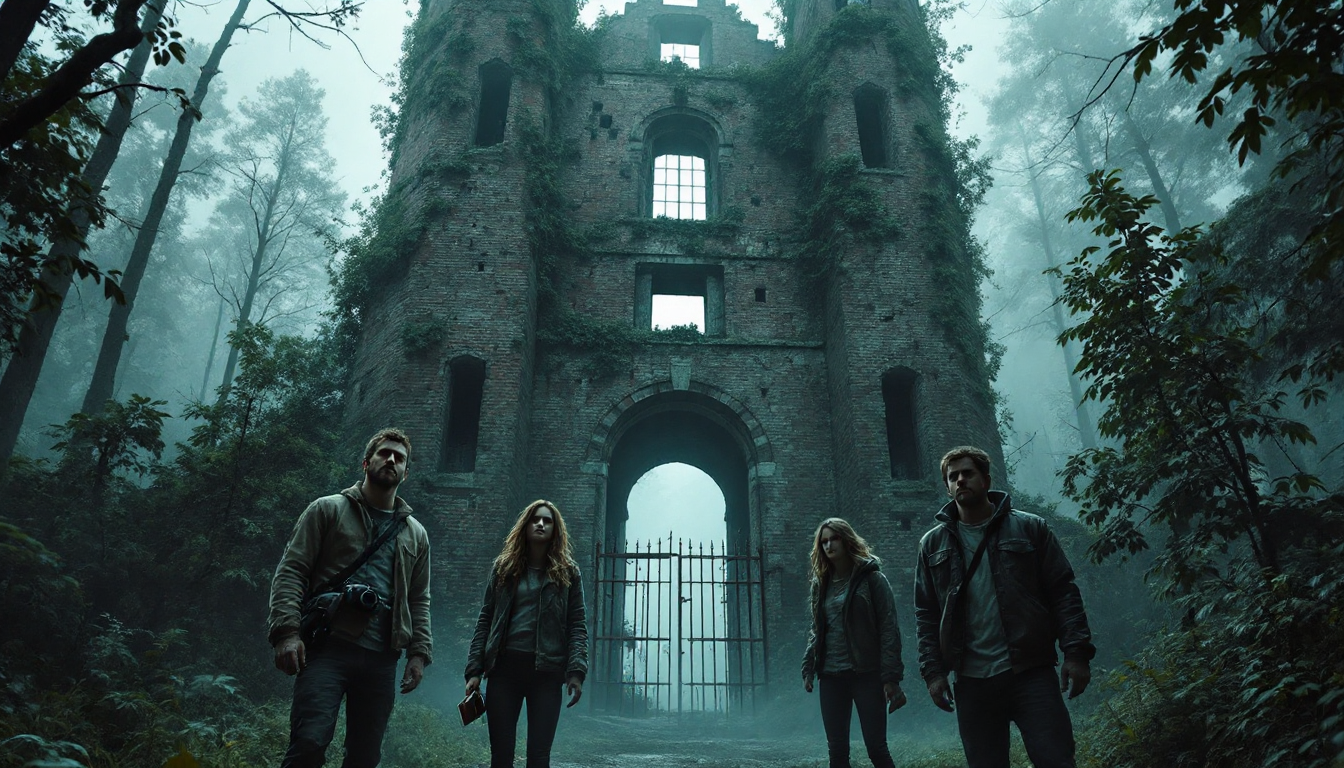
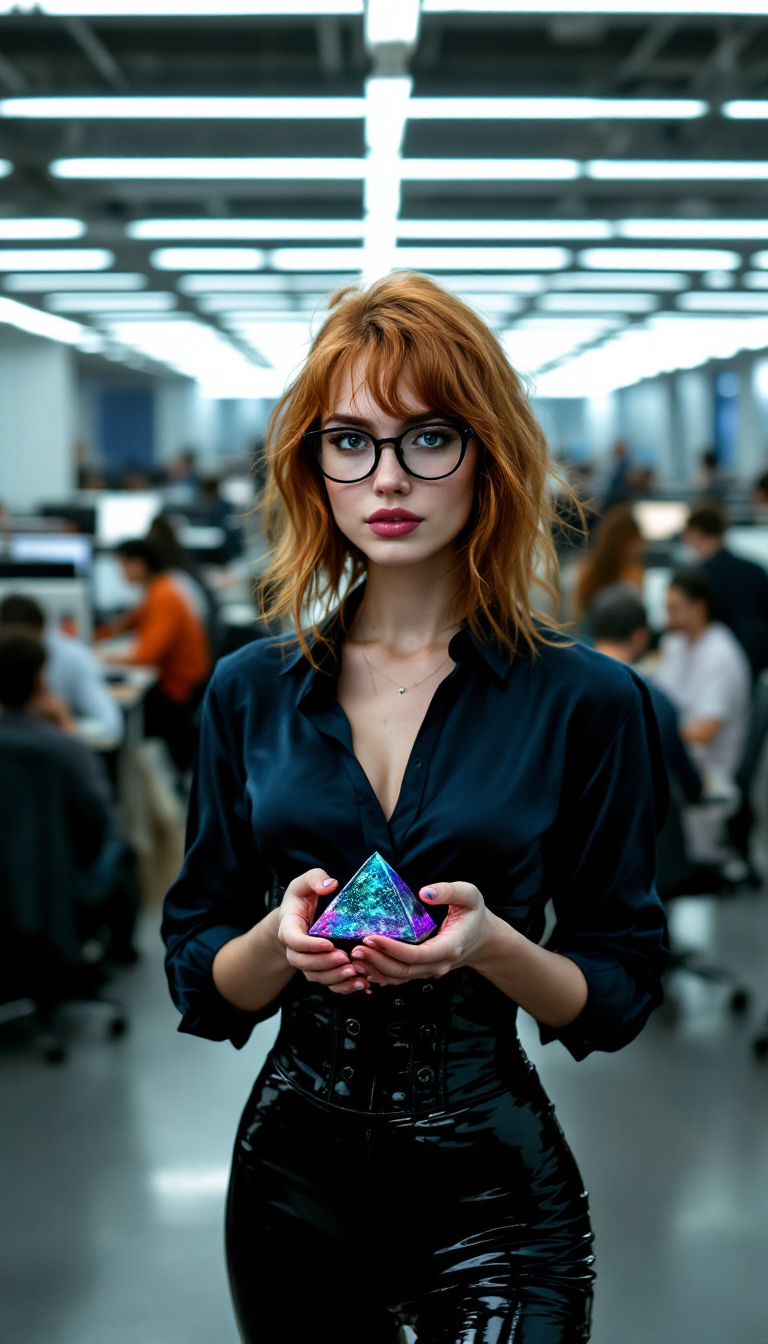
The Pixel Dojo Advantage
Why PixelDojo outperforms other options for image AI generation
| Others | Pixel Dojo |
|---|---|
| Traditional photography or illustration | Produce unlimited professional-grade images in minutes instead of hours or days, at a fraction of the cost, with complete creative control over every detail. |
| Generic AI tools | Access 40+ specialized models including Flux.2 Studio and Nano Banana 2 in one workspace, plus seamless editing tools that turn good generations into perfect finals without switching apps. |
| Manual photo editing | Skip hours of Photoshop work. AI handles composition, lighting, and consistency automatically while you guide the creative direction with simple prompts and quick refinements. |
Loved by creators on PixelDojo
Real feedback from people using PixelDojo, pulled from our in-product surveys.
The amazing tools
Top notch quality and strong prompt adherence.
A well resourced sunscription with attention to updates.
Easy to use and there's lots of options.
super lora download
Great variety of tools to create and modify images and video.
Explore more AI tools on PixelDojo
AI Tools
Compare & Switch
- Best AI Image Generators
- Best AI Video Generators
- Midjourney Alternatives
- Civitai Alternatives
- Runway Alternatives
- Leonardo Alternatives
- Pika Alternatives
- Luma Alternatives
- Magnific Alternatives
- Veo Alternatives
- Flux Alternatives
- Freepik Alternatives
- Seedance Alternatives
- Seedream Alternatives
- Pixverse Alternatives
- GPT Image Alternatives
- Synthesia Alternatives
- Playground Alternatives
- NightCafe Alternatives
- Canva AI Alternatives
- ElevenLabs Alternatives
- ComfyUI Alternatives
- Fal Alternatives
- Replicate Alternatives
Common Questions
Everything you need to know about image ai generator
How to create consistent characters with an image AI generator for branding?
Use Nano Banana 2 or Consistent Characters tool in PixelDojo. Generate your base character once, then reference it in follow-up prompts or use the Character Sheets feature to lock in appearance across dozens of scenes. This delivers identical facial features, clothing, and style in every image—perfect for building recognizable brand mascots or virtual influencers.
What is the best image AI generator for photorealistic product photos in 2026?
Flux.2 Studio and Grok Image consistently deliver the highest photorealism with accurate lighting, textures, and reflections. Upload a simple product sketch or description, add details like 'studio lighting on white background, commercial product photography style,' and generate multiple angles instantly. Then use Reality Polisher or Magic Lighting for final professional touches.
How do I generate images with readable text using an image AI generator?
Choose Ideogram 4 or GPT Image 2 in PixelDojo—these models excel at accurate text rendering. Include the exact text in your prompt and specify font style or placement. Results are sharp enough for posters, social graphics, and packaging designs without manual editing.
Can I use PixelDojo's image AI generator for commercial projects and client work?
Yes. All generated images come with full commercial usage rights. Tools like Bria 3.2 and Recraft V4.1 are optimized for safe, brand-safe commercial output. Thousands of agencies and businesses already use PixelDojo for client deliverables, ad campaigns, and product visuals.
How to upscale and enhance AI generated images to 4K quality?
After generation, apply P-Image Upscale, Magnific Upscaler, or Creative Upscaler directly in PixelDojo. These tools intelligently add detail while preserving your original composition, delivering crisp 4K results suitable for print, large displays, or high-resolution websites.
What image AI generator techniques help with editing and refining generations?
Leverage PixelDojo's built-in editing suite: Inpainting to replace specific areas, Change Camera Angle for new perspectives, Style Transfer to match any aesthetic, and Image Outpainting to expand scenes. These workflows replace one-shot prompting with iterative refinement, matching 2026's top trend of powerful editing over single generations.