image creator
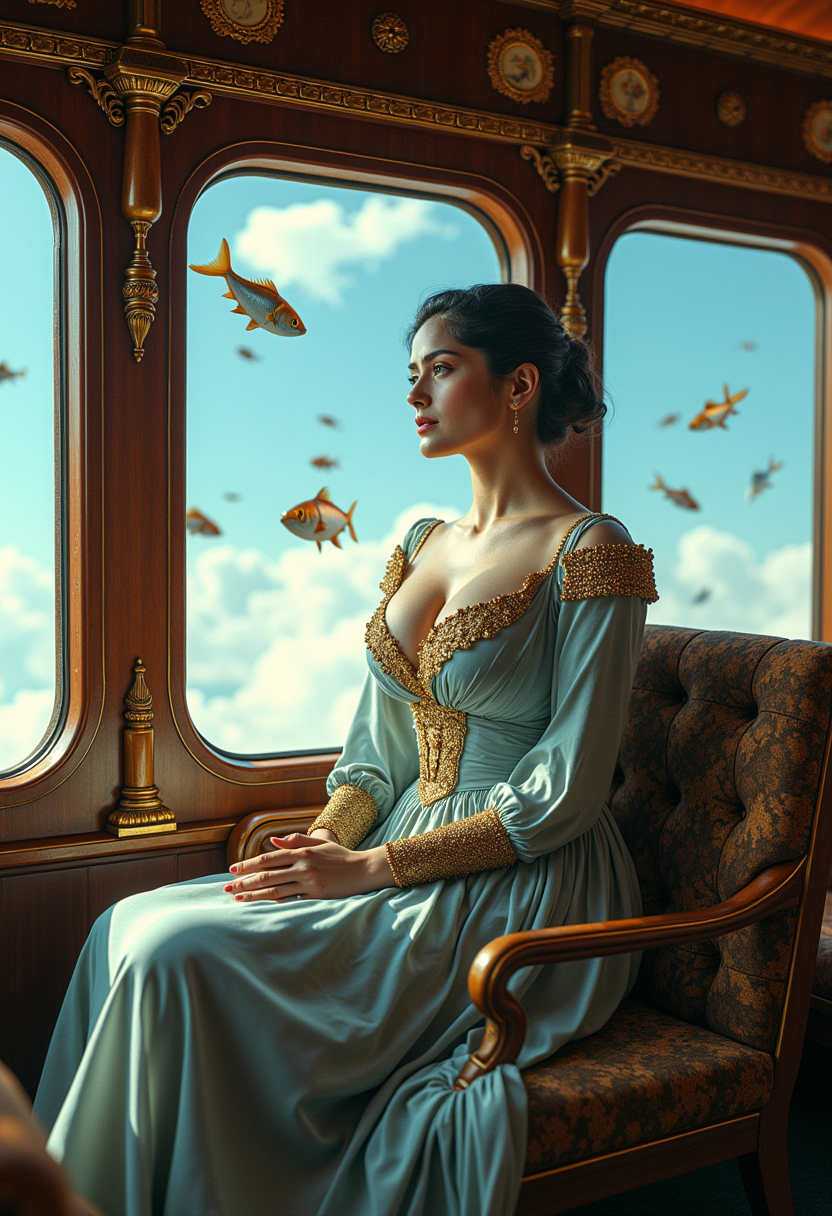
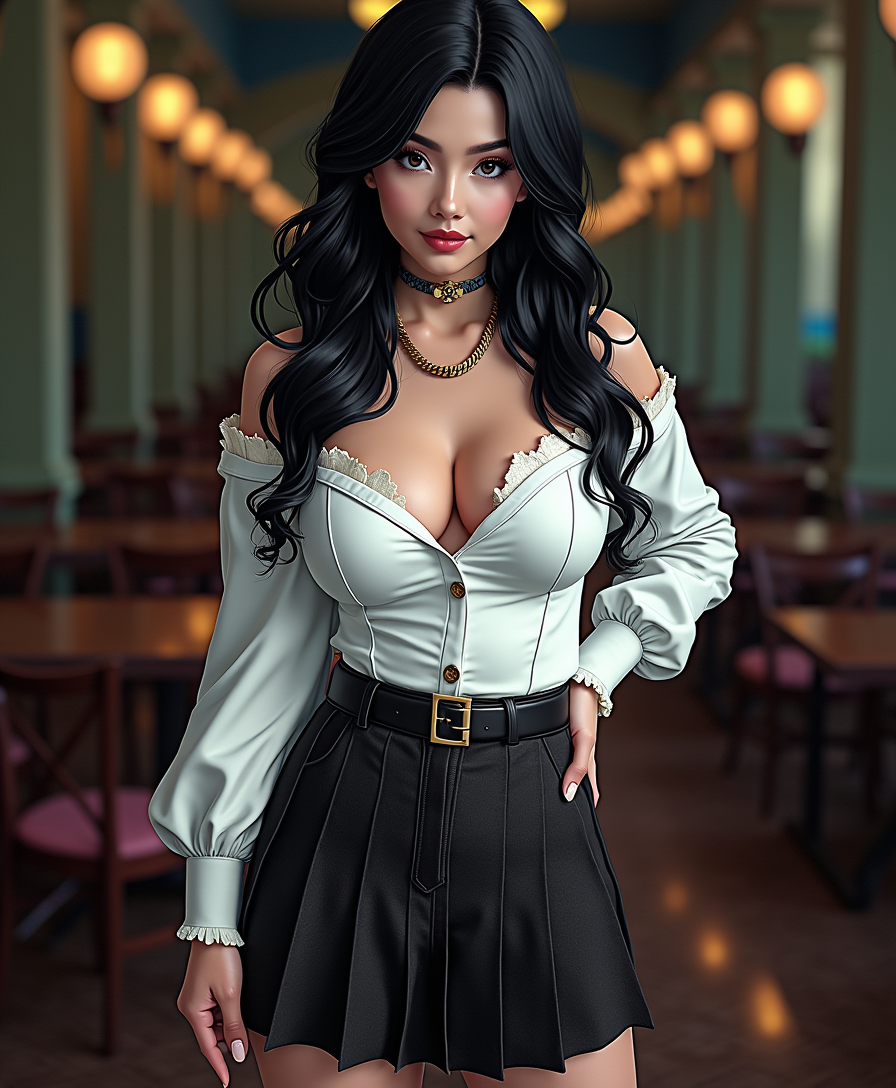
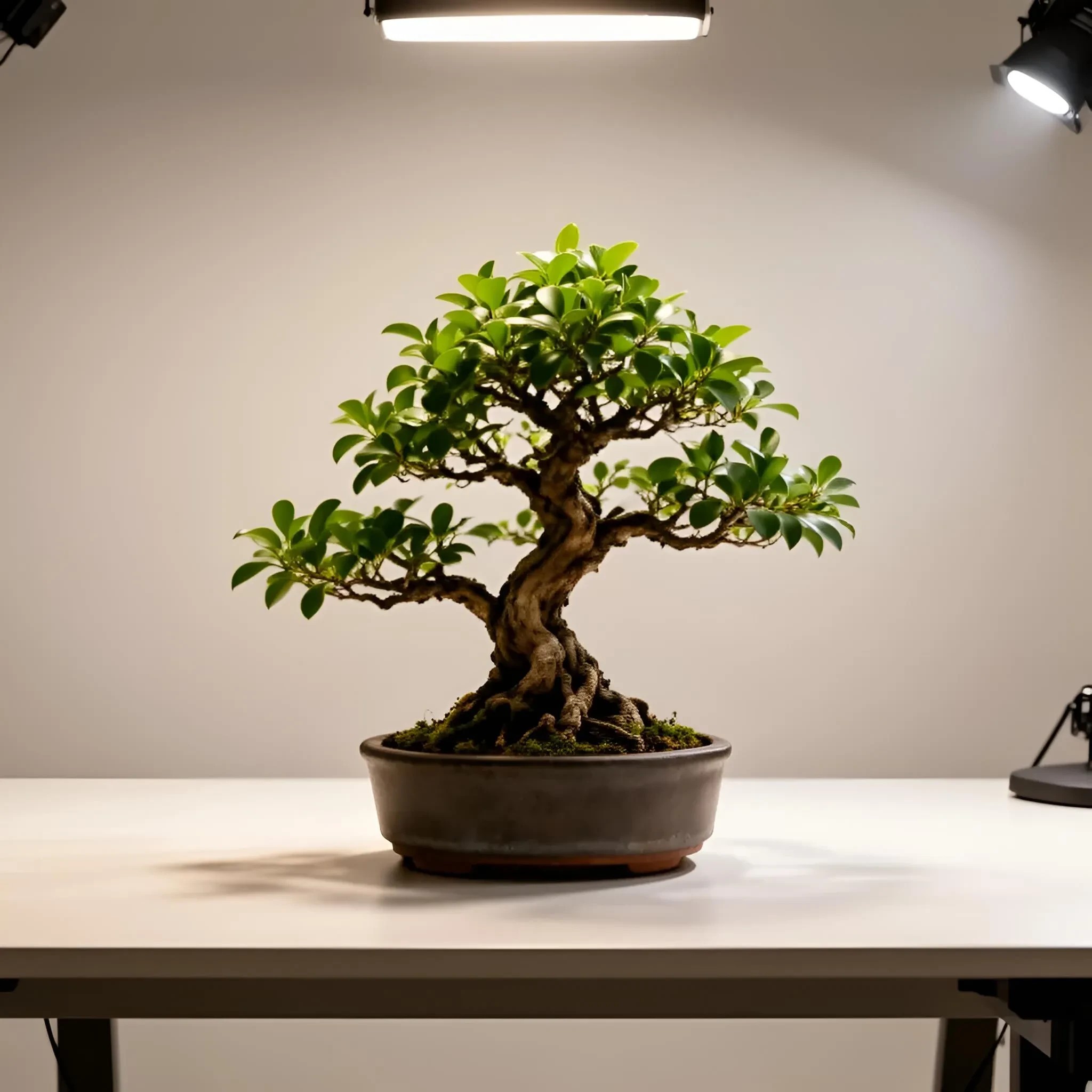
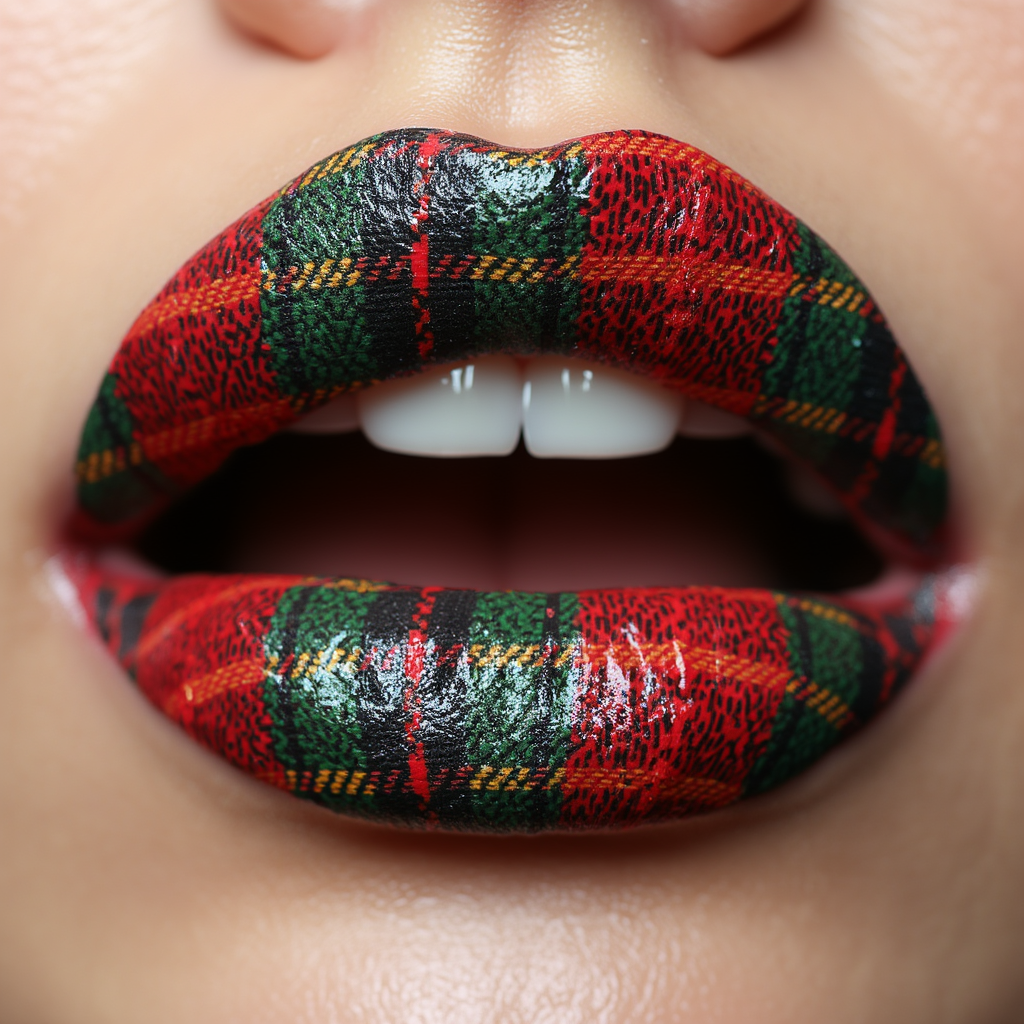
Imagine turning any idea into a stunning, professional-quality image in under 30 seconds. PixelDojo's AI image creator makes this possible for marketers, designers, content creators, and entrepreneurs alike. You no longer need expensive software, years of design training, or a team of artists to produce visuals that captivate audiences. Whether you need photorealistic product shots for your e-commerce store, eye-catching social media graphics, or consistent character illustrations for your next campaign, our platform delivers outcomes that boost your productivity and creativity. With access to specialized tools like Flux.2 Studio for unmatched realism, Nano Banana 2 for perfect character consistency, and Ideogram 4 for crisp text integration, you achieve results that look like they took hours of expert work. Thousands of creators are already saving time and money while producing visuals that drive engagement, sales, and brand growth. Start with a simple text prompt and watch your vision come to life – no experience required.
Join over 85,000 creators who have generated more than 2.5 million images this year alone. PixelDojo holds a 4.9/5 average rating from verified users, with 92% reporting faster project completion. Trusted by marketing agencies, indie creators, and Fortune 500 teams for reliable, high-quality output every time.
Why Choose Pixel Dojo for image creator
Professional-quality results with cutting-edge AI technology
Produce Photorealistic Images That Sell
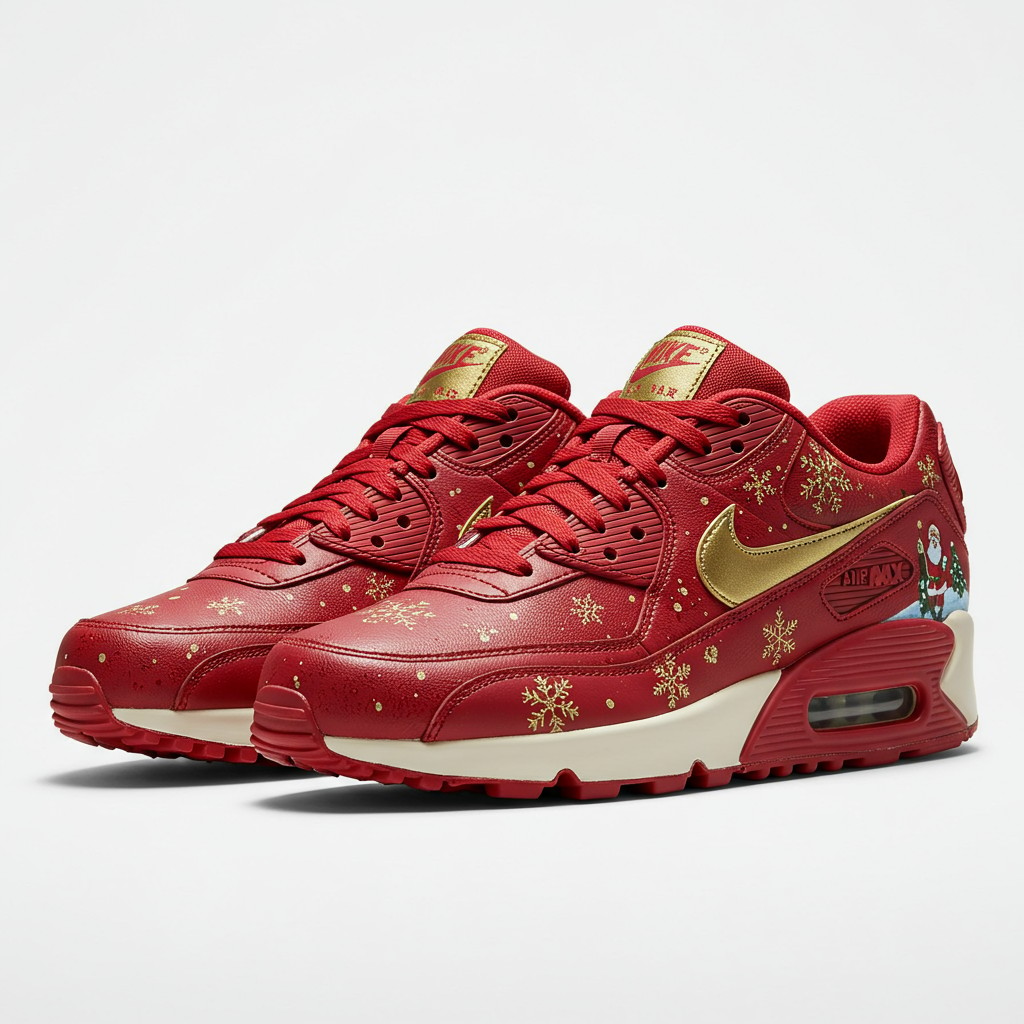
Deliver stunning, lifelike visuals for product launches, ads, and portfolios using Flux.2 Studio and Grok Image. Your audience sees professional photography without the studio costs or scheduling hassles.
Maintain Perfect Character Consistency Across Projects
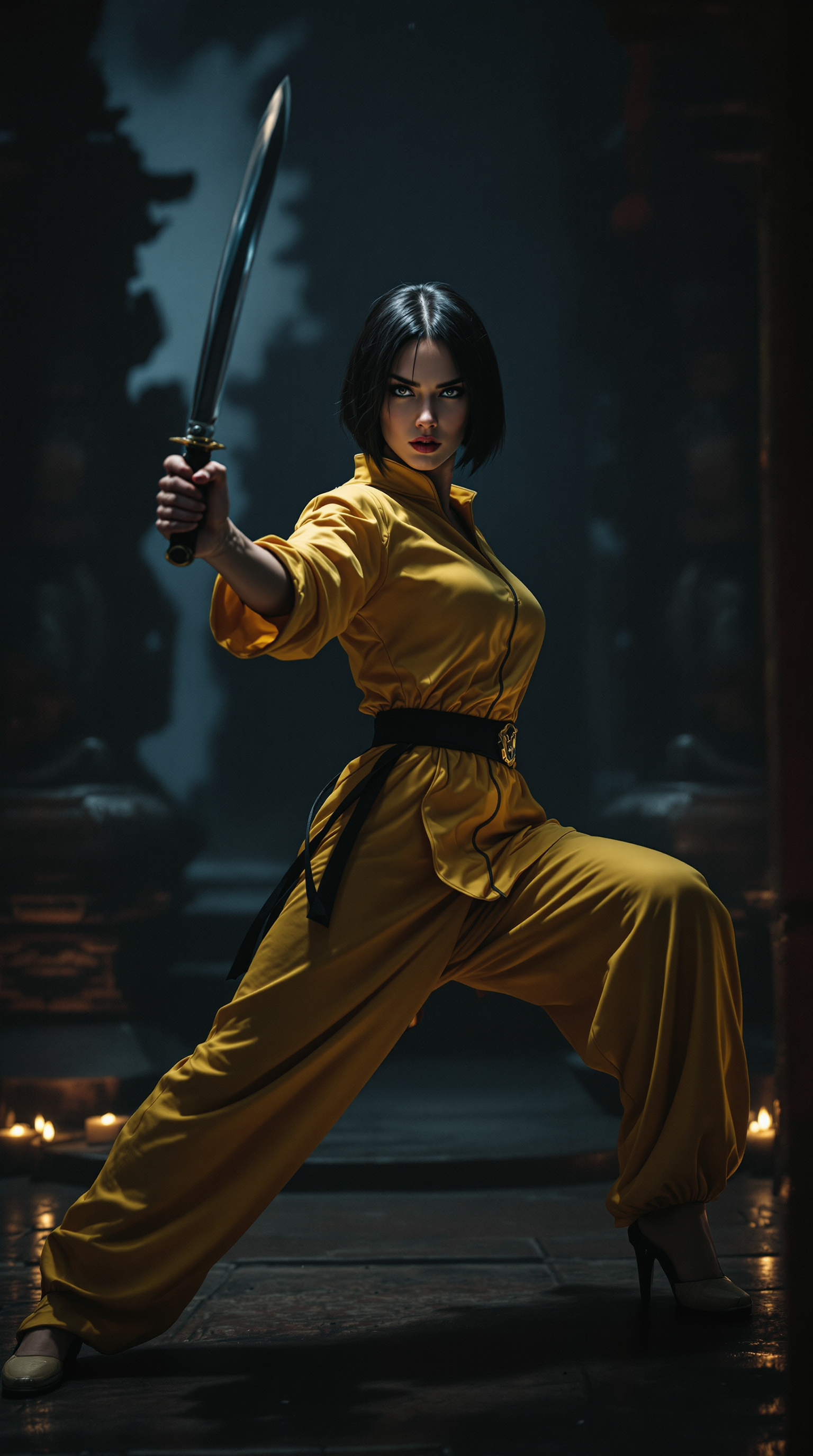
Build recognizable brand mascots, virtual influencers, or story characters that stay identical in every scene with Nano Banana 2, Consistent Characters, and Ideogram Character tools. No more mismatched faces or styles.
Refine and Iterate in Minutes, Not Hours
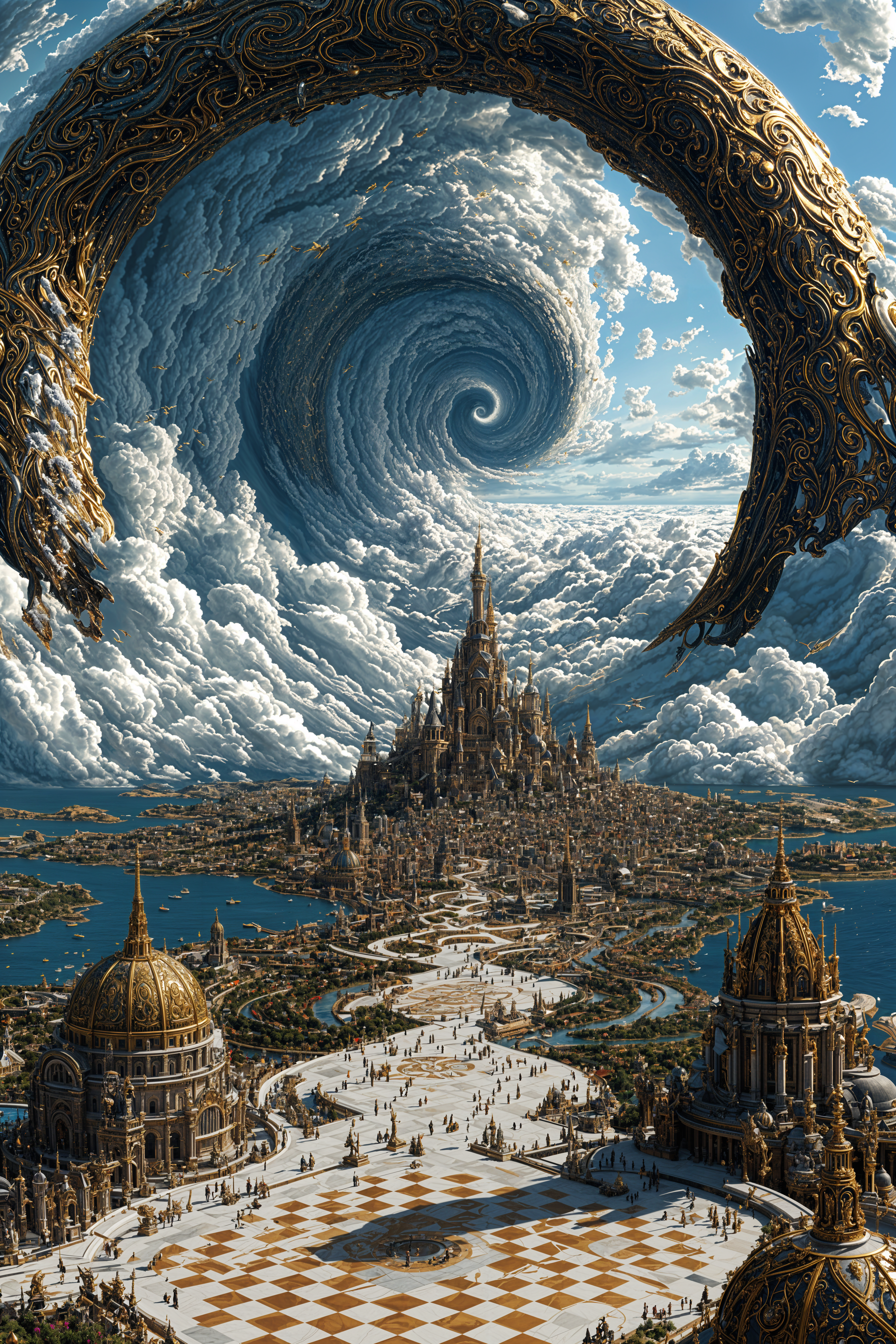
Transform rough concepts into polished finals using Image to Image, Inpainting, Style Transfer, and Magic Lighting. Quickly test variations, fix details, and match your exact vision without starting over.
How It Works
Creating professional images with PixelDojo's AI image creator takes just three easy steps – no technical expertise needed.
Step 1: Choose Your Tool
Browse our Generate Images section and pick the perfect model for your needs. Try Flux.2 Studio for photorealism, Nano Banana 2 for characters, GPT Image 2 for creative concepts, or Ideogram 4 when text accuracy matters most. Over 25 specialized image tools are ready instantly.
Step 2: Enter Your Prompt
Describe your vision in plain English. Add details like style, lighting, mood, or composition. Advanced models understand complex instructions, so you get exactly what you want on the first try. Reference real examples from our community for inspiration.
Step 3: Customize & Download
Review results and refine instantly with editing tools like Inpainting to add or remove elements, Change Camera Angle for new perspectives, or Background Remover for clean cutouts. When perfect, upscale with P-Image Upscale or Creative Upscaler and download in high resolution.

The Pixel Dojo Advantage
Why PixelDojo outperforms other options for professional image creation
| Others | Pixel Dojo |
|---|---|
| Traditional image creation | Skip costly equipment, models, and studios. Generate unlimited professional visuals from your desk in seconds instead of days or weeks. |
| Generic AI tools | Access 25+ purpose-built models including Flux.2 Studio and Nano Banana 2 for superior realism and consistency, plus seamless editing workflows unavailable elsewhere. |
| Manual photo editing | Eliminate repetitive tasks and steep learning curves. AI handles complex compositions and iterations instantly while you focus on creative direction. |
Loved by creators on PixelDojo
Real feedback from people using PixelDojo, pulled from our in-product surveys.
Lots of Tools, and the one time I needed support I got help right away
Easy to use once you get the hang of it
Love it make anything I can think of so far
Great for all your ideas use it encourage more people to use it
Because it is awesome
exceptional quality and great overall design of platform and interface. very intuative. love the creative freedom.
Explore more AI tools on PixelDojo
AI Tools
Compare & Switch
- Best AI Image Generators
- Best AI Video Generators
- Midjourney Alternatives
- Civitai Alternatives
- Runway Alternatives
- Leonardo Alternatives
- Pika Alternatives
- Luma Alternatives
- Magnific Alternatives
- Veo Alternatives
- Flux Alternatives
- Freepik Alternatives
- Seedance Alternatives
- Seedream Alternatives
- Pixverse Alternatives
- GPT Image Alternatives
- Synthesia Alternatives
- Playground Alternatives
- NightCafe Alternatives
- Canva AI Alternatives
- ElevenLabs Alternatives
- ComfyUI Alternatives
- Fal Alternatives
- Replicate Alternatives
Common Questions
Everything you need to know about image creator
How do I create consistent character images with an AI image creator?
PixelDojo makes character consistency effortless with dedicated tools like Consistent Characters, Ideogram Character, and Nano Banana 2. Start by generating your base character, then lock the style and use the same seed or reference across multiple generations. Our Character Sheets and LoRA Face Swap tools let you create full reference libraries so every new image matches perfectly – ideal for stories, branding, or virtual influencers.
What is the best way to generate photorealistic images using an AI image creator?
For photorealistic results, select Flux.2 Studio or Grok Image in our Generate Images section. Use detailed prompts describing lighting, camera angles, textures, and real-world references. Follow up with Reality Polisher or Portrait Upscaler to enhance details. Thousands of users achieve magazine-quality photos for products, portraits, and marketing without any photography equipment.
Can I edit and refine AI generated images after creation on PixelDojo?
Absolutely. Our comprehensive Edit Images suite includes Inpainting to seamlessly add or remove objects, Image to Image for style transformations, Magic Lighting for mood adjustments, and Smart Resize for perfect dimensions. Combine these with Background Remover and Change Camera Angle to iterate quickly until your image matches your exact vision.
How does PixelDojo's AI image creator handle text in images accurately?
Text rendering has improved dramatically, and PixelDojo excels with Ideogram 4 and Recraft V4.1. Simply include the exact text you want in your prompt. These models produce legible, properly styled typography for logos, posters, book covers, and infographics – a common pain point solved reliably on our platform.
Is PixelDojo suitable for beginners wanting to create professional images?
Yes – our AI image creator is designed for everyone. The intuitive interface, helpful prompt suggestions, and one-click editing tools mean you can produce gallery-worthy results on your first try. Access to 40+ cutting-edge models, community examples, and instant previews removes all barriers. Start free and upgrade only if you need more generations.
What file formats and resolutions can I download from the AI image creator?
Download in high-resolution PNG, JPG, or WebP formats up to 4K and beyond. Use P-Image Upscale, Magnific Upscaler, or Creative Upscaler after generation for even larger, sharper files perfect for print, billboards, or professional presentations. All images are yours to use commercially with no restrictions.