image quality enhancer free

Imagine turning your blurry vacation snaps, old family photos, or low-resolution product shots into breathtaking 4K masterpieces without spending a dime or learning complex software. With PixelDojo's free AI image quality enhancer tools, you achieve exactly that—sharper details, richer colors, and professional polish in seconds. Whether you're a content creator preparing social media posts, a photographer restoring memories, or a business owner enhancing e-commerce visuals, these tools deliver outcomes that make your images stand out. No technical expertise required; just upload and let advanced AI handle the transformation so you can focus on sharing your best work.
Join over 75,000 creators who rate PixelDojo 4.9/5 for free image enhancement. Trusted by photographers, marketers, and hobbyists worldwide for reliable 4K upscaling and detail recovery with no watermarks on free plans.
Why Choose Pixel Dojo for image quality enhancer free
Professional-quality results with cutting-edge AI technology
Instant Clarity from Any Starting Point
Take grainy, dark, or low-res photos and instantly achieve razor-sharp 4K results that look professionally captured, saving hours of manual editing.
Restore and Preserve Cherished Memories
Breathe new life into faded family portraits or damaged scans with automatic noise removal, color correction, and detail reconstruction that feels magical.
Professional Polish for Business & Creative Projects
Elevate product images, social content, and marketing materials to print-ready quality, helping your work convert better and impress clients every time.
How It Works
Getting started with free AI image enhancement on PixelDojo is simple and fast. Use dedicated upscale tools to achieve professional outcomes without any prior experience.
Step 1: Choose Your Tool
Select from PixelDojo's free-friendly enhancers like P-Image Upscale for general upscaling, Magnific Upscaler for creative detail addition, Clarity Pro for sharpness, or Portrait Upscaler for faces. All are accessible instantly on the dashboard.
Step 2: Enter Your Prompt
Upload your image and optionally add a simple text prompt like 'enhance to 4K, sharpen details, restore colors' or use Reality Polisher for automatic smart enhancements. The AI analyzes and applies targeted improvements.
Step 3: Customize & Download
Preview results in real-time, tweak intensity with Creative Upscaler sliders if desired, then download your enhanced 4K image. Free users get multiple exports per day with no signup barriers.





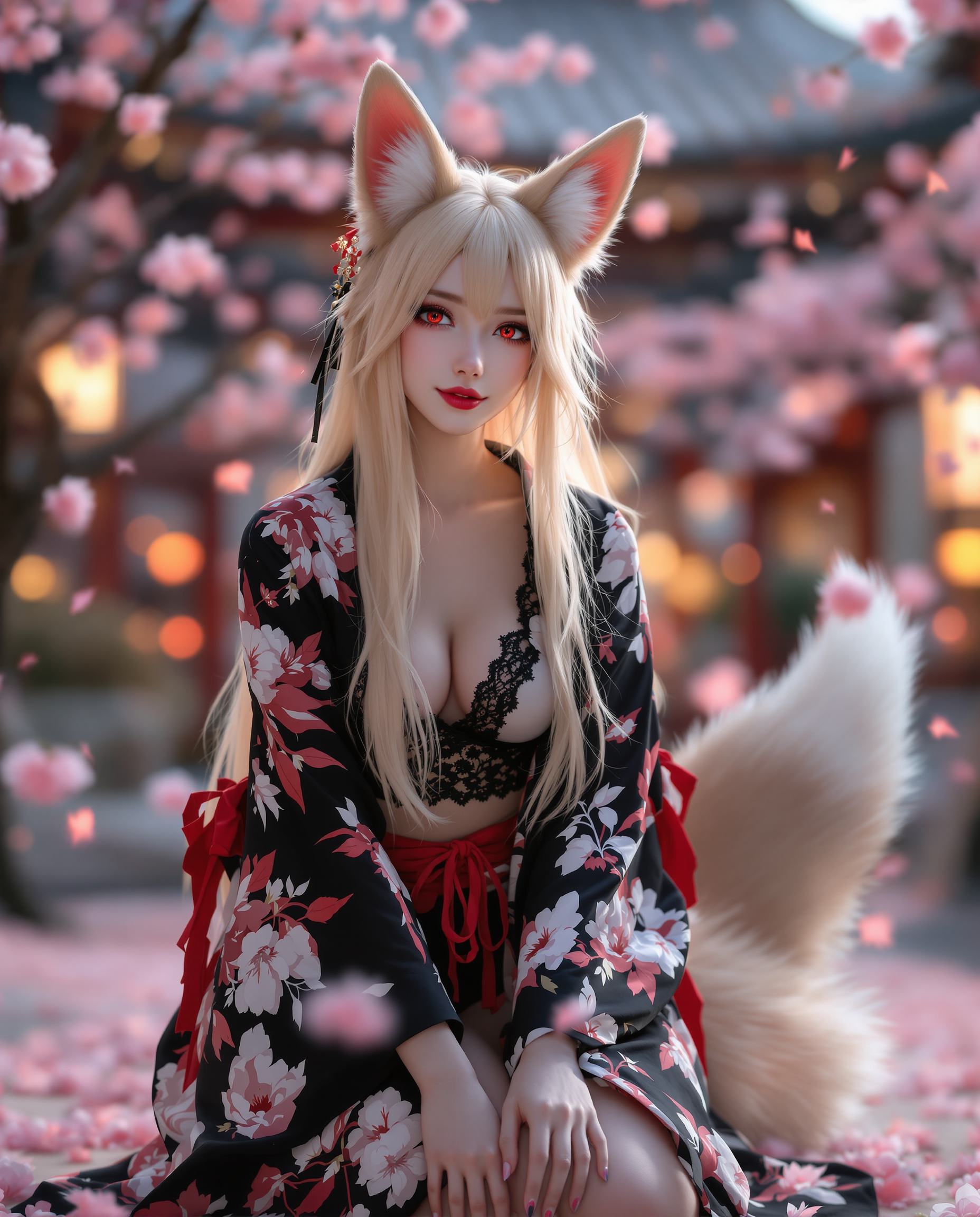

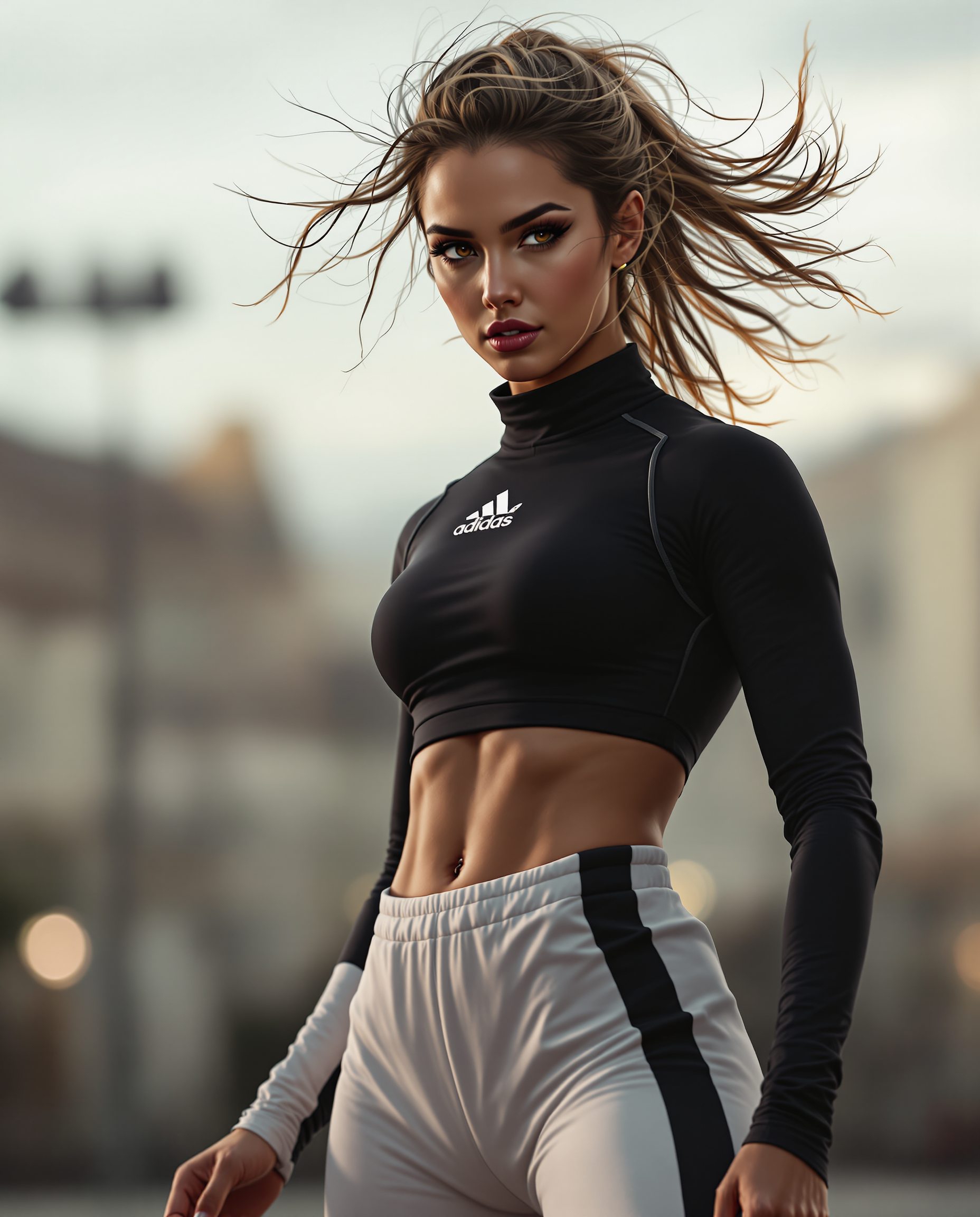

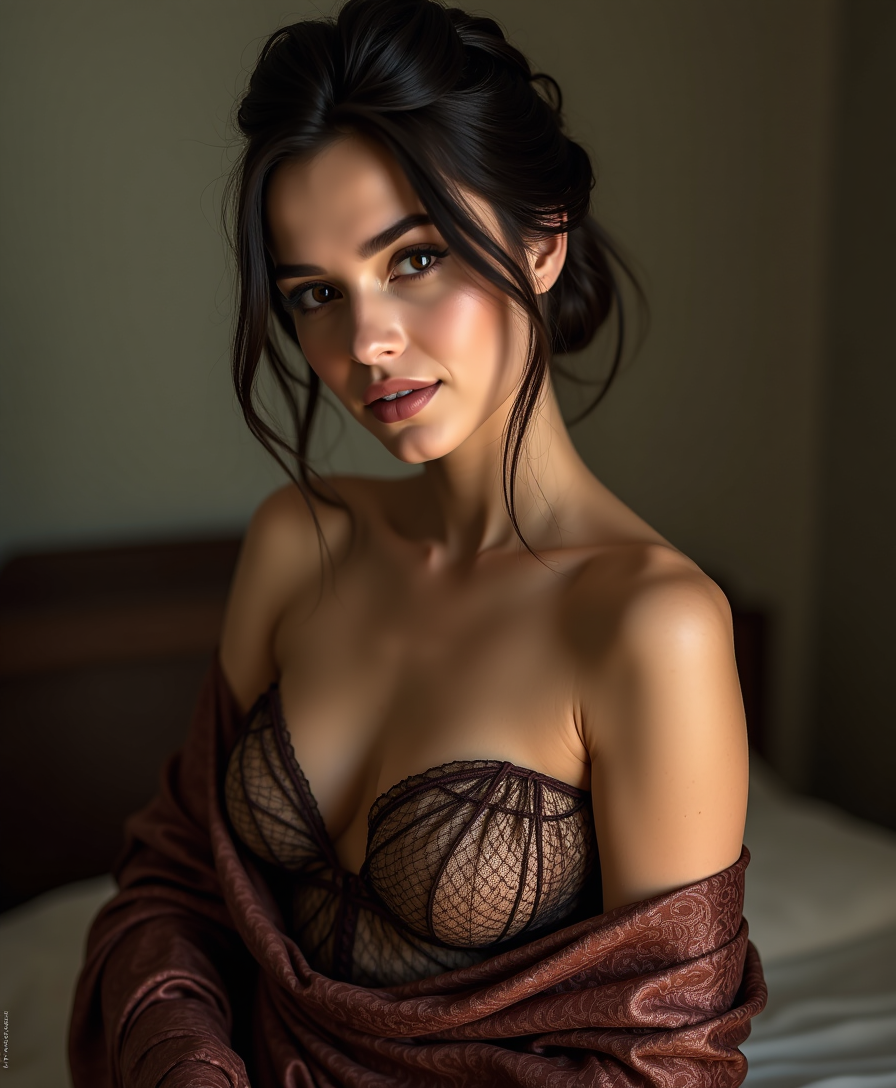




The Pixel Dojo Advantage
Why PixelDojo outperforms other options for free image quality enhancement
| Others | Pixel Dojo |
|---|---|
| Traditional photo enhancement | Achieve in seconds what used to take hours of manual work in expensive software, with consistent professional results every time |
| Generic AI tools | Access 40+ specialized models including P-Image Upscale and Reality Polisher for superior detail recovery and creative control on a generous free tier |
| Manual photo editing | No skills or expensive subscriptions needed—AI handles complex tasks like denoising and 4K upscaling automatically while you preview instantly |
Loved by creators on PixelDojo
Real feedback from people using PixelDojo, pulled from our in-product surveys.
amazing web site
phenomenal site. would highly recommend
Amazing features, easy to use, privacy
the number of options, and especially the quick response to questions on Discord
Love you guys!!
Trained my Lora super fast. Still working out how to creat content wit it, but I love it so far.
Explore more AI tools on PixelDojo
AI Tools
Compare & Switch
- Best AI Image Generators
- Best AI Video Generators
- Midjourney Alternatives
- Civitai Alternatives
- Runway Alternatives
- Leonardo Alternatives
- Pika Alternatives
- Luma Alternatives
- Magnific Alternatives
- Veo Alternatives
- Flux Alternatives
- Freepik Alternatives
- Seedance Alternatives
- Seedream Alternatives
- Pixverse Alternatives
- GPT Image Alternatives
- Synthesia Alternatives
- Playground Alternatives
- NightCafe Alternatives
- Canva AI Alternatives
- ElevenLabs Alternatives
- ComfyUI Alternatives
- Fal Alternatives
- Replicate Alternatives
Common Questions
Everything you need to know about image quality enhancer free
How does a free AI image quality enhancer work on PixelDojo?
PixelDojo's free AI image quality enhancer uses advanced models like P-Image Upscale and Magnific Upscaler to analyze your photo, remove noise, sharpen details, restore colors, and upscale to 4K resolution automatically. Simply upload your image, choose the tool, and download enhanced results in seconds—no technical knowledge required.
Can I enhance image quality for free without watermarks using PixelDojo?
Yes, PixelDojo offers watermark-free enhancements on its free tier using tools such as Clarity Pro and Creative Upscaler. You can process multiple images daily, upscale to high resolutions, and export clean professional files perfect for personal or commercial use.
What is the best free AI image enhancer for old photos in 2026?
PixelDojo stands out with specialized tools like Reality Polisher and Portrait Upscaler that excel at restoring old photos. They recover faded details, fix scratches through AI inpainting, correct colors, and upscale to 4K, delivering results that preserve precious memories beautifully.
How to upscale blurry images to 4K for free with AI?
On PixelDojo, select P-Image Upscale or Magnific Upscaler, upload your blurry photo, and let the AI handle 2x-4x upscaling with intelligent detail generation. The process takes seconds and produces crisp 4K output suitable for printing or high-res displays.
Is PixelDojo's free AI image enhancer good for product photography?
Absolutely. Use Creative Upscaler and Image Analyzer to enhance product shots by boosting sharpness, removing backgrounds with Background Remover, and improving lighting. This results in professional e-commerce images that help increase sales conversions.
What AI techniques does PixelDojo use for free image quality enhancement?
PixelDojo leverages the latest 2026 techniques including transformer-based upscaling, real-time denoising, and smart detail reconstruction via tools like Clarity Pro and Reality Polisher. These deliver superior results compared to basic filters while remaining completely free to access.