image replicate
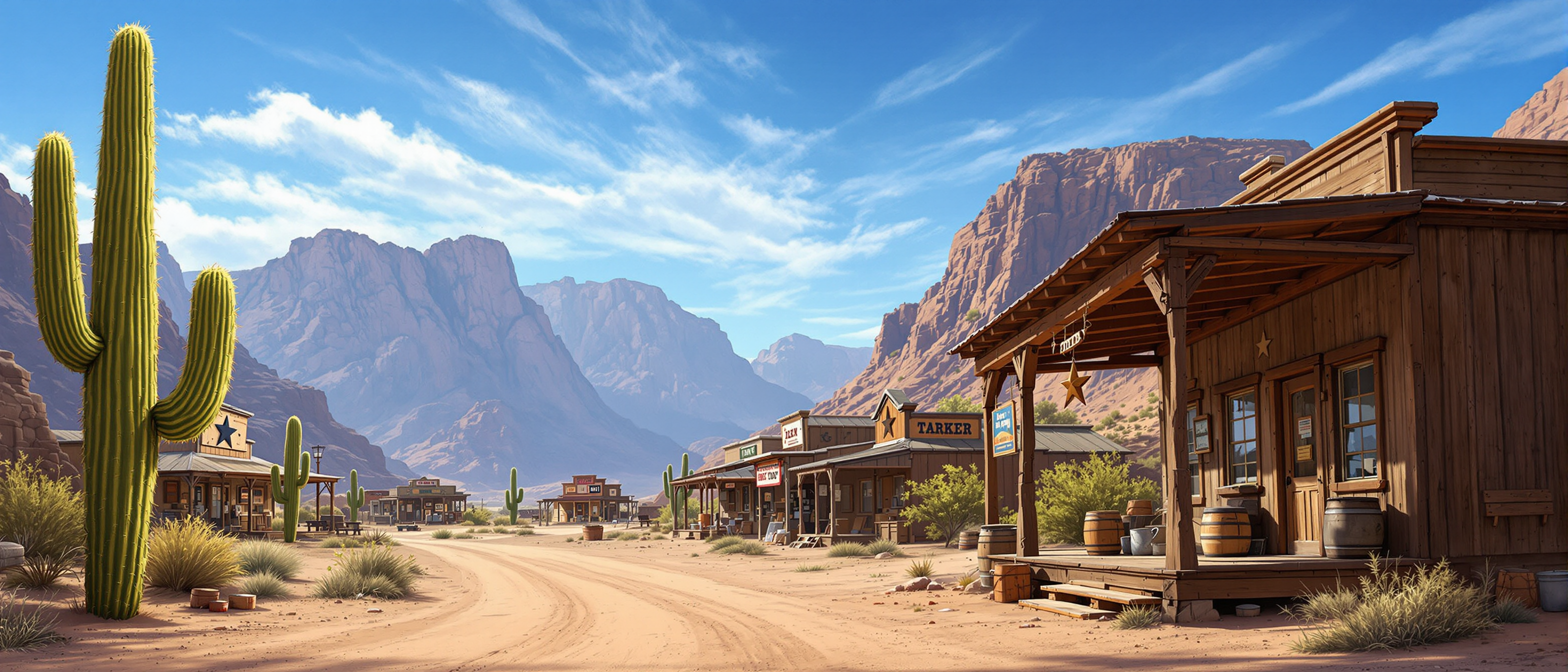
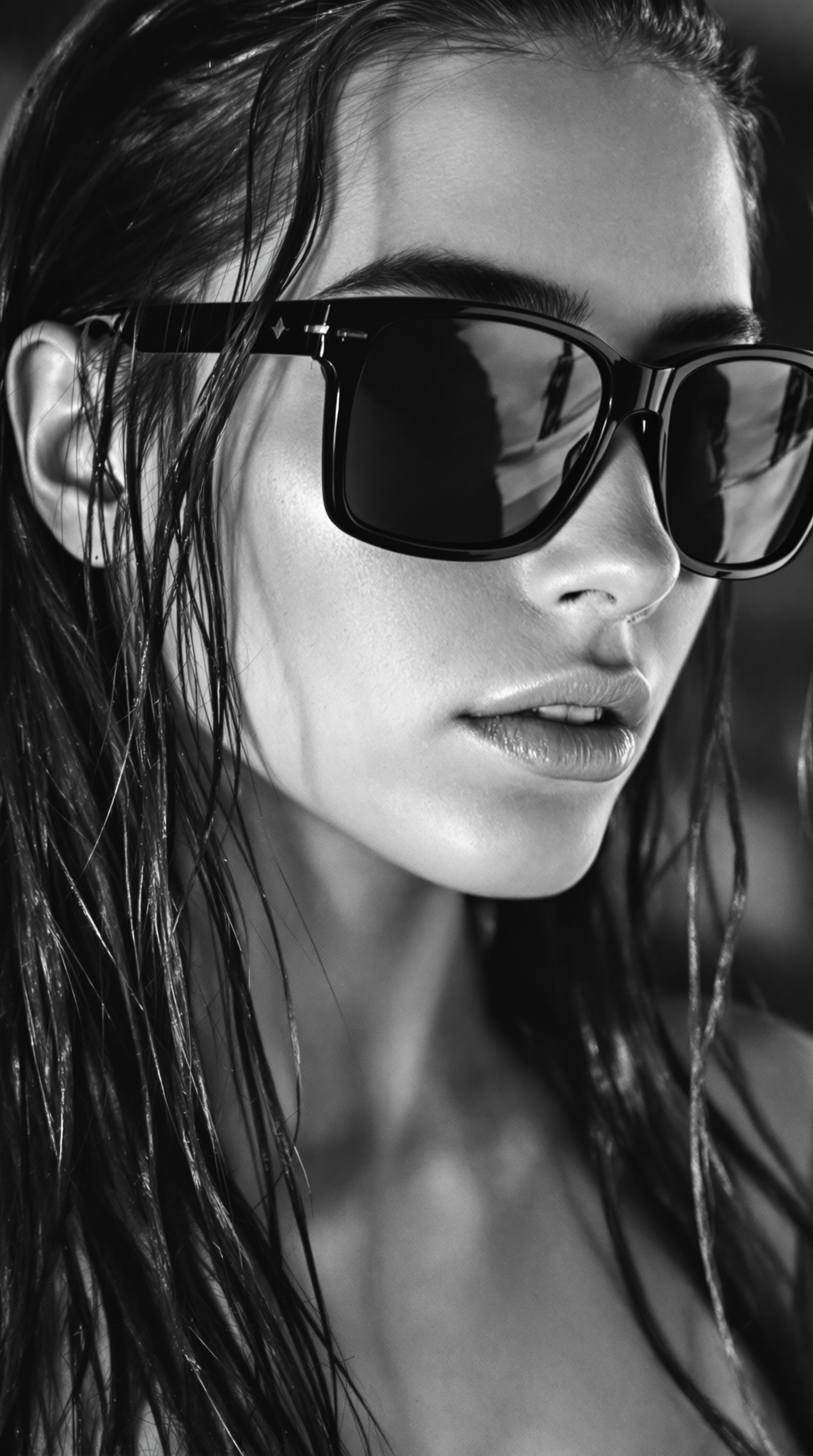
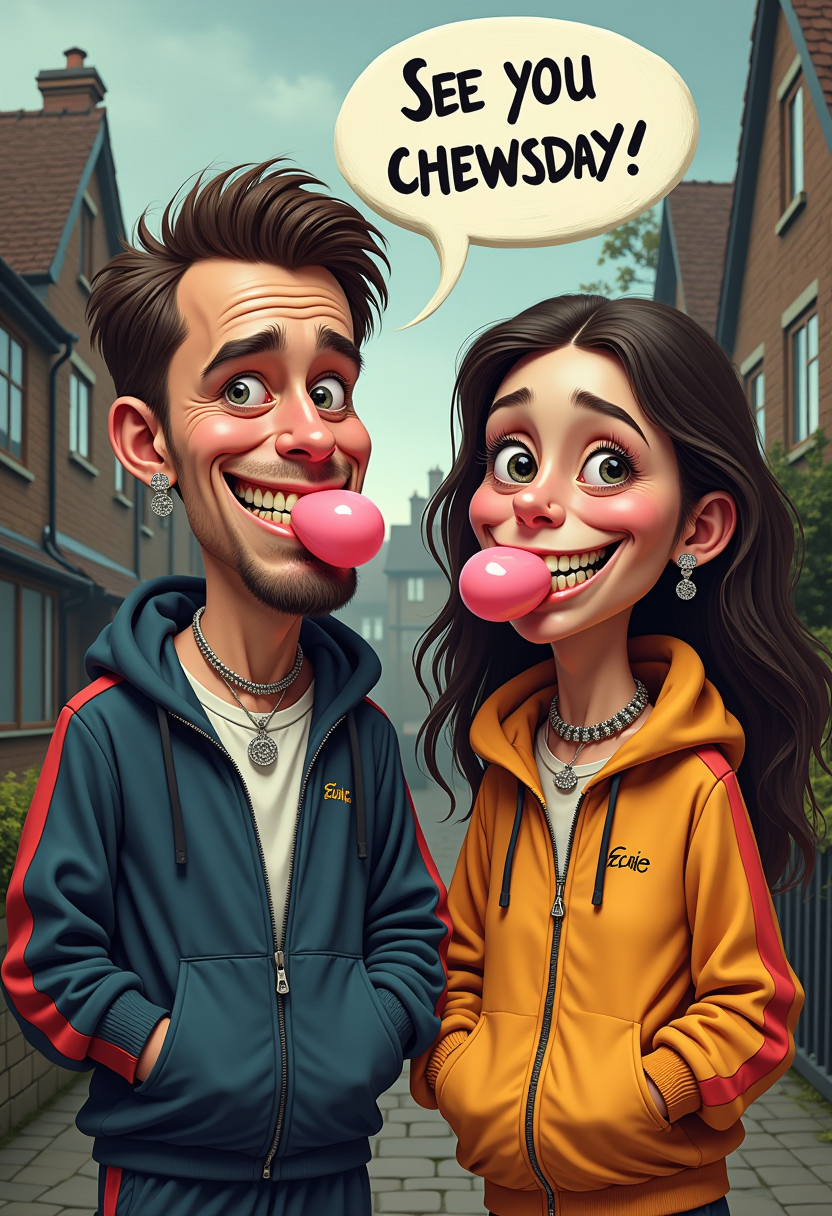
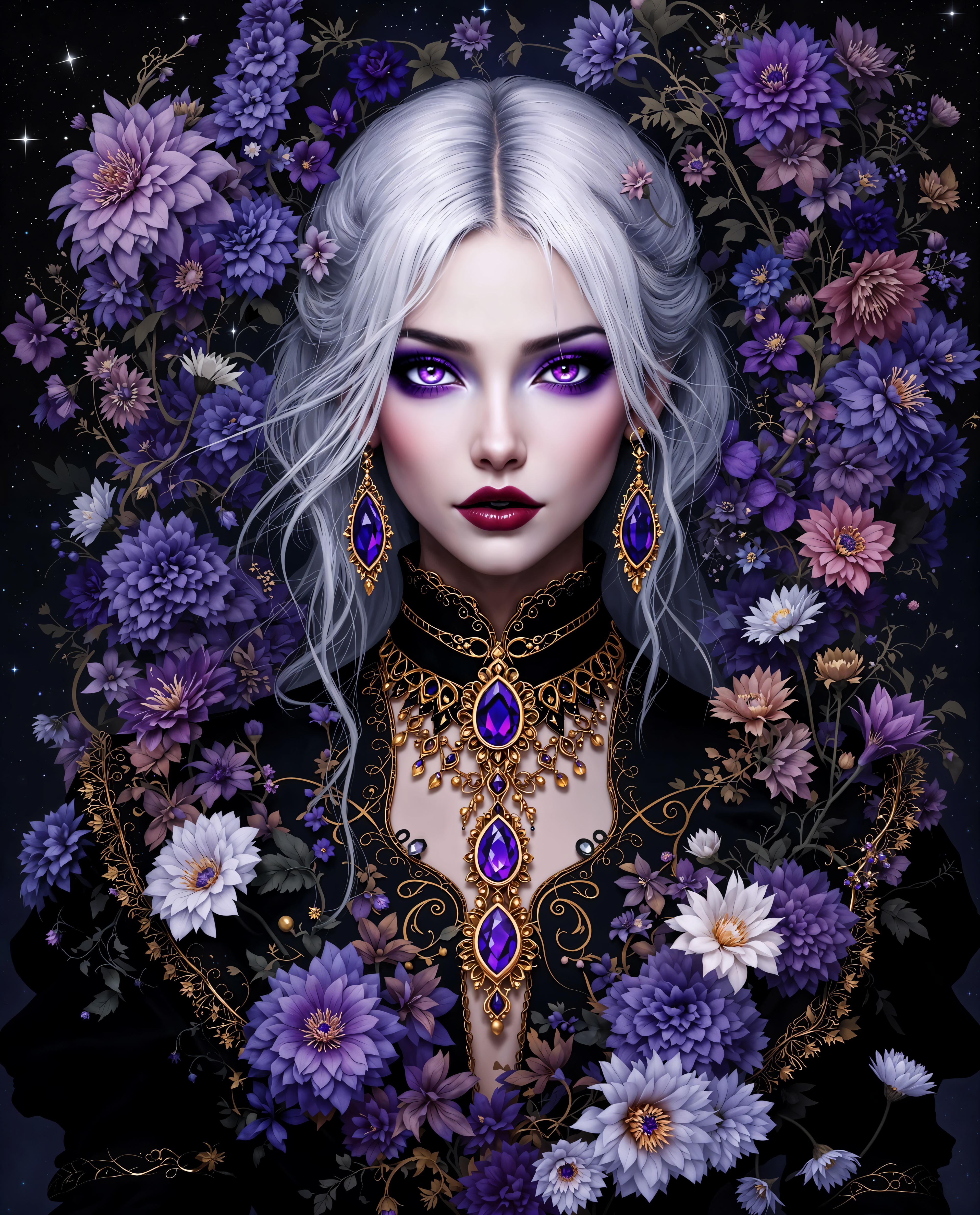
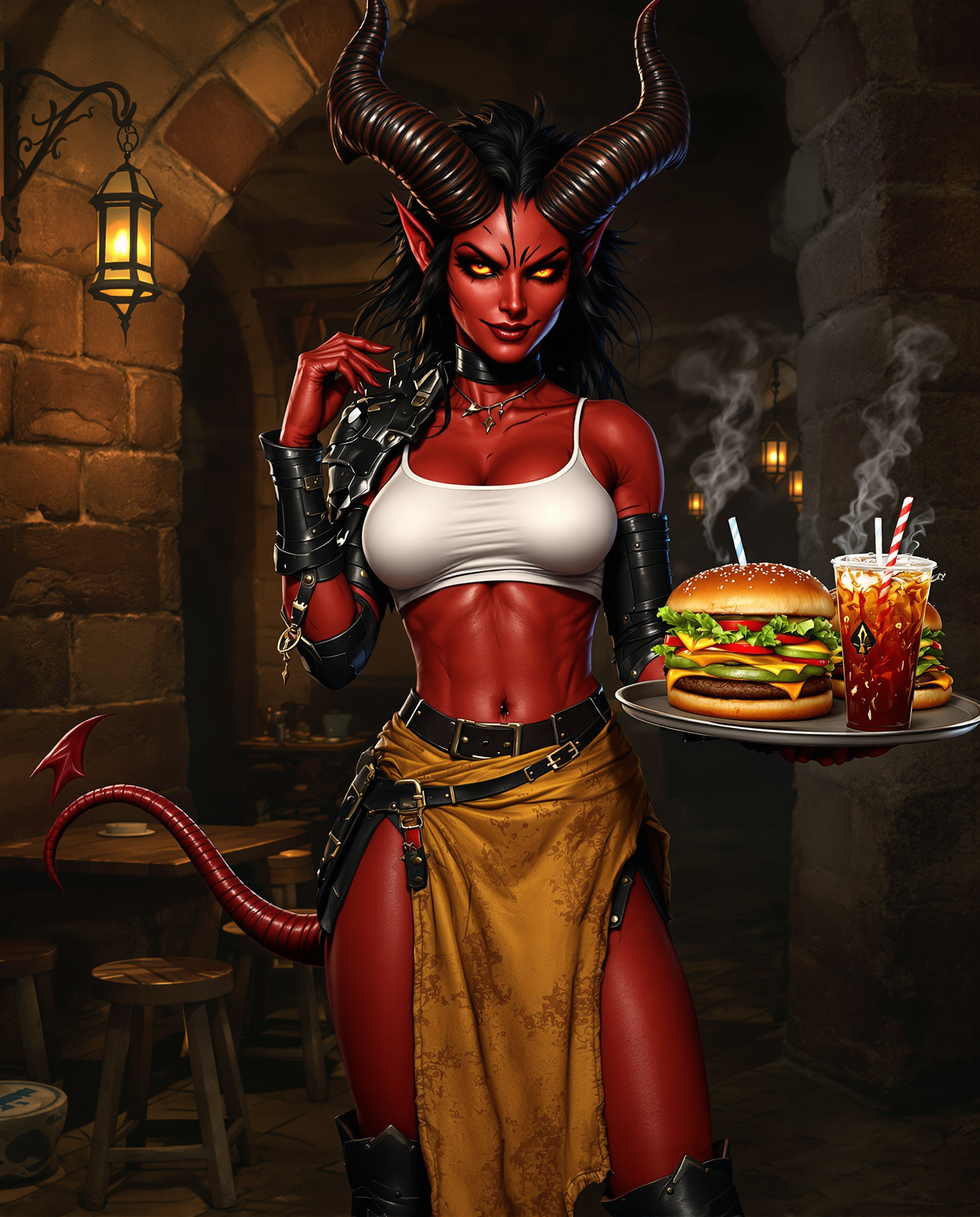
Achieve consistent and captivating visuals by replicating images with PixelDojo's advanced AI tools. Whether you're a designer aiming for uniformity across projects or a marketer seeking to maintain brand identity, our platform empowers you to replicate styles and compositions effortlessly, saving time and enhancing creativity.
Join over 10,000 satisfied creators who have enhanced their visuals using PixelDojo's AI tools. Rated 4.8/5 based on 2,000+ reviews.
Why Choose Pixel Dojo for image replicate
Professional-quality results with cutting-edge AI technology
Effortless Style Replication
Easily mimic the style of any reference image to create cohesive and visually appealing content.
Time-Saving Composition Matching
Quickly align your images with desired compositions, eliminating the need for manual adjustments.
Consistent Visual Identity
Maintain a uniform look across all your visuals, enhancing brand recognition and aesthetic appeal.
How It Works
Creating replicated images with PixelDojo is a straightforward process. Follow these steps to transform your images:
Step 1: Choose Your Tool
Select the 'Image to Image' tool from PixelDojo's suite to begin the replication process.
Step 2: Upload Your Images
Upload the original image you wish to transform and the reference image whose style or composition you want to replicate.
Step 3: Generate and Refine
Click 'Generate' to create the new image. Use the customization options to fine-tune the result to your satisfaction.
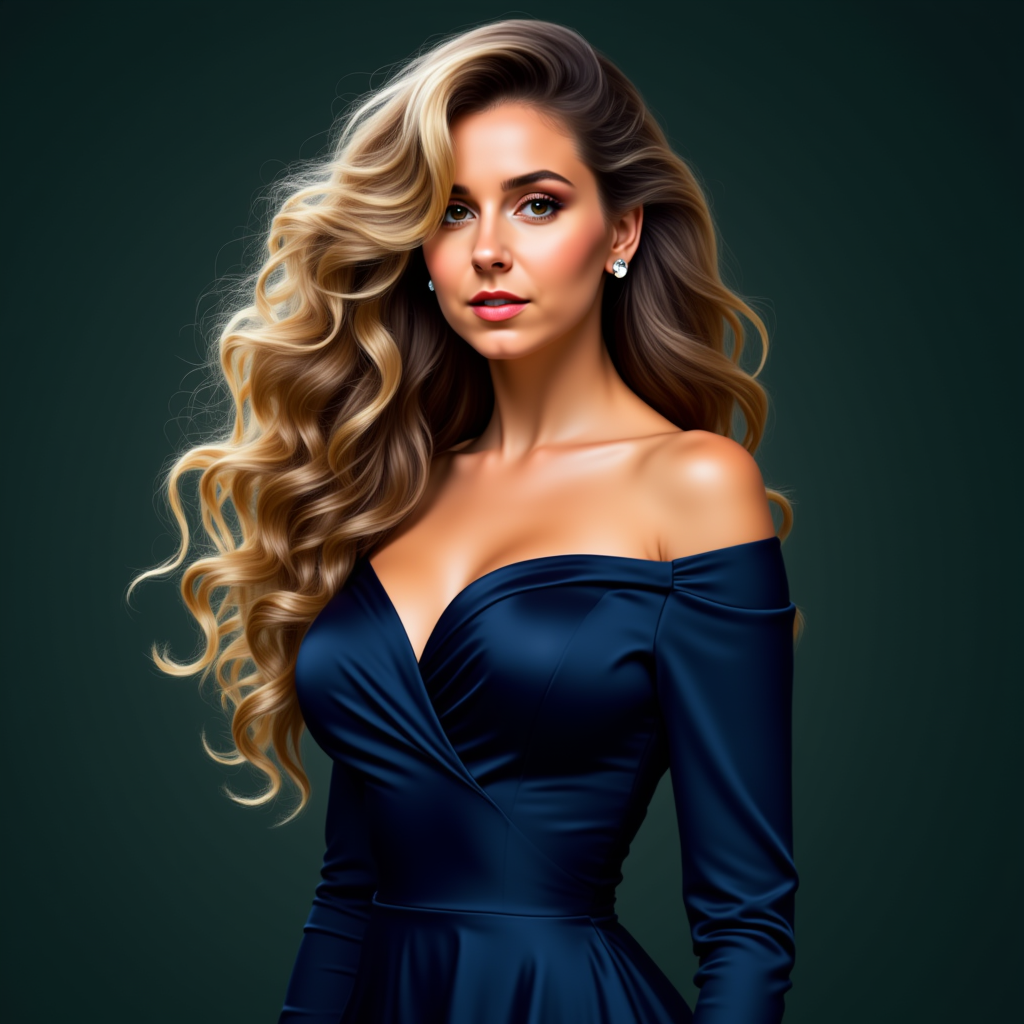
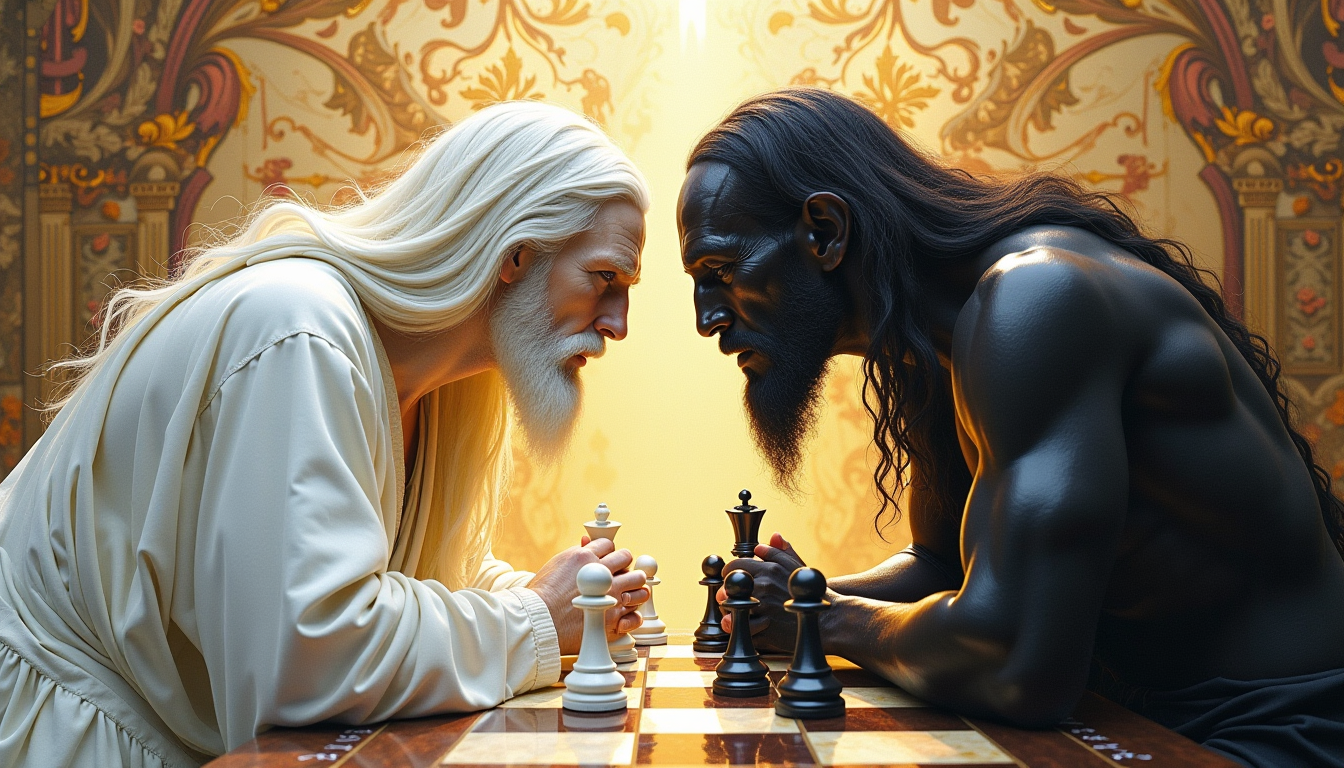
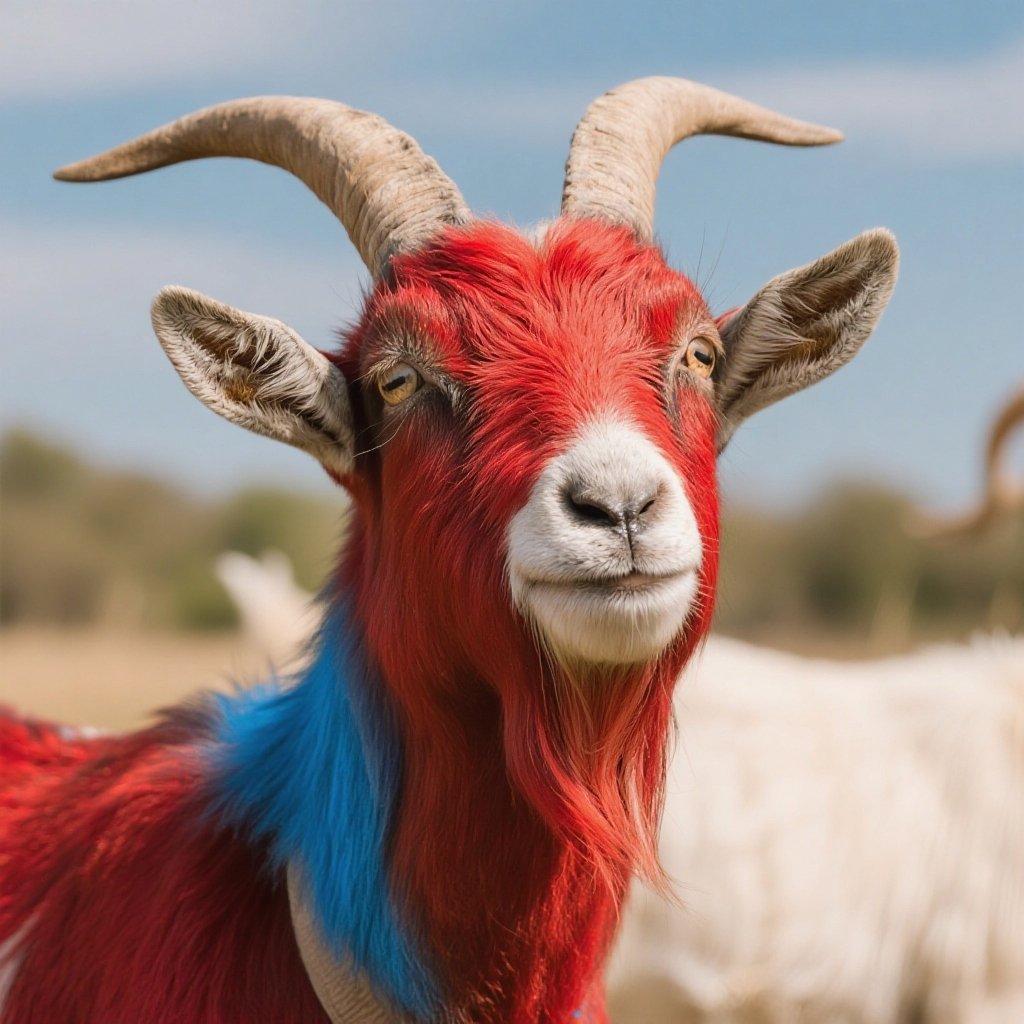
The Pixel Dojo Advantage
Why PixelDojo outperforms other options for image replication:
| Others | Pixel Dojo |
|---|---|
| Traditional Photo Editing | Automates style and composition replication, saving hours of manual work. |
| Generic AI Tools | Offers specialized tools tailored for precise style and composition replication. |
| Manual Design Processes | Ensures consistency and accuracy that manual methods often lack. |
Loved by creators on PixelDojo
Real feedback from people using PixelDojo, pulled from our in-product surveys.
Amazing features, easy to use, privacy
the number of options, and especially the quick response to questions on Discord
Love you guys!!
Trained my Lora super fast. Still working out how to creat content wit it, but I love it so far.
I love this app
It has all the tools I can think of...
Explore more AI tools on PixelDojo
AI Tools
Compare & Switch
- Best AI Image Generators
- Best AI Video Generators
- Midjourney Alternatives
- Civitai Alternatives
- Runway Alternatives
- Leonardo Alternatives
- Pika Alternatives
- Luma Alternatives
- Magnific Alternatives
- Veo Alternatives
- Flux Alternatives
- Freepik Alternatives
- Seedance Alternatives
- Seedream Alternatives
- Pixverse Alternatives
- GPT Image Alternatives
- Synthesia Alternatives
- Playground Alternatives
- NightCafe Alternatives
- Canva AI Alternatives
- ElevenLabs Alternatives
- ComfyUI Alternatives
- Fal Alternatives
- Replicate Alternatives
Common Questions
Everything you need to know about image replicate
How does PixelDojo replicate images?
PixelDojo uses advanced AI algorithms to analyze and apply the style and composition of a reference image to your original photo, creating a seamless transformation.
Can I replicate any style or composition?
Yes, PixelDojo's tools are designed to replicate a wide range of styles and compositions, giving you creative freedom over your images.
Is there a limit to the number of images I can process?
PixelDojo offers various subscription plans to suit your needs, including options for unlimited image processing.
Do I need prior experience to use PixelDojo's tools?
No, our platform is user-friendly and designed for both beginners and professionals. Detailed guides and support are available to assist you.
How long does it take to replicate an image?
The processing time is typically a few seconds to a minute, depending on the complexity of the transformation.
Can I customize the replicated image?
Absolutely! After the initial replication, you can use our customization options to fine-tune the image to your liking.