image style transfer ai
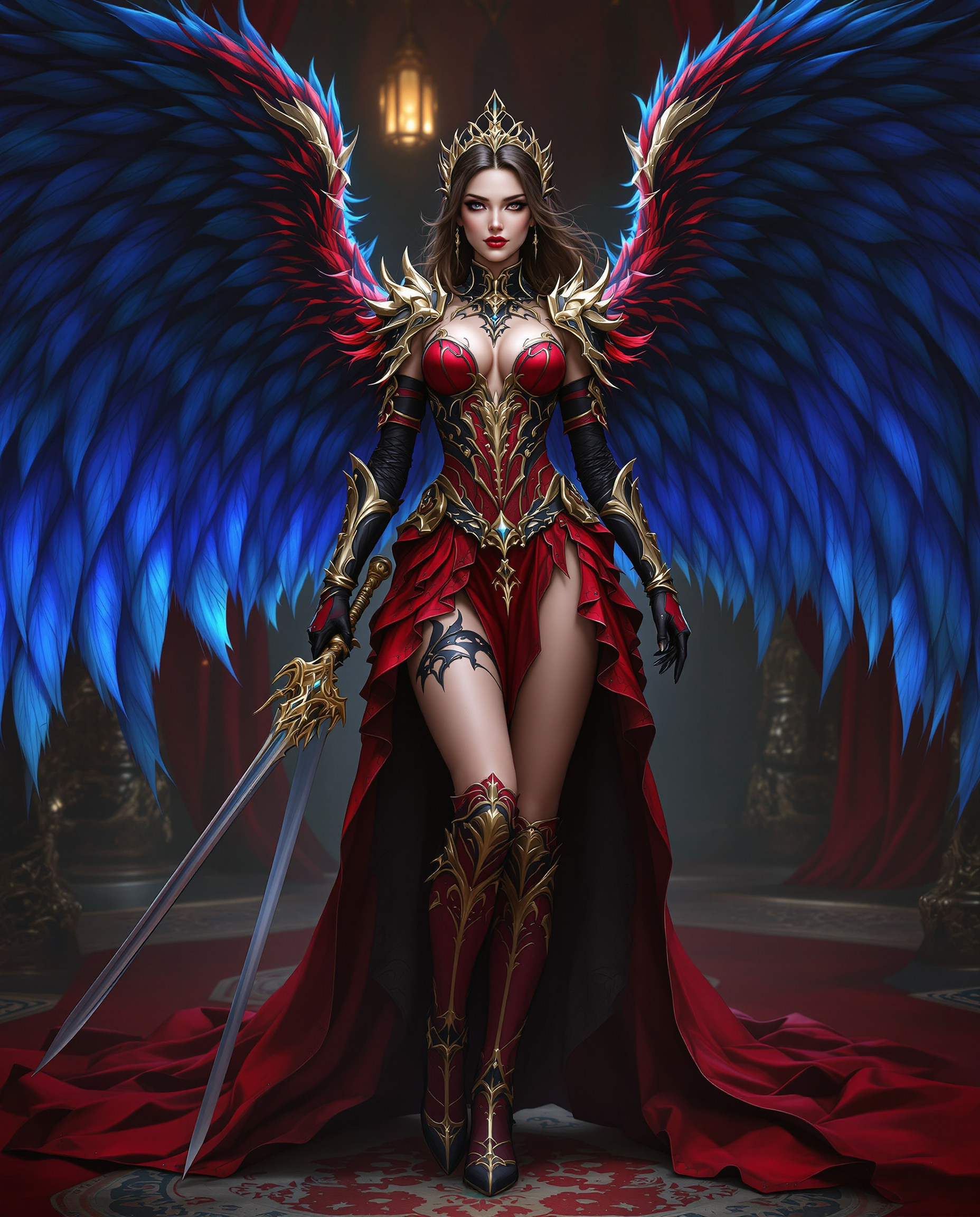
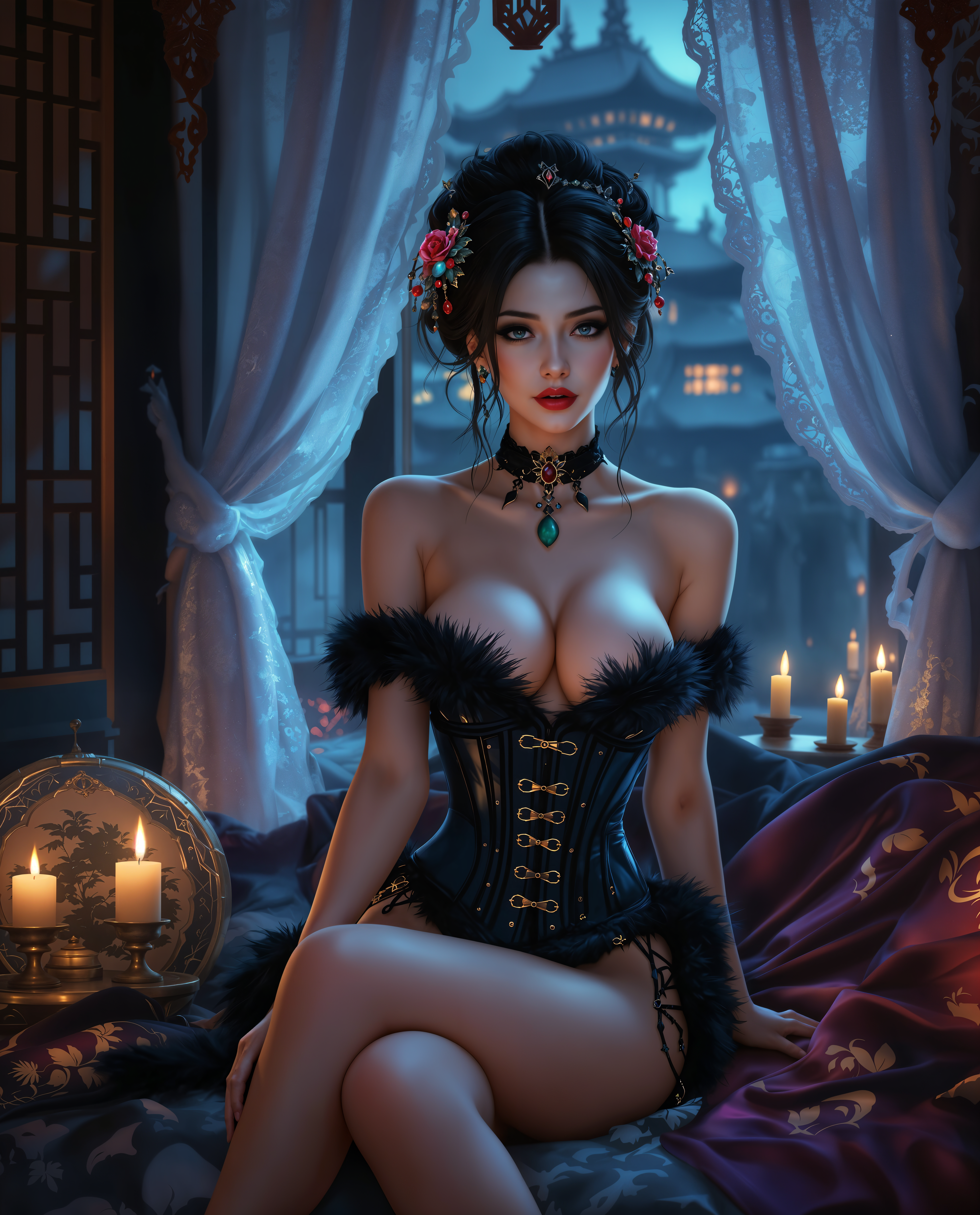
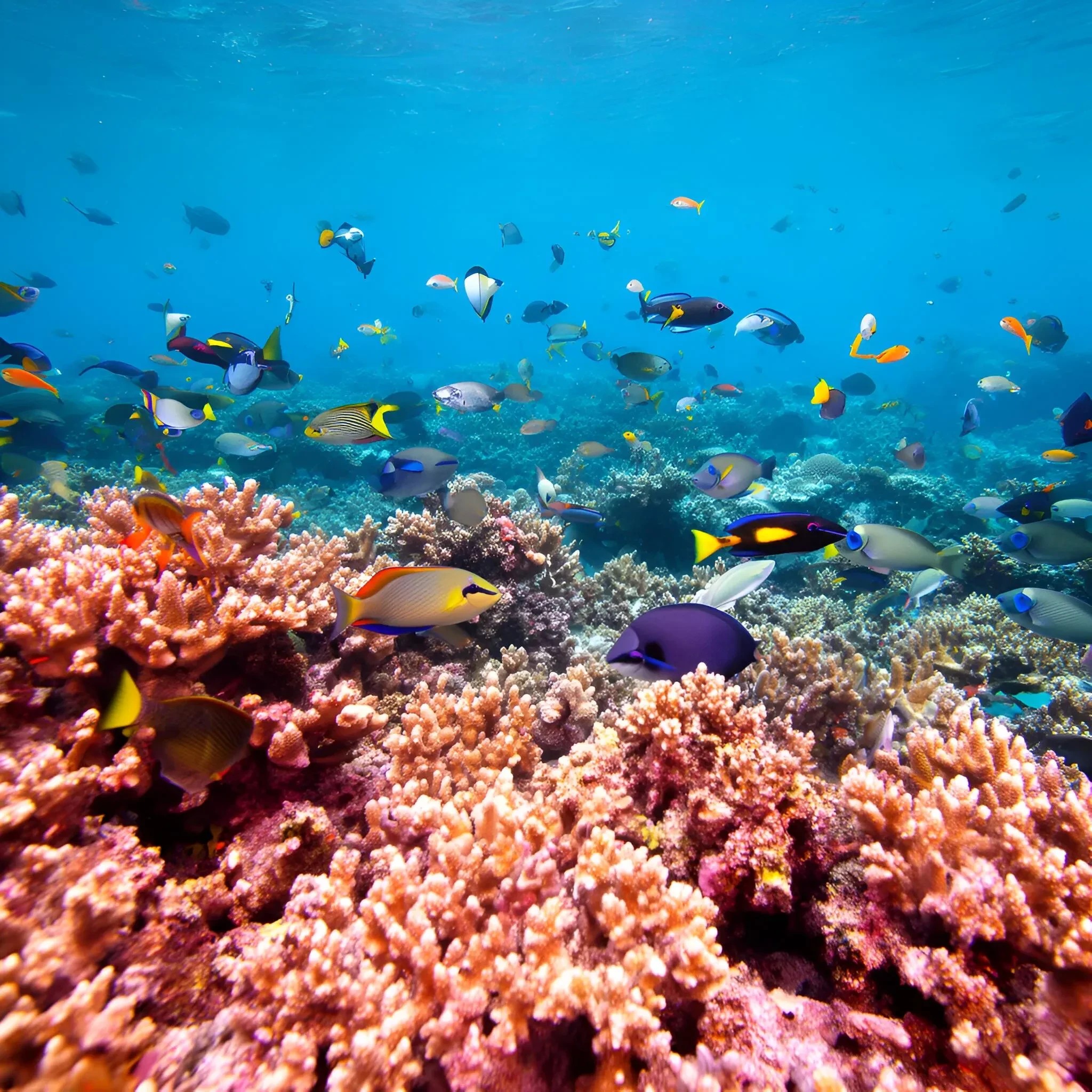
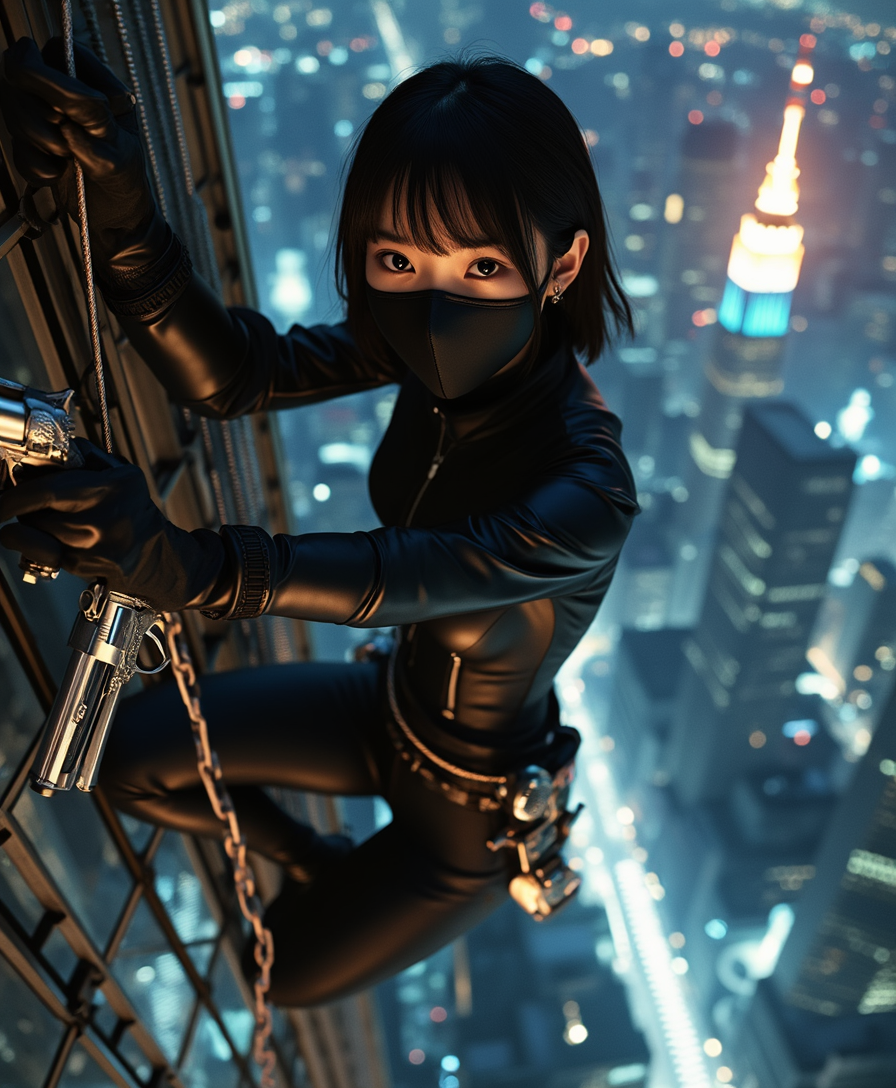
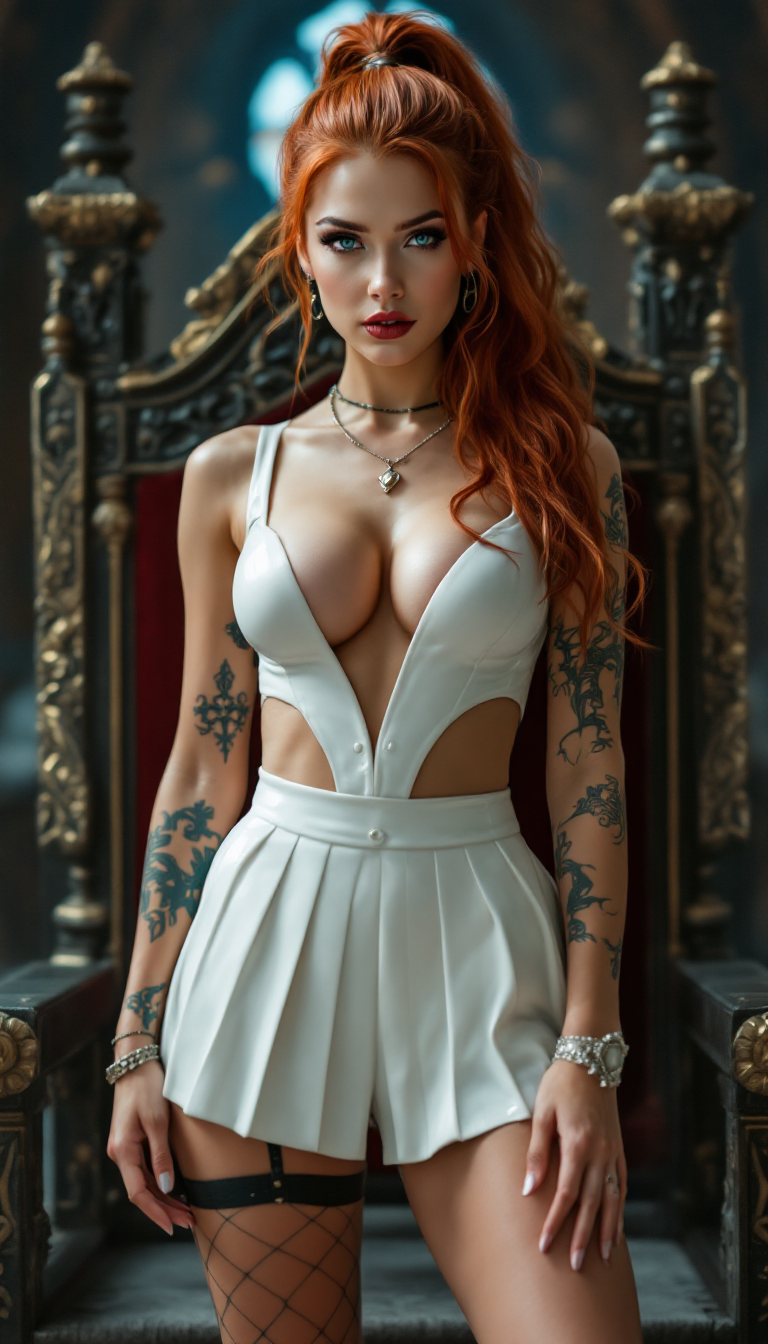
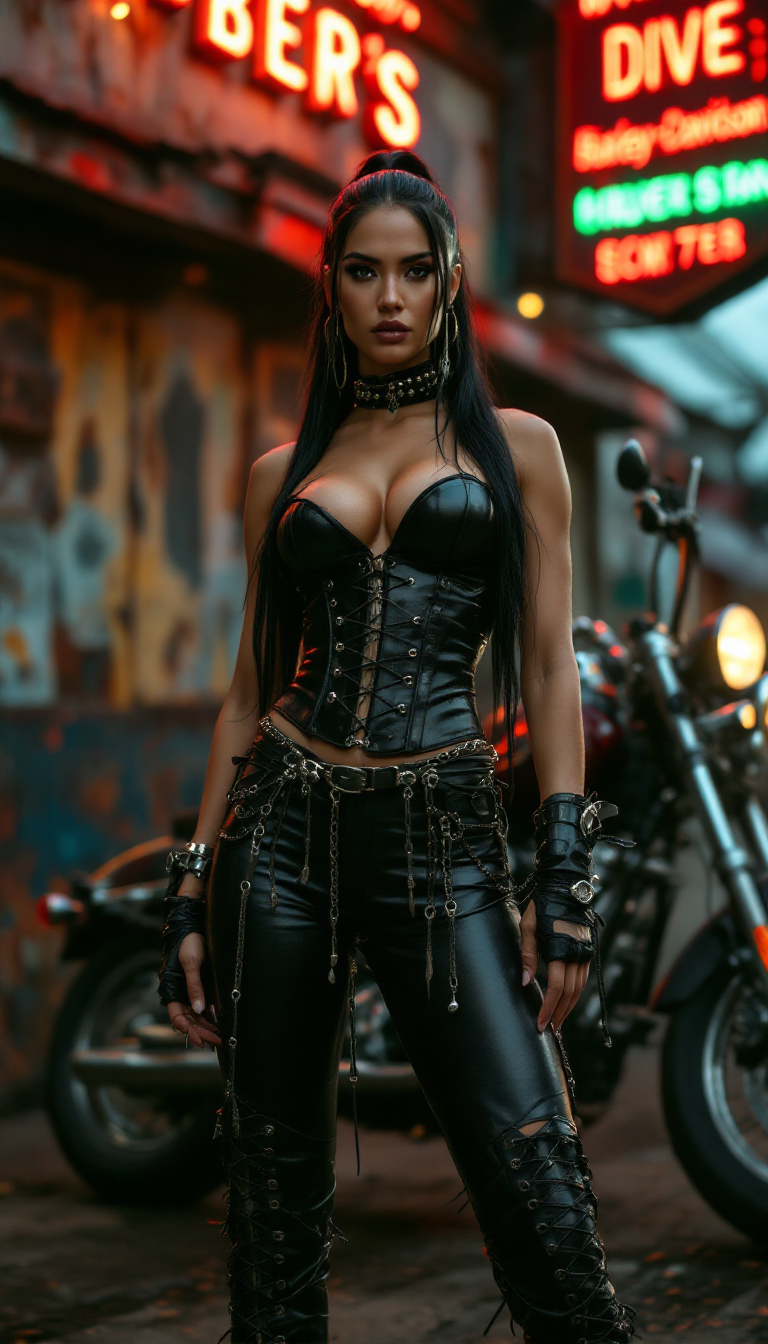
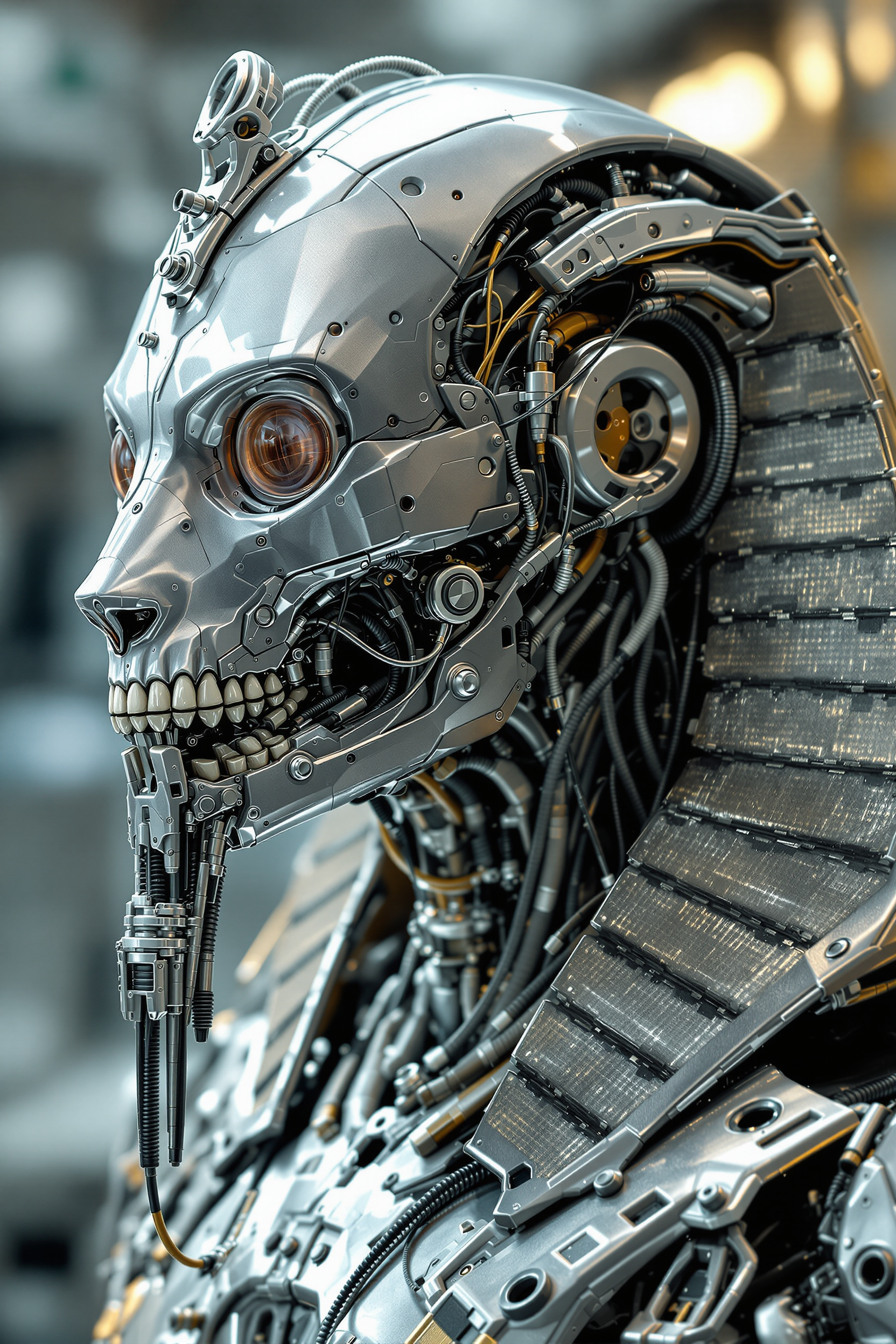
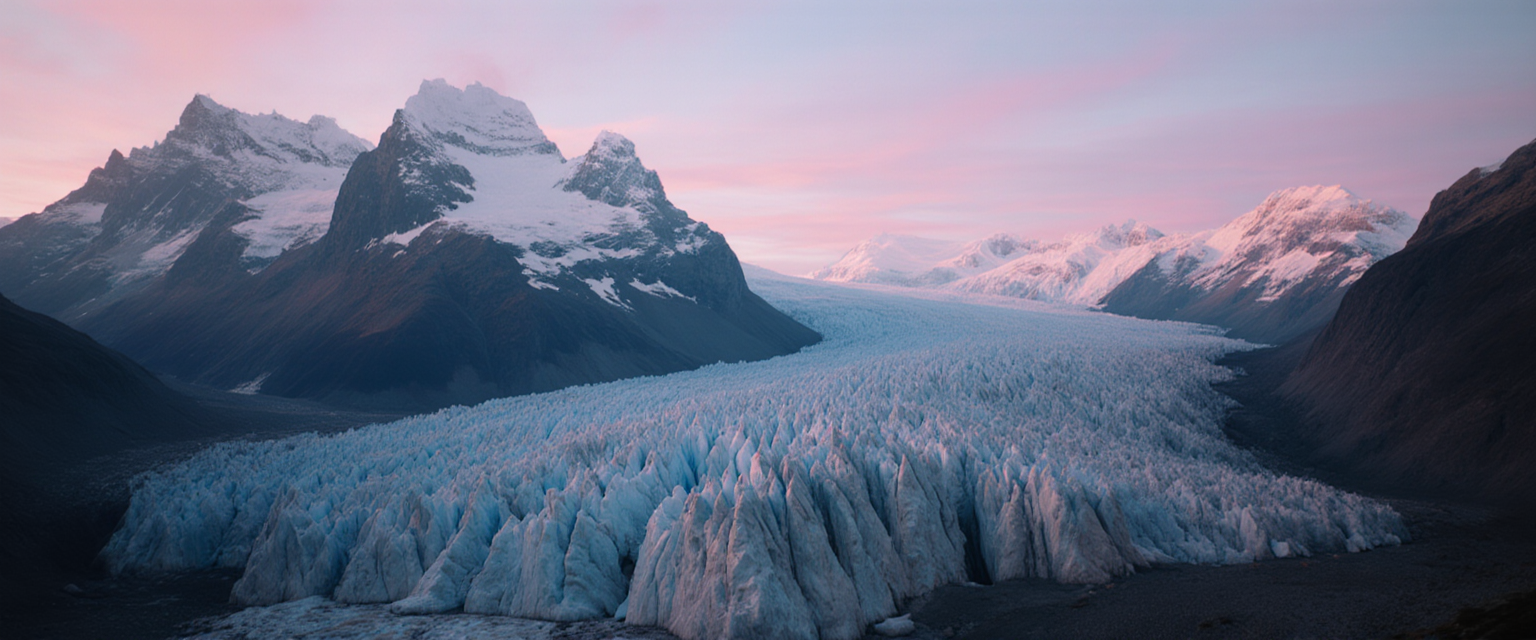
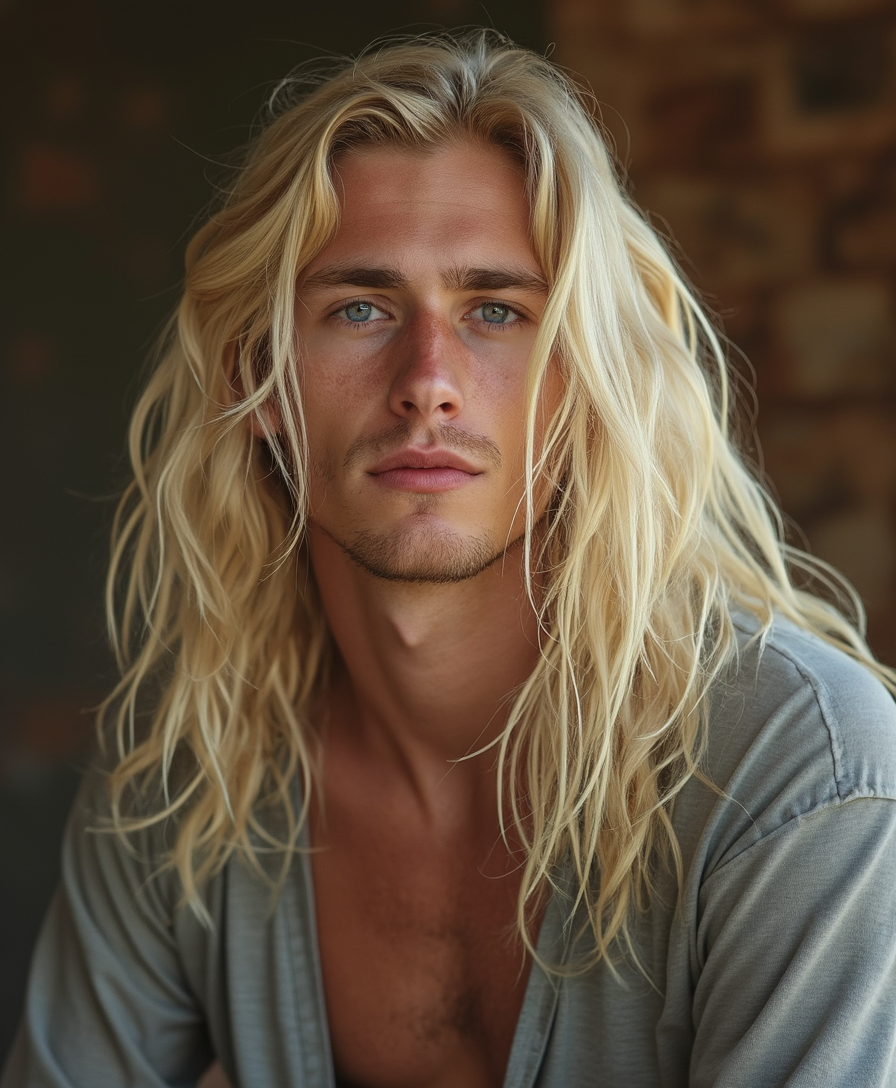
Imagine transforming your everyday photos into captivating artworks that reflect the styles of renowned artists or unique aesthetics. With PixelDojo's AI Image Style Transfer tools, you can effortlessly apply various artistic styles to your images, creating personalized and visually striking compositions in seconds. Whether you're a designer seeking inspiration, a marketer aiming to enhance visual content, or an individual exploring creative expression, our AI-powered tools empower you to achieve remarkable outcomes without the need for extensive artistic skills.
Join over 10,000 satisfied users who have enhanced their images with PixelDojo's AI tools, achieving a 95% satisfaction rate and transforming over 1 million photos into stunning artworks.
Why Choose Pixel Dojo for image style transfer ai
Professional-quality results with cutting-edge AI technology
Effortless Artistic Transformation
Apply various artistic styles to your photos instantly, turning them into unique masterpieces without any prior art experience.
Consistent Branding Across Visuals
Maintain a cohesive visual identity by applying uniform styles to all your images, enhancing brand recognition and appeal.
Enhanced Engagement on Social Media
Create eye-catching visuals that stand out, increasing audience engagement and sharing across social platforms.
How It Works
Creating stunning, stylized images with PixelDojo is simple and intuitive. Follow these steps to transform your photos:
Step 1: Choose Your Tool
Select the 'Style Transfer' tool from PixelDojo's suite of AI image editing options.
Step 2: Upload Your Image
Click 'Upload' to select the photo you wish to transform from your device.
Step 3: Select a Style
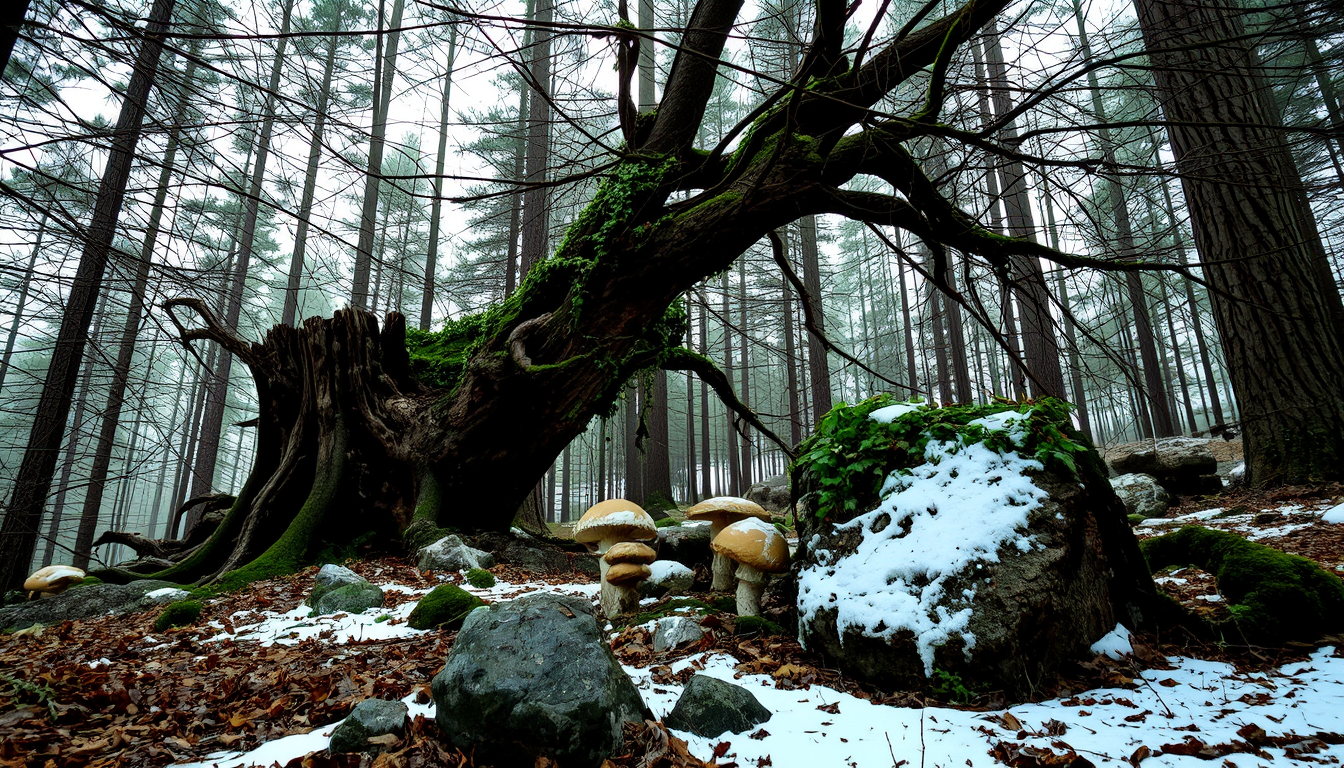
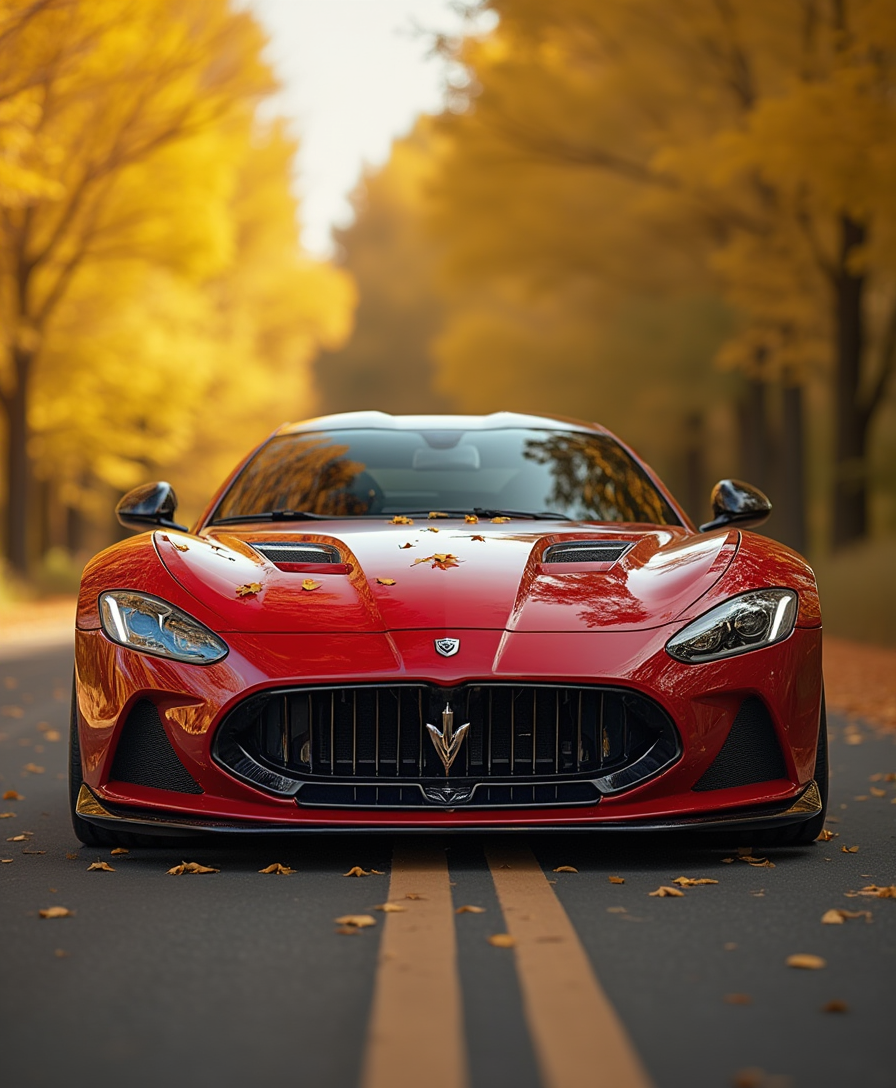
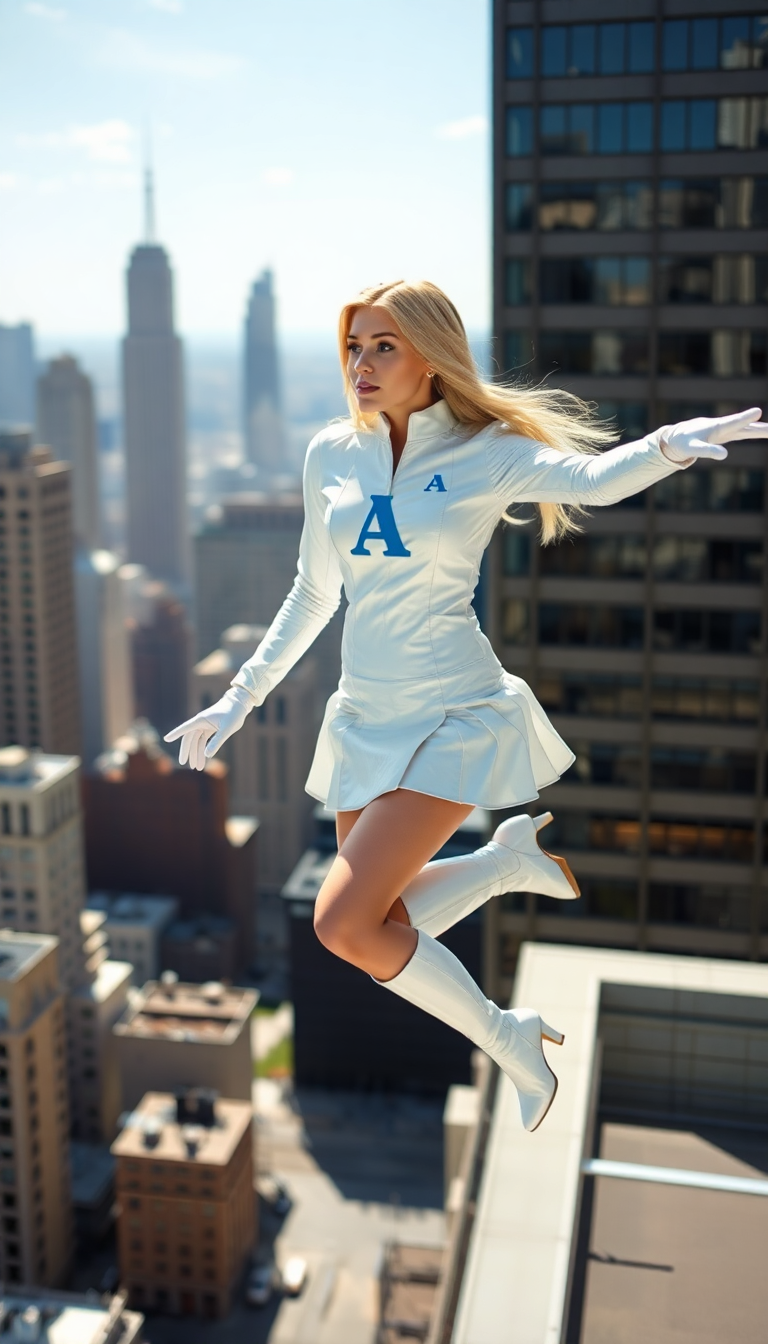
Browse through the available artistic styles and choose one that suits your vision.

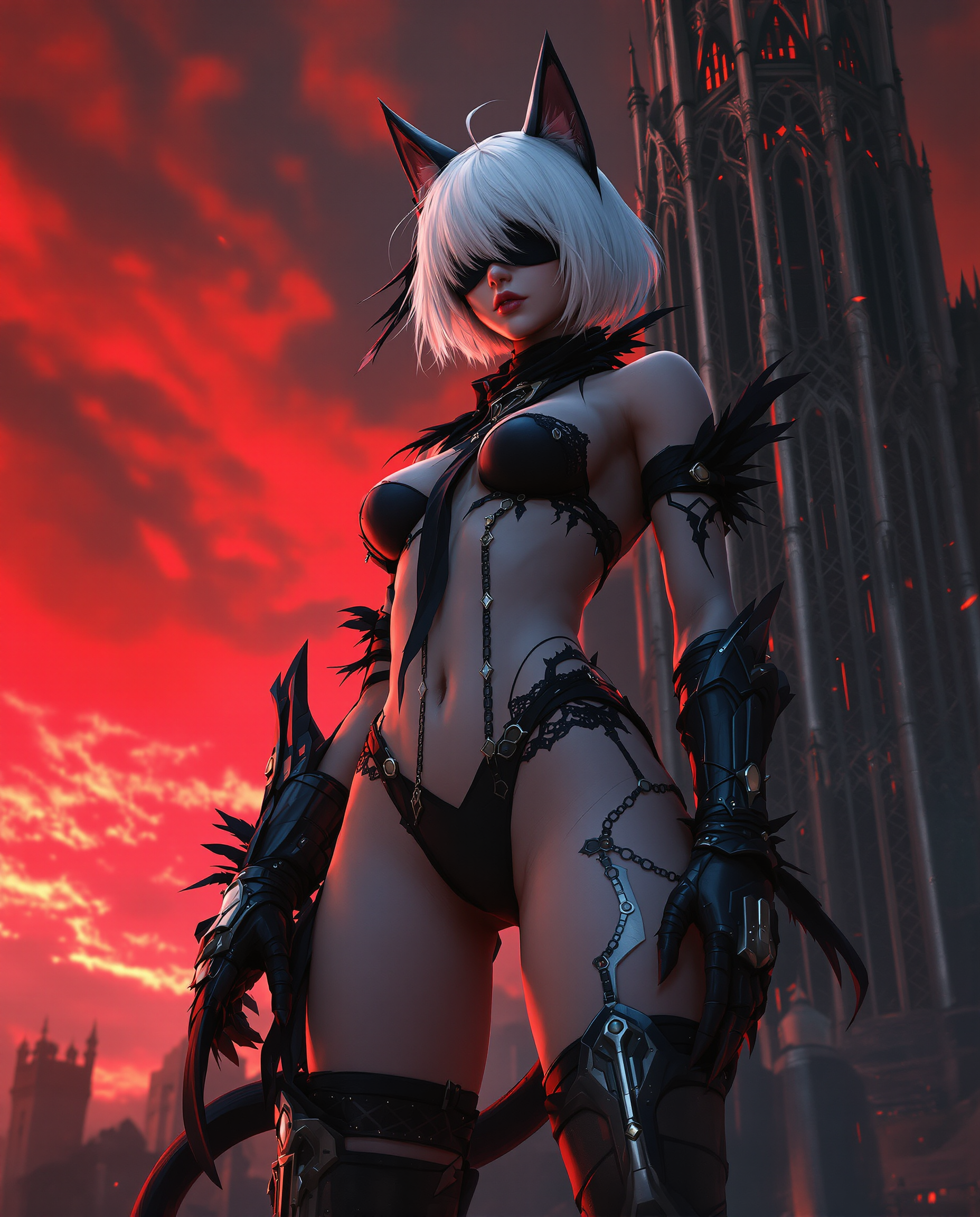
The Pixel Dojo Advantage
Why PixelDojo outperforms other options for AI image style transfer:
| Others | Pixel Dojo |
|---|---|
| Traditional Manual Editing | Save hours of manual work by applying complex artistic styles instantly with AI. |
| Generic AI Tools | Enjoy a vast selection of styles and customization options tailored for diverse creative needs. |
| Limited Mobile Apps | Access high-resolution outputs and professional-grade transformations beyond basic filters. |
Loved by creators on PixelDojo
Real feedback from people using PixelDojo, pulled from our in-product surveys.
Very easy to use, and they have fast wan 2.2 video generation with custom loras available.
The overall quality of the site and it's amazing variety of tools. The continued updates of the UI. The unbelievable level of tech support.
THIS IS SO DOPE !
I have already recommended it to friends
All the tools, plus the guidance
Excellent tools. Ease of use. Well thought out interface. Wide variety of AI tools and features which are up to date with more added each month
Explore more AI tools on PixelDojo
AI Tools
Compare & Switch
- Best AI Image Generators
- Best AI Video Generators
- Midjourney Alternatives
- Civitai Alternatives
- Runway Alternatives
- Leonardo Alternatives
- Pika Alternatives
- Luma Alternatives
- Magnific Alternatives
- Veo Alternatives
- Flux Alternatives
- Freepik Alternatives
- Seedance Alternatives
- Seedream Alternatives
- Pixverse Alternatives
- GPT Image Alternatives
- Synthesia Alternatives
- Playground Alternatives
- NightCafe Alternatives
- Canva AI Alternatives
- ElevenLabs Alternatives
- ComfyUI Alternatives
- Fal Alternatives
- Replicate Alternatives
Common Questions
Everything you need to know about image style transfer ai
How does PixelDojo's AI image style transfer work?
PixelDojo uses advanced AI algorithms to analyze your photo and apply the chosen artistic style, blending content and style seamlessly to create a unique image.
Can I adjust the intensity of the applied style?
Yes, our tools offer customization options, allowing you to control the intensity and other parameters of the applied style to suit your preferences.
Is there a limit to the number of images I can transform?
With a PixelDojo subscription, you have unlimited access to transform as many images as you like.
Do I need any prior design experience to use PixelDojo?
No, PixelDojo is designed for users of all skill levels. Our intuitive interface makes it easy for anyone to create stunning images.
What file formats are supported for upload and download?
PixelDojo supports common image formats such as JPEG and PNG for both upload and download.
Can I use the transformed images for commercial purposes?
Yes, images created with PixelDojo can be used for both personal and commercial projects, adhering to our terms of service.