image swap

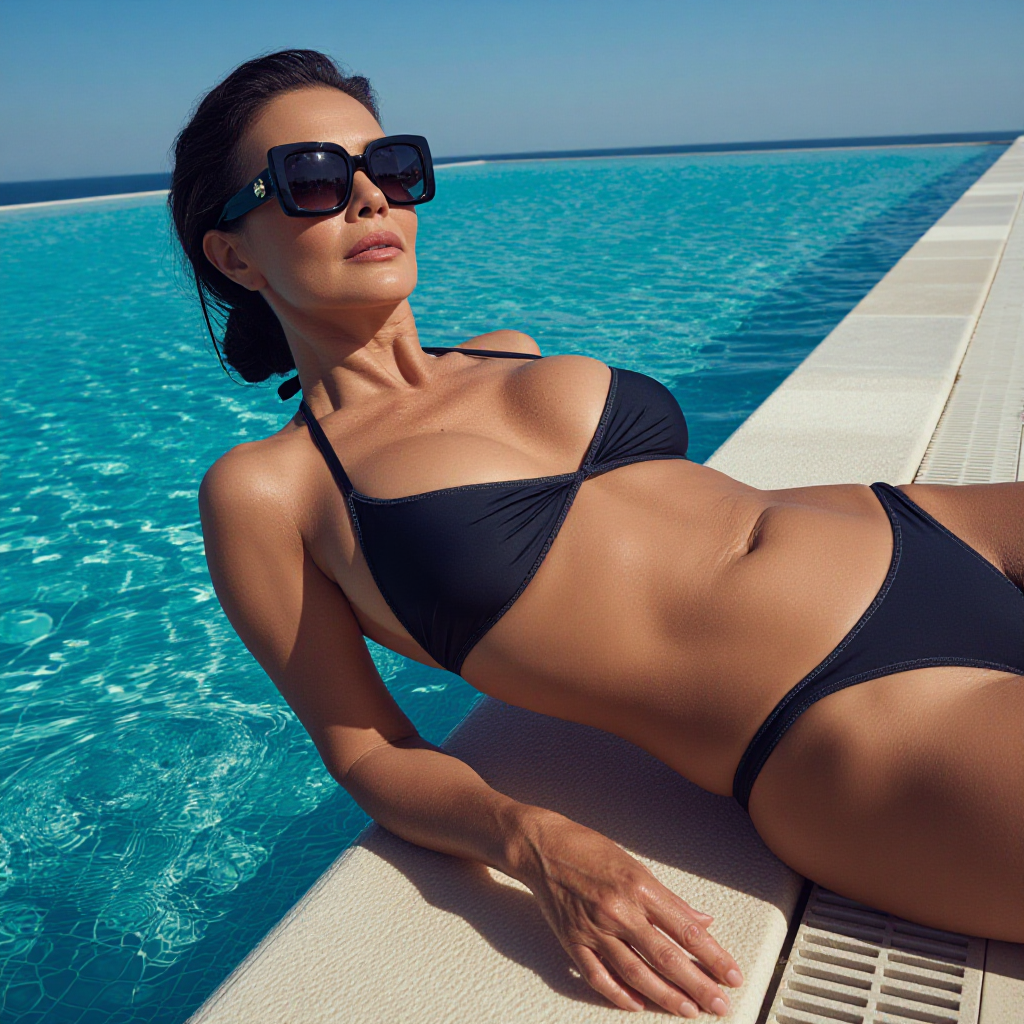
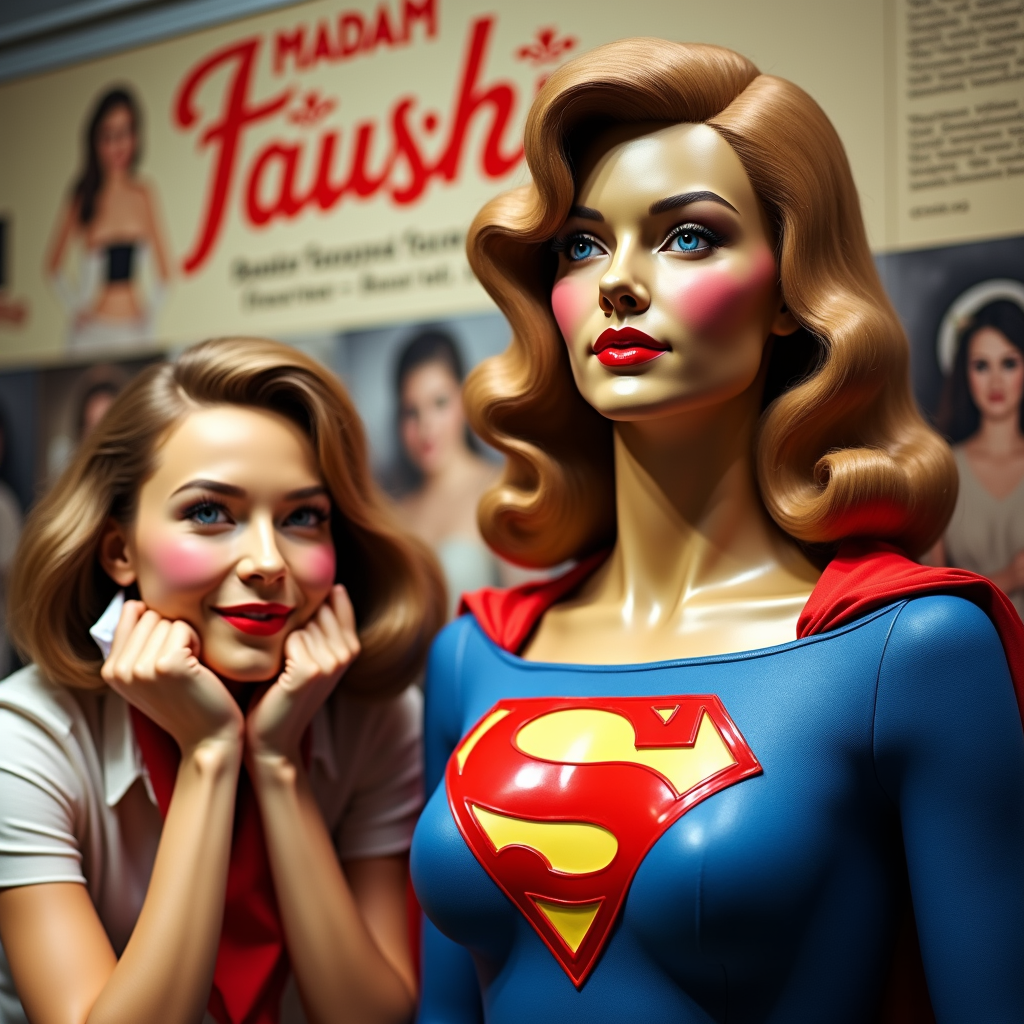
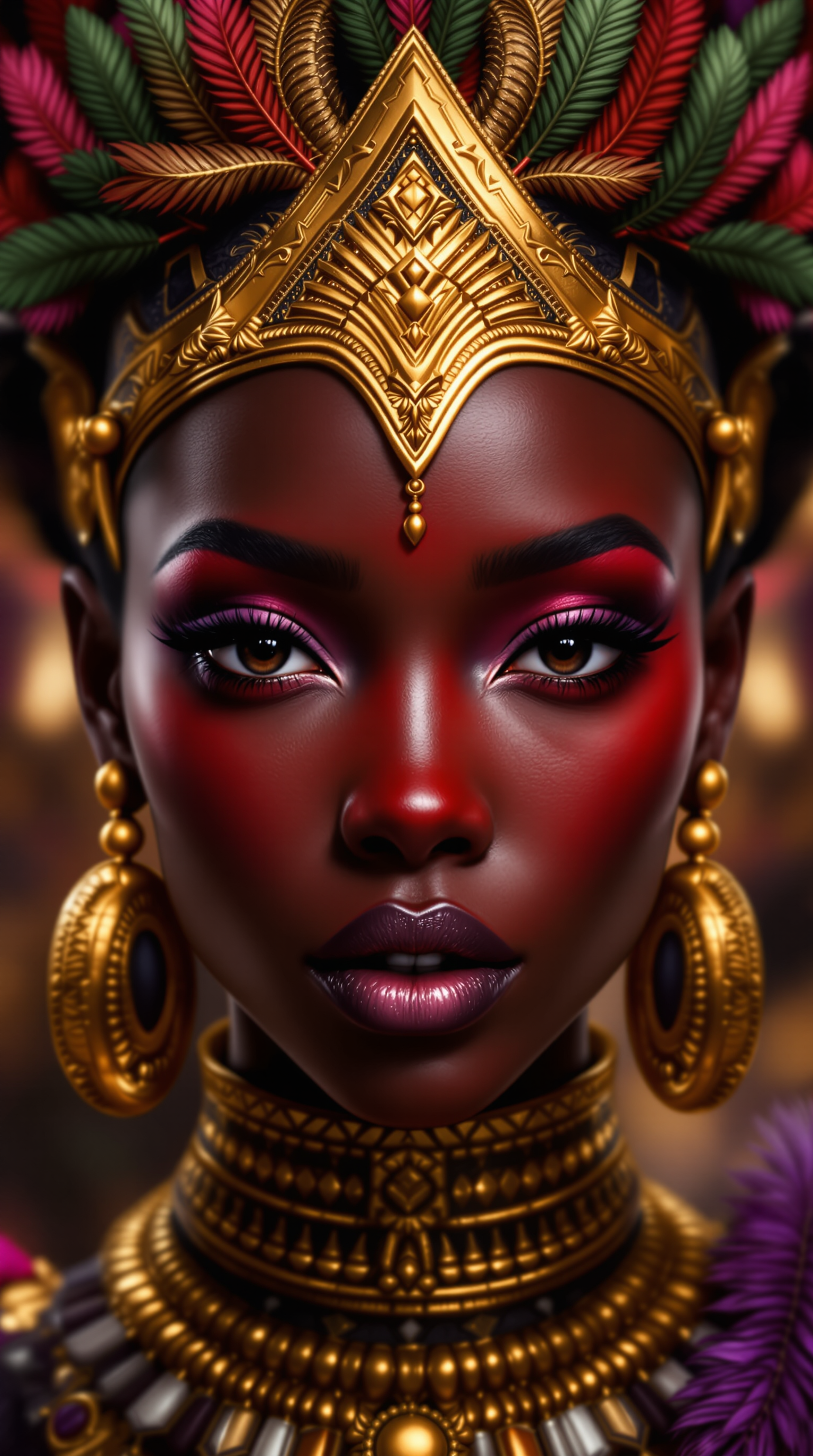
Transform ordinary photos into extraordinary creations with PixelDojo's AI image swap tools. Whether you're crafting hilarious memes, updating family portraits, or producing professional marketing visuals, you can instantly replace faces while preserving perfect lighting, skin tones, and expressions. Achieve photorealistic results that look completely natural, helping you create shareable social content, personalized gifts, or compelling brand assets without any design experience. Focus on the outcomes that matter: turning your ideas into scroll-stopping images faster than ever before.
Over 75,000 creators have completed more than 2.3 million image swaps on PixelDojo. Rated 4.9/5 by thousands of users. Trusted by marketers, influencers, and hobbyists worldwide for consistent, high-quality results.
Why Choose Pixel Dojo for image swap
Professional-quality results with cutting-edge AI technology
Create Viral Social Content Effortlessly
Swap faces into trending memes, reaction images, or celebrity templates to generate shareable posts that boost engagement on TikTok, Instagram, and Twitter without hours of editing.
Produce Professional-Quality Portraits
Update LinkedIn headshots, fix group photos, or create consistent brand personas by swapping faces across multiple images while maintaining perfect lighting and angles every time.
Unlock Endless Creative Possibilities
Place yourself or loved ones into fantasy scenes, historical settings, or custom artwork for unique gifts, story illustrations, or personal projects that feel truly one-of-a-kind.
How It Works
Getting started with AI image swap on PixelDojo is simple and intuitive. Use our dedicated Face Swap tool combined with Consistent Characters for best results.
Step 1: Choose Your Tool
Select the Face Swap tool or LoRA Face Swap from the Characters & Faces category. For consistent results across multiple images, start with Consistent Characters to lock in identity.
Step 2: Enter Your Prompt & Upload Images
Upload your source face image and target photo. Describe the desired outcome in natural language, such as 'swap this face onto the person in the suit with natural lighting'. Our AI handles landmark detection and blending automatically.
Step 3: Customize & Download
Review the realistic swap result. Use Image to Image or Inpainting for fine adjustments like lighting tweaks. Download high-resolution files ready for social media or print.



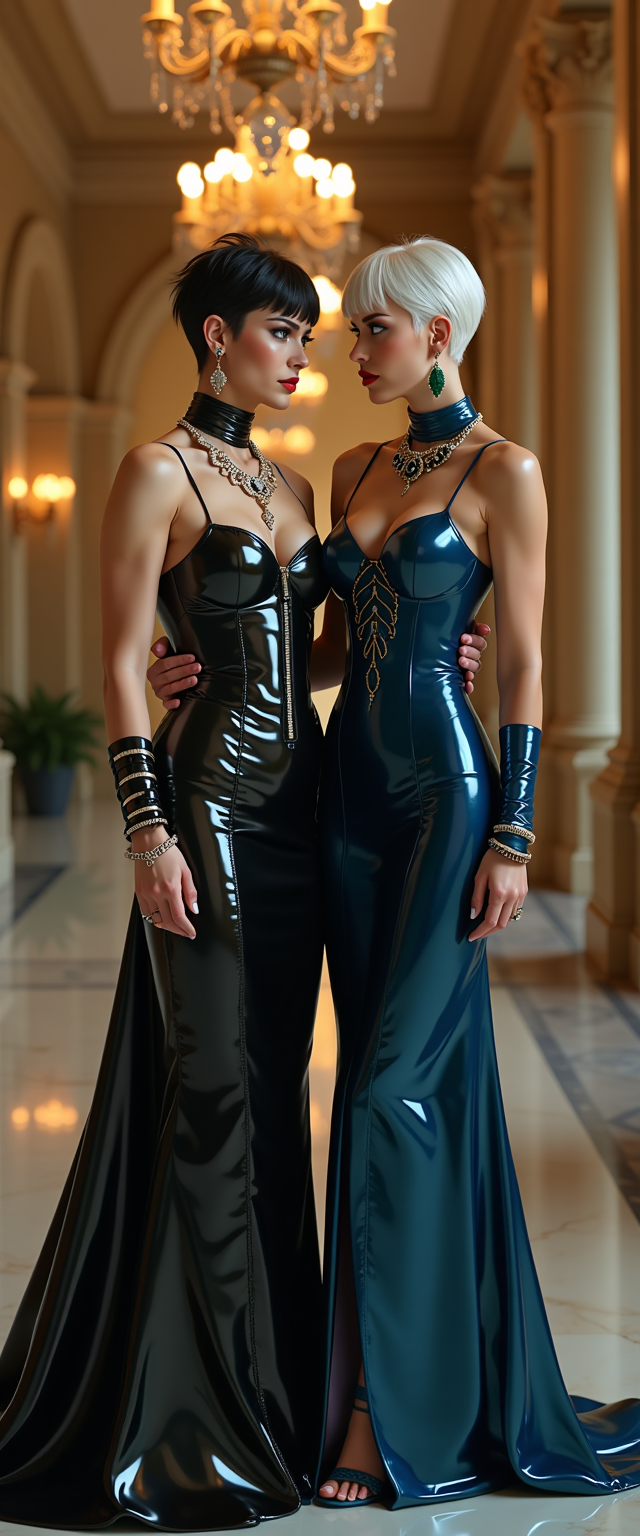
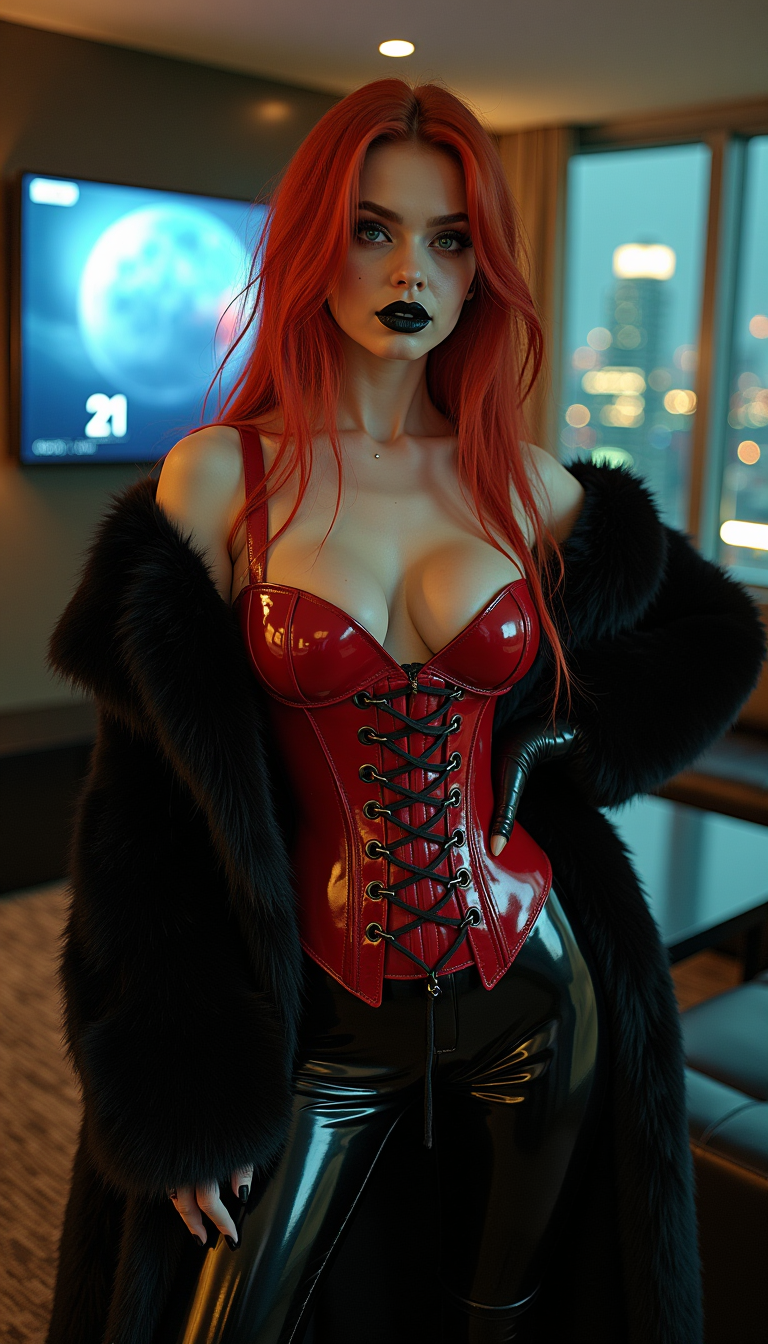
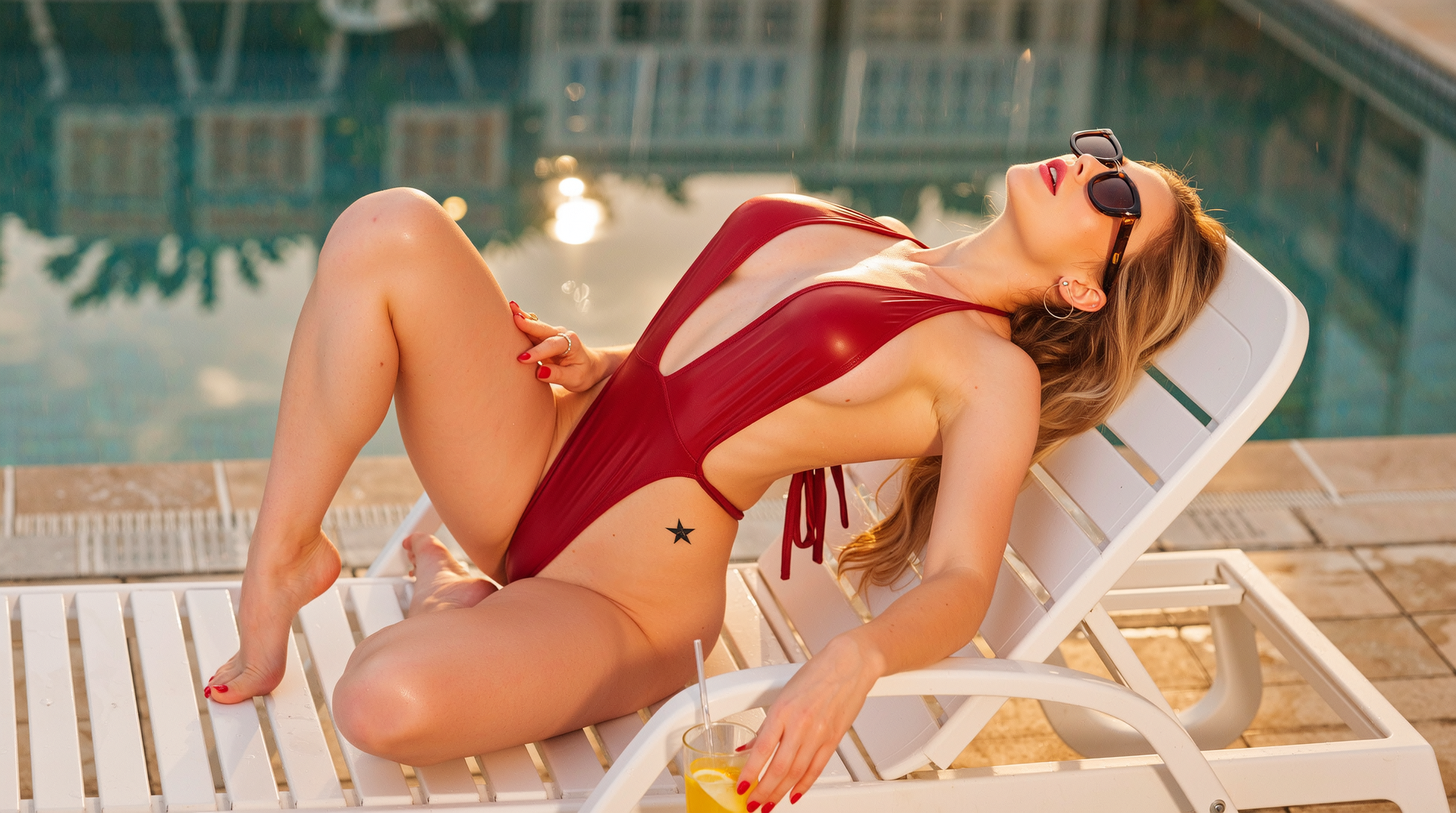

The Pixel Dojo Advantage
Why PixelDojo outperforms other options for image swap generation
| Others | Pixel Dojo |
|---|---|
| Traditional image swap creation | Achieve professional results in seconds instead of hours of manual Photoshop work or hiring expensive designers |
| Generic AI tools | Access 40+ specialized models including dedicated Face Swap and LoRA Face Swap for superior identity preservation and seamless blending |
| Manual photo editing | Eliminate tedious masking and blending tasks with AI that automatically matches skin tones, lighting, and expressions perfectly |
Loved by creators on PixelDojo
Real feedback from people using PixelDojo, pulled from our in-product surveys.
Great for all your ideas use it encourage more people to use it
Because it is awesome
exceptional quality and great overall design of platform and interface. very intuative. love the creative freedom.
Qwen image 2 is amazing!!
Creative freedom, range of tools and options.
I love the training feature
Explore more AI tools on PixelDojo
AI Tools
Compare & Switch
- Best AI Image Generators
- Best AI Video Generators
- Midjourney Alternatives
- Civitai Alternatives
- Runway Alternatives
- Leonardo Alternatives
- Pika Alternatives
- Luma Alternatives
- Magnific Alternatives
- Veo Alternatives
- Flux Alternatives
- Freepik Alternatives
- Seedance Alternatives
- Seedream Alternatives
- Pixverse Alternatives
- GPT Image Alternatives
- Synthesia Alternatives
- Playground Alternatives
- NightCafe Alternatives
- Canva AI Alternatives
- ElevenLabs Alternatives
- ComfyUI Alternatives
- Fal Alternatives
- Replicate Alternatives
Common Questions
Everything you need to know about image swap
How does AI image swap work on PixelDojo for realistic face replacements?
PixelDojo's Face Swap and LoRA Face Swap tools use advanced diffusion models to detect facial landmarks, match skin tones, lighting, and expressions automatically. Upload your source face and target image, and the AI generates a seamless, photorealistic swap in seconds while preserving natural details.
Can I swap faces in group photos using PixelDojo AI image swap?
Yes! Our Face Swap tool supports multi-face detection. Upload a group photo and multiple source faces, then select which faces to replace. Consistent Characters ensures identity accuracy across complex group compositions with perfect blending.
What makes PixelDojo's image swap better for creating memes and social content?
PixelDojo offers specialized tools like Face Swap combined with Image to Image and Style Transfer. You can quickly place faces into meme templates or trending styles while maintaining high quality, making it ideal for fast, viral content creation without watermarks or limits.
How accurate is PixelDojo's LoRA Face Swap for consistent character identity?
LoRA Face Swap excels at preserving unique facial features across different angles, lighting, and poses. Train or use pre-built LoRAs for your characters to achieve studio-quality consistency, perfect for series of images or branding projects.
Is PixelDojo AI image swap suitable for professional headshots and marketing?
Absolutely. Use Face Swap with Magic Lighting and Reality Polisher to create polished, consistent headshots or marketing visuals. The tools handle skin tone matching and expression preservation, delivering results suitable for LinkedIn, ads, and client presentations.
Can beginners easily use PixelDojo for their first AI image swap?
Yes, PixelDojo is designed for all skill levels. The intuitive interface guides you through uploading images and entering simple prompts. Our Face Swap tool requires no technical knowledge—just upload, prompt, and download professional results instantly.