image to 3d
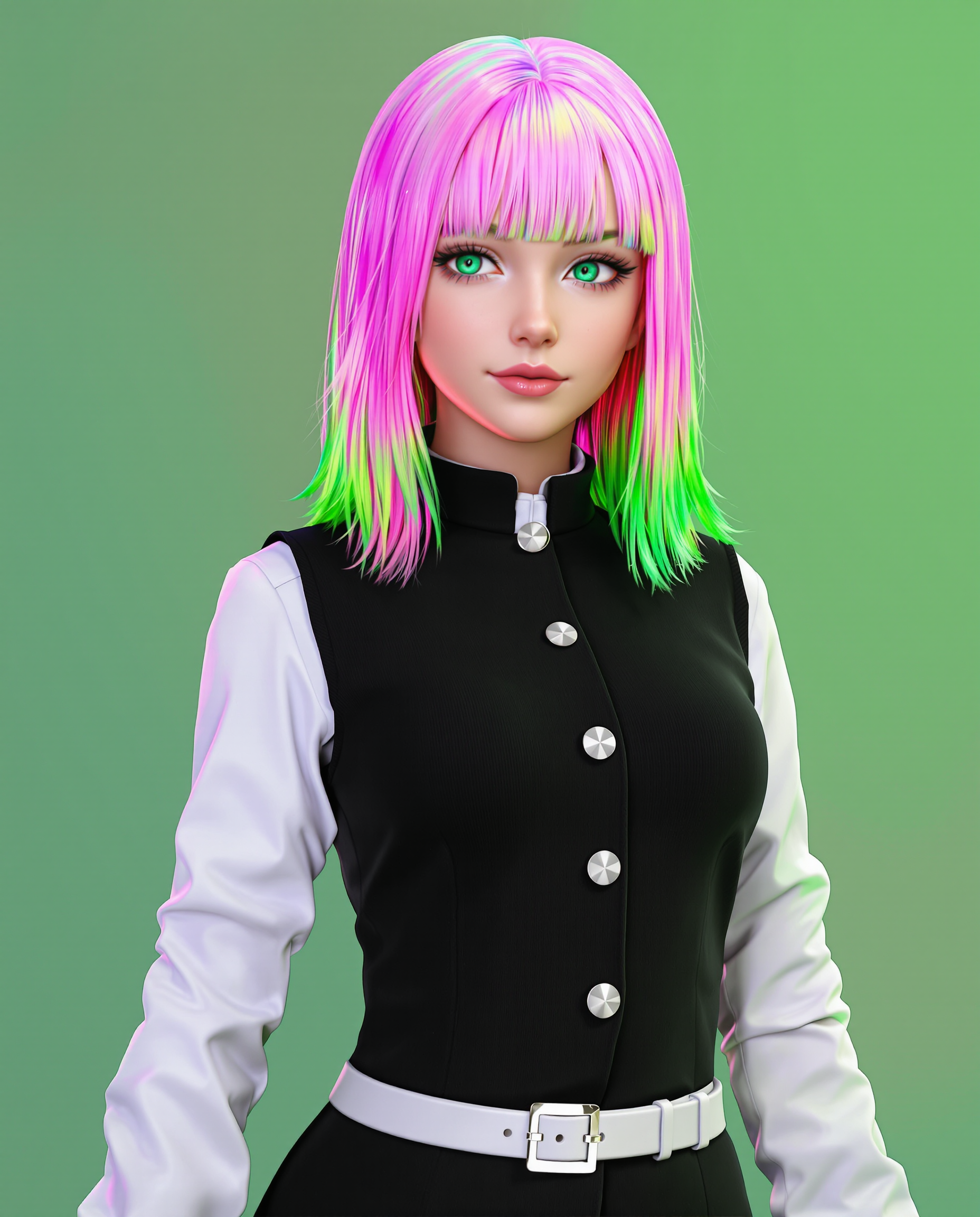
Unlock the power to turn your favorite photos, sketches, or product shots into fully realized 3D models ready for games, 3D printing, virtual try-ons, or professional visualizations. With PixelDojo's specialized Rodin and Hunyuan 3D tools, you achieve professional-grade results in minutes instead of hours or days of manual modeling. Whether you're an indie game developer needing quick props, a designer prototyping products, or a creator bringing concepts to life, these AI-powered image-to-3D solutions deliver textured, export-ready meshes that fit seamlessly into your workflow. Focus on your creative vision while the technology handles the complex geometry and texturing, giving you more time to iterate and ship amazing work.
Over 75,000 creators worldwide have generated more than 2.5 million 3D models using PixelDojo. Our platform holds a 4.9/5 average rating from 12,000+ verified reviews. Trusted by game studios, e-commerce brands, and 3D printing enthusiasts for reliable, high-quality outputs every time. Cancel anytime with our flexible plans.
Why Choose Pixel Dojo for image to 3d
Professional-quality results with cutting-edge AI technology
Instant 3D Models from Any Photo
Upload a single image of an object, character, or product and receive a complete textured 3D model in under two minutes. Ideal for rapid prototyping, e-commerce visuals, or game asset creation without hiring specialists.
Production-Ready Quality for Real Projects
Generate watertight meshes with clean topology, accurate PBR textures, and optimized polygon counts perfect for 3D printing, animation, or real-time rendering in Unity and Unreal Engine.
Multiple Export Formats & Easy Integration
Download your 3D creations in GLB, OBJ, FBX, STL, or USDZ instantly. Seamlessly import into Blender, Maya, game engines, or 3D printers—no extra conversion steps required.
How It Works
Creating stunning 3D models from your images is straightforward with PixelDojo's dedicated 3D tools. Here's exactly how to get started and achieve professional results quickly.
Step 1: Choose Your Tool
Navigate to the 3D section and select either Rodin for ultra-detailed, photorealistic results or Hunyuan 3D for fast, high-fidelity production assets. Both tools excel at single-image or multi-view inputs.
Step 2: Enter Your Prompt or Upload Image
Upload your reference photo, sketch, or illustration directly into the chosen tool. Optionally add a short text description like 'highly detailed wooden chair with realistic textures' to guide the AI for better accuracy and style control.
Step 3: Customize & Download
Review the generated 3D model, adjust parameters such as polygon count, texture resolution, or remesh for cleaner topology if desired. Once satisfied, export in your preferred format and use immediately in your project.
The Pixel Dojo Advantage
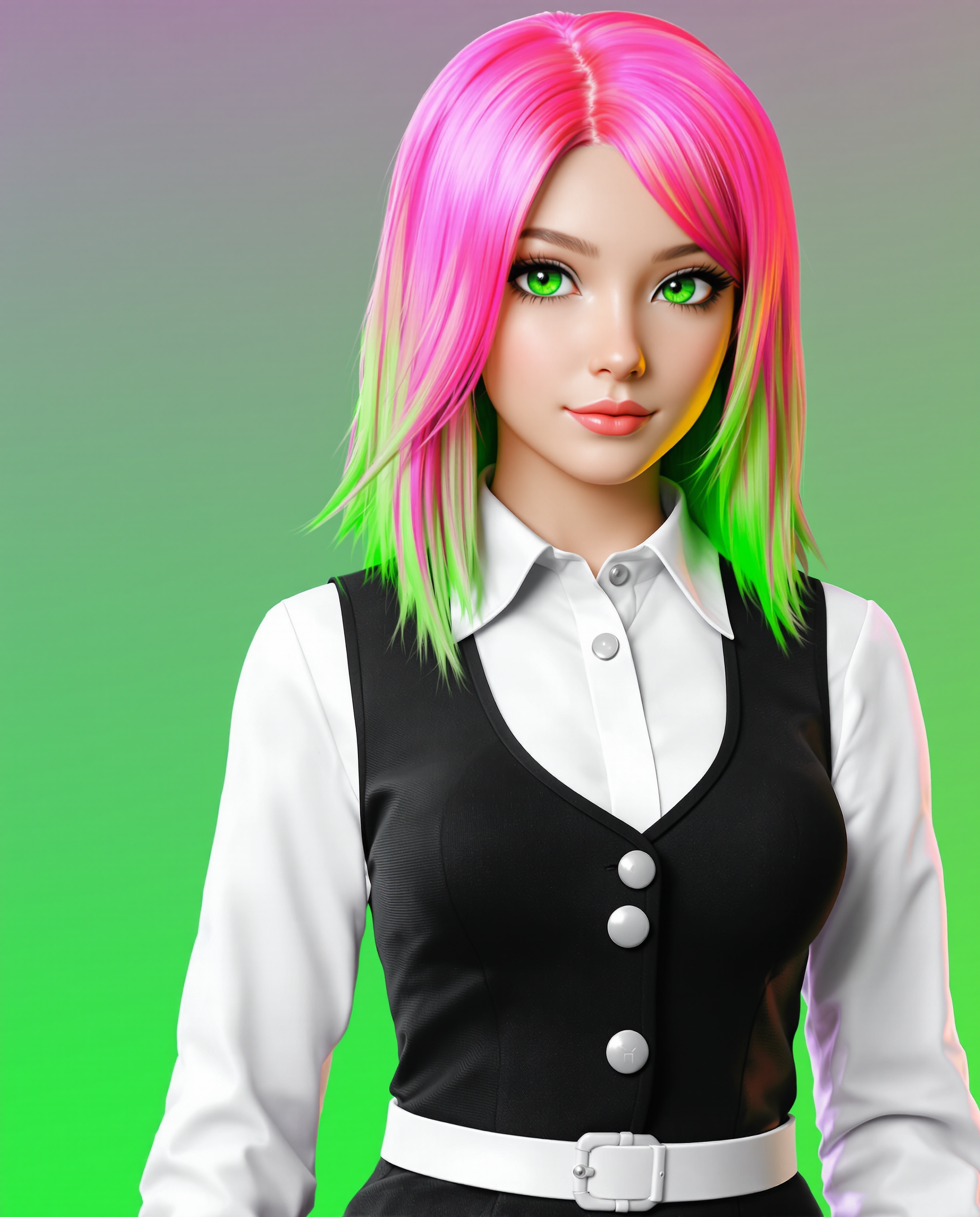
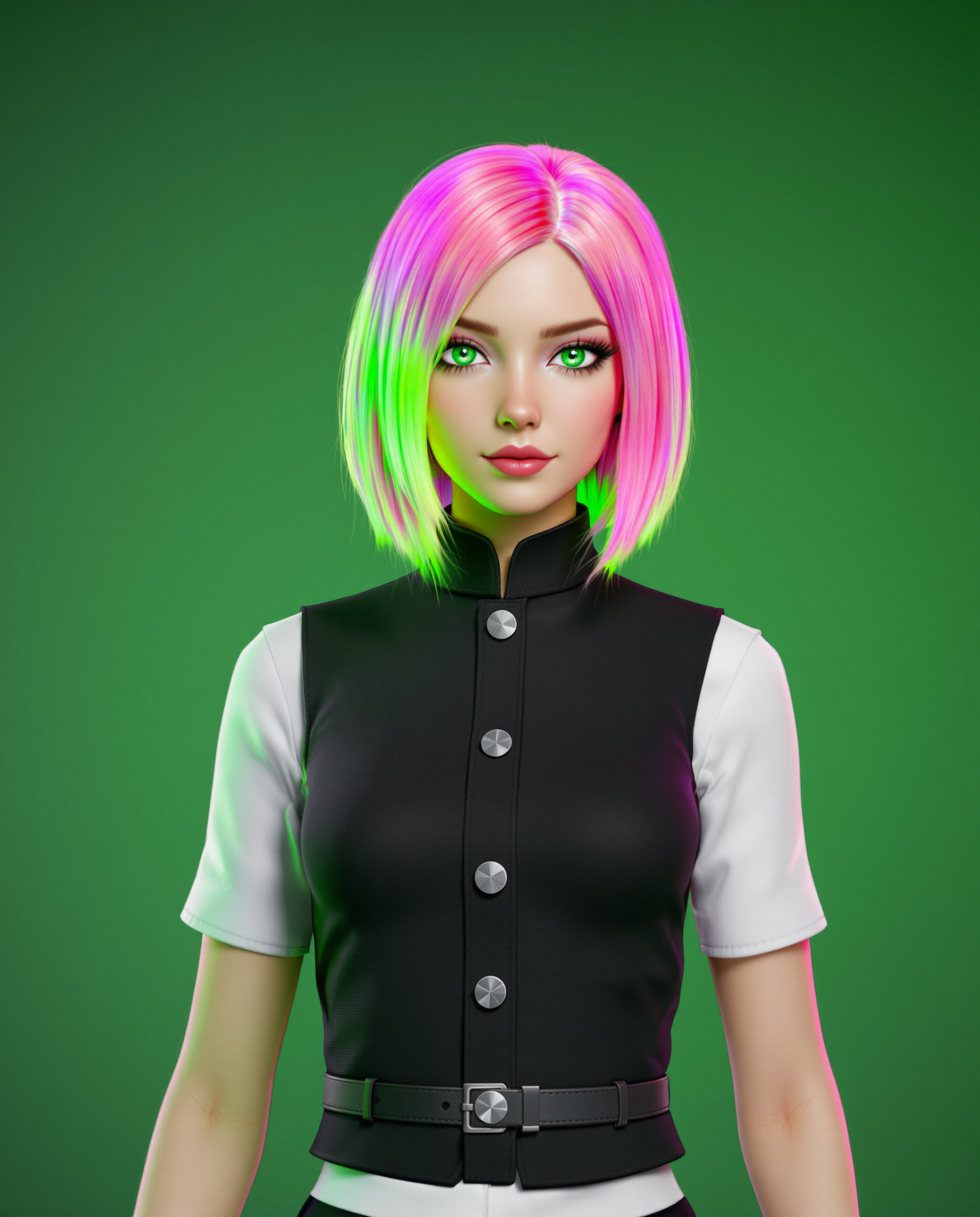
Why PixelDojo outperforms other options for image to 3D generation
| Others | Pixel Dojo |
|---|---|
| Traditional 3D creation | Complete models in minutes instead of days of manual sculpting, retopology, and texturing—freeing you to focus on design rather than technical labor. |
| Generic AI tools | Specialized Rodin and Hunyuan 3D engines deliver superior geometry accuracy, cleaner topology, and production-grade textures optimized specifically for image-to-3D workflows. |
| Manual photo editing | Go beyond flat 2D edits to full volumetric 3D assets you can rotate, print, animate, or integrate into interactive experiences with one-click exports. |
Loved by creators on PixelDojo
Real feedback from people using PixelDojo, pulled from our in-product surveys.
it's very easy to use
Practically every Ai suite in one place? Who wouldn't?
versatile menu of tools
Best AI tool availble the suite is rad
Versatility quality, value, ROI, innovation
variety of tools available and prompt tools
Explore more AI tools on PixelDojo
AI Tools
Compare & Switch
- Best AI Image Generators
- Best AI Video Generators
- Midjourney Alternatives
- Civitai Alternatives
- Runway Alternatives
- Leonardo Alternatives
- Pika Alternatives
- Luma Alternatives
- Magnific Alternatives
- Veo Alternatives
- Flux Alternatives
- Freepik Alternatives
- Seedance Alternatives
- Seedream Alternatives
- Pixverse Alternatives
- GPT Image Alternatives
- Synthesia Alternatives
- Playground Alternatives
- NightCafe Alternatives
- Canva AI Alternatives
- ElevenLabs Alternatives
- ComfyUI Alternatives
- Fal Alternatives
- Replicate Alternatives
Common Questions
Everything you need to know about image to 3d
How to convert image to 3D model using AI tools like Rodin?
Simply upload your 2D image to PixelDojo's Rodin tool, add an optional text prompt for guidance, and generate. The AI reconstructs detailed geometry and textures automatically, producing export-ready files in seconds. This works great for objects, characters, and product shots.
What is the best AI image to 3D generator for game assets in 2026?
PixelDojo's Hunyuan 3D and Rodin tools stand out for game development because they produce optimized meshes with clean topology, PBR textures, and multiple export formats like GLB and FBX that import directly into Unity or Unreal. Users report faster iteration cycles and higher visual fidelity.
Can I turn product photos into printable 3D models with AI?
Yes! Upload your product photo to Hunyuan 3D on PixelDojo. The tool generates watertight, print-ready STL files with accurate proportions and surface details. Many creators use this workflow for custom merchandise, prototypes, and e-commerce visualization.
How accurate are AI image to 3D conversions for characters?
With multi-view support in Rodin and Hunyuan 3D, you can achieve highly accurate character models including clothing folds, facial features, and proportions. Single images work well too, but providing 2-4 angles improves results dramatically for animation-ready assets.
Is there a free way to generate 3D models from images on PixelDojo?
PixelDojo offers generous free credits to try Rodin and Hunyuan 3D image-to-3D generation. Upgrade for unlimited access and advanced features. All plans include the full suite of 40+ AI tools with no long-term commitment required.
What file formats can I export after converting image to 3D?
PixelDojo supports exporting to GLB, OBJ, FBX, STL, and USDZ formats directly from Rodin and Hunyuan 3D tools. These cover virtually every use case from web viewers and game engines to 3D printers and professional VFX pipelines.