image to image ai
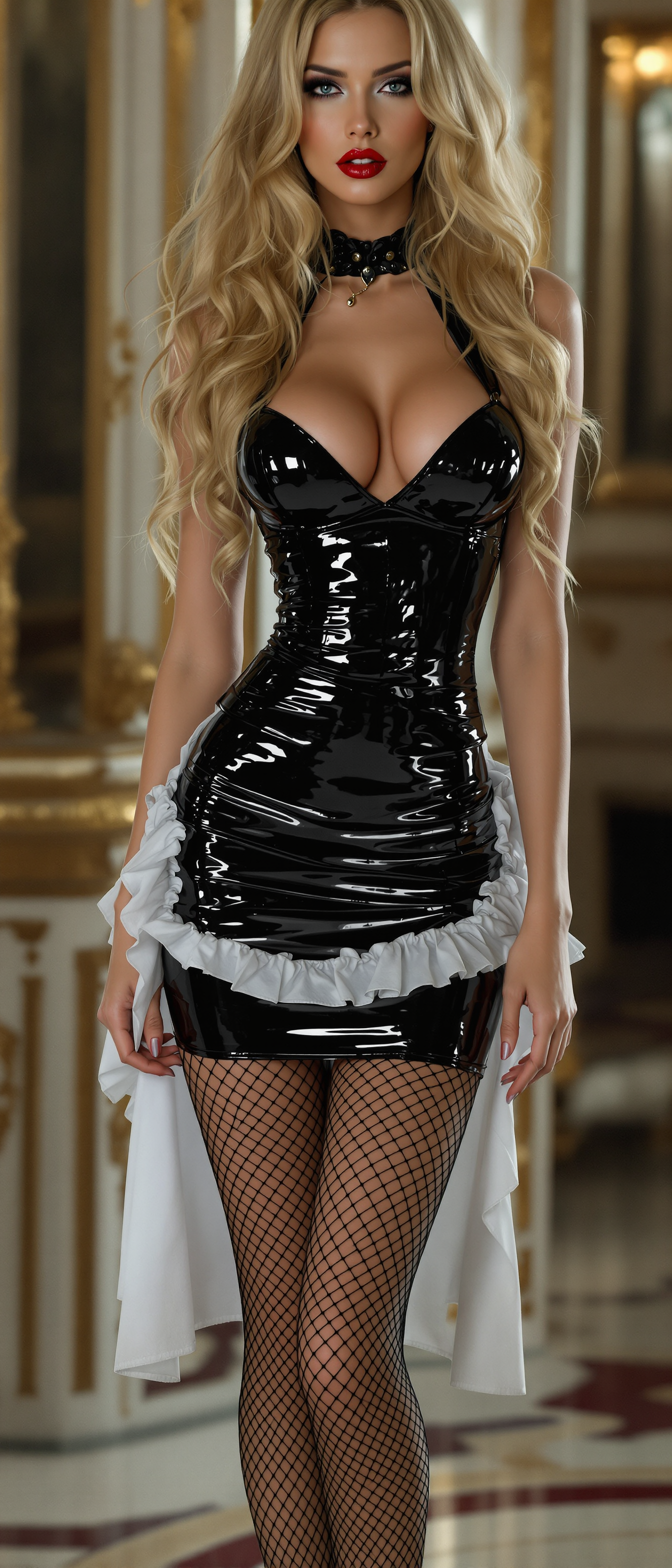
Unlock the full potential of your photographs with PixelDojo's cutting-edge AI image-to-image tools. Whether you're looking to restore old photos, apply artistic styles, or enhance image quality, our suite of AI-powered tools empowers you to achieve professional-grade results with ease. Say goodbye to complex editing software and hello to intuitive, AI-driven transformations that bring your creative visions to life.
Join over 10,000 satisfied creators who have transformed more than 1 million images using PixelDojo's AI tools. Rated 4.8/5 by our users for ease of use and quality results.
Why Choose Pixel Dojo for image to image ai
Professional-quality results with cutting-edge AI technology
Effortless Image Enhancement
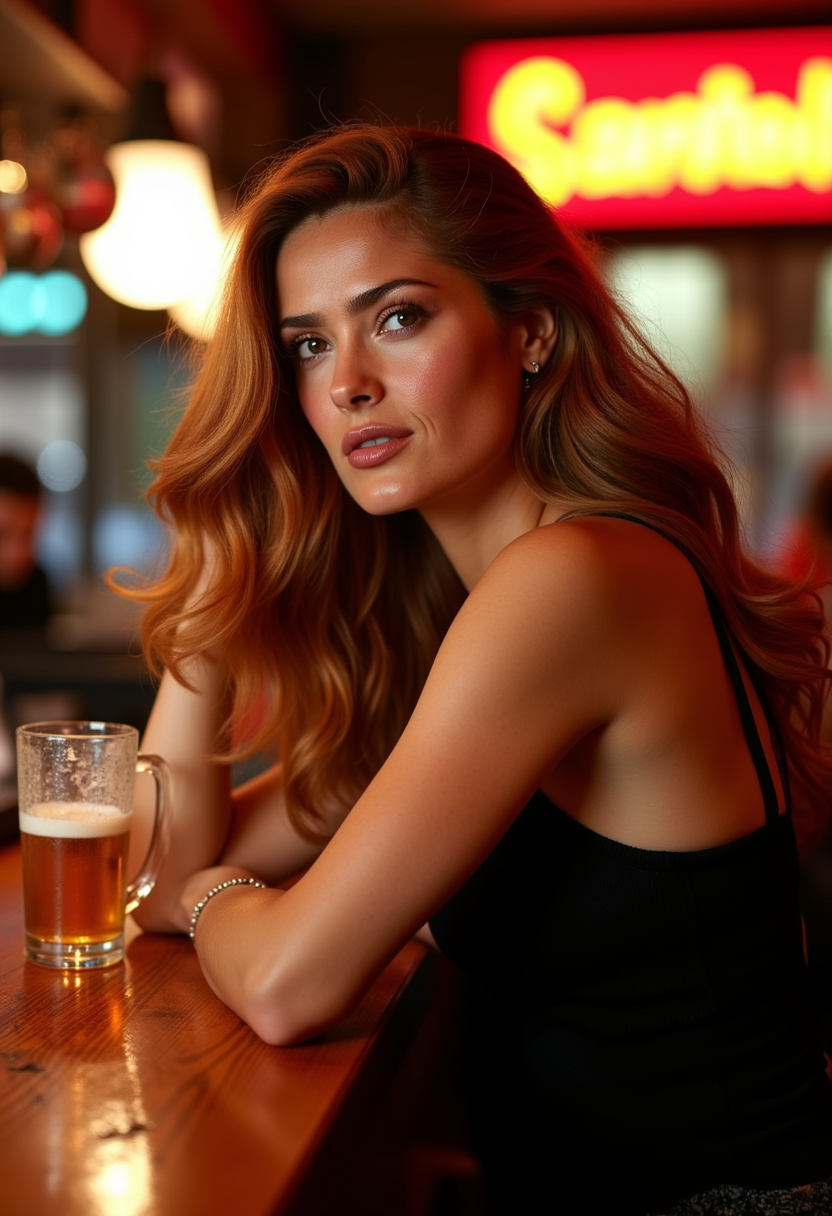
Improve image quality, restore old photos, and remove imperfections with just a few clicks.
Artistic Style Application
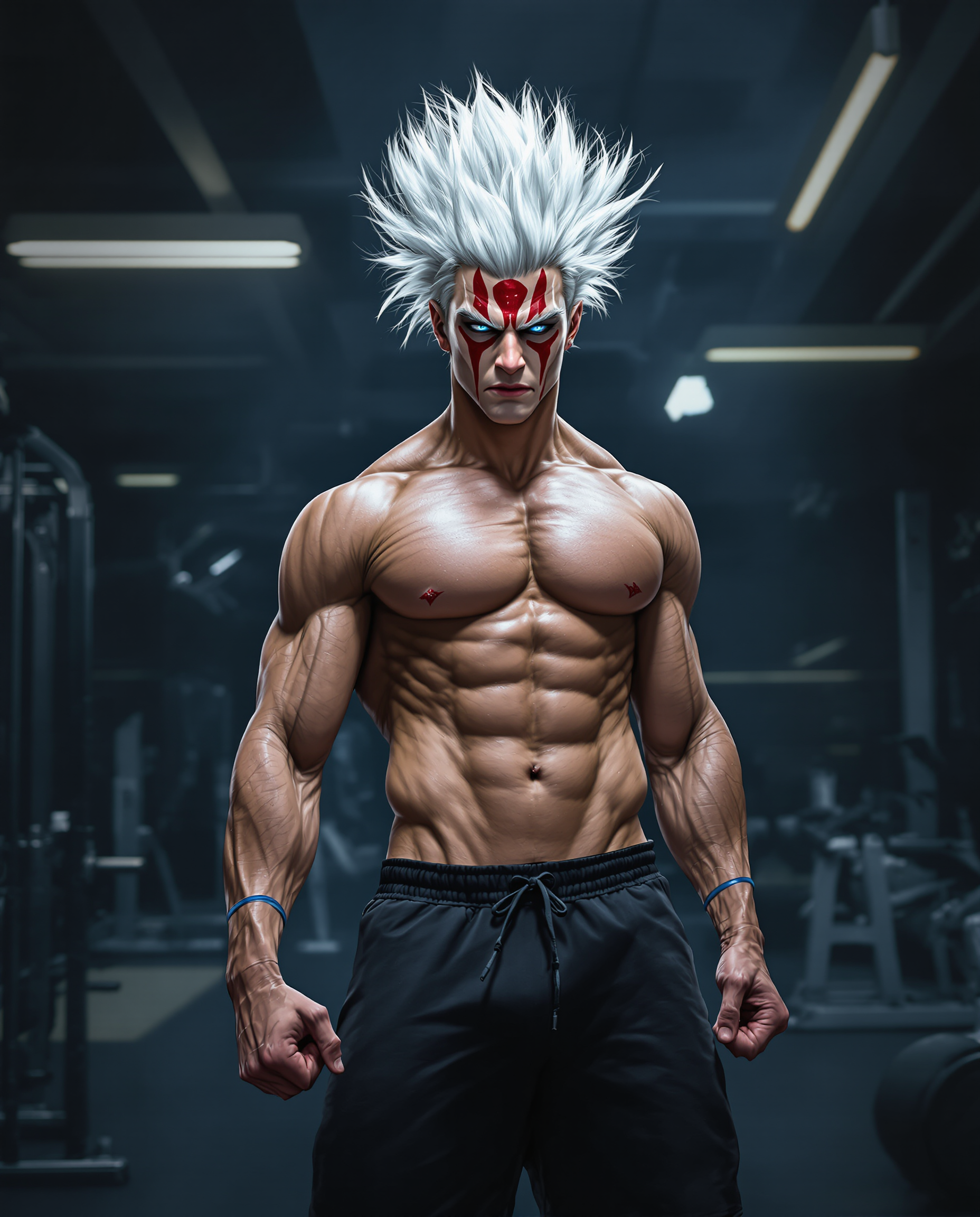
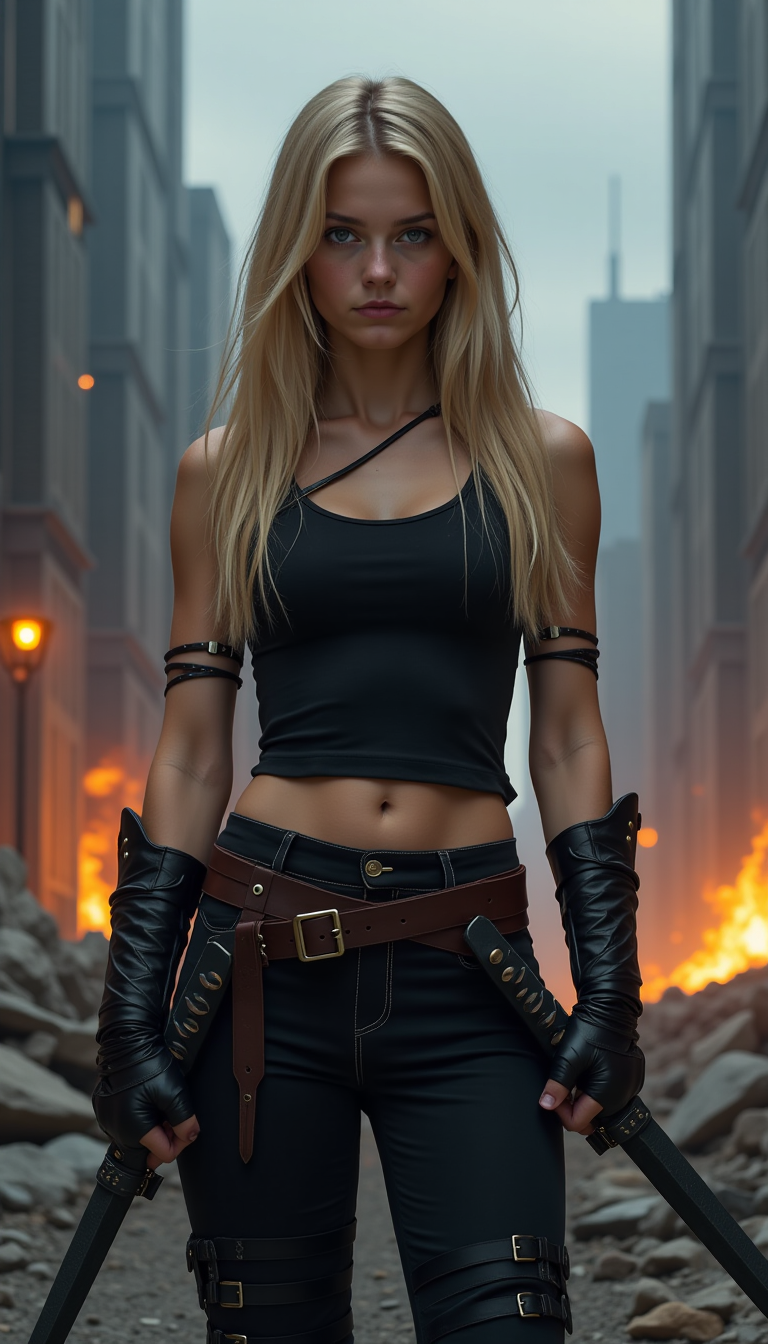
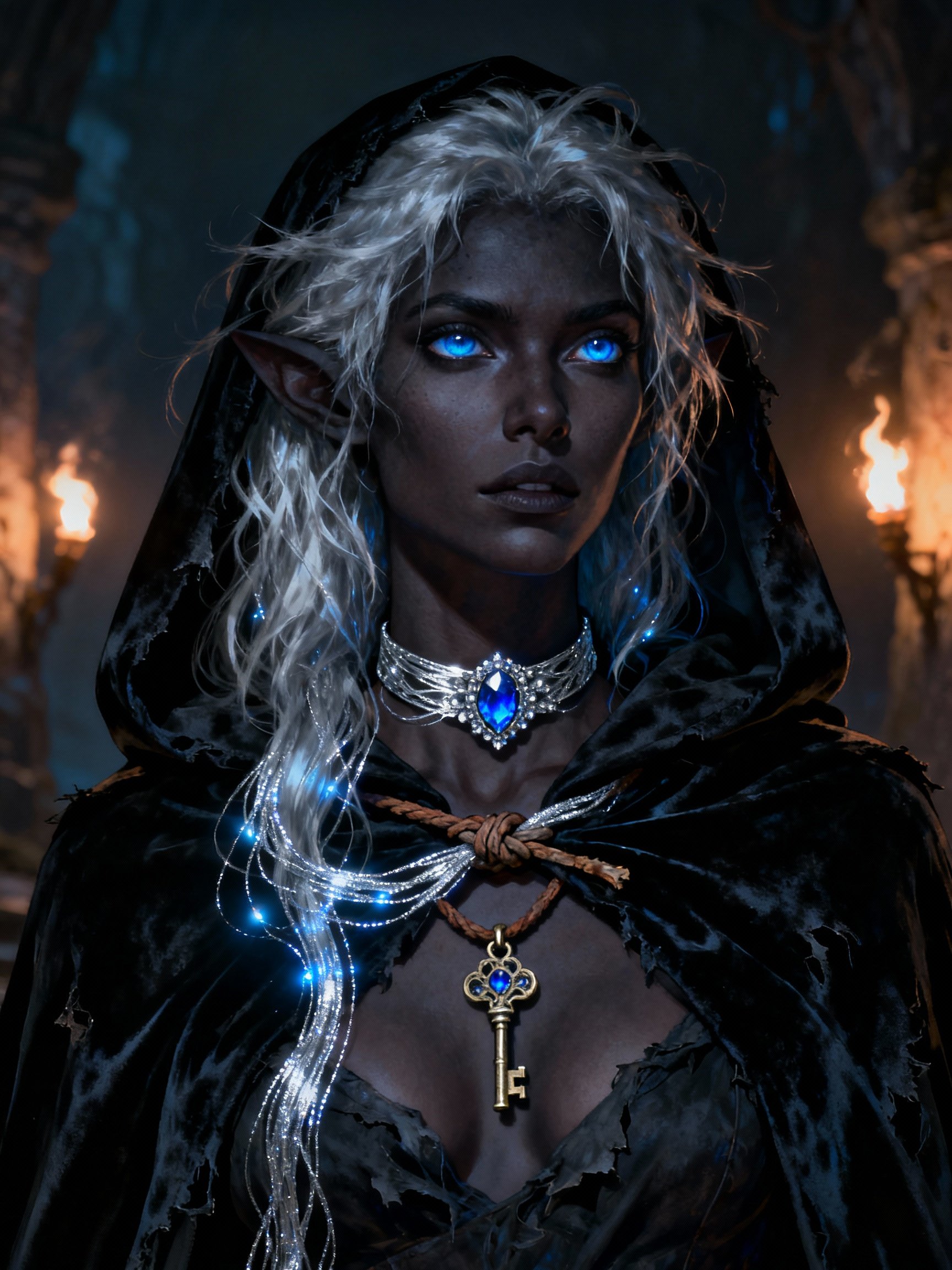
Apply various artistic styles to your images, transforming them into unique pieces of art.
Time-Saving Automation
Achieve professional results without the need for complex software or extensive editing skills.
How It Works
Transforming your images with PixelDojo's AI tools is simple and intuitive. Follow these steps to get started:
Step 1: Choose Your Tool
Select from our range of AI image-to-image tools, such as Image to Image, Style Transfer, or Creative Upscaler, based on your desired transformation.
Step 2: Upload Your Image
Upload the image you wish to transform. Our platform supports various formats and resolutions.
Step 3: Apply Transformations
Use the selected tool to apply enhancements or styles. Adjust parameters as needed to achieve your desired outcome.

The Pixel Dojo Advantage
Why PixelDojo outperforms other options for AI image-to-image transformations
| Others | Pixel Dojo |
|---|---|
| Traditional Photo Editing Software | No need for extensive editing skills; achieve professional results effortlessly. |
| Generic AI Tools | Specialized tools tailored for specific transformations like style transfer and upscaling. |
| Manual Photo Restoration | Automated processes that save time and ensure consistent quality. |
Loved by creators on PixelDojo
Real feedback from people using PixelDojo, pulled from our in-product surveys.
Trained my Lora super fast. Still working out how to creat content wit it, but I love it so far.
I love this app
It has all the tools I can think of...
deployment rate of splendid features is incredible. Legend
large selection of tools on one platform
the amount you can do on this site
Explore more AI tools on PixelDojo
AI Tools
Compare & Switch
- Best AI Image Generators
- Best AI Video Generators
- Midjourney Alternatives
- Civitai Alternatives
- Runway Alternatives
- Leonardo Alternatives
- Pika Alternatives
- Luma Alternatives
- Magnific Alternatives
- Veo Alternatives
- Flux Alternatives
- Freepik Alternatives
- Seedance Alternatives
- Seedream Alternatives
- Pixverse Alternatives
- GPT Image Alternatives
- Synthesia Alternatives
- Playground Alternatives
- NightCafe Alternatives
- Canva AI Alternatives
- ElevenLabs Alternatives
- ComfyUI Alternatives
- Fal Alternatives
- Replicate Alternatives
Common Questions
Everything you need to know about image to image ai
How does PixelDojo's AI image-to-image tool enhance photo quality?
Our tools use advanced AI algorithms to analyze and improve image details, correct imperfections, and enhance overall quality, providing professional-grade results effortlessly.
Can I apply multiple artistic styles to a single image?
Yes, with our Style Transfer tool, you can experiment with various artistic styles and even combine them to create unique visual effects.
Is there a limit to the number of images I can transform?
PixelDojo offers flexible subscription plans to suit your needs, allowing you to transform as many images as your plan permits.
Do I need prior editing experience to use PixelDojo's tools?
No, our platform is designed with user-friendliness in mind, enabling users of all skill levels to achieve professional results without prior editing experience.
What file formats are supported for image uploads?
PixelDojo supports a wide range of image formats, including JPEG, PNG, and TIFF, ensuring compatibility with your existing files.
Can I undo a transformation if I'm not satisfied with the result?
Yes, our platform allows you to preview transformations and make adjustments before finalizing and downloading the image.