image upscaler 4k
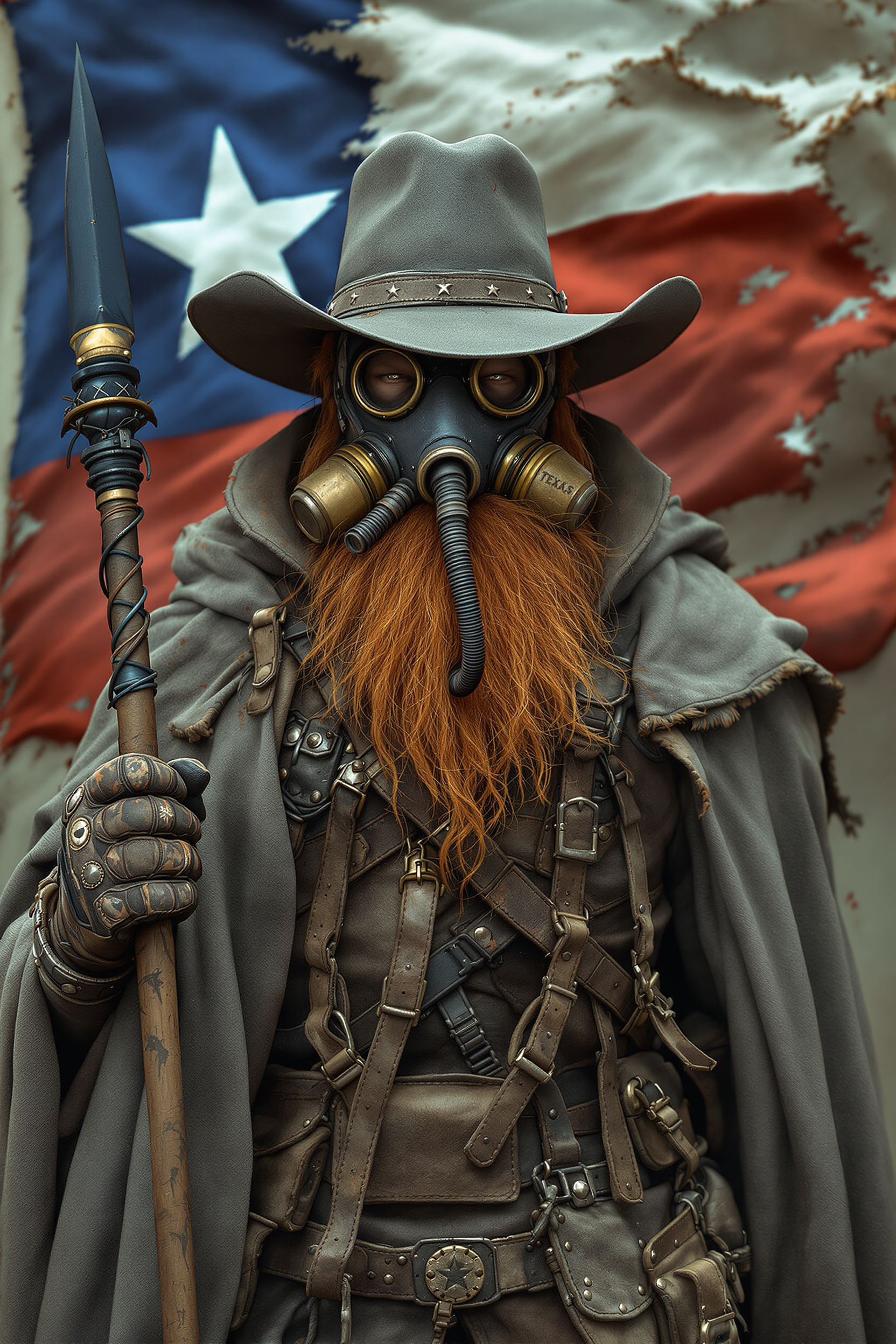
Imagine turning a fuzzy smartphone snapshot or a low-resolution AI generation into a crisp, professional 4K image that looks stunning on large screens, prints beautifully, and commands attention everywhere. With PixelDojo's AI image upscaler 4K tools, you achieve exactly that in seconds. Your photos gain lifelike detail, textures pop with realism, and old memories shine with clarity you never thought possible. Whether you're preparing visuals for marketing campaigns, restoring family archives, or elevating social media content, you deliver pixel-perfect results that impress clients and audiences alike. Stop settling for pixelated disappointment—unlock the full potential of every image you create or capture.
Over 150,000 creators have upscaled more than 2 million images to 4K using PixelDojo. Rated 4.9 out of 5 stars by professional photographers, designers, and content creators worldwide. Trusted for delivering consistent, artifact-free results that outperform expectations every time.
Why Choose Pixel Dojo for image upscaler 4k
Professional-quality results with cutting-edge AI technology
Print-Ready 4K Masterpieces Without the Hassle
You effortlessly upscale any image to true 4K resolution, recovering fine details and textures so your prints look gallery-quality on canvas, posters, or large-format displays. No more guessing or manual sharpening—your images stay sharp and vibrant at any size.
Revive and Enhance Old or Blurry Photos Instantly
You breathe new life into faded family photos, compressed JPEGs, or low-res scans by intelligently reconstructing missing details. Faces regain natural skin texture, landscapes reveal hidden depth, and cherished memories become crisp 4K treasures you proudly share.
Stand Out with Ultra-Sharp Online and Social Content
You create scroll-stopping 4K visuals for websites, Instagram, YouTube thumbnails, and marketing materials that load beautifully and captivate viewers. Your brand or personal projects gain a professional edge that drives engagement and conversions.
How It Works
Creating breathtaking 4K images with PixelDojo is simple and fast. Choose from specialized upscalers like Magnific Upscaler, P-Image Upscale, Creative Upscaler, Clarity Pro, or Portrait Upscaler, then follow these three easy steps to transform your visuals.
Step 1: Choose Your Tool
Head to the Upscale & Enhance section in PixelDojo and select the perfect AI image upscaler 4K tool for your needs—Magnific Upscaler for creative detail reconstruction, P-Image Upscale for precise 4K sharpening, Clarity Pro for noise-free results, or Portrait Upscaler when working with people.
Step 2: Enter Your Prompt or Upload Image
Upload your low-resolution or blurry image directly into the chosen tool. Optionally add a simple prompt like 'enhance to 4K with natural details and sharp textures' to guide the AI. Tools like Creative Upscaler let you fine-tune creative reconstruction while Portrait Upscaler focuses on realistic facial enhancements.
Step 3: Customize & Download Your 4K Image
Adjust upscale factor (2x, 4x, or direct 4K target), review the AI-enhanced preview, and apply any final tweaks using integrated options. Download your crisp 4K file ready for print, web, or social sharing in just seconds.
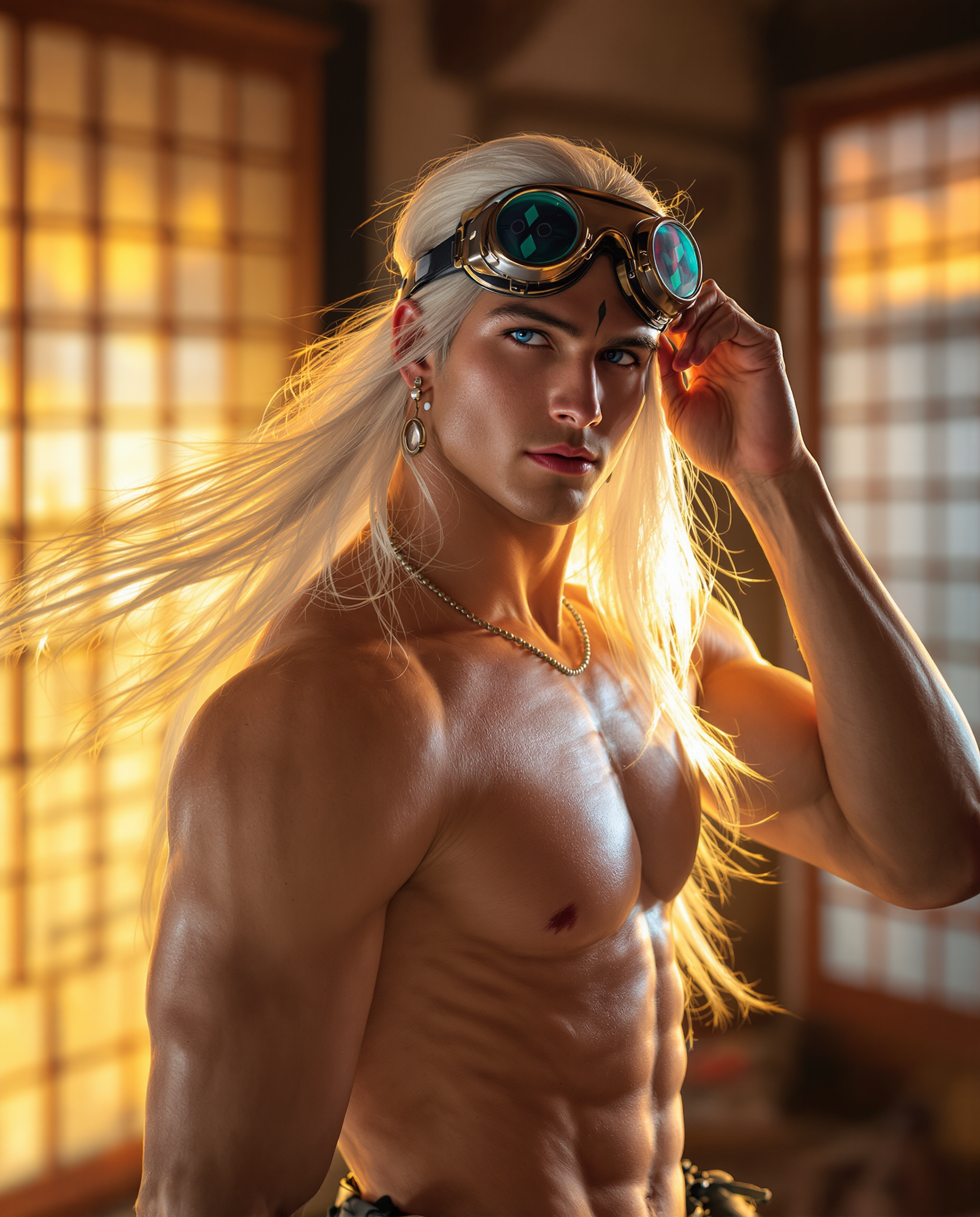
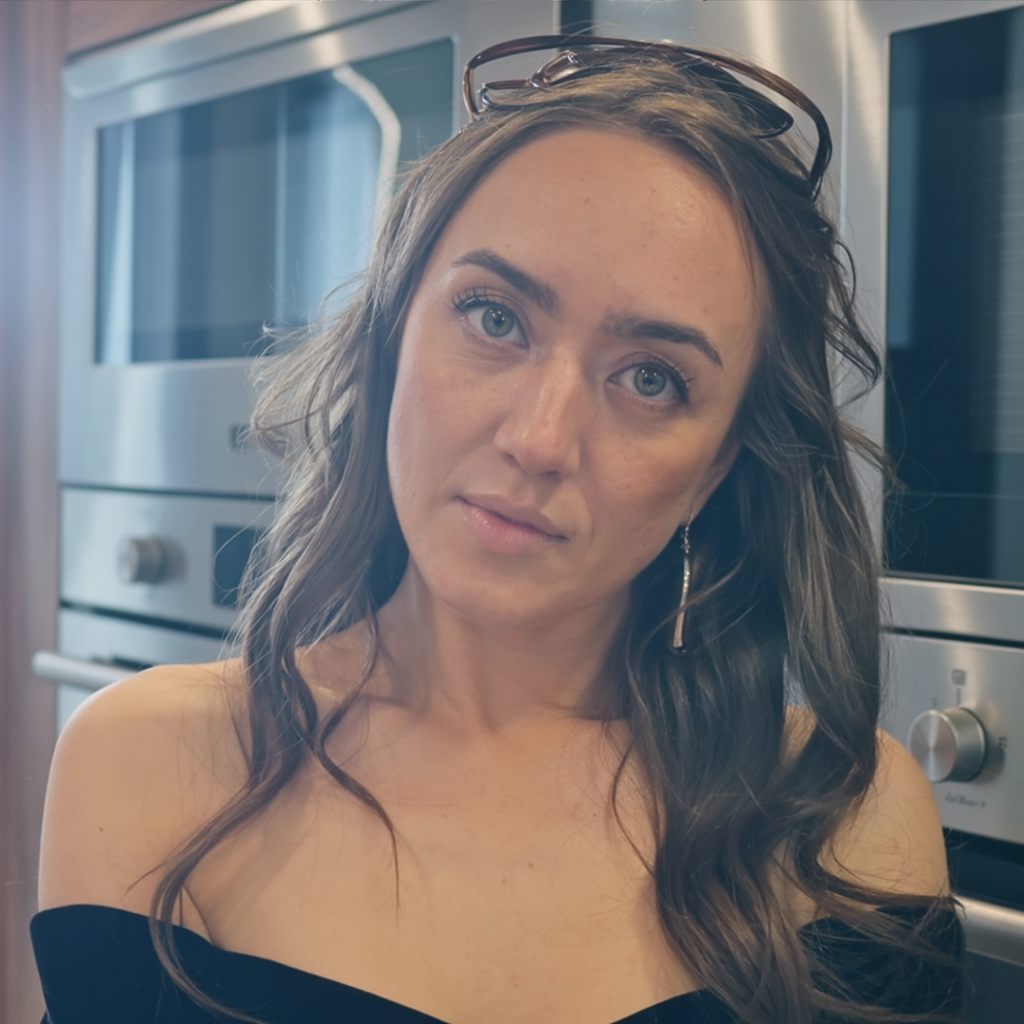







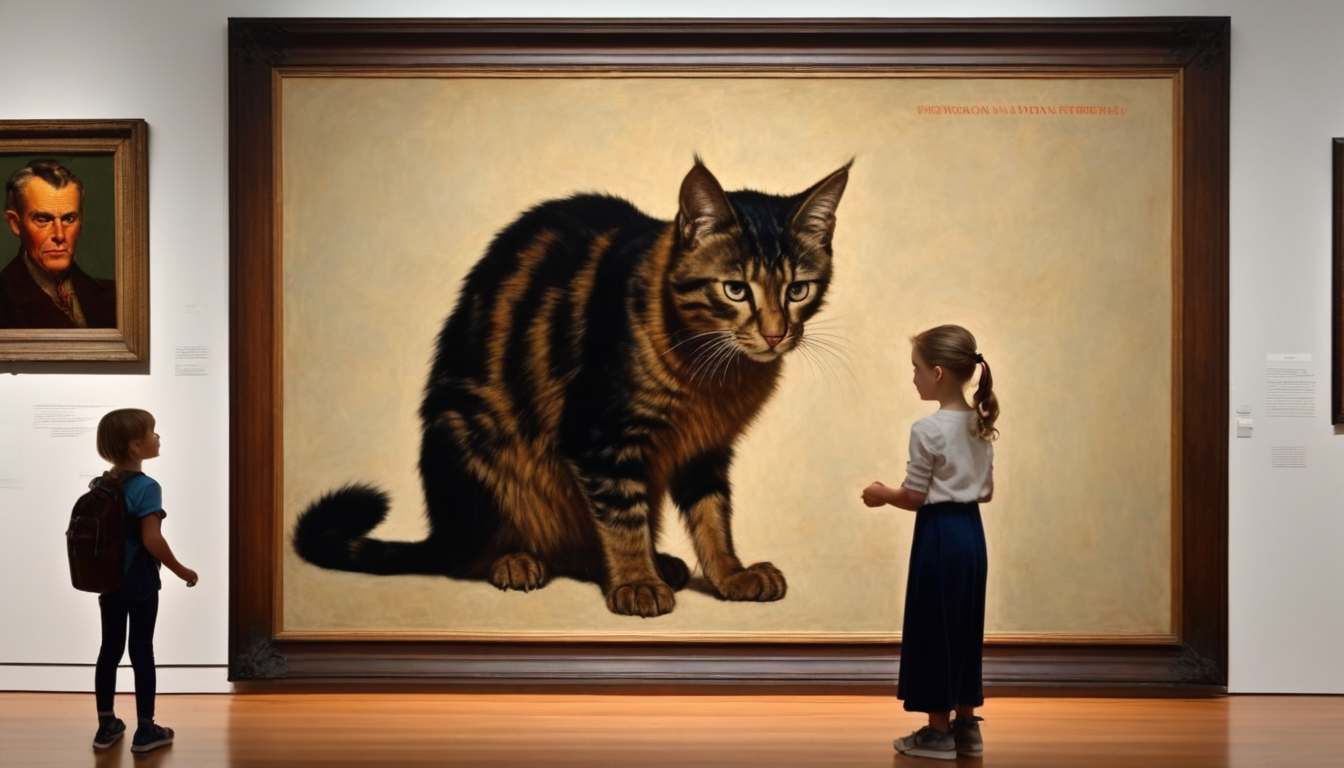

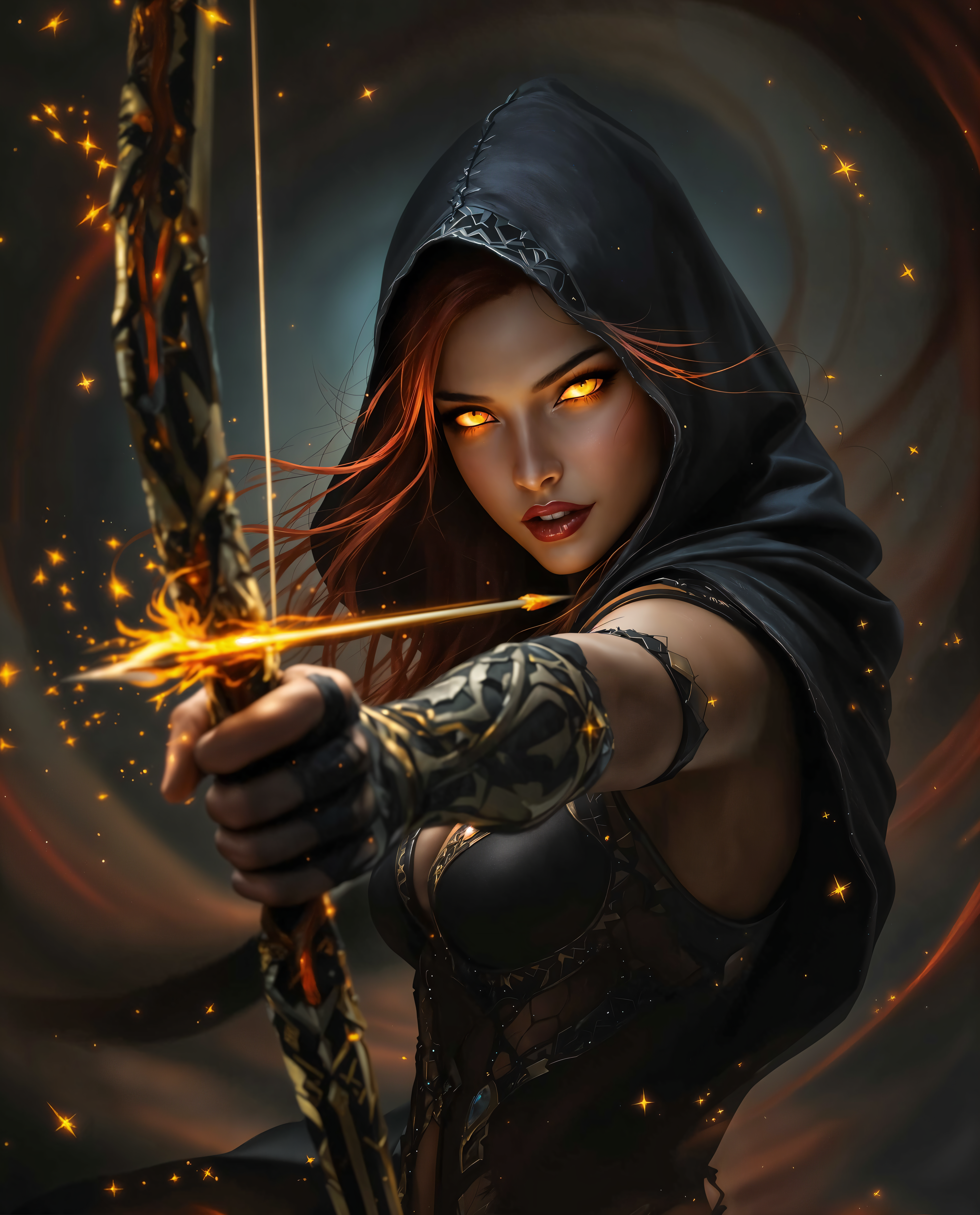
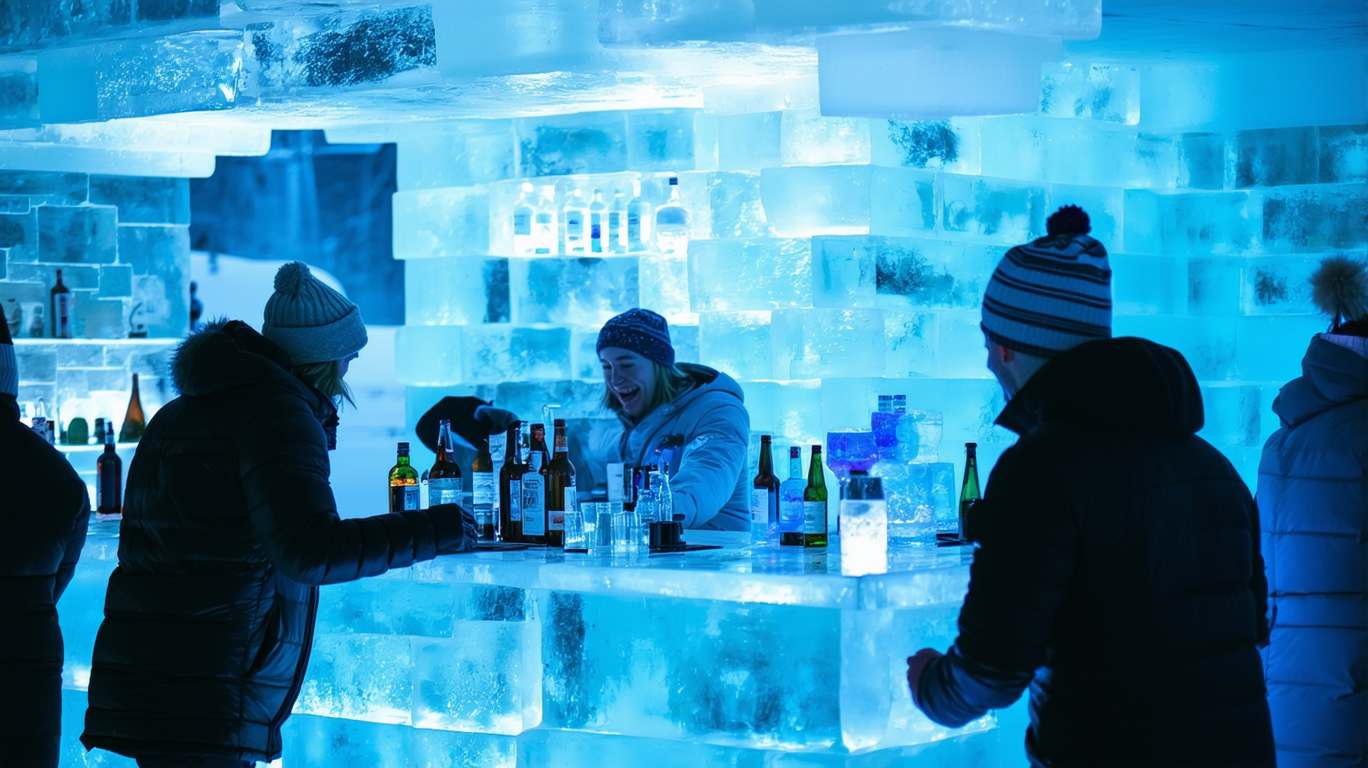
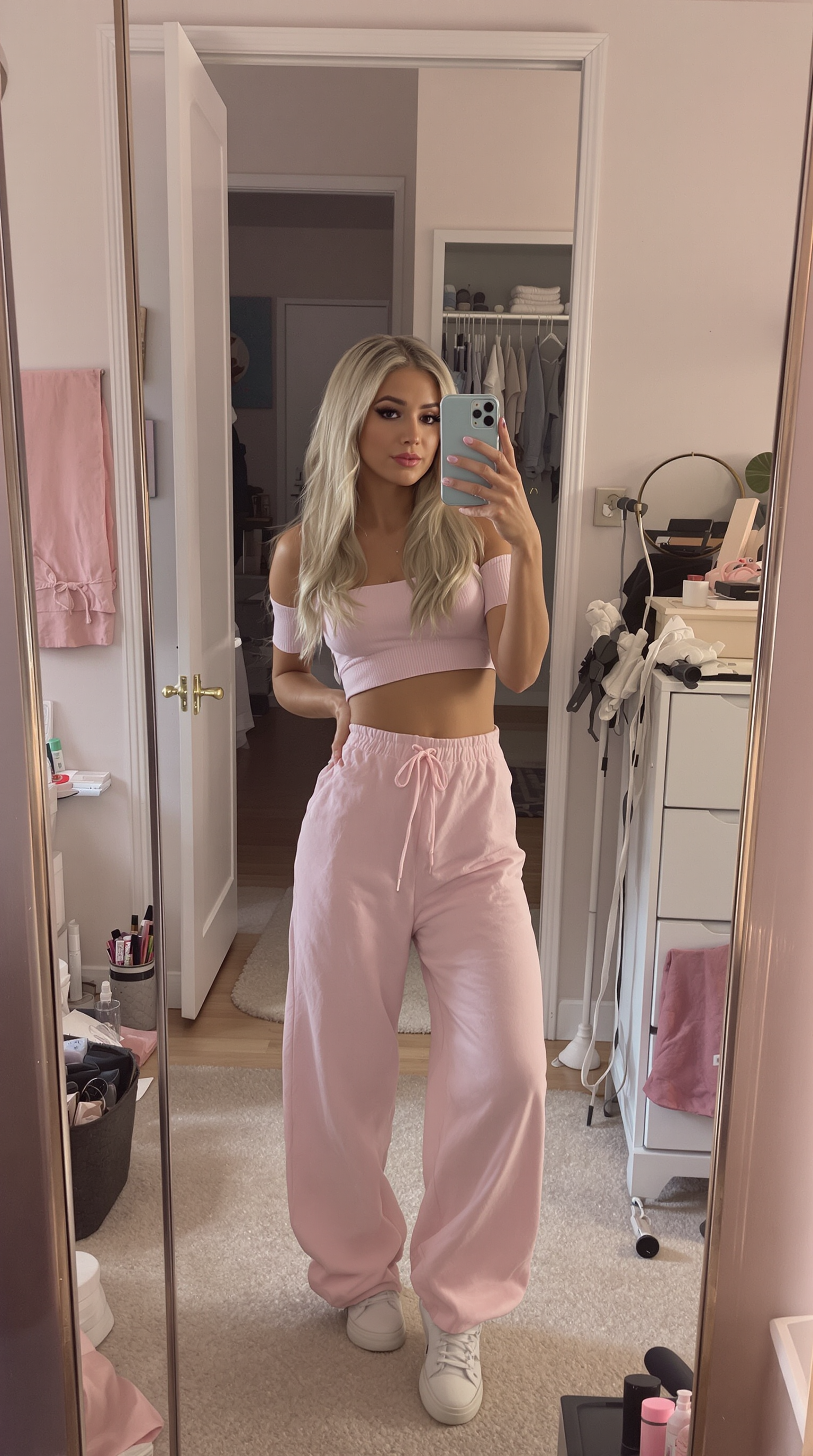
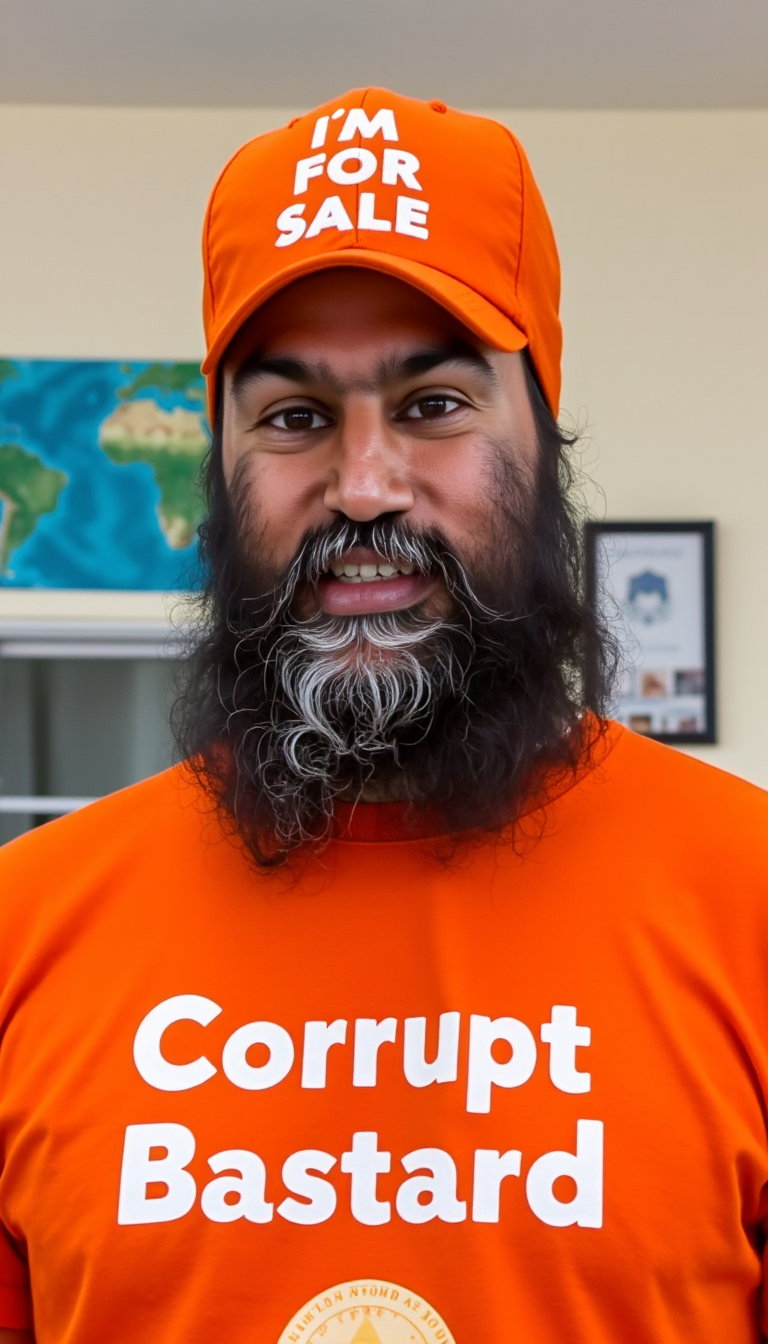

The Pixel Dojo Advantage
Why PixelDojo outperforms other options for image upscaler 4K generation
| Others | Pixel Dojo |
|---|---|
| Traditional image upscaling methods | AI intelligently reconstructs realistic details instead of simply stretching pixels, delivering true 4K clarity without artifacts or blurriness. |
| Generic AI tools with limited upscaling | Specialized 4K-focused tools like Magnific Upscaler and Clarity Pro offer creative reconstruction options and higher fidelity results tailored specifically for professional 4K output. |
| Manual photo editing software | Automated, one-click AI upscaling saves hours of tedious work while consistently producing superior detail recovery and sharpness that manual techniques struggle to match. |
Loved by creators on PixelDojo
Real feedback from people using PixelDojo, pulled from our in-product surveys.
Great for all your ideas use it encourage more people to use it
Because it is awesome
exceptional quality and great overall design of platform and interface. very intuative. love the creative freedom.
Qwen image 2 is amazing!!
Creative freedom, range of tools and options.
I love the training feature
Explore more AI tools on PixelDojo
AI Tools
Compare & Switch
- Best AI Image Generators
- Best AI Video Generators
- Midjourney Alternatives
- Civitai Alternatives
- Runway Alternatives
- Leonardo Alternatives
- Pika Alternatives
- Luma Alternatives
- Magnific Alternatives
- Veo Alternatives
- Flux Alternatives
- Freepik Alternatives
- Seedance Alternatives
- Seedream Alternatives
- Pixverse Alternatives
- GPT Image Alternatives
- Synthesia Alternatives
- Playground Alternatives
- NightCafe Alternatives
- Canva AI Alternatives
- ElevenLabs Alternatives
- ComfyUI Alternatives
- Fal Alternatives
- Replicate Alternatives
Common Questions
Everything you need to know about image upscaler 4k
How does an AI image upscaler 4K work to enhance details and textures?
PixelDojo's AI image upscaler 4K tools analyze your original image using advanced models to predict and reconstruct missing high-frequency details. You upload a low-res photo, select tools like Magnific Upscaler or Clarity Pro, and the system intelligently adds realistic textures, sharpens edges, and removes noise while scaling to 4K resolution. Results look natural because the AI has learned patterns from millions of high-quality images, giving you print-ready clarity without manual effort.
What is the best way to upscale old family photos to 4K using PixelDojo?
Start by selecting the Portrait Upscaler or P-Image Upscale tool in PixelDojo's Upscale & Enhance section. Upload your scanned or low-res family photo, choose a 4x or direct 4K target, and let the AI restore skin tones, fabric details, and background elements. You can add a prompt like 'restore vintage photo with natural colors and sharp 4K detail' for even better results. Download your enhanced 4K version that preserves emotional value while looking brand new.
Can I upscale AI-generated images to 4K without losing quality or adding artifacts?
Absolutely. PixelDojo's Creative Upscaler and Magnific Upscaler excel at refining AI-generated content. Upload your initial generation, select 4K output, and the tools intelligently enhance details while maintaining your original artistic intent. You avoid common artifacts because these specialized upscalers focus on coherent texture reconstruction, giving you crisp 4K results perfect for portfolios or client deliverables.
How long does it take to upscale an image to 4K with PixelDojo AI tools?
Most images process in under 30 seconds using PixelDojo's efficient AI image upscaler 4K tools. You simply upload, choose your preferred upscaler like Clarity Pro for quick noise reduction or P-Image Upscale for precision, and download the finished 4K file. Batch processing is also available so you can handle multiple photos in one session, saving valuable time for your creative projects.
Is PixelDojo's 4K image upscaler suitable for professional printing and large format work?
Yes, PixelDojo delivers true 4K resolution files optimized for professional printing. Tools such as Magnific Upscaler and Creative Upscaler reconstruct fine details that hold up beautifully at large sizes. You get sharp edges, accurate colors, and rich textures that translate perfectly to canvas prints, billboards, or exhibition pieces without pixelation or loss of quality.
What makes PixelDojo different from other 4K upscalers for creative and portrait work?
PixelDojo offers a complete suite of specialized tools including Portrait Upscaler for lifelike faces, Clarity Pro for clean results, and Magnific Upscaler for artistic enhancement. You benefit from seamless integration with other PixelDojo features like style transfer or background removal, plus the flexibility of 40+ cutting-edge AI tools, all backed by a satisfaction guarantee and the ability to cancel anytime.