ImagineArt 1.0 portrait generation AI Generator

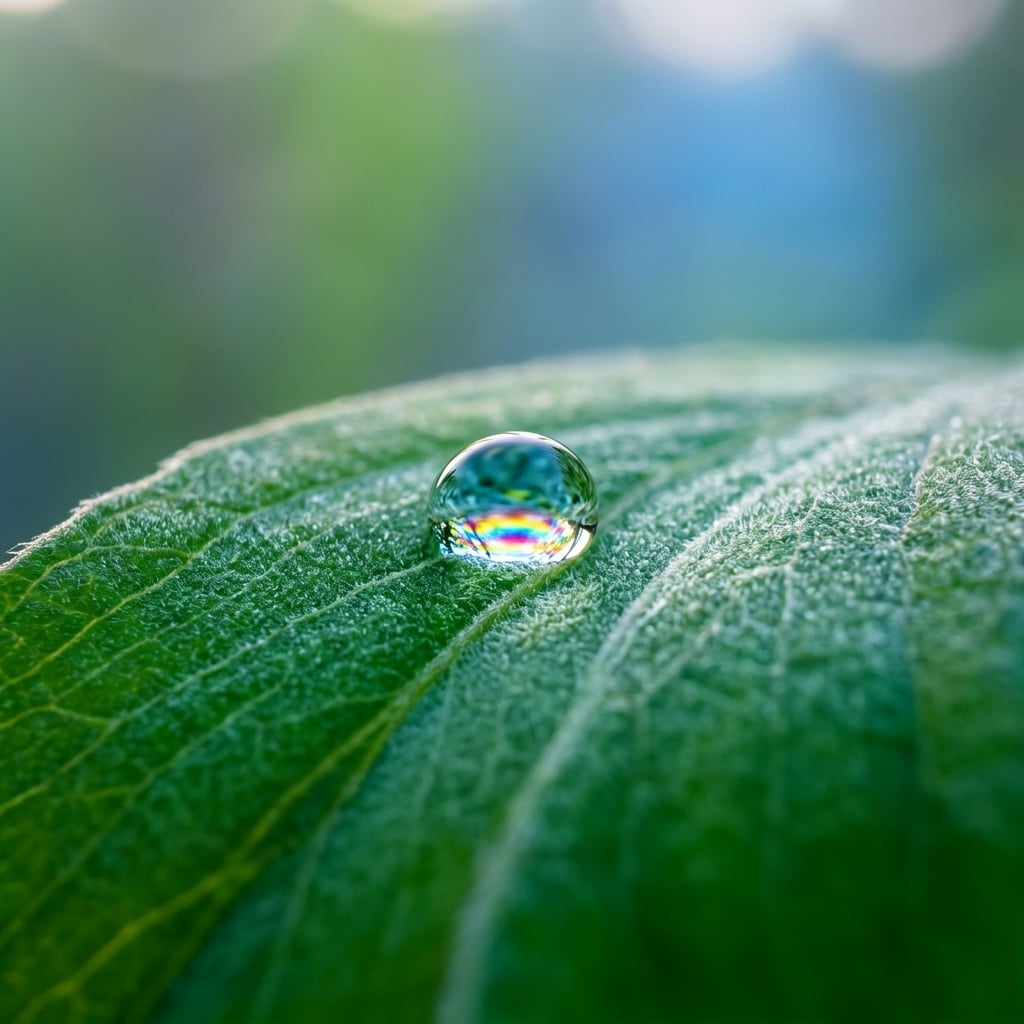
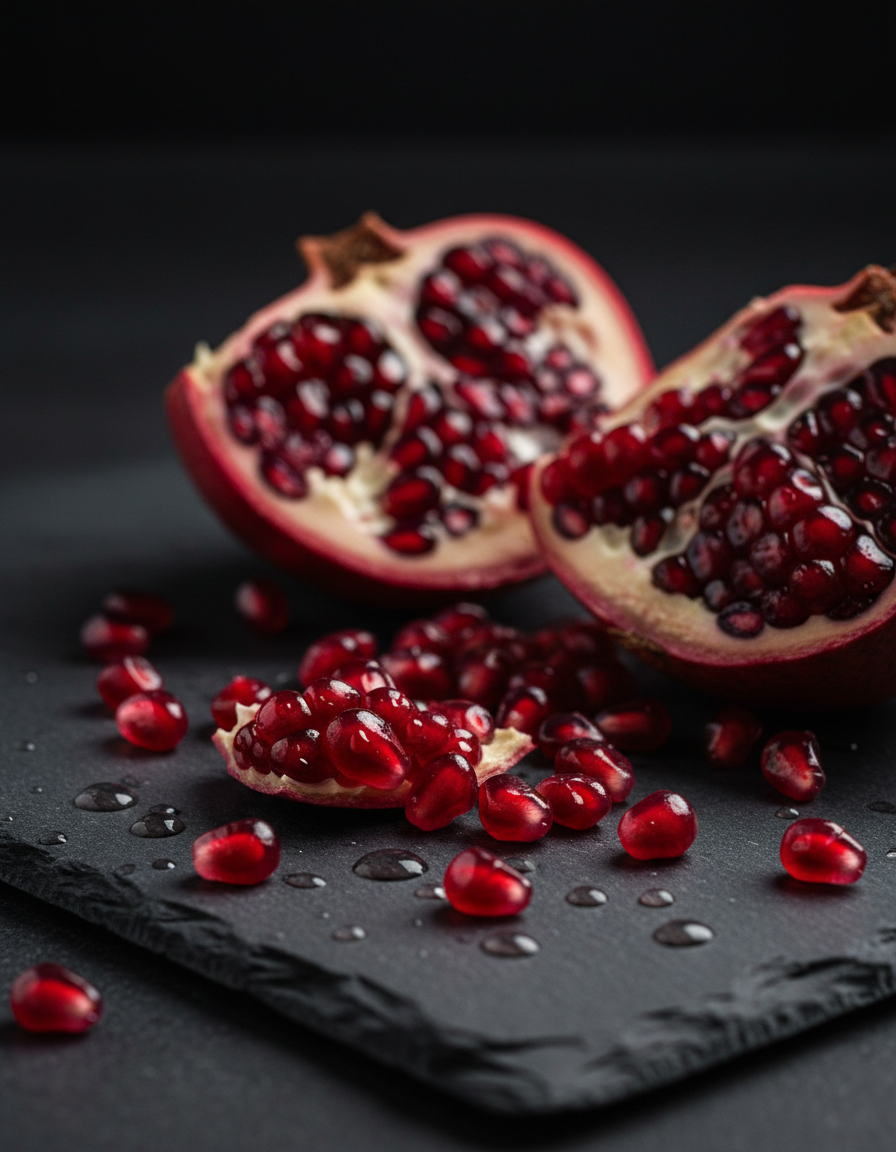
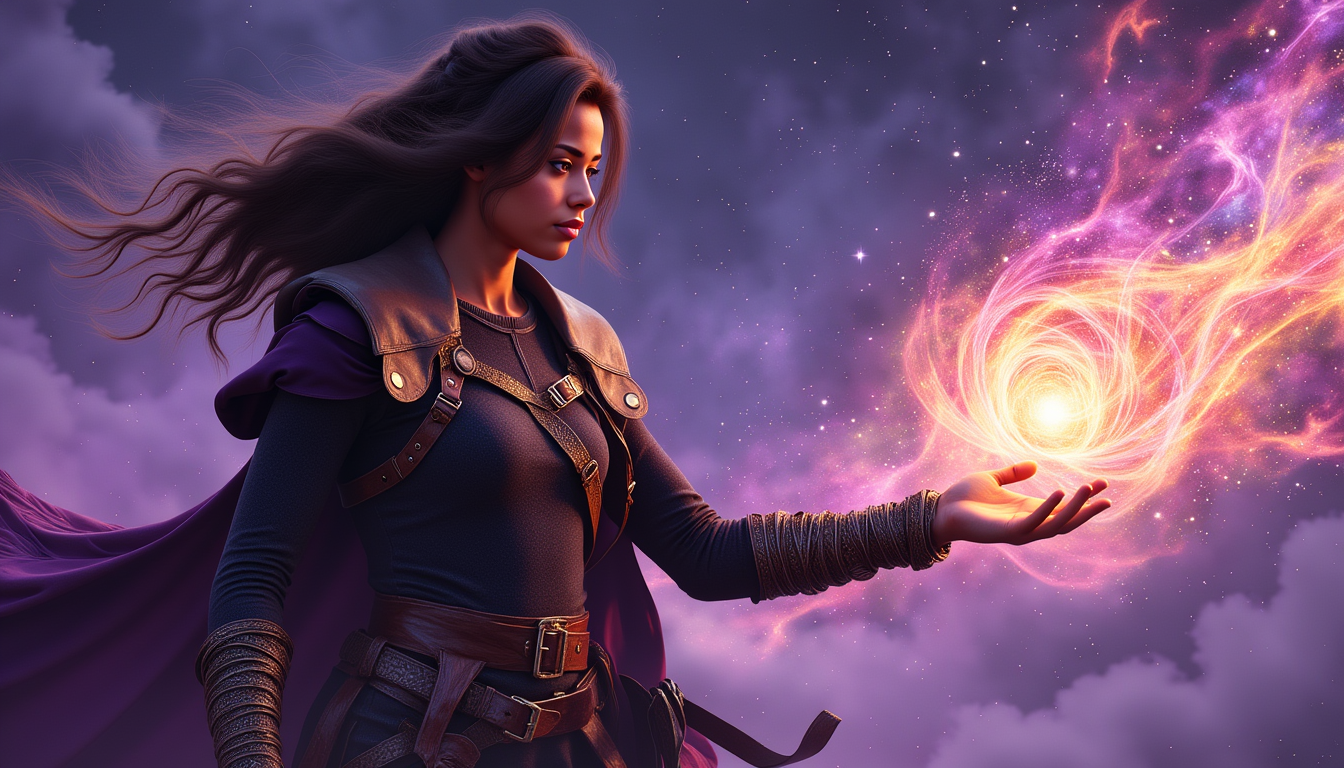
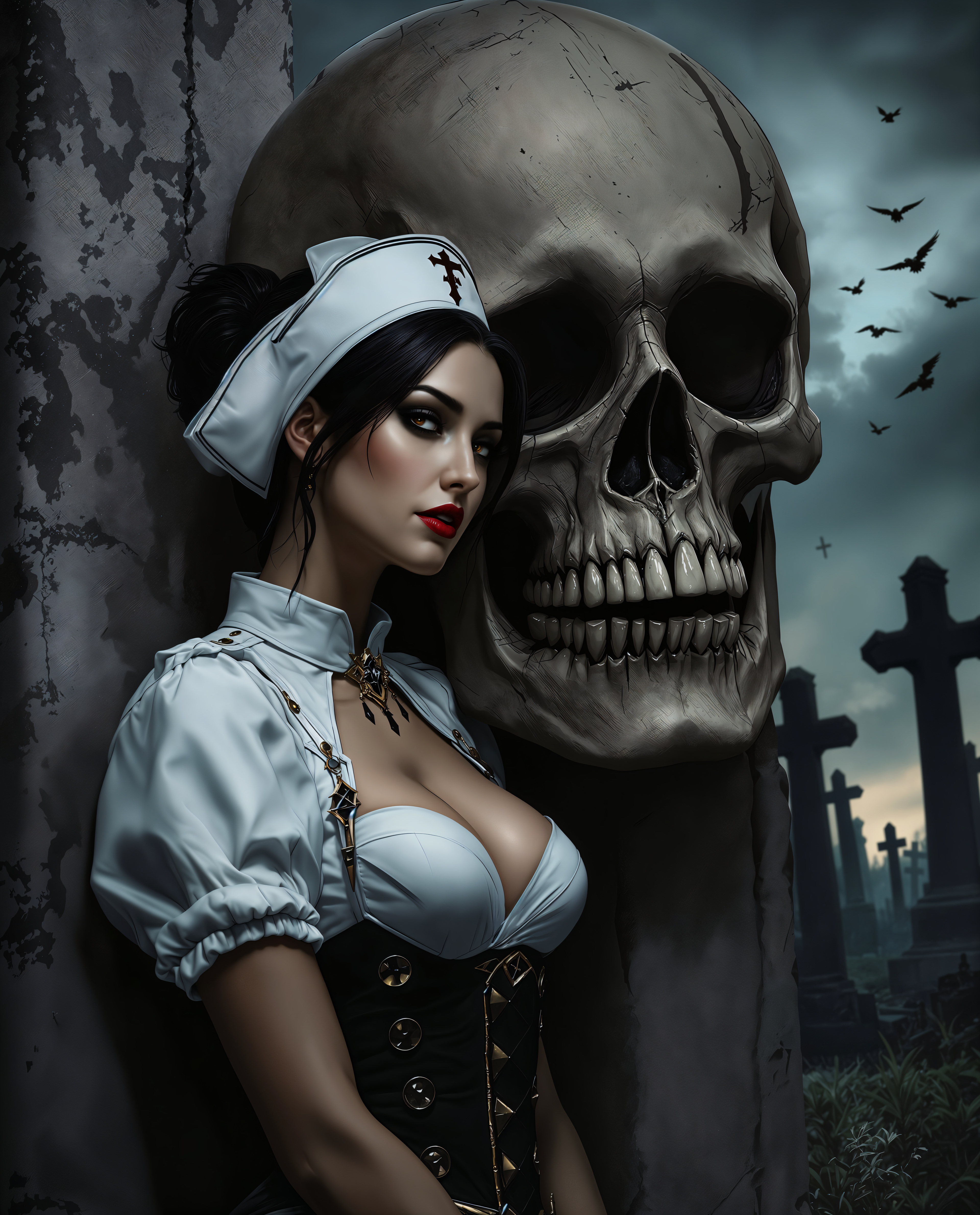
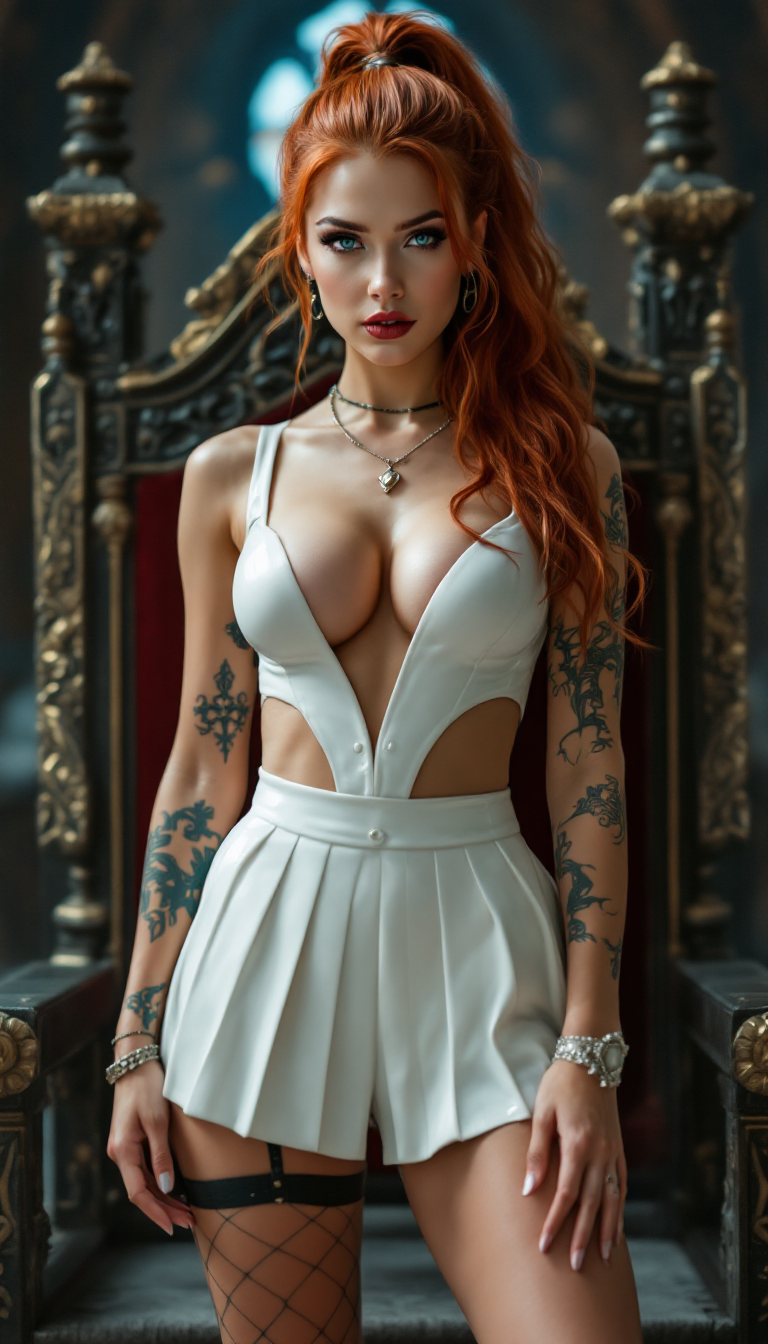
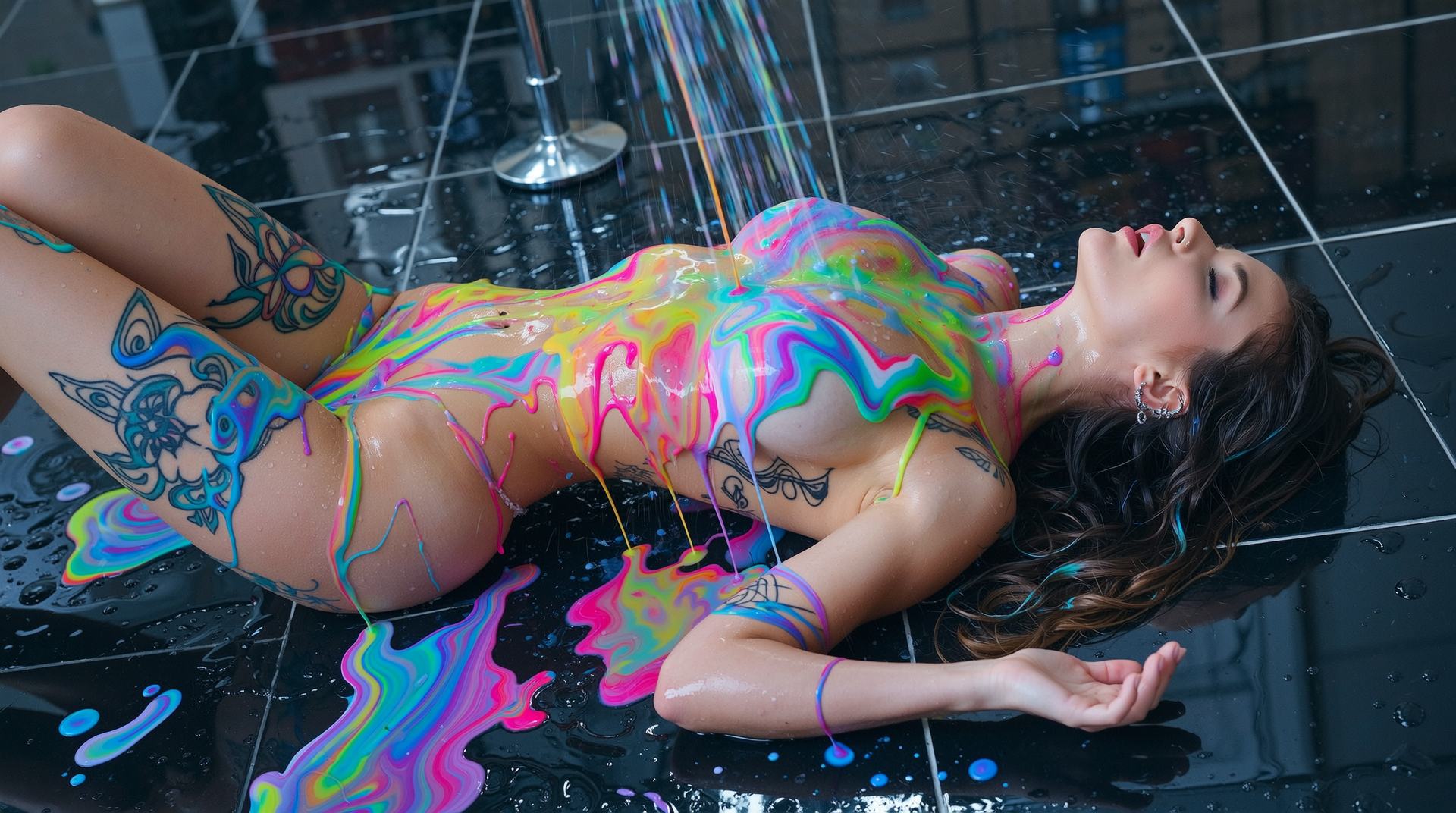
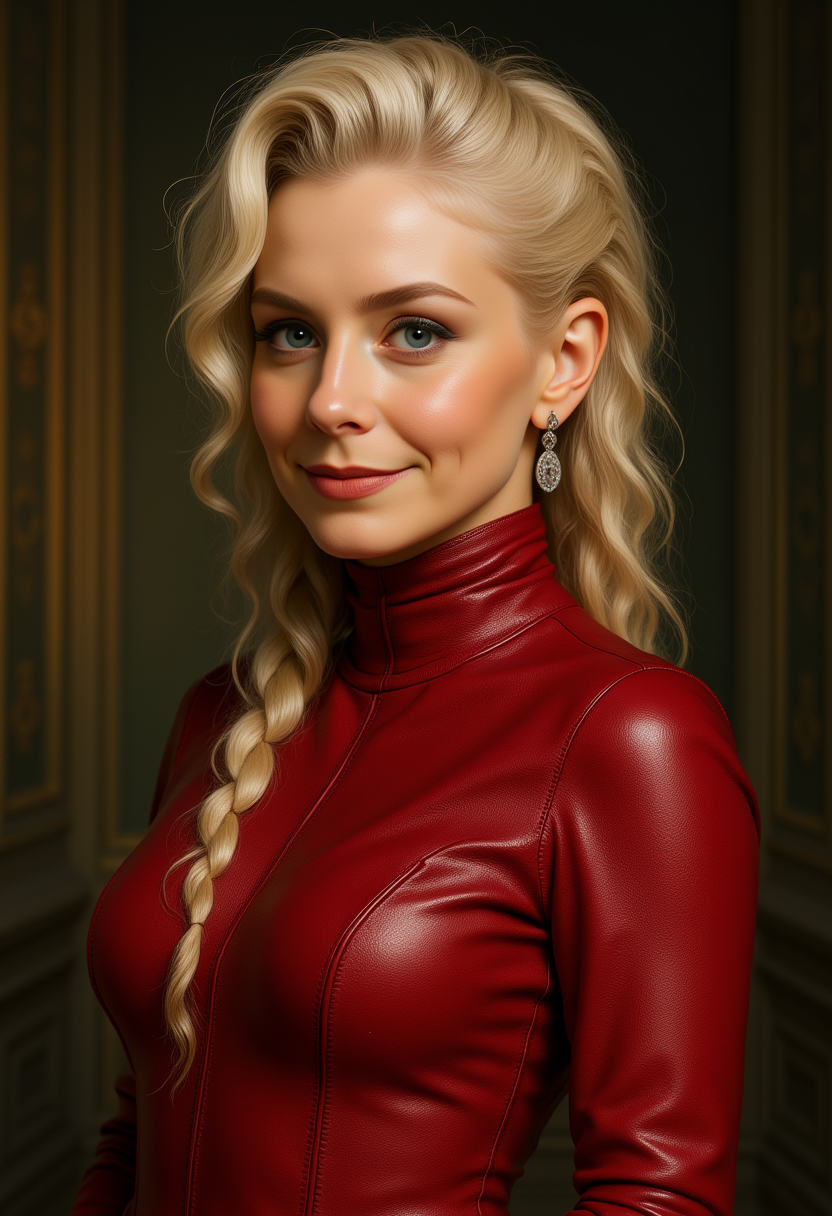
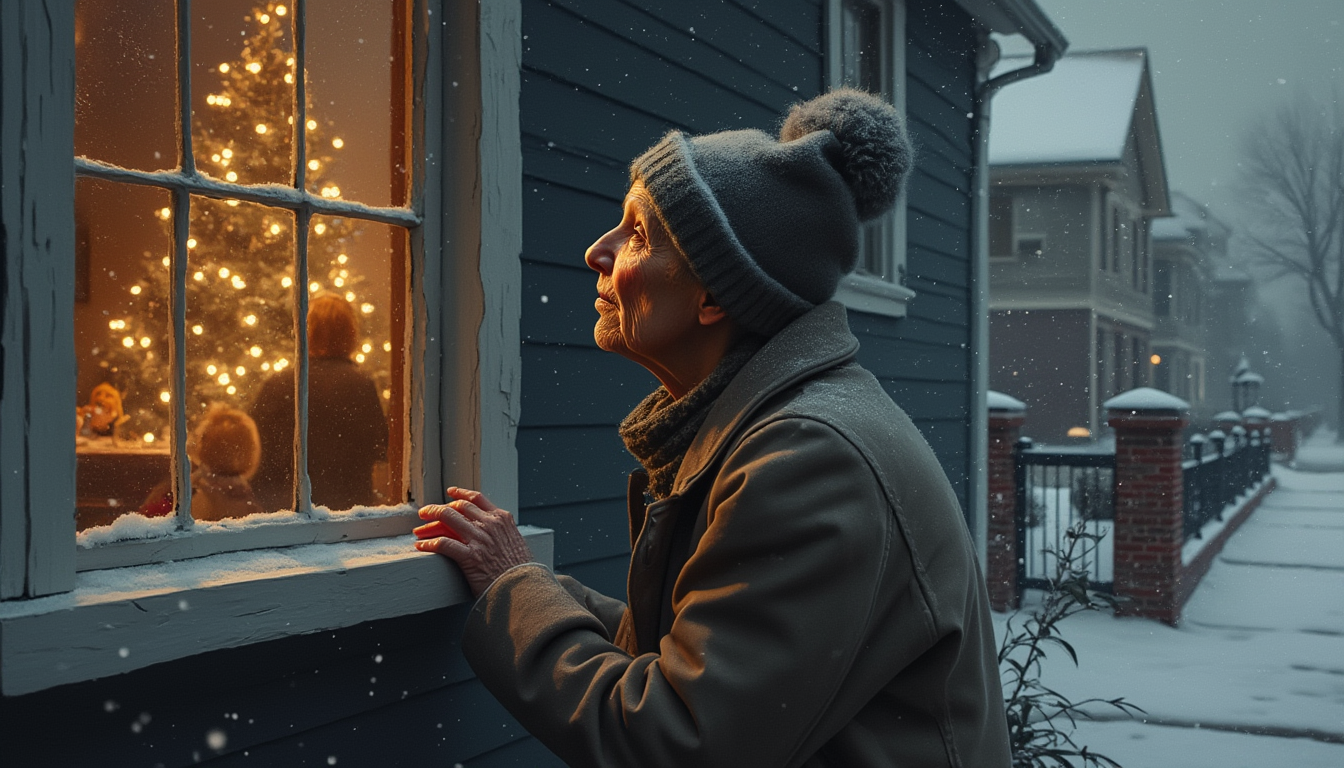
ImagineArt 1.0 empowers you to create hyper-realistic portraits effortlessly. Whether you're an artist seeking inspiration, a designer needing high-quality visuals, or a marketer aiming to captivate your audience, our AI-driven tools transform your ideas into stunning images. Say goodbye to time-consuming manual processes and hello to instant, professional-grade portraits.
Join over 10,000 satisfied creators who have generated more than 1 million images using ImagineArt 1.0. Rated 4.8/5 by professionals worldwide.
Why Choose Pixel Dojo for ImagineArt 1.0 portrait generation
Professional-quality results with cutting-edge AI technology
Effortless Realism
Generate lifelike portraits with intricate details and authentic textures in seconds.
Versatile Applications
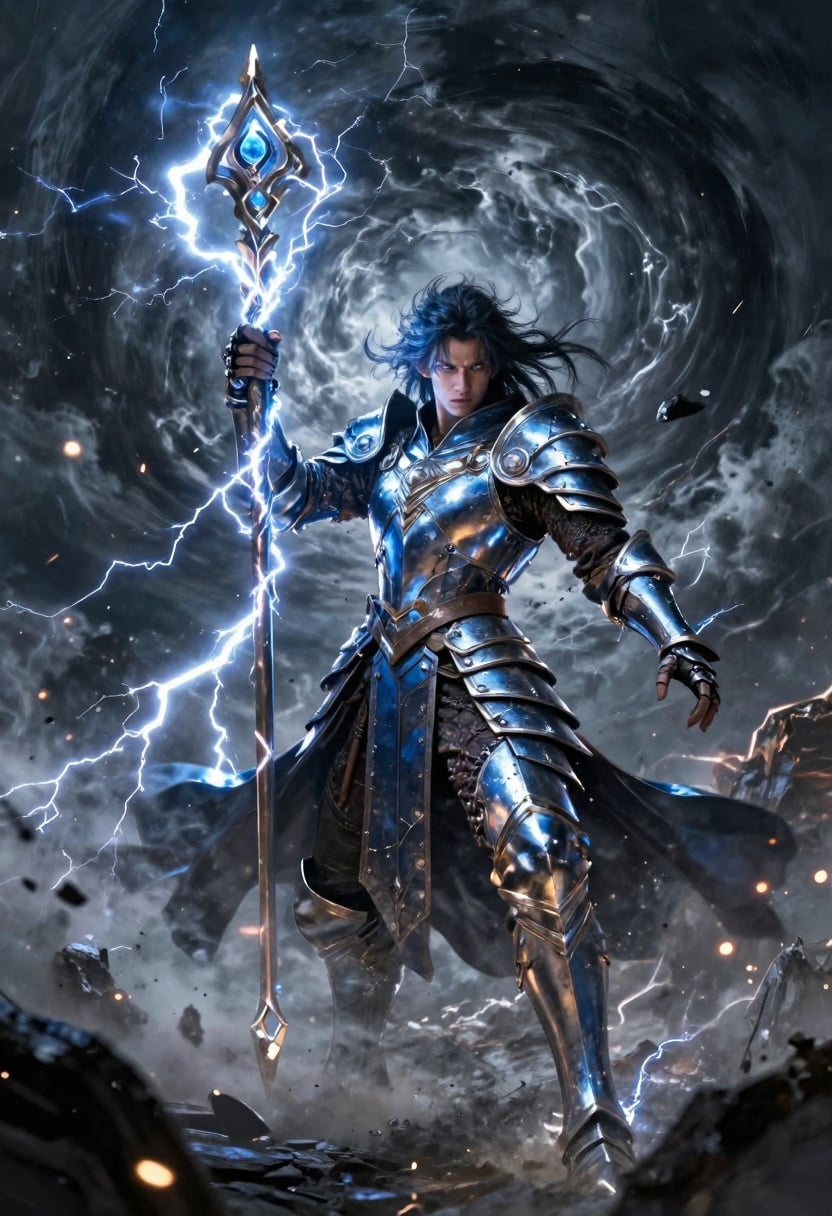
Ideal for marketing materials, concept art, character design, and more.
User-Friendly Interface
No technical expertise required; create stunning images with a simple three-step process.
How It Works
Creating realistic portraits with ImagineArt 1.0 is straightforward. Follow these steps to bring your vision to life:
Step 1: Enter Your Prompt
Describe the portrait you envision. For example, 'A professional portrait of a young woman with flowing brown hair, gentle smile, warm lighting, bokeh background.'
Step 2: Choose Your Settings
Select your preferred aspect ratio (e.g., 4:3 for a balanced composition) and determine the number of images you'd like to generate.
Step 3: Create & Download
Click the 'Create' button to generate your images, then download them in high resolution for use.





The Pixel Dojo Advantage
Why ImagineArt 1.0 outperforms other options for portrait generation:
| Others | Pixel Dojo |
|---|---|
| Traditional Portrait Photography | Eliminates the need for expensive equipment and lengthy photoshoots, delivering high-quality results instantly. |
| Generic AI Tools | Specifically designed for portrait generation, ensuring superior realism and detail compared to general-purpose AI image generators. |
| Manual Digital Art | Reduces the time and effort required to create detailed portraits, allowing artists to focus on creativity rather than technical execution. |
Loved by creators on PixelDojo
Real feedback from people using PixelDojo, pulled from our in-product surveys.
All the tools, readily available and easy to understand
You guys, the LORA training is the BEST in the space right now, great job with that!
Tons of variety. Ease of use. Tools for beginners and advance users.
easiest workflow to get best output image or video
awesome functionality, UX, constant flood of improvements, discord interactivity
Awesome site with so many features
Explore more AI tools on PixelDojo
AI Tools
Compare & Switch
- Best AI Image Generators
- Best AI Video Generators
- Midjourney Alternatives
- Civitai Alternatives
- Runway Alternatives
- Leonardo Alternatives
- Pika Alternatives
- Luma Alternatives
- Magnific Alternatives
- Veo Alternatives
- Flux Alternatives
- Freepik Alternatives
- Seedance Alternatives
- Seedream Alternatives
- Pixverse Alternatives
- GPT Image Alternatives
- Synthesia Alternatives
- Playground Alternatives
- NightCafe Alternatives
- Canva AI Alternatives
- ElevenLabs Alternatives
- ComfyUI Alternatives
- Fal Alternatives
- Replicate Alternatives
Common Questions
Everything you need to know about ImagineArt 1.0 portrait generation
What makes ImagineArt 1.0 different from other AI image generators?
ImagineArt 1.0 specializes in hyper-realistic portrait generation, capturing fine details and textures with remarkable precision, setting a new industry standard for photorealism.
Do I need technical expertise to use ImagineArt 1.0?
No, ImagineArt 1.0 features a user-friendly interface that allows anyone to create stunning portraits with a simple three-step process.
Can I use the images generated by ImagineArt 1.0 for commercial projects?
Yes, images generated with ImagineArt 1.0 can be used for commercial purposes, making it ideal for marketers, designers, and businesses.
Is there a limit to how many images I can create?
ImagineArt 1.0 offers flexible plans to suit your needs, with options for unlimited image generation. Check our subscription options for more details.
How long does image generation take?
Image generation with ImagineArt 1.0 is swift, typically taking only a few seconds to produce high-resolution portraits.
Can I edit images after they're generated?
Yes, ImagineArt 1.0 allows for post-generation editing, enabling you to refine and customize your portraits as needed.