ImagineArt 1.0 prompt guide AI Generator
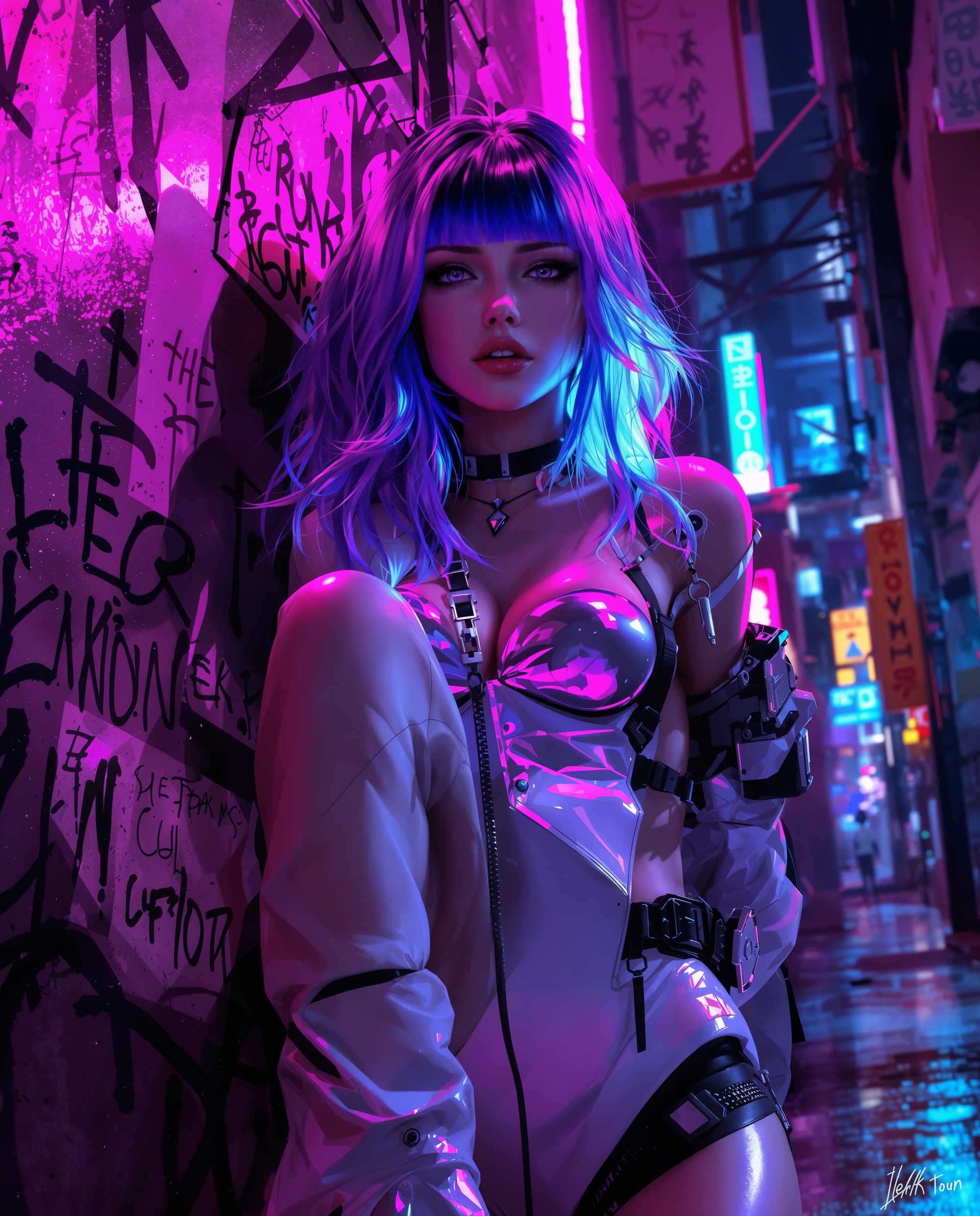
Unlock the full potential of ImagineArt 1.0 to create hyper-realistic AI-generated images that captivate and inspire. Whether you're a marketer, designer, or content creator, mastering the art of crafting effective prompts will enable you to produce stunning visuals tailored to your specific needs.
Join thousands of creators who have transformed their visual content with ImagineArt 1.0, achieving a 95% satisfaction rate and generating over 1 million images to date.
Why Choose Pixel Dojo for ImagineArt 1.0 prompt guide
Professional-quality results with cutting-edge AI technology
Generate Hyper-Realistic Images
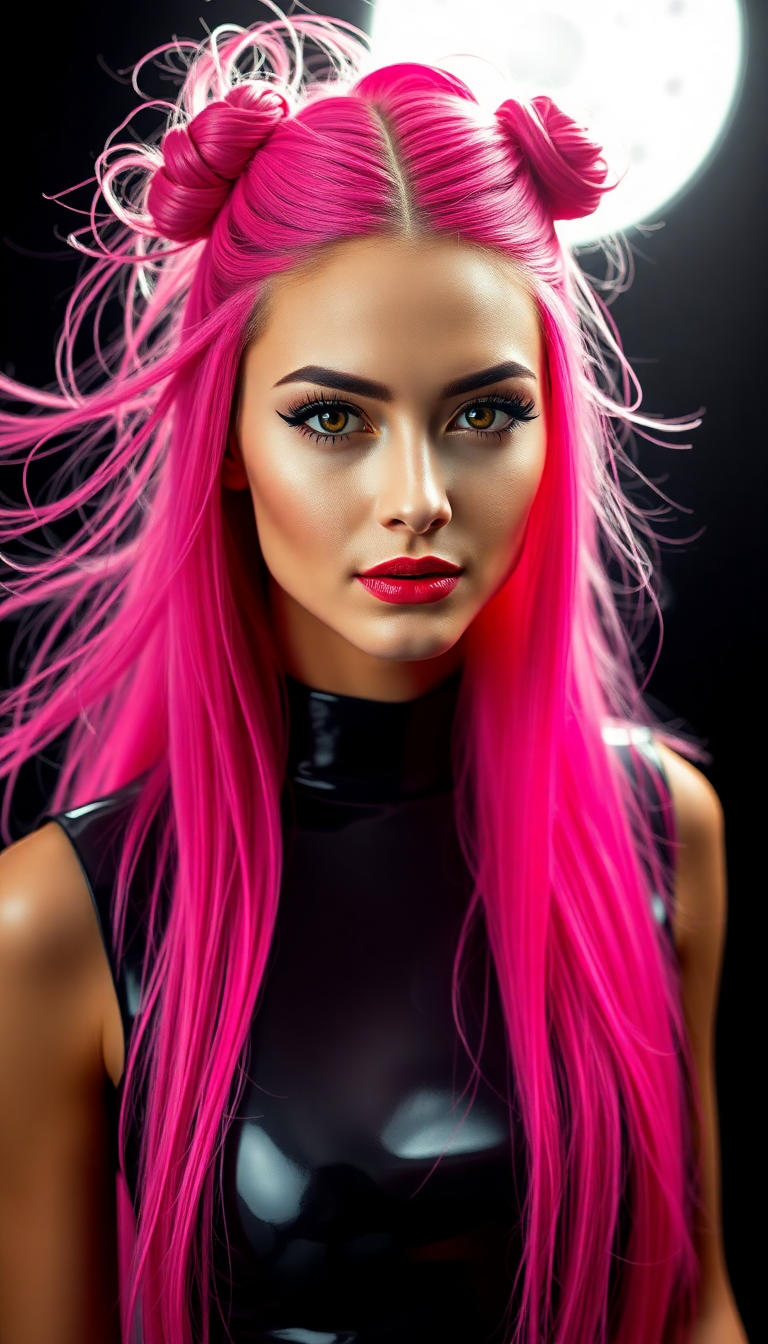
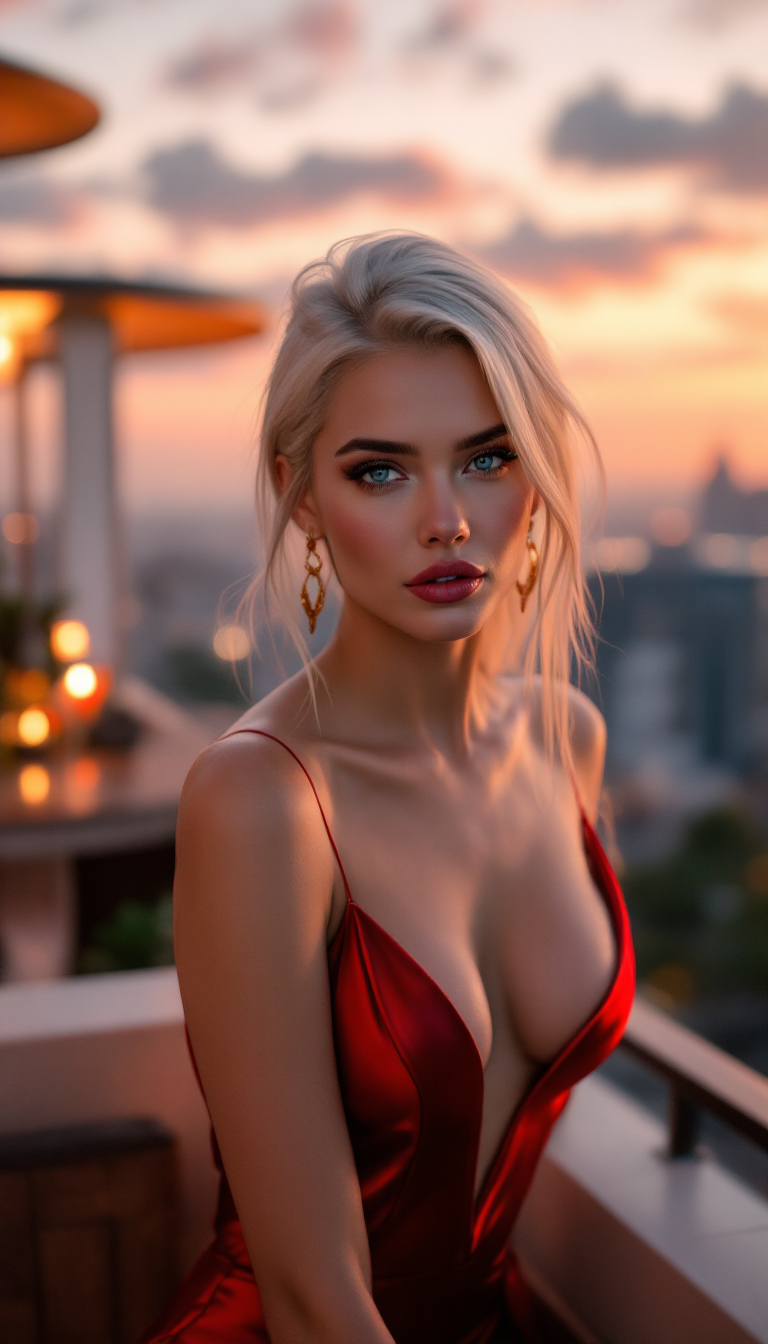
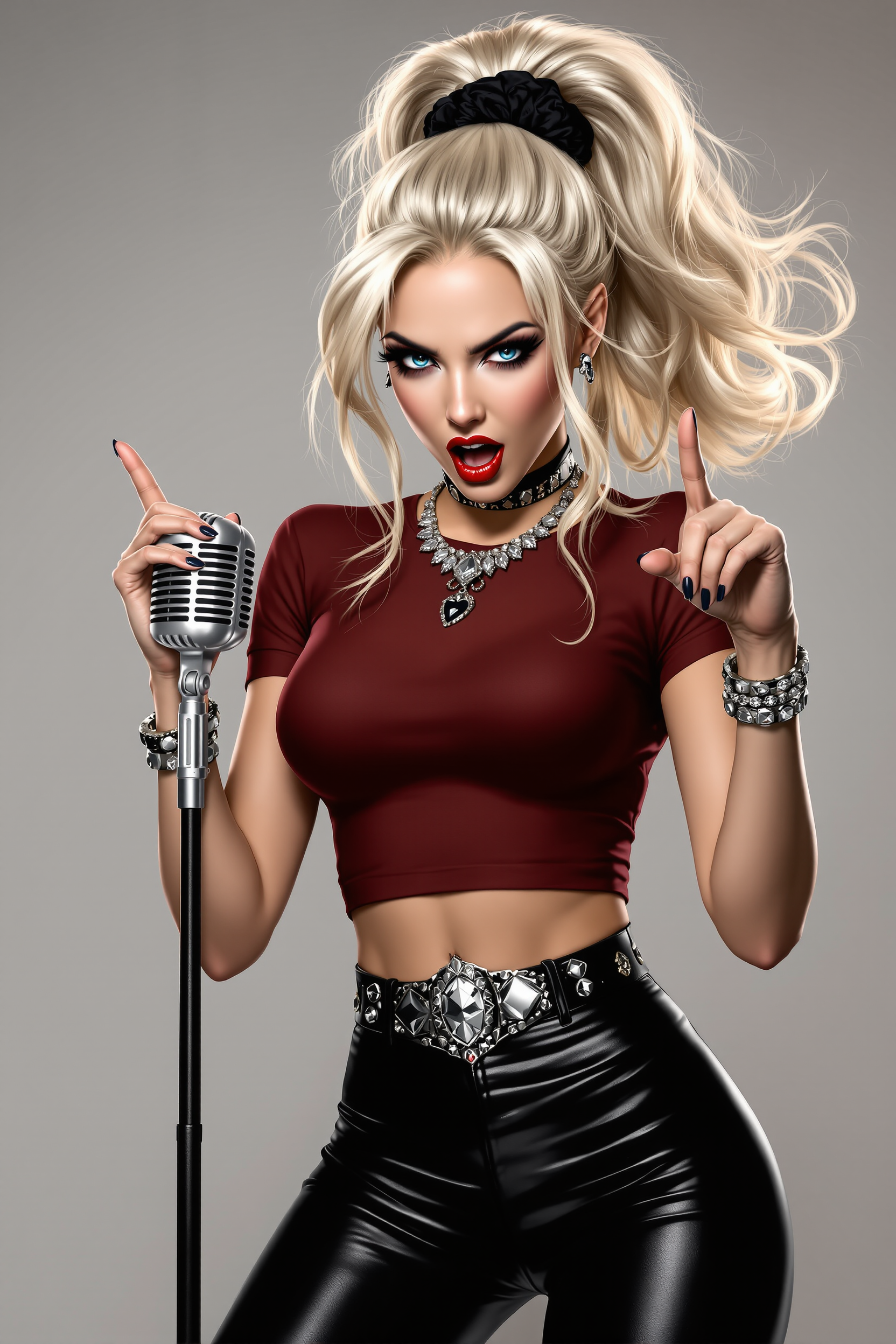
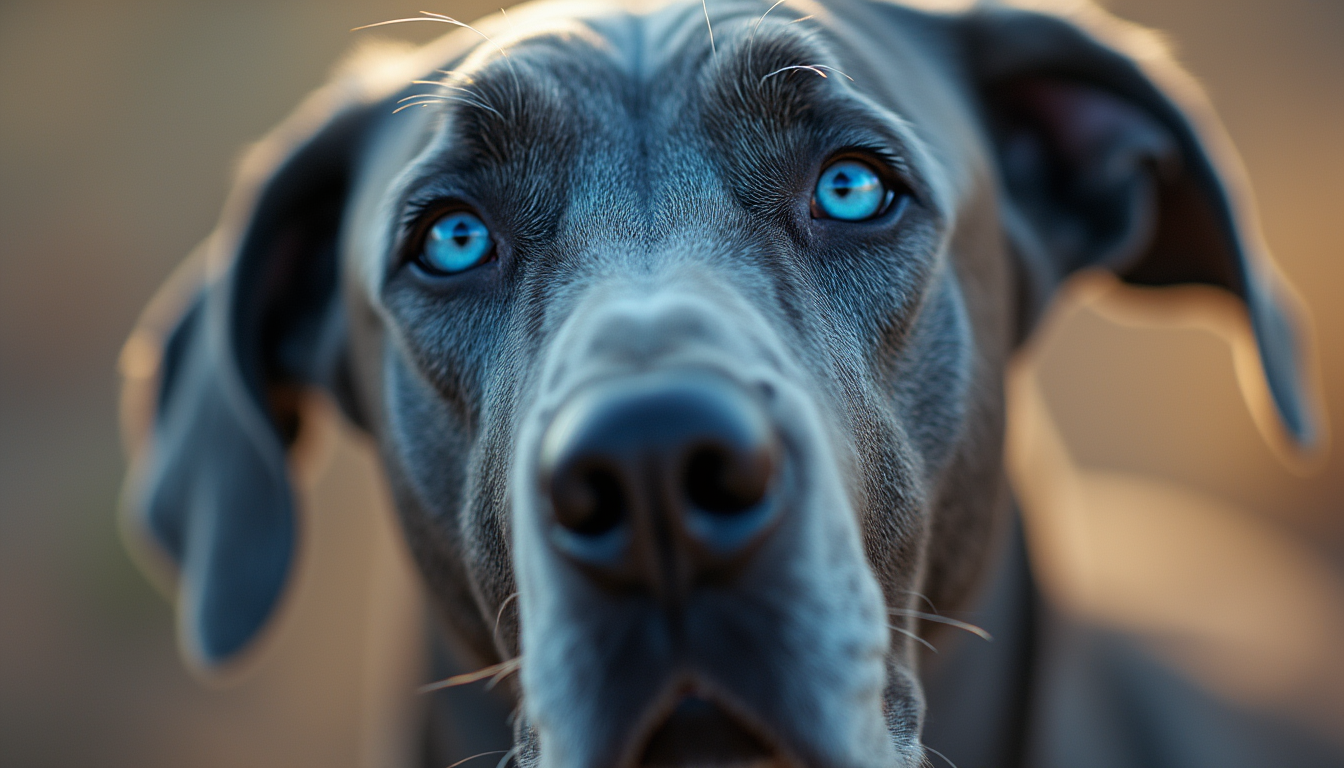
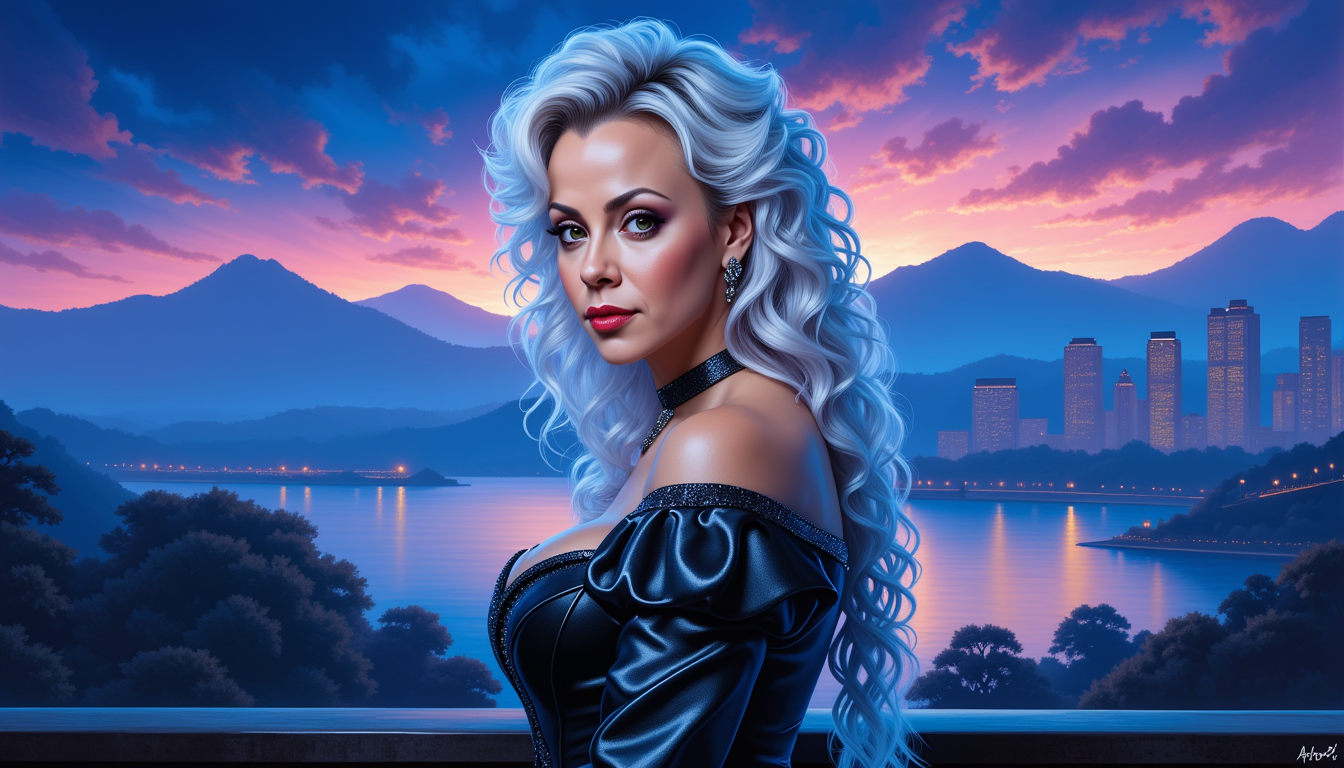
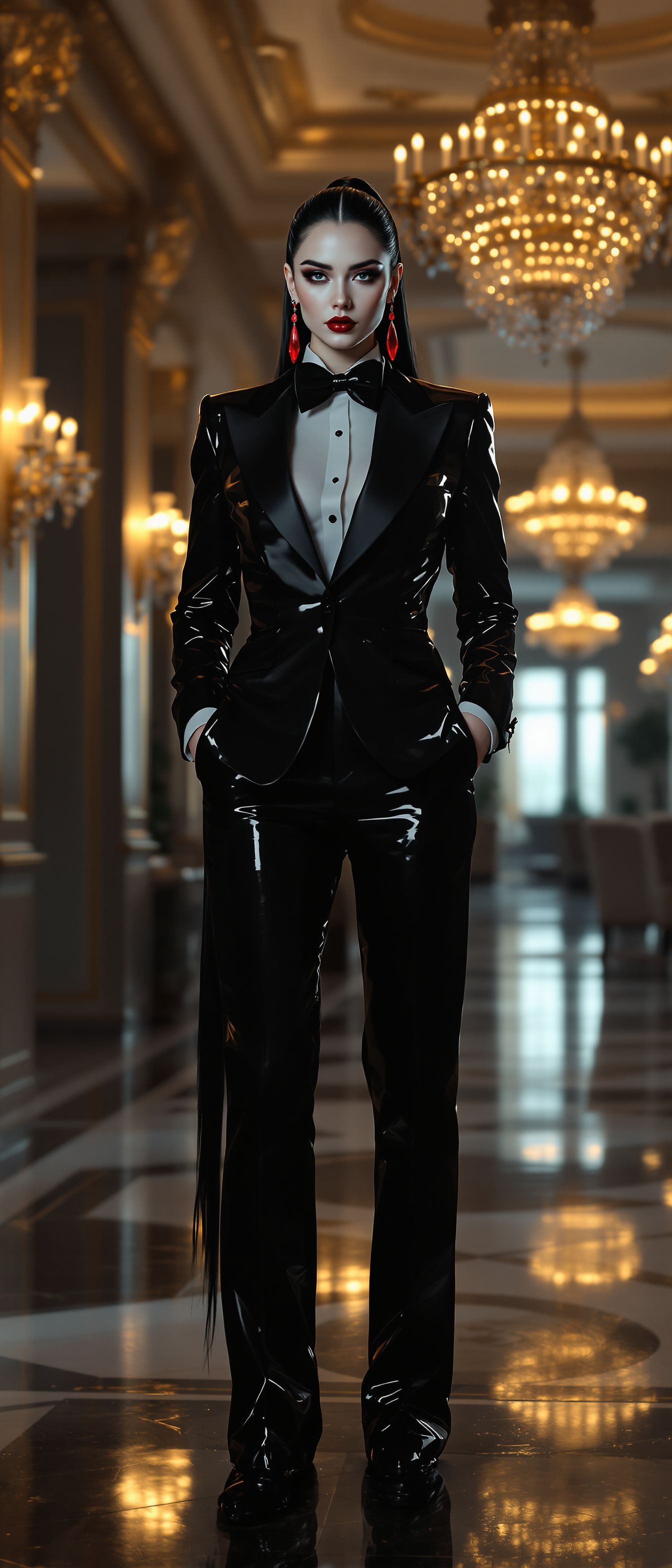
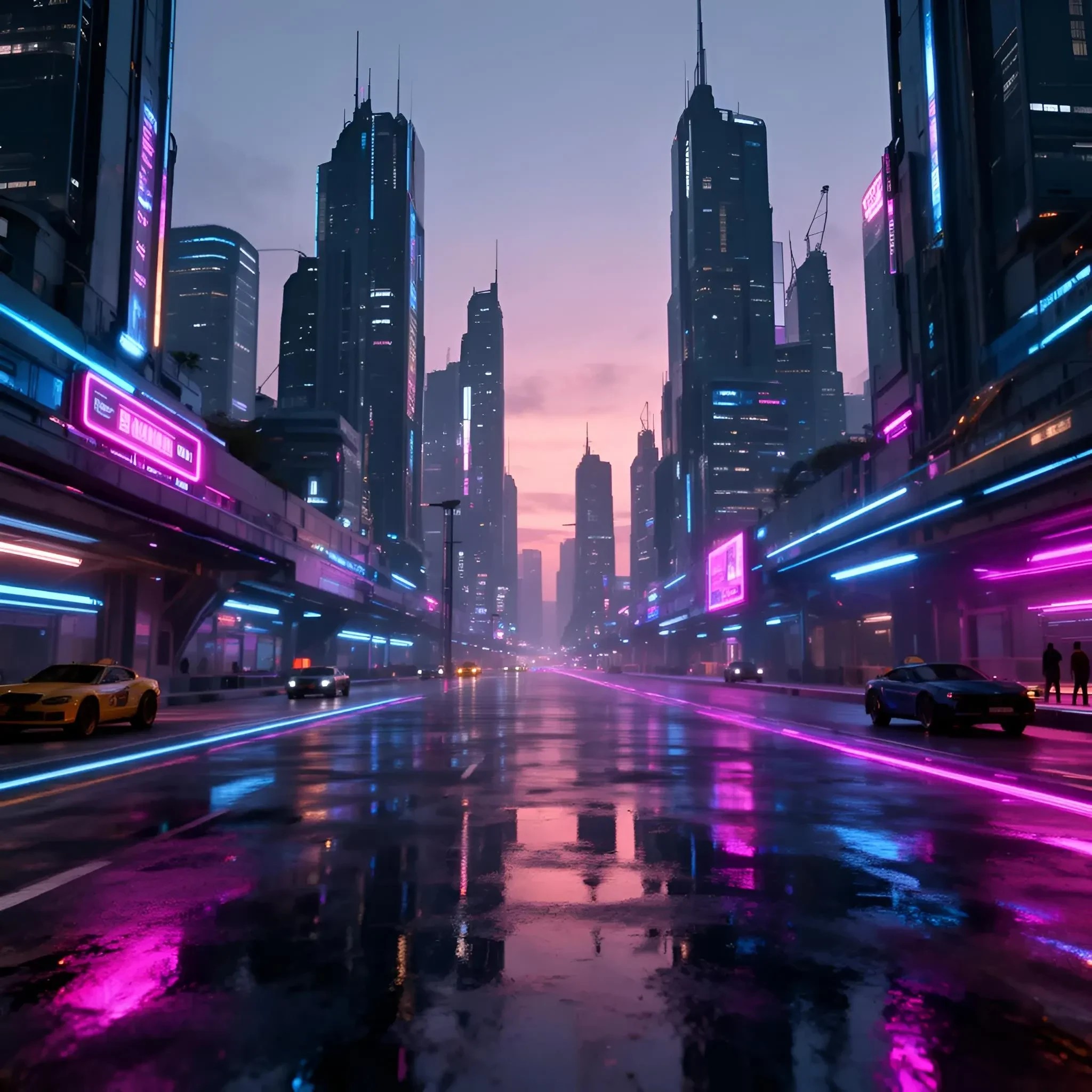
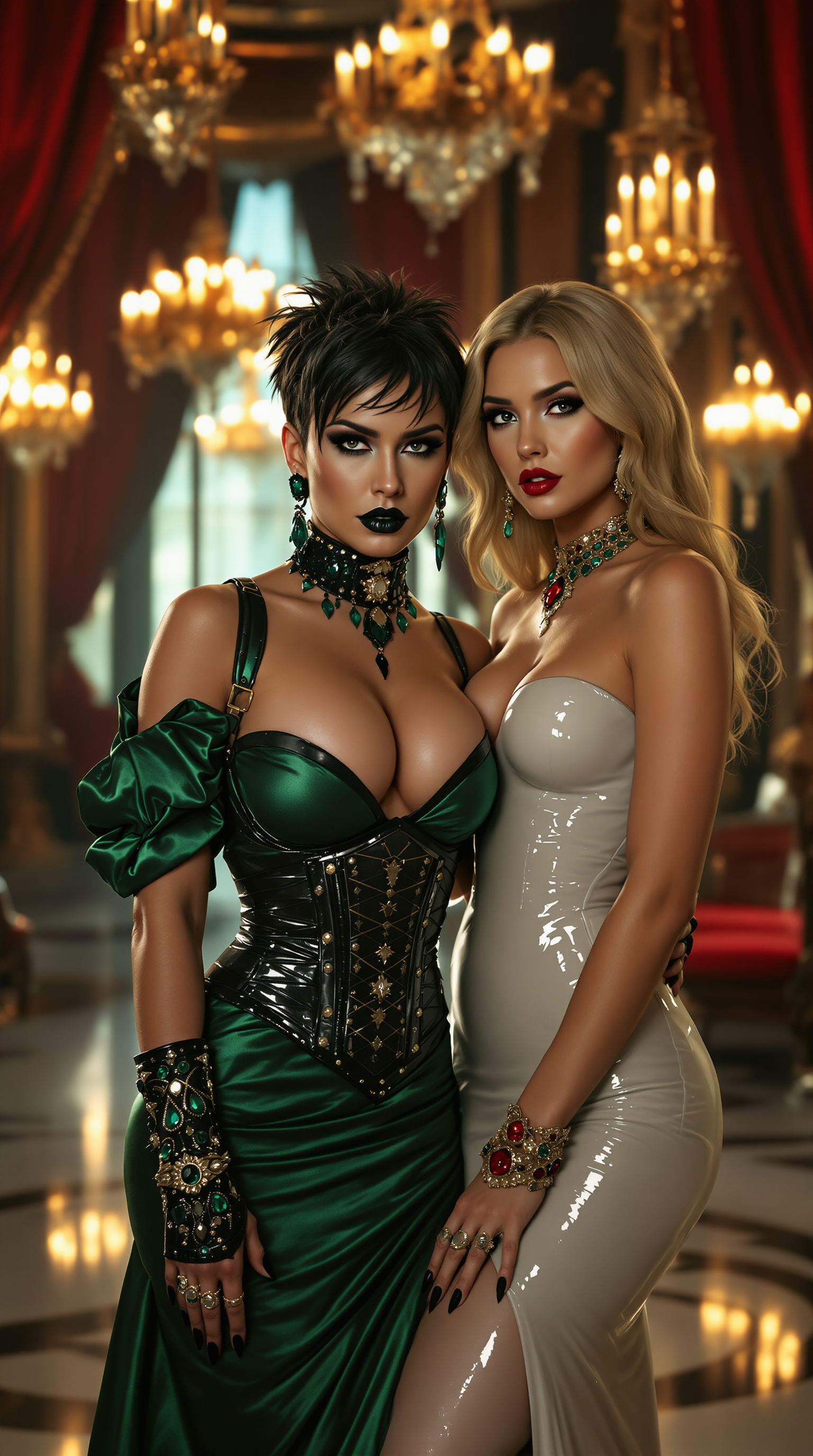
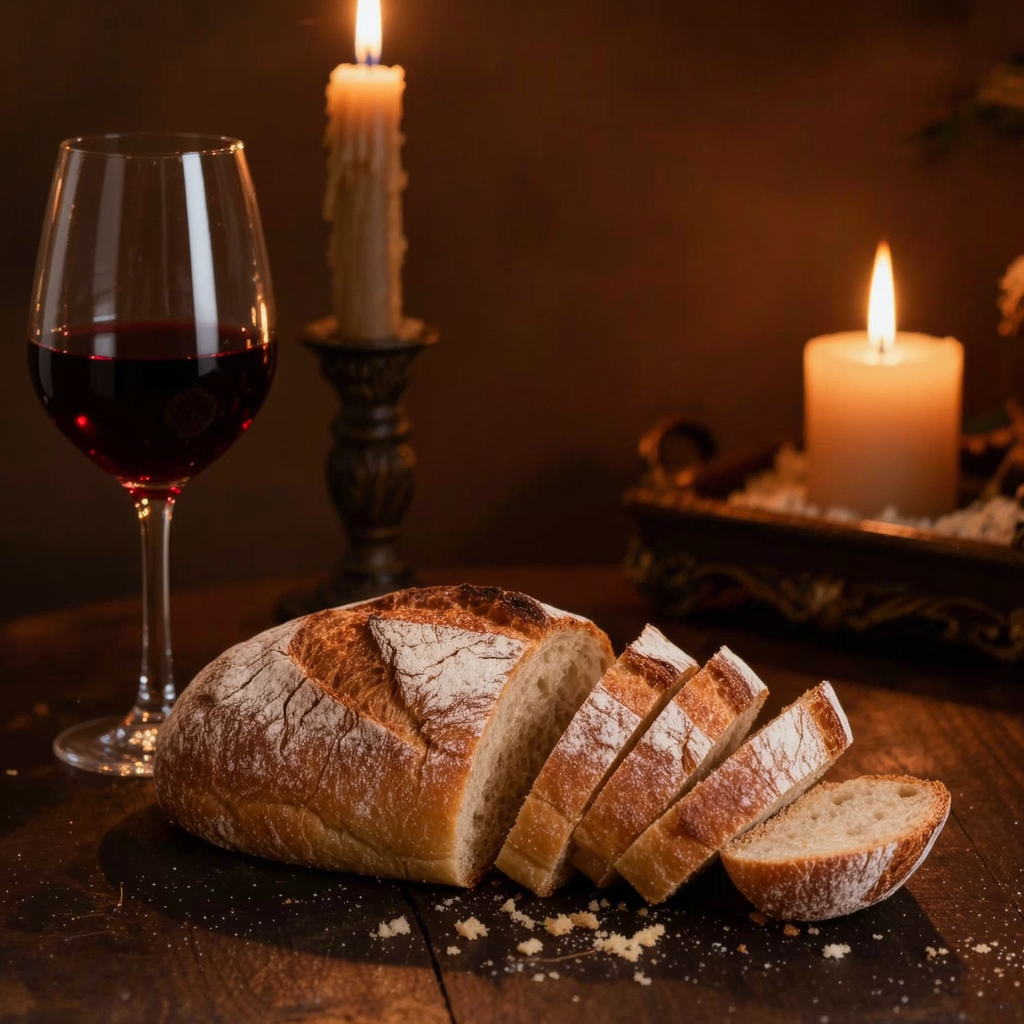
Produce images with exceptional detail and realism, capturing textures, lighting, and depth that rival professional photography.
Save Time and Resources
Quickly create high-quality visuals without the need for expensive equipment or extensive design skills.
Enhance Creative Flexibility
Experiment with various styles and concepts effortlessly, allowing for rapid iteration and innovation in your projects.
How It Works
Creating stunning images with ImagineArt 1.0 is a straightforward process. Follow these steps to bring your ideas to life:
Step 1: Enter Your Prompt
Input a detailed description of the image you envision. Be specific about elements like subjects, settings, and styles to guide the AI effectively.
Step 2: Choose Your Settings
Select your preferred aspect ratio and determine the number of images you'd like to generate. Adjust settings to match your project's requirements.
Step 3: Generate and Download
Click the 'Create' button to generate your images. Once satisfied with the results, download them in high resolution for your use.

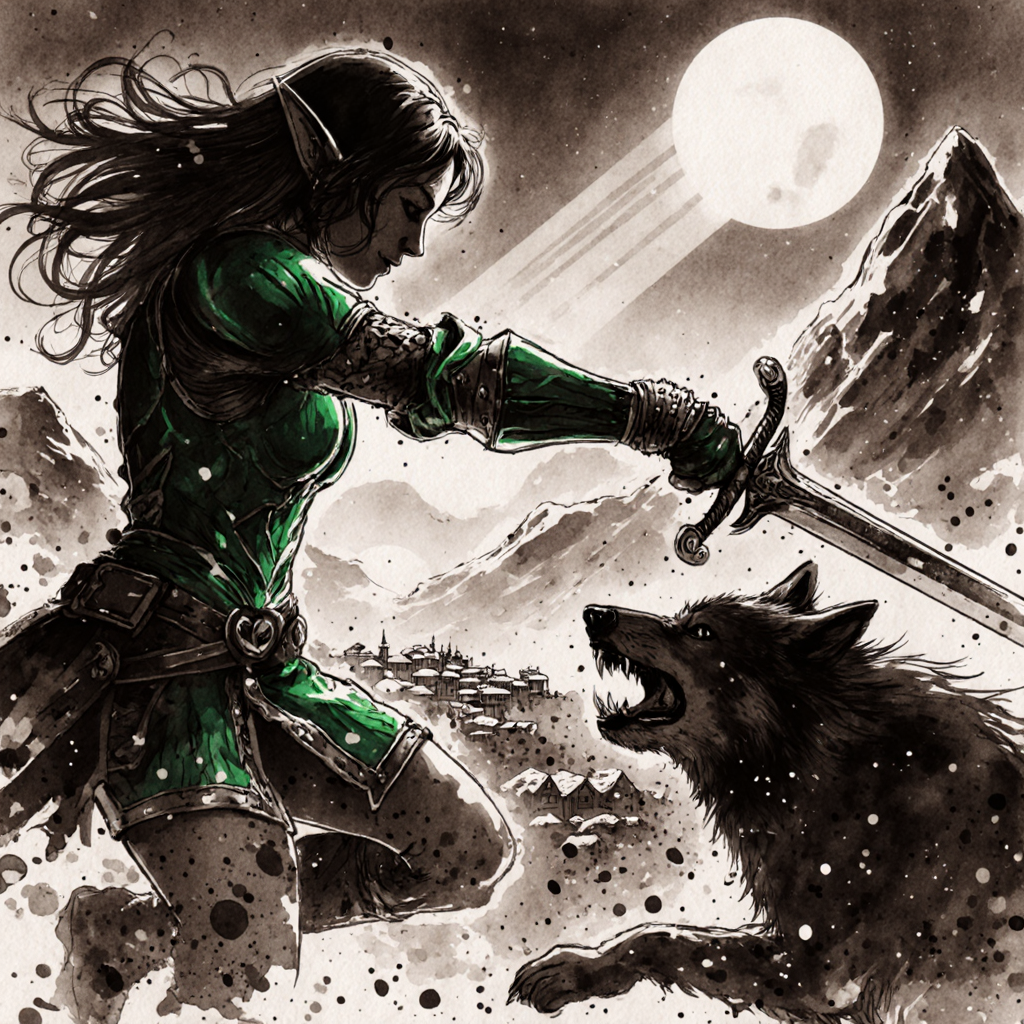
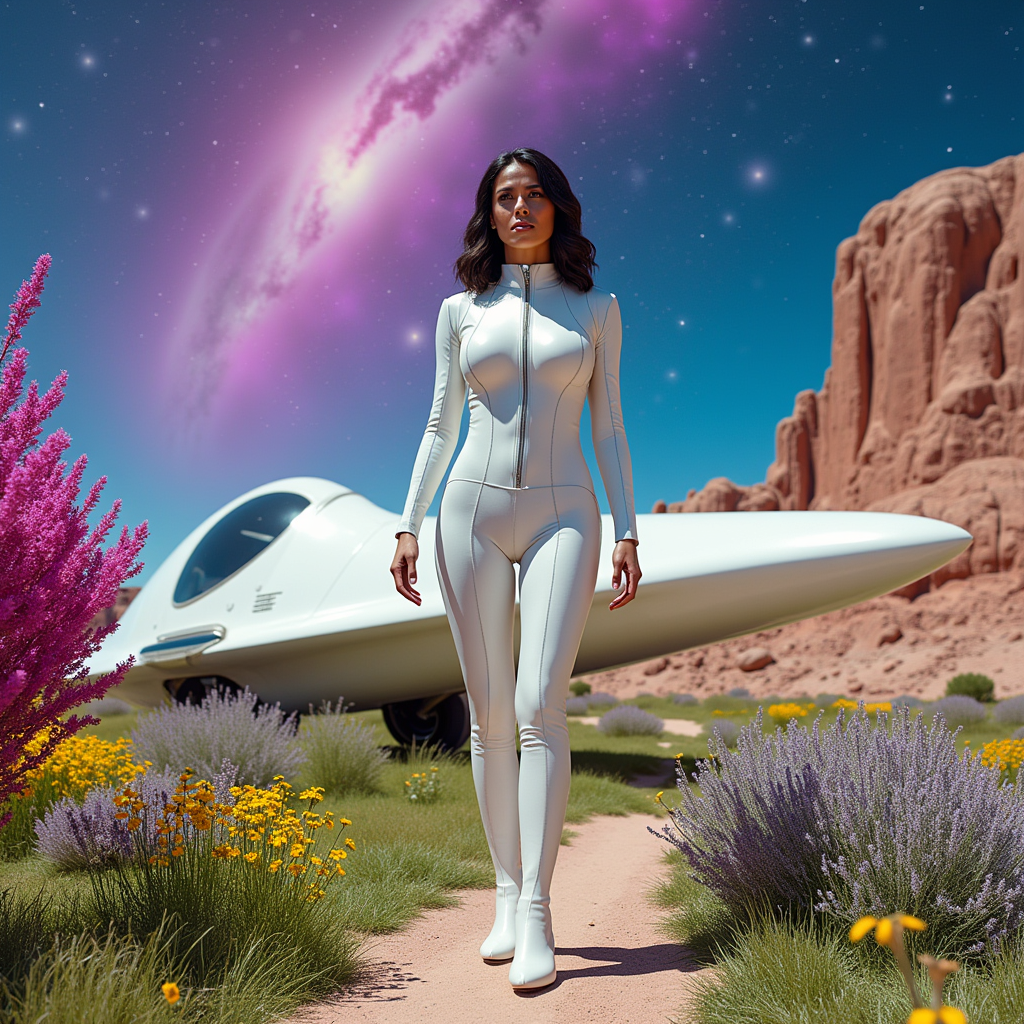
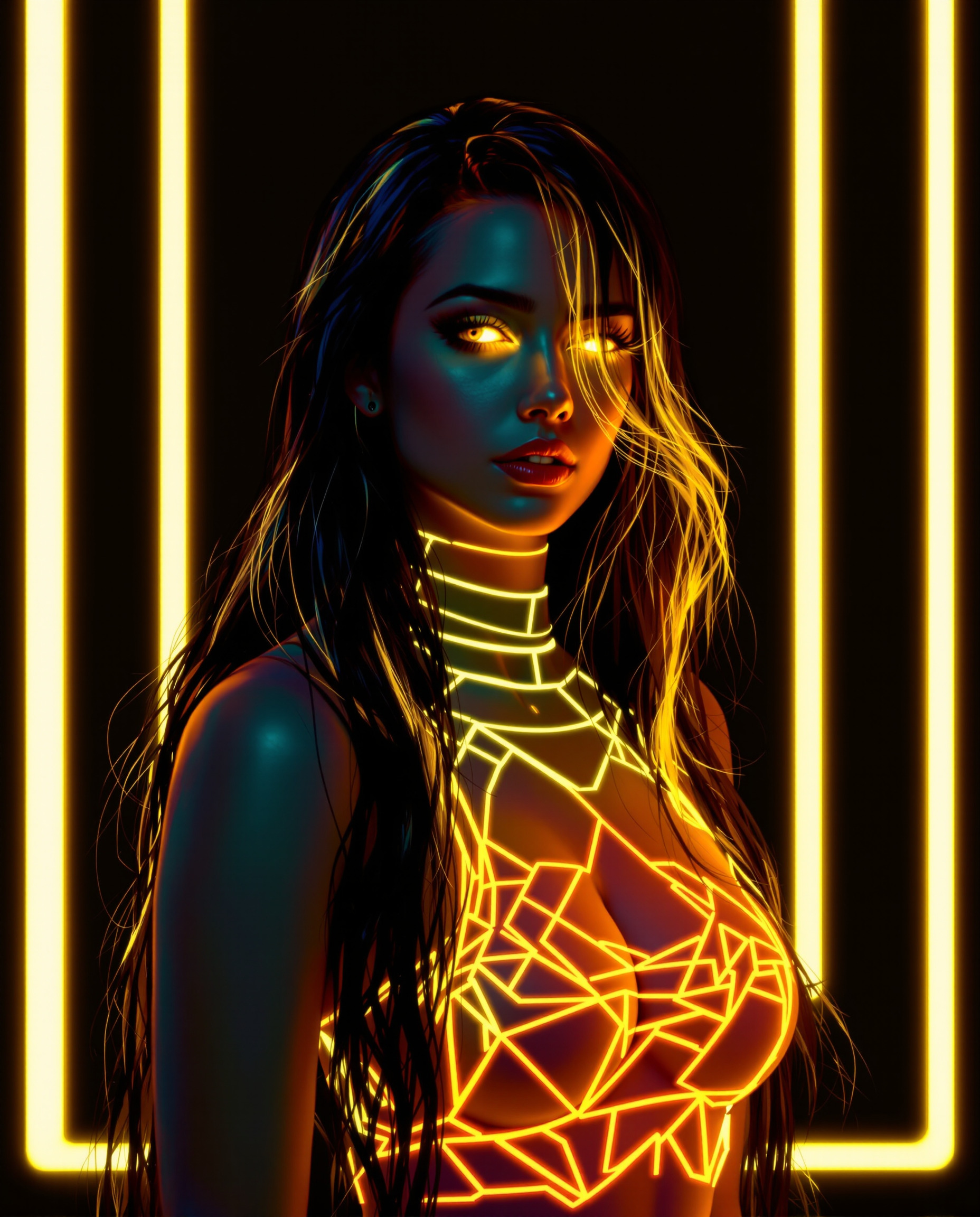
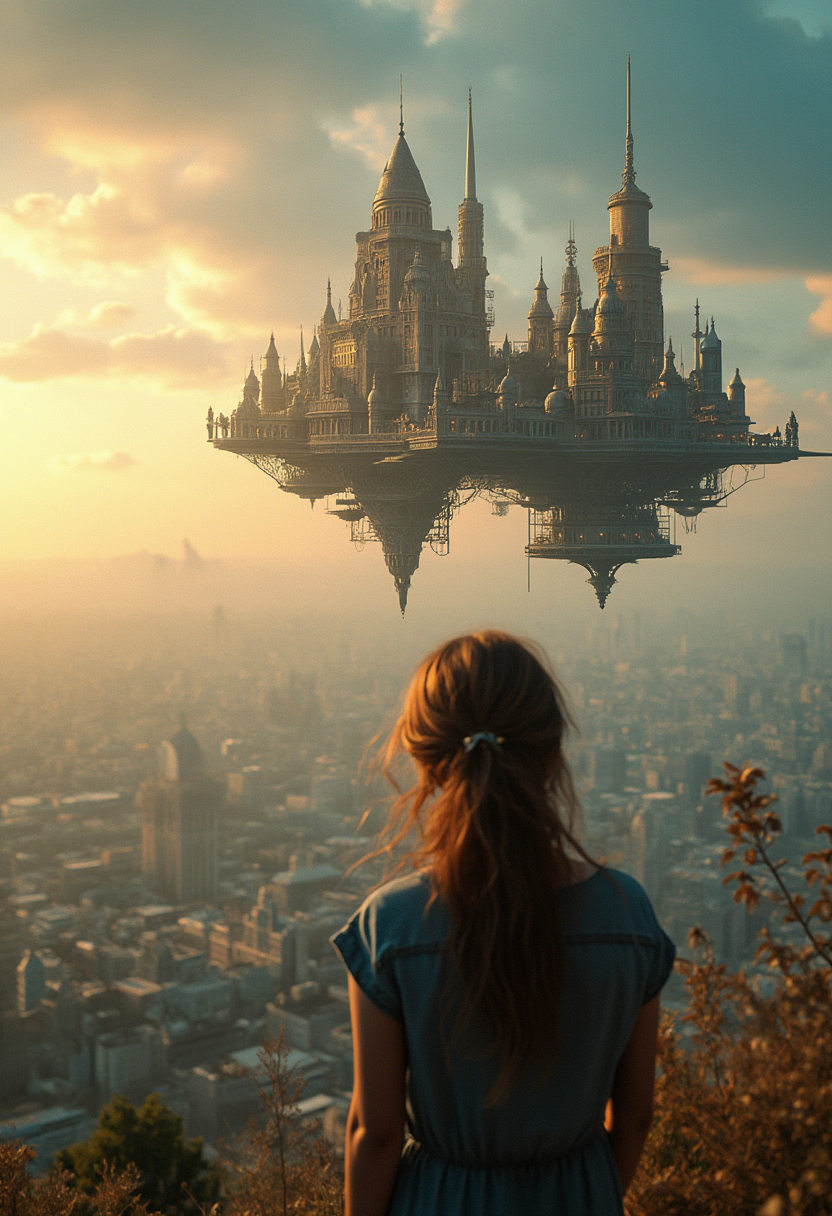
The Pixel Dojo Advantage
Why ImagineArt 1.0 outperforms other options for AI image generation:
| Others | Pixel Dojo |
|---|---|
| Traditional Photography | Eliminate the need for costly equipment and location scouting by generating high-quality images instantly. |
| Generic AI Tools | Achieve unparalleled realism and detail with ImagineArt 1.0's advanced rendering capabilities. |
| Manual Digital Art | Save hours of manual work by generating complex scenes and compositions with simple prompts. |
Loved by creators on PixelDojo
Real feedback from people using PixelDojo, pulled from our in-product surveys.
the amount you can do on this site
all in one place
It is a lot of fun to uae and easy too.
So many different models to try out
You keep adding to it to stay up to date and that is GOLD.
very easy to use and good support
Explore more AI tools on PixelDojo
AI Tools
Compare & Switch
- Best AI Image Generators
- Best AI Video Generators
- Midjourney Alternatives
- Civitai Alternatives
- Runway Alternatives
- Leonardo Alternatives
- Pika Alternatives
- Luma Alternatives
- Magnific Alternatives
- Veo Alternatives
- Flux Alternatives
- Freepik Alternatives
- Seedance Alternatives
- Seedream Alternatives
- Pixverse Alternatives
- GPT Image Alternatives
- Synthesia Alternatives
- Playground Alternatives
- NightCafe Alternatives
- Canva AI Alternatives
- ElevenLabs Alternatives
- ComfyUI Alternatives
- Fal Alternatives
- Replicate Alternatives
Common Questions
Everything you need to know about ImagineArt 1.0 prompt guide
How can I write effective prompts for ImagineArt 1.0?
To craft effective prompts, be clear and specific about the subject, style, and mood you desire. Incorporate descriptive language and reference artists or styles to guide the AI. For example, 'A serene beach at sunset, photorealistic style' provides clear direction.
Can I use ImagineArt 1.0 for commercial projects?
Yes, images generated with ImagineArt 1.0 can be used for commercial purposes, including marketing materials, product designs, and more. Ensure you comply with the platform's terms of service regarding commercial use.
What resolution are the downloaded images?
ImagineArt 1.0 allows you to download high-resolution images suitable for both digital and print applications. Specific resolution options can be selected based on your project needs.
Do I need technical expertise to use ImagineArt 1.0?
No, ImagineArt 1.0 is designed with an intuitive interface that requires no technical expertise. Simply input your prompt, adjust settings as desired, and generate your image.
Is there a limit to how many images I can create?
While ImagineArt 1.0 offers generous usage, there may be limits based on your subscription plan. Review the plan details to understand any applicable limitations.
Can I edit images after they're generated?
Yes, you can further refine and edit generated images using ImagineArt 1.0's built-in editing tools or export them to your preferred image editing software for additional adjustments.