ImagineArt Android AI Generator
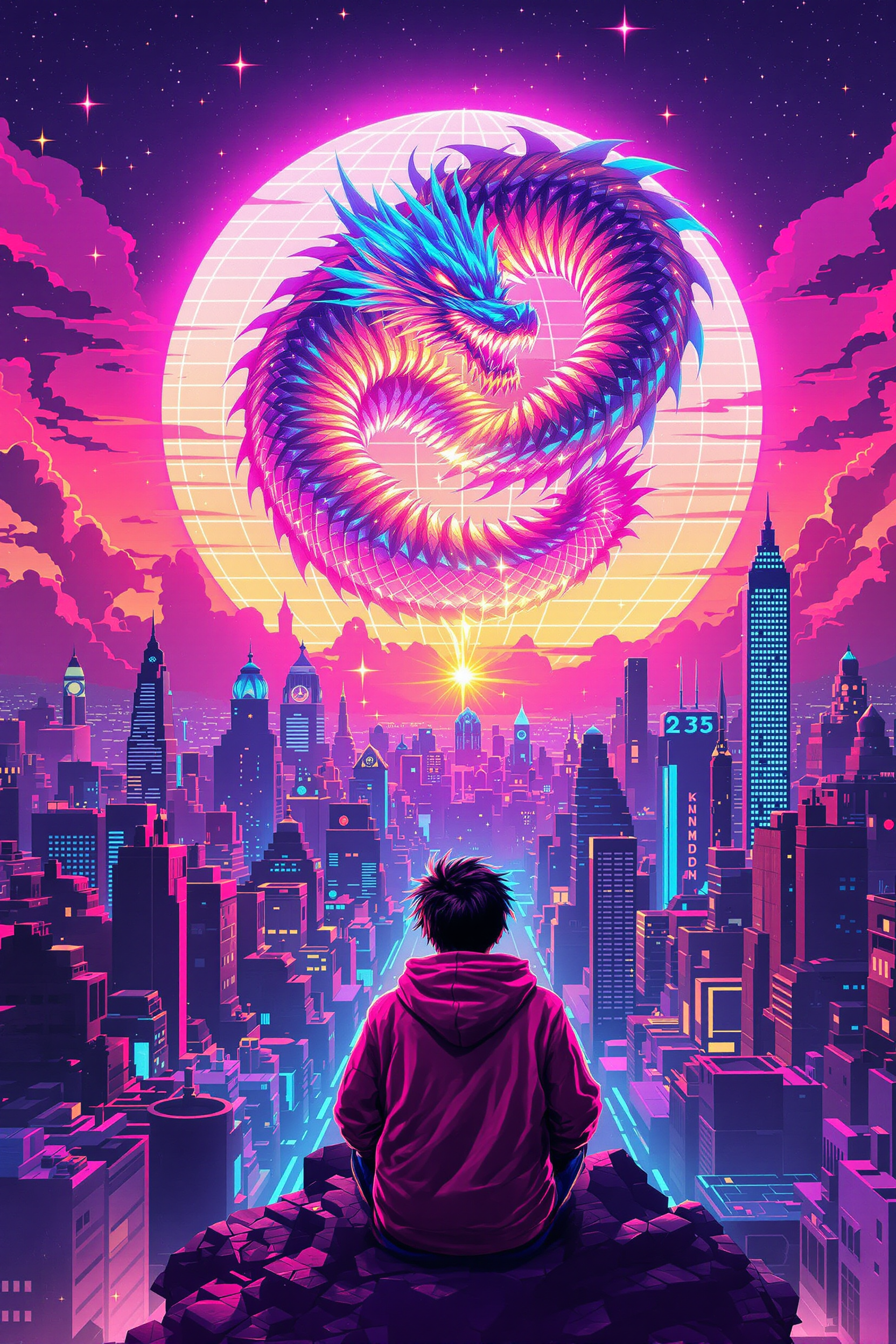
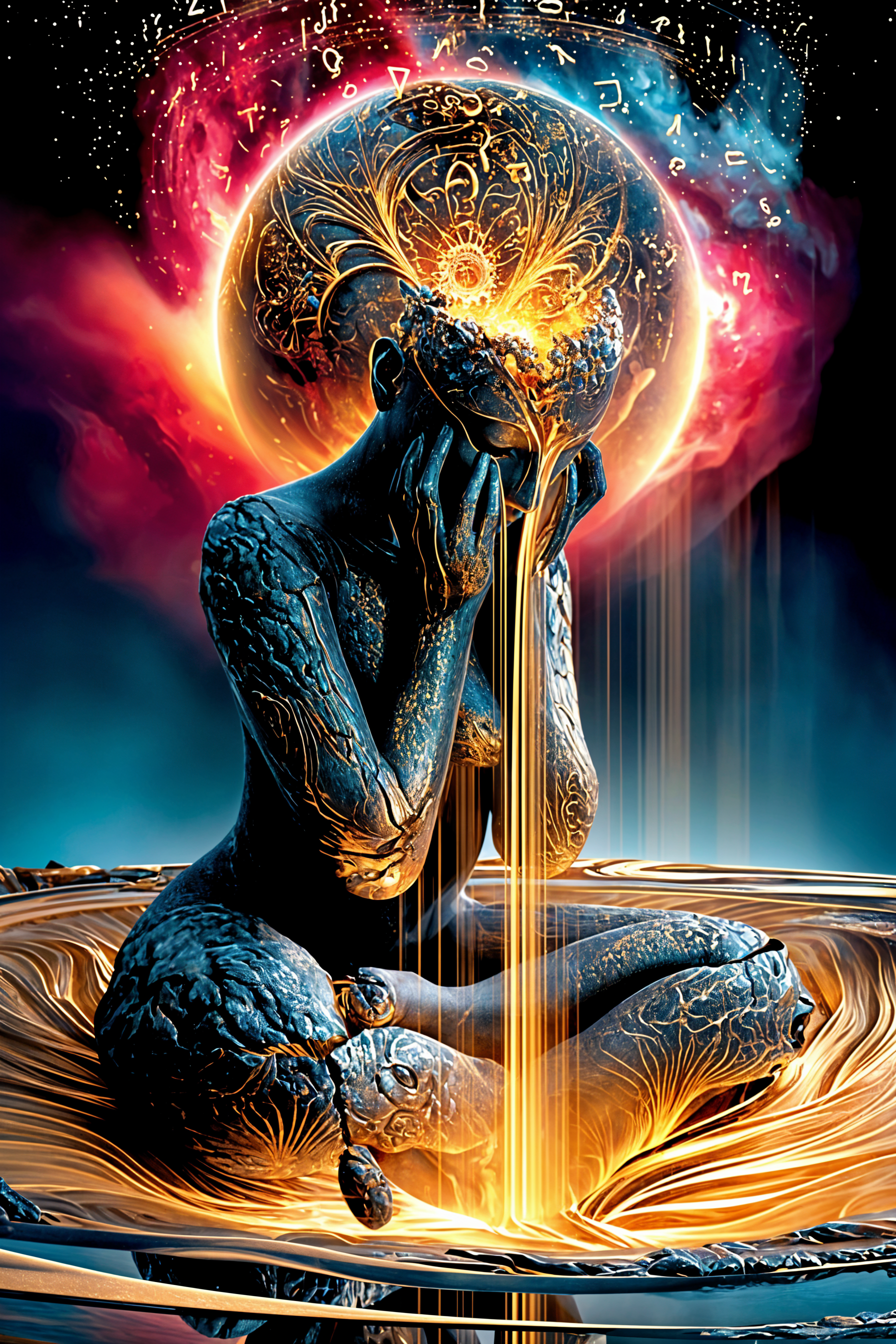
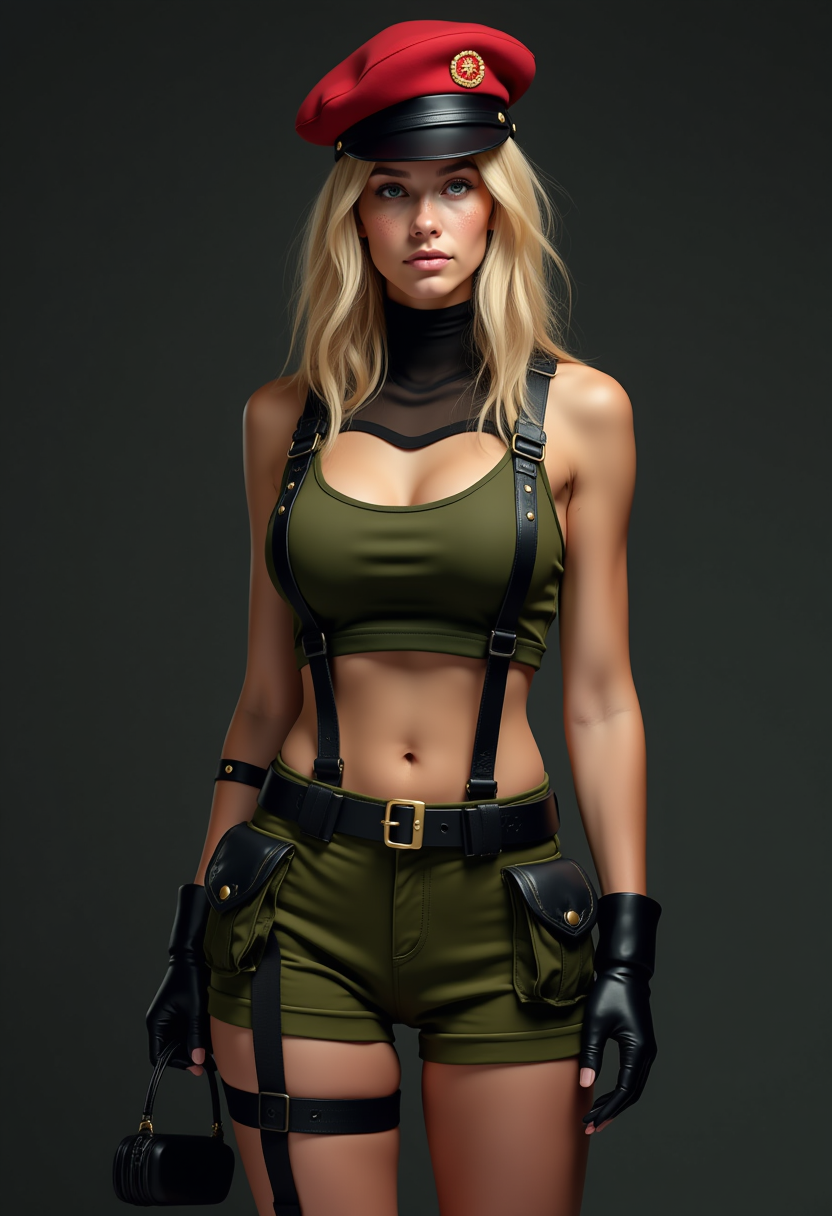
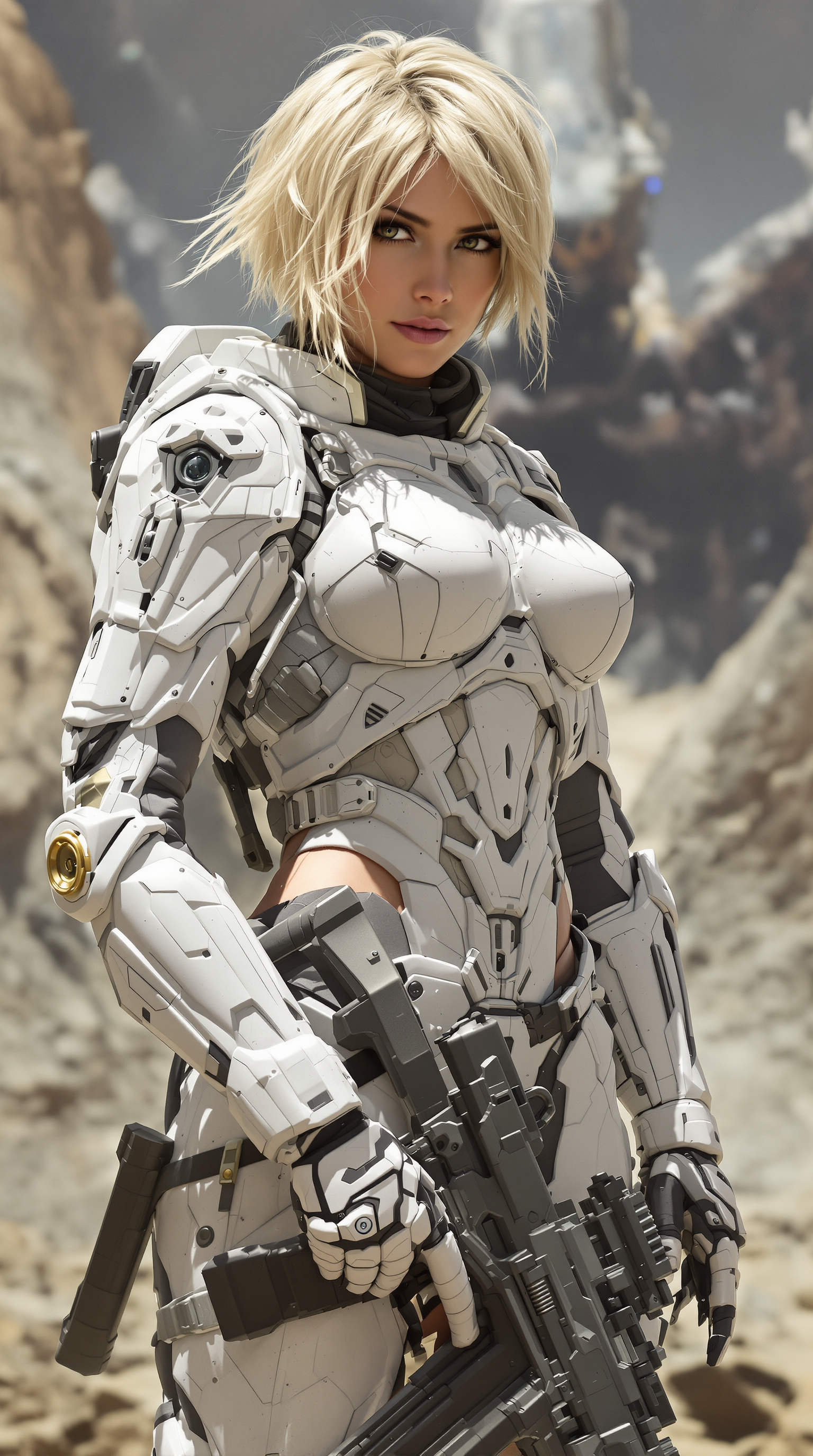
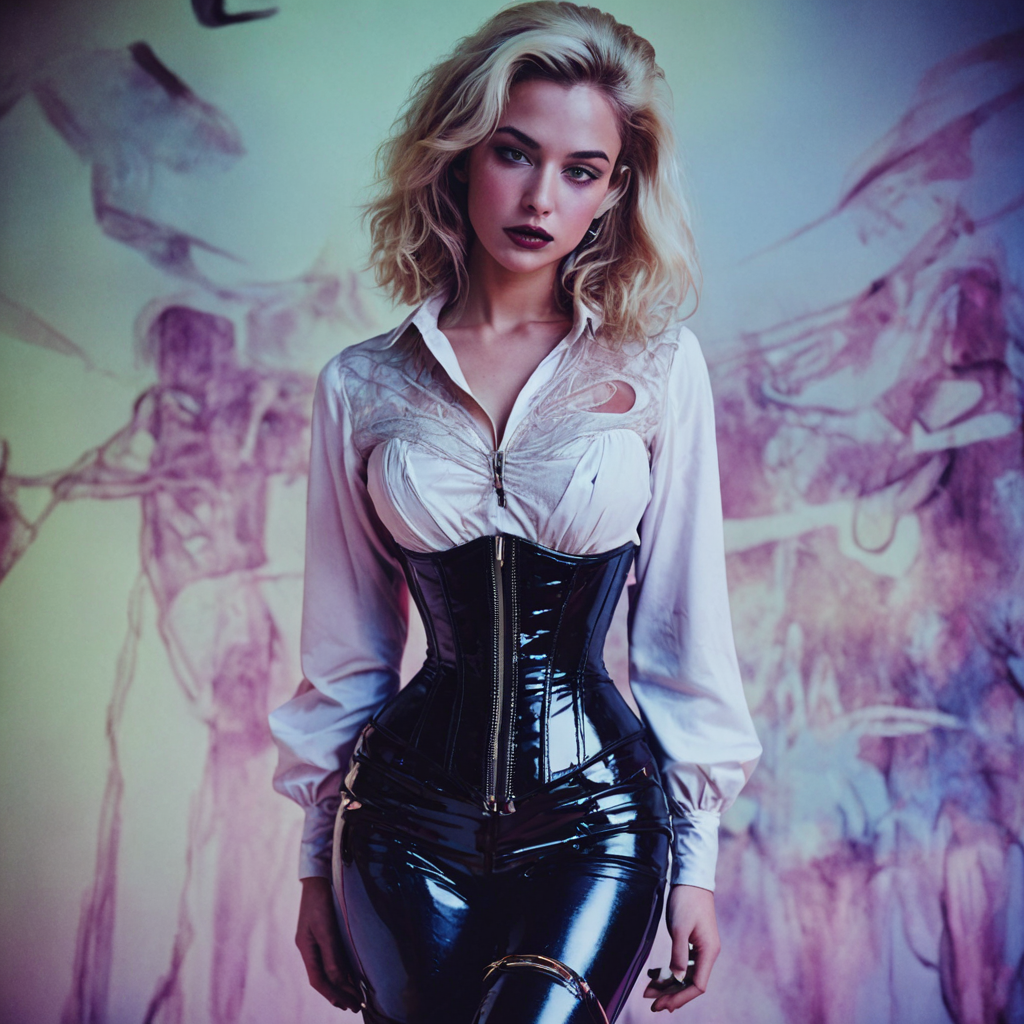
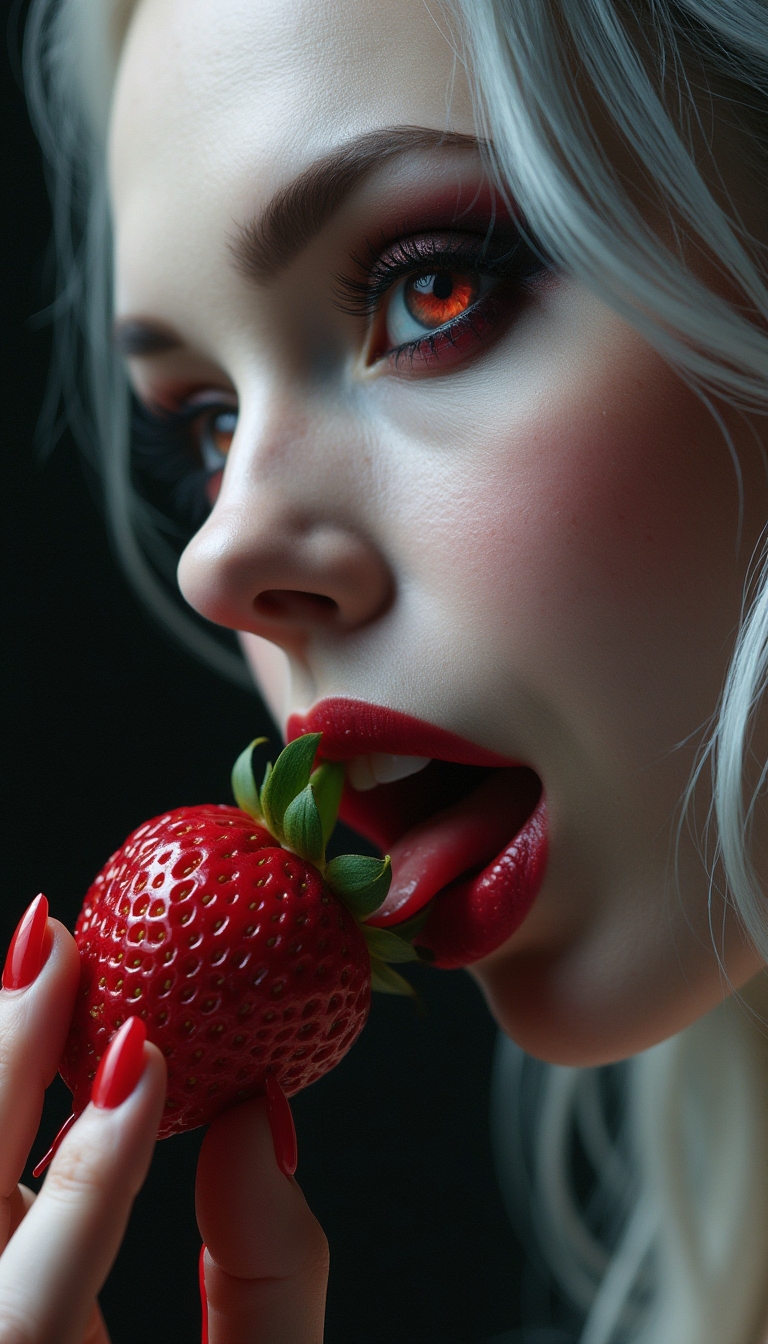
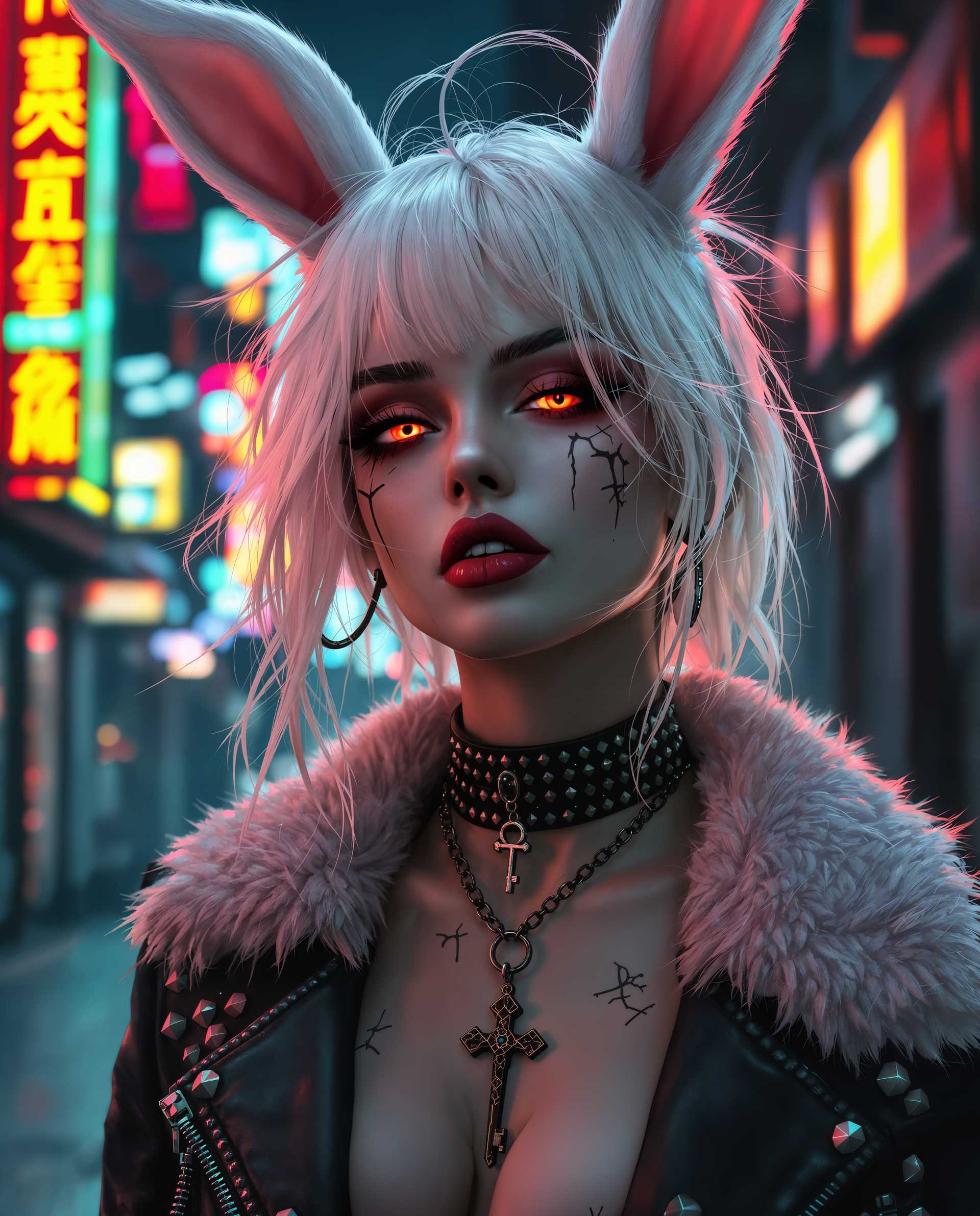
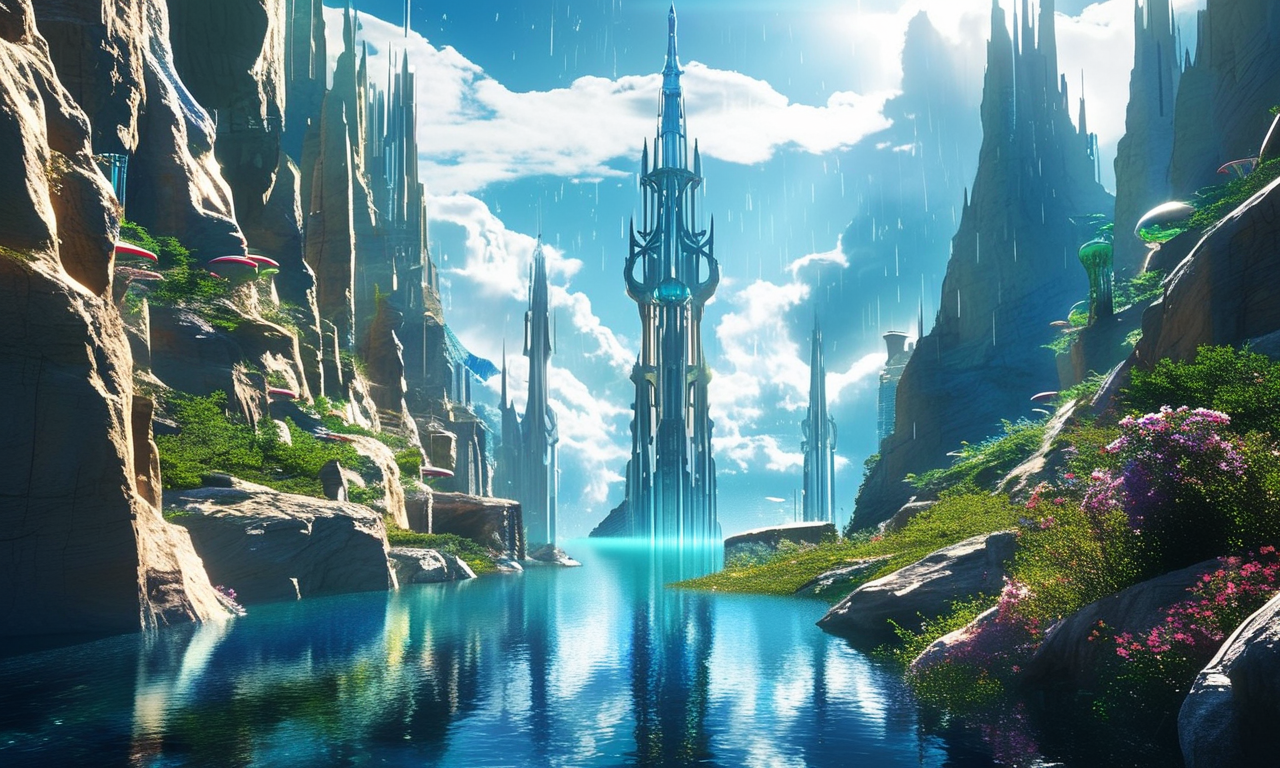
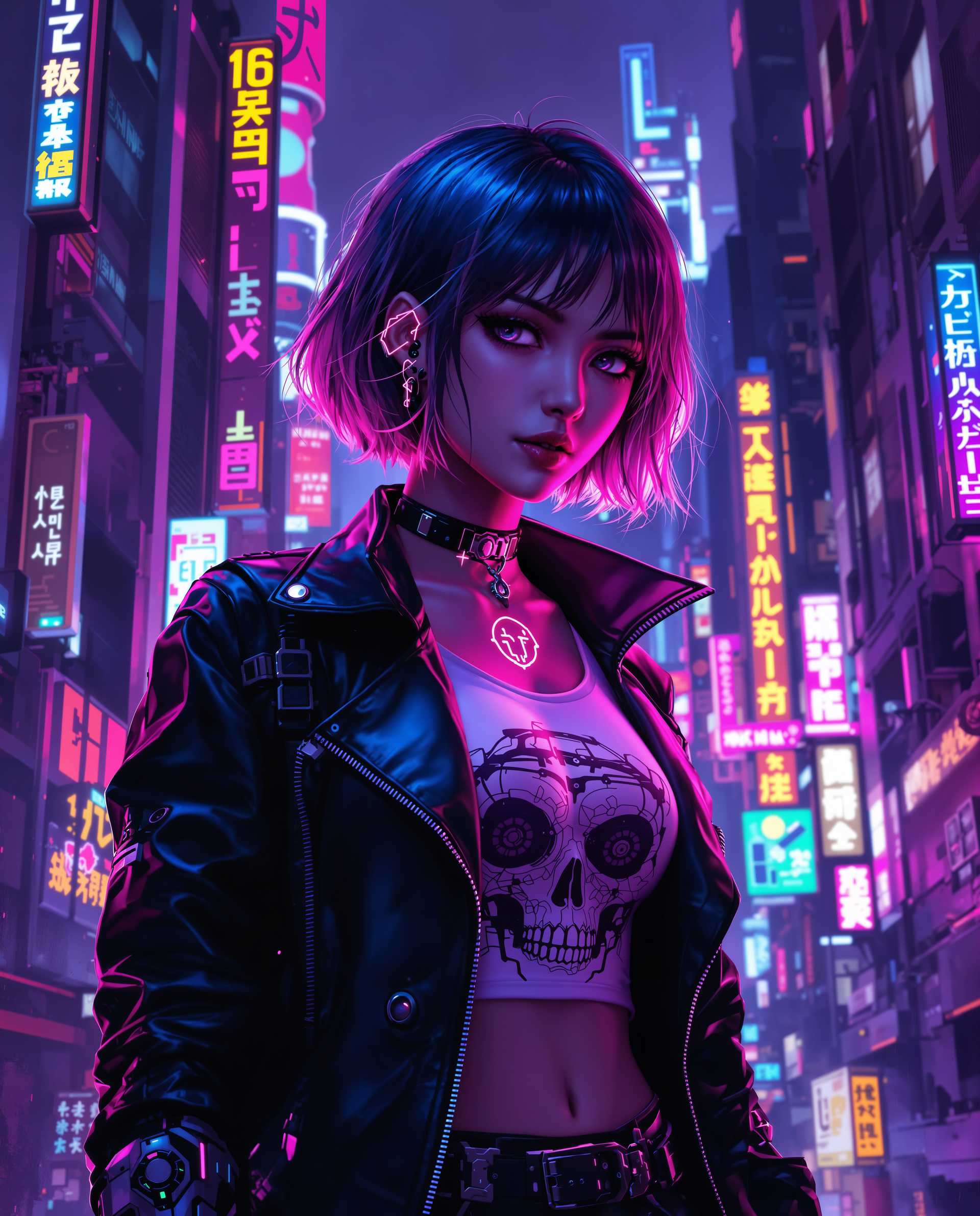
Imagine turning your thoughts into captivating visuals with just a few taps on your Android device. With ImagineArt, you can effortlessly create stunning AI-generated images that bring your ideas to life. Whether you're an artist seeking inspiration or someone exploring the world of digital art, ImagineArt empowers you to produce unique and mesmerizing artwork anytime, anywhere.
Join over 1 million users who have transformed their creative visions into reality with ImagineArt. Rated 4.7 stars on the Google Play Store, our app is trusted by artists and enthusiasts worldwide.
Why Choose Pixel Dojo for ImagineArt Android
Professional-quality results with cutting-edge AI technology
Instant Art Creation
Generate high-quality images from text prompts in seconds, saving you time and effort.
Diverse Artistic Styles
Choose from over 100 art styles to match your creative vision, from hyperrealism to fantasy.
User-Friendly Interface
Navigate through a seamless and intuitive design, making art creation accessible to everyone.
How It Works
Creating AI-generated art with ImagineArt is a simple and enjoyable process. Follow these steps to bring your ideas to life:
Step 1: Enter Your Prompt
Open the ImagineArt app and type a description of the image you envision. For example, 'a serene sunset over a mountain range.'
Step 2: Select an Art Style
Browse through the extensive collection of art styles and choose one that aligns with your creative vision.
Step 3: Generate and Save
Tap 'Generate' to let the AI create your image. Once satisfied, save it to your device or share it directly with others.


The Pixel Dojo Advantage
Why Choose ImagineArt Over Other AI Art Generators?
| Others | Pixel Dojo |
|---|---|
| Other AI Art Apps | ImagineArt offers a more extensive range of art styles and a more intuitive user experience. |
| Manual Digital Art Creation | Save hours of work by generating complex images in seconds without the need for advanced skills. |
| Desktop-Based AI Art Tools | Enjoy the convenience of creating art directly on your Android device without being tied to a computer. |
Loved by creators on PixelDojo
Real feedback from people using PixelDojo, pulled from our in-product surveys.
Very easy to use
super easy to use
it's very easy to use
Practically every Ai suite in one place? Who wouldn't?
versatile menu of tools
Best AI tool availble the suite is rad
Explore more AI tools on PixelDojo
AI Tools
Compare & Switch
- Best AI Image Generators
- Best AI Video Generators
- Midjourney Alternatives
- Civitai Alternatives
- Runway Alternatives
- Leonardo Alternatives
- Pika Alternatives
- Luma Alternatives
- Magnific Alternatives
- Veo Alternatives
- Flux Alternatives
- Freepik Alternatives
- Seedance Alternatives
- Seedream Alternatives
- Pixverse Alternatives
- GPT Image Alternatives
- Synthesia Alternatives
- Playground Alternatives
- NightCafe Alternatives
- Canva AI Alternatives
- ElevenLabs Alternatives
- ComfyUI Alternatives
- Fal Alternatives
- Replicate Alternatives
Common Questions
Everything you need to know about ImagineArt Android
Is ImagineArt free to use on Android?
Yes, ImagineArt offers a free version with access to a wide range of features. Additional premium features are available through in-app purchases.
Can I use ImagineArt without any prior art experience?
Absolutely! ImagineArt is designed for users of all skill levels, making it easy for anyone to create stunning AI-generated images.
Are there any limitations on the number of images I can create?
The free version allows you to create a limited number of images per day. Upgrading to a premium subscription provides unlimited access.
Can I use the images created with ImagineArt for commercial purposes?
Yes, images generated with ImagineArt can be used for commercial purposes. However, it's advisable to review the app's terms of service for specific guidelines.
Does ImagineArt require an internet connection to generate images?
Yes, an internet connection is required as the AI processing is performed on cloud servers to ensure high-quality outputs.
How often are new art styles added to ImagineArt?
New art styles are added regularly to keep the creative possibilities fresh and exciting for users.