ImagineArt features AI Generator
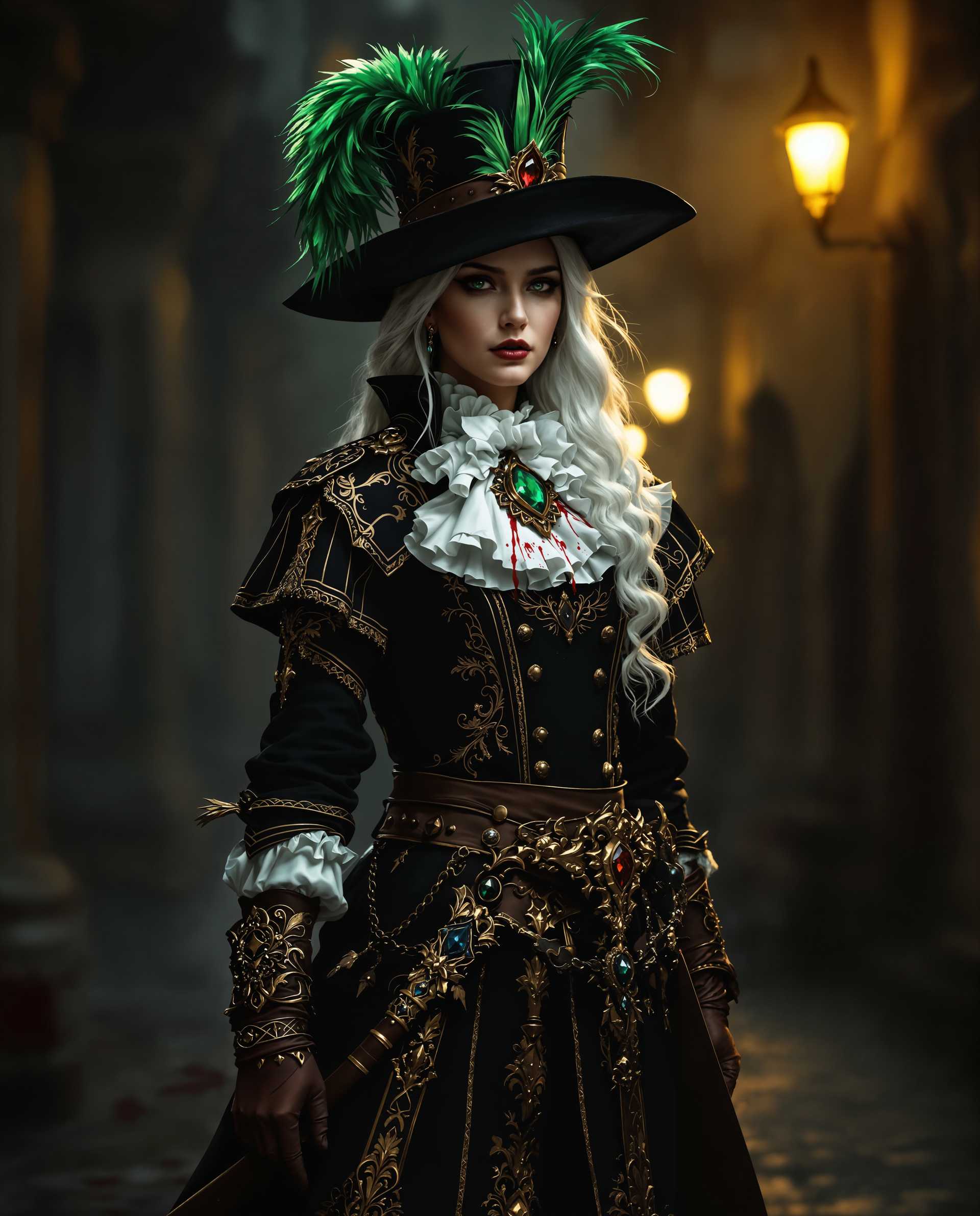
ImagineArt empowers you to transform your creative ideas into stunning visuals effortlessly. Whether you're an artist, designer, or content creator, our AI-driven tools enable you to produce high-quality images that captivate and inspire. With ImagineArt, you can bring your visions to life without the need for extensive technical skills or resources.
Join over 300,000 creative professionals who trust ImagineArt for their AI image generation needs. Our platform boasts a 4.8/5 average rating from satisfied users worldwide.
Why Choose Pixel Dojo for ImagineArt features
Professional-quality results with cutting-edge AI technology
Effortless Creativity
Generate high-quality images from simple text prompts, allowing you to focus on your creative vision without technical barriers.
Versatile Style Options
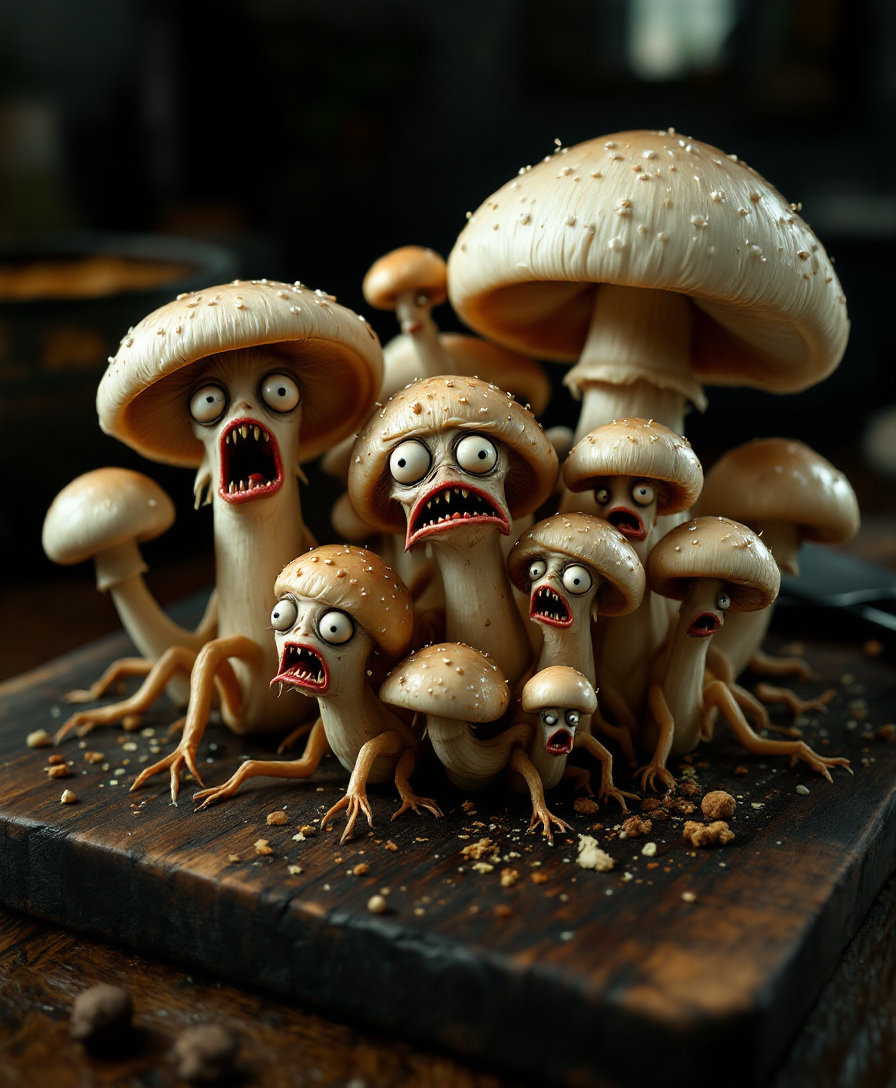
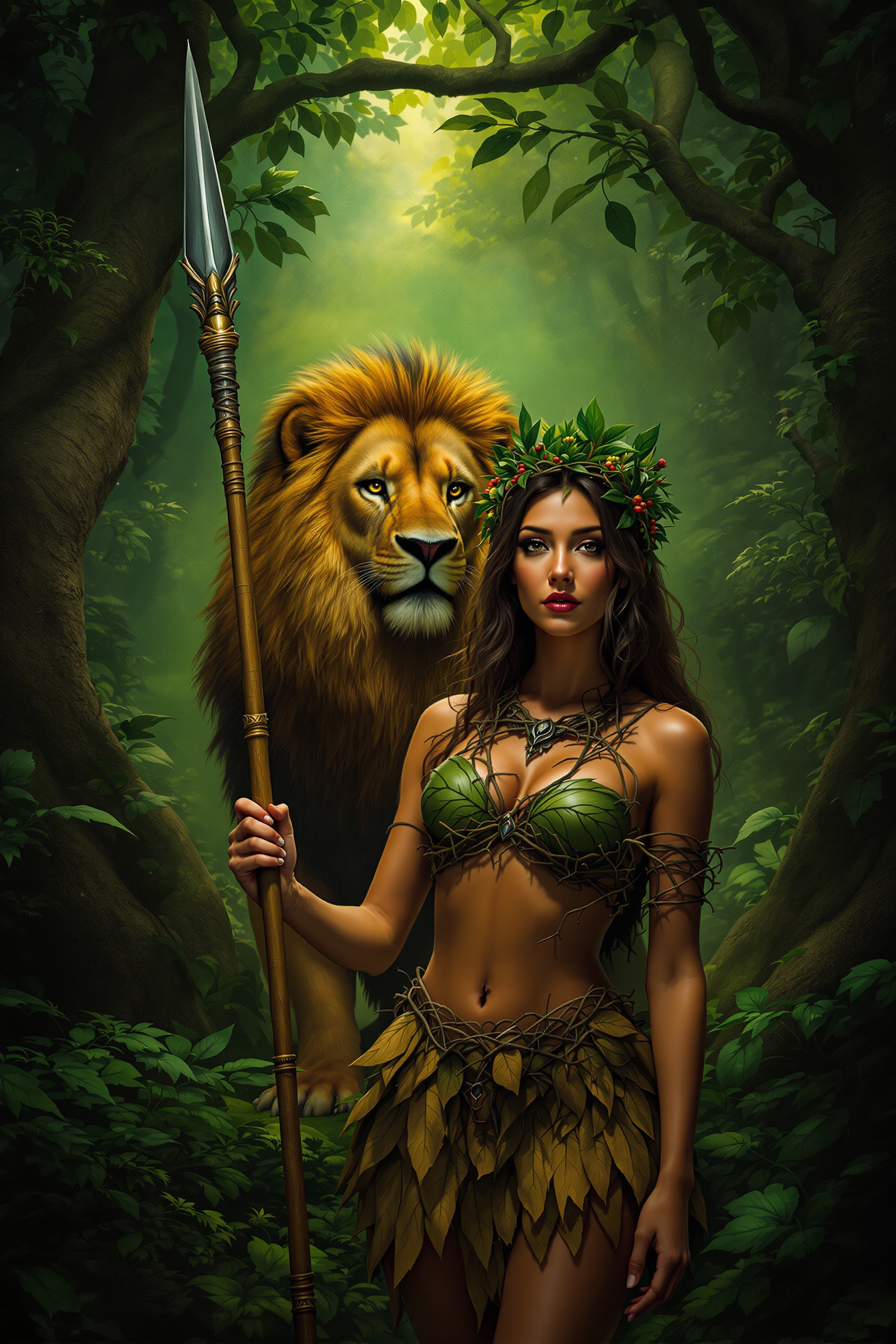
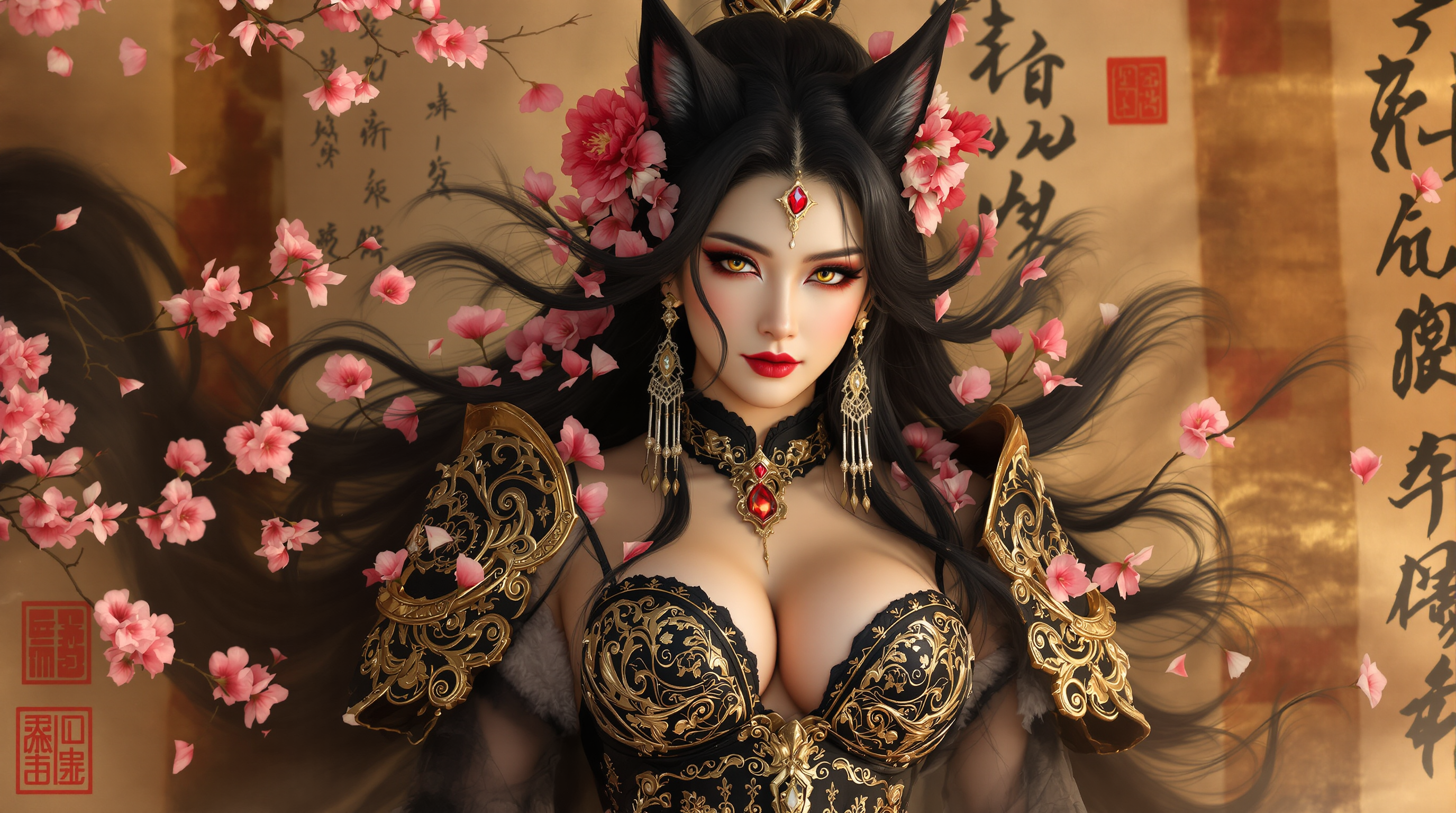
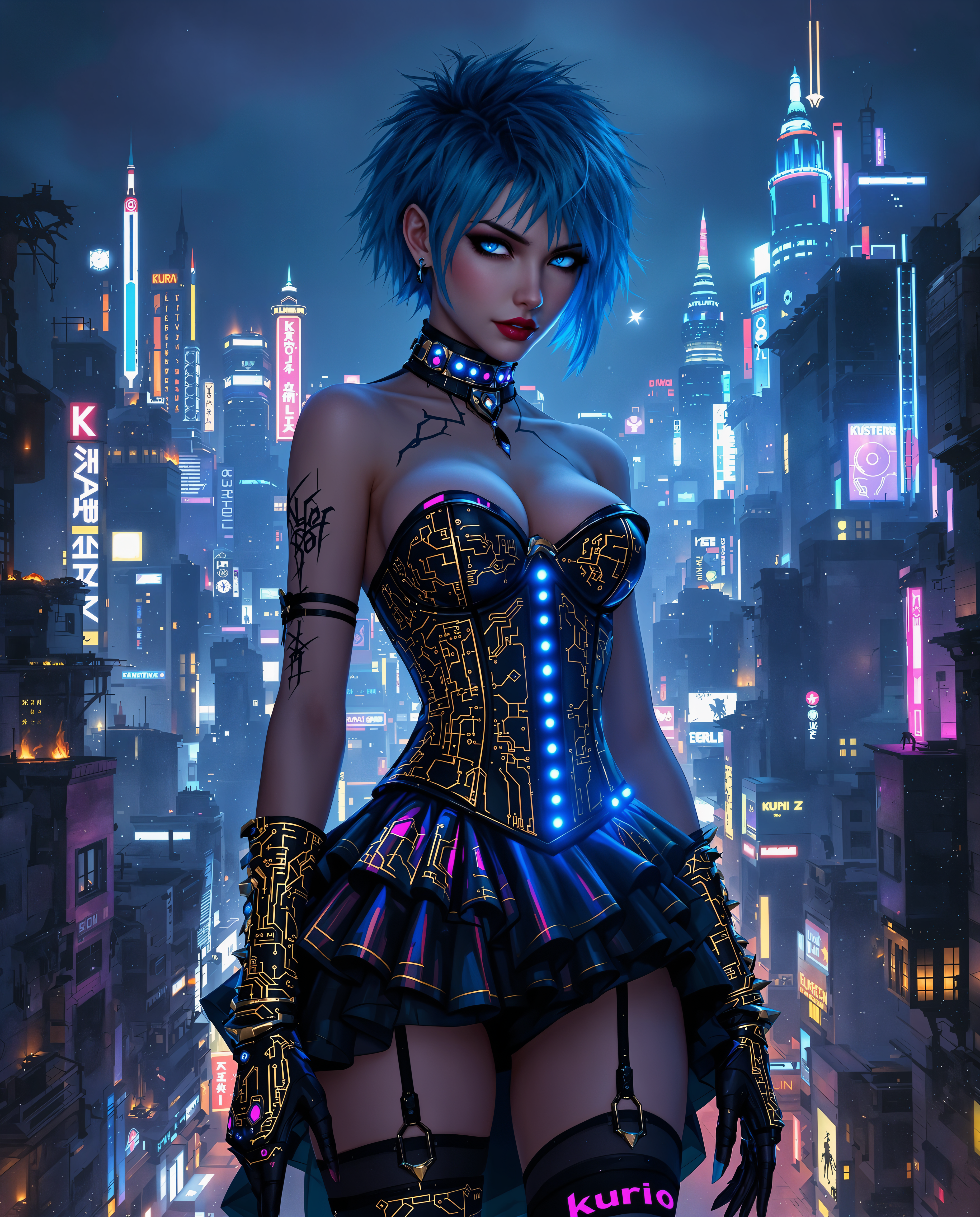
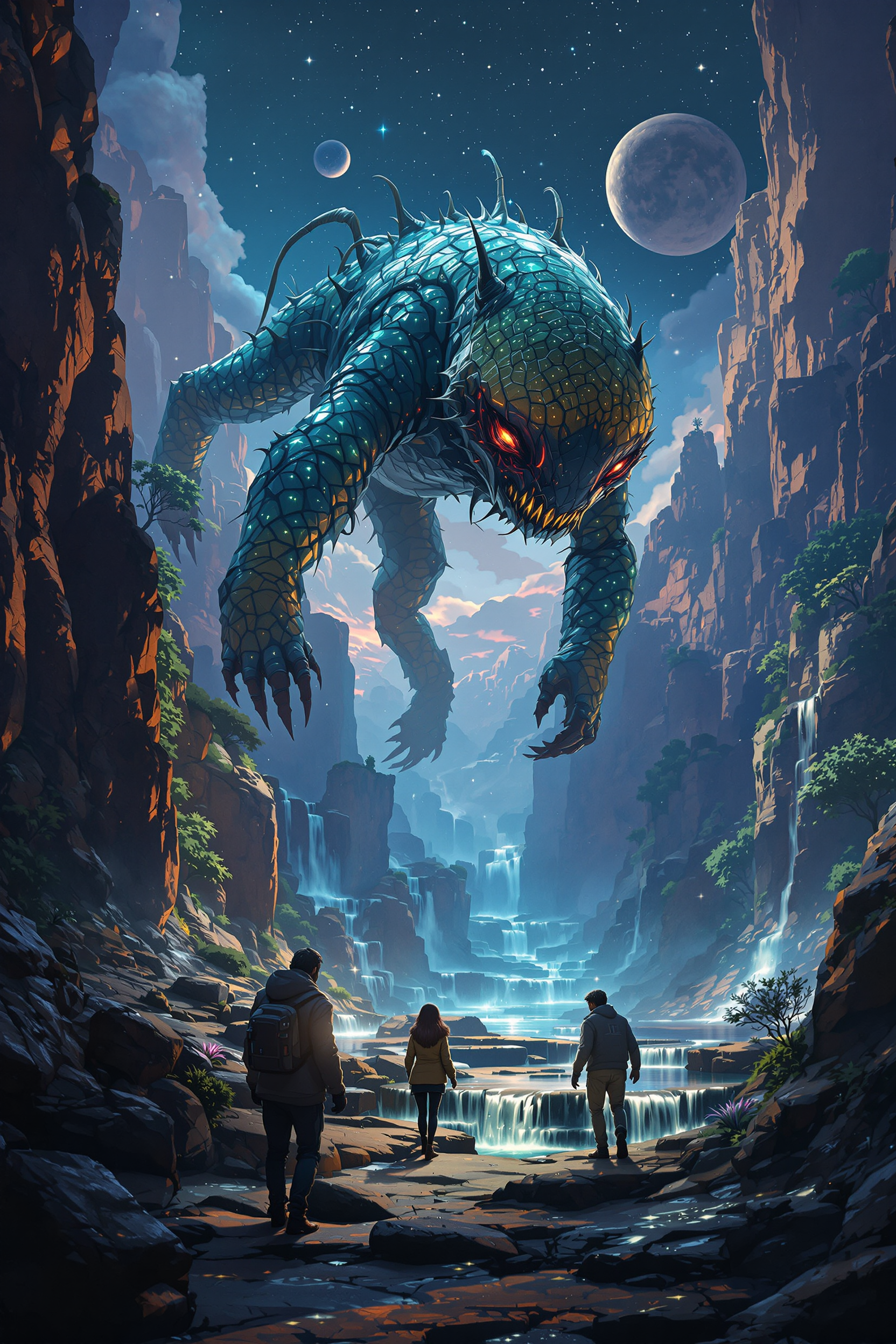
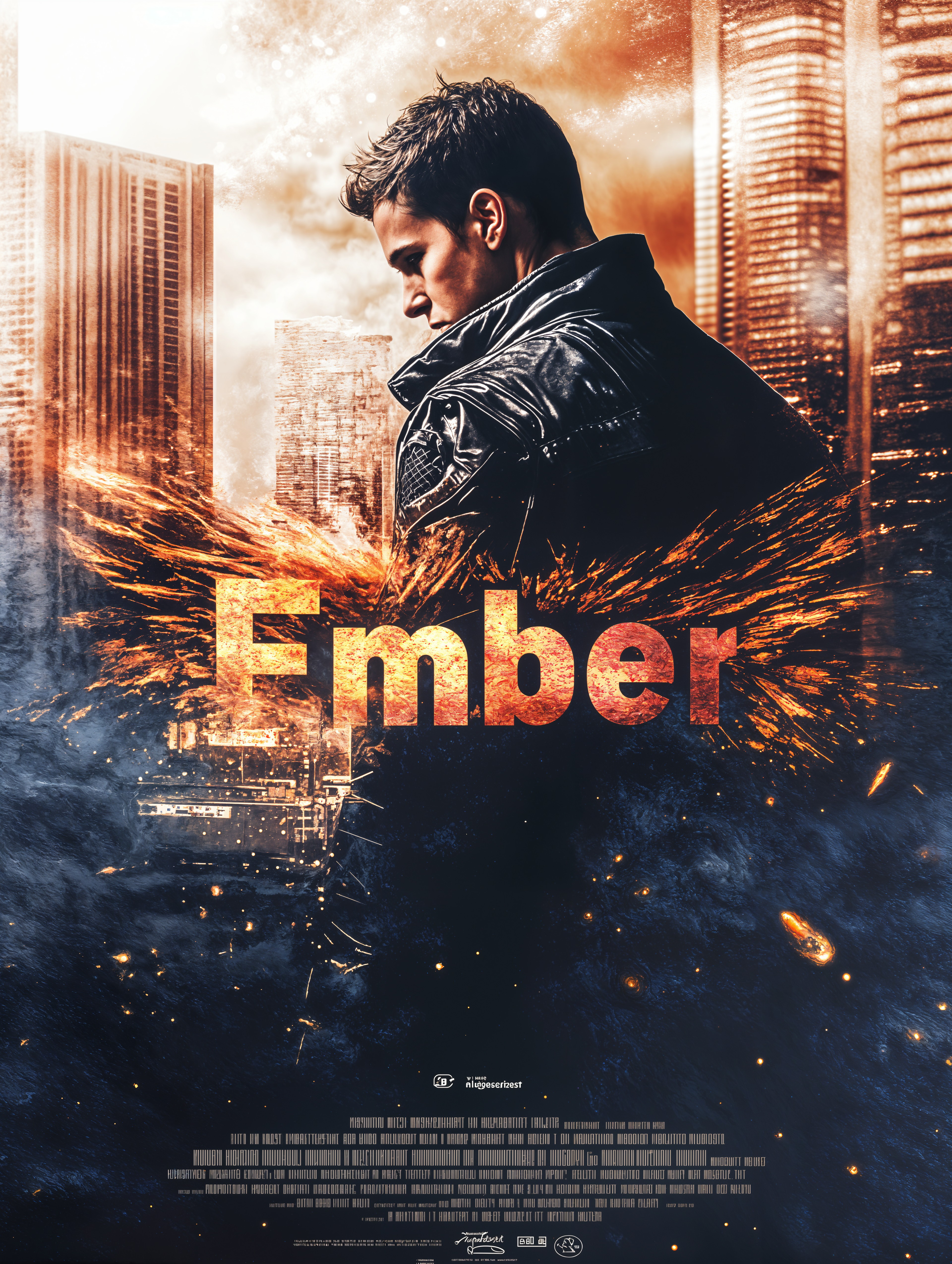
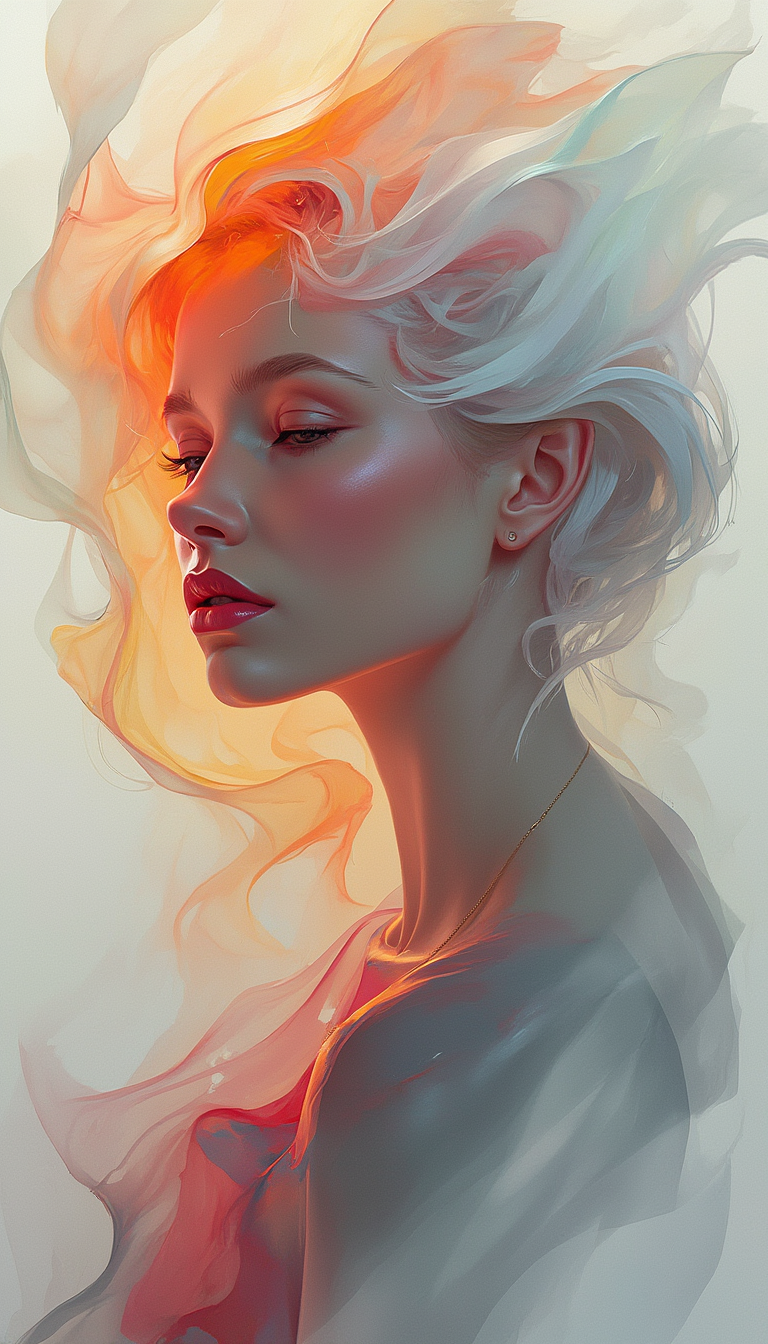
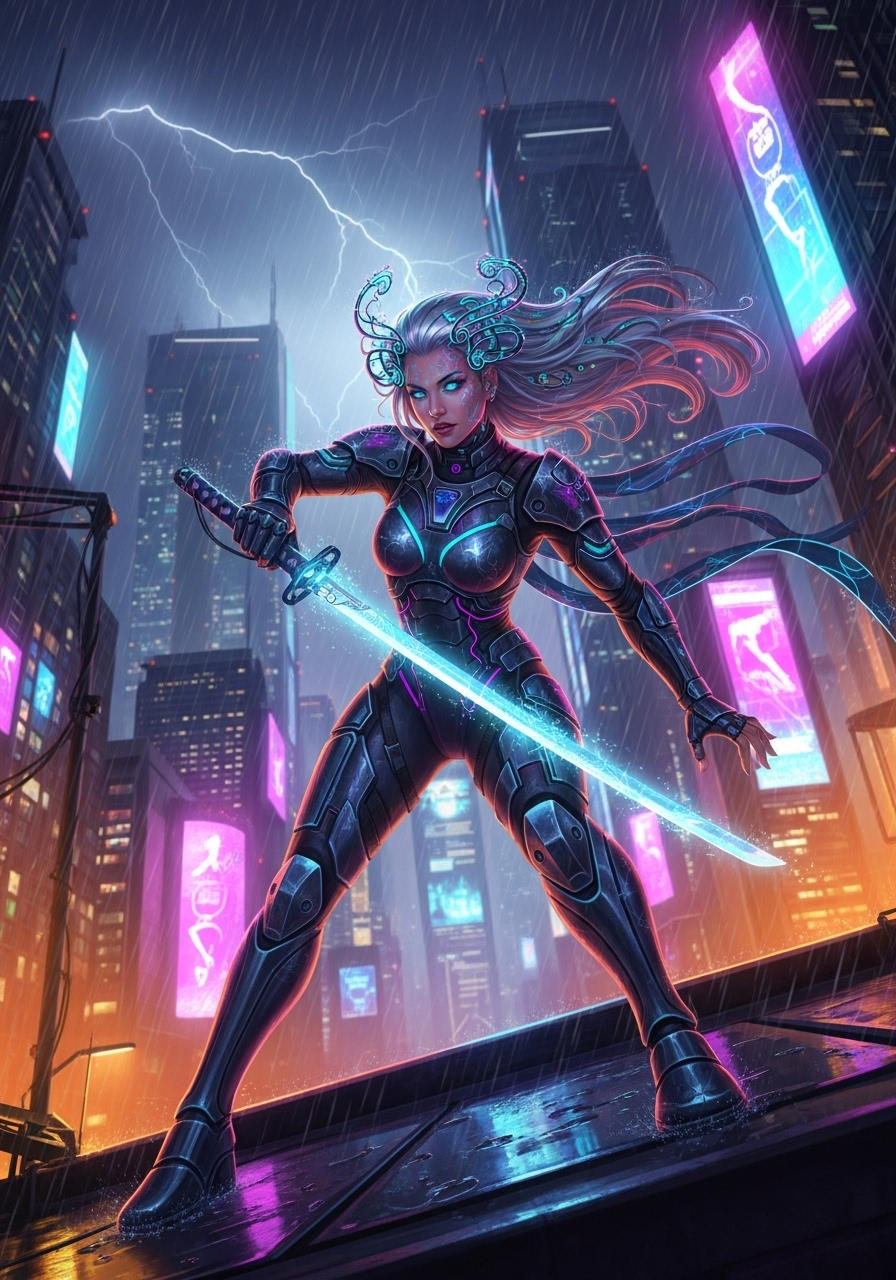
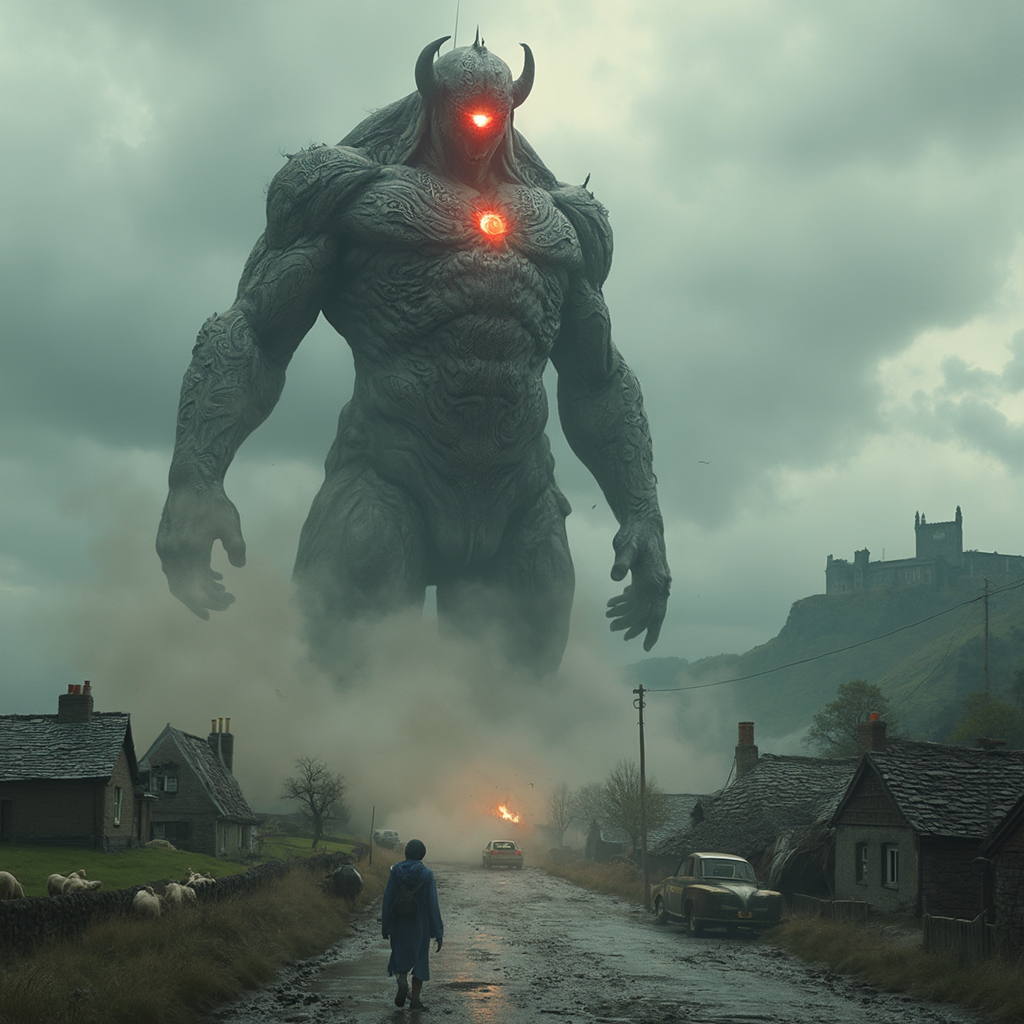
Choose from a wide array of visual styles, including fantasy, anime, hyperrealism, and more, to match your project's unique aesthetic.
Time-Saving Enhancements
Utilize advanced editing tools like background removal and image upscaling to refine your creations quickly and efficiently.
How It Works
Creating stunning AI-generated images with ImagineArt is a straightforward process. Follow these steps to bring your ideas to life:
Step 1: Choose Your Tool
Select the appropriate ImagineArt tool that aligns with your creative needs, such as the Text-to-Image generator for creating images from descriptions.
Step 2: Enter Your Prompt
Input a detailed description of the image you envision. For example, 'A serene sunset over a mountain range in watercolor style.'
Step 3: Customize & Download
After the image is generated, use editing features to adjust elements like brightness or contrast. Once satisfied, download your high-resolution image.







The Pixel Dojo Advantage
Why ImagineArt Outperforms Other Image Generation Options
| Others | Pixel Dojo |
|---|---|
| Traditional Image Creation | Eliminates the need for manual drawing or photography, saving time and resources. |
| Generic AI Tools | Offers a more intuitive interface with a broader range of styles and customization options. |
| Manual Photo Editing | Provides automated enhancements and style transfers, reducing the complexity of editing tasks. |
Loved by creators on PixelDojo
Real feedback from people using PixelDojo, pulled from our in-product surveys.
easiest workflow to get best output image or video
awesome functionality, UX, constant flood of improvements, discord interactivity
Awesome site with so many features
Love how I can almost create anything
The Flux Pro Ultra is just amazing!
Very easy to use, and they have fast wan 2.2 video generation with custom loras available.
Explore more AI tools on PixelDojo
AI Tools
Compare & Switch
- Best AI Image Generators
- Best AI Video Generators
- Midjourney Alternatives
- Civitai Alternatives
- Runway Alternatives
- Leonardo Alternatives
- Pika Alternatives
- Luma Alternatives
- Magnific Alternatives
- Veo Alternatives
- Flux Alternatives
- Freepik Alternatives
- Seedance Alternatives
- Seedream Alternatives
- Pixverse Alternatives
- GPT Image Alternatives
- Synthesia Alternatives
- Playground Alternatives
- NightCafe Alternatives
- Canva AI Alternatives
- ElevenLabs Alternatives
- ComfyUI Alternatives
- Fal Alternatives
- Replicate Alternatives
Common Questions
Everything you need to know about ImagineArt features
How can I create AI-generated images with ImagineArt?
Simply select the Text-to-Image tool, enter a descriptive prompt, and let ImagineArt generate the image for you. You can then customize and download the final product.
What styles can I choose from in ImagineArt?
ImagineArt offers a wide range of styles, including fantasy, anime, hyperrealism, watercolor, 3D game art, and digital illustration, allowing you to match your project's aesthetic.
Can I edit images after generating them with ImagineArt?
Yes, ImagineArt provides editing tools such as background removal, image upscaling, and adjustments to brightness and contrast to refine your creations.
Is ImagineArt suitable for beginners?
Absolutely. ImagineArt's intuitive interface and prompt-based generation make it accessible for users of all skill levels, from beginners to professionals.
Can I use the images created with ImagineArt for commercial purposes?
Yes, images generated with ImagineArt can be used for both personal and commercial projects, providing flexibility for various applications.
What makes ImagineArt different from other AI image generators?
ImagineArt stands out due to its user-friendly interface, diverse style options, advanced editing tools, and the ability to generate high-resolution images quickly and efficiently.