increase image quality
Imagine your AI-generated images transformed from soft, pixelated drafts into razor-sharp, gallery-worthy visuals ready for print, social media, or client presentations. With PixelDojo you achieve professional outcomes fast: upscale any image to 4K, 8K or beyond while reconstructing lost textures, eliminating blur and artifacts, and optimizing lighting for natural depth. Whether you're a designer preparing product visuals, a marketer creating scroll-stopping ads, or an artist refining concepts, PixelDojo delivers the crisp, vibrant results that make your work stand out. No more settling for mediocre outputs—unlock images that print beautifully at any size and captivate every viewer.
Join over 75,000 creators who have enhanced more than 2 million images this month alone. PixelDojo holds a 4.9/5 average rating from real users who consistently report sharper details, higher client satisfaction, and faster project turnaround.
Why Choose Pixel Dojo for increase image quality
Professional-quality results with cutting-edge AI technology
Print-Ready Resolutions Without Compromise
Scale your images to massive sizes while preserving every intricate detail. Create posters, canvases, and merchandise that look professionally printed instead of pixelated or blurry.
Flawless Results Free of AI Artifacts
Automatically remove noise, blur, and generation inconsistencies so your final images appear clean, polished, and indistinguishable from high-end photography or traditional art.
Professional Polish That Saves Hours
Reconstruct fine textures, sharpen edges, and balance lighting in seconds. Deliver client-ready work faster and with higher quality than manual editing ever allowed.
How It Works
Achieving exceptional image quality takes just three simple steps using PixelDojo's specialized enhancement suite.
Step 1: Choose Your Tool
Select the perfect enhancer for your needs—Magnific Upscaler for creative reimagining, P-Image Upscale for fast resolution boosts, Clarity Pro for maximum detail recovery, Creative Upscaler for artistic refinement, or Portrait Upscaler when working with people.
Step 2: Upload or Generate Your Image
Upload any existing AI-generated or photo image, or create a fresh one using tools like Flux.2 Studio or Ideogram 4. The system automatically analyzes content and suggests optimal enhancement settings.
Step 3: Customize & Download
Adjust upscale factor (2x–8x+), enable artifact removal or detail reconstruction, preview real-time results, then download your high-resolution masterpiece in the format you need.
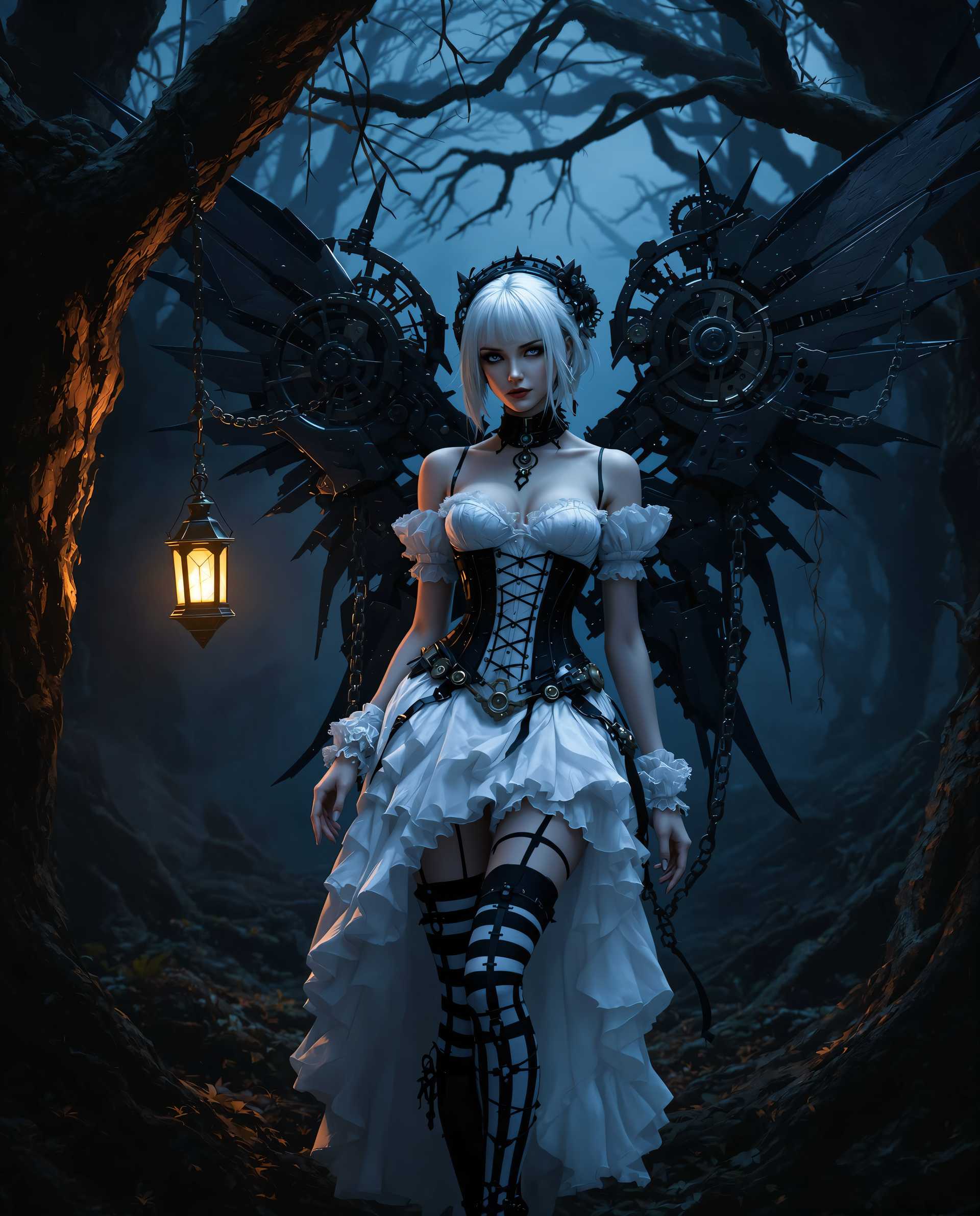
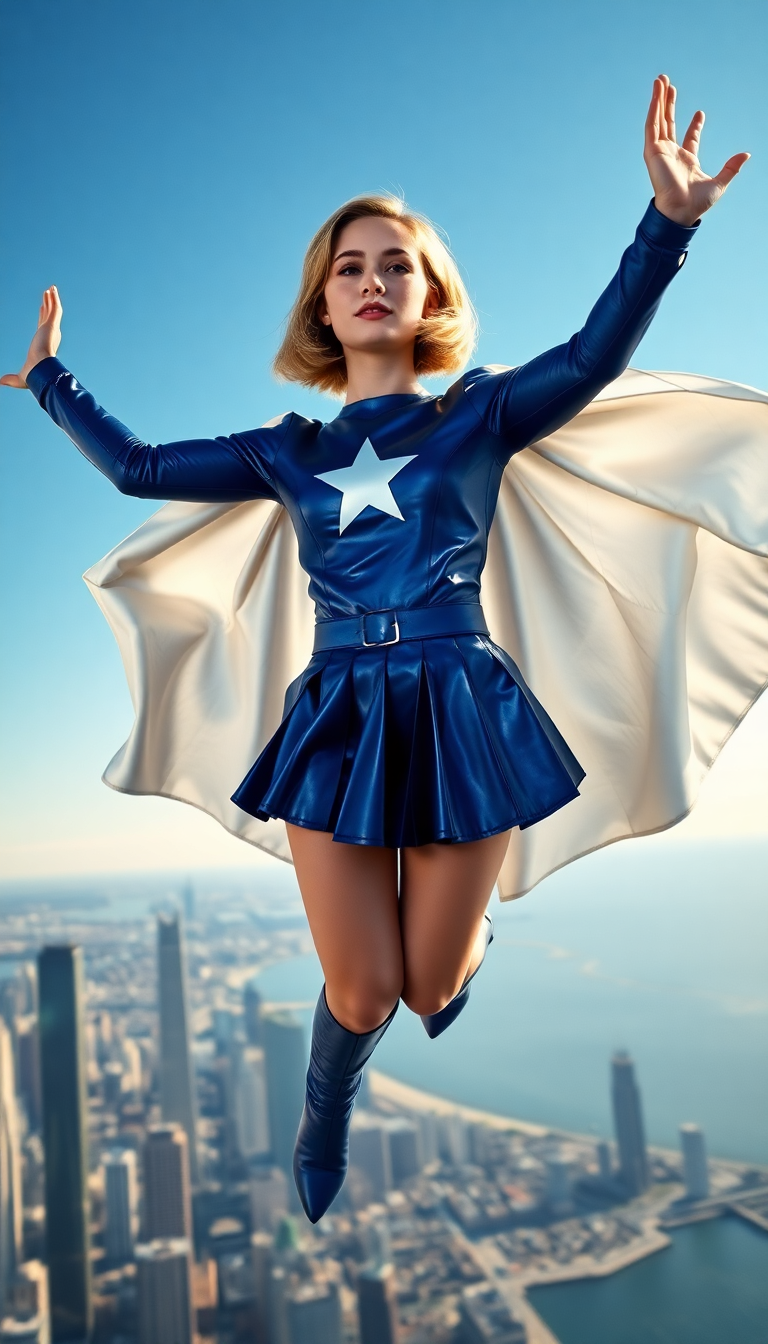


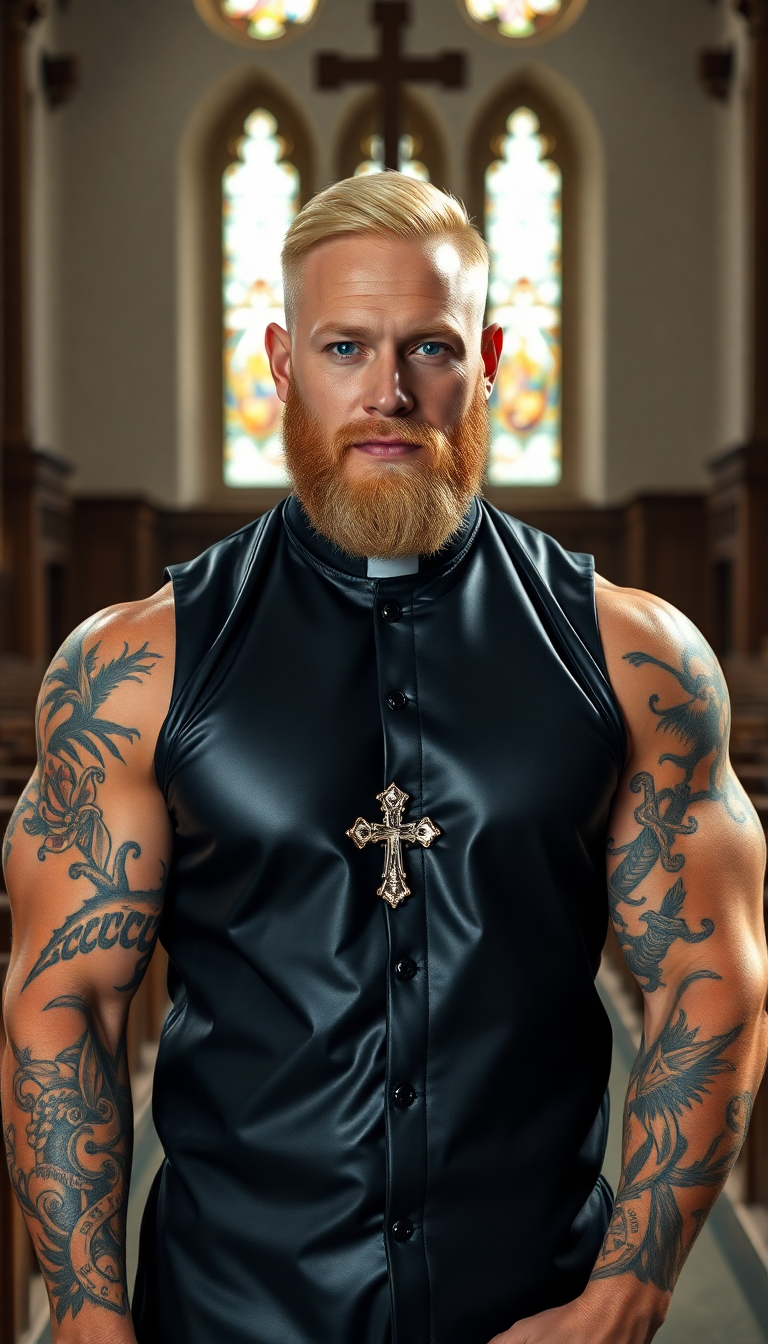
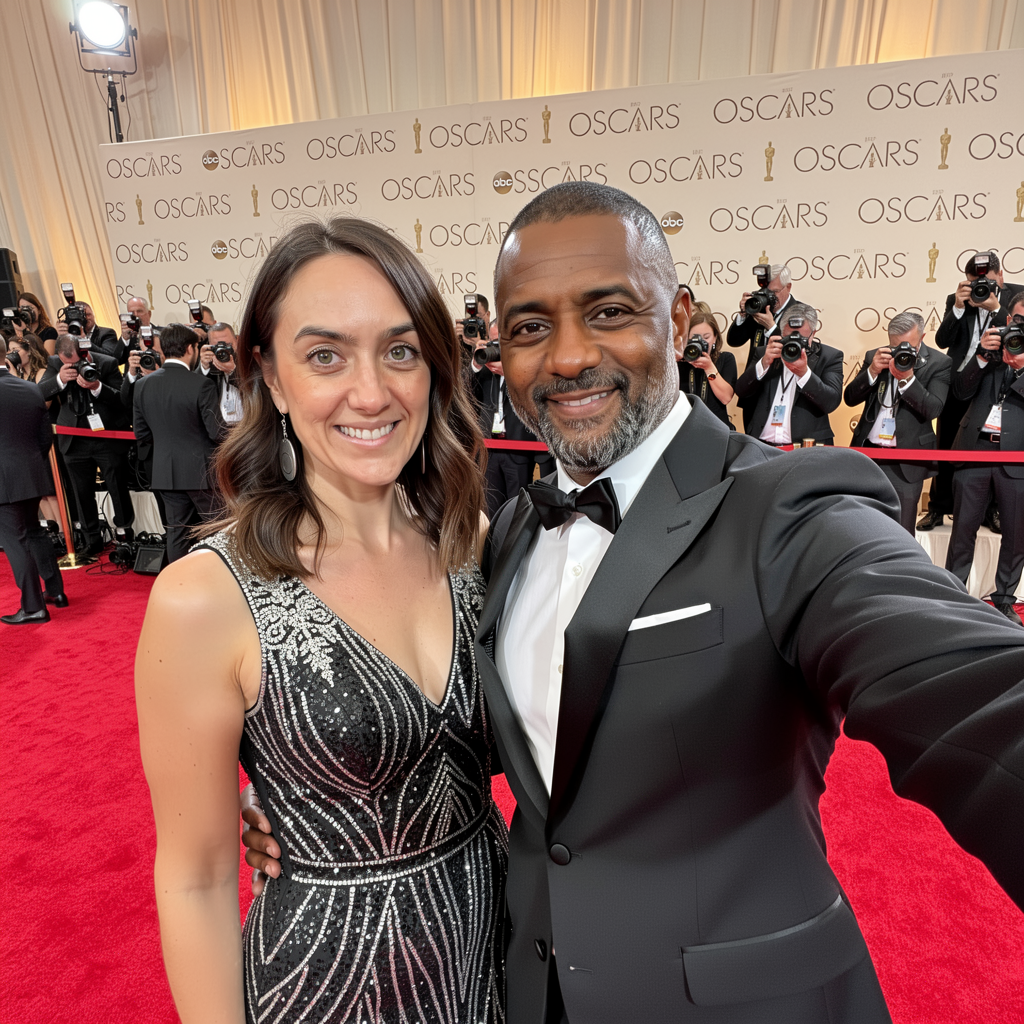
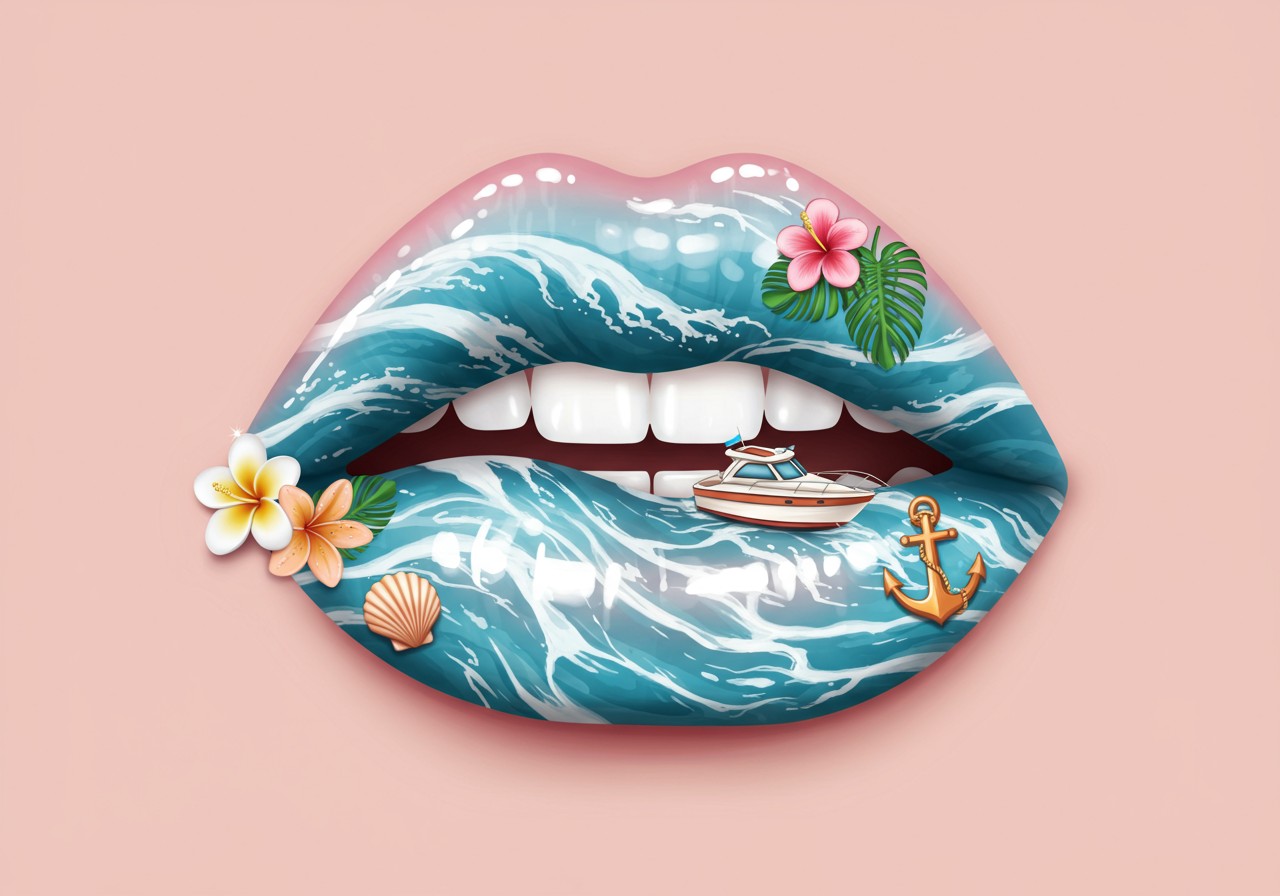
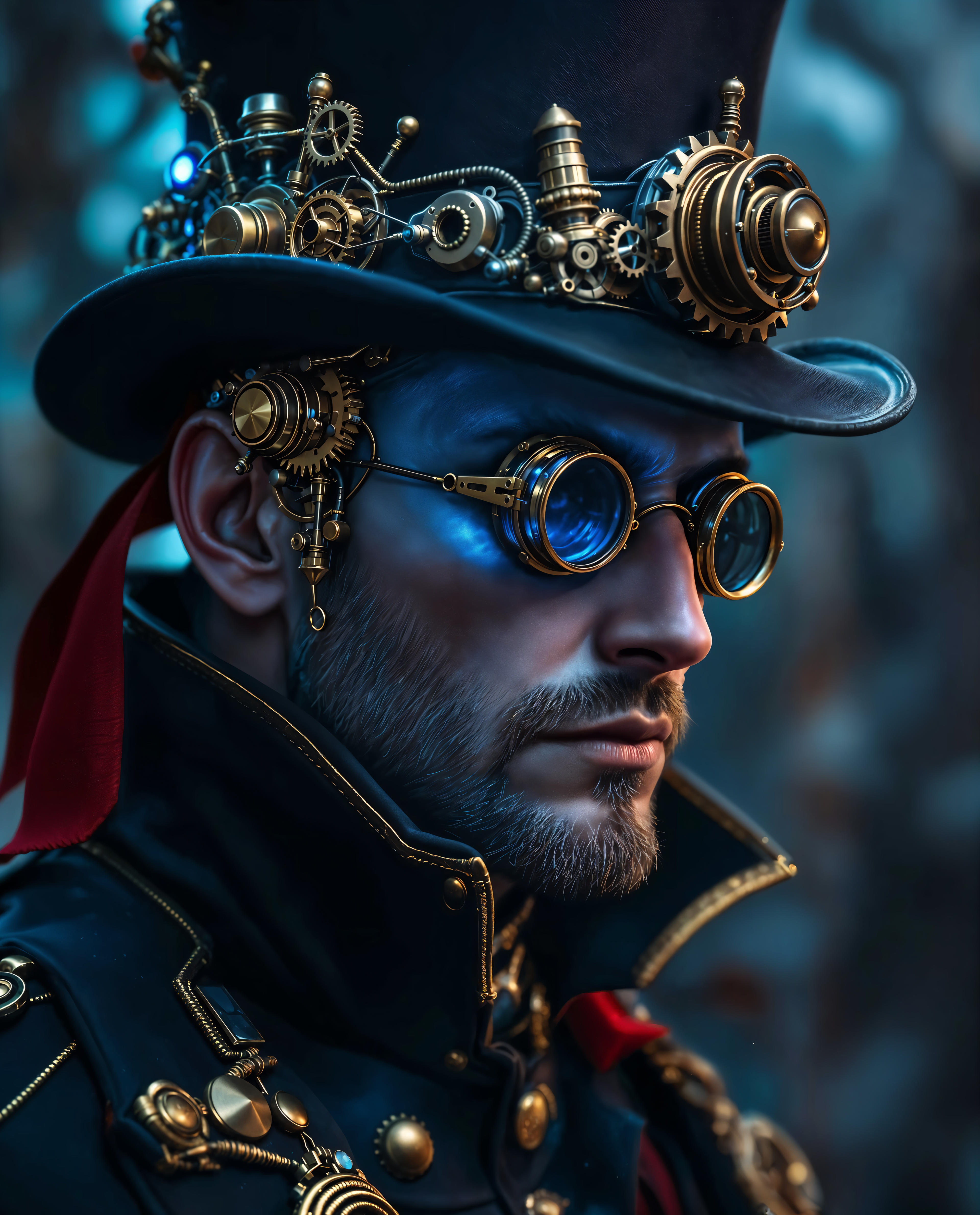
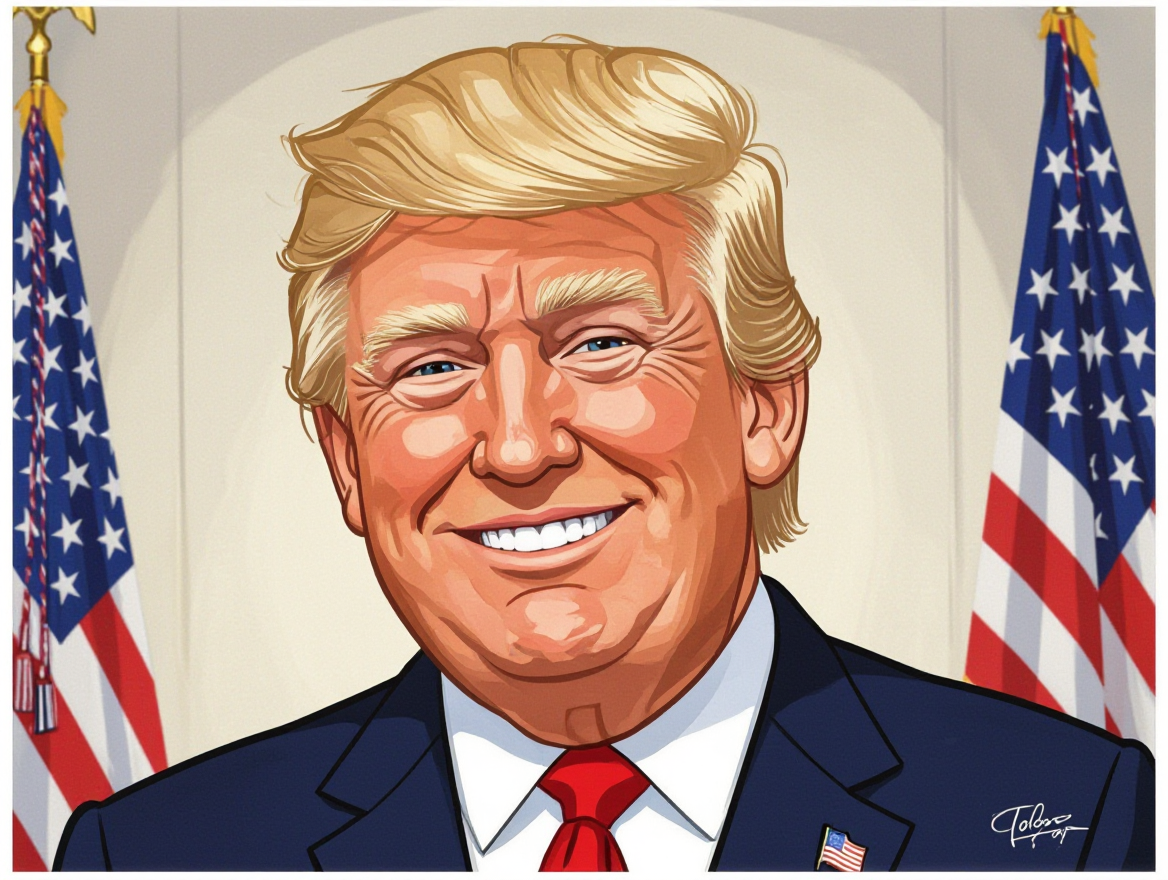
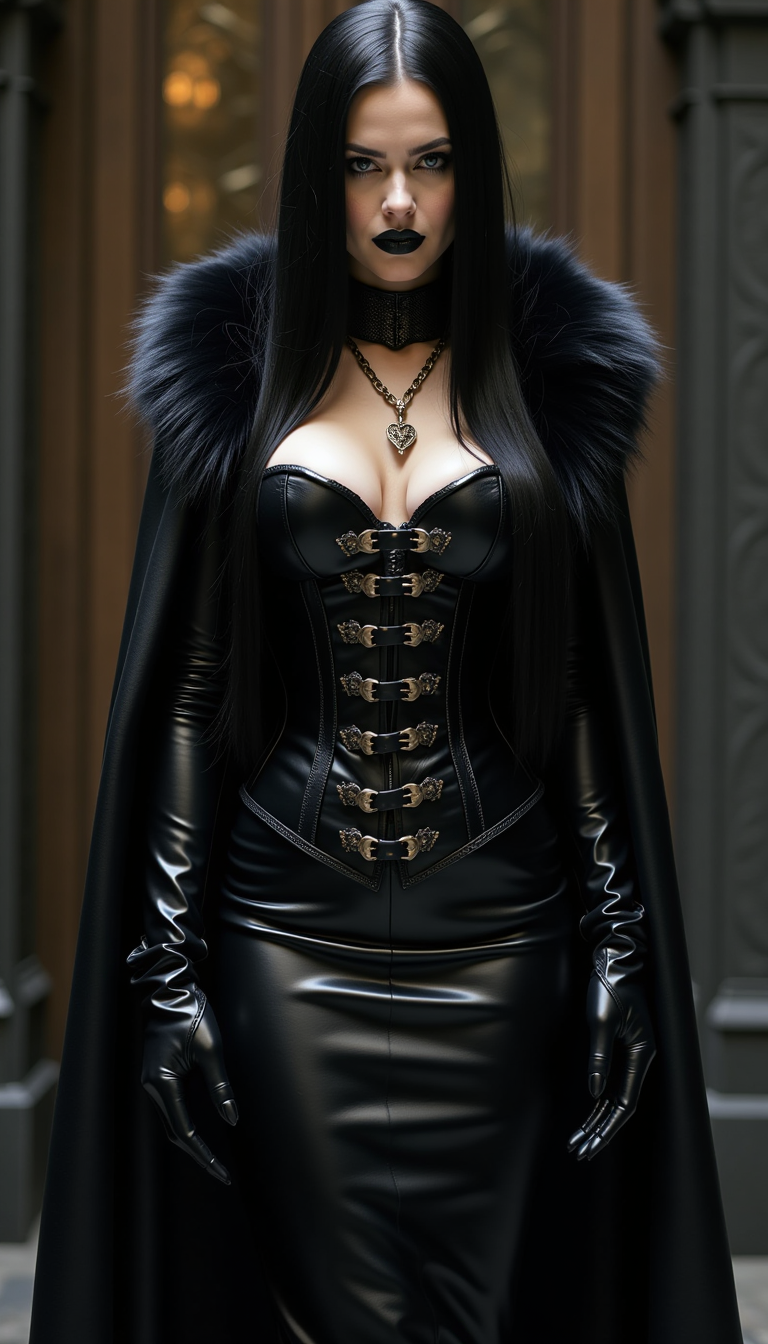
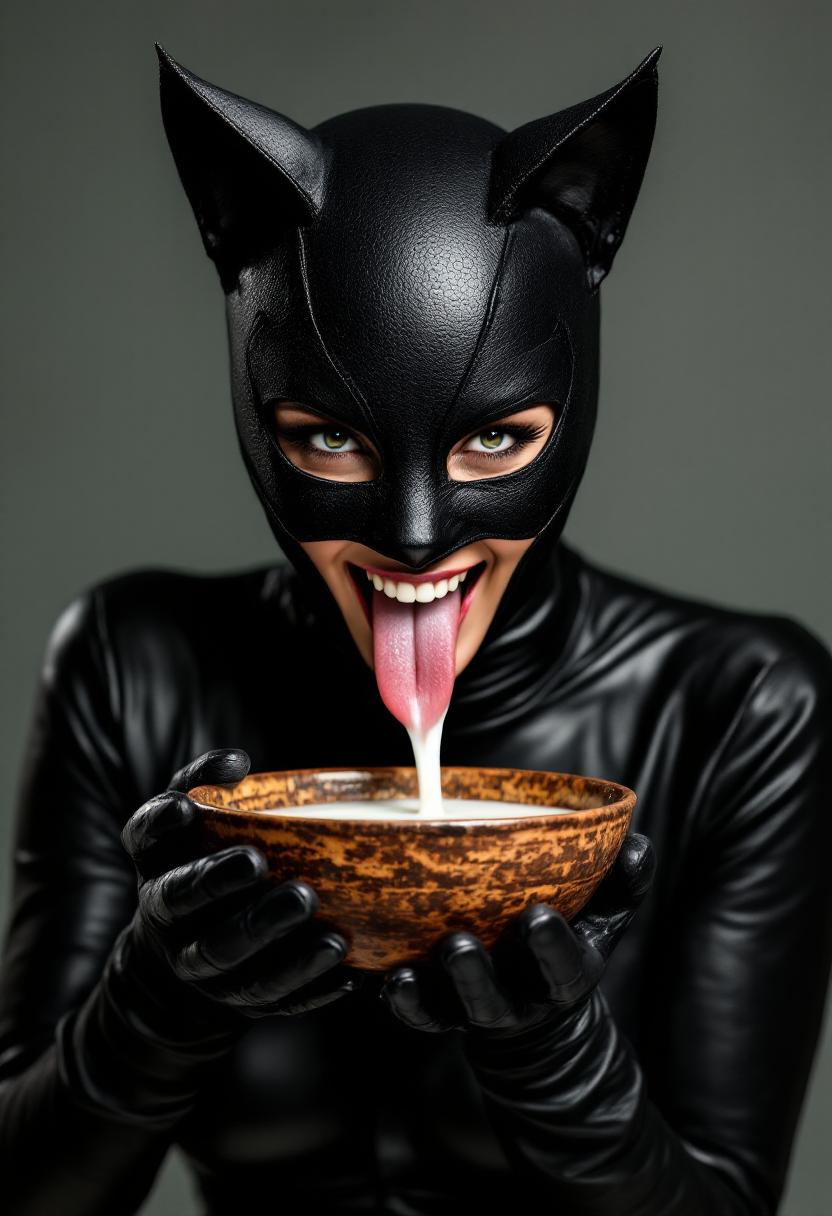
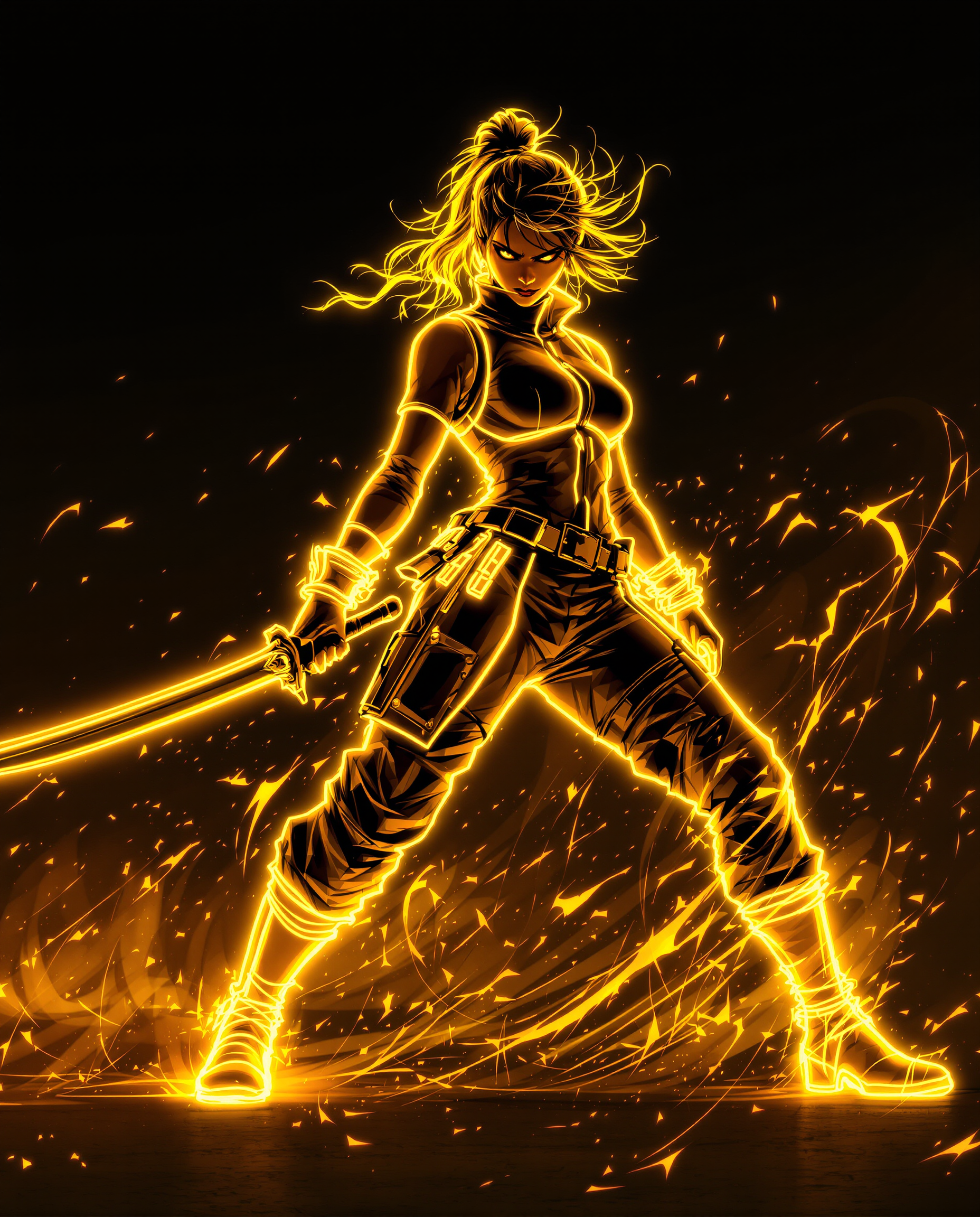
The Pixel Dojo Advantage
Why PixelDojo outperforms other options for increasing image quality
| Others | Pixel Dojo |
|---|---|
| Traditional image creation methods | Deliver print-ready, high-resolution results in minutes instead of spending days on manual refinement or expensive photoshoots. |
| Generic AI tools | Specialized upscalers like Magnific Upscaler and Clarity Pro reconstruct authentic details that generic generators simply cannot match. |
| Manual photo editing | AI-driven enhancement provides consistent, superior results across every image while eliminating the steep learning curve and time investment of manual techniques. |
Loved by creators on PixelDojo
Real feedback from people using PixelDojo, pulled from our in-product surveys.
all in one place
It is a lot of fun to uae and easy too.
So many different models to try out
You keep adding to it to stay up to date and that is GOLD.
very easy to use and good support
Very easy to use
Explore more AI tools on PixelDojo
AI Tools
Compare & Switch
- Best AI Image Generators
- Best AI Video Generators
- Midjourney Alternatives
- Civitai Alternatives
- Runway Alternatives
- Leonardo Alternatives
- Pika Alternatives
- Luma Alternatives
- Magnific Alternatives
- Veo Alternatives
- Flux Alternatives
- Freepik Alternatives
- Seedance Alternatives
- Seedream Alternatives
- Pixverse Alternatives
- GPT Image Alternatives
- Synthesia Alternatives
- Playground Alternatives
- NightCafe Alternatives
- Canva AI Alternatives
- ElevenLabs Alternatives
- ComfyUI Alternatives
- Fal Alternatives
- Replicate Alternatives
Common Questions
Everything you need to know about increase image quality
How to increase image quality of AI generated images with PixelDojo?
Simply upload your image to PixelDojo and choose from Magnific Upscaler, P-Image Upscale, or Clarity Pro. These tools intelligently reconstruct missing details, remove artifacts, and upscale resolution up to 8K or higher while preserving your original creative intent. Most users see dramatic improvements in under a minute.
What is the best AI upscaler for enhancing low resolution AI art in 2026?
PixelDojo's Magnific Upscaler and Creative Upscaler consistently rank at the top for AI art because they specialize in adding realistic textures and removing common generation flaws without over-processing. Combine with Clarity Pro for extra sharpness when needed.
Can I upscale AI generated images to 8K resolution using PixelDojo?
Yes. PixelDojo supports upscale factors well beyond 8K using P-Image Upscale and Magnific Upscaler. The AI reconstructs plausible high-frequency details so your images remain sharp and natural even at extreme enlargements suitable for large-format printing.
How does Clarity Pro improve image details compared to basic upscaling?
Clarity Pro goes beyond simple resolution increase by intelligently recovering fine textures, sharpening edges, and reducing noise in a single pass. Users report noticeably more lifelike skin, fabric, and background elements that basic upscalers often leave soft or artifacted.
Is PixelDojo's image enhancement suitable for professional print projects?
Absolutely. Thousands of designers and agencies use PixelDojo daily to prepare files for posters, packaging, and large-format prints. The resulting images maintain crisp detail at 300 DPI across any size, helping you meet strict client and printer quality standards every time.
How to remove artifacts from AI generated images quickly with PixelDojo?
Upload your image and select Magnific Upscaler or Reality Polisher. Enable artifact removal and detail reconstruction modes. The AI automatically identifies and corrects common issues like blurring, noise, and unnatural patterns, delivering clean, professional results in seconds.