increase photo quality
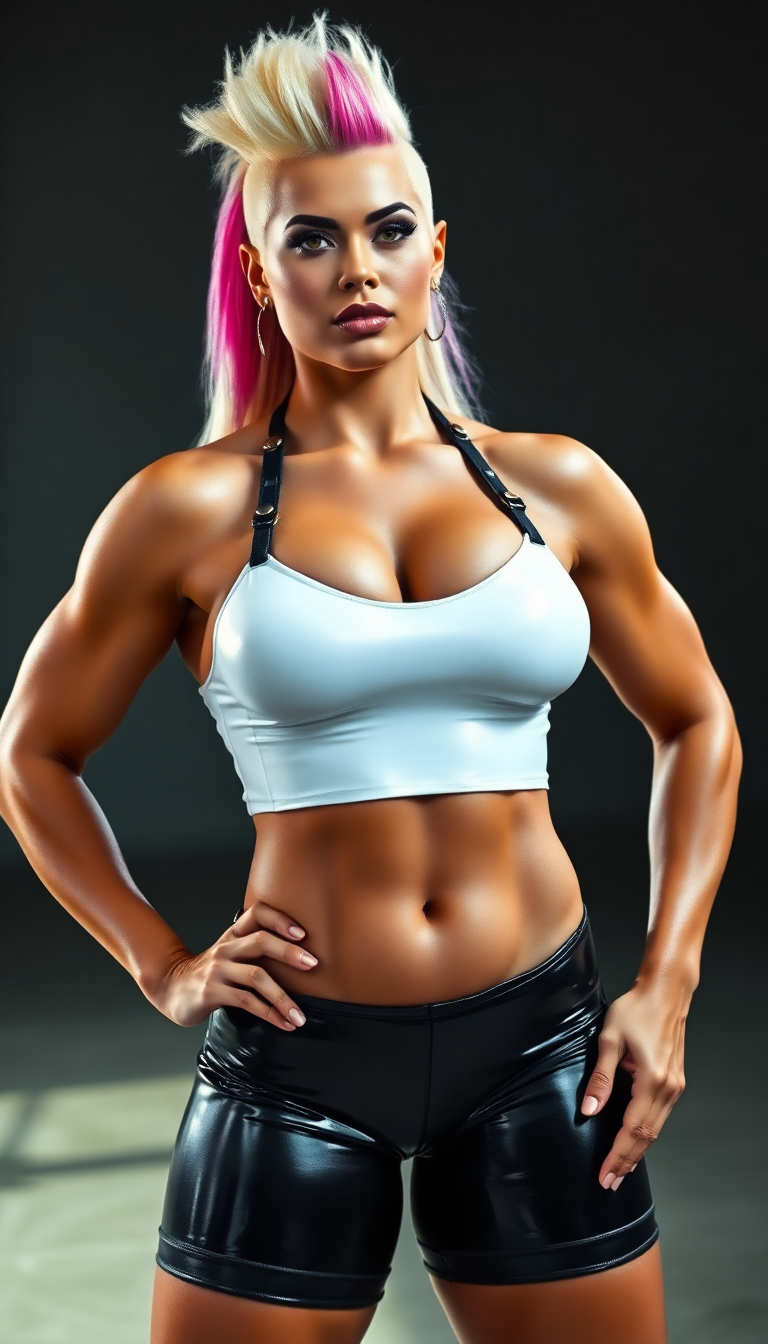
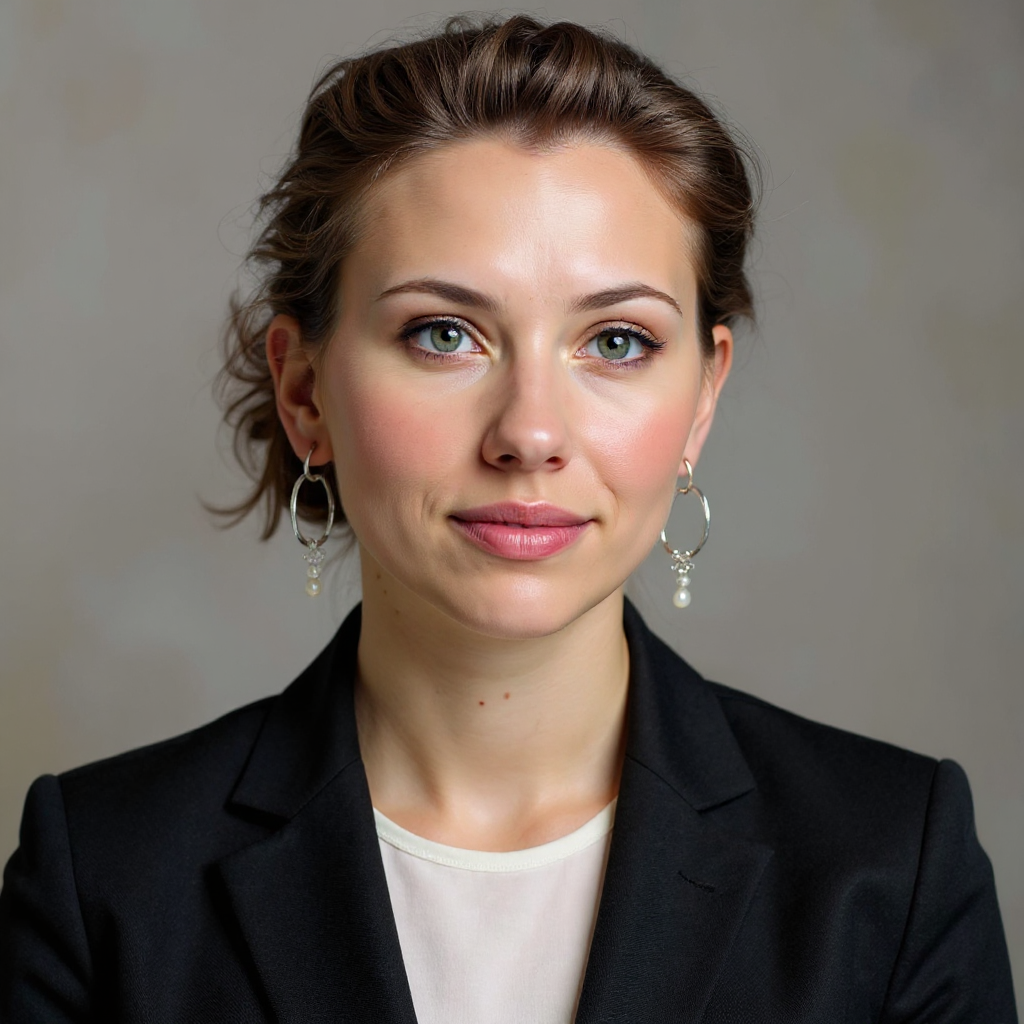
Imagine turning your blurry smartphone snaps, faded family photos, or low-resolution product images into crisp, professional-grade visuals that pop on any screen or print. With PixelDojo, you can increase photo quality effortlessly, revealing hidden details, correcting colors, and scaling images up to 8K or beyond without artifacts or loss of natural look. Whether you're a photographer reviving old memories, an e-commerce seller perfecting product shots, or a content creator preparing visuals for large displays, PixelDojo delivers outcomes that make your photos look like they were captured with premium equipment. No more settling for pixelated results—unlock sharp, vibrant images that captivate your audience and elevate your projects in minutes.
Over 50,000 creators have enhanced more than 2 million photos using PixelDojo, earning a 4.9/5 average rating. Trusted by professionals worldwide for consistent, high-quality results that save hours of manual work.
Why Choose Pixel Dojo for increase photo quality
Professional-quality results with cutting-edge AI technology
Revive Faded Memories Instantly
Restore old, damaged, or low-light photos to vibrant, detailed masterpieces. Bring back sharp faces, rich colors, and clear textures in family portraits or historical images so you can cherish and share them again.
Achieve Print-Ready 8K Quality
Upscale any photo to stunning resolutions suitable for large prints, posters, or billboards. Maintain natural details and avoid the softness or artifacts common in lesser tools, giving you gallery-worthy results every time.
Elevate Professional and Social Media Images
Transform product photos, portraits, and social content into polished, high-impact visuals. Boost clarity, fix lighting issues, and enhance details so your images stand out in e-commerce listings, marketing campaigns, or Instagram feeds.
How It Works
Getting started with increasing photo quality on PixelDojo is simple and fast. Choose from specialized upscaling tools, upload your image, and let the AI handle the heavy lifting for natural, detailed enhancements.
Step 1: Choose Your Tool
Browse PixelDojo's Upscale & Enhance section and select the perfect match for your needs, such as P-Image Upscale for general resolution boosts, Magnific Upscaler for creative detail enhancement, Clarity Pro for sharp overall improvements, or Portrait Upscaler for faces and people-focused photos.
Step 2: Enter Your Prompt or Upload Image
Upload your photo directly or describe desired enhancements like 'increase resolution while preserving natural skin tones and adding sharp details.' Tools like Reality Polisher or Image Analyzer can automatically detect and fix issues such as noise or blur.
Step 3: Customize & Download
Preview the AI-enhanced result in real-time, adjust creative sliders if desired for more or less enhancement, then download your high-resolution image in multiple formats. Use Creative Upscaler or Portrait Upscaler for tailored final touches before exporting.
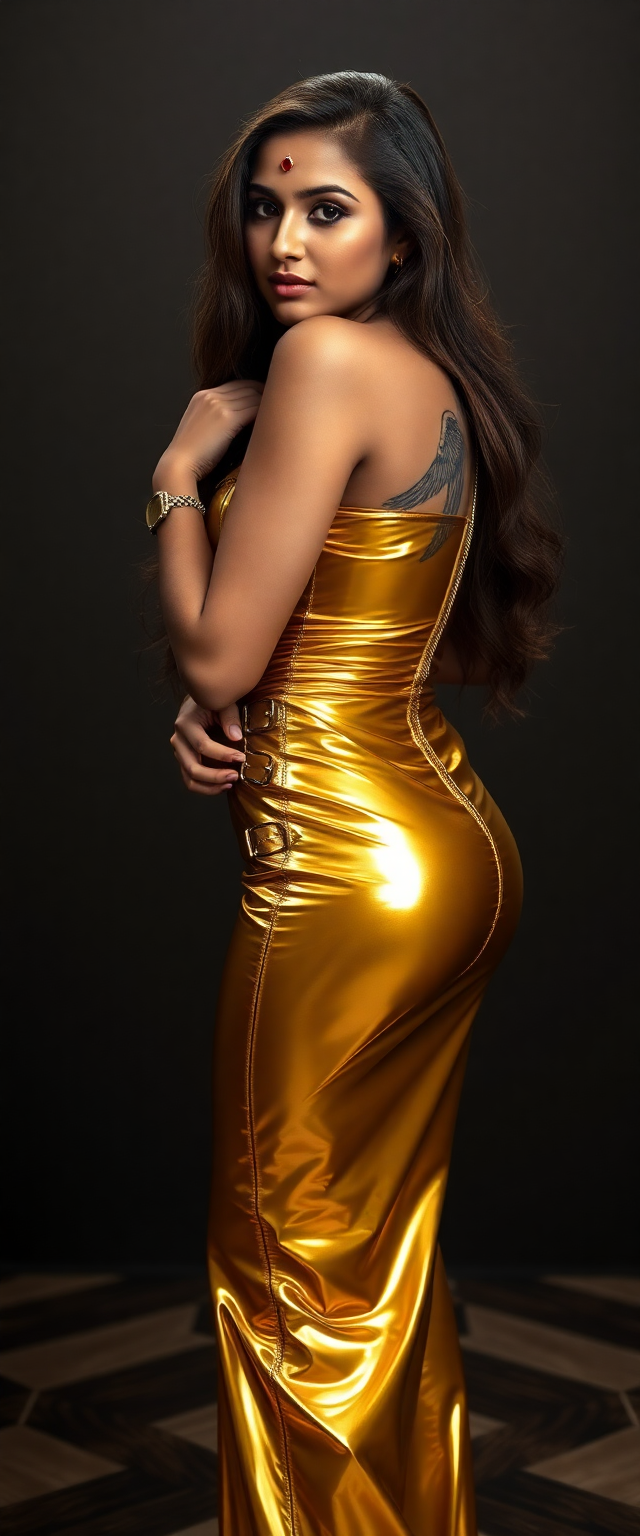
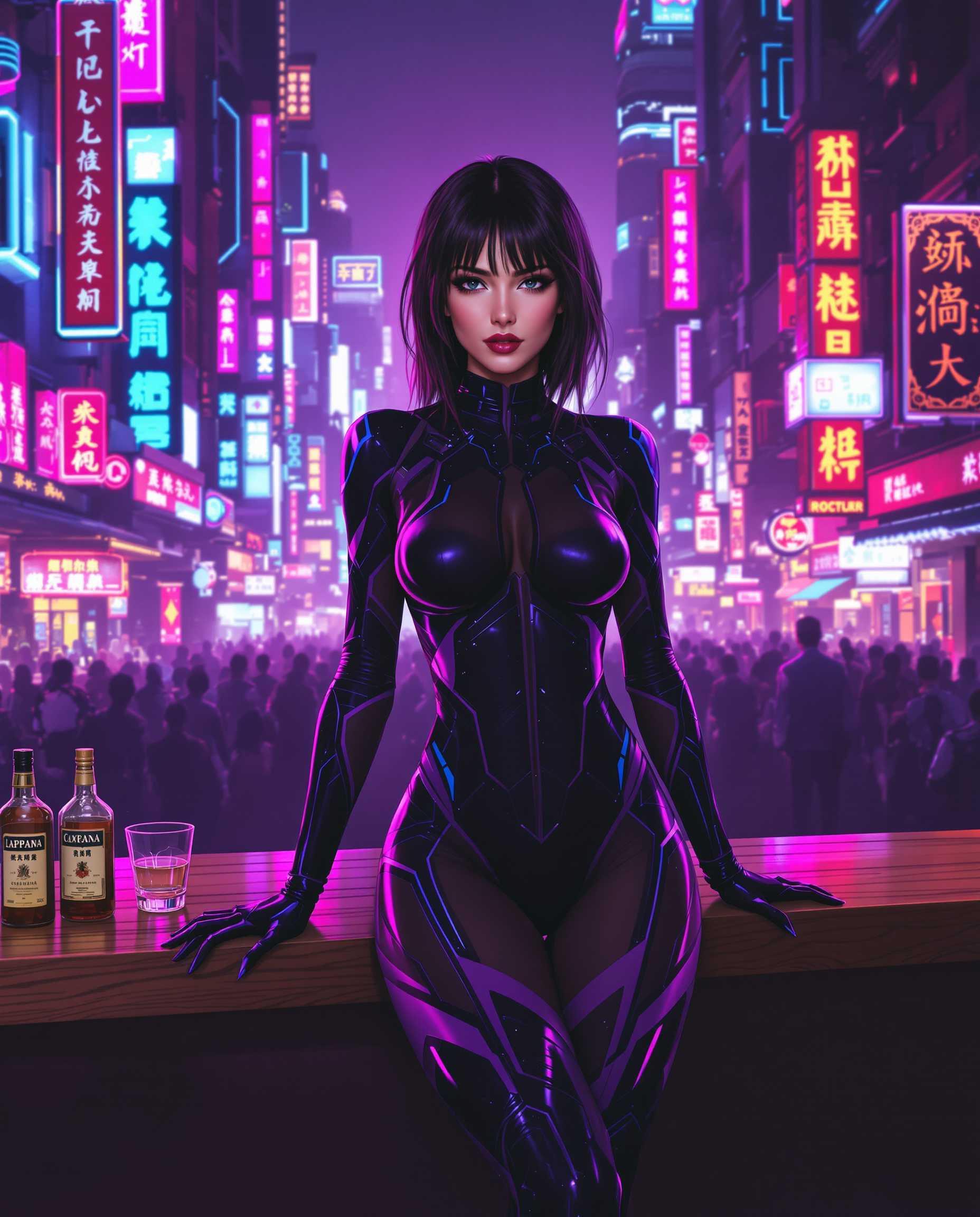
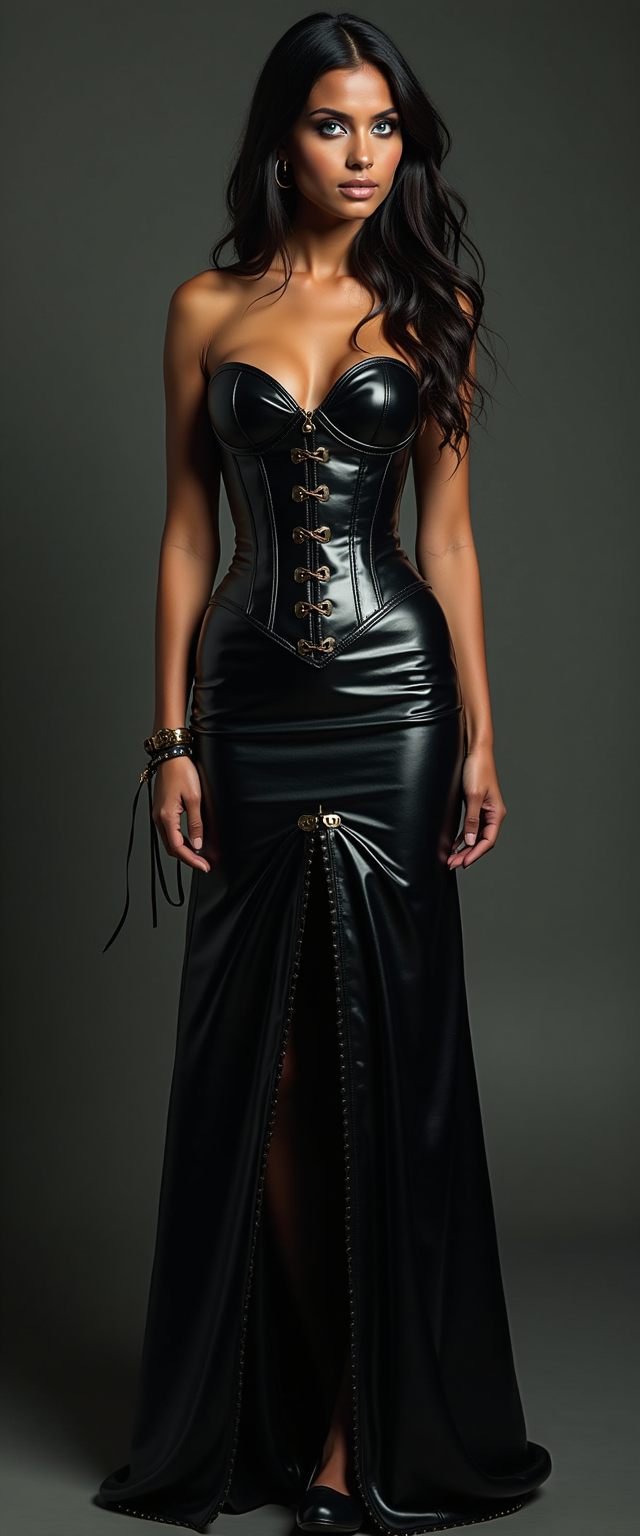
The Pixel Dojo Advantage
Why PixelDojo outperforms other options for increasing photo quality
| Others | Pixel Dojo |
|---|---|
| Traditional photo creation and editing | Achieve professional results in seconds instead of spending hours in complex software, with AI that intelligently reconstructs missing details automatically. |
| Generic AI tools | Benefit from 40+ specialized models including P-Image Upscale, Magnific Upscaler, and Clarity Pro that deliver more consistent, natural enhancements tailored to photos rather than generic outputs. |
| Manual photo editing | Eliminate guesswork and inconsistent results with AI-driven precision that preserves authenticity while boosting clarity, color, and resolution across entire images or specific areas. |
Loved by creators on PixelDojo
Real feedback from people using PixelDojo, pulled from our in-product surveys.
ease of use, variety of tools, high quality trainings, and a well-maintained discord channel
Ease of use, friendliness and support of the owner, continued innovation.
it is an amazing site to create a pics and vids for those who don't have the hardware themselves
good tools in one place
Prompt updates, strong features, and a community that is always willing to help and hear/act on professional feedback. I've never had a better experience.
user friendly all in one thing
Explore more AI tools on PixelDojo
AI Tools
Compare & Switch
- Best AI Image Generators
- Best AI Video Generators
- Midjourney Alternatives
- Civitai Alternatives
- Runway Alternatives
- Leonardo Alternatives
- Pika Alternatives
- Luma Alternatives
- Magnific Alternatives
- Veo Alternatives
- Flux Alternatives
- Freepik Alternatives
- Seedance Alternatives
- Seedream Alternatives
- Pixverse Alternatives
- GPT Image Alternatives
- Synthesia Alternatives
- Playground Alternatives
- NightCafe Alternatives
- Canva AI Alternatives
- ElevenLabs Alternatives
- ComfyUI Alternatives
- Fal Alternatives
- Replicate Alternatives
Common Questions
Everything you need to know about increase photo quality
How to increase photo quality using AI without losing natural details?
PixelDojo's specialized tools like P-Image Upscale and Magnific Upscaler use advanced AI to intelligently reconstruct details while preserving the original look and feel of your photo. Simply upload your image, choose a tool optimized for photos, and the system automatically handles denoising, sharpening, and upscaling to deliver crisp results that look authentic rather than over-processed.
What is the best way to upscale old blurry photos to high resolution?
Use PixelDojo's Reality Polisher combined with Clarity Pro or Portrait Upscaler for old photos. These tools excel at restoring faded details, reducing grain, and scaling images up to 8K while recovering textures in faces, clothing, and backgrounds. Upload your scanned or low-res photo and let the AI revive it into a vibrant, print-ready version in one click.
Can I enhance product photos for e-commerce to increase photo quality quickly?
Yes, PixelDojo makes it easy with tools like Creative Upscaler and Image Analyzer. These automatically improve lighting, boost colors, sharpen product details, and remove noise so your items look premium. Many users report better conversion rates after enhancing images this way, all without needing design skills.
How does PixelDojo help with portrait photo quality enhancement?
Portrait Upscaler and LoRA Face Swap (when needed) focus specifically on faces, enhancing skin texture, eyes, and hair while maintaining natural appearances. Combine with Clarity Pro for full-body shots to fix blur, adjust lighting, and upscale for professional headshots or social media profiles that stand out.
Is it possible to increase photo quality for large format printing with AI?
Absolutely. PixelDojo's upscalers like Magnific Upscaler and P-Image Upscale support high multipliers to reach 8K or more, adding plausible details that hold up under close inspection for posters, canvases, or billboards. Start with your original file and download in the exact resolution you need for flawless prints.
What AI techniques does PixelDojo use to boost image resolution and clarity?
PixelDojo combines super-resolution upscaling, intelligent denoising, generative detail reconstruction, and color correction across its suite of 40+ tools. Features like Reality Polisher refine specific areas while maintaining overall coherence, giving you outcomes superior to basic filters or manual adjustments.