kaiber ai

Imagine turning your wildest creative concepts into breathtaking artistic images and dynamic videos that pulse with energy and emotion. With PixelDojo, you can effortlessly produce Kaiber AI style visuals that captivate audiences, sync perfectly to music, and elevate your projects from ordinary to extraordinary. Whether you're a musician crafting official videos, a brand building scroll-stopping campaigns, or an artist exploring new frontiers, PixelDojo empowers you to achieve professional-grade results in minutes—no expensive studios or technical expertise required. Focus on what matters most: bringing your vision to life and sharing it with the world.
Join thousands of creators worldwide who have produced millions of Kaiber-inspired images and videos on PixelDojo. 4.9/5 average rating from artists and musicians. Trusted for fast, high-quality outputs that match professional music video standards.
Why Choose Pixel Dojo for kaiber ai
Professional-quality results with cutting-edge AI technology
Transform Ideas into Cinematic Art Instantly
Bring static concepts to life with fluid, stylized motion that feels alive—perfect for music videos, social content, or personal projects that demand attention.
Achieve Music-Synced Visuals Without Complexity
Create images and short clips that naturally align with beats and rhythms, delivering professional results that make your content stand out on any platform.
Experiment Freely with Endless Artistic Styles
Explore hyper-realistic, painterly, cyberpunk, watercolor, and more Kaiber-style aesthetics risk-free, refining until your vision is perfect.
How It Works
Creating Kaiber AI style images and videos on PixelDojo is simple and intuitive—start with any idea and watch it evolve into polished art.
Step 1: Choose Your Tool
Select from specialized image tools like Flux.2 Studio, Kling Image, or WAN Image for base Kaiber-style generation, or jump straight into video tools such as Kling Video or WAN 2.7 Video for animated results.
Step 2: Enter Your Prompt
Describe your vision in natural language—add style references like 'oil painting animation,' 'music-reactive motion,' or 'hyper-realistic wildlife migration'—and optionally upload reference images for consistent Kaiber aesthetics.
Step 3: Customize & Download
Refine with edits like Style Transfer, Magic Lighting, or Video Autocaption, adjust motion parameters, then upscale with P-Image Upscale or Creative Upscaler before exporting your final Kaiber-inspired masterpiece.


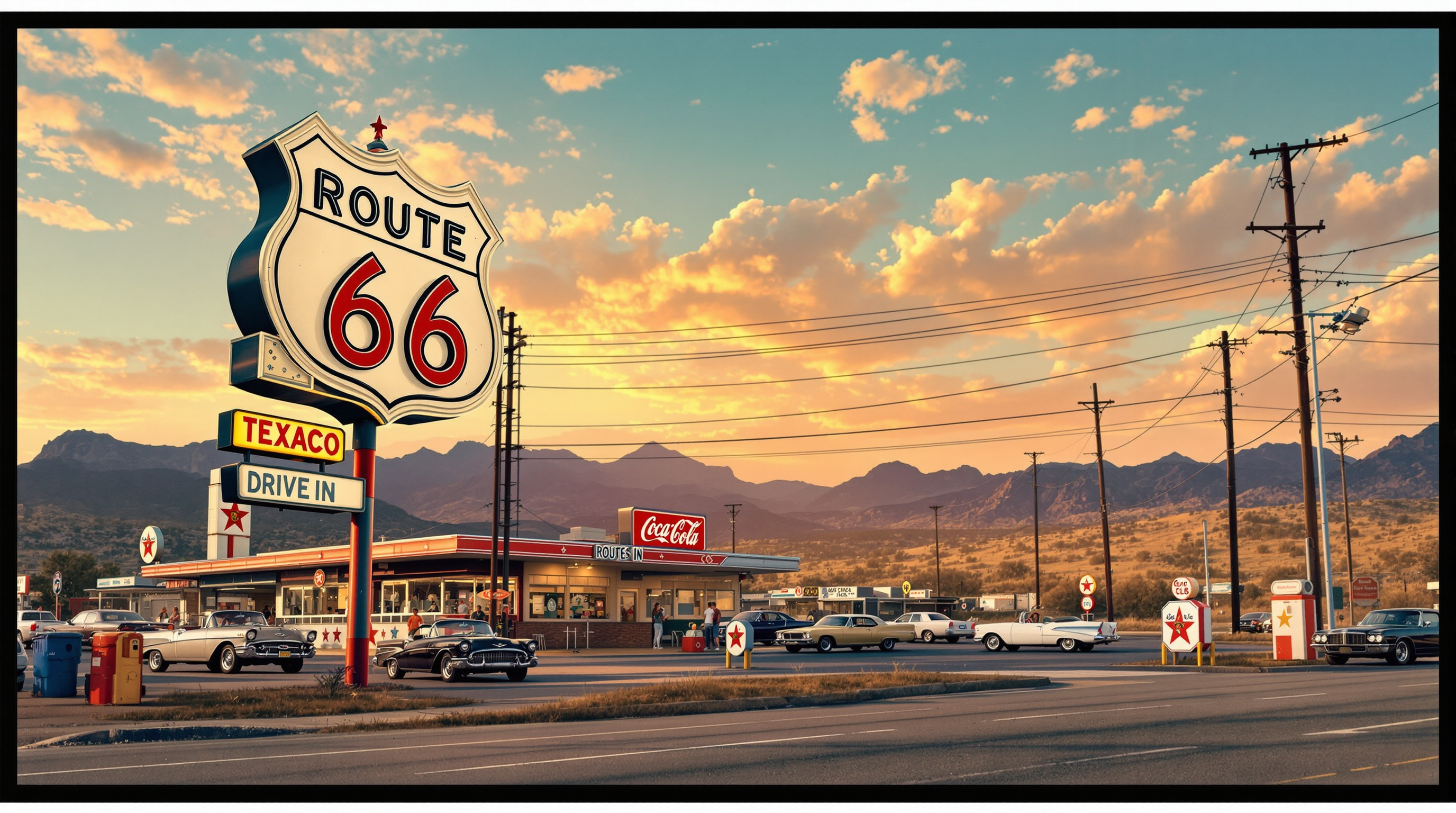
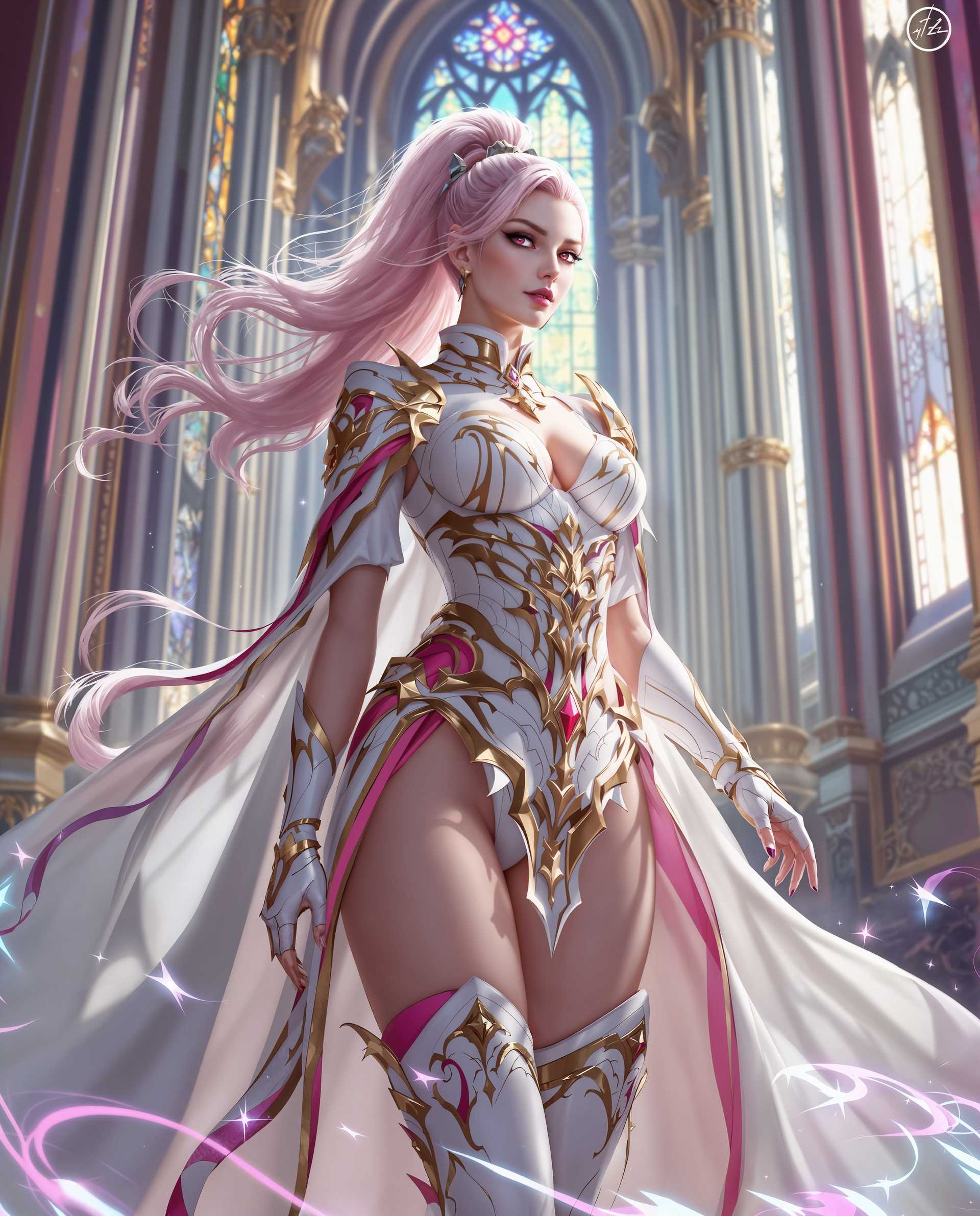
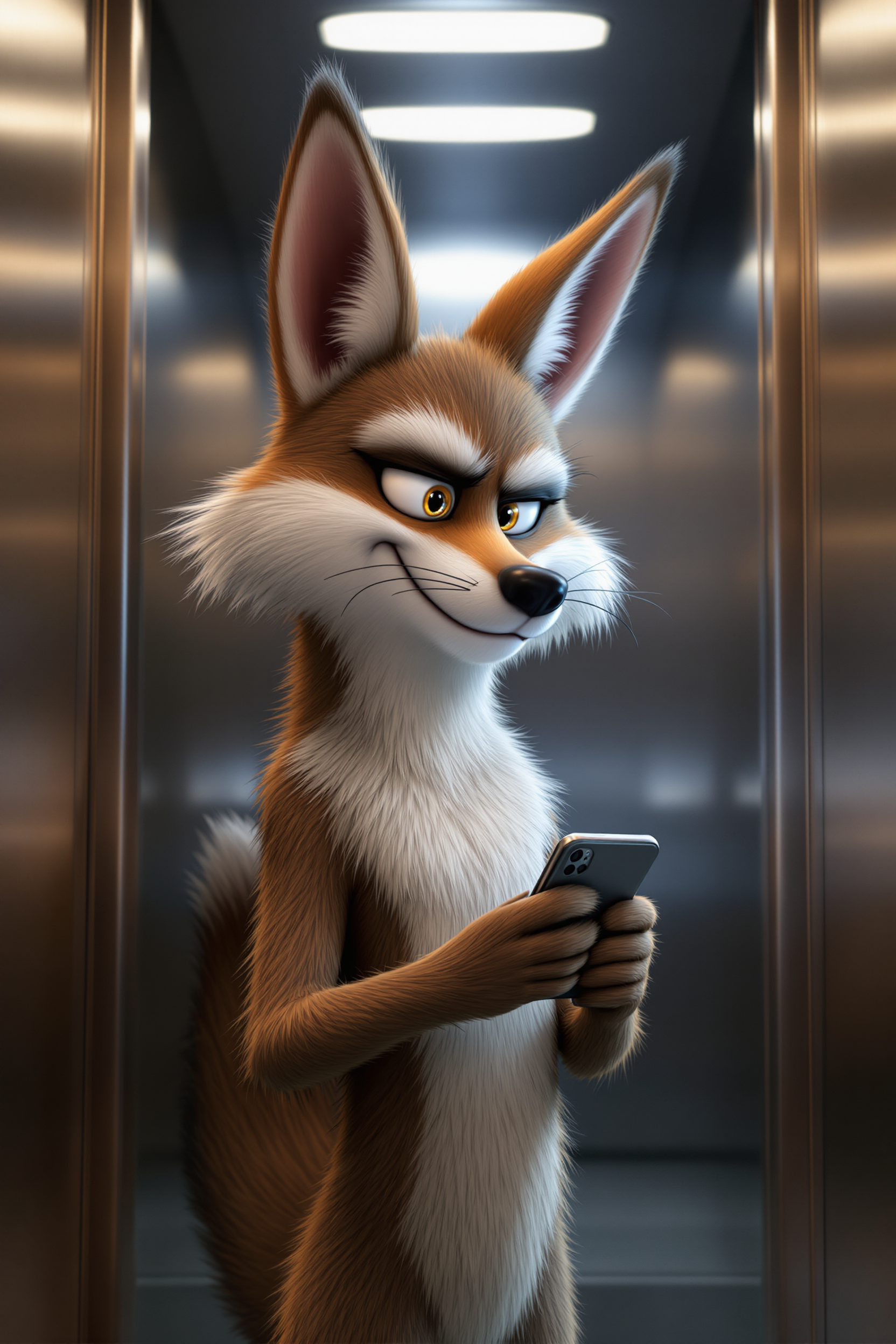
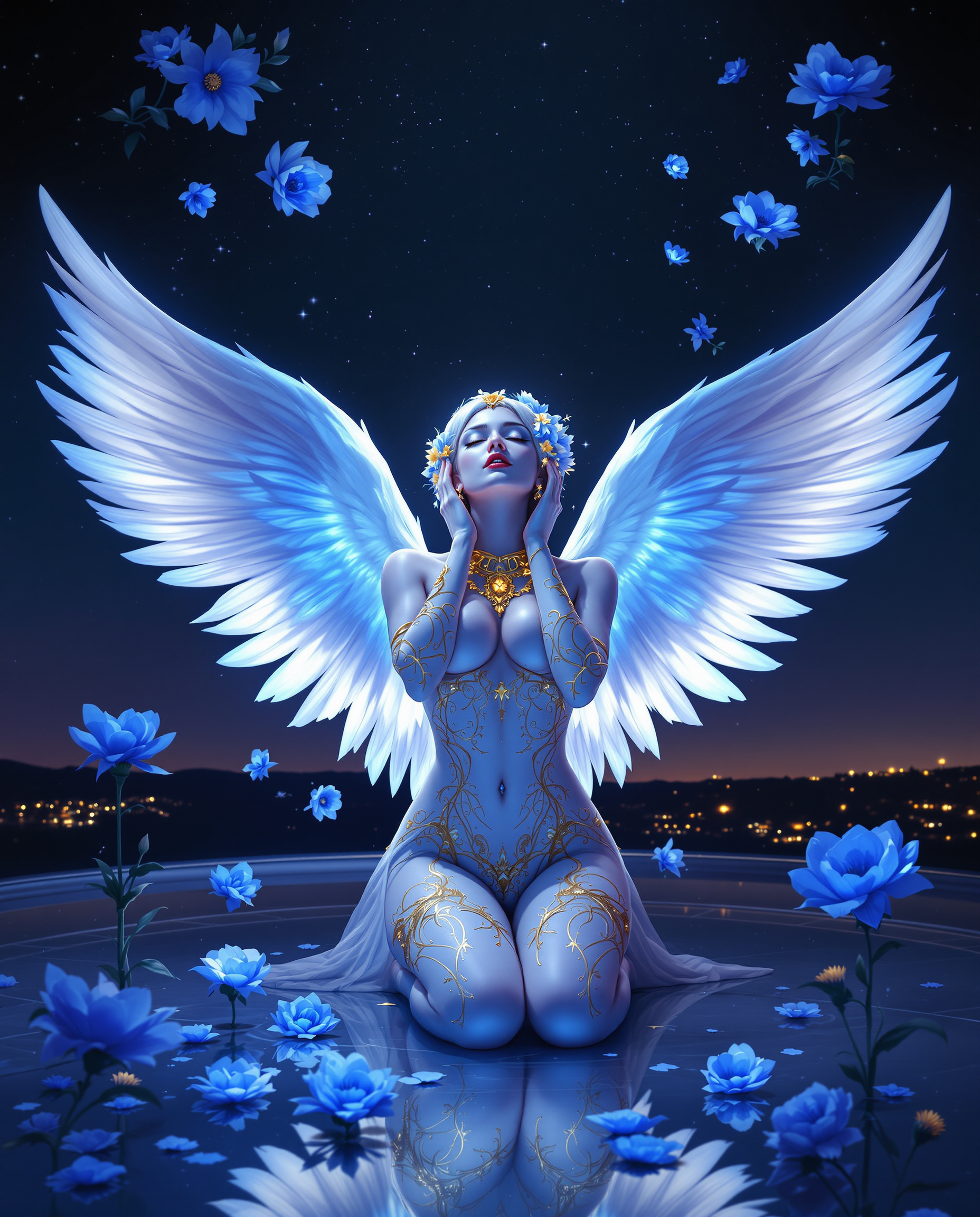
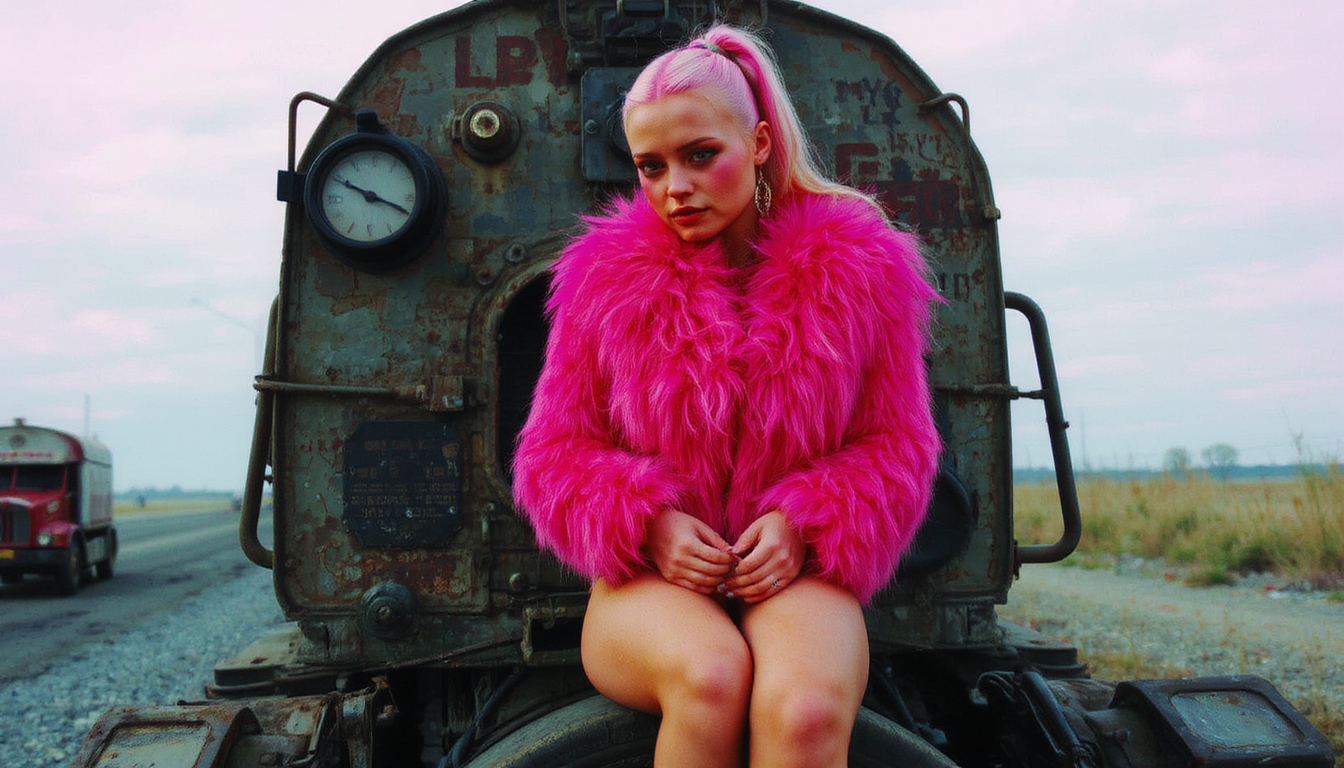

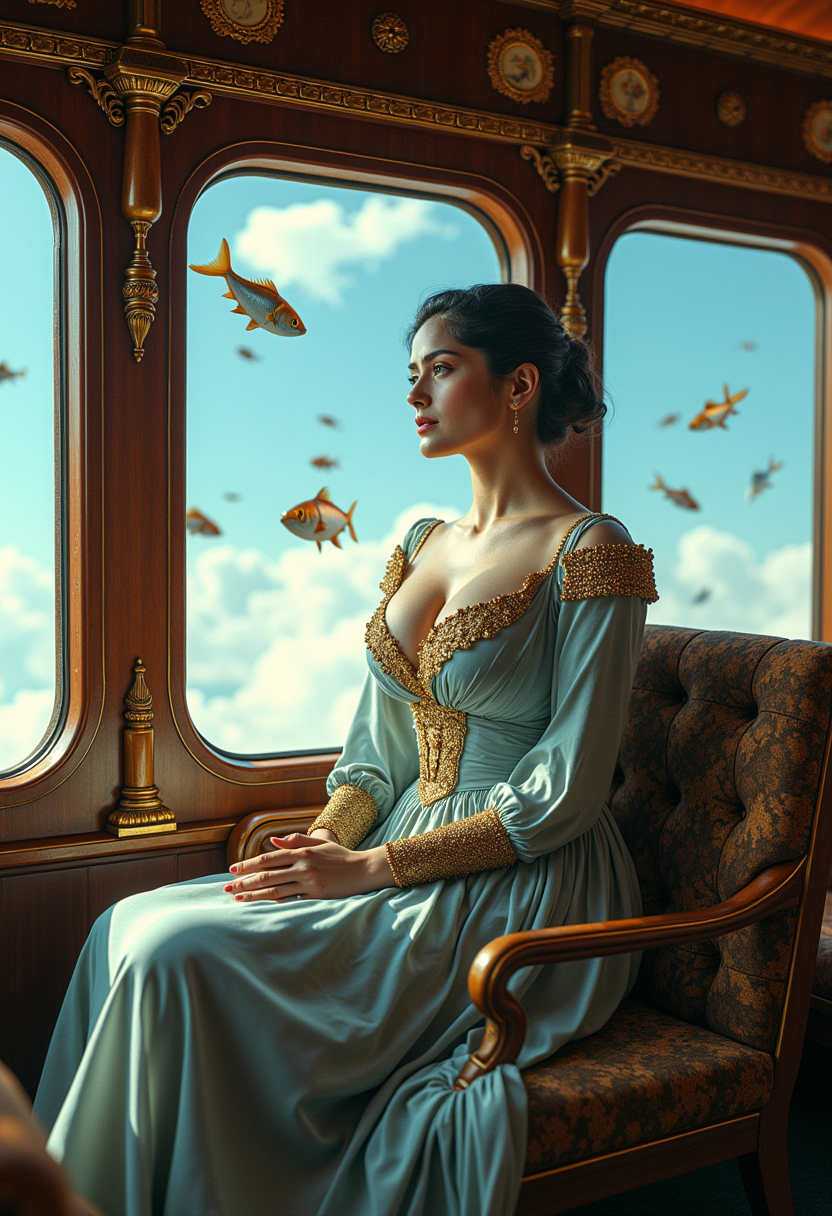
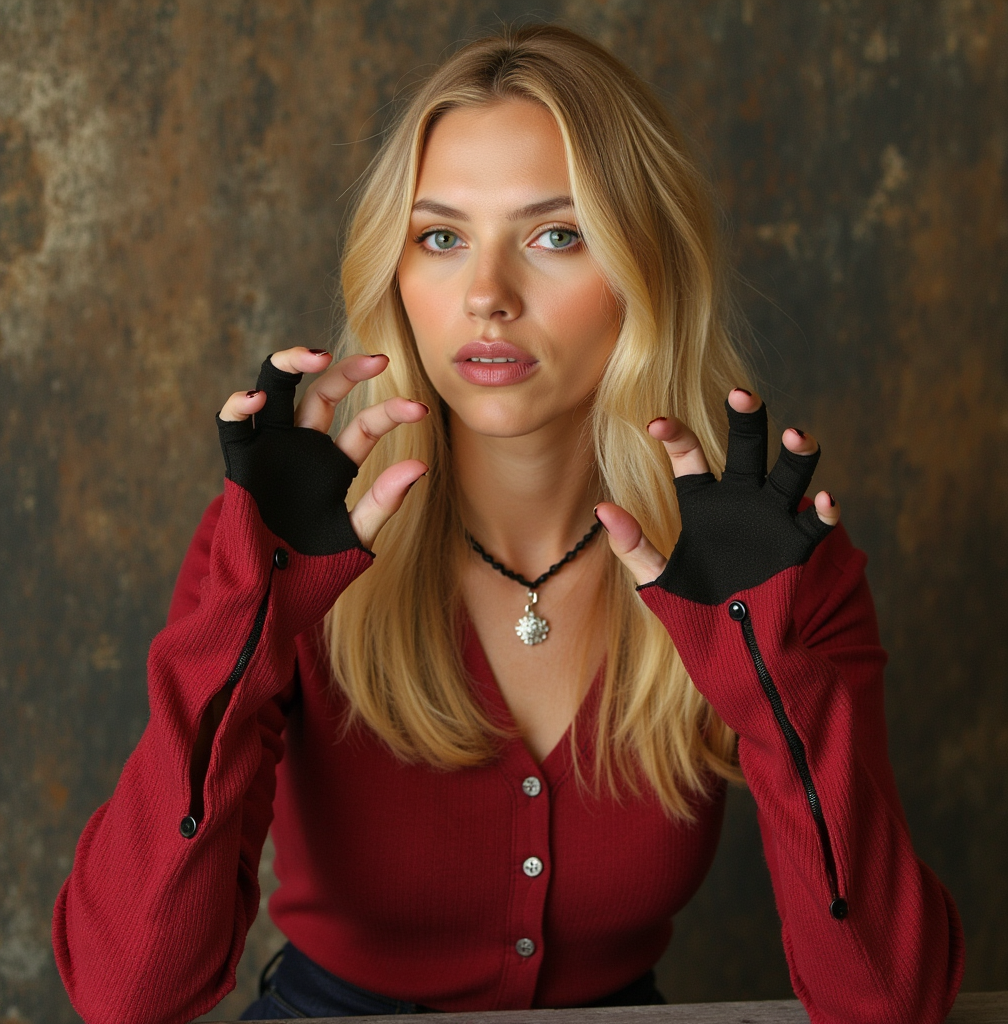

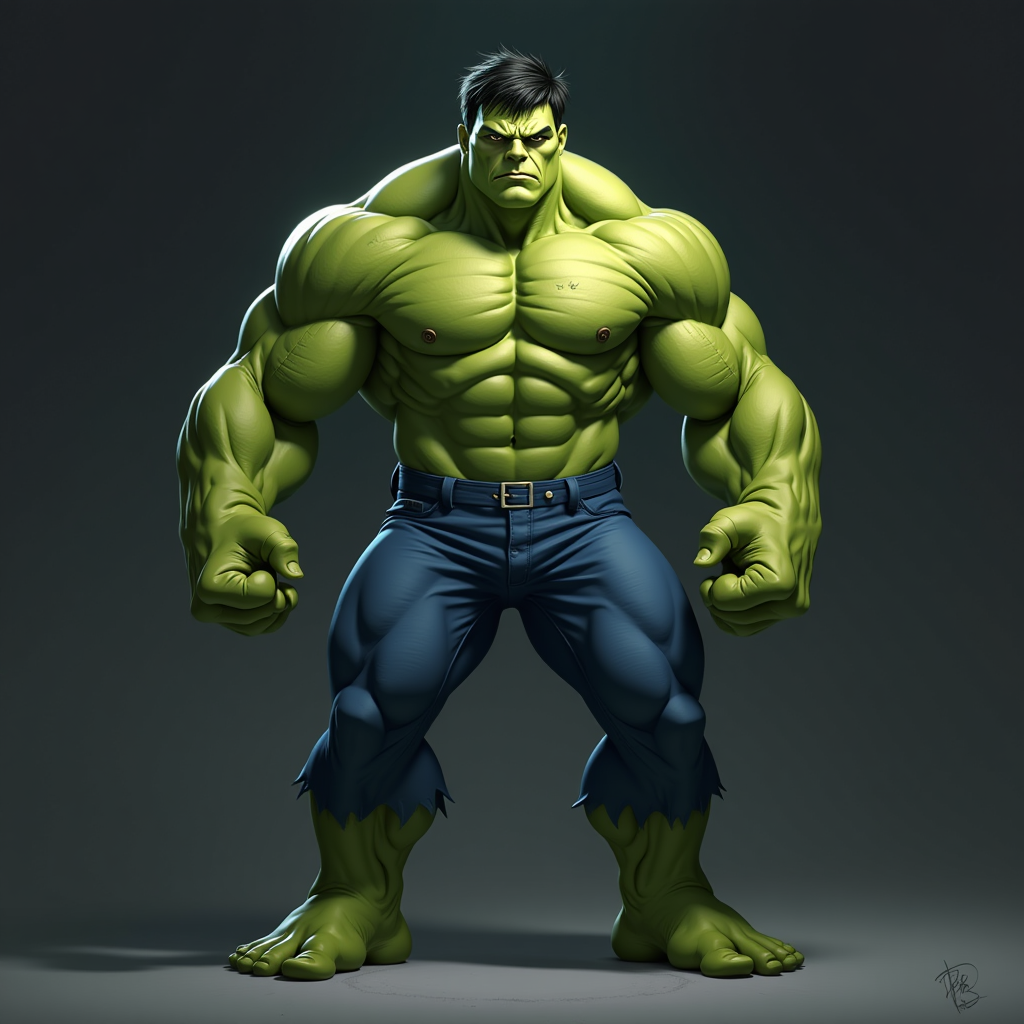
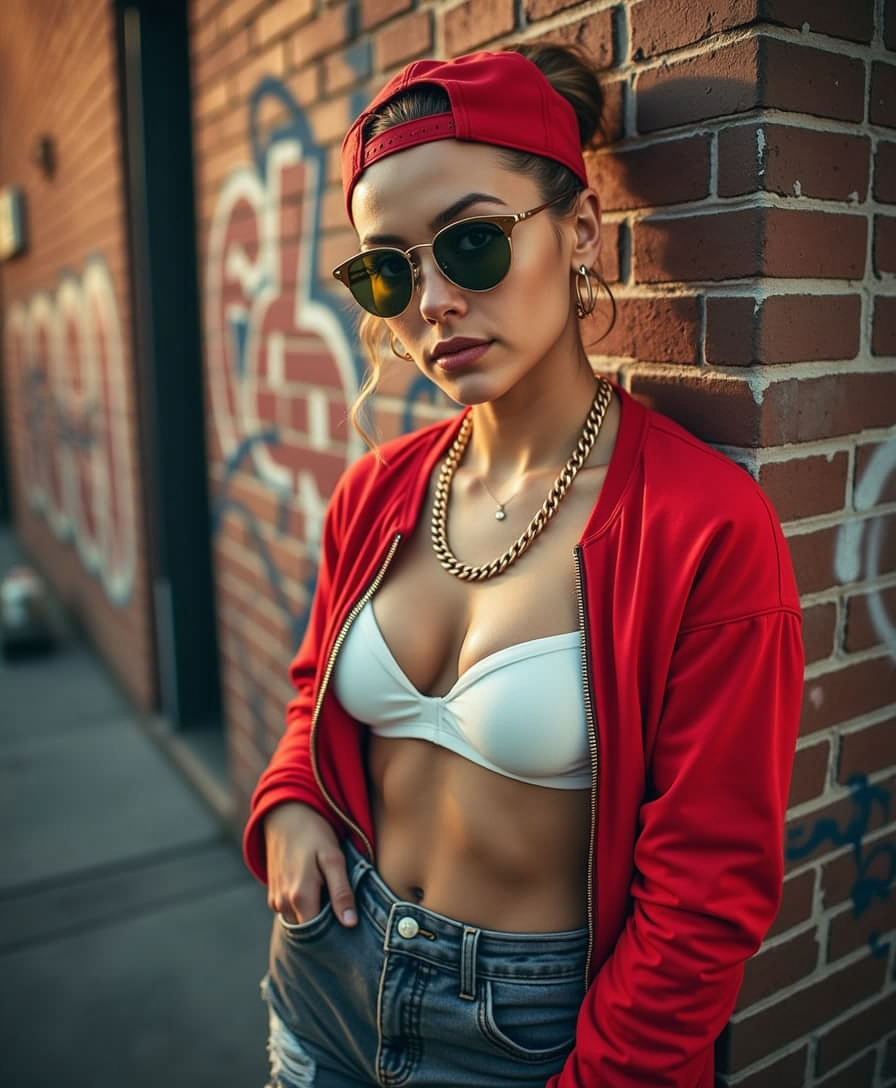
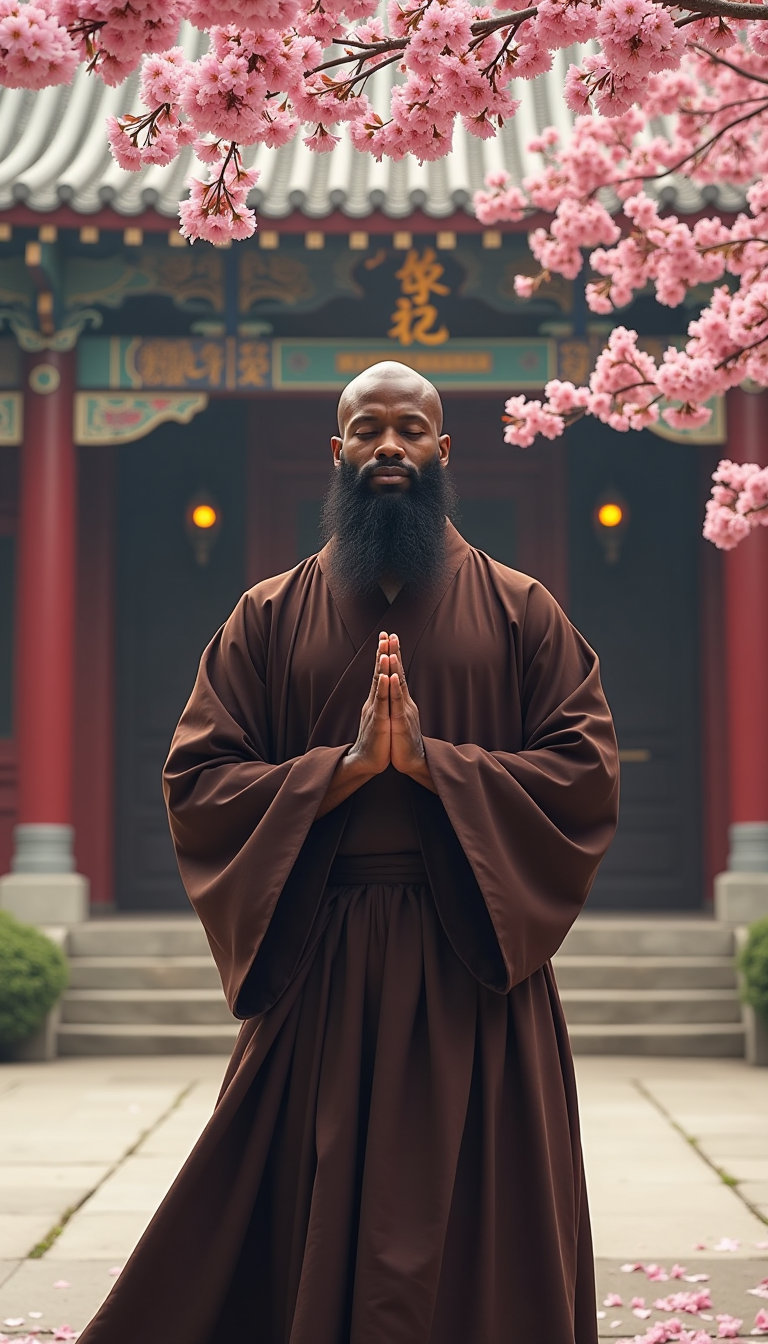
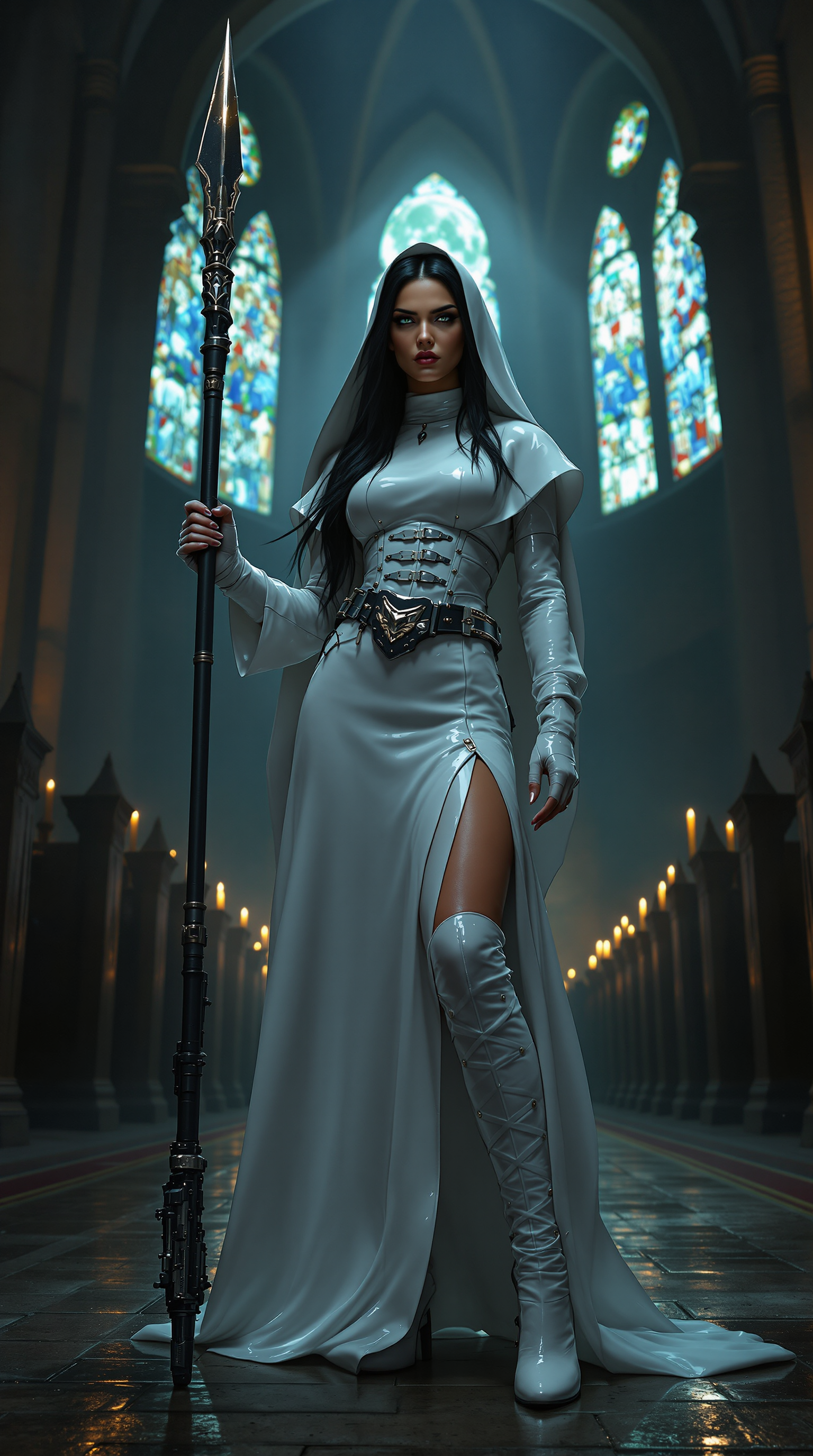
The Pixel Dojo Advantage
Why PixelDojo outperforms other options for Kaiber AI style image generation
| Others | Pixel Dojo |
|---|---|
| Traditional Kaiber style creation | Produce matching artistic results in seconds instead of hours of manual prompting and rendering across multiple platforms |
| Generic AI tools | Access specialized workflows for music-sync, character consistency, and stylized animation using the exact models that power professional Kaiber outputs |
| Manual photo editing | Generate and animate complete scenes from text or references without tedious layering, masking, or frame-by-frame work |
Loved by creators on PixelDojo
Real feedback from people using PixelDojo, pulled from our in-product surveys.
The site is easy to navigate and use.
All the tools, readily available and easy to understand
You guys, the LORA training is the BEST in the space right now, great job with that!
Tons of variety. Ease of use. Tools for beginners and advance users.
easiest workflow to get best output image or video
awesome functionality, UX, constant flood of improvements, discord interactivity
Explore more AI tools on PixelDojo
AI Tools
Compare & Switch
- Best AI Image Generators
- Best AI Video Generators
- Midjourney Alternatives
- Civitai Alternatives
- Runway Alternatives
- Leonardo Alternatives
- Pika Alternatives
- Luma Alternatives
- Magnific Alternatives
- Veo Alternatives
- Flux Alternatives
- Freepik Alternatives
- Seedance Alternatives
- Seedream Alternatives
- Pixverse Alternatives
- GPT Image Alternatives
- Synthesia Alternatives
- Playground Alternatives
- NightCafe Alternatives
- Canva AI Alternatives
- ElevenLabs Alternatives
- ComfyUI Alternatives
- Fal Alternatives
- Replicate Alternatives
Common Questions
Everything you need to know about kaiber ai
How to create Kaiber AI style images with PixelDojo?
Simply choose Flux.2 Studio or Kling Image, enter a detailed prompt describing your desired artistic style and motion elements, and generate. Use Style Transfer or Magic Lighting tools to refine the Kaiber aesthetic further before downloading high-resolution results.
Can I make music-synced videos like Kaiber AI on PixelDojo?
Yes—start with text or image prompts in Kling Video or WAN 2.7 Video, then apply Video Autocaption, Lip Sync, or merge with audio tracks. The platform supports seamless music-reactive animations that rival professional Kaiber productions.
What makes PixelDojo's Kaiber AI image generation different?
You get direct access to 40+ leading models including Flux.2 Studio, Krea V2, and Ideogram 4 in one workspace, plus advanced editing like Inpainting, Consistent Characters, and Video Upscaler—all optimized for fast iteration and commercial-quality Kaiber-style outputs.
Is PixelDojo good for beginners wanting Kaiber AI effects?
Absolutely. The intuitive interface guides you through prompt entry and one-click refinements, with pre-built templates for popular Kaiber styles like steampunk, cyberpunk, and hyper-realistic animation. No prior experience needed.
How do I achieve consistent characters in Kaiber style on PixelDojo?
Use Consistent Characters or Ideogram Character tools combined with LoRA Face Swap and Pose Control. Upload a reference once and generate entire series of Kaiber-inspired images or video frames with matching faces and styles.
What are the best prompts for Kaiber AI style image generation?
Effective prompts include artistic descriptors like 'billowing grass in oil painting style with dynamic camera movement,' 'cyberpunk city at night with music-reactive neon,' or 'hyper-realistic wildlife migration in cinematic motion.' Combine with specific tools like WAN Image for best results.