Kling 2.1 Master AI Generator
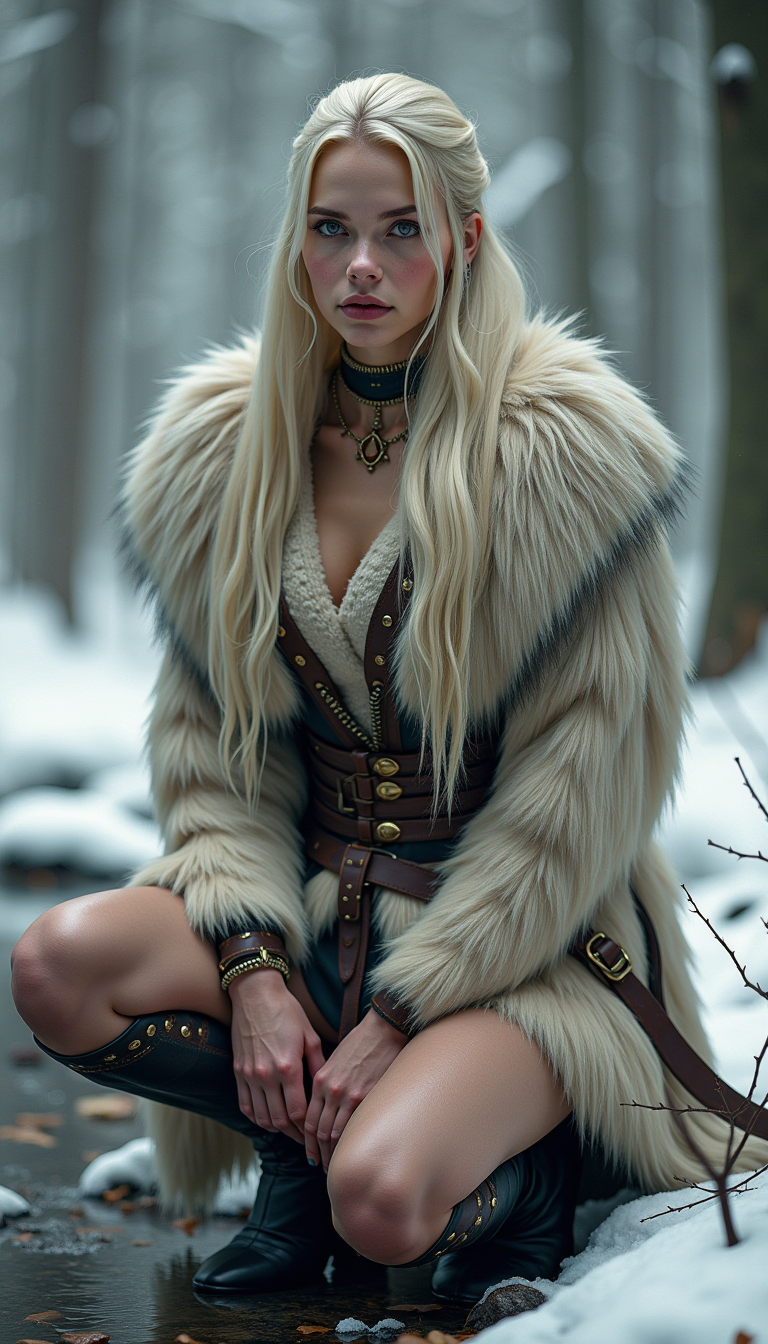
Imagine bringing your creative visions to life with cinematic-quality videos, all without the need for expensive equipment or extensive editing skills. With Kling 2.1 Master, you can transform simple text or images into stunning, high-definition videos that captivate your audience. Whether you're a filmmaker, marketer, or content creator, Kling 2.1 Master empowers you to produce professional-grade videos effortlessly.
Join over 100,000 creators who have embraced Kling 2.1 Master to elevate their video content. With a 4.8/5 average rating, our users praise the platform's ease of use and exceptional output quality.
Why Choose Pixel Dojo for Kling 2.1 Master
Professional-quality results with cutting-edge AI technology
Effortless High-Quality Video Creation
Generate 1080p cinematic videos from simple text or image prompts, eliminating the need for complex editing software.
Cost-Effective Production
Produce professional-grade videos at a fraction of the cost of traditional methods, making high-quality content accessible to all.
Versatile Applications
Ideal for filmmakers, marketers, and social media influencers looking to create engaging content quickly and efficiently.
How It Works
Creating cinematic AI videos with Kling 2.1 Master is a straightforward process that involves a few simple steps.
Step 1: Choose Your Input Mode
Select between 'Text + Image' or 'Text Only' modes to begin your video creation process.
Step 2: Enter Your Prompt
Provide a detailed description or upload a reference image to guide the AI in generating your video.
Step 3: Configure Video Parameters
Set your desired resolution, frame rate, and video length to tailor the output to your needs.

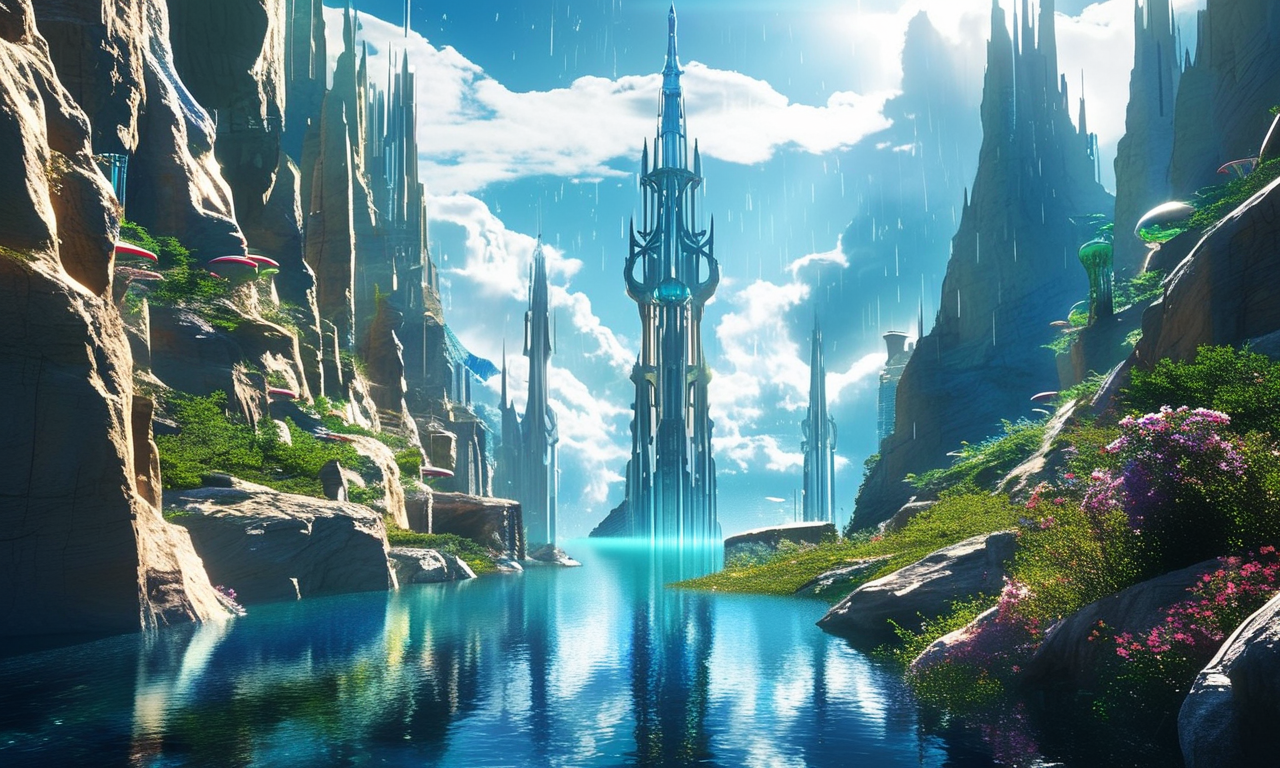
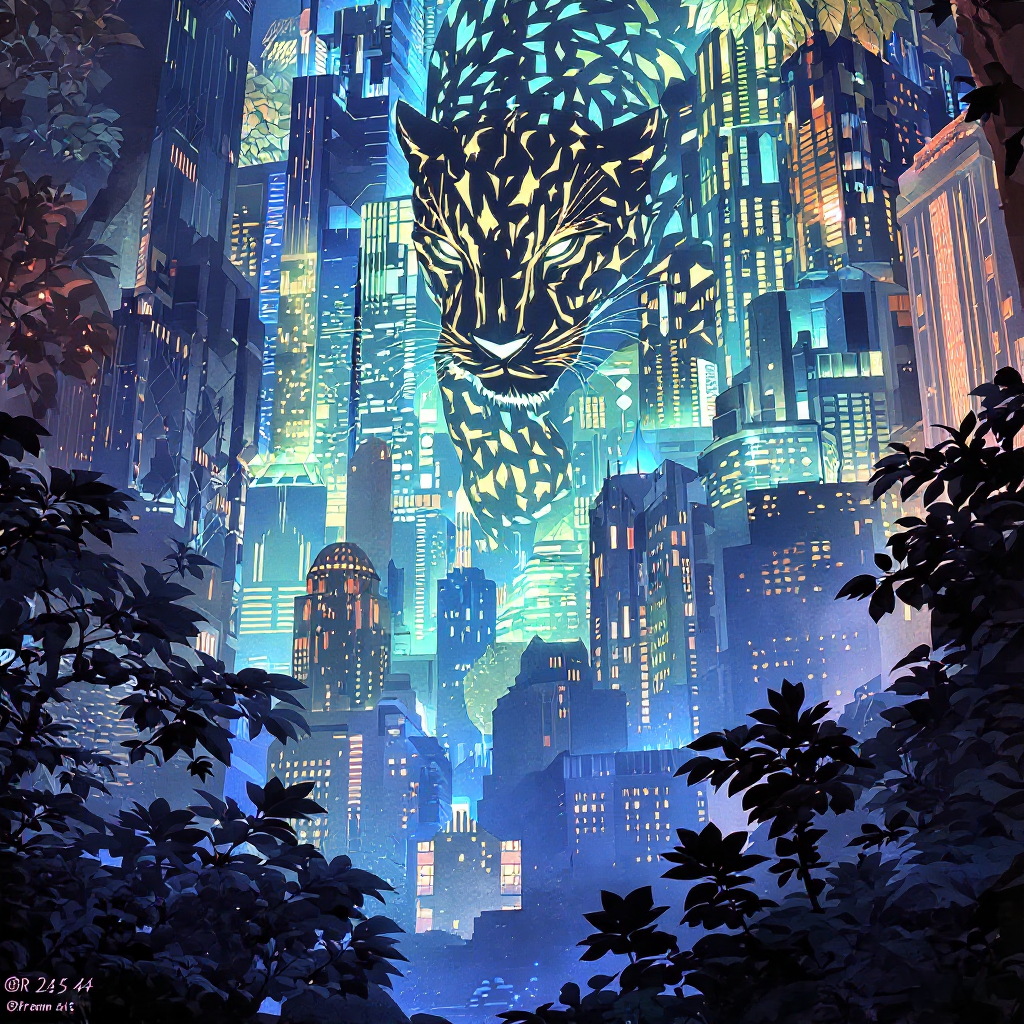



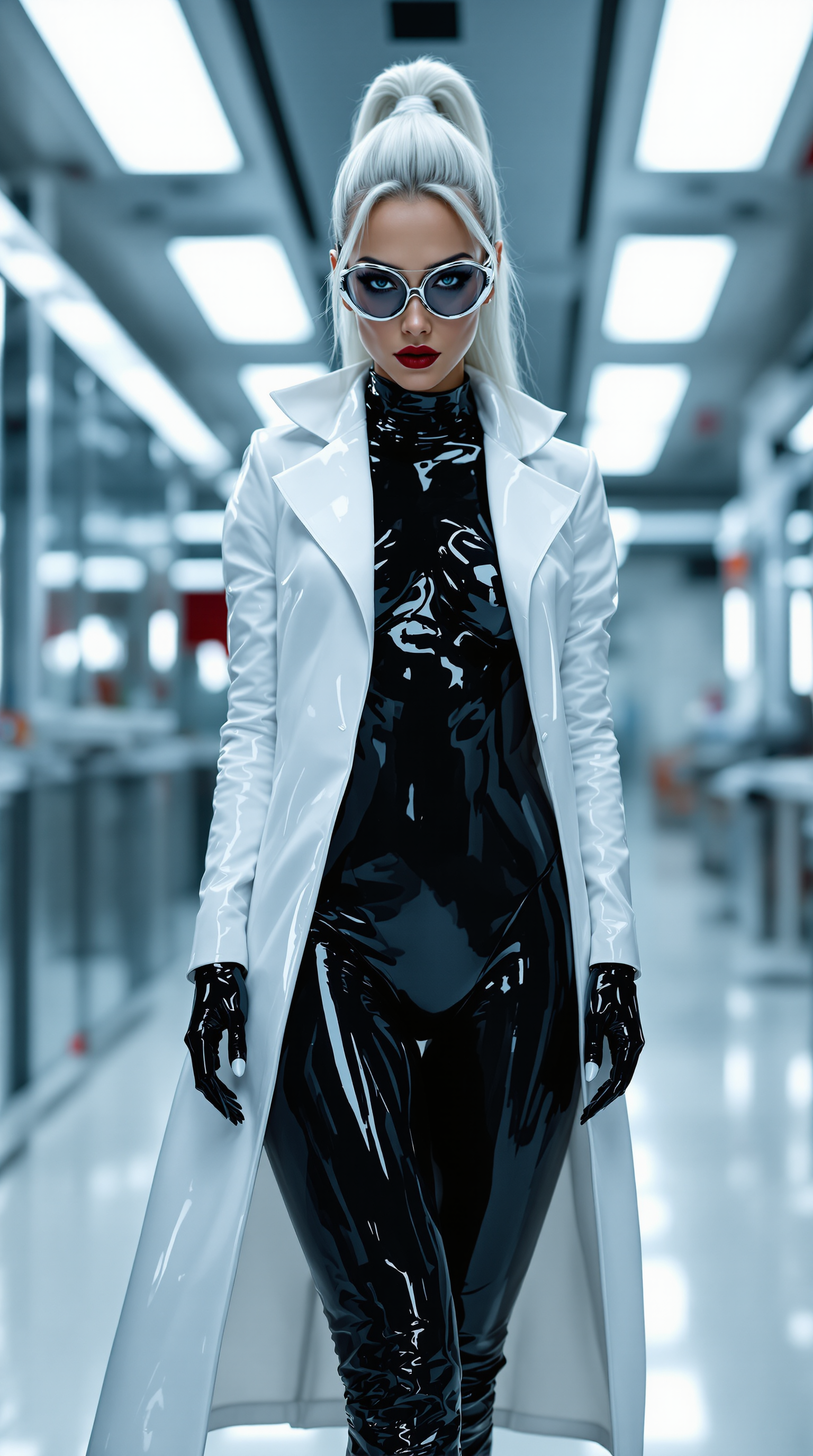



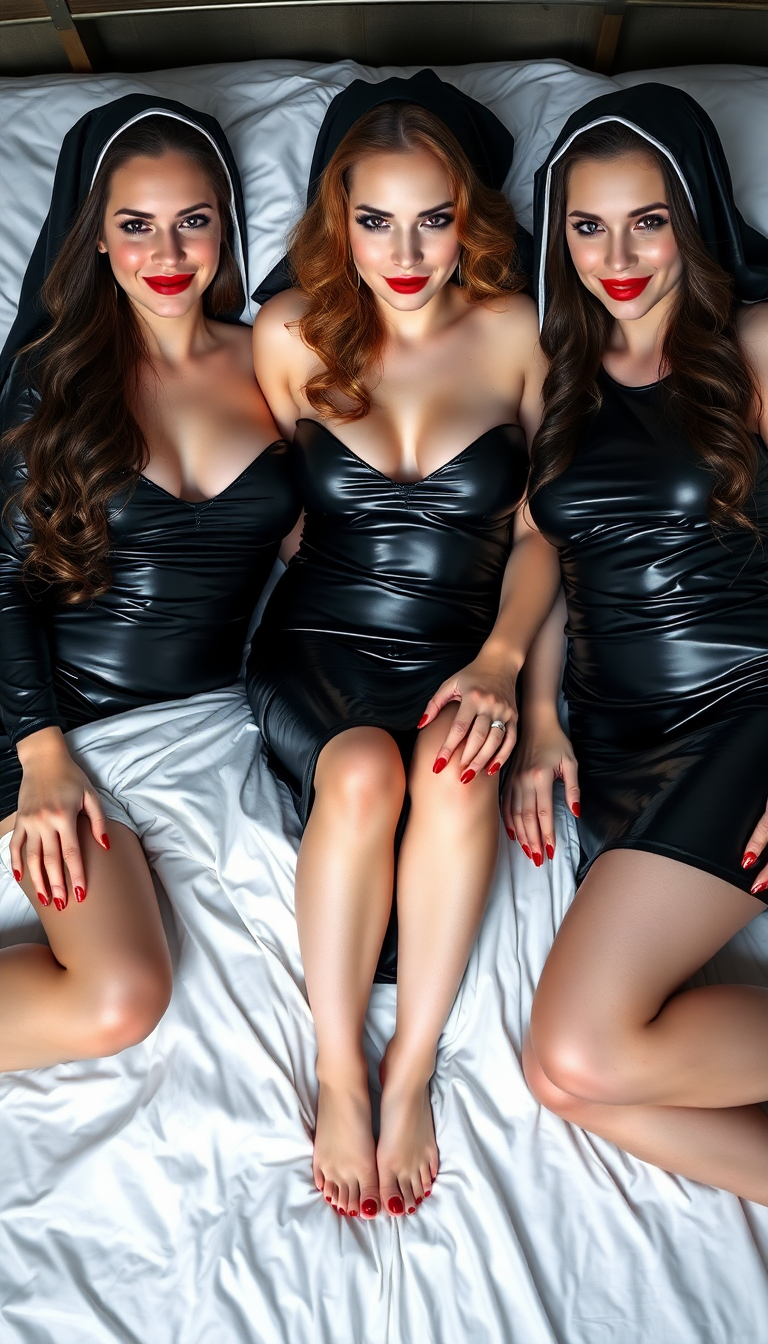
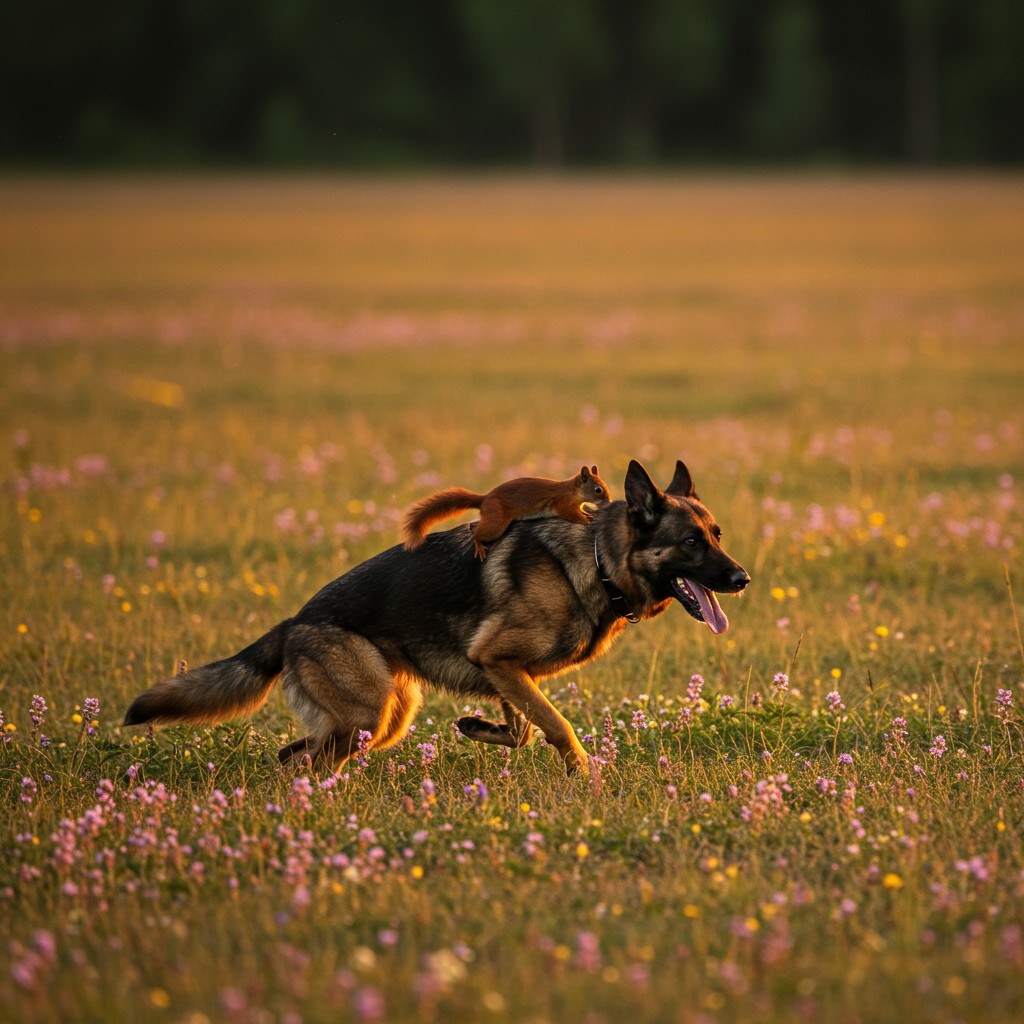

The Pixel Dojo Advantage
Discover how Kling 2.1 Master stands out in the realm of AI video generation.
| Others | Pixel Dojo |
|---|---|
| Traditional Video Production | Eliminates the need for expensive equipment and extensive editing, reducing both time and cost. |
| Generic AI Video Tools | Offers superior realism and motion dynamics, providing a more authentic cinematic experience. |
| Manual Animation | Automates the animation process, allowing for quicker turnaround without sacrificing quality. |
Loved by creators on PixelDojo
Real feedback from people using PixelDojo, pulled from our in-product surveys.
awesome functionality, UX, constant flood of improvements, discord interactivity
Awesome site with so many features
Love how I can almost create anything
The Flux Pro Ultra is just amazing!
Very easy to use, and they have fast wan 2.2 video generation with custom loras available.
The overall quality of the site and it's amazing variety of tools. The continued updates of the UI. The unbelievable level of tech support.
Explore more AI tools on PixelDojo
AI Tools
Compare & Switch
- Best AI Image Generators
- Best AI Video Generators
- Midjourney Alternatives
- Civitai Alternatives
- Runway Alternatives
- Leonardo Alternatives
- Pika Alternatives
- Luma Alternatives
- Magnific Alternatives
- Veo Alternatives
- Flux Alternatives
- Freepik Alternatives
- Seedance Alternatives
- Seedream Alternatives
- Pixverse Alternatives
- GPT Image Alternatives
- Synthesia Alternatives
- Playground Alternatives
- NightCafe Alternatives
- Canva AI Alternatives
- ElevenLabs Alternatives
- ComfyUI Alternatives
- Fal Alternatives
- Replicate Alternatives
Common Questions
Everything you need to know about Kling 2.1 Master
How does Kling 2.1 Master generate videos from text prompts?
Kling 2.1 Master utilizes advanced AI algorithms to interpret your text descriptions and transform them into dynamic, high-quality videos.
Can I use Kling 2.1 Master for commercial projects?
Yes, Kling 2.1 Master is suitable for both personal and commercial use, allowing you to create content for various applications.
What are the system requirements for using Kling 2.1 Master?
Kling 2.1 Master is a web-based platform accessible through modern browsers, requiring no additional software installations.
Is there a free trial available for Kling 2.1 Master?
Yes, new users receive free 'inspiration points' upon registration to explore the platform's features.
How long does it take to generate a video with Kling 2.1 Master?
Rendering times vary based on video length and quality settings but typically range from 2 to 5 minutes.
Can I customize the camera movements in the generated videos?
Absolutely, Kling 2.1 Master allows you to define specific camera movements to achieve your desired cinematic effect.