Kling 2.6 character consistency AI Generator
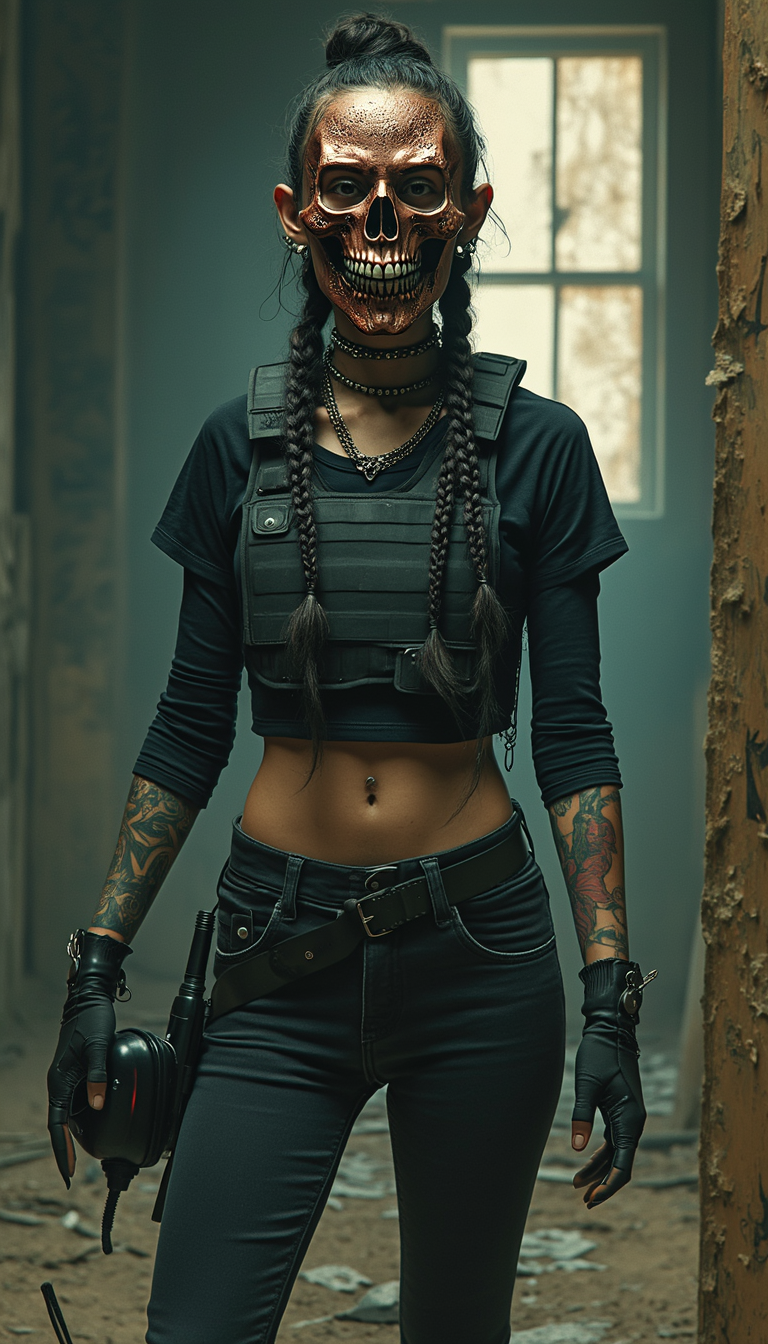
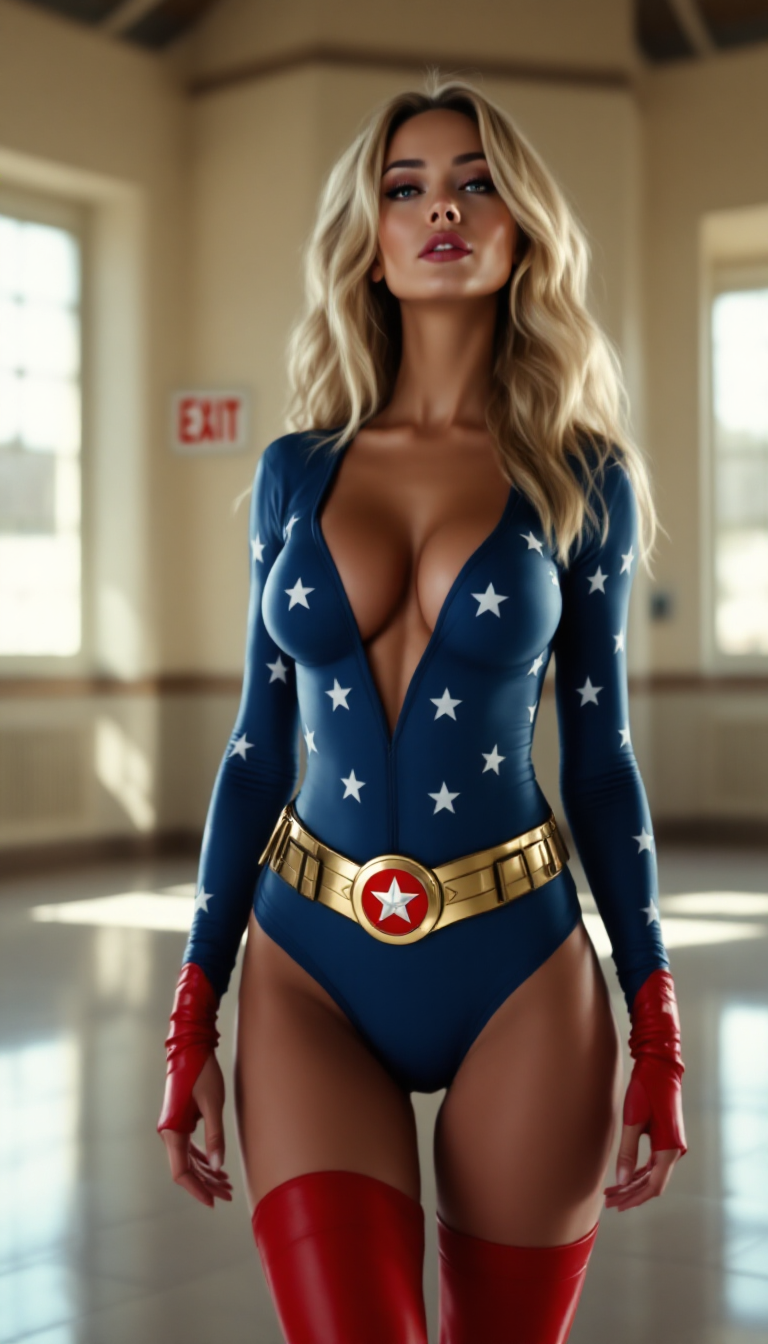
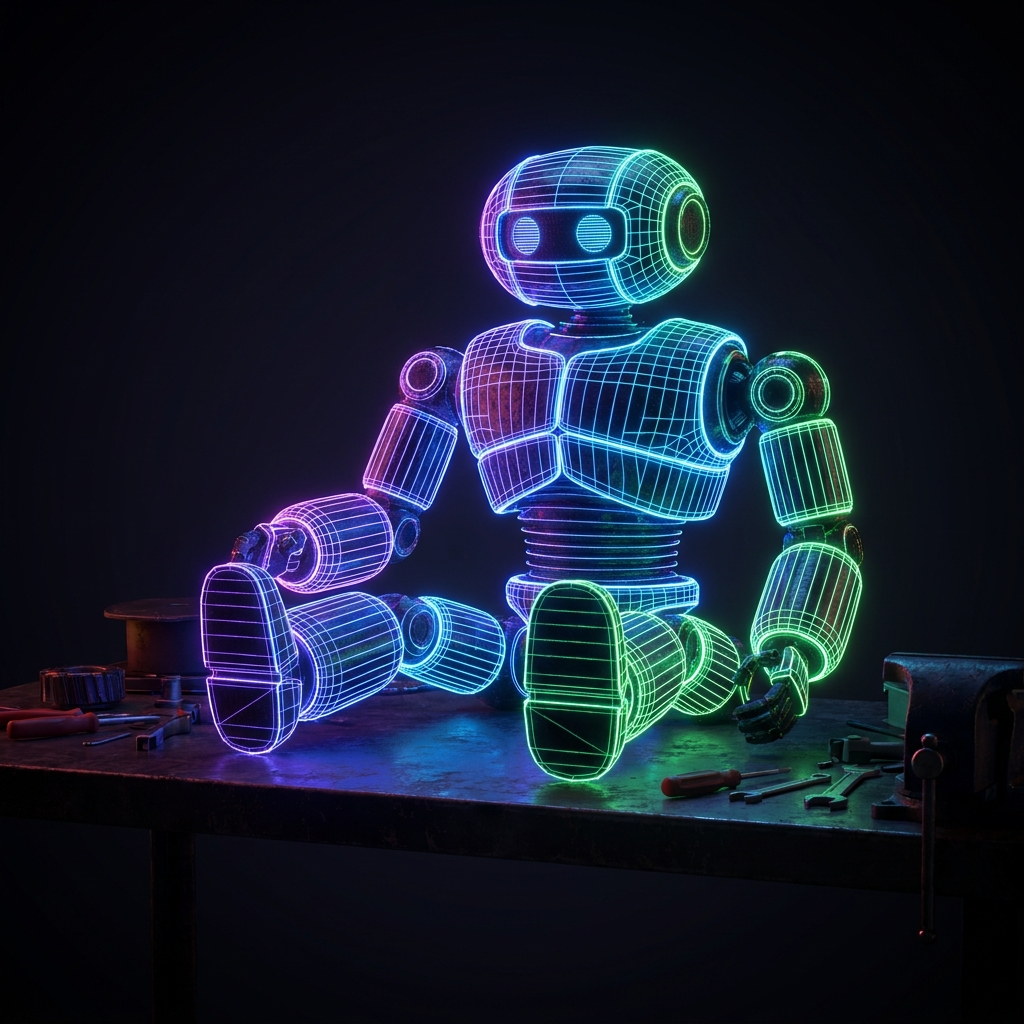
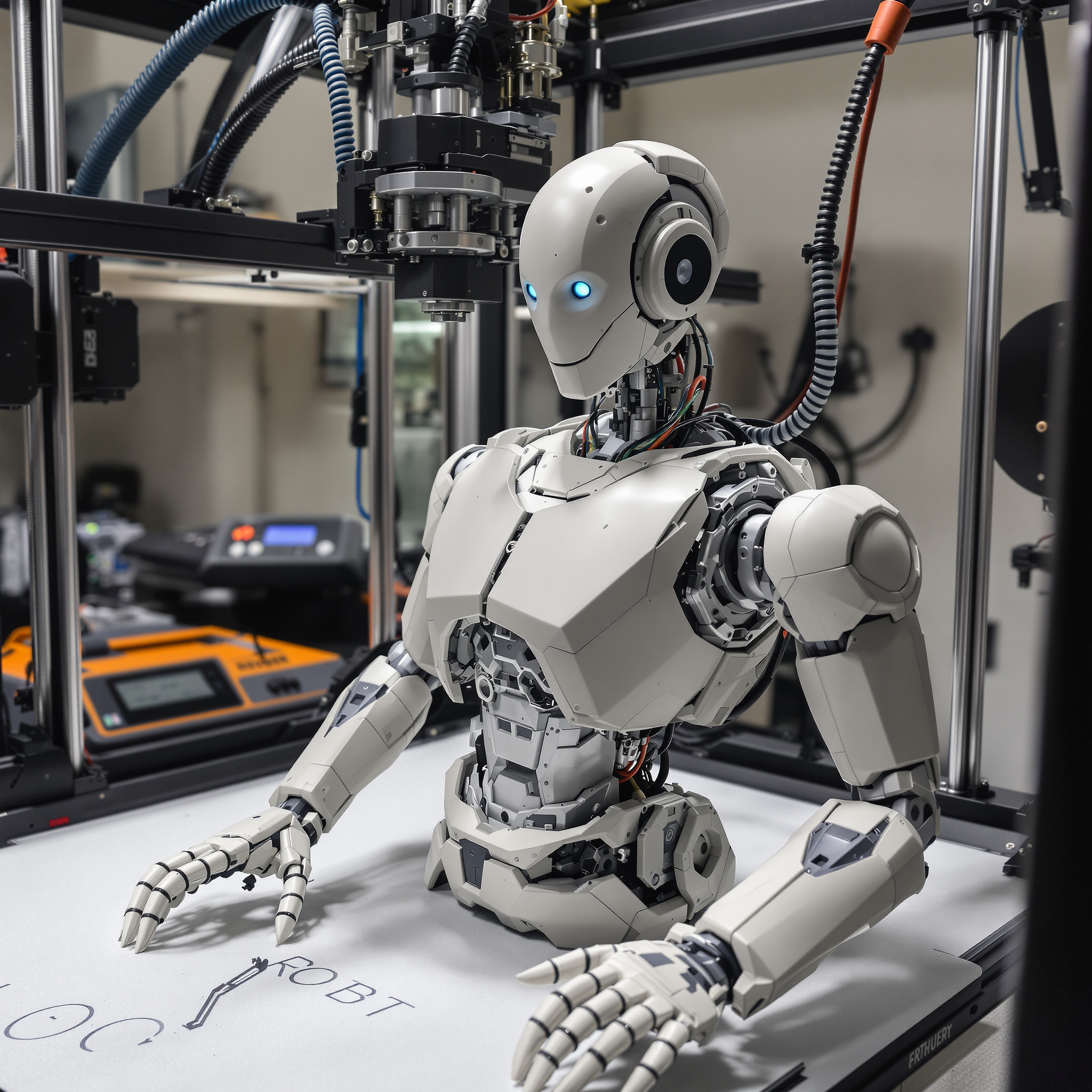
Maintaining character consistency across multiple video scenes is essential for storytelling, branding, and professional content creation. With PixelDojo's Kling 2.6, you can effortlessly generate AI videos where characters remain visually consistent, ensuring your narratives are cohesive and engaging.
Join thousands of creators who trust PixelDojo for their AI video generation needs, achieving over 95% character consistency across projects.
Why Choose Pixel Dojo for Kling 2.6 character consistency
Professional-quality results with cutting-edge AI technology
Seamless Character Continuity
Ensure your characters maintain the same appearance and style across all video scenes, enhancing narrative coherence.
Efficient Content Production
Generate consistent character videos quickly, reducing manual editing and accelerating your workflow.
Professional-Quality Outputs
Produce high-resolution videos with consistent characters, elevating the professionalism of your content.
How It Works
Creating videos with consistent characters using Kling 2.6 on PixelDojo is straightforward. Follow these steps to bring your vision to life:
Step 1: Select Kling 2.6 Tool
Navigate to PixelDojo's video generation section and choose Kling 2.6 as your preferred tool.
Step 2: Upload Reference Images
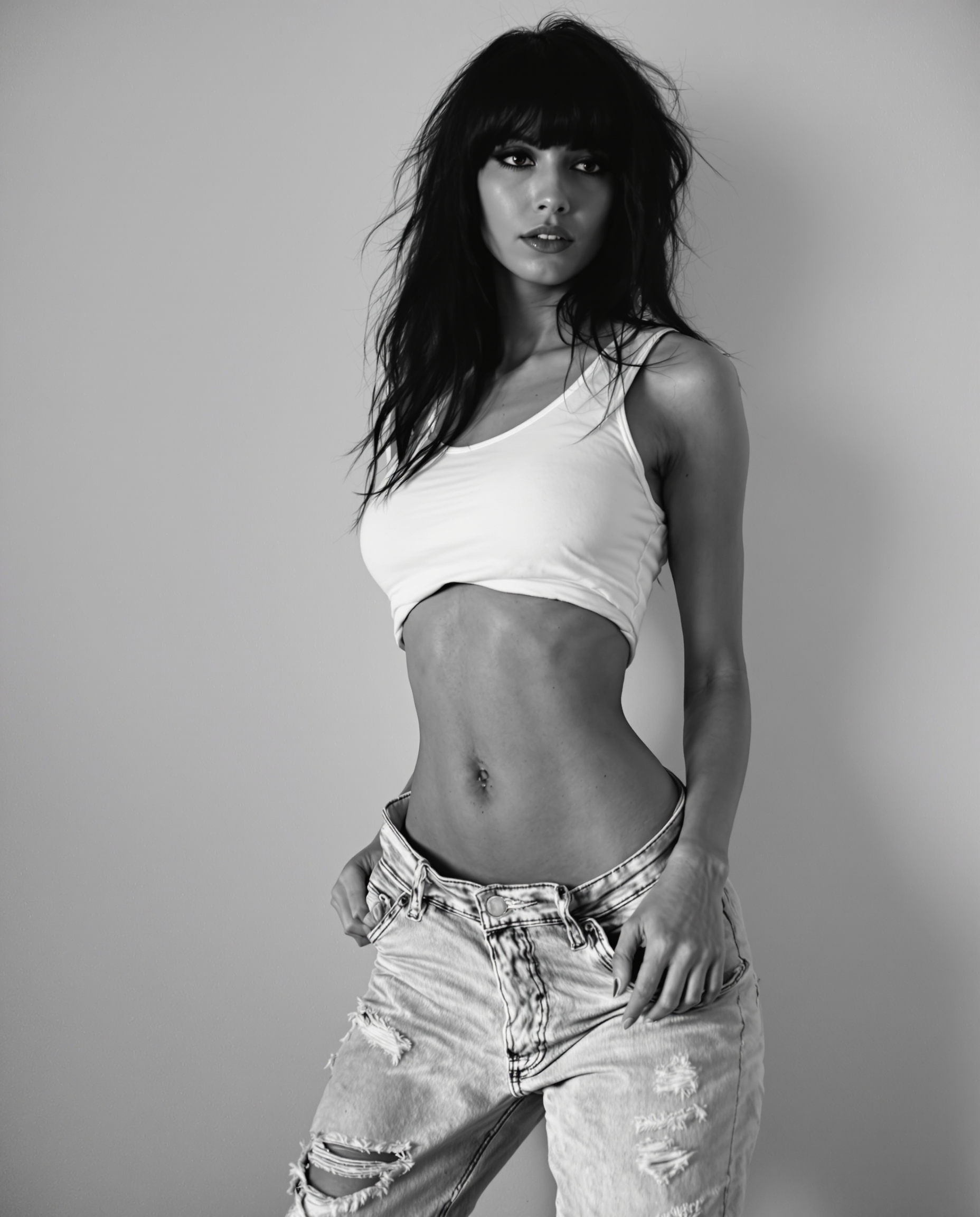
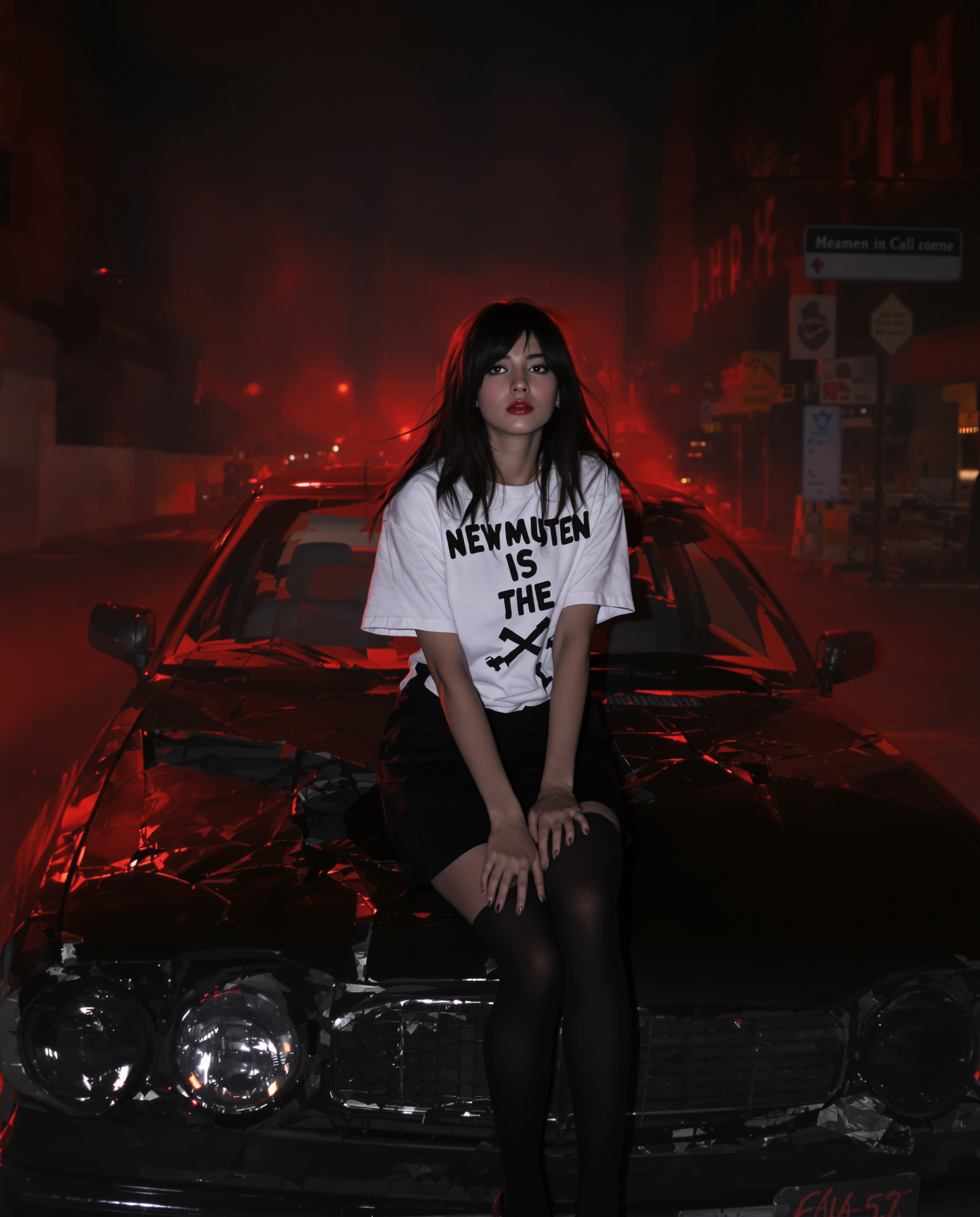
Upload multiple images of your character from different angles to train the model for consistency.
Step 3: Input Your Prompt
Describe the scene and actions you want your character to perform in the video.












The Pixel Dojo Advantage
Why PixelDojo outperforms other options for character-consistent video generation
| Others | Pixel Dojo |
|---|---|
| Traditional Video Production | Eliminates the need for manual frame-by-frame editing to maintain character consistency. |
| Generic AI Video Tools | Offers specialized features like Kling 2.6 designed specifically for character consistency. |
| Manual Animation | Reduces time and effort by automating character consistency without sacrificing quality. |
Loved by creators on PixelDojo
Real feedback from people using PixelDojo, pulled from our in-product surveys.
Very fair and very broad in tools.
Accurate results
Great site and so much fun to use!
very useful set of tools for image creation, upscaling and enhancement
ease of use, variety of tools, high quality trainings, and a well-maintained discord channel
Ease of use, friendliness and support of the owner, continued innovation.
Explore more AI tools on PixelDojo
AI Tools
Compare & Switch
- Best AI Image Generators
- Best AI Video Generators
- Midjourney Alternatives
- Civitai Alternatives
- Runway Alternatives
- Leonardo Alternatives
- Pika Alternatives
- Luma Alternatives
- Magnific Alternatives
- Veo Alternatives
- Flux Alternatives
- Freepik Alternatives
- Seedance Alternatives
- Seedream Alternatives
- Pixverse Alternatives
- GPT Image Alternatives
- Synthesia Alternatives
- Playground Alternatives
- NightCafe Alternatives
- Canva AI Alternatives
- ElevenLabs Alternatives
- ComfyUI Alternatives
- Fal Alternatives
- Replicate Alternatives
Common Questions
Everything you need to know about Kling 2.6 character consistency
How does Kling 2.6 ensure character consistency in AI-generated videos?
Kling 2.6 utilizes advanced AI algorithms that analyze multiple reference images of a character, ensuring their appearance remains consistent across different video scenes.
Can I use Kling 2.6 for both human and non-human characters?
Yes, Kling 2.6 is designed to maintain consistency for both human and non-human characters, making it versatile for various creative projects.
Is any prior experience required to use Kling 2.6 on PixelDojo?
No, PixelDojo's user-friendly interface allows creators of all skill levels to generate consistent character videos using Kling 2.6.
How long does it take to generate a video with Kling 2.6?
The generation time depends on the complexity of the prompt and the length of the video, but PixelDojo's efficient processing ensures quick turnaround times.
Can I edit the generated videos if needed?
Yes, PixelDojo provides editing tools that allow you to make adjustments to your generated videos to meet your specific requirements.
Is there a trial period available for Kling 2.6 on PixelDojo?
Yes, PixelDojo offers a trial period, allowing you to explore Kling 2.6 and other tools before committing to a subscription.