Kling 2.6 dialogue video
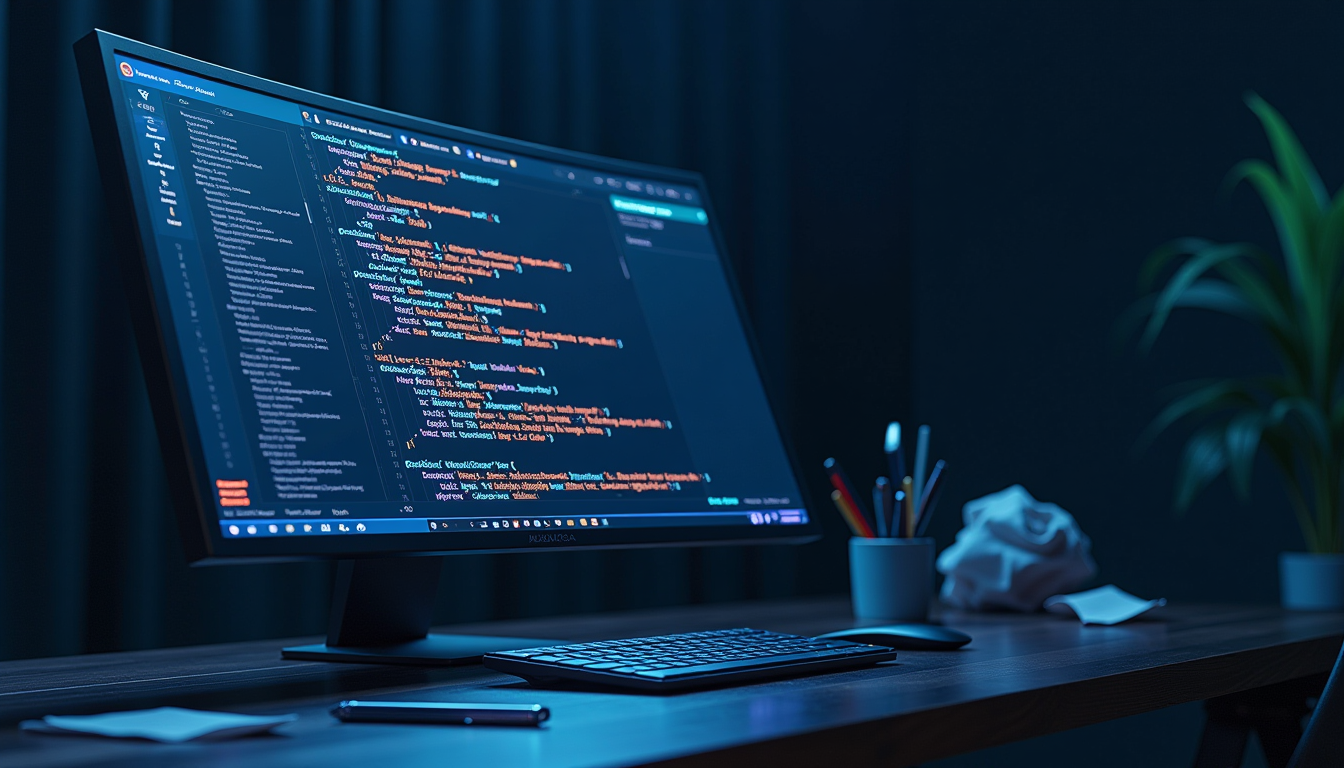
Bring your stories to life with PixelDojo's Kling 2.6, the cutting-edge AI tool that enables you to create cinematic videos featuring natural dialogue and synchronized audio. Whether you're a filmmaker, educator, or content creator, Kling 2.6 empowers you to produce professional-quality videos effortlessly.
Join over 10,000 creators who have enhanced their storytelling with Kling 2.6, achieving a 95% satisfaction rate for its realistic dialogue and audio synchronization.
Why Choose Pixel Dojo for Kling 2.6 dialogue video
Professional-quality results with cutting-edge AI technology
Seamless Audio-Visual Synchronization
Generate videos where dialogue and visuals are perfectly aligned, eliminating the need for manual audio editing.
Effortless Content Creation
Transform text prompts into engaging videos with synchronized dialogue, reducing production time and effort.
Versatile Applications
Create a variety of content, from educational videos to promotional materials, all featuring natural-sounding dialogue.
How It Works
Creating dialogue videos with Kling 2.6 on PixelDojo is straightforward. Follow these steps to bring your ideas to life:
Step 1: Select Kling 2.6 Tool
Navigate to the Kling 2.6 tool on PixelDojo's platform to begin your video creation process.
Step 2: Input Your Prompt
Enter a detailed description of your scene, including dialogue, character actions, and setting. For example: 'A teacher explains the water cycle to students in a classroom.'
Step 3: Generate and Download
Click 'Generate' to create your video. Once processed, preview and download your cinematic dialogue video.




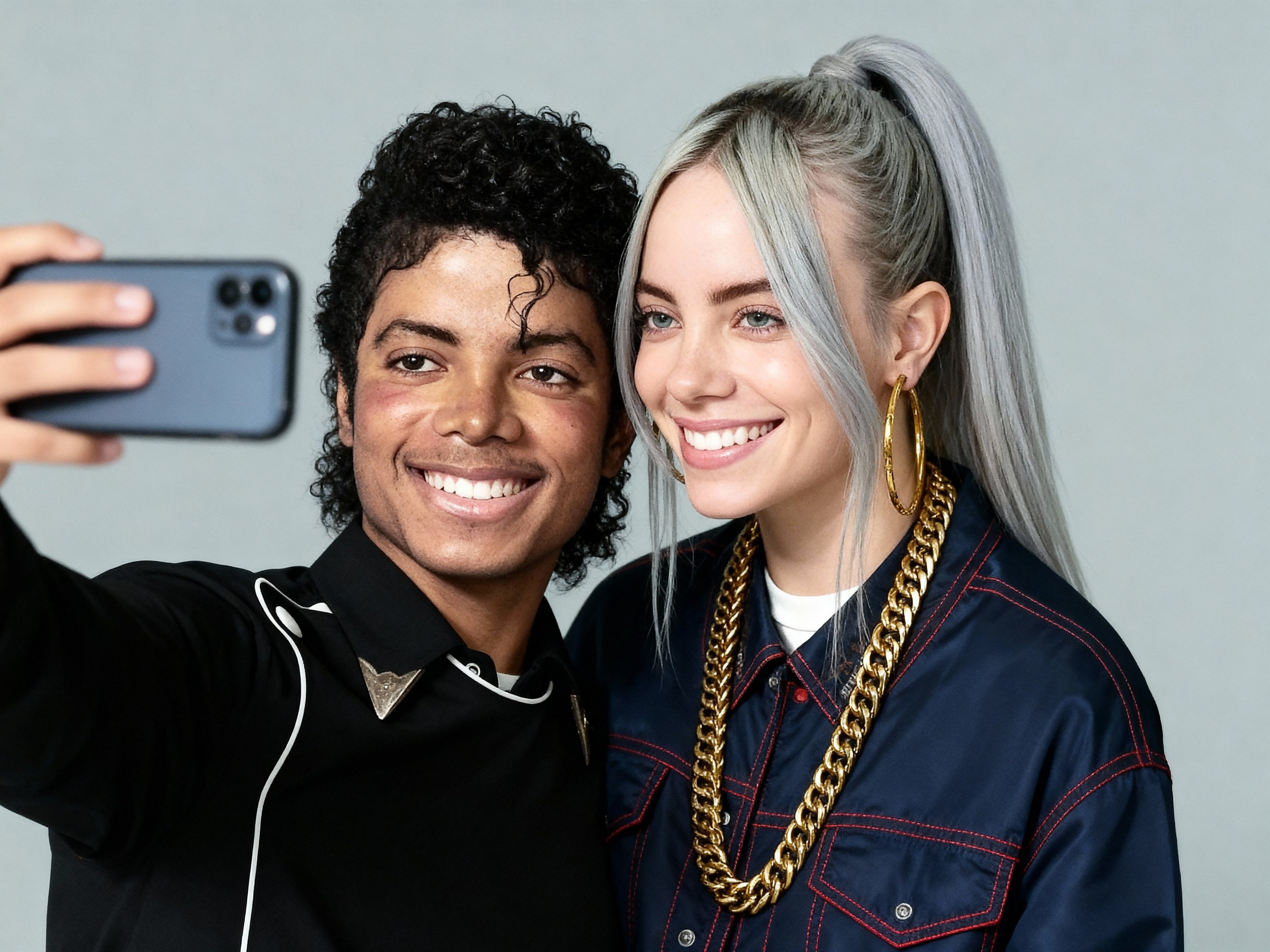

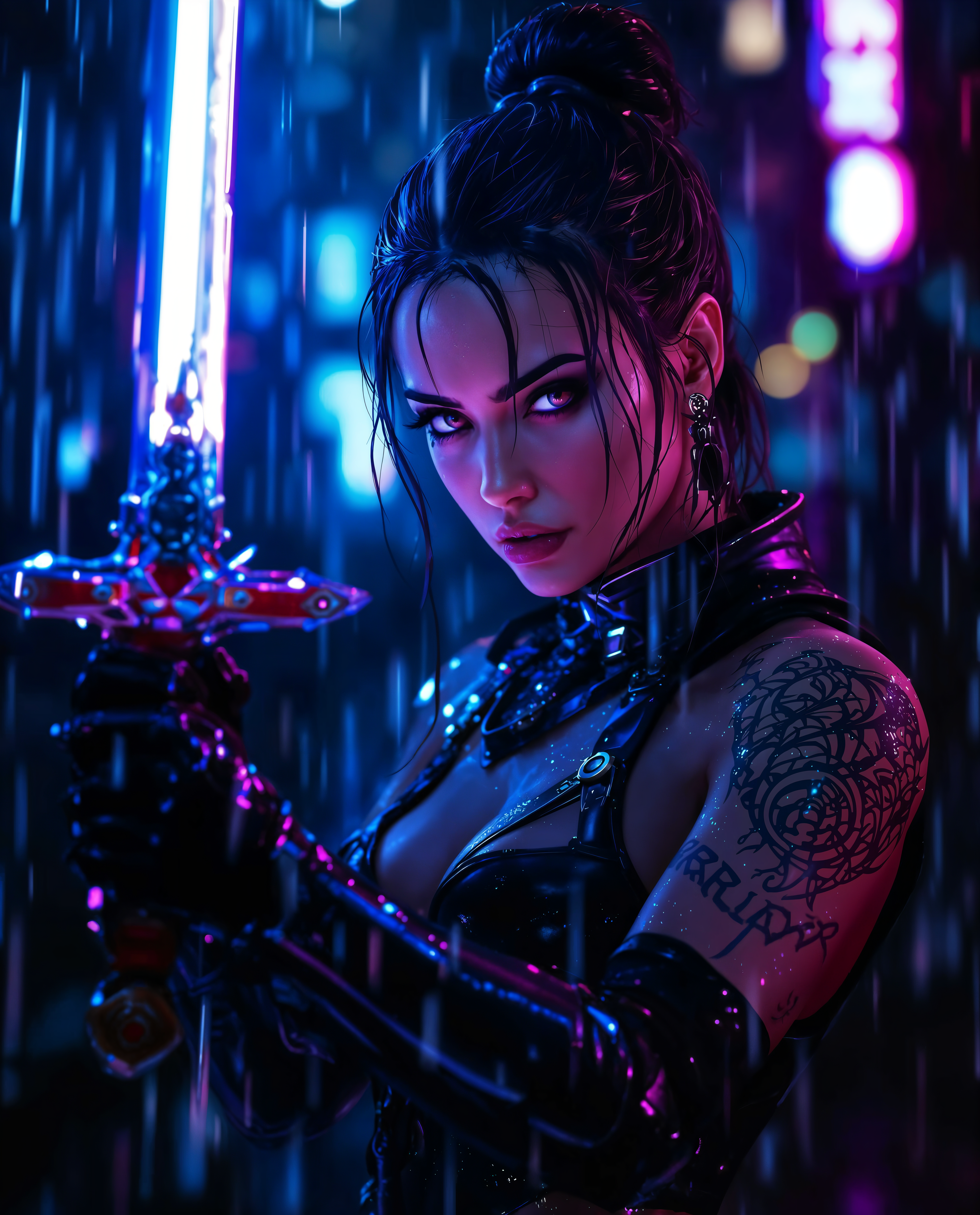

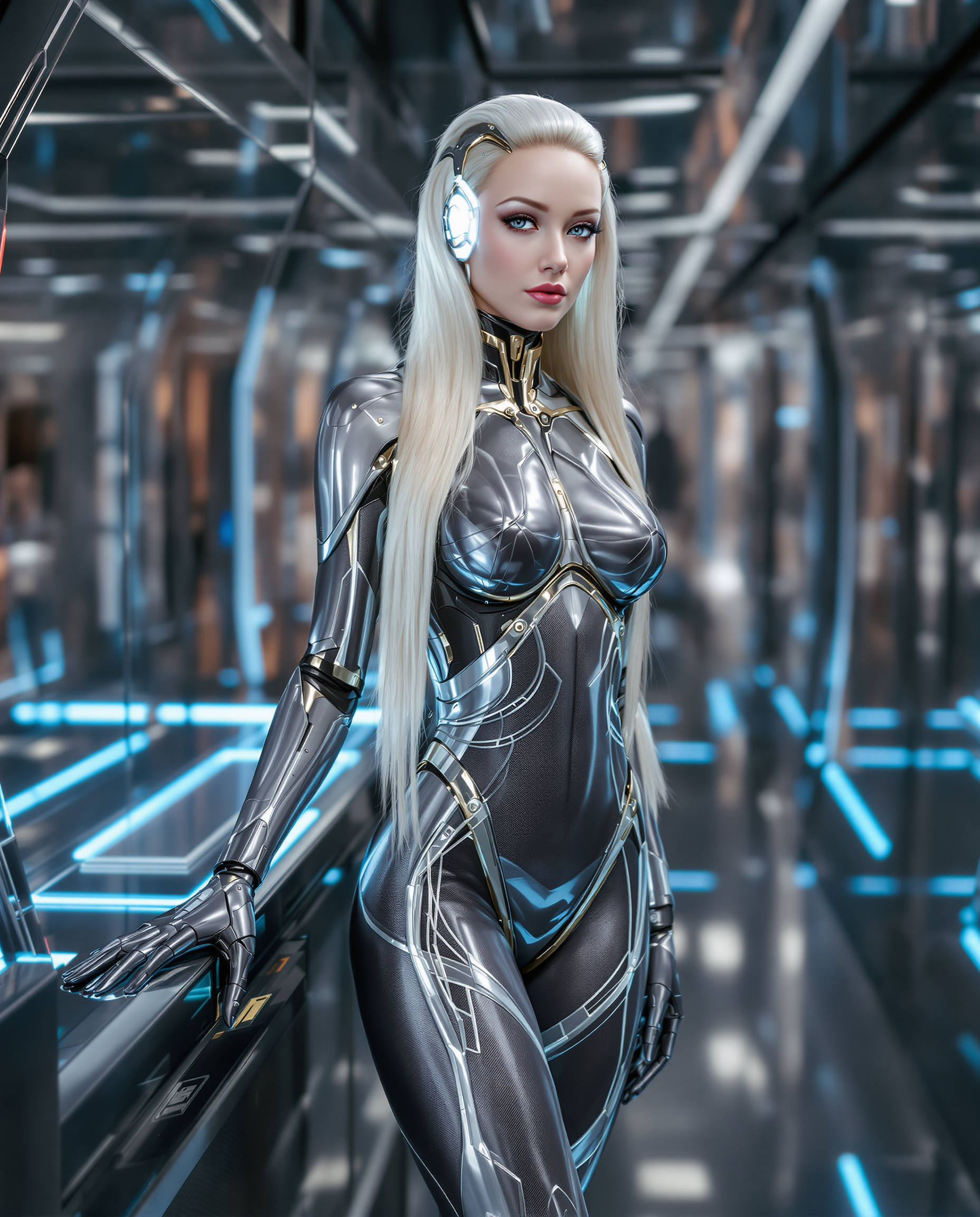



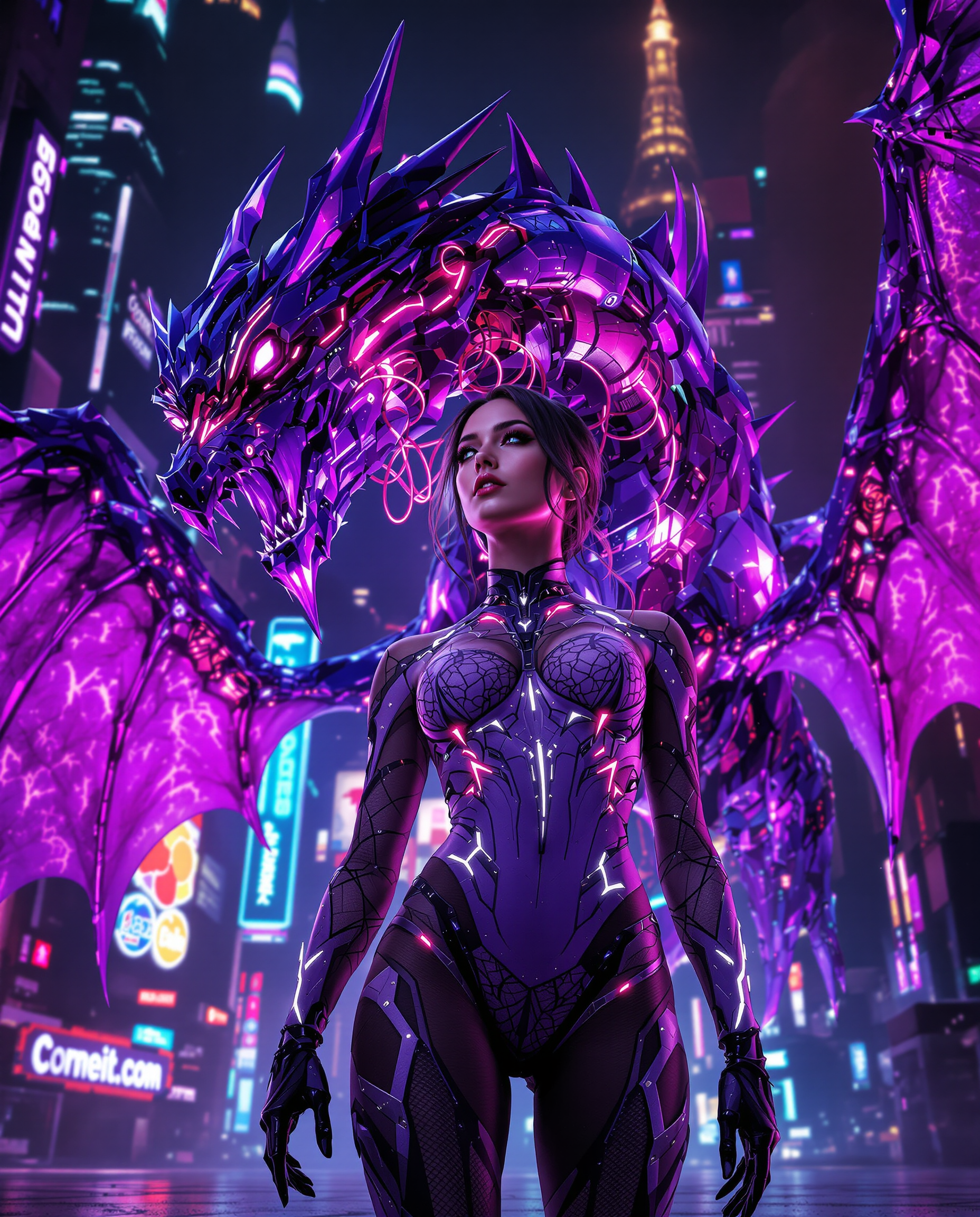


The Pixel Dojo Advantage
Why PixelDojo's Kling 2.6 stands out for dialogue video creation:
| Others | Pixel Dojo |
|---|---|
| Traditional Video Production | Eliminates the need for costly equipment and extensive editing, streamlining the creation process. |
| Generic AI Video Tools | Offers native audio-visual synchronization, ensuring dialogue matches on-screen actions seamlessly. |
| Manual Audio Editing | Automates audio integration, saving time and reducing the complexity of post-production. |
Loved by creators on PixelDojo
Real feedback from people using PixelDojo, pulled from our in-product surveys.
The site is easy to navigate and use.
All the tools, readily available and easy to understand
You guys, the LORA training is the BEST in the space right now, great job with that!
Tons of variety. Ease of use. Tools for beginners and advance users.
easiest workflow to get best output image or video
awesome functionality, UX, constant flood of improvements, discord interactivity
Explore more AI tools on PixelDojo
AI Tools
Compare & Switch
- Best AI Image Generators
- Best AI Video Generators
- Midjourney Alternatives
- Civitai Alternatives
- Runway Alternatives
- Leonardo Alternatives
- Pika Alternatives
- Luma Alternatives
- Magnific Alternatives
- Veo Alternatives
- Flux Alternatives
- Freepik Alternatives
- Seedance Alternatives
- Seedream Alternatives
- Pixverse Alternatives
- GPT Image Alternatives
- Synthesia Alternatives
- Playground Alternatives
- NightCafe Alternatives
- Canva AI Alternatives
- ElevenLabs Alternatives
- ComfyUI Alternatives
- Fal Alternatives
- Replicate Alternatives
Common Questions
Everything you need to know about Kling 2.6 dialogue video
How does Kling 2.6 ensure synchronized dialogue in videos?
Kling 2.6 generates video and audio simultaneously, ensuring that dialogue aligns perfectly with on-screen actions, eliminating the need for manual synchronization.
Can I use Kling 2.6 for different types of content?
Absolutely. Kling 2.6 is versatile and can be used to create educational videos, promotional content, storytelling pieces, and more, all featuring natural-sounding dialogue.
Do I need prior video editing experience to use Kling 2.6?
No prior experience is necessary. Kling 2.6 is designed to be user-friendly, allowing anyone to create professional-quality dialogue videos with ease.
What formats are the generated videos available in?
The videos are available in standard formats compatible with most platforms, ensuring easy sharing and distribution.
Is there a limit to the length of videos I can create with Kling 2.6?
Kling 2.6 supports various video lengths, allowing you to create short clips or longer videos based on your needs.
Can I customize the voices used in the dialogue?
Yes, Kling 2.6 offers options to customize voice characteristics, enabling you to match the tone and style to your specific requirements.