Kling 2.6 lens artistry AI Generator
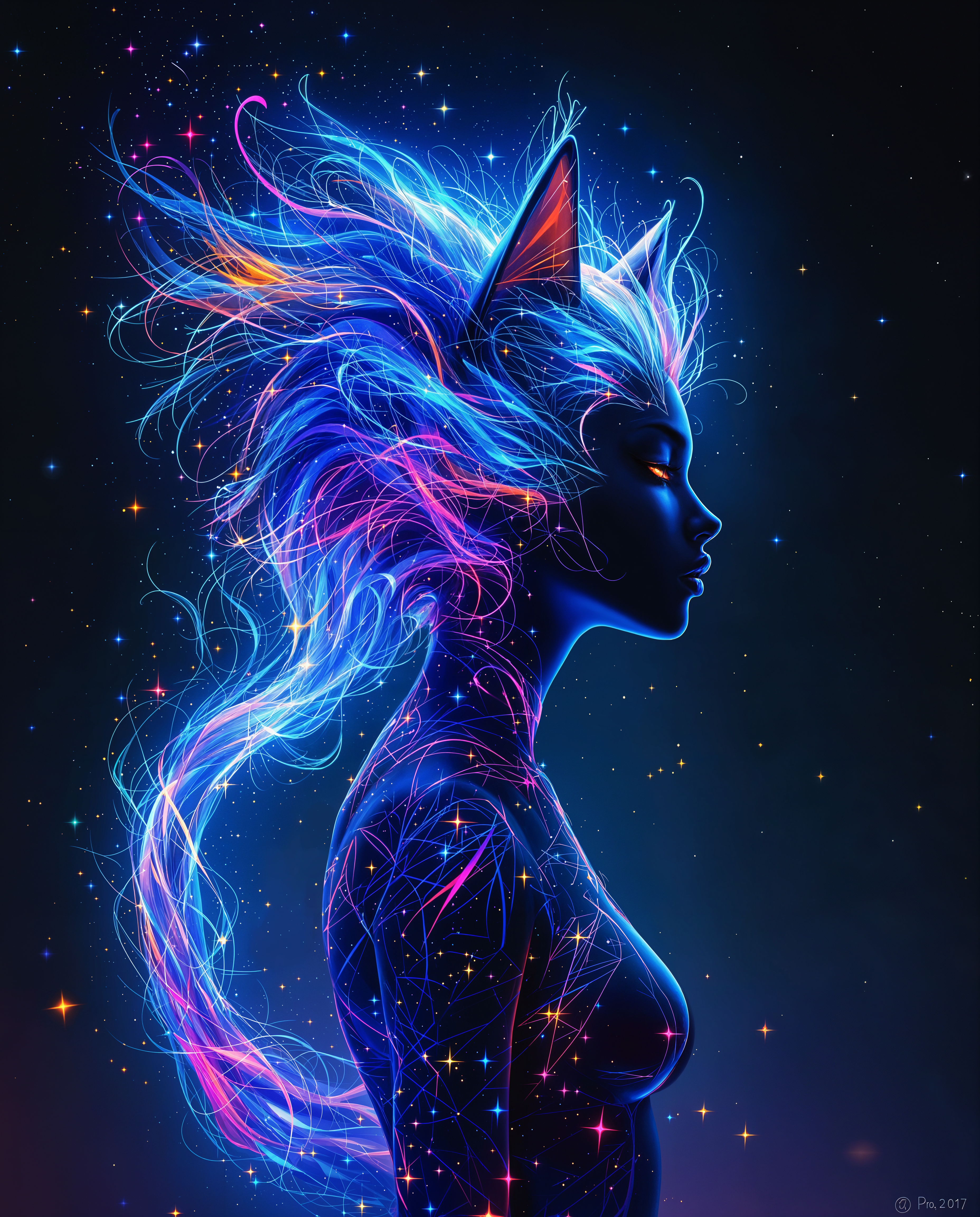
Unlock the power of cinematic storytelling with Kling 2.6's lens artistry tools on PixelDojo. Whether you're a filmmaker, photographer, or content creator, our platform empowers you to craft stunning visuals that captivate and engage your audience. Experience the future of AI-driven image generation and elevate your creative projects to new heights.
Join over 10,000 creators who have enhanced their visuals using PixelDojo's Kling 2.6 tools. Rated 4.8/5 by professionals worldwide.
Why Choose Pixel Dojo for Kling 2.6 lens artistry
Professional-quality results with cutting-edge AI technology
Achieve Cinematic Quality Effortlessly
Utilize Kling 2.6's advanced lens techniques to produce high-resolution, film-like images without the need for expensive equipment.
Customize Visuals to Your Vision
Tailor every aspect of your images, from depth of field to lighting, ensuring your creative vision is fully realized.
Save Time with AI-Powered Tools
Streamline your workflow by generating professional-grade visuals in minutes, allowing more time for creativity.
How It Works
Creating stunning visuals with Kling 2.6 on PixelDojo is simple and intuitive. Follow these steps to bring your ideas to life:
Step 1: Select Kling 2.6 Tool
Navigate to the 'Create Images' section and choose Kling 2.6 from the list of available tools.
Step 2: Input Your Creative Prompt
Describe your desired scene, including elements like lighting, camera angles, and mood to guide the AI.
Step 3: Generate and Refine Your Image
Click 'Generate' to create your image. Use the editing tools to make any adjustments, then download your final masterpiece.















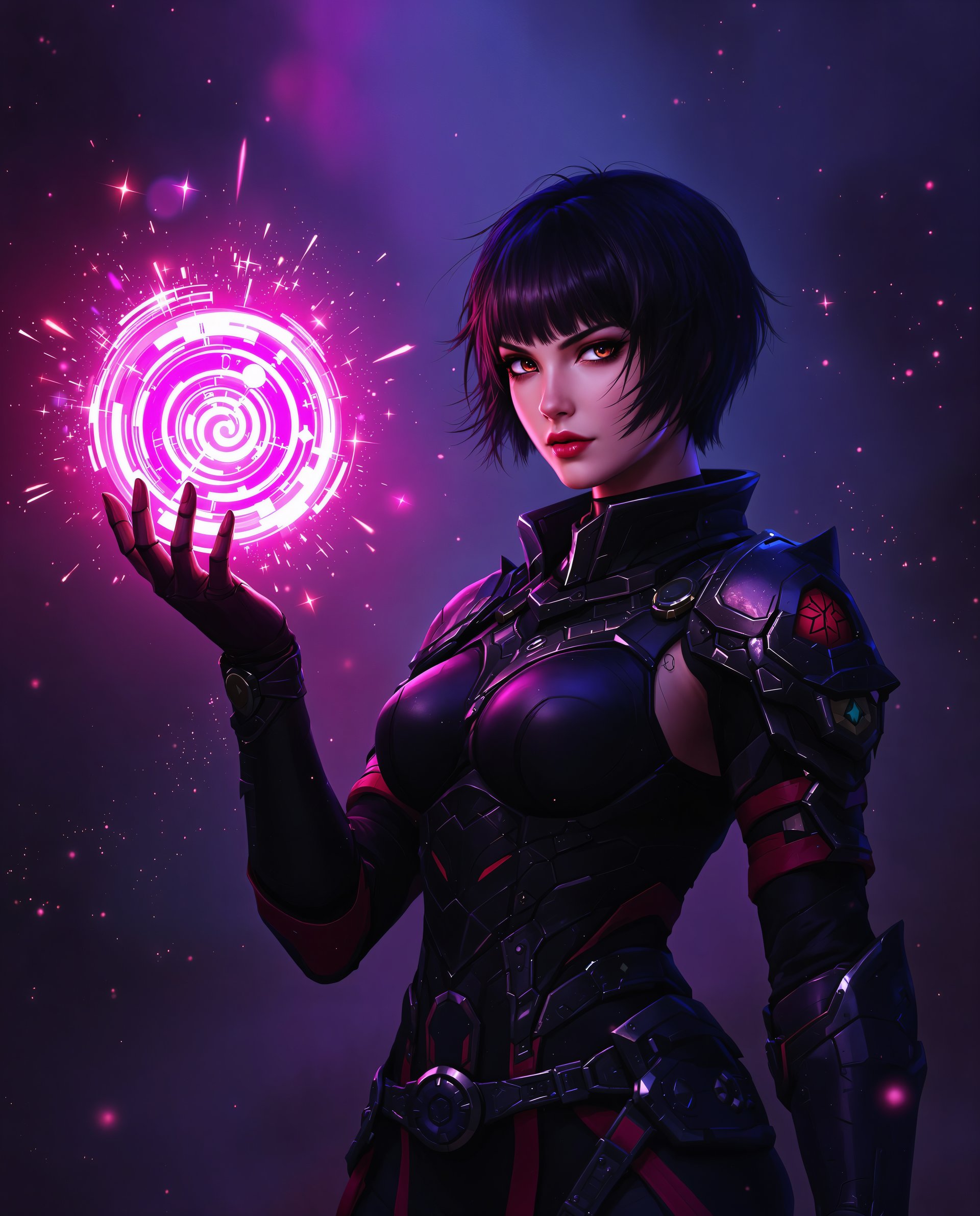
The Pixel Dojo Advantage
Discover why PixelDojo's Kling 2.6 stands out in AI image generation:
| Others | Pixel Dojo |
|---|---|
| Traditional Photography | Achieve professional results without expensive equipment or extensive setup. |
| Generic AI Tools | Benefit from specialized lens artistry features tailored for cinematic visuals. |
| Manual Photo Editing | Save hours of editing with AI-powered tools that deliver high-quality images instantly. |
Loved by creators on PixelDojo
Real feedback from people using PixelDojo, pulled from our in-product surveys.
very easy to use and good support
Very easy to use
super easy to use
it's very easy to use
Practically every Ai suite in one place? Who wouldn't?
versatile menu of tools
Explore more AI tools on PixelDojo
AI Tools
Compare & Switch
- Best AI Image Generators
- Best AI Video Generators
- Midjourney Alternatives
- Civitai Alternatives
- Runway Alternatives
- Leonardo Alternatives
- Pika Alternatives
- Luma Alternatives
- Magnific Alternatives
- Veo Alternatives
- Flux Alternatives
- Freepik Alternatives
- Seedance Alternatives
- Seedream Alternatives
- Pixverse Alternatives
- GPT Image Alternatives
- Synthesia Alternatives
- Playground Alternatives
- NightCafe Alternatives
- Canva AI Alternatives
- ElevenLabs Alternatives
- ComfyUI Alternatives
- Fal Alternatives
- Replicate Alternatives
Common Questions
Everything you need to know about Kling 2.6 lens artistry
How does Kling 2.6 enhance image quality?
Kling 2.6 utilizes advanced AI algorithms to simulate professional lens effects, resulting in high-resolution, cinematic images.
Can I customize the lens effects in Kling 2.6?
Yes, Kling 2.6 allows you to adjust various parameters such as depth of field, focus, and lighting to match your creative vision.
Is Kling 2.6 suitable for beginners?
Absolutely. PixelDojo's intuitive interface makes it easy for users of all skill levels to create stunning visuals with Kling 2.6.
What file formats are supported for download?
You can download your images in multiple formats, including JPEG and PNG, suitable for various applications.
Are there any tutorials available for Kling 2.6?
Yes, PixelDojo offers comprehensive tutorials and support to help you make the most of Kling 2.6's features.
Can I use Kling 2.6 for commercial projects?
Yes, images created with Kling 2.6 can be used for both personal and commercial projects, adhering to PixelDojo's terms of service.