Kling 2.6 on-screen text AI Generator

In today's digital landscape, captivating video content is paramount. With PixelDojo's Kling 2.6, you can effortlessly integrate on-screen text into your videos, enhancing storytelling and viewer engagement. Whether you're crafting promotional materials, educational content, or social media clips, Kling 2.6 empowers you to produce professional-grade videos with synchronized text overlays.
Join over 10,000 creators who have enhanced their video content using PixelDojo's Kling 2.6, achieving a 95% satisfaction rate.
Why Choose Pixel Dojo for Kling 2.6 on-screen text
Professional-quality results with cutting-edge AI technology
Seamless Text Integration
Effortlessly add synchronized on-screen text to your videos, enhancing clarity and engagement.
Professional-Quality Output
Produce high-definition videos with precise text overlays, suitable for any platform.
Time-Efficient Creation
Generate compelling videos with on-screen text in minutes, streamlining your content production process.
How It Works
Creating videos with on-screen text using Kling 2.6 is straightforward. Follow these steps to bring your vision to life:
Step 1: Select Your Video Type
Choose between text-to-video or image-to-video generation based on your content needs.
Step 2: Input Your Content
Enter your text prompt or upload an image. Specify the on-screen text you wish to display, including its timing and positioning.
Step 3: Customize and Generate
Adjust settings such as duration, aspect ratio, and resolution. Once satisfied, generate your video with the integrated on-screen text.


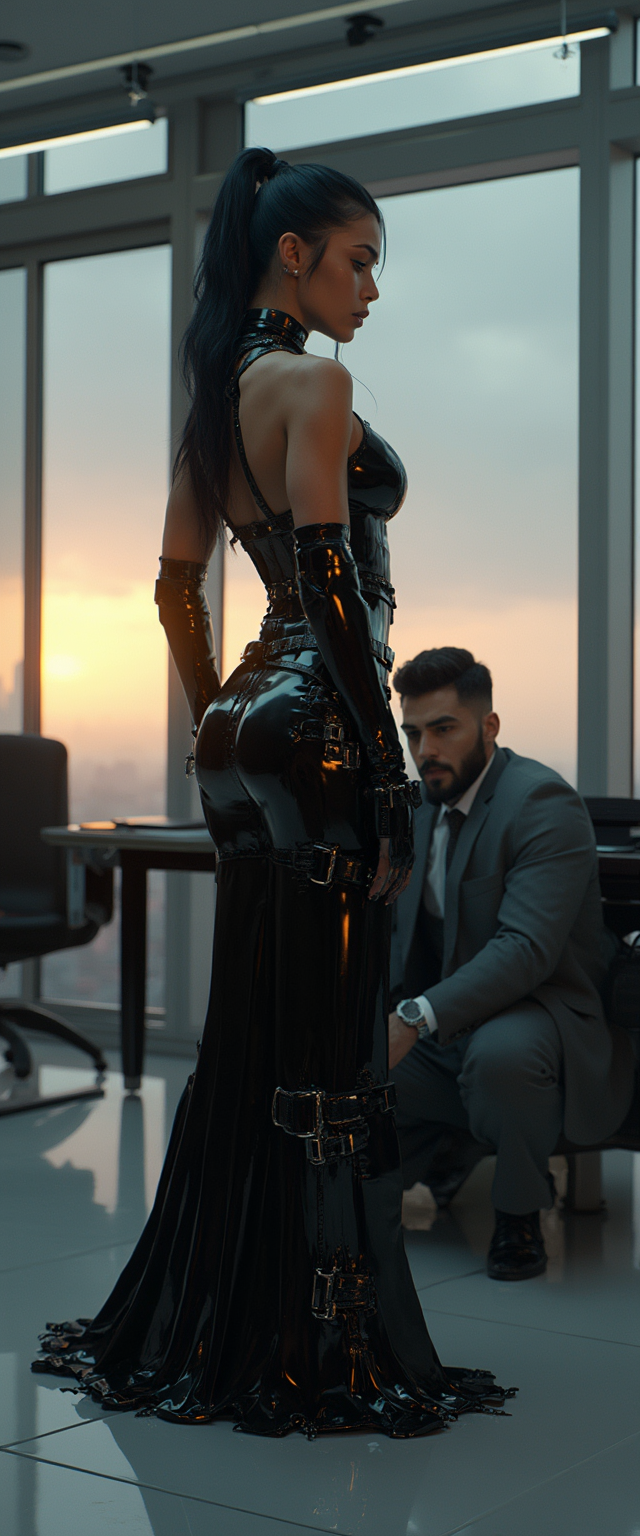


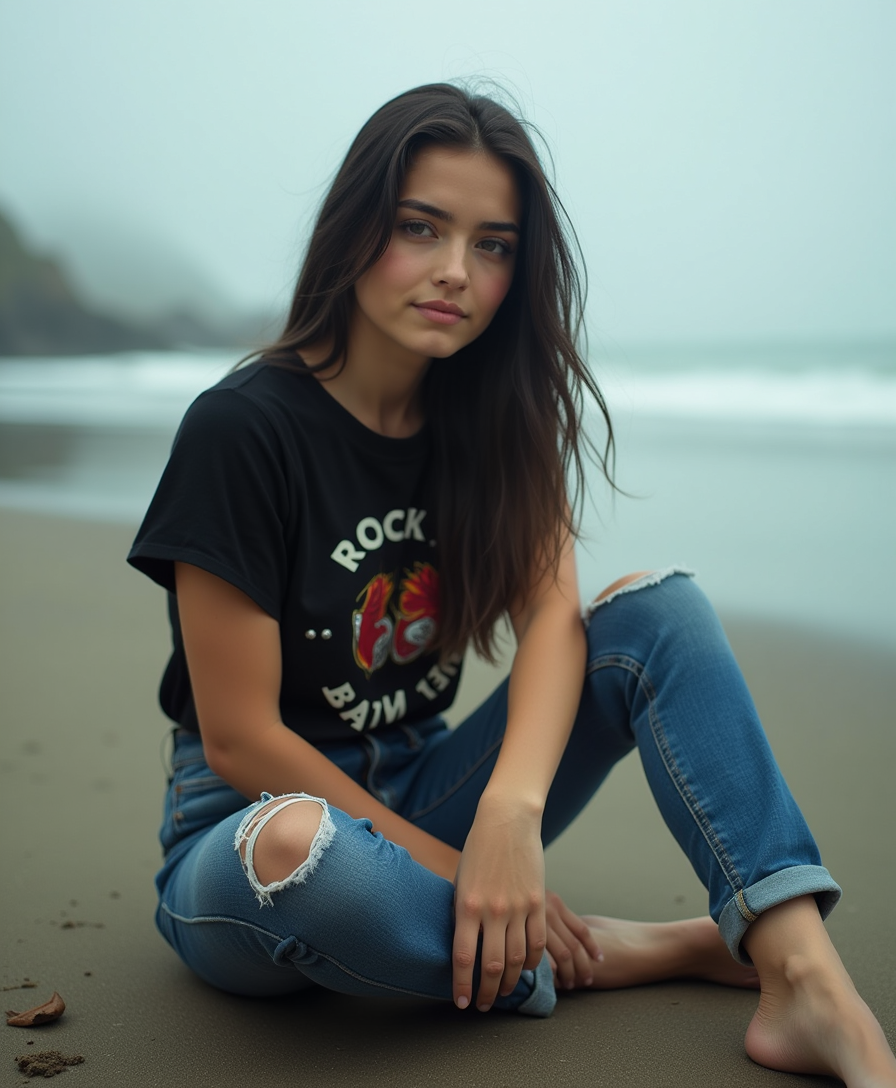





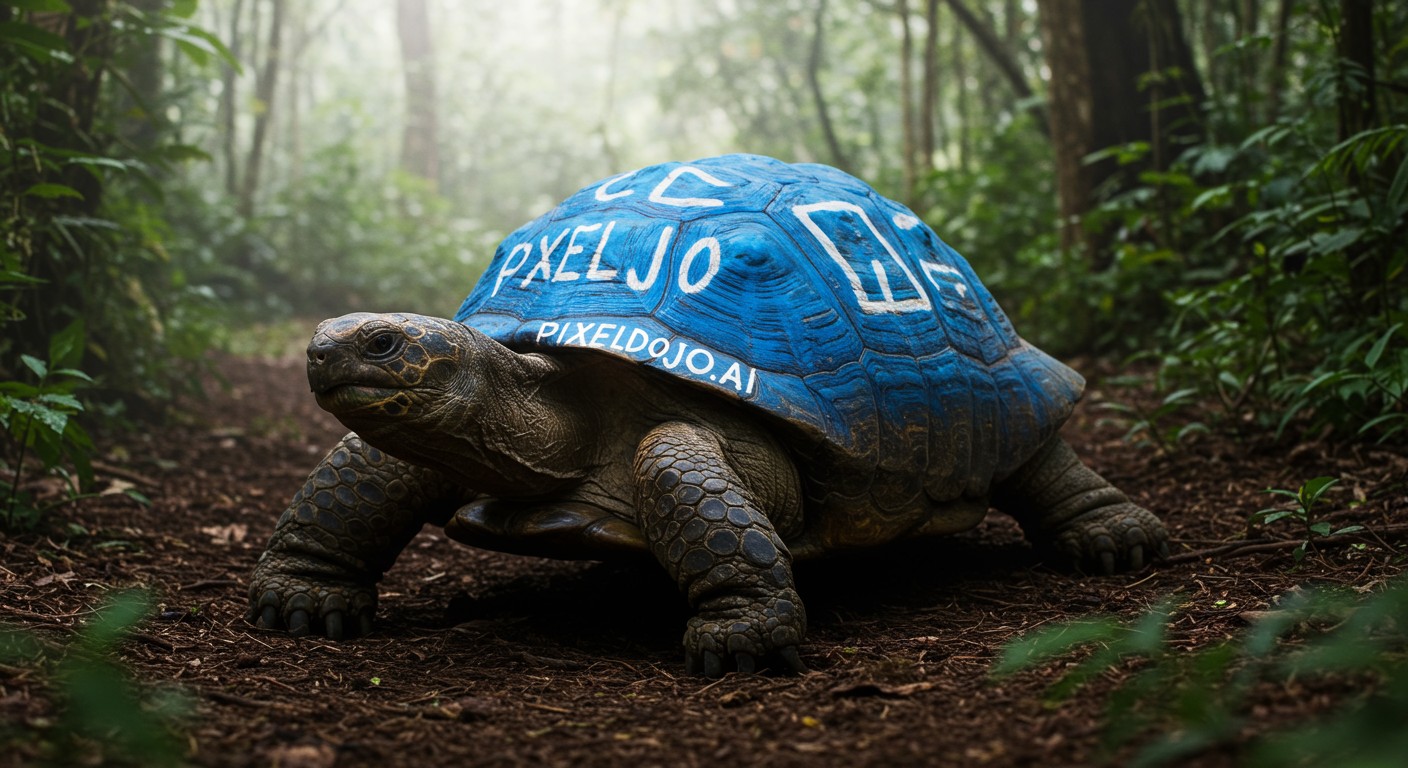
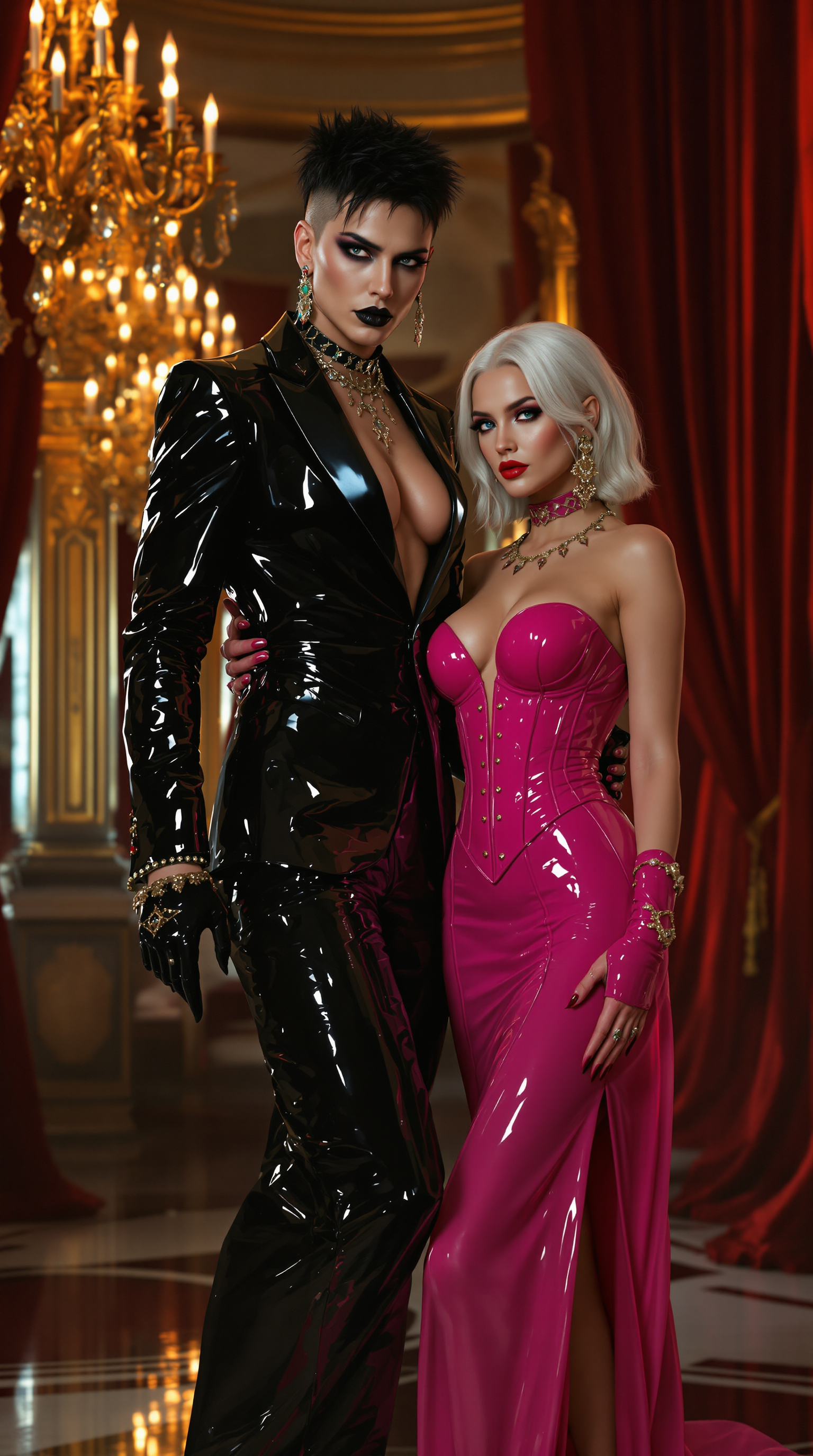

The Pixel Dojo Advantage
Why PixelDojo's Kling 2.6 stands out for on-screen text video generation:
| Others | Pixel Dojo |
|---|---|
| Traditional Video Editing | Eliminates the need for complex software and manual text synchronization. |
| Generic AI Tools | Offers precise control over text placement and timing, ensuring professional results. |
| Manual Text Overlays | Automates the integration of on-screen text, saving time and reducing errors. |
Loved by creators on PixelDojo
Real feedback from people using PixelDojo, pulled from our in-product surveys.
Creative freedom, range of tools and options.
I love the training feature
the quality is the best
All the tools needed in one dashboard
Very fair and very broad in tools.
Accurate results
Explore more AI tools on PixelDojo
AI Tools
Compare & Switch
- Best AI Image Generators
- Best AI Video Generators
- Midjourney Alternatives
- Civitai Alternatives
- Runway Alternatives
- Leonardo Alternatives
- Pika Alternatives
- Luma Alternatives
- Magnific Alternatives
- Veo Alternatives
- Flux Alternatives
- Freepik Alternatives
- Seedance Alternatives
- Seedream Alternatives
- Pixverse Alternatives
- GPT Image Alternatives
- Synthesia Alternatives
- Playground Alternatives
- NightCafe Alternatives
- Canva AI Alternatives
- ElevenLabs Alternatives
- ComfyUI Alternatives
- Fal Alternatives
- Replicate Alternatives
Common Questions
Everything you need to know about Kling 2.6 on-screen text
How does Kling 2.6 integrate on-screen text into videos?
Kling 2.6 allows you to specify text content, timing, and positioning, seamlessly integrating it into your generated videos.
Can I customize the appearance of the on-screen text?
Yes, Kling 2.6 provides options to adjust font, size, color, and placement of the on-screen text to match your brand aesthetics.
Is Kling 2.6 suitable for creating videos for social media platforms?
Absolutely. Kling 2.6 supports various aspect ratios and resolutions, making it ideal for content tailored to platforms like Instagram, TikTok, and YouTube.
Do I need prior video editing experience to use Kling 2.6?
No, Kling 2.6 is designed with a user-friendly interface, enabling both beginners and professionals to create high-quality videos with ease.
Can I preview the on-screen text before finalizing the video?
Yes, Kling 2.6 offers a preview feature, allowing you to review and adjust the on-screen text before generating the final video.
Is there a limit to the length of the videos I can create with Kling 2.6?
Kling 2.6 supports video durations up to 10 seconds, suitable for most short-form content needs.