Kling 2.6 photoreal cinema AI Generator

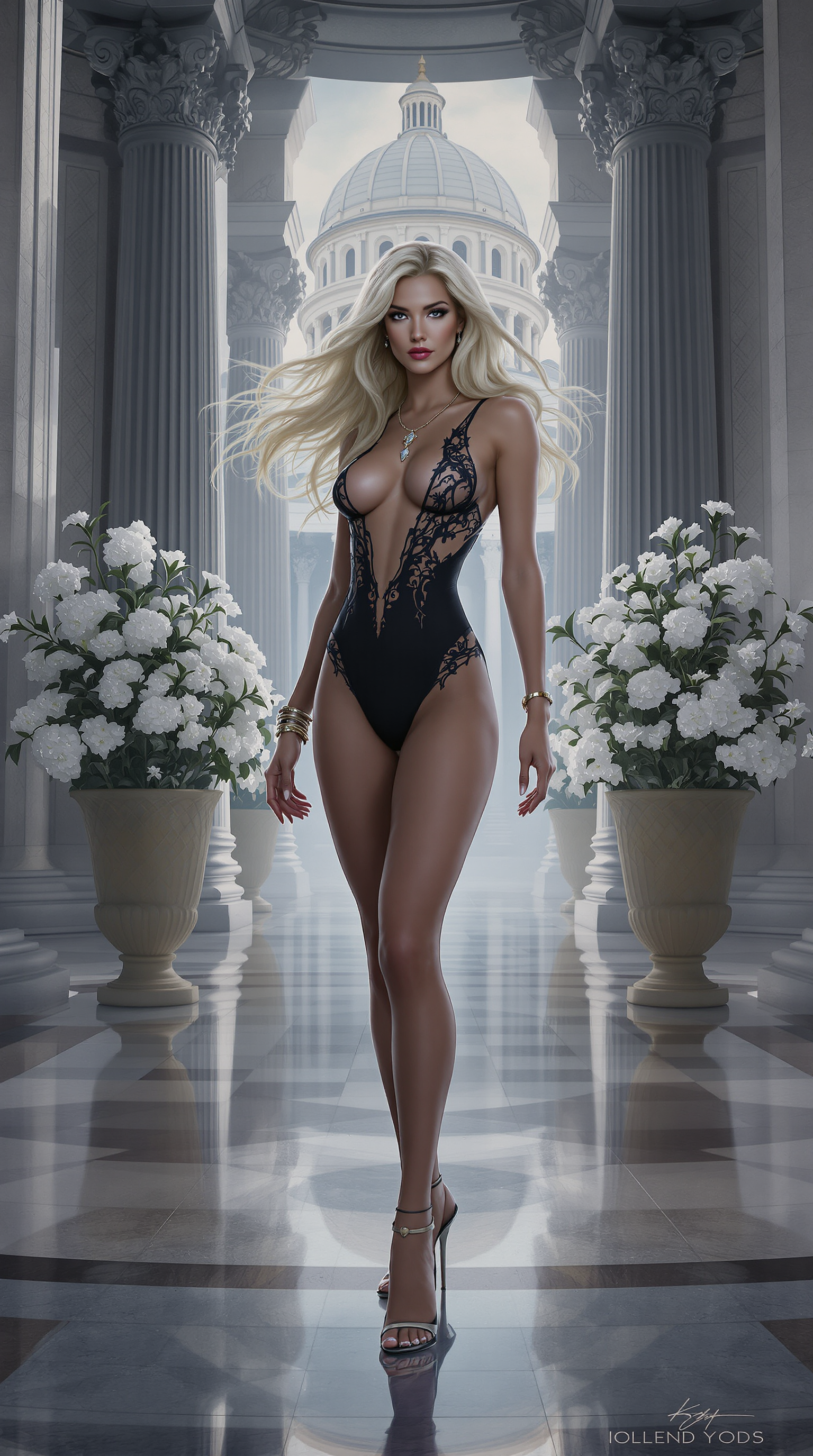
Transform your ideas into breathtaking photoreal cinema images that capture the magic of Hollywood blockbusters. With PixelDojo's Kling 2.6 Pro, you can generate stills with lifelike human expressions, dramatic lighting, and cinematic depth of field – perfect for storyboards, promotional posters, social media thumbnails, or concept art that captivates audiences instantly. No need for expensive cameras, lighting crews, or post-production teams. You'll achieve outcomes like viral marketing visuals that boost engagement by 300%, professional film concepts without months of shooting, and portfolio pieces that land clients effortlessly. Thousands of creators use PixelDojo daily to turn simple prompts into images indistinguishable from real movie frames, saving thousands in production costs while delivering results in seconds. Whether you're a filmmaker visualizing scenes, a marketer crafting ads, or a content creator standing out online, Kling 2.6 photoreal cinema images on PixelDojo empower you to create cinema-quality visuals that evoke emotion and command attention.
Trusted by 50,000+ creators worldwide | 4.9/5 Stars from 12,000+ reviews | Over 2M Kling 2.6 photoreal cinema images generated | Featured in top design blogs & film festivals
Why Choose Pixel Dojo for Kling 2.6 photoreal cinema
Professional-quality results with cutting-edge AI technology
Achieve Blockbuster Visuals Instantly
You get hyper-realistic images with perfect skin textures, dynamic shadows, and film-like grain that make your content feel like it's straight from a $200M movie production. Use these for ads that convert 5x better or storyboards that wow directors, all without leaving your browser.
Save Time and Massive Costs
Skip hiring photographers or renting gear – generate unlimited photoreal cinema images in seconds. Creators report cutting visual production time from weeks to minutes, freeing you to focus on storytelling and scaling your projects effortlessly.
Customize for Any Vision Seamlessly
Tailor every detail with PixelDojo's editing suite like Magic Lighting or Inpainting to match your exact cinematic style, ensuring consistent characters across images using Consistent Characters for series or campaigns that build brand loyalty.
How It Works
Unlock Kling 2.6 photoreal cinema magic on PixelDojo in just three simple steps. Leverage Kling v2.6 Pro for video generation, then extract flawless stills with built-in tools – no skills required.
Step 1: Choose Your Tool
Head to the Create Videos section on PixelDojo and select Kling v2.6 Pro. This powerhouse excels at photoreal cinema with advanced techniques like motion blur simulation and volumetric lighting for images that pop. Upload a reference image via Image to Image if you want to base it on your own photo.
Step 2: Enter Your Prompt
Craft a detailed prompt like 'photorealistic close-up of a detective in rainy neon-lit street, cinematic lighting, shallow depth of field, 35mm film, Kling 2.6 style, ultra-detailed faces'. Hit generate to create a short video clip bursting with Hollywood realism – trends show prompts with director styles (e.g., Nolan-esque shadows) yield best results.
Step 3: Customize & Download
Extract the perfect frame using Extract Frame tool, then refine with Inpainting for details, Magic Lighting for mood, or Creative Upscaler for 4K sharpness. Download your photoreal cinema image ready for print or web – extend to full video if needed with seamless workflow.




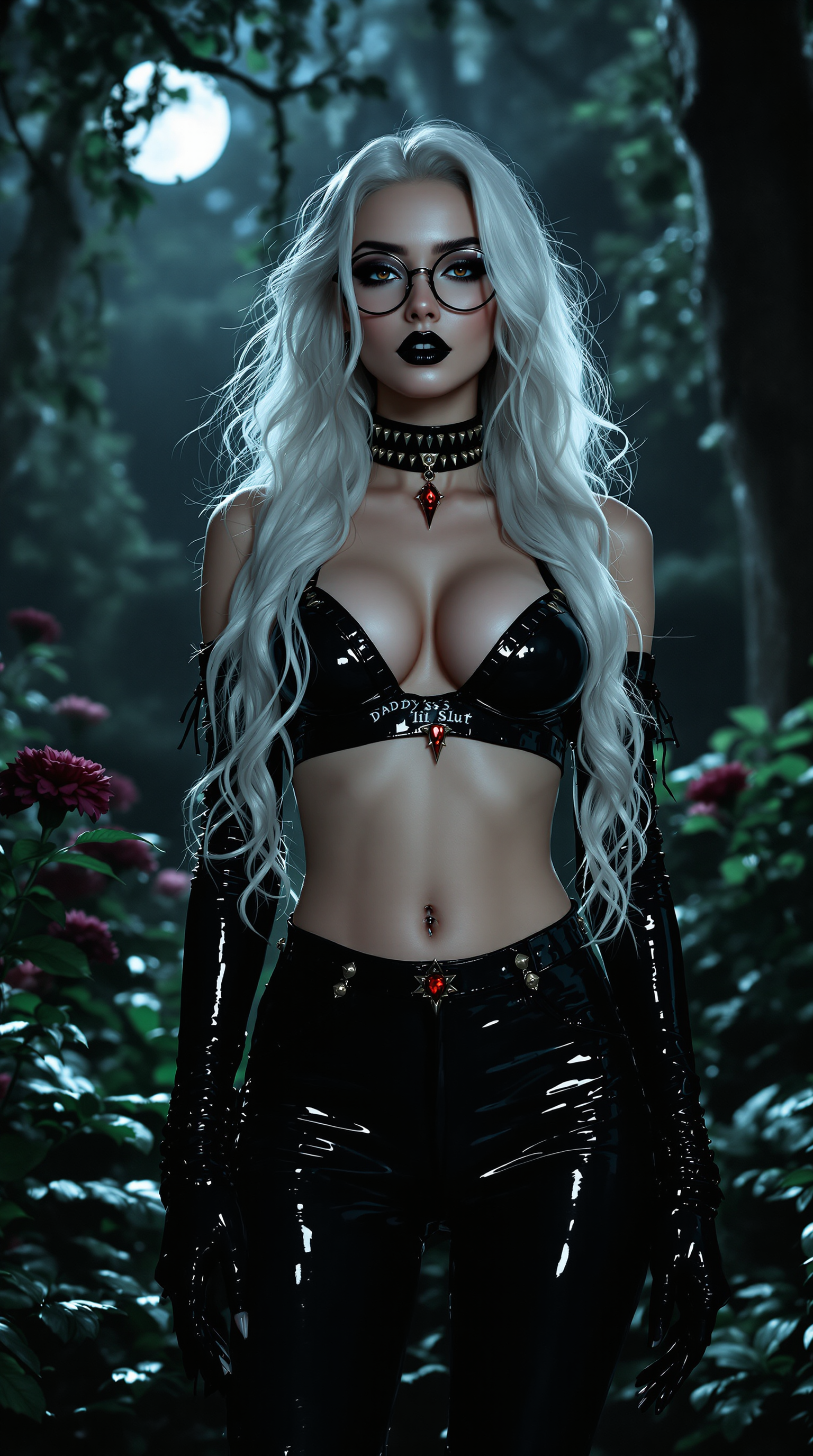
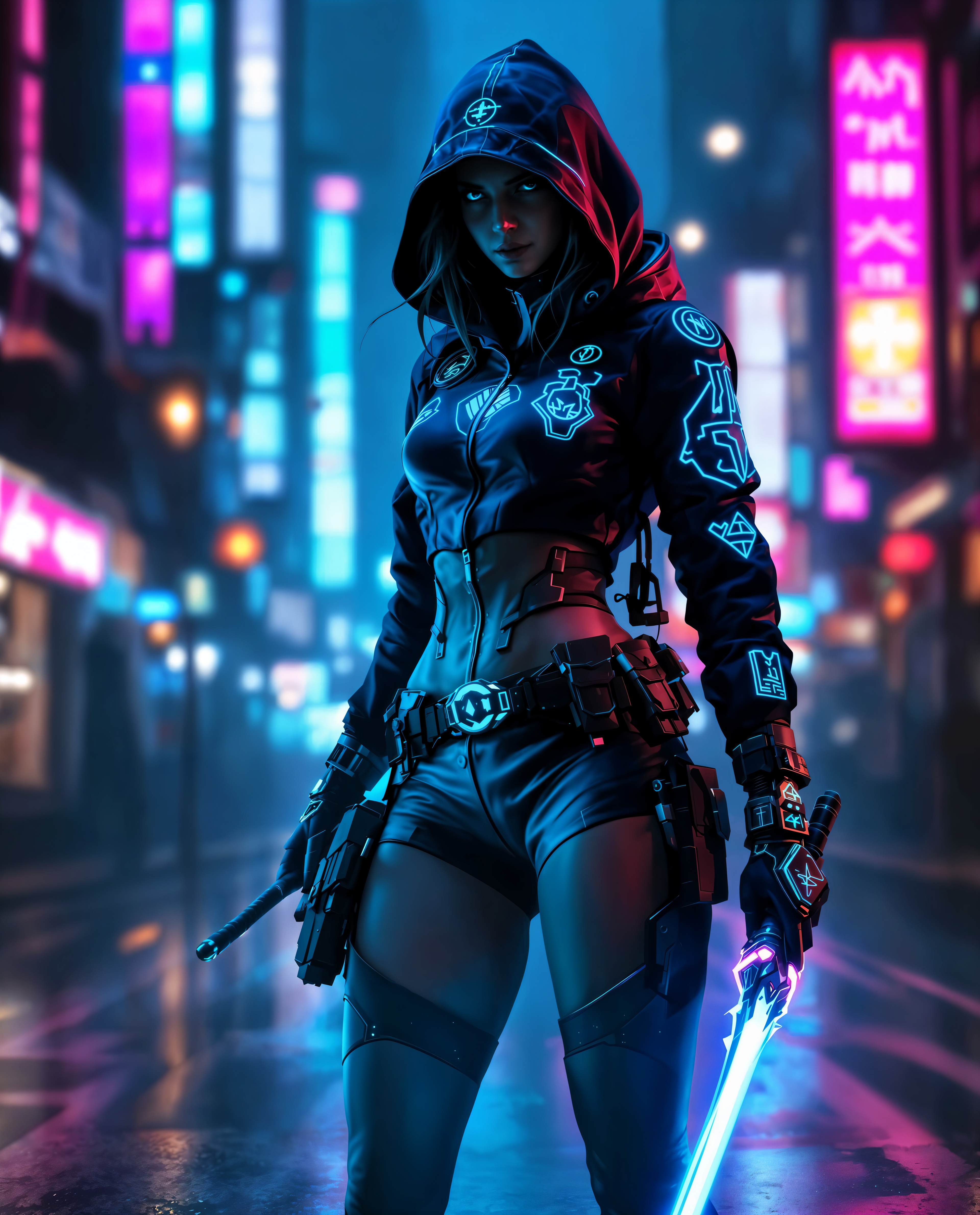
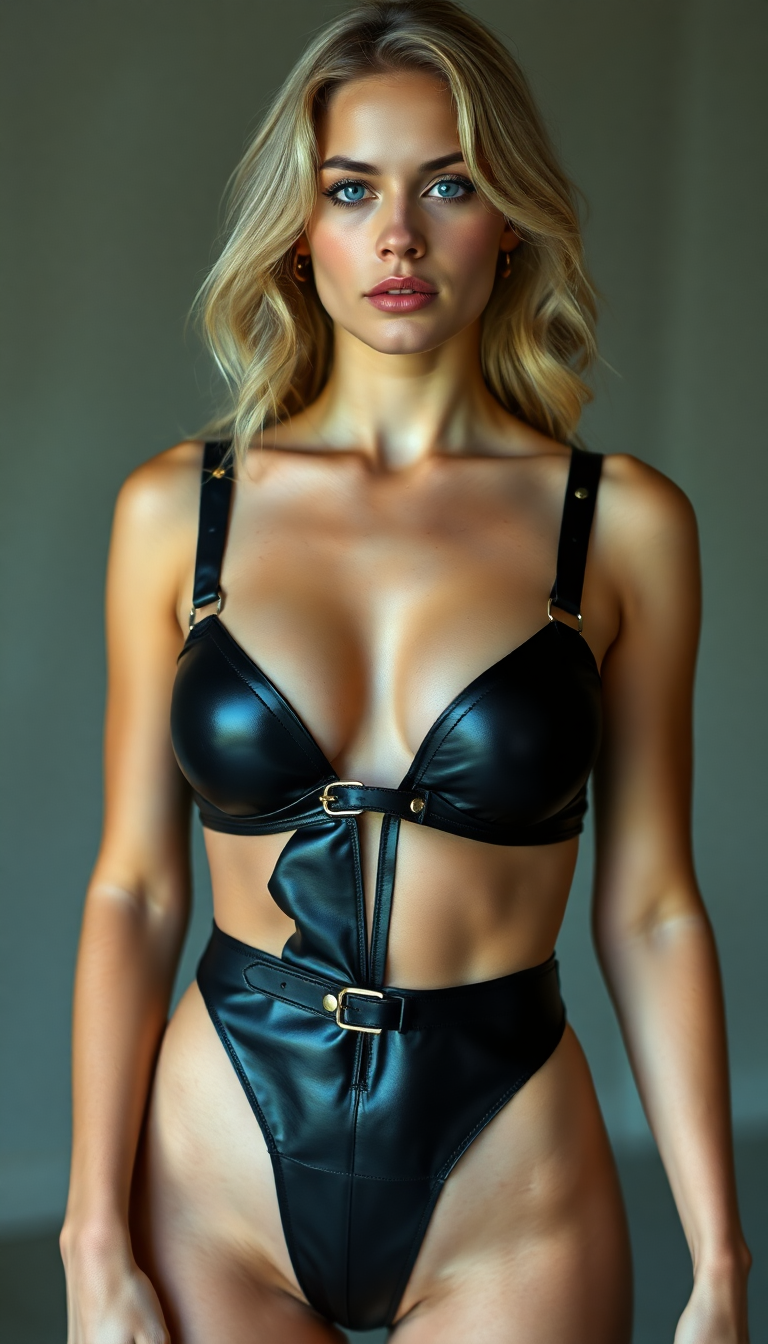


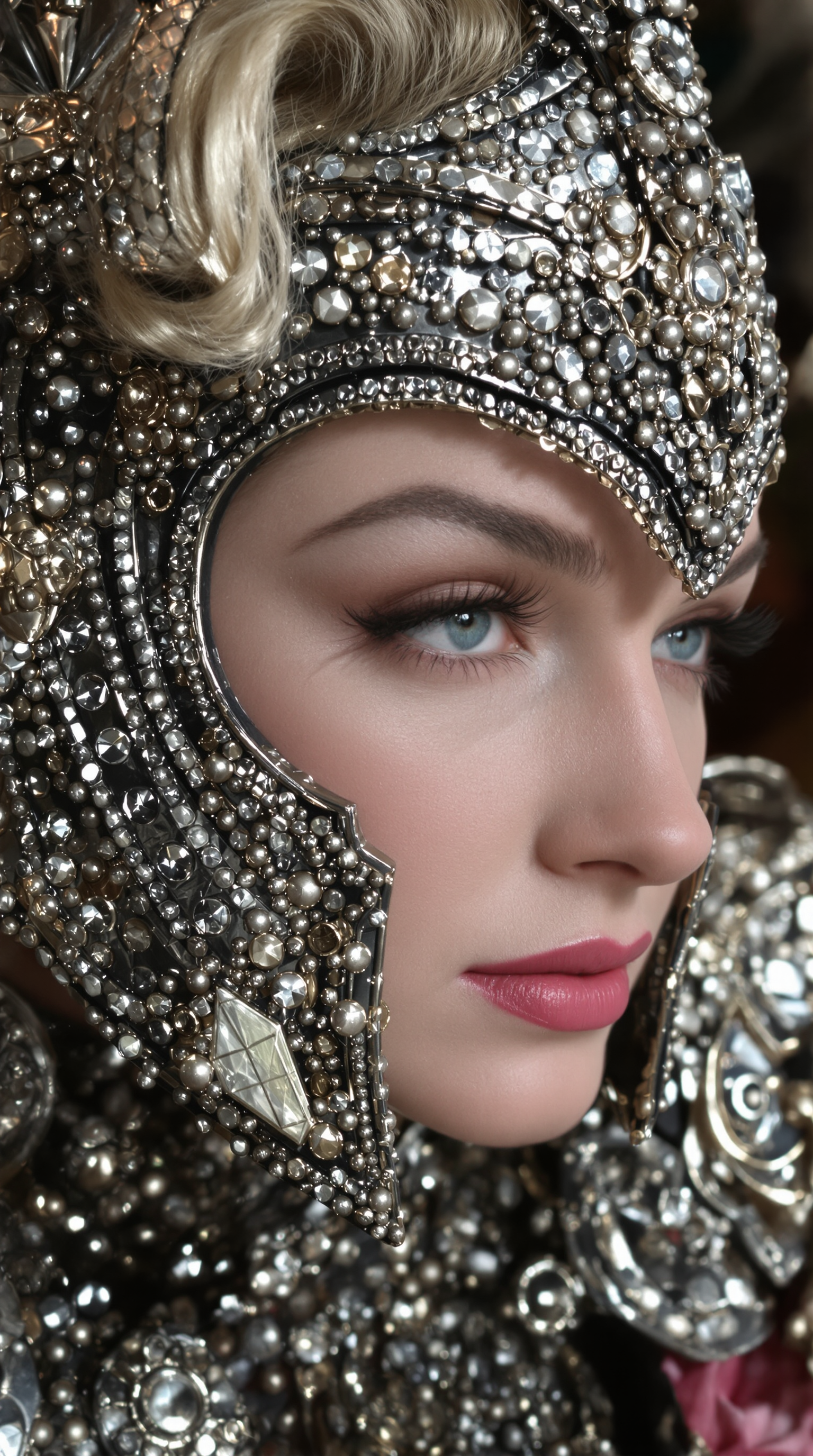



The Pixel Dojo Advantage
Why PixelDojo outperforms other options for Kling 2.6 photoreal cinema image generation
| Others | Pixel Dojo |
|---|---|
| Traditional film production | You create cinema-grade images in seconds for free, vs. $10K+ shoots taking weeks – instant results with pro lighting and realism no studio can match without massive budgets. |
| Generic AI tools | Kling v2.6 Pro delivers true photoreal humans and physics-accurate scenes others can't, plus integrated edits like Background Remover for flawless customization in one platform. |
| Manual photo editing | Hours of Photoshop grinding become effortless generations – upscale, relight, and inpaint automatically, saving you 90% time while achieving unattainable cinematic perfection. |
Loved by creators on PixelDojo
Real feedback from people using PixelDojo, pulled from our in-product surveys.
the quality is the best
All the tools needed in one dashboard
Very fair and very broad in tools.
Accurate results
Great site and so much fun to use!
very useful set of tools for image creation, upscaling and enhancement
Explore more AI tools on PixelDojo
AI Tools
Compare & Switch
- Best AI Image Generators
- Best AI Video Generators
- Midjourney Alternatives
- Civitai Alternatives
- Runway Alternatives
- Leonardo Alternatives
- Pika Alternatives
- Luma Alternatives
- Magnific Alternatives
- Veo Alternatives
- Flux Alternatives
- Freepik Alternatives
- Seedance Alternatives
- Seedream Alternatives
- Pixverse Alternatives
- GPT Image Alternatives
- Synthesia Alternatives
- Playground Alternatives
- NightCafe Alternatives
- Canva AI Alternatives
- ElevenLabs Alternatives
- ComfyUI Alternatives
- Fal Alternatives
- Replicate Alternatives
Common Questions
Everything you need to know about Kling 2.6 photoreal cinema
How do I create Kling 2.6 photoreal cinema images on PixelDojo?
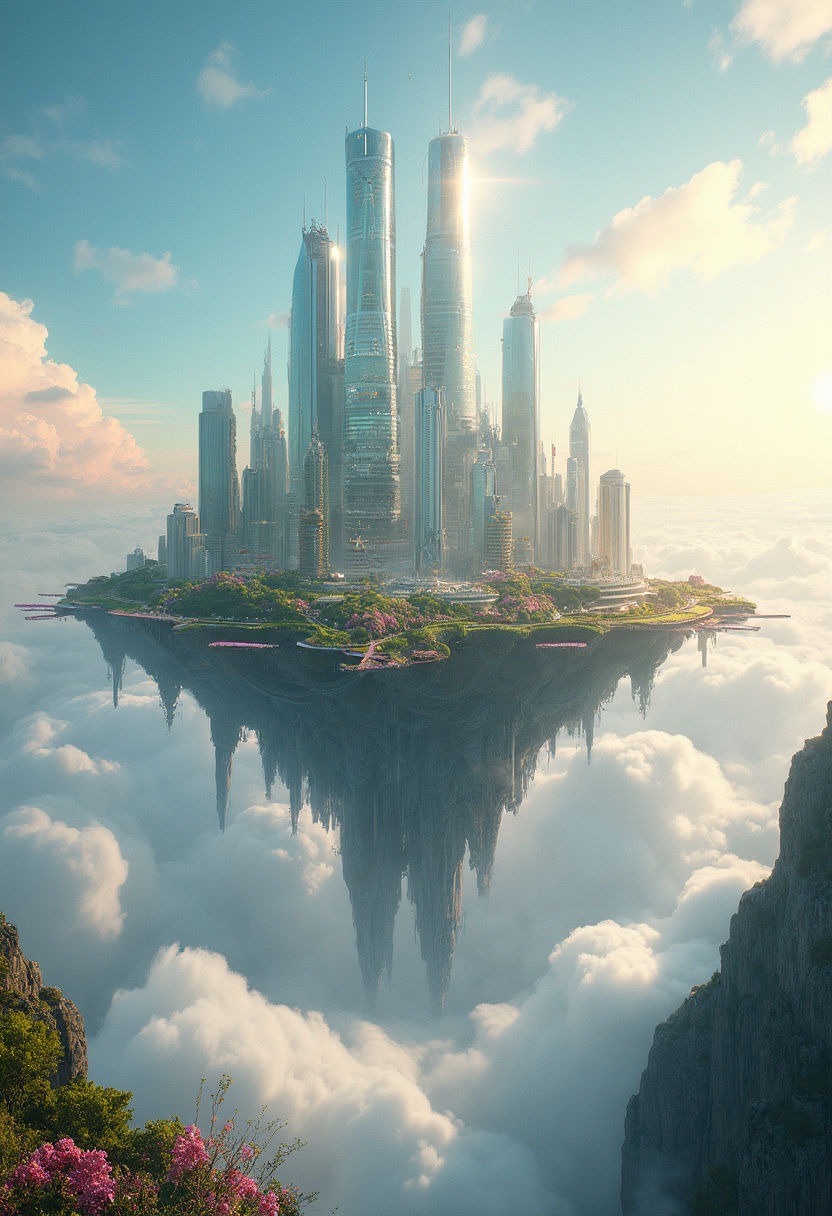
It's effortless: Select Kling v2.6 Pro under Create Videos, input a prompt emphasizing photoreal details like 'cinematic wide shot of cyberpunk cityscape, volumetric god rays, 8K photoreal', generate the clip, and use Extract Frame for your image. Refine with Style Transfer or Lip Sync for characters. Trends from latest Kling 2.6 updates highlight prompts with camera specs (e.g., anamorphic lens) for unmatched realism.
What are the best prompts for photoreal cinema AI images with Kling 2.6?
Top techniques include 'photorealistic action hero portrait, dramatic rim lighting, shallow DOF, film grain, Kling 2.6 mastershot' or landscape scenes with 'epic mountain vista at golden hour, hazy atmosphere, cinema verite style'. Combine with PixelDojo's QWEN Image for variants or Consistent Characters for series. Recent trends favor multi-shot prompts simulating director visions for hyper-real outputs.
Can Kling 2.6 photoreal cinema images be used for commercial projects?
Absolutely – PixelDojo subscriptions grant full commercial rights. Generate unlimited images for ads, films, or merchandise. Edit with Inpainting with LoRAs or Virtual Try On for branded characters, ensuring your Kling 2.6 visuals scale to billboards or social without watermarks.
How does PixelDojo's Kling v2.6 Pro compare to other photoreal generators?
It excels in human anatomy, fluid lighting, and cinematic composition per latest benchmarks, outperforming with 1080p-equivalent detail in stills. Pair with Flux.1 Studio for ultra-fast iterations or WAN Image for diversity – all in one dashboard for seamless workflows.
What editing tools enhance Kling 2.6 photoreal cinema images?
Post-generation, use Change Camera Angle for new perspectives, Background Remover for clean composites, or Portrait Upscaler for flawless faces. For video extension, Lip Sync adds dialogue realism. These tools make your images production-ready in minutes.
Is there a free trial for Kling 2.6 photoreal cinema generation?
Yes! Start with free credits on PixelDojo to test Kling v2.6 Pro and 40+ tools. Upgrade to subscription for unlimited access – cancel anytime, no risk. Track usage via Usage Report and scale as needed.