kling 3 online AI Generator
Generated on PixelDojo. Produced by PixelDojo's generation pipeline.
You can now create breathtaking cinematic images that look like they were pulled straight from a movie set—without cameras, studios, or weeks of production. Kling 3 online at PixelDojo lets you generate native 4K visuals with stunning realism, punchy contrast, and film-like composition in seconds. Whether you need print-ready campaign stills, consistent character storyboards for your next project, or narrative sequences that tell a complete story in a single frame, you get professional results that stand out. PixelDojo's Kling Image tool, paired with 40+ other cutting-edge generators like Flux.2 Studio, Seedream 5, and ImagineArt, puts Hollywood-level image creation in your hands. Thousands of creators already use it to produce marketing assets, concept art, and social content that converts. Start today, cancel anytime, and watch your ideas become gallery-quality images faster than ever.
Real video examples generated on PixelDojo
Every example below was produced on PixelDojo. Hover to see the prompt.
Character3 is talking to character2 using the voice of character1 in a cozy cafe in Lisbon
image-to-video
Character3 is talking to character2 using the voice of character1 in a cozy cafe in Lisbon
image-to-video
A korean kpop girl dancing and singing a song about how pixel dojo is the only ai tool you…
image-to-video
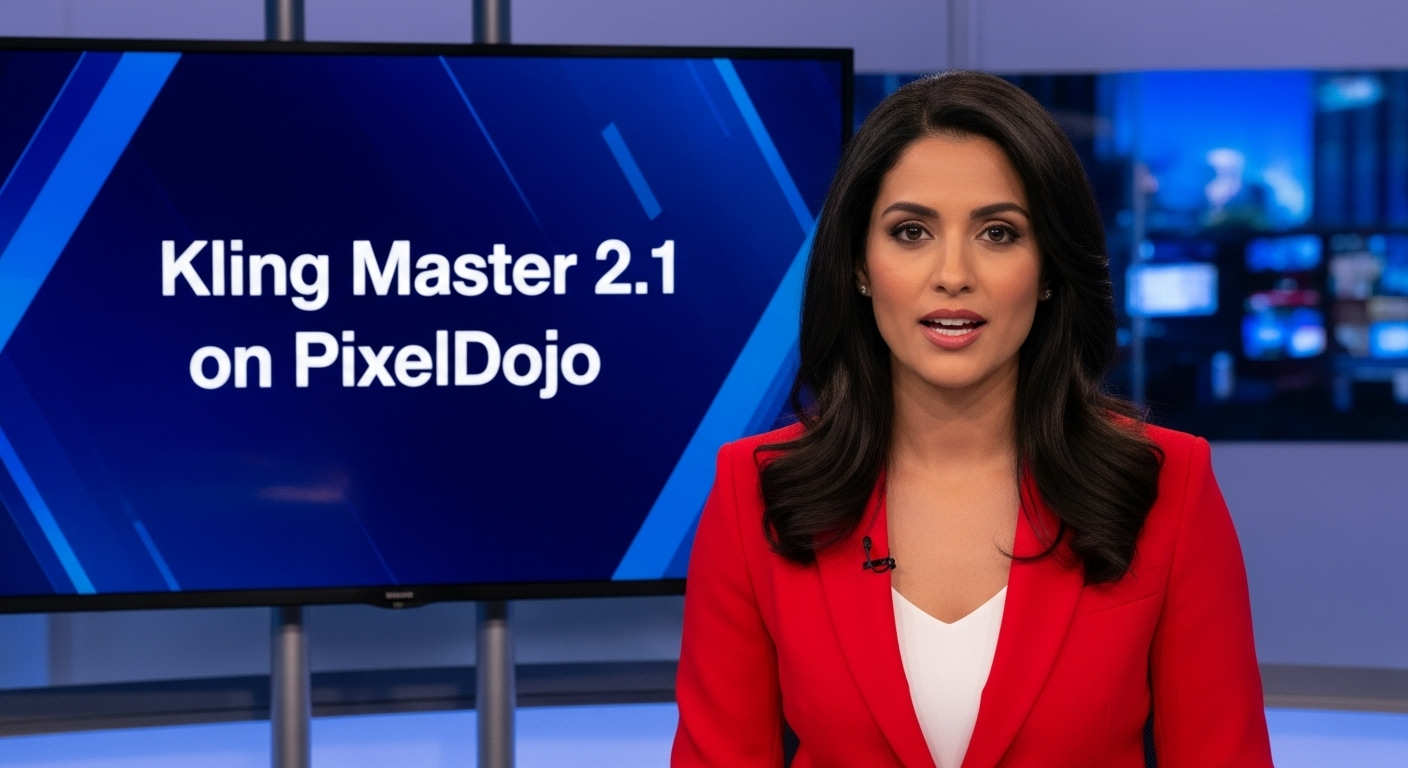
A photo of a beautiful news anchor
imagen
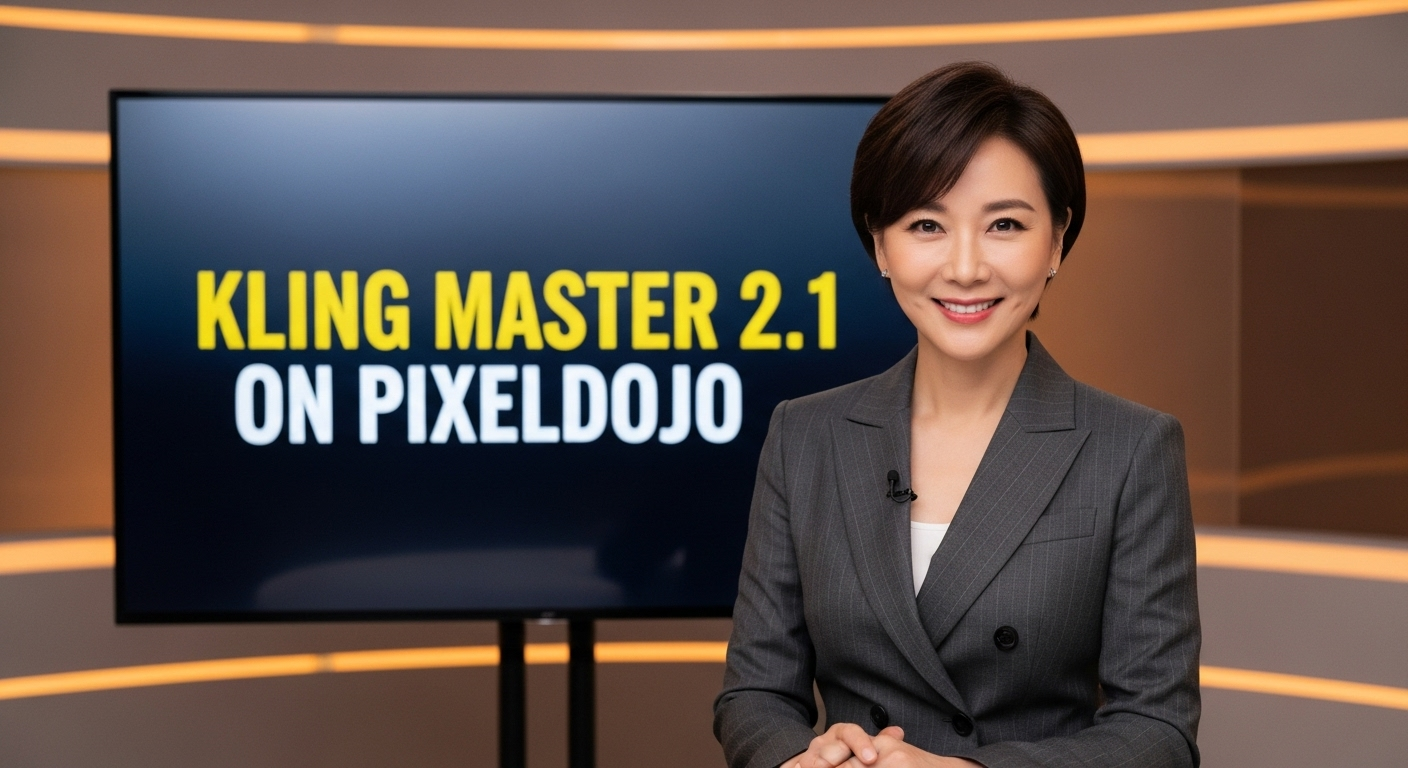
A photo of a beautiful news anchor
imagen
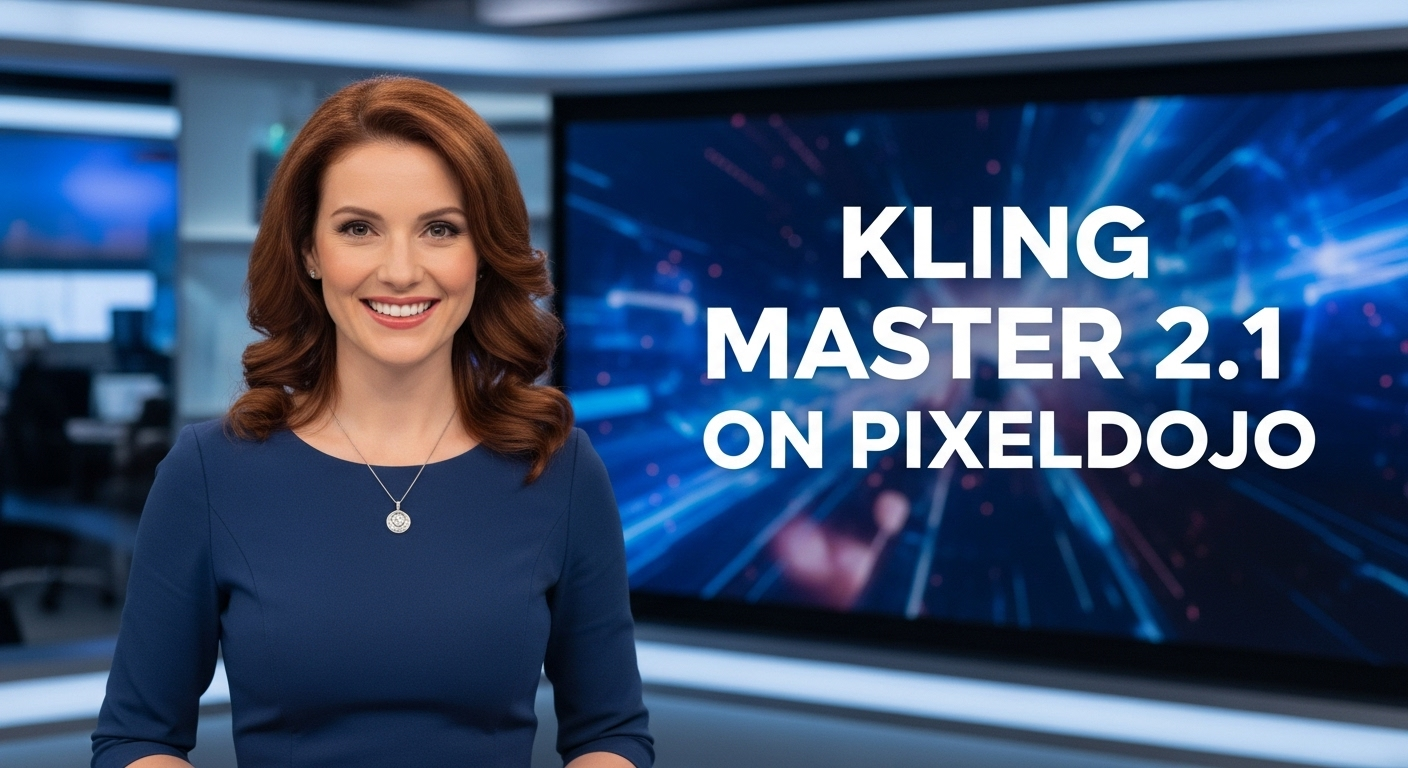
A photo of a beautiful news anchor
imagen
Models you can run on PixelDojo for kling 3 online
Switch models without switching tools. Each one runs in the same PixelDojo studio.
What you can do with kling 3 online on PixelDojo
Kling 3 Text to Video
We run Kling 3 in the browser so you can turn a written prompt into a short video without installing local tools. You pick length and aspect ratio, then generate and download the clip.
Image to Video Motion
Upload a still and we animate it with Kling 3 so the frame holds identity while motion plays out. This helps you extend key art, product shots, or storyboards into moving scenes.
Prompt Iterate in One Place
We keep Kling 3 jobs, prompts, and outputs together so you can refine wording and rerun without leaving the page. You compare takes and keep the versions you want to use.
Export Ready Video Files
Finished Kling 3 generations download as standard video files you can cut, color, or post in your usual editor. We do not lock the result inside a proprietary player.
Loved by thousands of creators worldwide. 40+ cutting-edge AI tools. Native 4K output trusted for print campaigns and professional storyboards. Cancel anytime.
Why Choose Pixel Dojo for kling 3 online
Professional-quality results with cutting-edge AI technology
Print-Ready Native 4K Images Without Upscaling
You get crisp, detailed 4K images generated natively so every texture, reflection, and edge stays sharp enough for posters, product pages, and large-format prints. No extra tools or quality loss—just download and use immediately for client work or personal projects.
Consistent Characters Across Entire Storyboard Series
You lock in faces, outfits, and styles across multiple panels from one prompt using Kling Image plus PixelDojo's Consistent Characters and Character Sheets. Build cohesive visual stories, comics, or campaign sequences that feel professionally directed without reshooting or redrawing.
Cinematic Narrative Stills That Tell Complete Stories
You create single frames packed with lighting, depth, emotion, and composition that feel like film stills. Perfect for ads, book covers, or social carousels—your audience instantly understands the mood and message, helping you capture attention and drive action faster.
How It Works
Creating stunning Kling 3 images online is simple and fast on PixelDojo. Follow these three steps to go from idea to downloadable 4K masterpiece using the dedicated Kling Image tool and complementary editors.
Step 1: Choose Your Tool
Log into PixelDojo and select Kling Image from the Generate Images section. You can also combine it with Flux.2 Studio or Seedream 5 for extra style options, or start with Consistent Characters if you need a locked identity first. Pick your preferred aspect ratio from the seven available options to match your end use—social, print, or storyboard.
Step 2: Enter Your Prompt
Describe your scene like a film director: subject, action, lighting, camera angle, mood, and details. Upload up to multiple reference images for character or style consistency. Kling 3's visual reasoning understands relationships and cinematic intent, so you get realistic results even from natural language. Add series mode if you want a coherent multi-panel sequence from one description.
Step 3: Customize & Download
Generate your 2K or 4K image, then refine it instantly with PixelDojo's Image to Image, Inpainting, Style Transfer, or Background Remover. Upscale further if needed with P-Image Upscale or Magnific Upscaler. Download in high resolution, ready for print or web. Iterate as much as you like—your first professional Kling 3 image is only minutes away.
The Pixel Dojo Advantage
Why PixelDojo outperforms other options for Kling 3 online image generation
| Others | Pixel Dojo |
|---|---|
| Traditional photography and illustration | You skip expensive shoots, models, locations, and weeks of editing. Generate unlimited cinematic 4K variations in minutes at a fraction of the cost while keeping full creative control. |
| Generic AI tools | You access the actual Kling Image 3.0 model with native 4K, series mode, and multi-reference consistency plus 40+ specialized tools like Seedream 5 and Flux.2 Studio all in one place, instead of jumping between limited platforms. |
| Manual photo editing | You go from concept to finished print-ready image without hours of masking, lighting adjustments, or compositing. PixelDojo's editors like Magic Lighting and Reality Polisher handle the polish automatically so you focus on ideas. |
Loved by creators on PixelDojo
Real feedback from people using PixelDojo, pulled from our in-product surveys.
Creative freedom, range of tools and options.
I love the training feature
the quality is the best
All the tools needed in one dashboard
Very fair and very broad in tools.
Accurate results
Explore more AI tools on PixelDojo
AI Tools
Compare & Switch
- Best AI Image Generators
- Best AI Video Generators
- Midjourney Alternatives
- Civitai Alternatives
- Runway Alternatives
- Leonardo Alternatives
- Pika Alternatives
- Luma Alternatives
- Magnific Alternatives
- Veo Alternatives
- Flux Alternatives
- Freepik Alternatives
- Seedance Alternatives
- Seedream Alternatives
- Pixverse Alternatives
- GPT Image Alternatives
- Synthesia Alternatives
- Playground Alternatives
- NightCafe Alternatives
- Canva AI Alternatives
- ElevenLabs Alternatives
- ComfyUI Alternatives
- Fal Alternatives
- Replicate Alternatives
Common Questions
Everything you need to know about kling 3 online
How do I generate Kling 3 images online with PixelDojo?
Simply sign up, choose Kling Image in the Generate Images section, enter a cinematic prompt, optionally add references, select 4K resolution, and generate. You can then edit with Image to Image or Inpainting and download immediately. The whole process takes minutes and you can iterate freely.
Can I create consistent character storyboards with Kling 3 online?
Yes. Use Kling Image's series mode together with PixelDojo's Consistent Characters and Character Sheets tools. Upload references once and generate multiple coherent panels that keep the same face, clothing, and style across your entire visual story.
Are Kling 3 images on PixelDojo high enough quality for print and commercial use?
Absolutely. Kling Image 3.0 produces native 2K and 4K output with cinematic lighting, realistic textures, and sharp details ready for posters, ads, and product photography. Thousands of creators already use these images commercially. PixelDojo also offers upscalers if you ever need even larger sizes.
Is there a free way to try Kling 3 online image generation?
PixelDojo lets you start creating right away with access to Kling Image and 40+ other tools. You can explore the platform, generate images, and see the quality yourself. Plans are flexible with the option to cancel anytime so there is zero risk.
What makes Kling 3 better for cinematic images than other generators?
Kling 3 uses visual chain-of-thought reasoning to understand scene relationships, lighting, and narrative before generating. Combined with PixelDojo's Kling Image tool, you get film-like composition, native 4K, and series consistency that generic generators simply cannot match. Pair it with Flux.2 Studio or Seedream 5 for even more creative range.
Can I edit and enhance my Kling 3 images after generation?
Yes. PixelDojo includes a full suite of editors: Image to Image, Inpainting, Change Camera Angle, Style Transfer, Magic Lighting, Background Remover, and Reality Polisher. You can also upscale with P-Image Upscale or Magnific Upscaler and even train custom models if you want your own unique style.