kling 3.0 audio character locking AI Generator
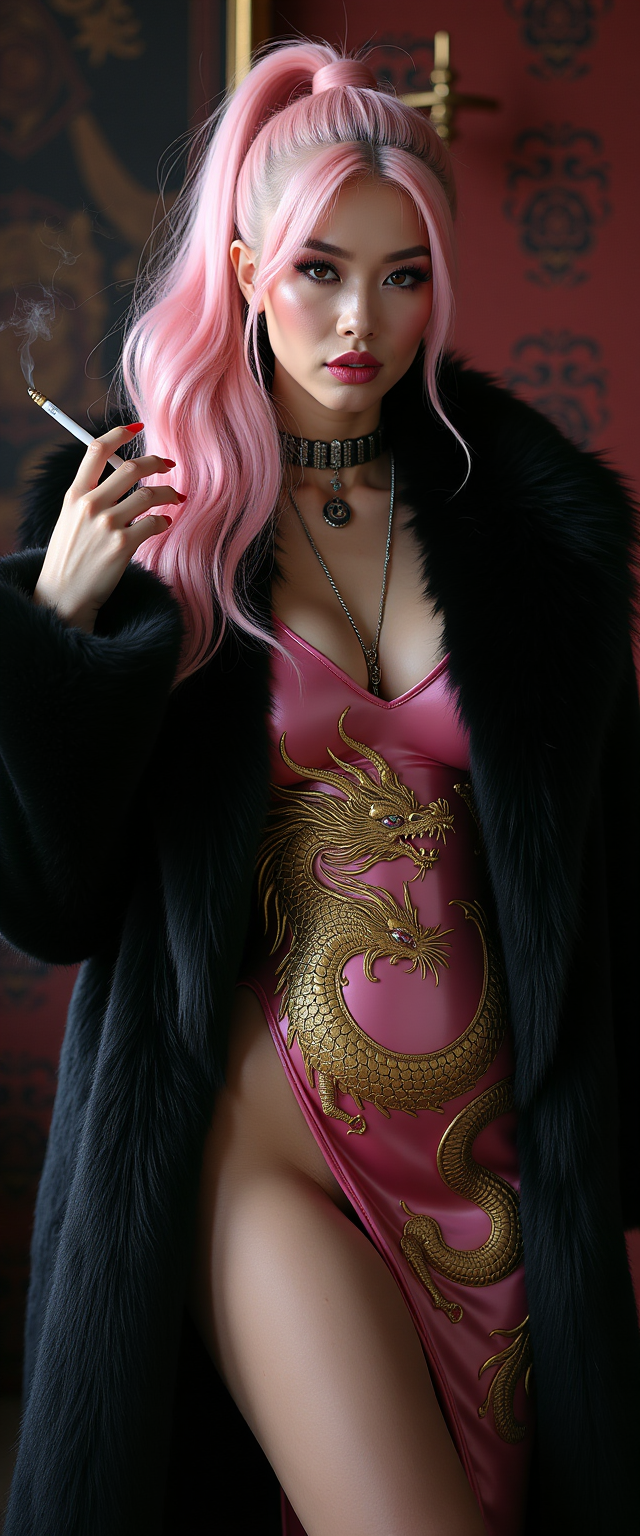
Creating AI-generated videos often presents challenges in maintaining character consistency and synchronizing audio. Kling 3.0's audio character locking feature addresses these issues, enabling you to produce seamless, professional-quality videos with consistent characters and perfectly synchronized audio.
Join over 100,000 creators worldwide who trust Kling 3.0 for their AI video generation needs.
Why Choose Pixel Dojo for kling 3.0 audio character locking
Professional-quality results with cutting-edge AI technology
Maintain Character Consistency
Ensure your characters retain their appearance and voice across multiple scenes, enhancing narrative coherence.
Achieve Perfect Audio Synchronization
Generate videos with native audio, including synchronized voiceovers and sound effects, eliminating the need for post-production audio editing.
Streamline Video Production
Combine text-to-video, image-to-video, and video editing into one seamless experience, reducing the need for multiple tools.
How It Works
Creating consistent AI-generated videos with synchronized audio using Kling 3.0 is straightforward. Follow these steps:
Step 1: Upload Your Character Reference
Provide a reference image or video of your character to establish a visual identity lock.
Step 2: Input Your Scene Description
Describe your scene in detail, including setting, mood, and character actions, to guide the AI in generating the desired video.
Step 3: Generate and Review Your Video
Let Kling 3.0 generate your video with consistent characters and synchronized audio. Review the output and make adjustments as needed.

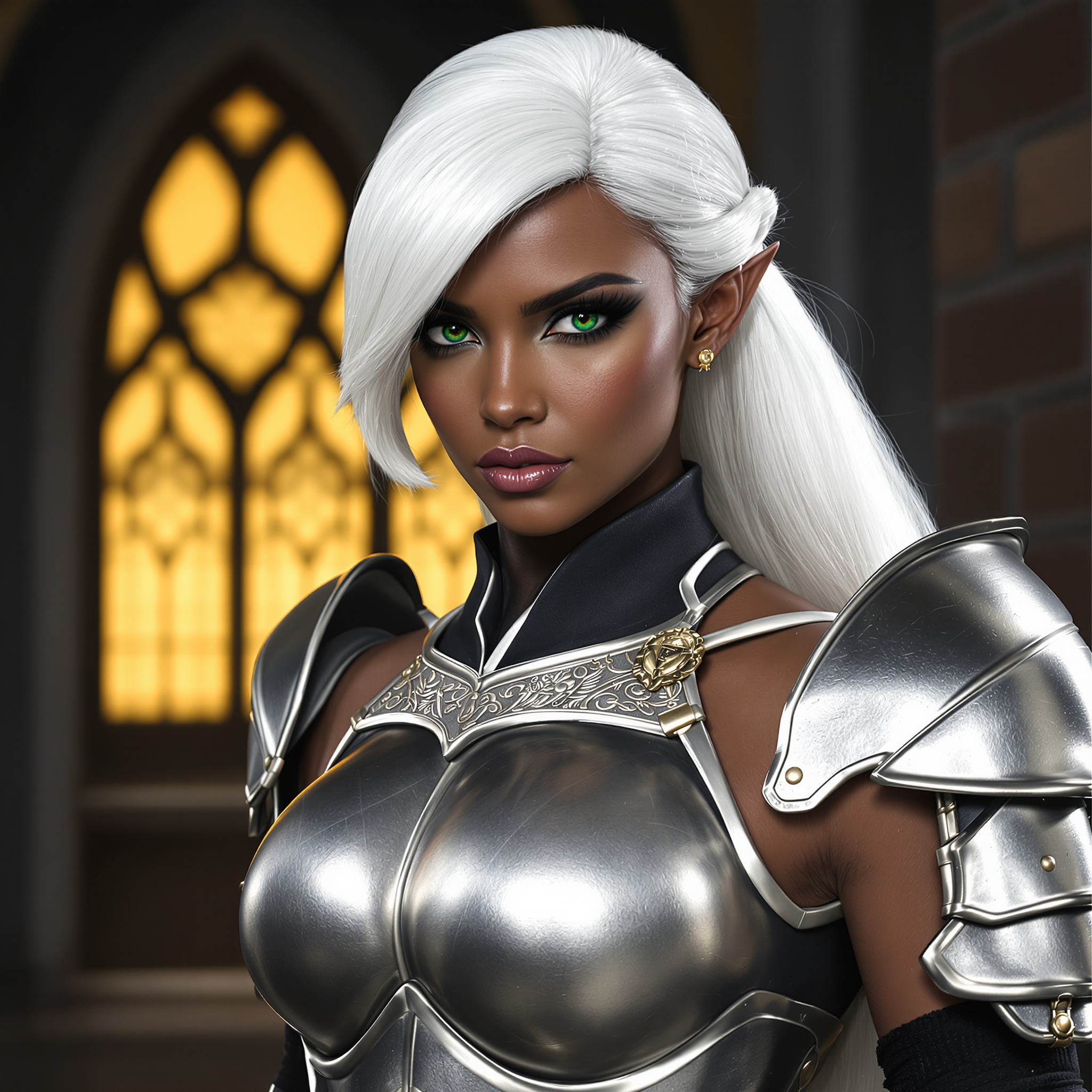

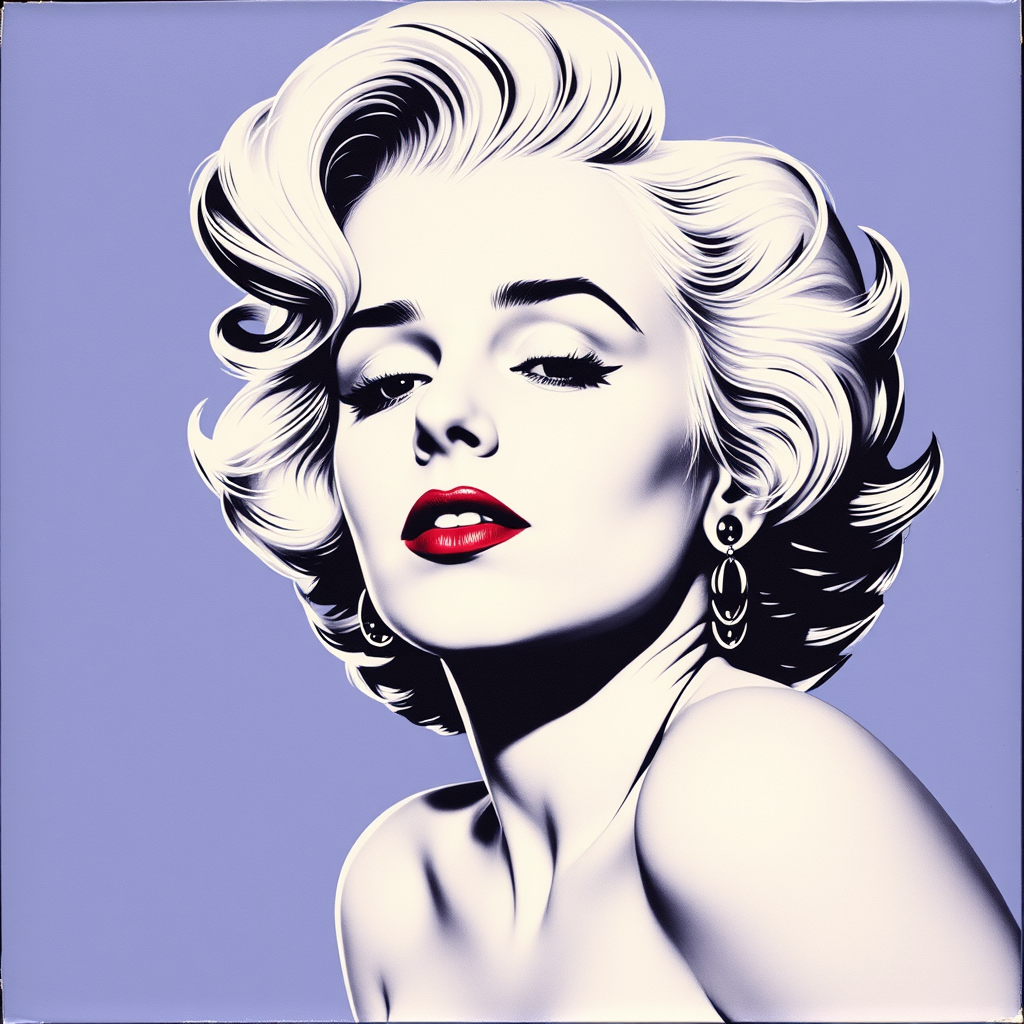
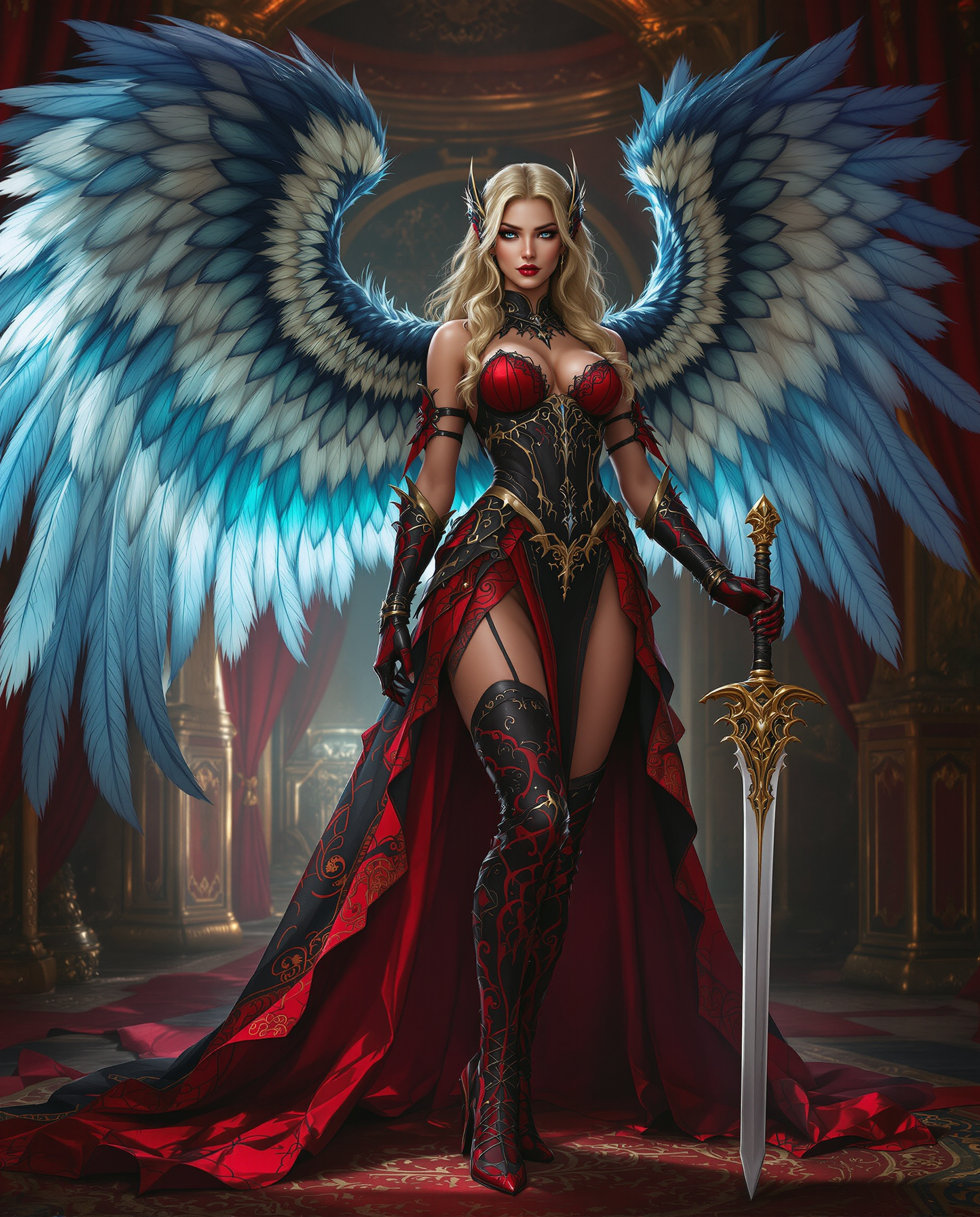
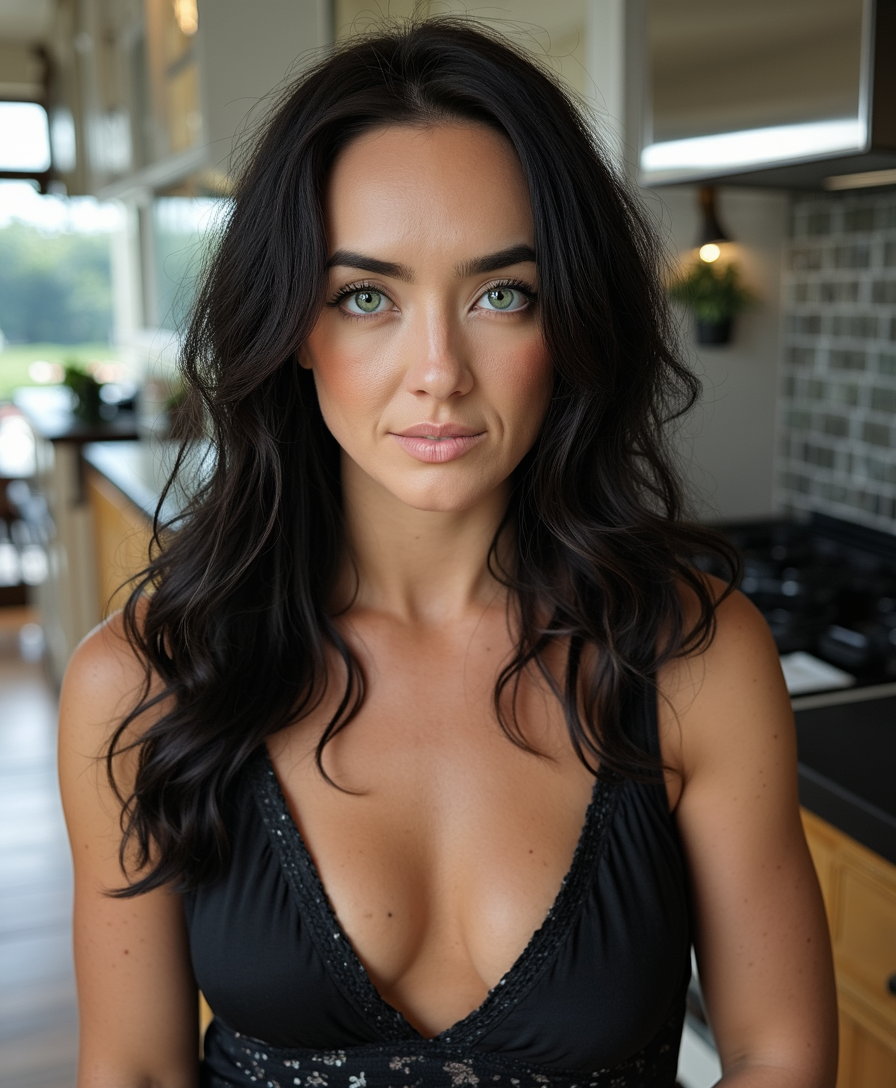
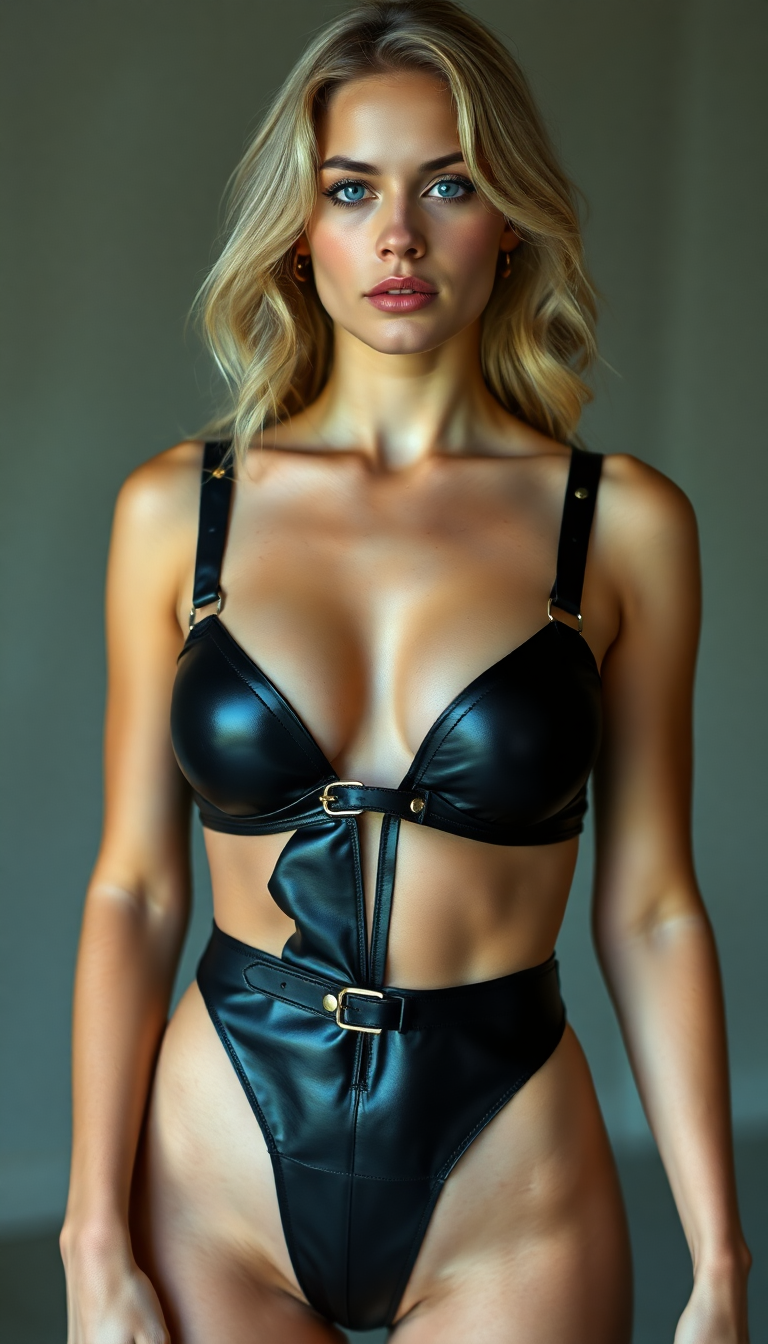
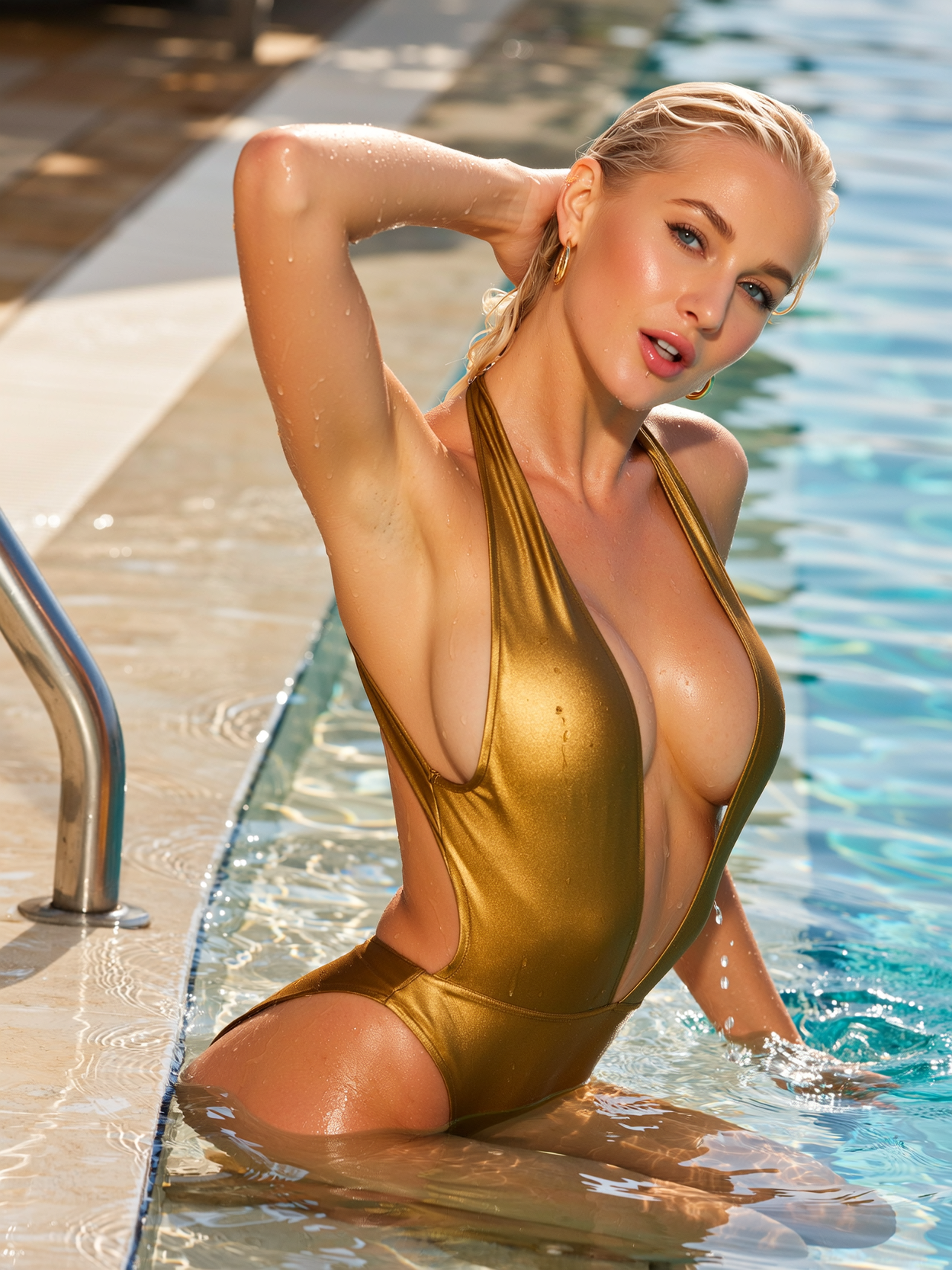

The Pixel Dojo Advantage
Why Kling 3.0 Outperforms Other AI Video Generation Tools
| Others | Pixel Dojo |
|---|---|
| Traditional Video Production | Eliminates the need for extensive manual editing and post-production, saving time and resources. |
| Generic AI Video Tools | Offers advanced features like audio character locking and native audio generation for higher-quality outputs. |
| Manual Animation | Automates the animation process while maintaining character consistency and audio synchronization. |
Loved by creators on PixelDojo
Real feedback from people using PixelDojo, pulled from our in-product surveys.
phenomenal site. would highly recommend
Amazing features, easy to use, privacy
the number of options, and especially the quick response to questions on Discord
Love you guys!!
Trained my Lora super fast. Still working out how to creat content wit it, but I love it so far.
I love this app
Explore more AI tools on PixelDojo
AI Tools
Compare & Switch
- Best AI Image Generators
- Best AI Video Generators
- Midjourney Alternatives
- Civitai Alternatives
- Runway Alternatives
- Leonardo Alternatives
- Pika Alternatives
- Luma Alternatives
- Magnific Alternatives
- Veo Alternatives
- Flux Alternatives
- Freepik Alternatives
- Seedance Alternatives
- Seedream Alternatives
- Pixverse Alternatives
- GPT Image Alternatives
- Synthesia Alternatives
- Playground Alternatives
- NightCafe Alternatives
- Canva AI Alternatives
- ElevenLabs Alternatives
- ComfyUI Alternatives
- Fal Alternatives
- Replicate Alternatives
Common Questions
Everything you need to know about kling 3.0 audio character locking
How does Kling 3.0 ensure character consistency in AI-generated videos?
Kling 3.0 utilizes an 'Elements' system that allows you to upload reference images or video frames of your character. The model creates an identity lock for that element, maintaining visual identity across multiple shots and scenes.
Can Kling 3.0 generate videos with synchronized audio?
Yes, Kling 3.0 generates videos with native audio, including synchronized voiceovers, sound effects, and ambient sounds, all created together with the visuals.
What is the maximum duration of videos generated by Kling 3.0?
Kling 3.0 supports native generation of videos up to 15 seconds in a single output, allowing for complete stories and complex sequences without the need for stitching multiple clips.
Is Kling 3.0 suitable for commercial video production?
Absolutely. Kling 3.0 is designed for creators who demand more, delivering consistency, control, and creative possibilities suitable for commercial work.
How fast is the video generation process with Kling 3.0?
Most videos are ready in 30-120 seconds. Pro and Lifetime users have priority processing for faster results.
Can I edit videos after generation with Kling 3.0?
Yes, Kling 3.0 allows you to modify sequences, extend shots, adjust timing, transform visual style, and refine audio, all within the same unified model.